
Is There an App Where I Can Take a Picture of My Kitchen and Remodel It?

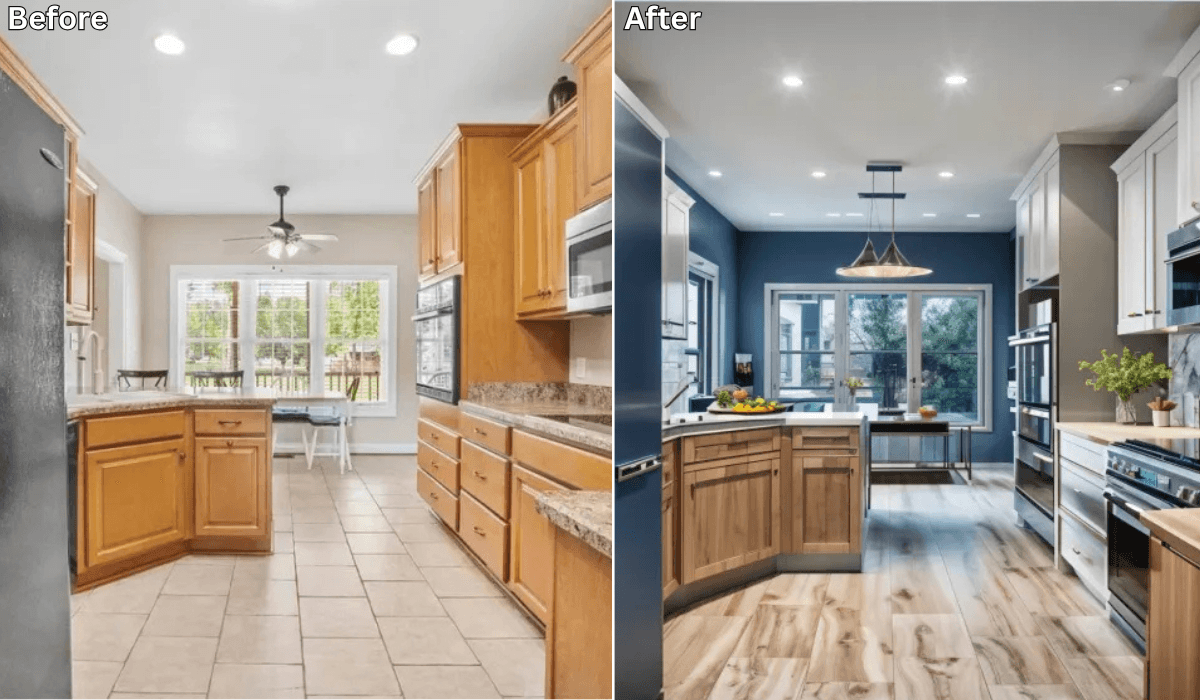
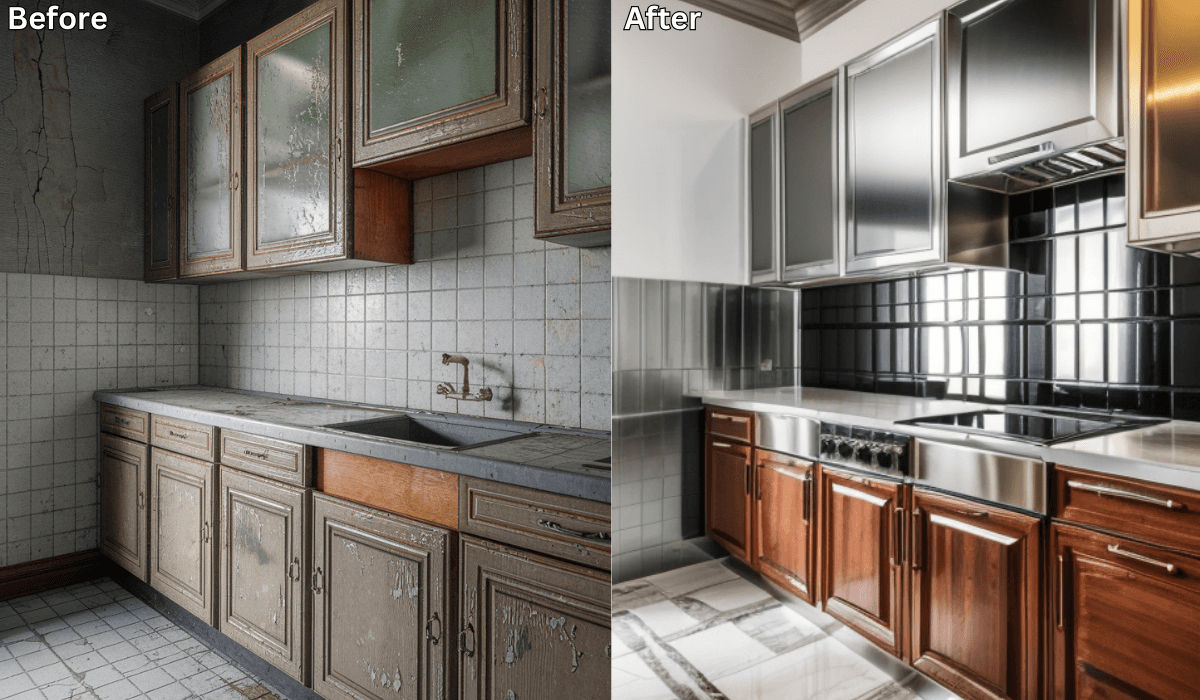
Ever stood in your kitchen and wondered how it would look with a sleek modern upgrade or a cozy farmhouse touch? If you’ve ever thought, “Is there an app where I can take a picture of my kitchen and remodel it?”—the answer is yes!
With today’s advanced technology, apps like Renovate AI make it easy to reimagine and redesign your space with just a few clicks. Let’s dive into how Renovate AI works and why it’s a game-changer for kitchen remodeling and interior design.
How Does Renovate AI Work?
Renovate AI uses state-of-the-art artificial intelligence (AI) to transform your kitchen ideas into a clear, visual plan. Here’s how it works:
-
Take a Picture: Snap a clear photo of your kitchen, making sure to include cabinets, countertops, and appliances.
-
Select Your Style: Choose from a range of design themes like modern, rustic, minimalist, industrial, or vintage.
-
Experiment with Features: Play with cabinet colors, backsplash designs, flooring options, and lighting arrangements.
-
See Real-Time Visualizations: The app overlays your selected changes directly onto your kitchen photo, giving you a 3D view of your future space.
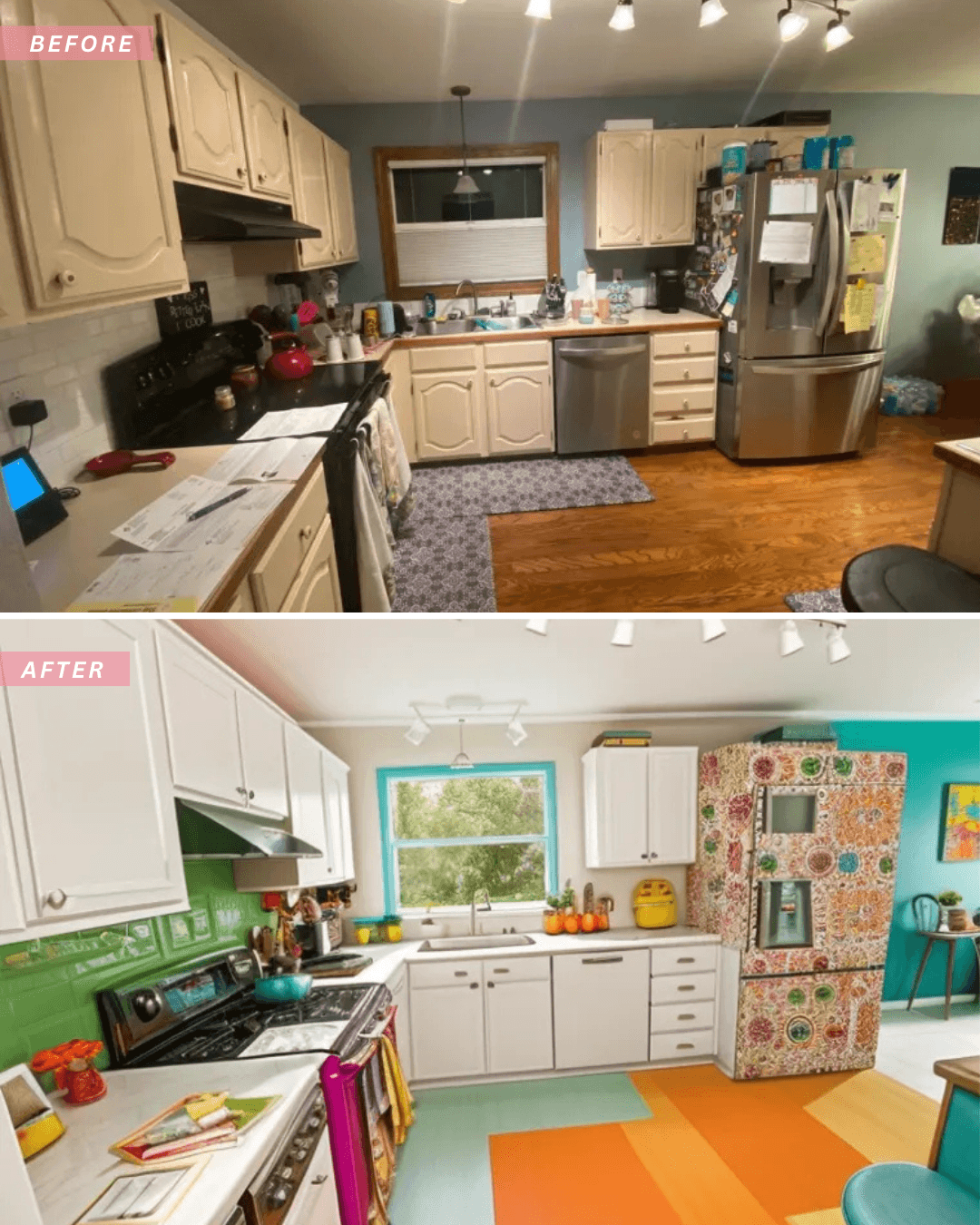
Why Choose RenovateAI for Your Kitchen?
Renovate AI simplifies the remodeling process, offering several advantages:
-
Cost-Effective: Avoid costly mistakes by testing out different designs digitally first.
-
Easy to Use: No professional design skills are required—perfect for beginners and DIY enthusiasts.
-
Quick Inspiration: Instantly see how new layouts or finishes will look in your space.
-
Customizable Options: Tailor your remodel to suit your needs, whether it’s a complete overhaul or subtle updates.
-
Accurate Visualizations: The app uses advanced AI to create realistic and practical design options.
Whether you’re updating a small galley kitchen or embarking on a full-scale remodel, Renovate AI makes it easier to plan, visualize, and execute your dream design. Its smart features allow you to fine-tune every detail, ensuring the final result matches your vision perfectly.
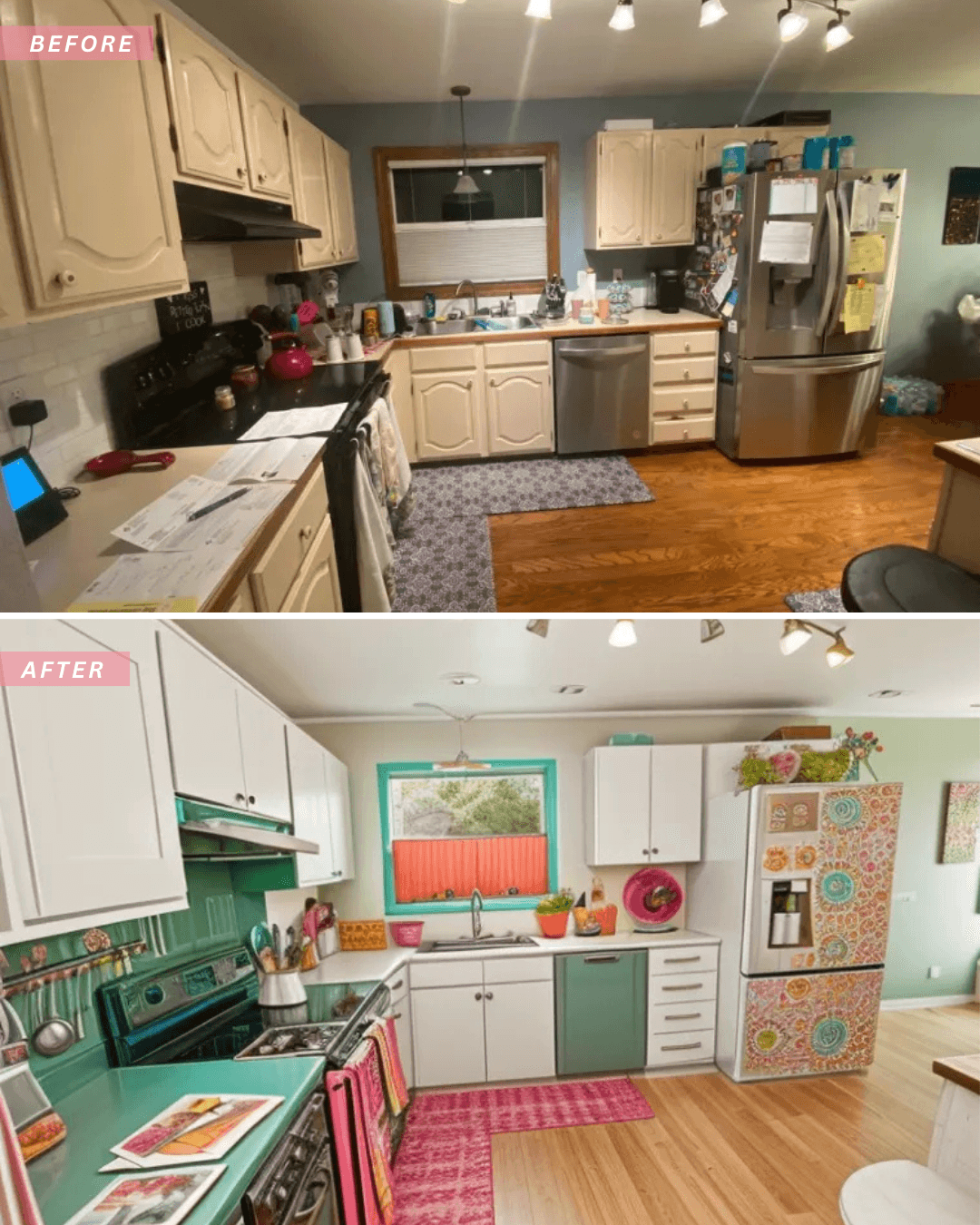
Ready to Reimagine Your Kitchen?
If you’re eager to see how a remodeled kitchen could transform your home, download Renovate AI today. With its innovative technology, designing your dream kitchen is now effortless and fun. Take the first step toward your ideal space—because every meal deserves a stunning setting!
See It In Action: 3 Directions on a Real Kitchen
We uploaded a photo of a real kitchen to Renovate AI and tried three completely different remodel directions. Here is what we told the AI and what it came back with.
Direction 1: White Cabinets with Marble
What We Told RAI: “Paint the cabinets bright white, add marble countertops, and install a herringbone tile backsplash”

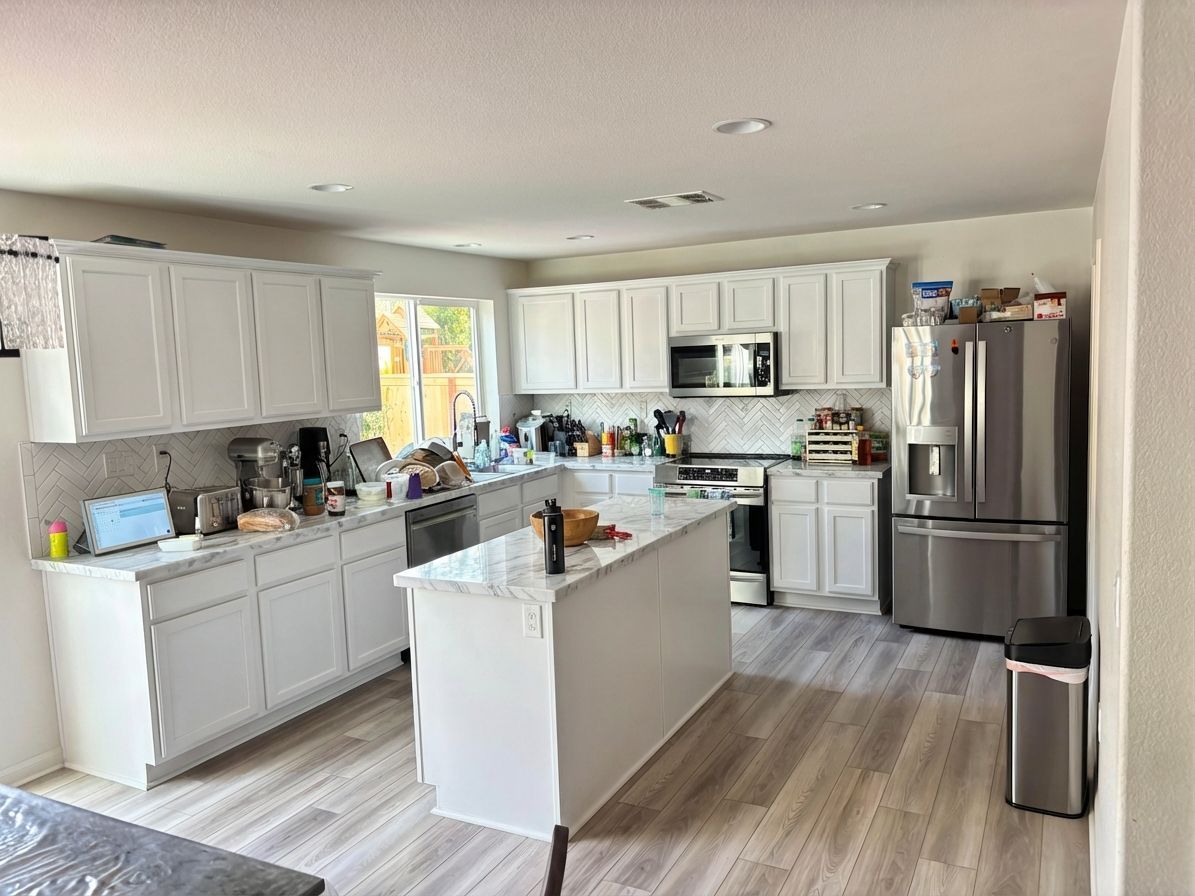
Bright white cabinets instantly open up the space. The marble countertops add a premium feel without the premium price tag of a full remodel. The herringbone backsplash ties it all together.
Direction 2: Navy Blue with Brass Hardware
What We Told RAI: “Paint the cabinets navy blue with brass hardware, add butcher block countertops and subway tile backsplash”

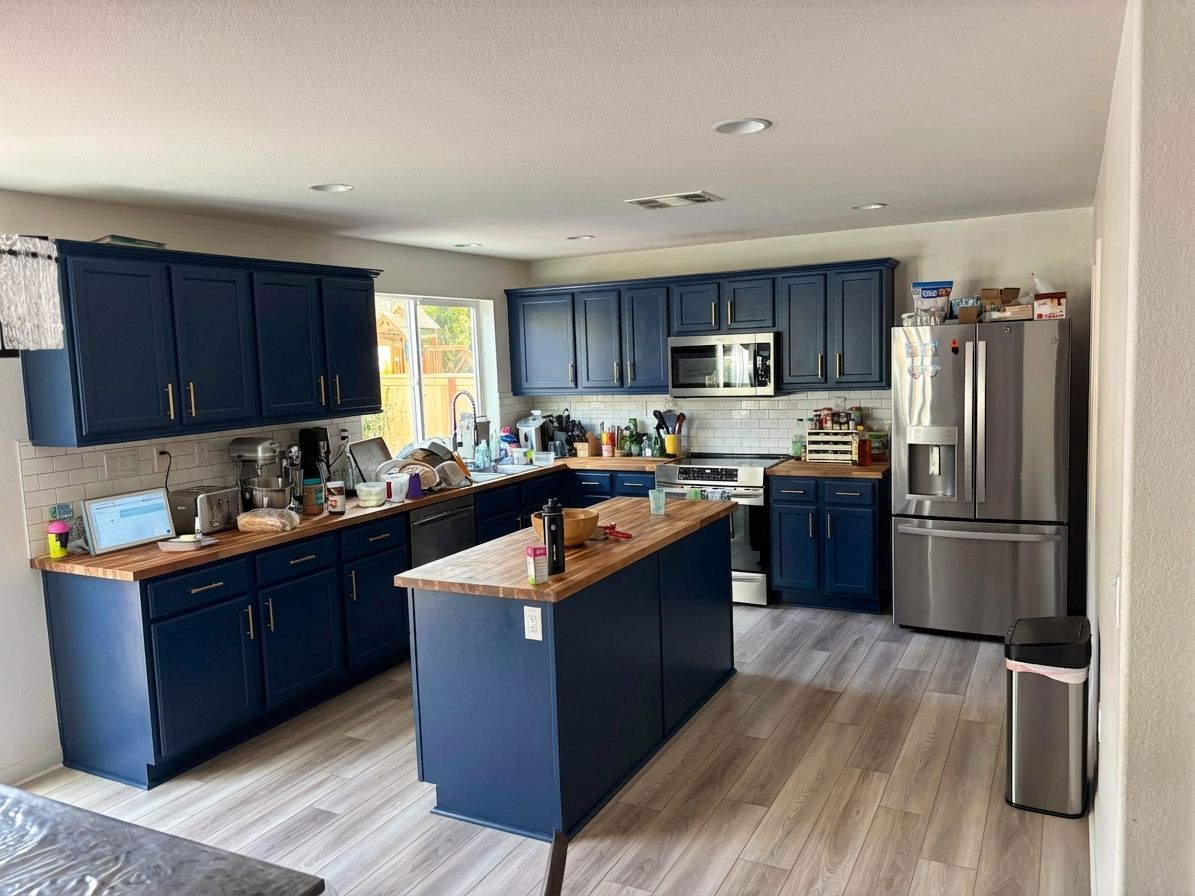
Navy blue cabinets make a bold statement. Paired with warm brass hardware and butcher block counters, the kitchen feels both modern and inviting. The subway tile keeps it classic.
Direction 3: Sage Green with Open Shelving
What We Told RAI: “Modern sage green cabinets with white quartz countertops and open shelving replacing the upper cabinets”

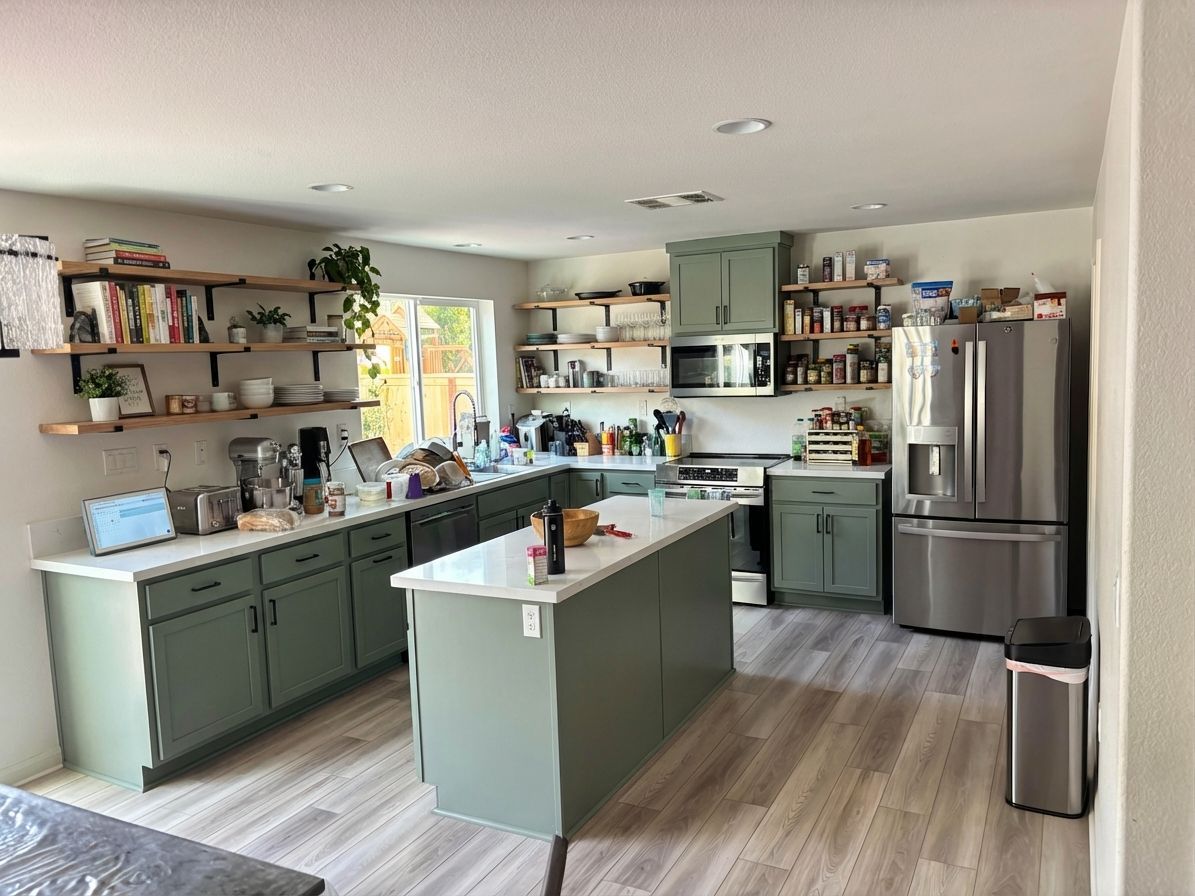
Sage green is the trending color for kitchens right now. Removing the upper cabinets for open shelving makes the space feel larger and more contemporary. White quartz countertops keep it bright.
You Might Also Like
How to Change Cabinet Color Using AI →
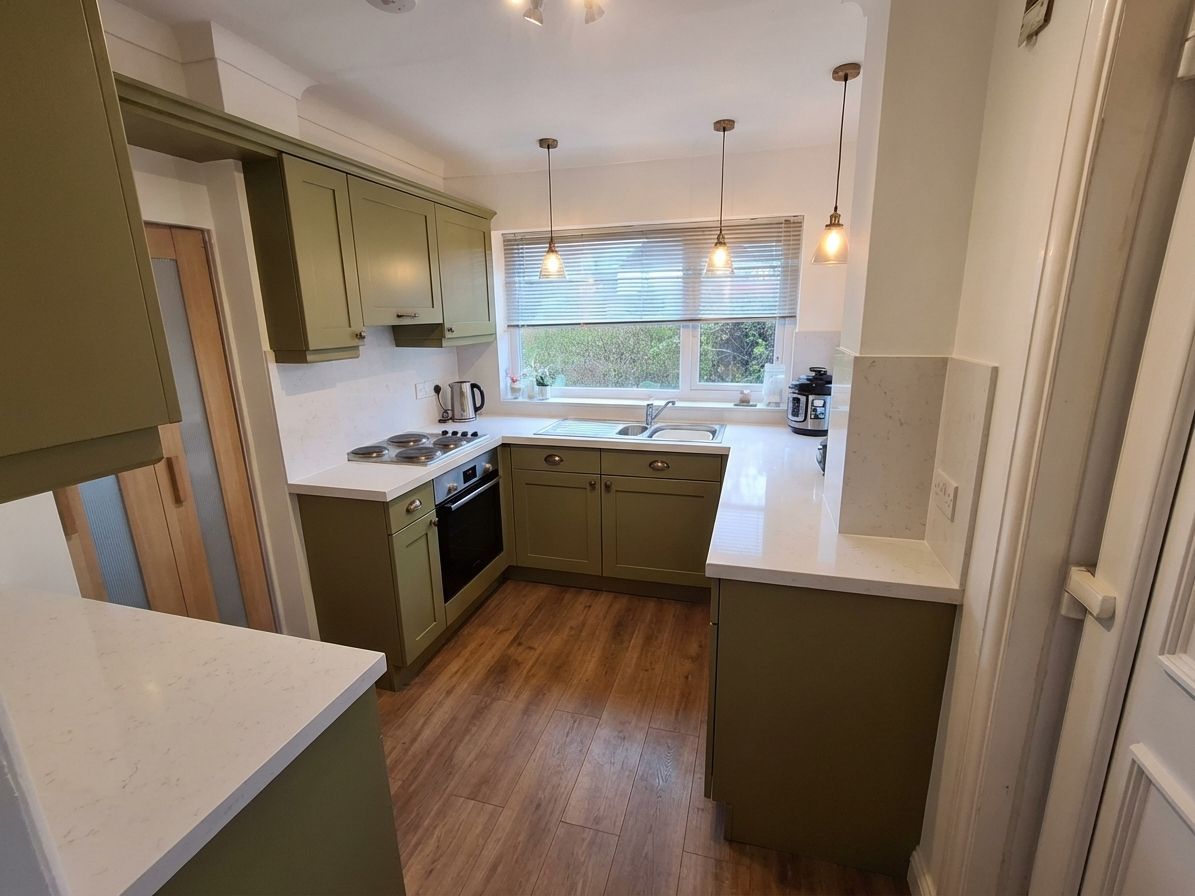
How to Choose Kitchen Cabinet Colors: Name Your Anchor First →
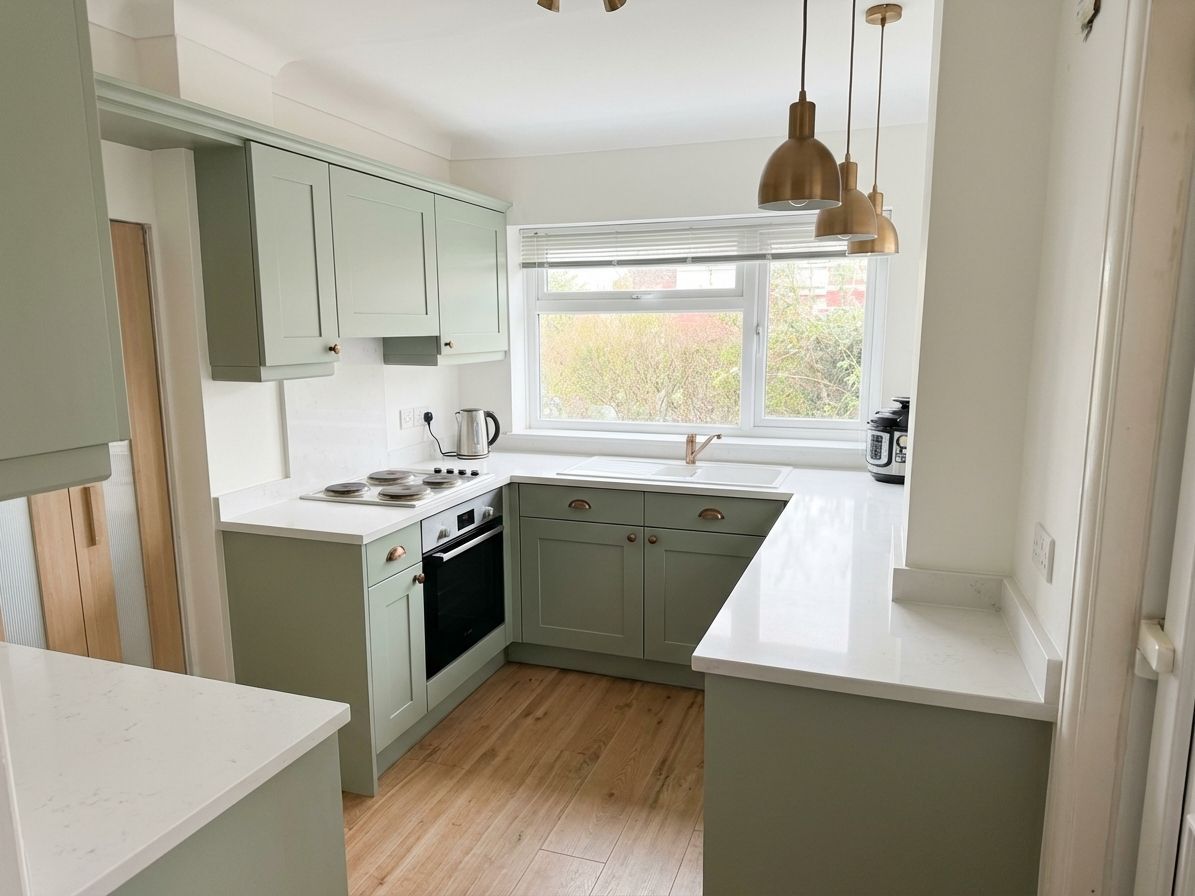
How to Redesign a Kitchen: Decide in the Right Order →
How to Do a DIY Kitchen Remodel with Renovate AI →

Sid Sarasvati · Founder, Renovate AI
Sid Sarasvati is the founder of Renovate AI, featured in the Wall Street Journal and Morning Brew’s The Playbook. He studied architectural philosophy at Harvard GSD and has tested AI design tools on 200+ real homes.