

























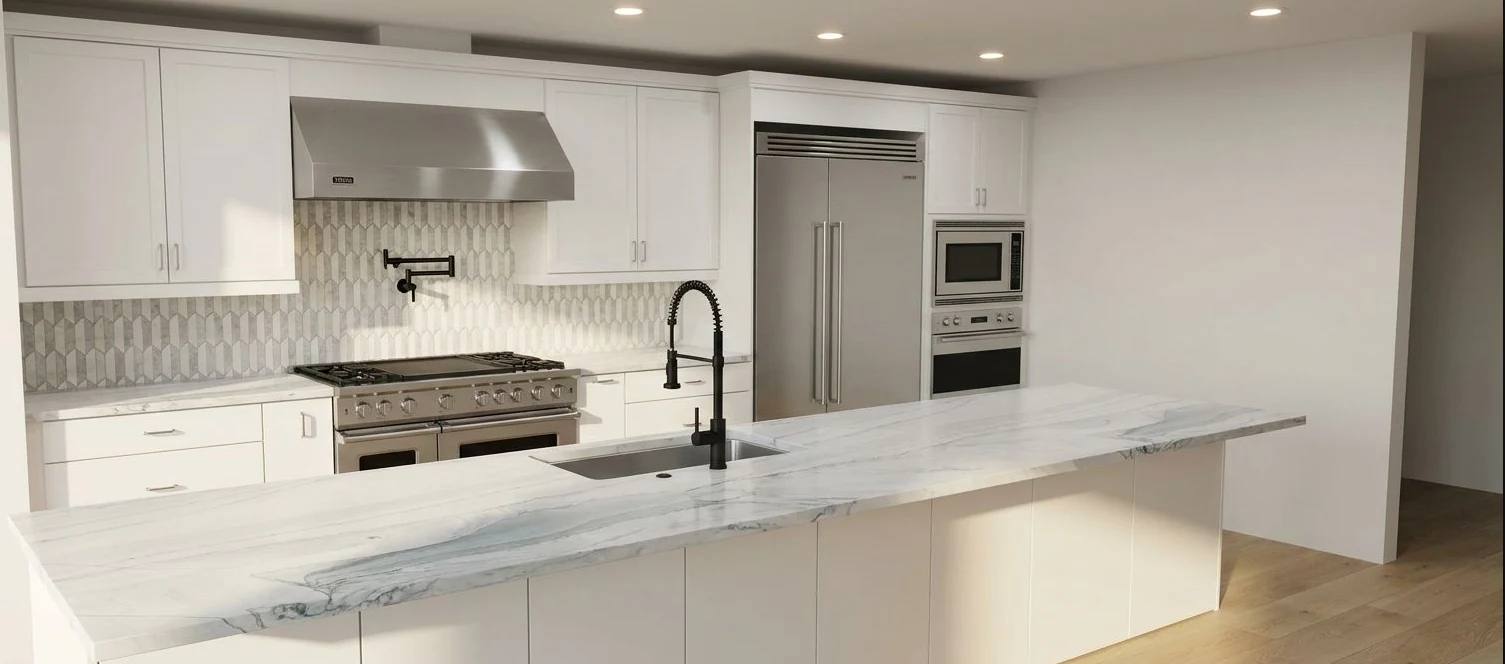
Compare finishes.
Kitchen design concept.
Show your products in your customer’s own space. Try the Visualizer on a sample kitchen.


Paint, finishes and room concepts. Give customers something they can compare.
Kitchen design concept.

Tile and surface concept.

Room staging concept.
Scroll to explore. Use the arrow keys when the gallery is selected. Home and End move to the first and last images.
Concept examples. Confirm products, measurements and final specifications with your team.
Explore object selection in a sample room. Use your evaluation to check the target area and the parts that must stay in place.
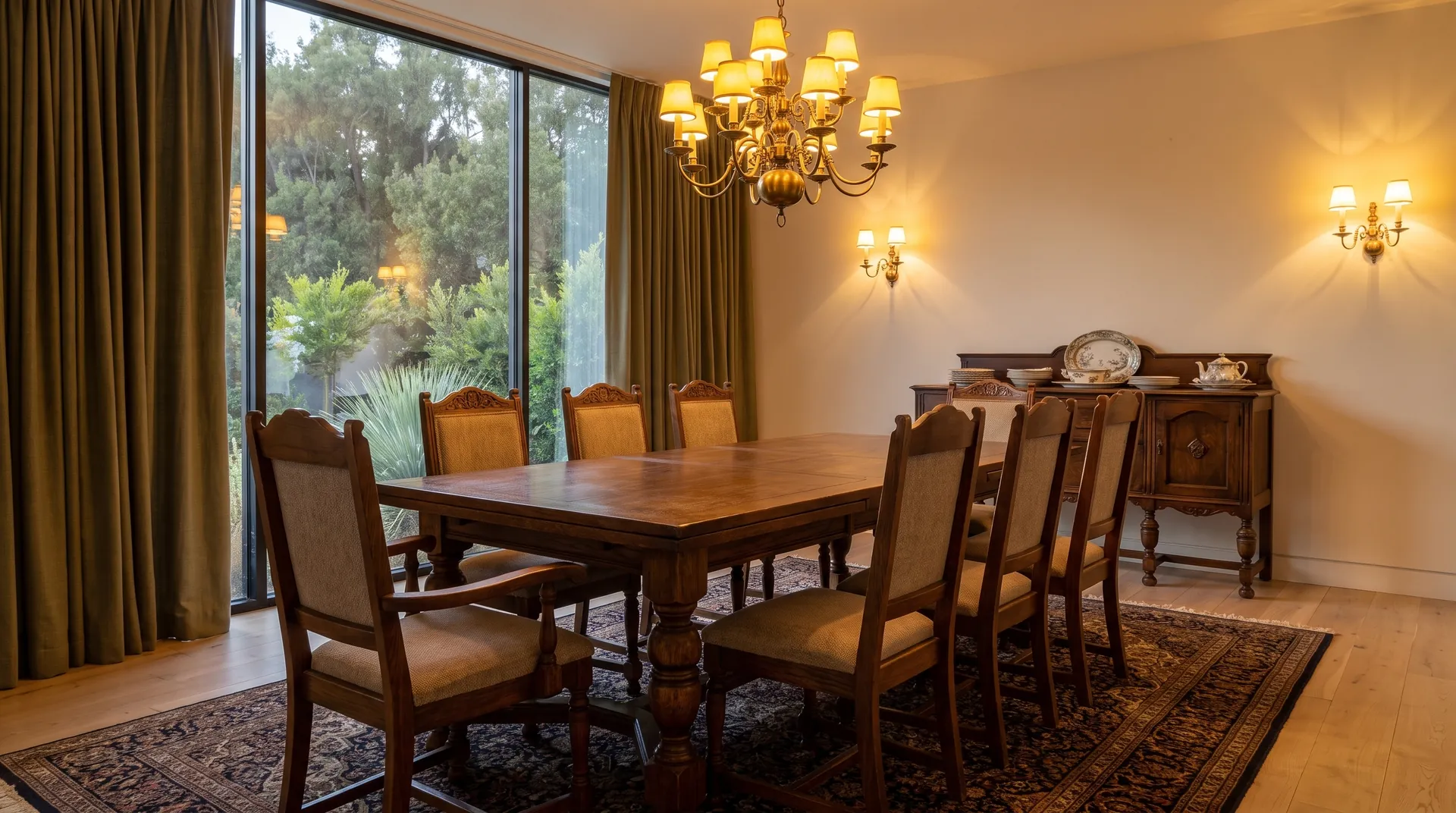
Select an area in the photo, or choose an object below.
Selection demo with a sample image. It highlights an area; it does not edit the photo. Review generated concepts for changes outside the selected area.
Choose where customers need help: on your website, during an appointment, or in your application.
Add a visualizer to your website. Confirm the collection, setup and inquiry process.
Explore the Website VisualizerUse Studio for client presentations. Plan custom branding and catalog work separately.
Explore the Design StudioUse the API to add visualization to your product. Confirm access, usage and integration work.
Explore API & integrationsVisualization supports your team. Your business still confirms the products, measurements and final recommendations.
A photo or sketch gives the conversation a familiar starting point.
Use a focused collection or relevant design direction for the task.
Review the concept, refine the selection and discuss it together.
Continue into your inquiry, appointment or client presentation.
 CUSTOMER STORY
See how Andrew Lauren Interiors used wireframes and materials to prepare client presentations.
See the workflowEach proposed monthly package includes an image allowance. One render means one generated image variant. Start with a small collection and learn from use.
A focused collection. A first step on your website.
More room for customers to explore their options.
More image variants for a busier website.
For several websites, a large catalog, sales team tools or an API integration.
Standard embed setup is proposed at $0 where the agreed integration is supported. Catalog preparation, custom branding, other languages and custom integrations are quoted separately.
Agree on usage rules before the pilot starts. Include failed generations, unused allowance, usage limits and charges for extra usage.
Proposed website pilot packages for review. Current Studio subscriptions and custom or API projects have separate prices. Confirm scope, availability and terms in your proposal. Prices are in USD. Applicable taxes and any local-currency quote are confirmed in your proposal.
Prepare the collection, agree on the evaluation and understand how customer photos will be handled.
Bring product references, variants and installation context. Start with a collection worth evaluating.
Explore the guideDefine the workflow, users, success criteria and operating terms before deciding how to expand.
Explore the guideUnderstand the planning tools and confirm processing, access and image-use terms for your deployment.
Explore the guideBring a few typical photos and the materials your team uses most. We'll discuss the workflow, what needs validating and how to evaluate it with your users.
Talk through your pilotYour collectionAvailable assets, product variations and preparation.
Your workflowWhere people use it, what they need and how they get help.
Your definition of usefulReal jobs, team feedback and the customer action that matters.
Start with approved material or product references. Check appearance, pattern, scale and placement in typical photos. Compare results with physical samples and specifications before the final selection.
Define the intended change and what needs to stay in place. For cabinet finishes, review the fronts alongside handles, worktops, appliances and layout. AI can introduce differences, so include straightforward and difficult photos in the evaluation.
Try Studio for team concepts and client presentations. For a website visualizer, agree on the collection, website setup, mobile use and inquiry destination. Plan a branded team environment or API integration separately.
Bring product links, a PDF or CSV, swatch images and any available dimensions or installation references. Start with the products your team uses most. We review the assets, variants and update responsibilities before defining the collection and preparation work.
The proposed website packages combine a monthly fee with a generated-image allowance. Catalog preparation, customization and nonstandard integrations are scoped separately. Confirm setup, usage limits, support, billing start and post-pilot terms in your proposal. Studio and API pricing are separate.
Choose real jobs. Agree on the product checks, users and customer action to evaluate. Plan training and how customers find the tool. Confirm photo processing before launch. Use the results to decide whether to expand.
Bring a real use case. Leave with a clearer starting point.
Loading the calendar…
Calendar not loading? Open it on cal.com ↗