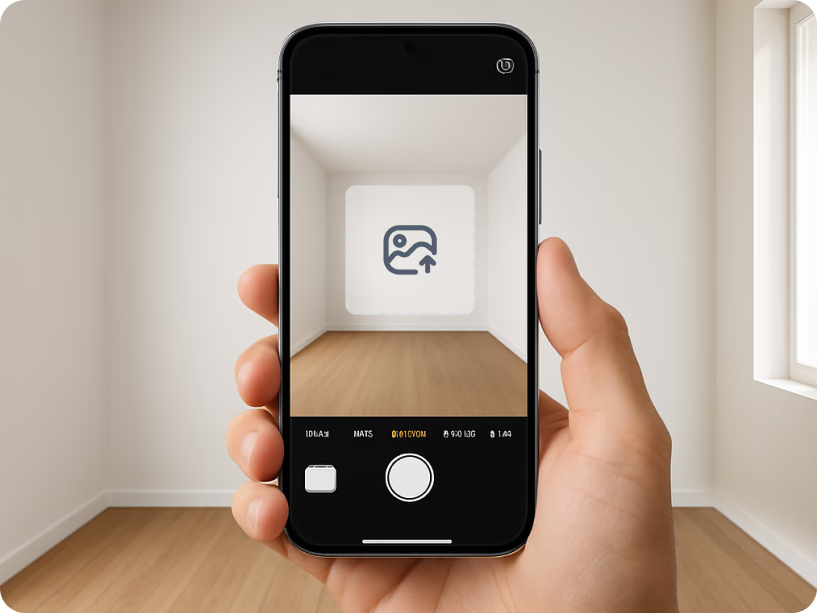
1. Upload a photo
Take a photo of your room or upload one.
Use AI to preview changes to your room or home exterior.
Add a photo and describe your changes. Continue in Studio to create your preview.

 Install now — start your 3-day free trial
Free · about 10 seconds · right in your browser




Trusted by 0+ daily renovators








“Now your design comes to life, where most buyers and most clients don’t have the ability to visualize.”
Preview, remodel, and redesign any space with AI in seconds.


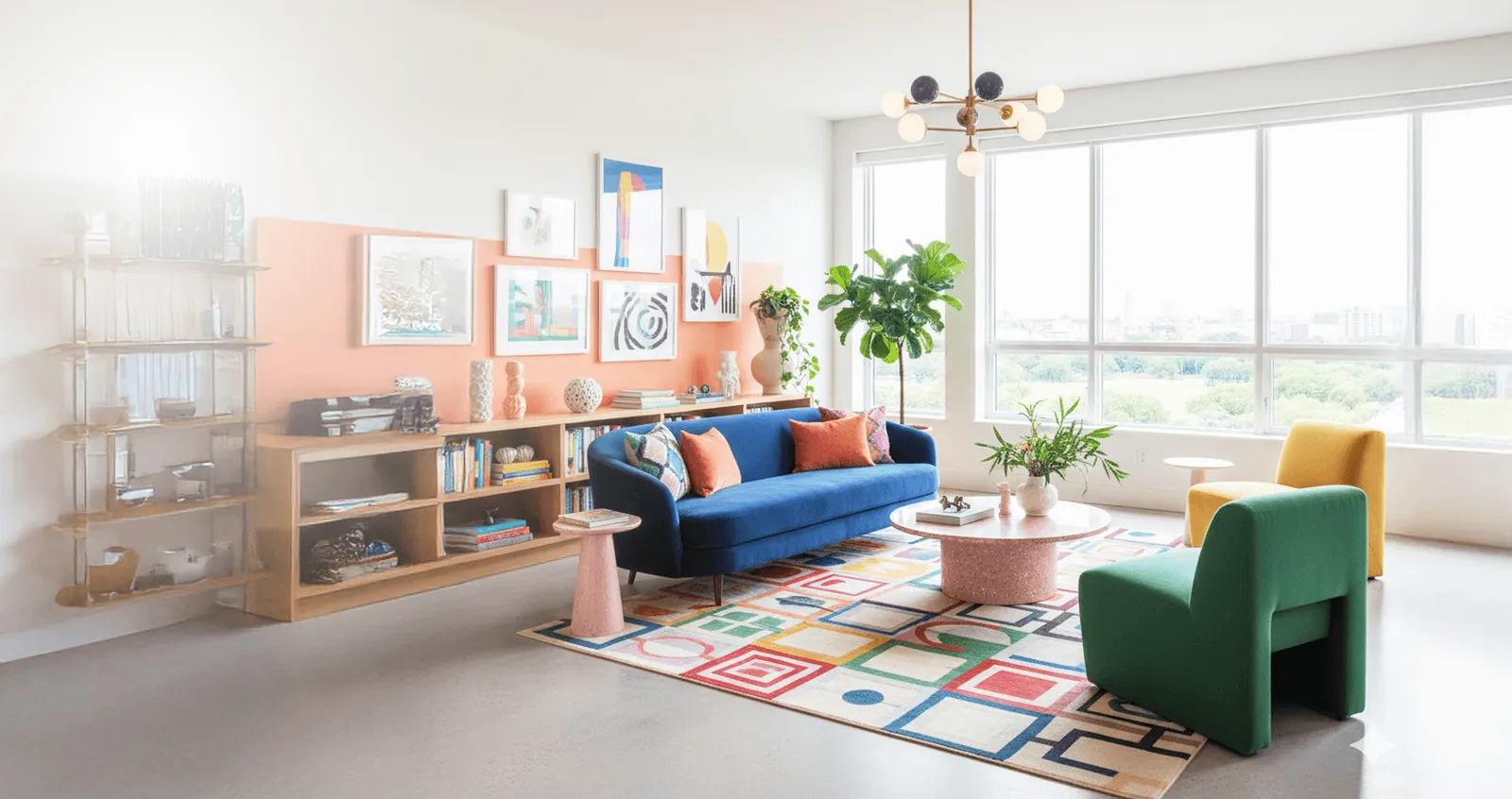 Estimate Costs Before You Start

Get 1,000 free visualization credits and integrate AI-powered rendering into your business workflow. Build faster, visualize better, and impress your clients.
Apply Take a photo of your room or upload one.
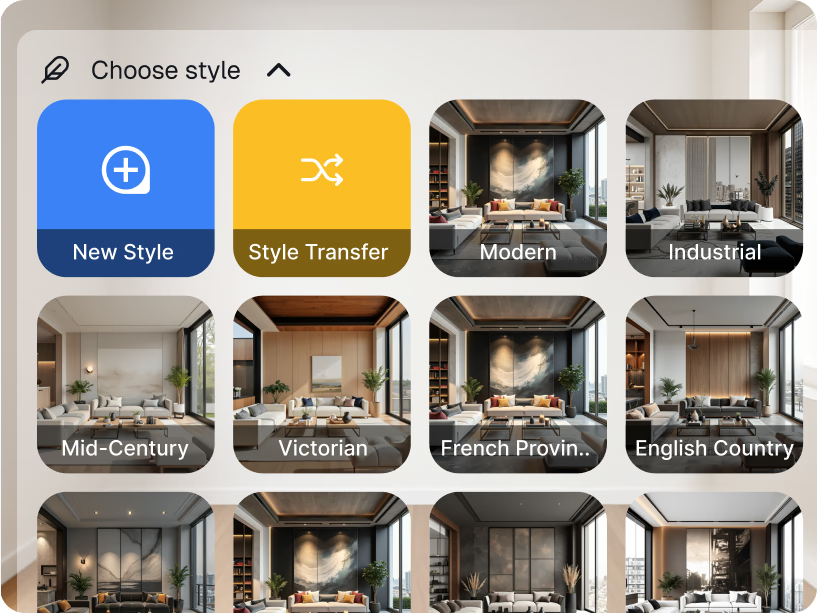
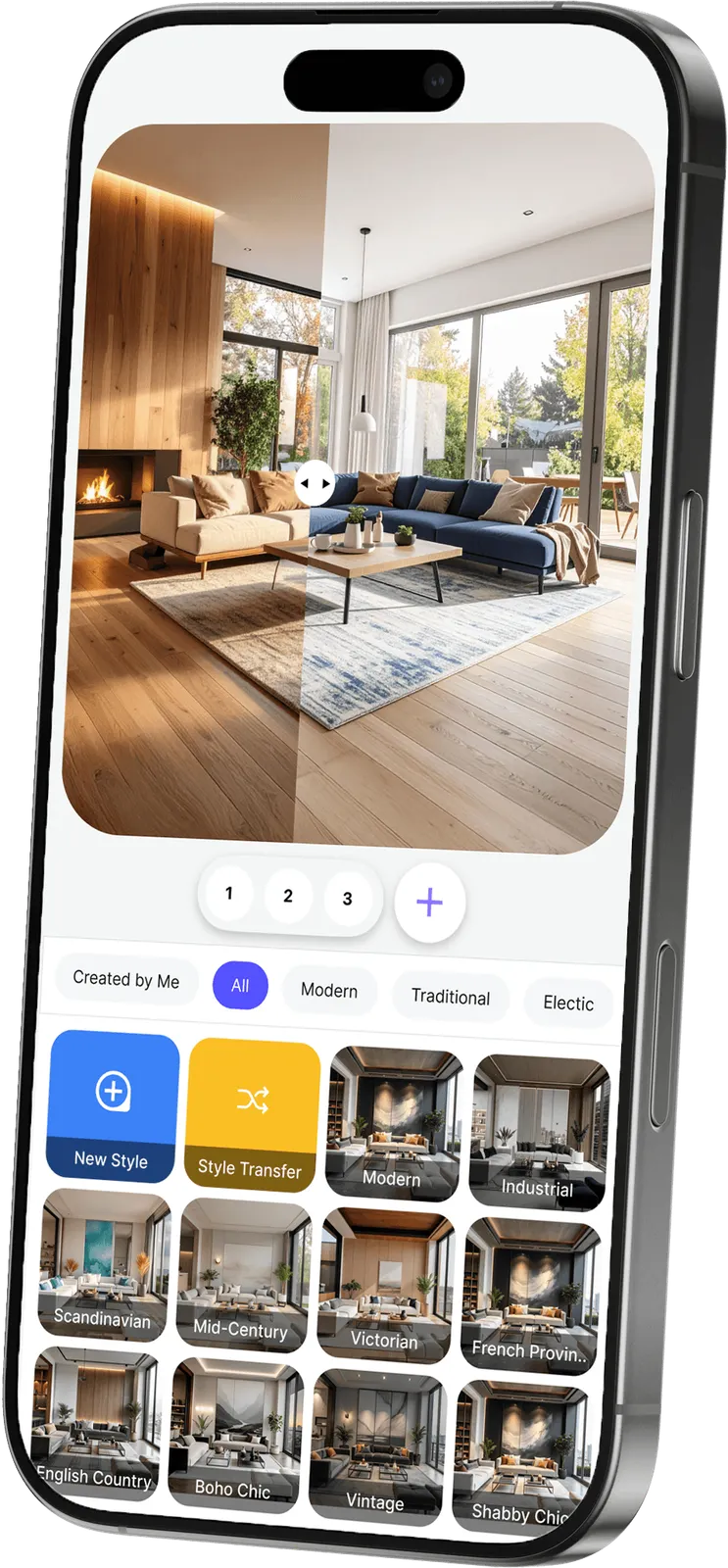
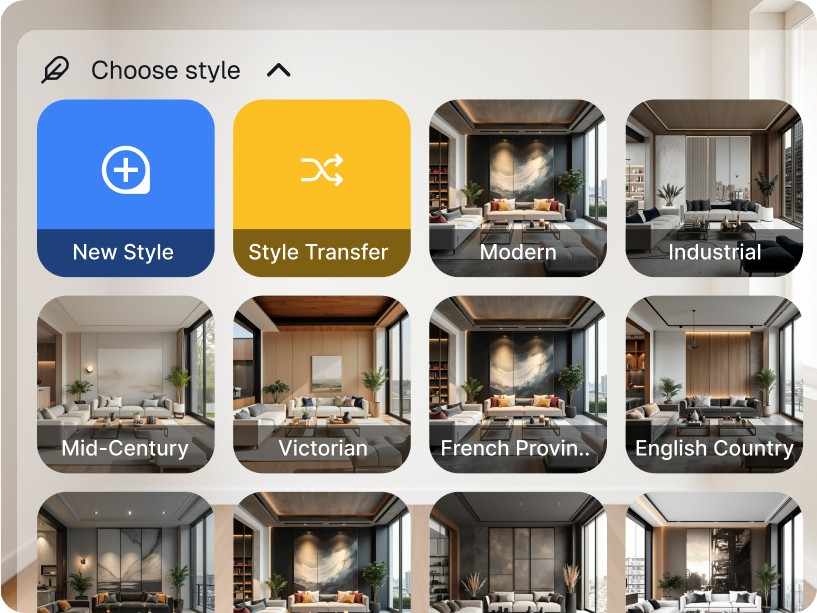
Choose a style, paint color, or furniture change.
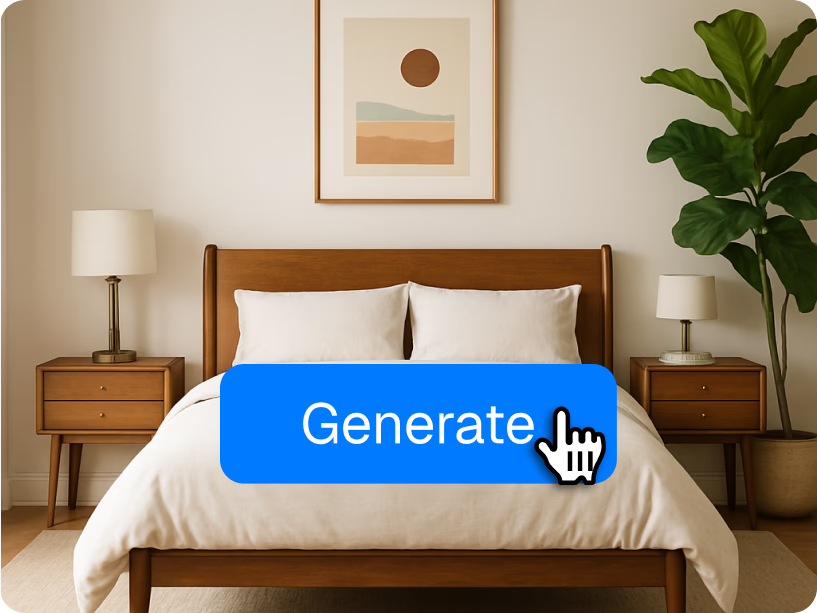
Use AI to see the changes in your photo.
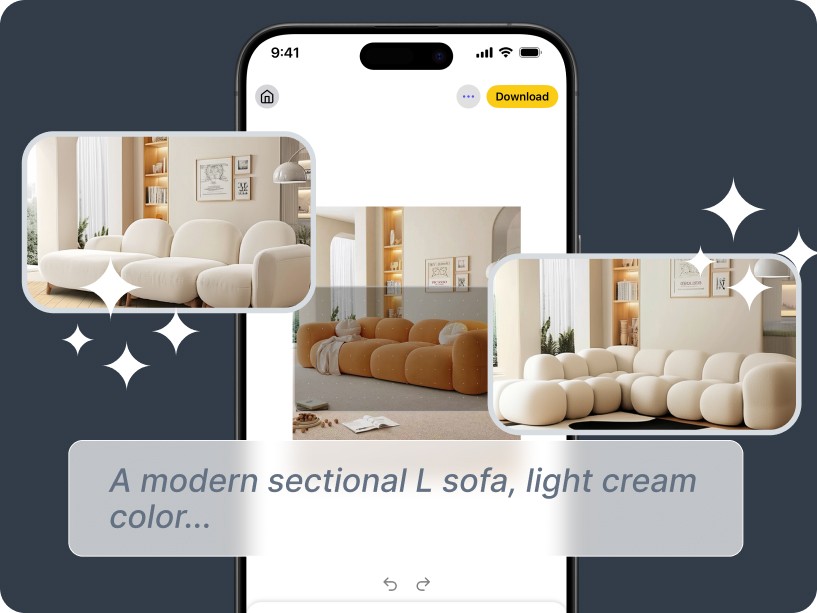
A modern sectional L sofa, light cream color...
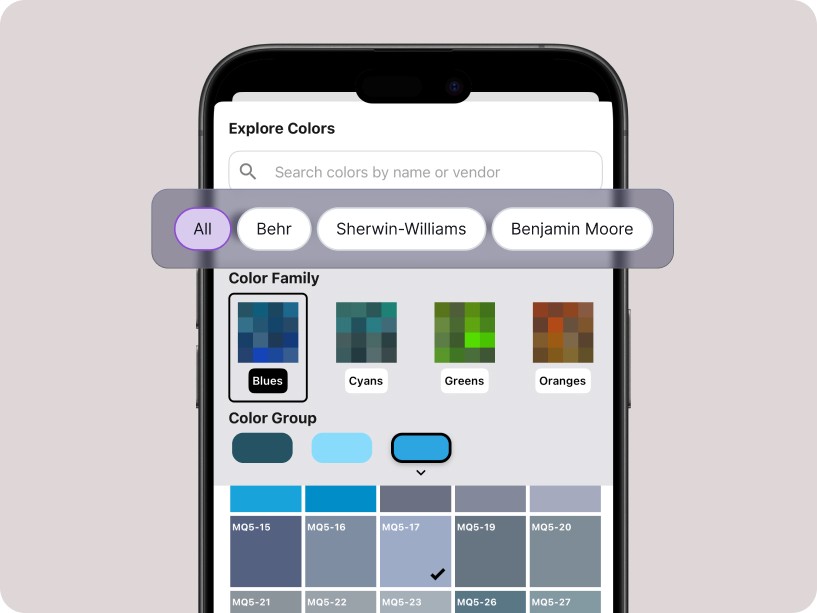
Filter by vendor palettes.
Take a photo of your room or upload one.
Choose a style, paint color, or furniture change.
Use AI to see the changes in your photo.
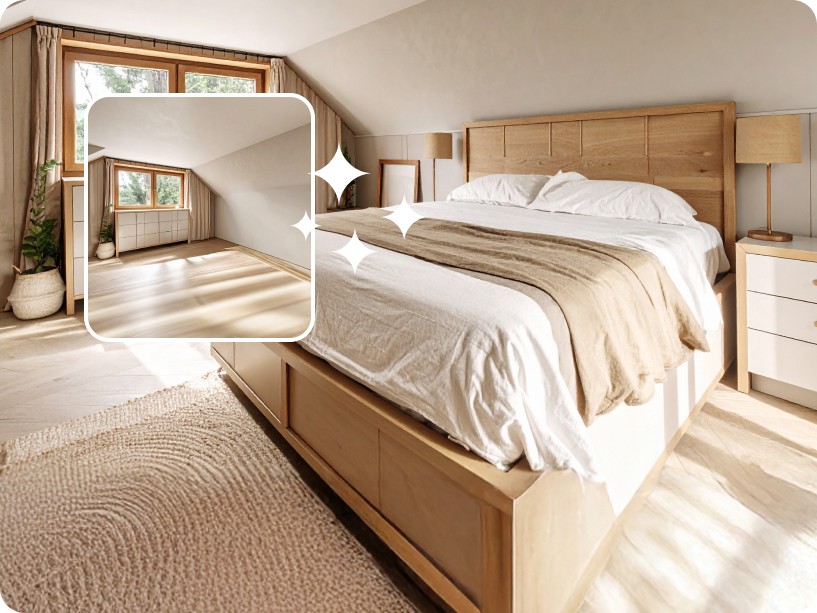
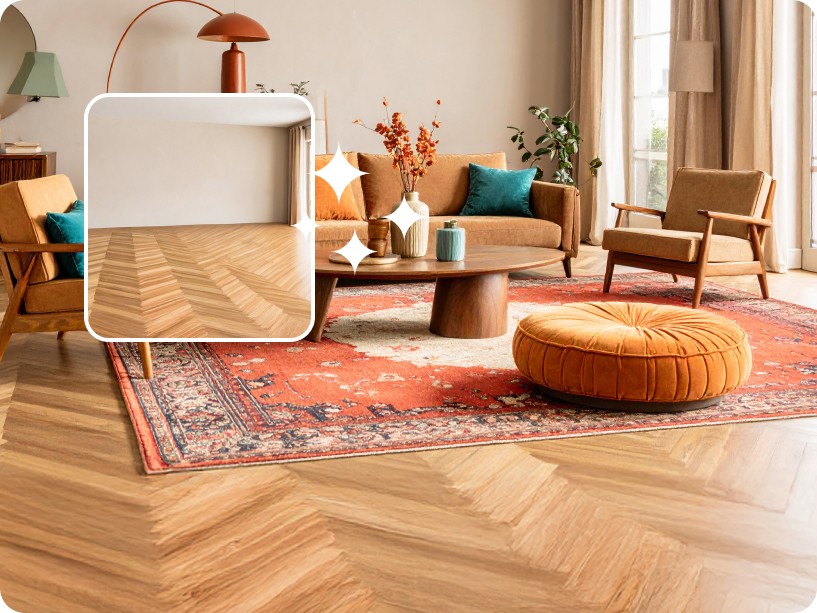
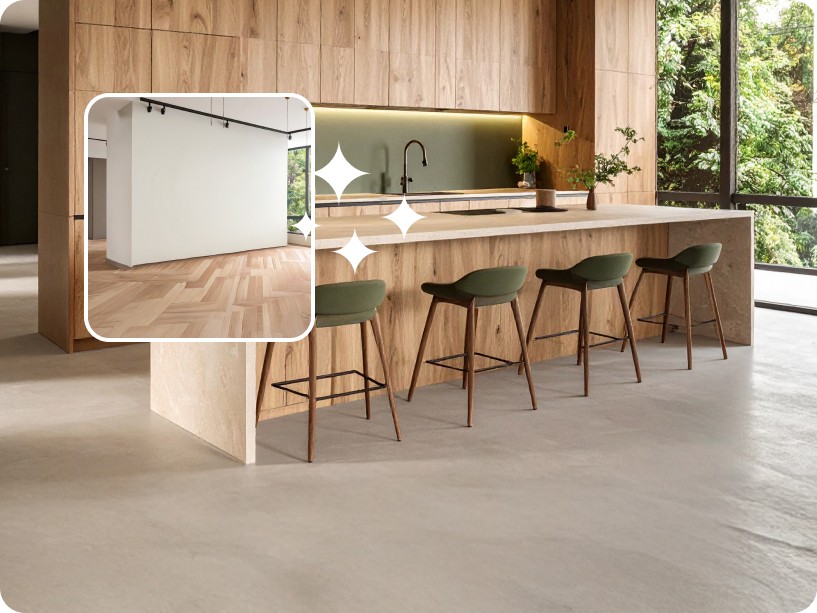
See how Renovate AI transforms any room or exterior
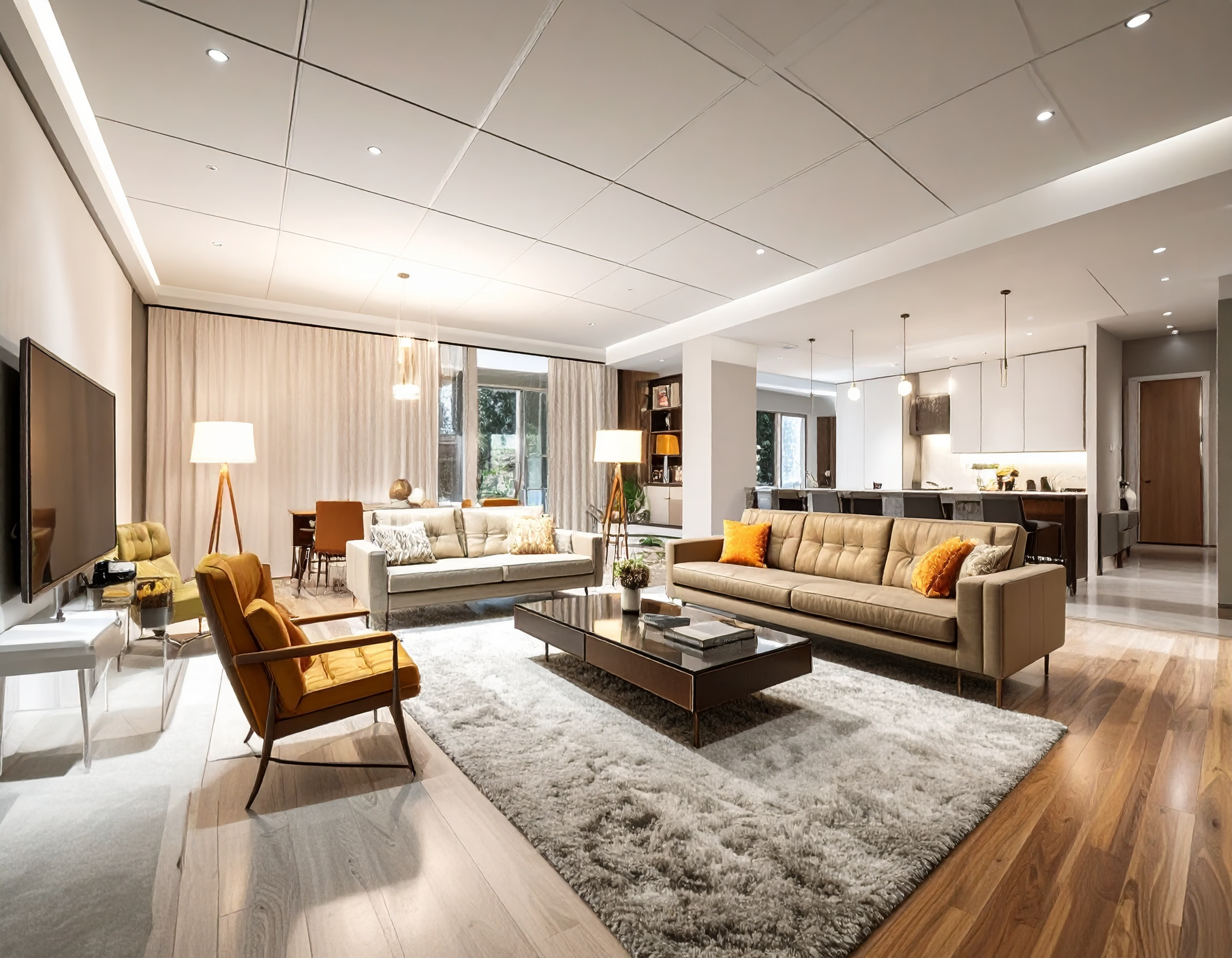

Transform cluttered spaces into sleek, stylish mid-century modern designs.
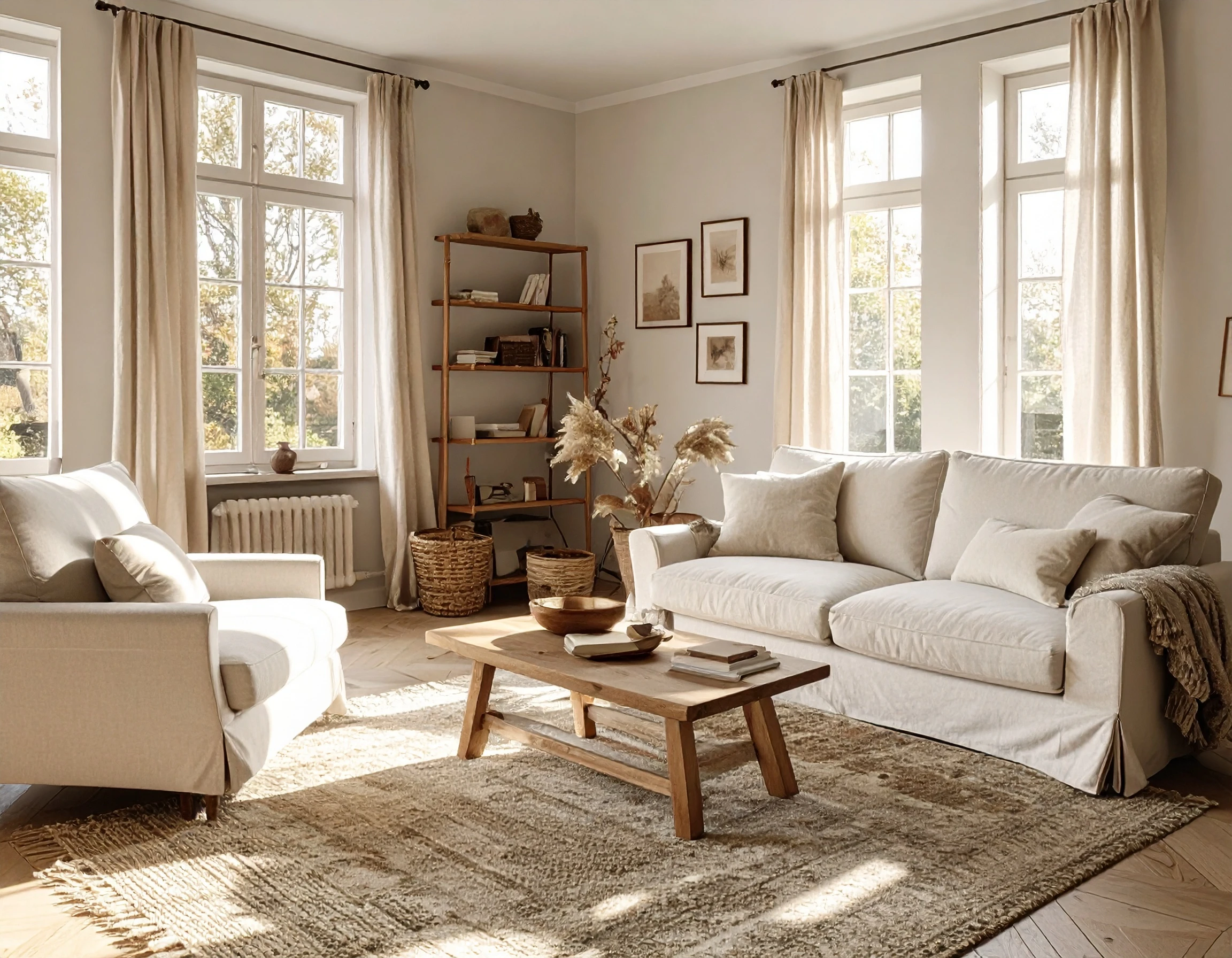
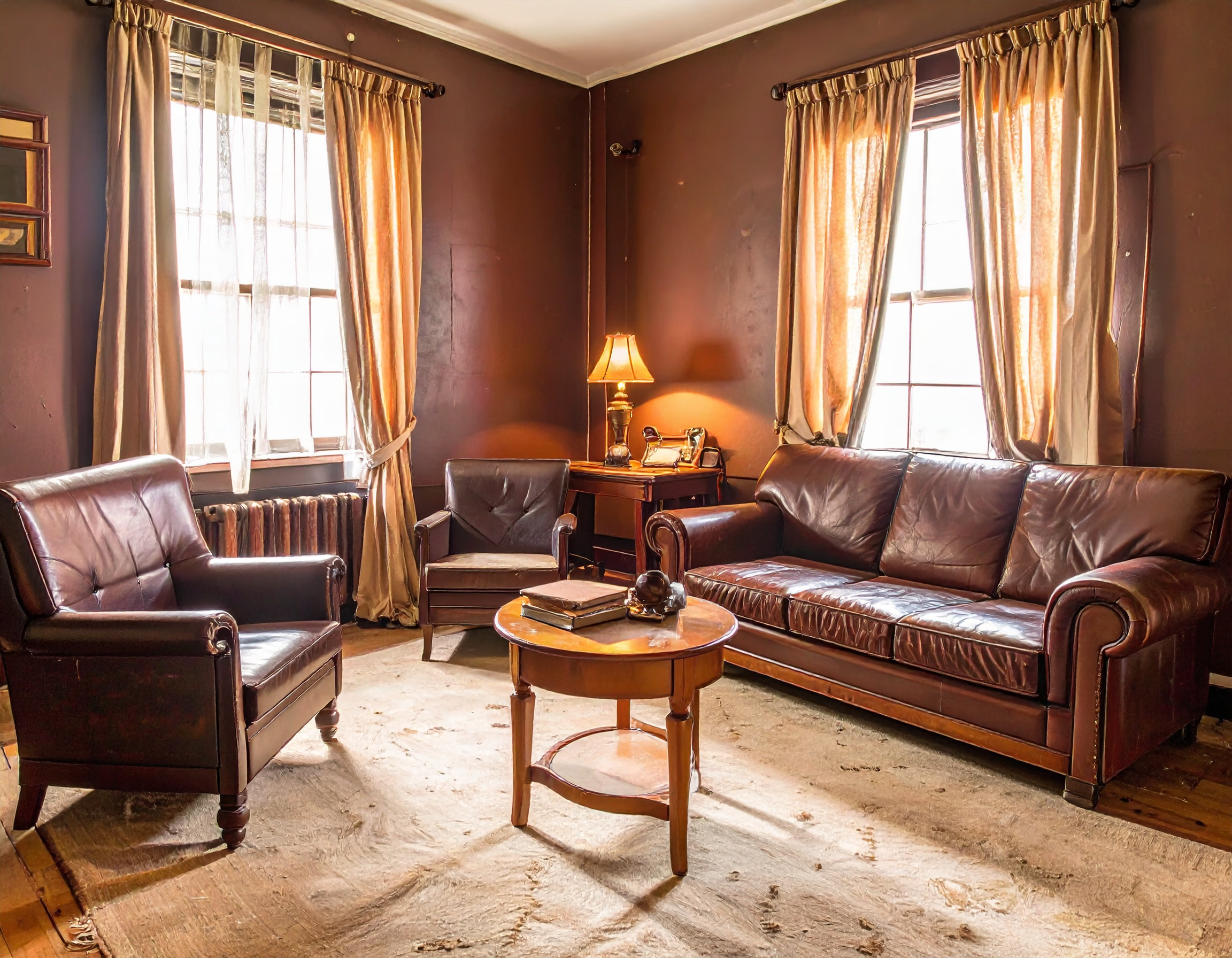
From dark and outdated to bright, inviting, and elegant interiors.
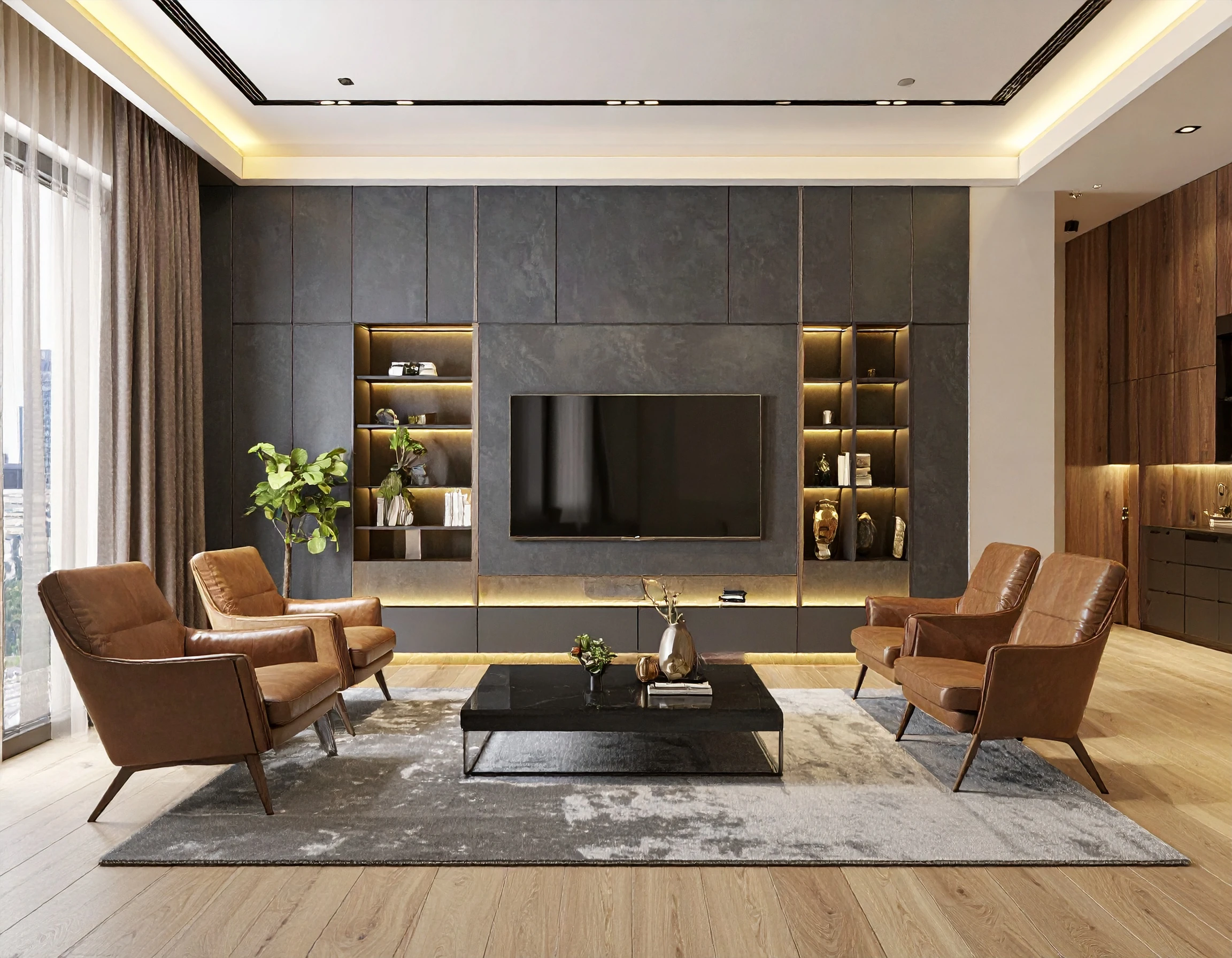
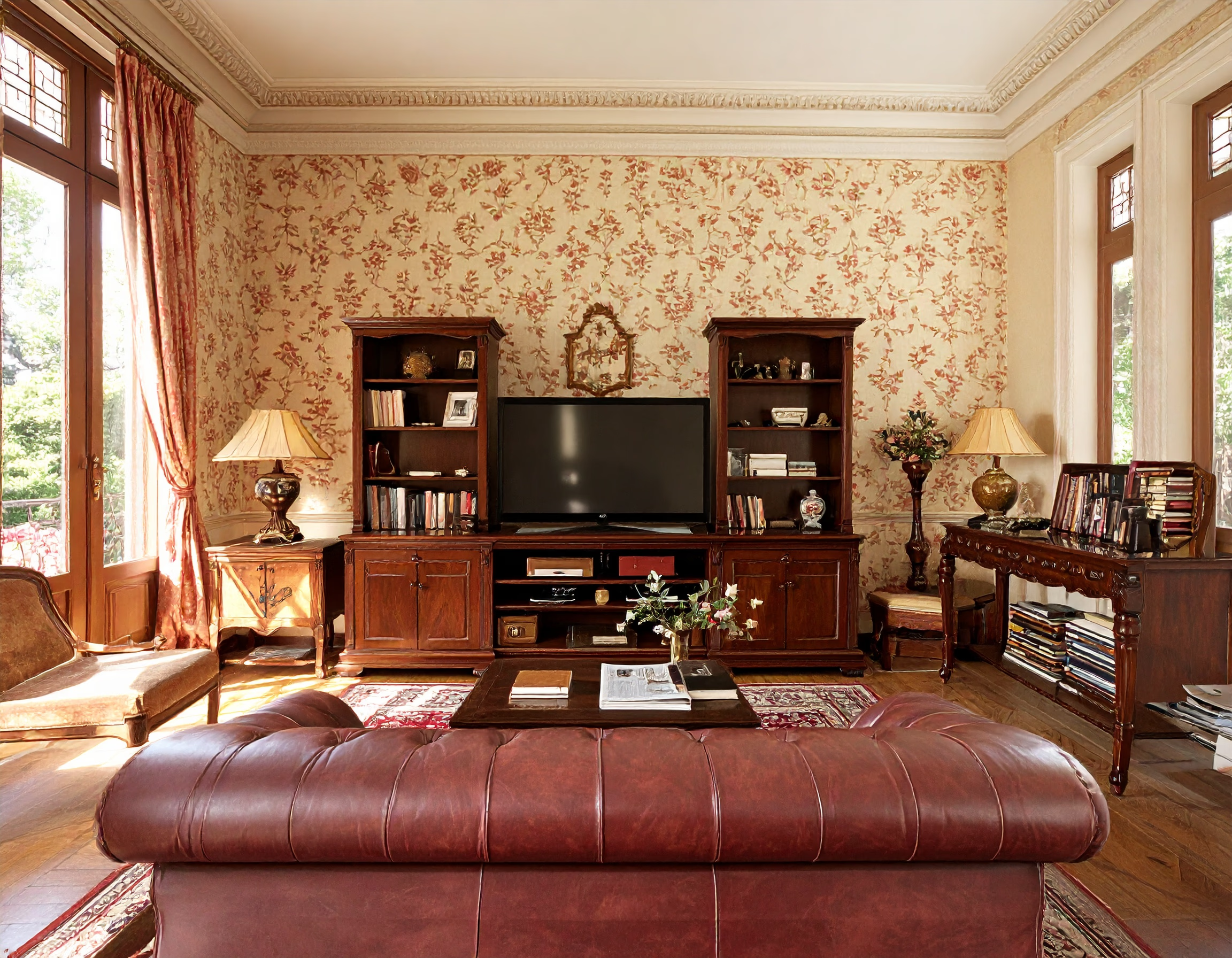
Experience stunning color and lighting changes for modern comfort.
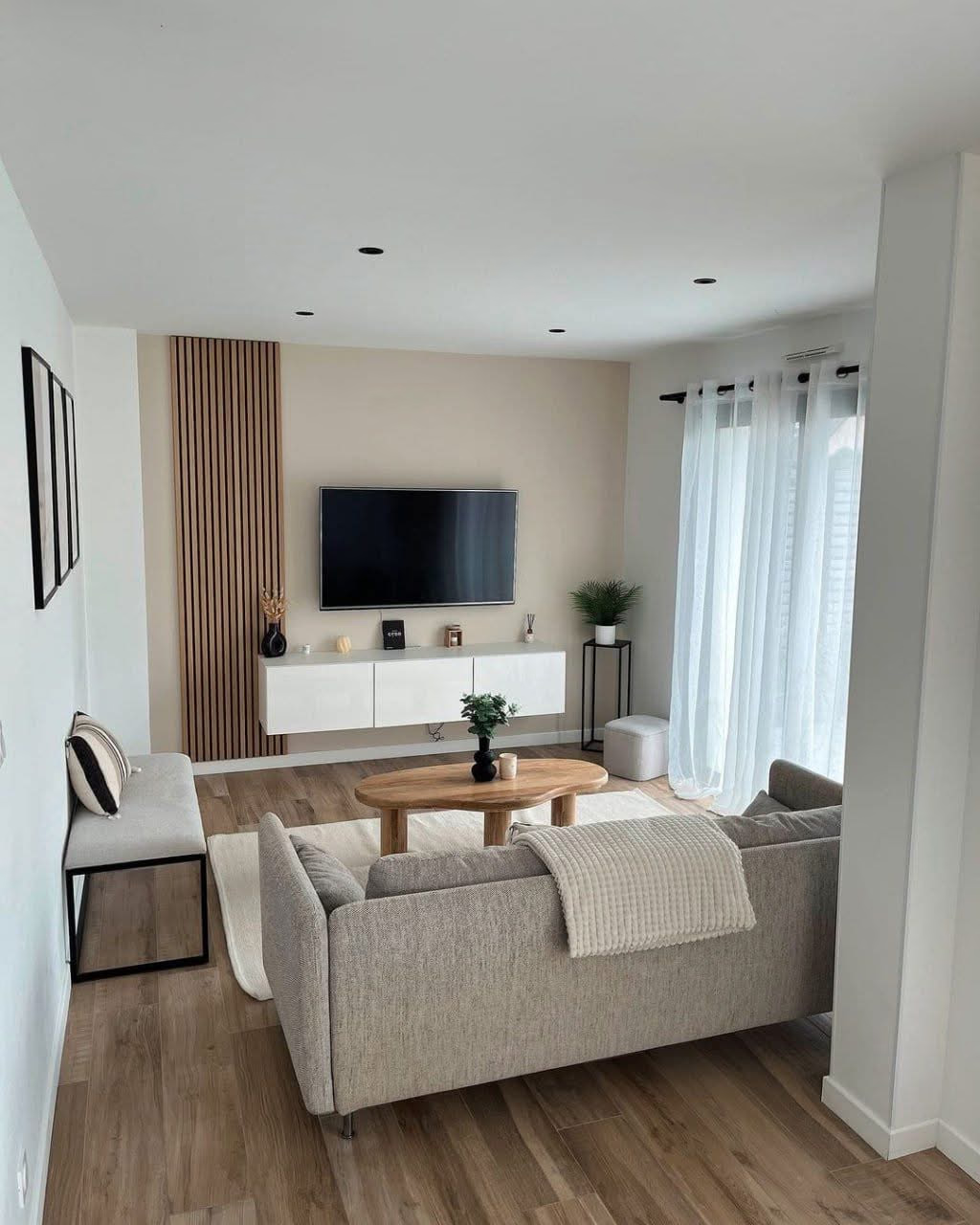
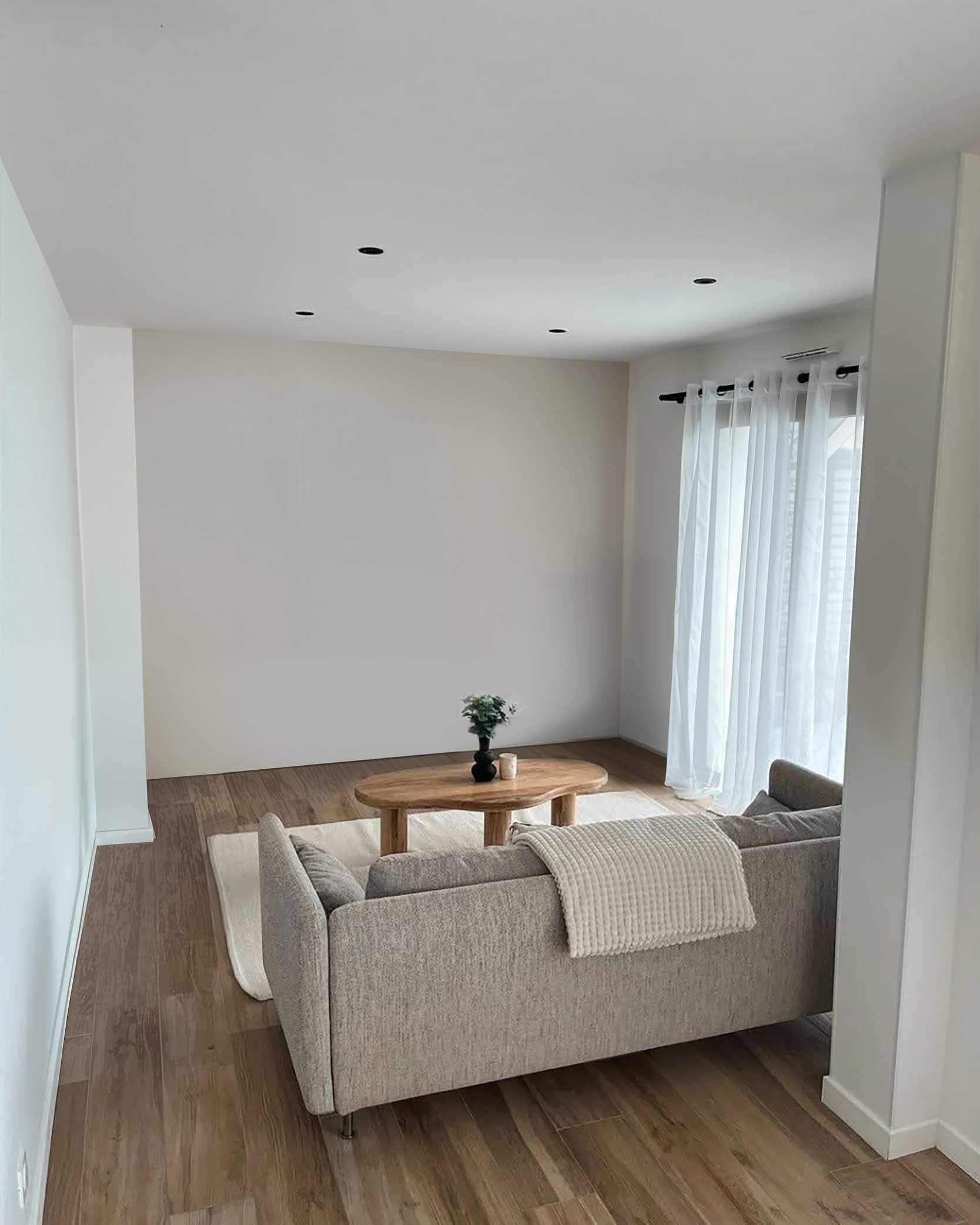
From a plain empty wall to a stylish floating cabinets and a mounted TV.
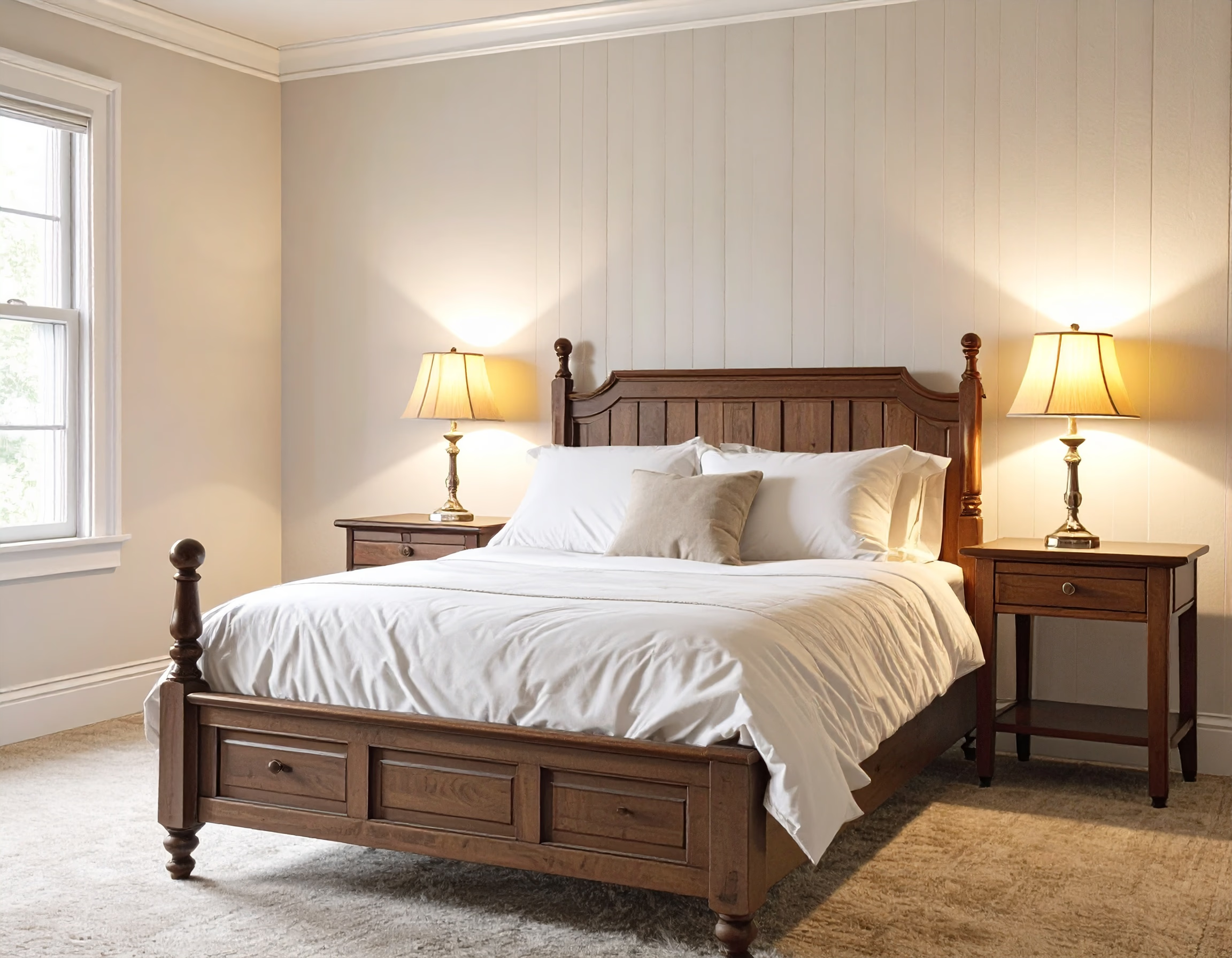
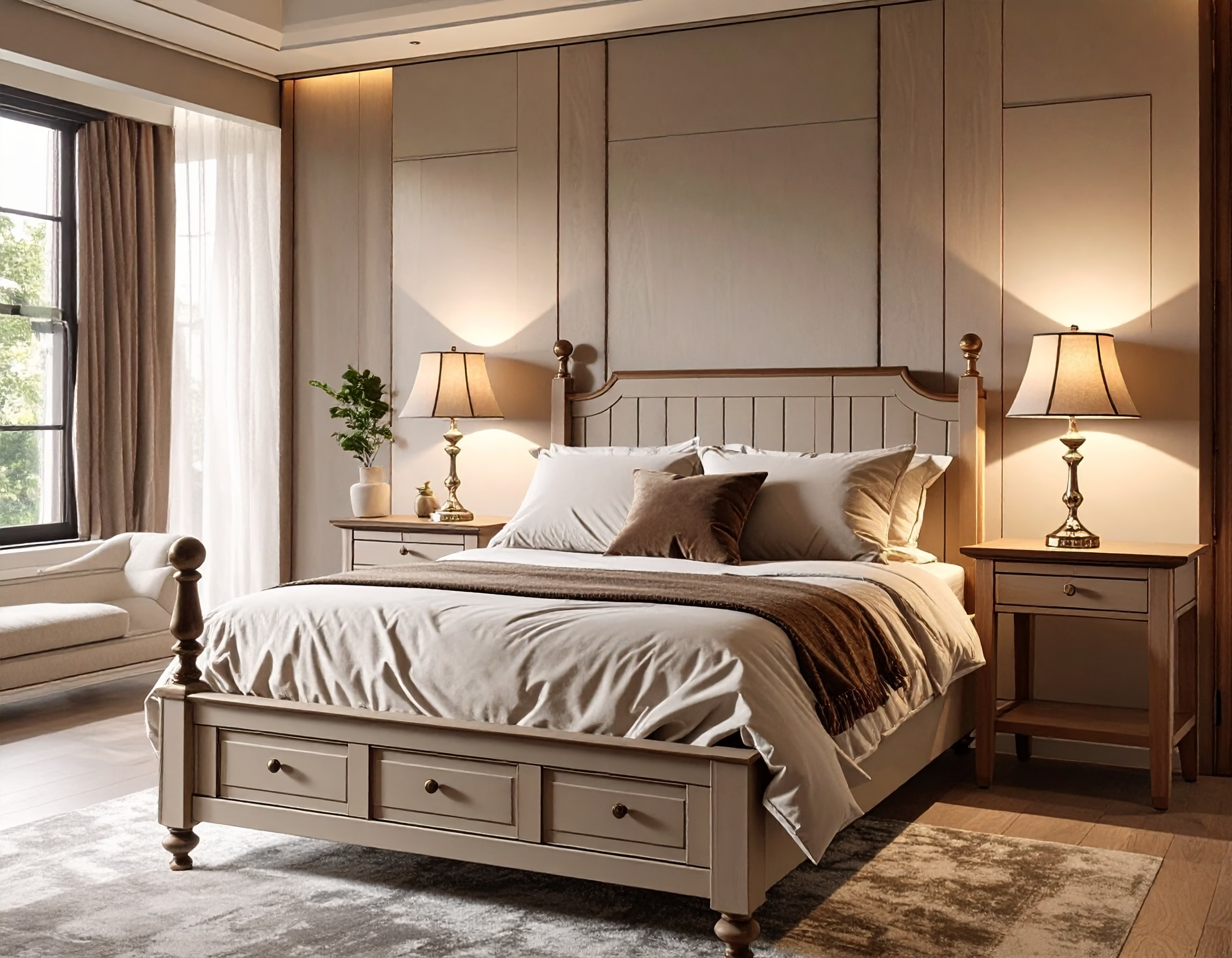
Refresh your bedroom with calming tones and functional design.
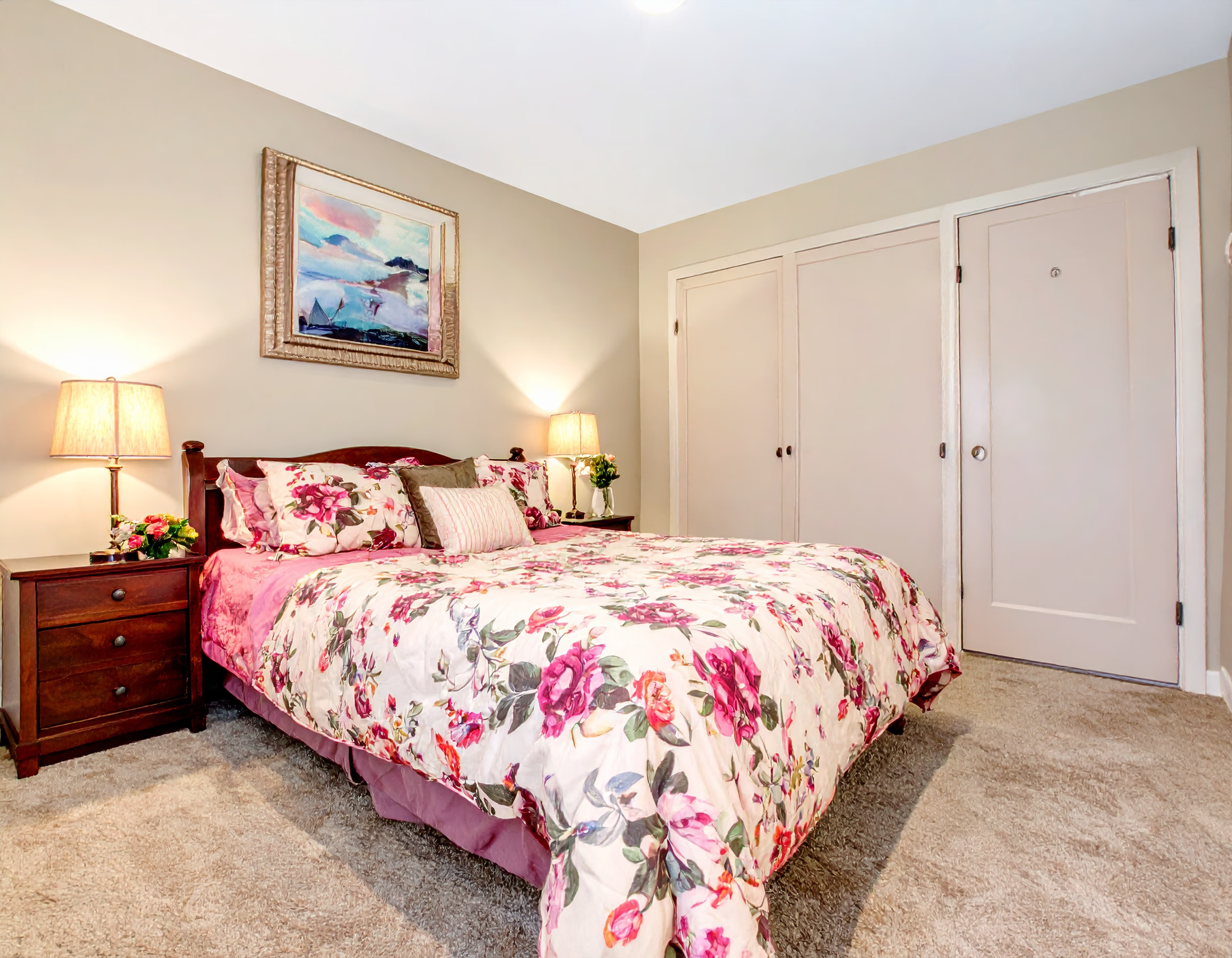
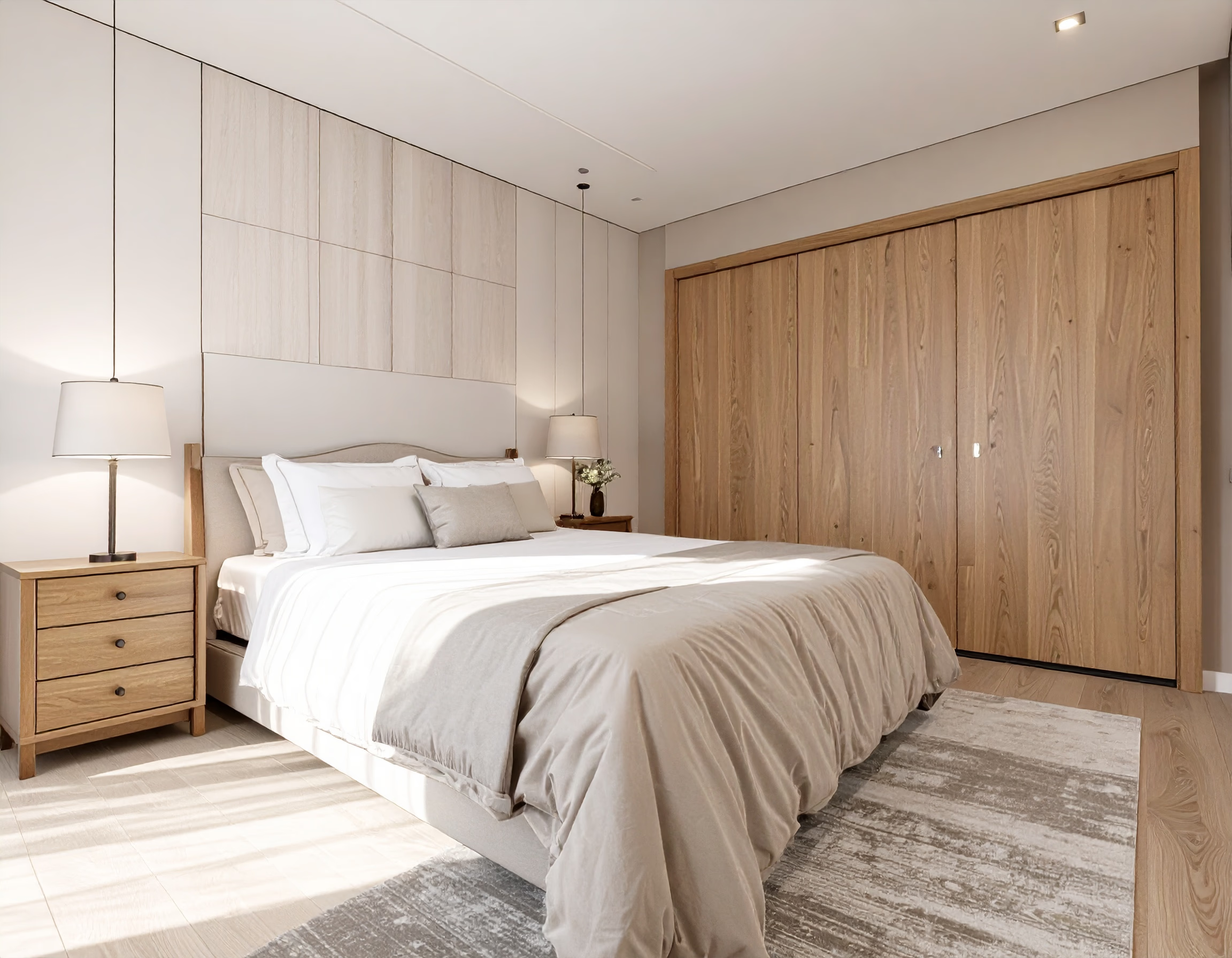
From outdated and cold to soft, warm, and restful spaces.
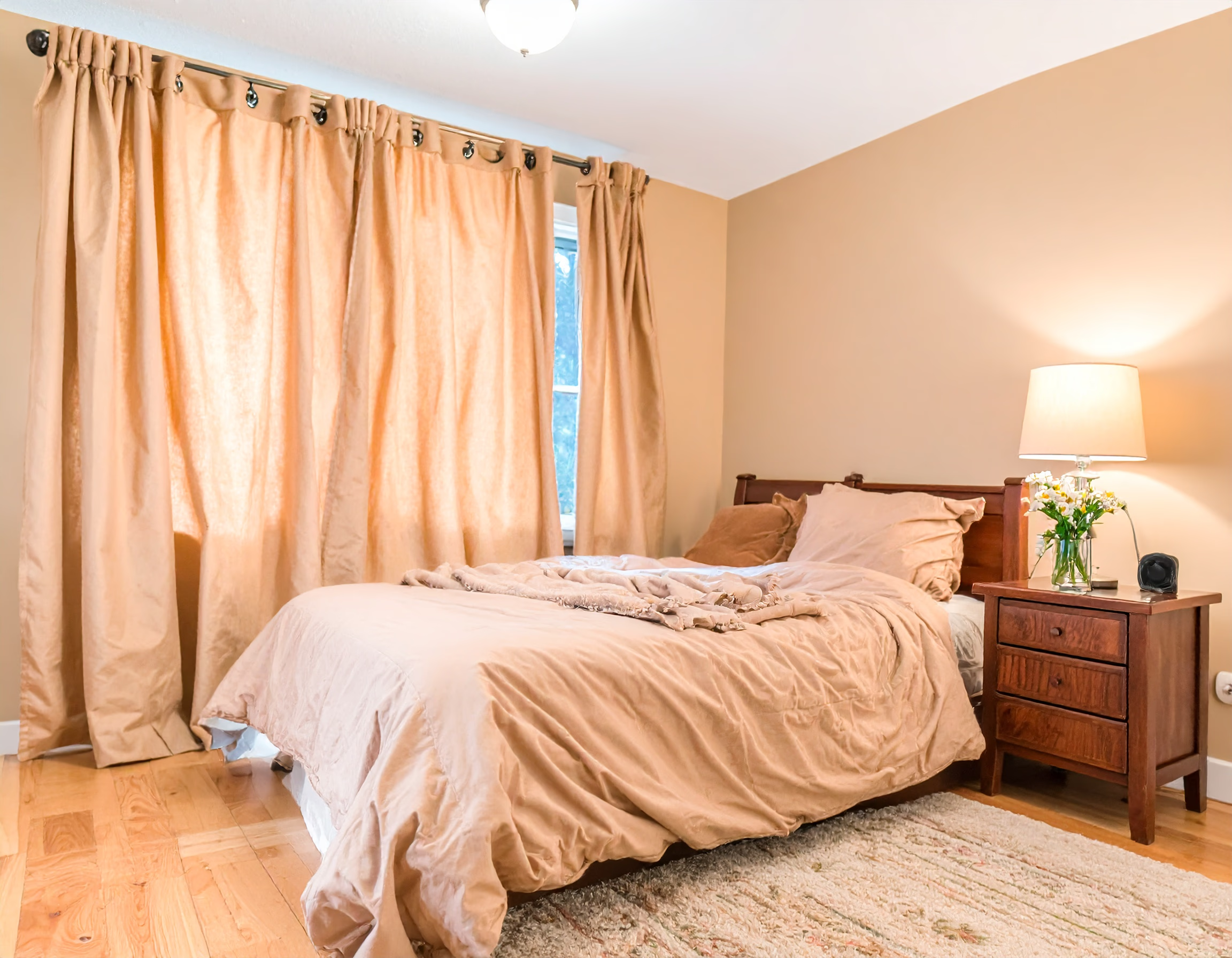
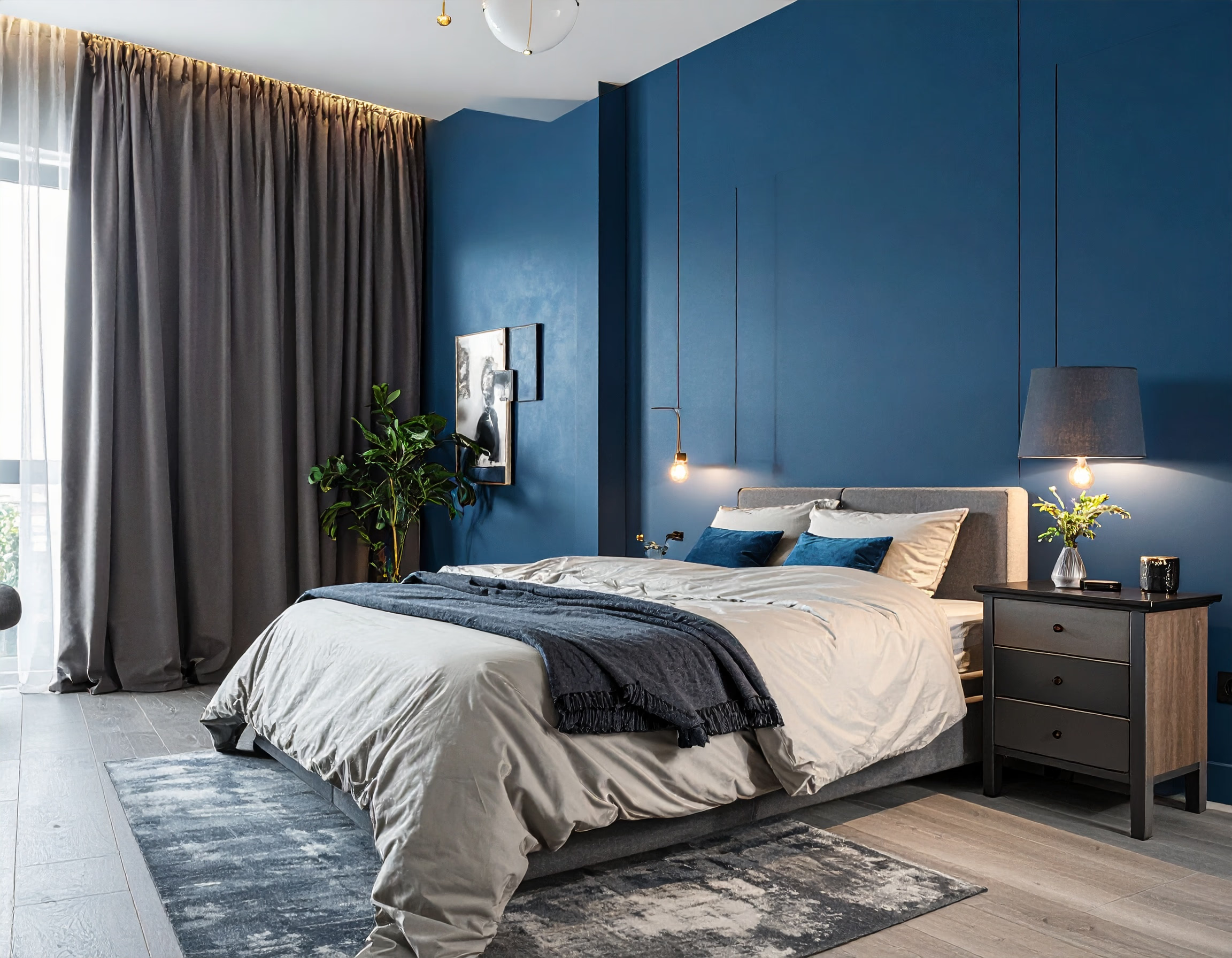
Enhance your bedroom with stylish lighting and smart layouts.

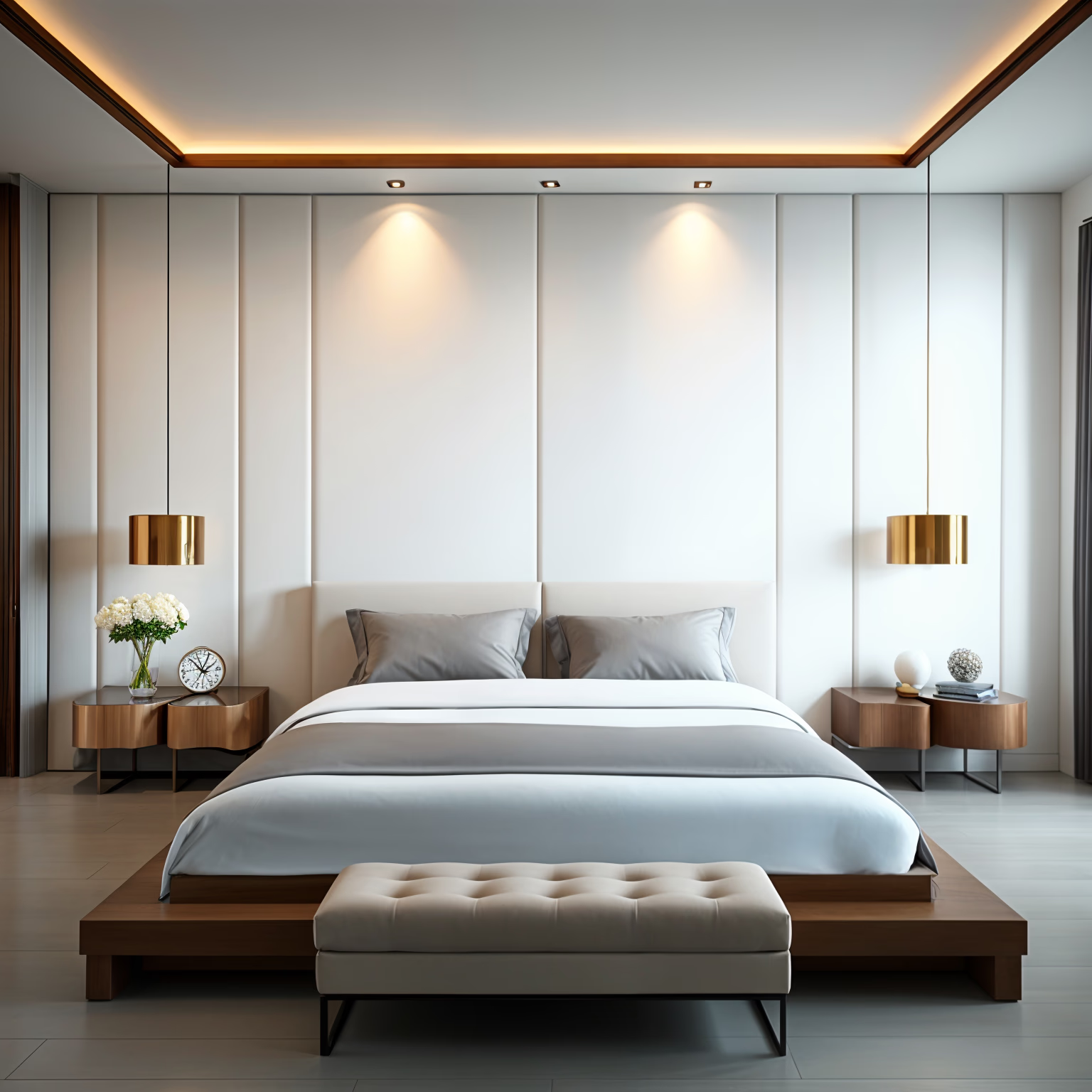
Create a restful retreat with chic decor and soothing vibes.
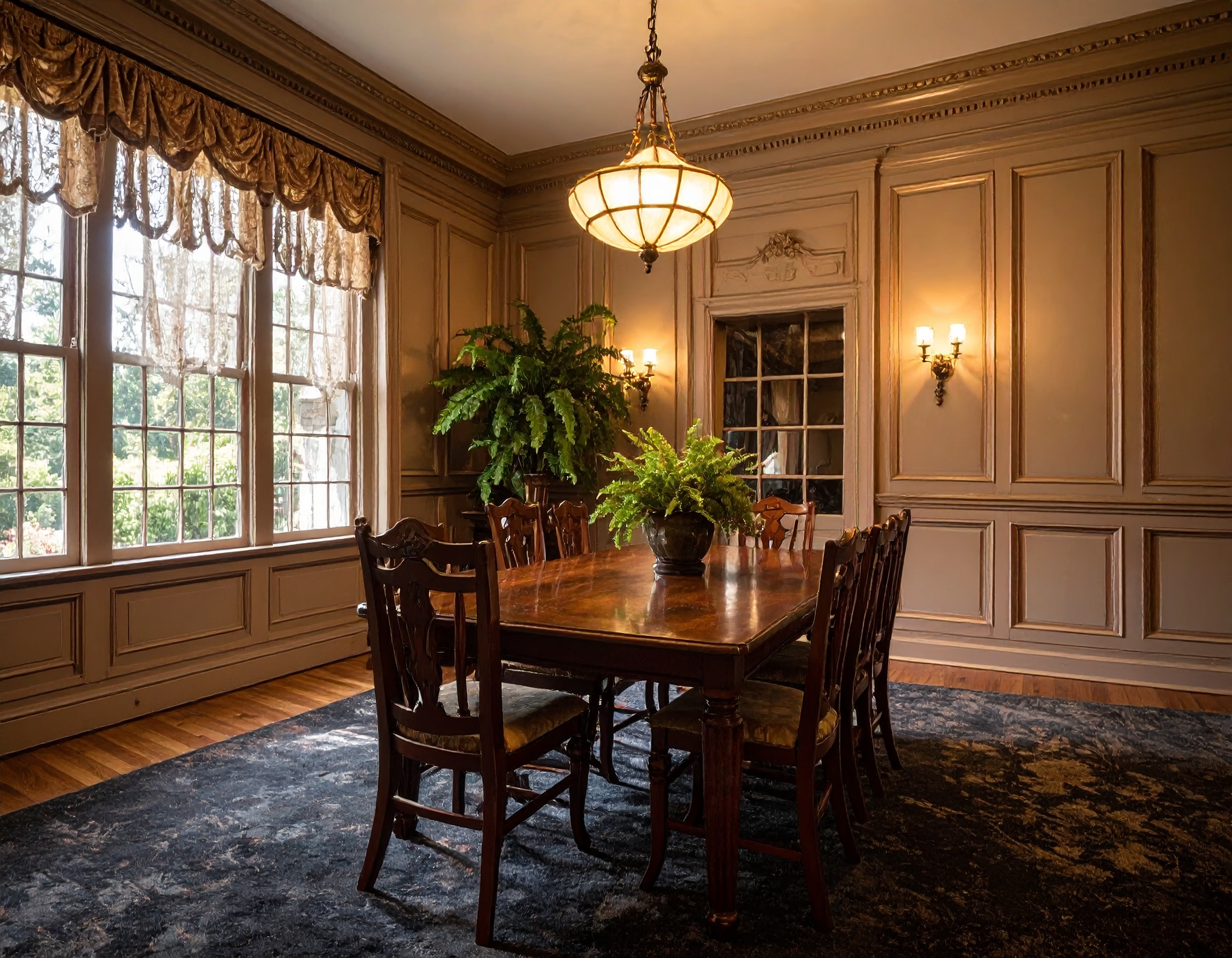
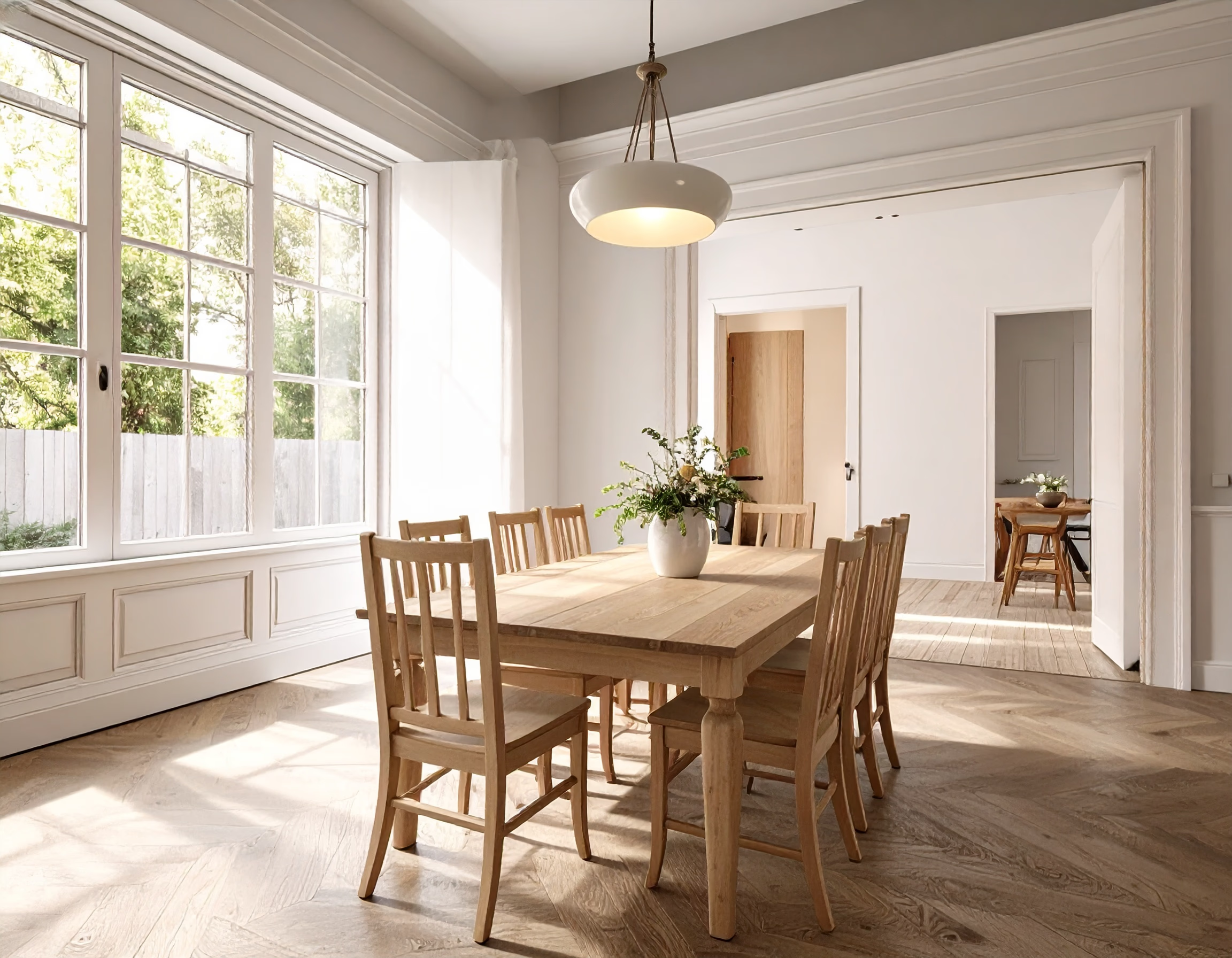
Transform everyday meals into elegant dining experiences.
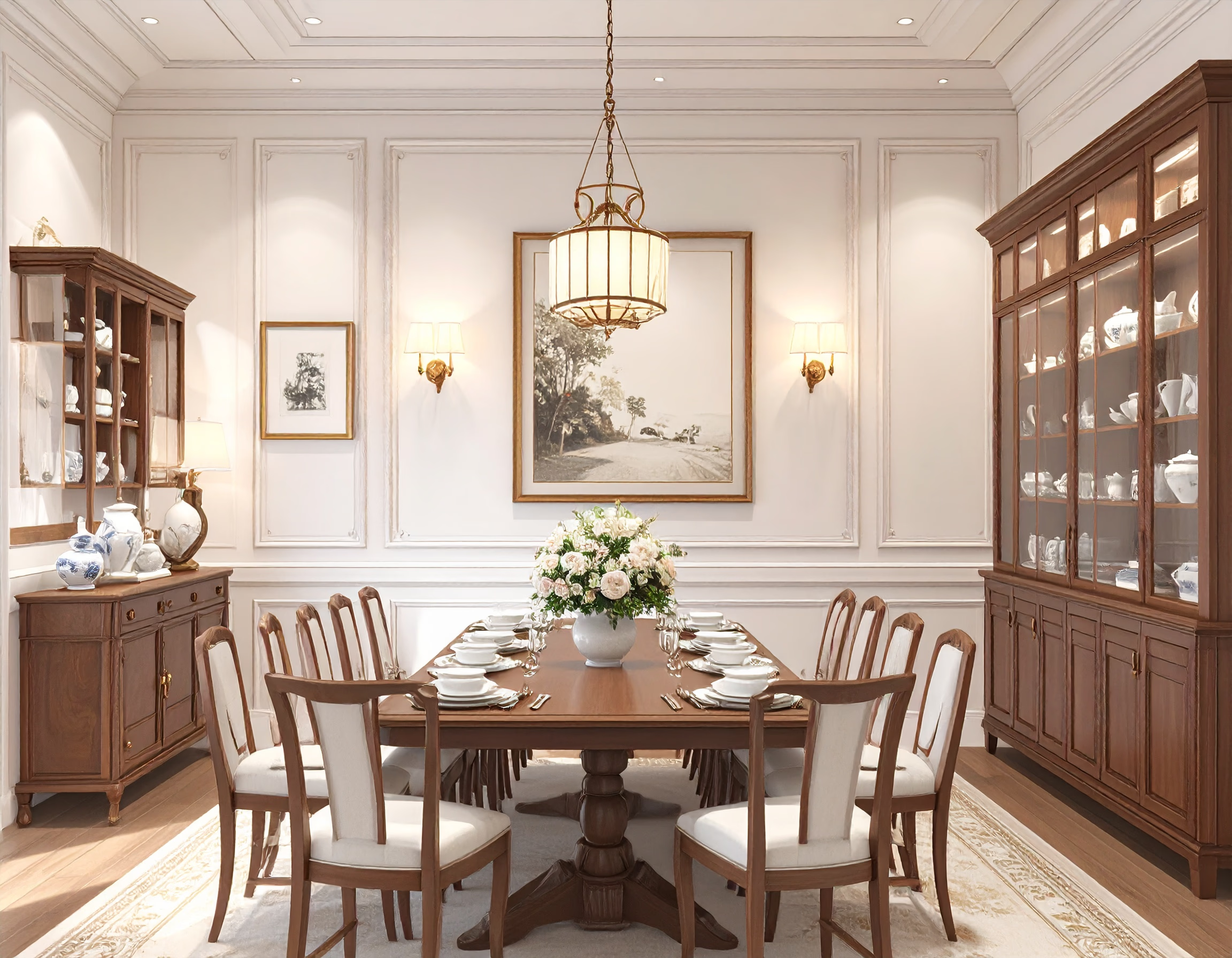
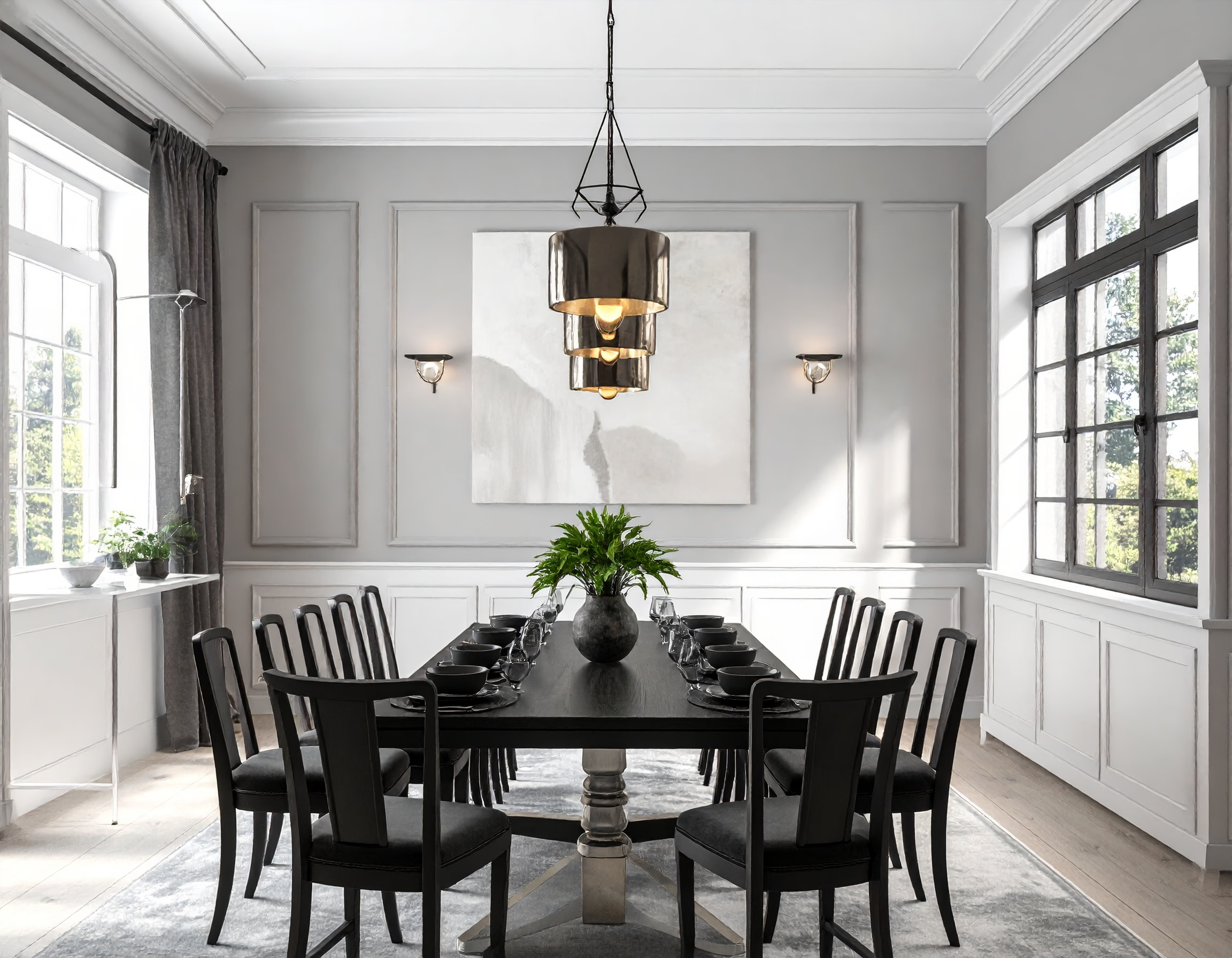
From outdated to modern, with bright lighting and sleek furniture.
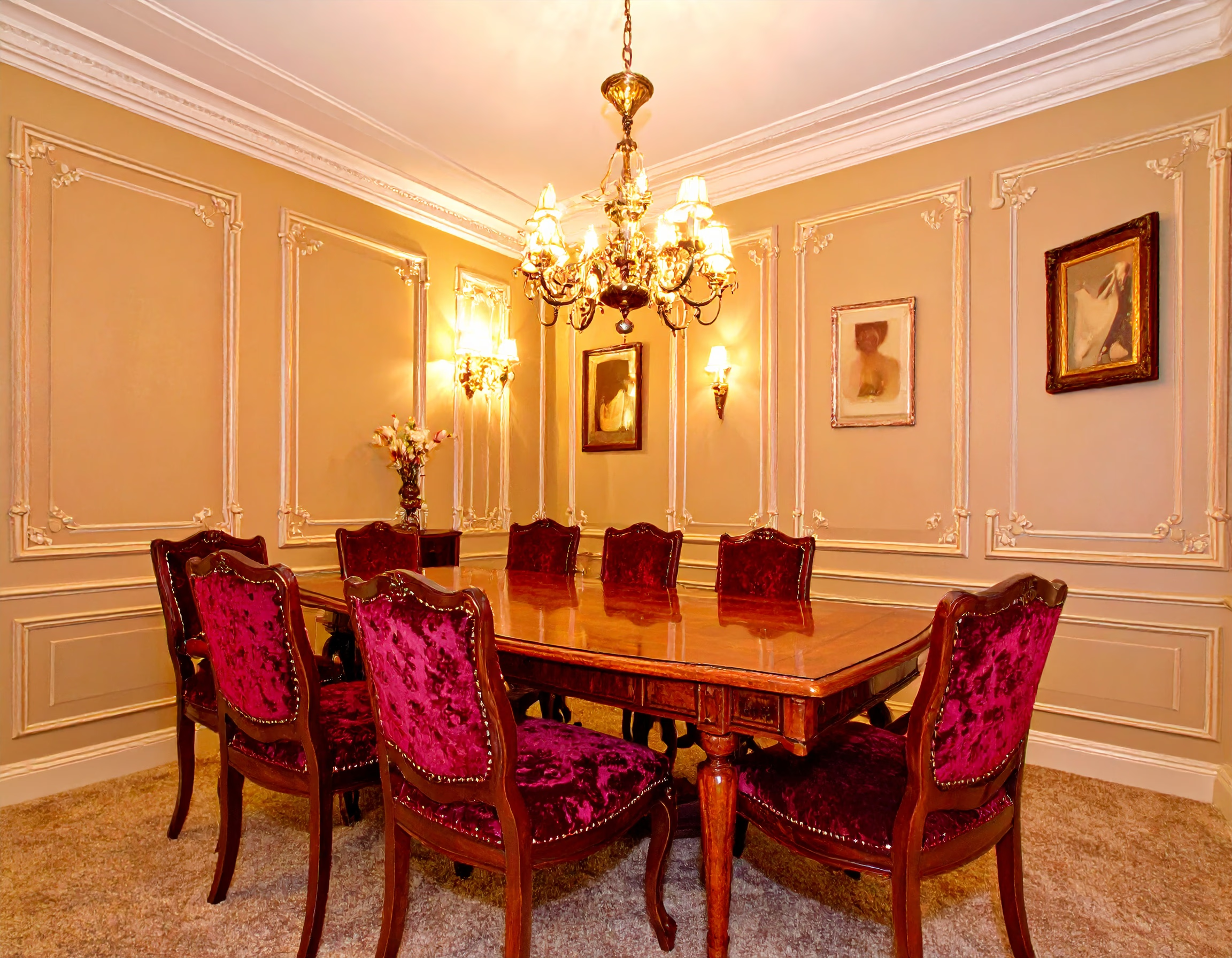
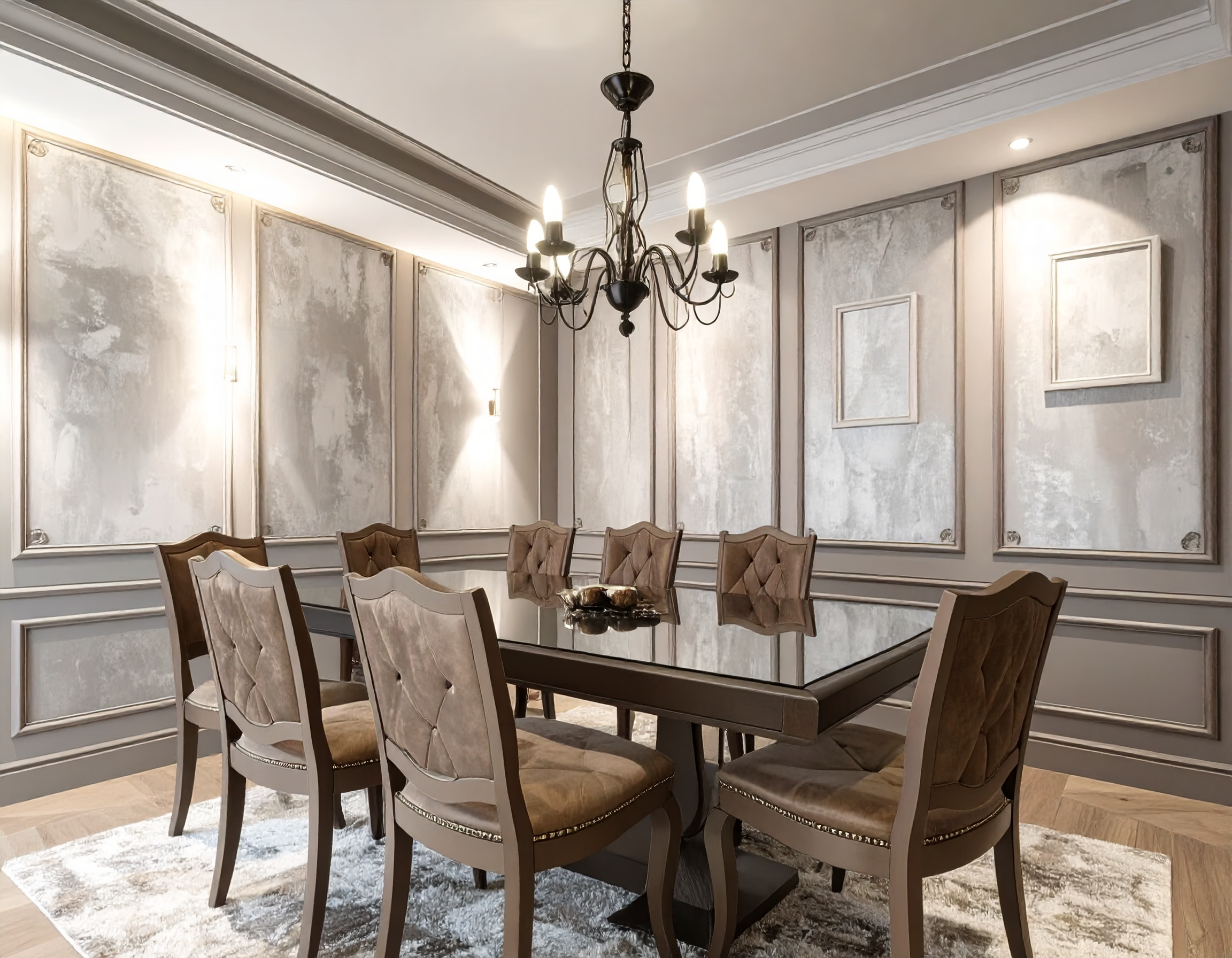
Warm and inviting spaces perfect for family gatherings.
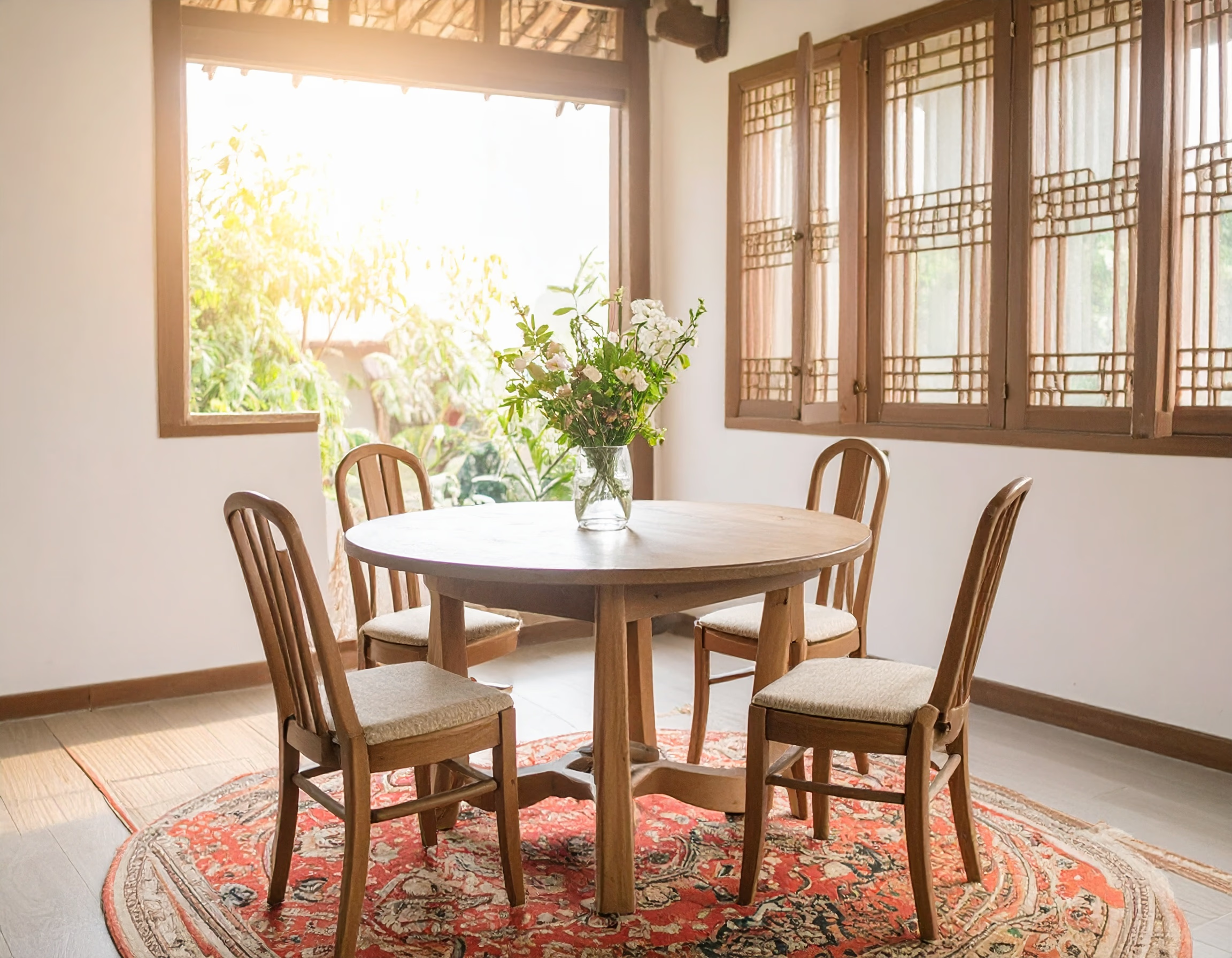
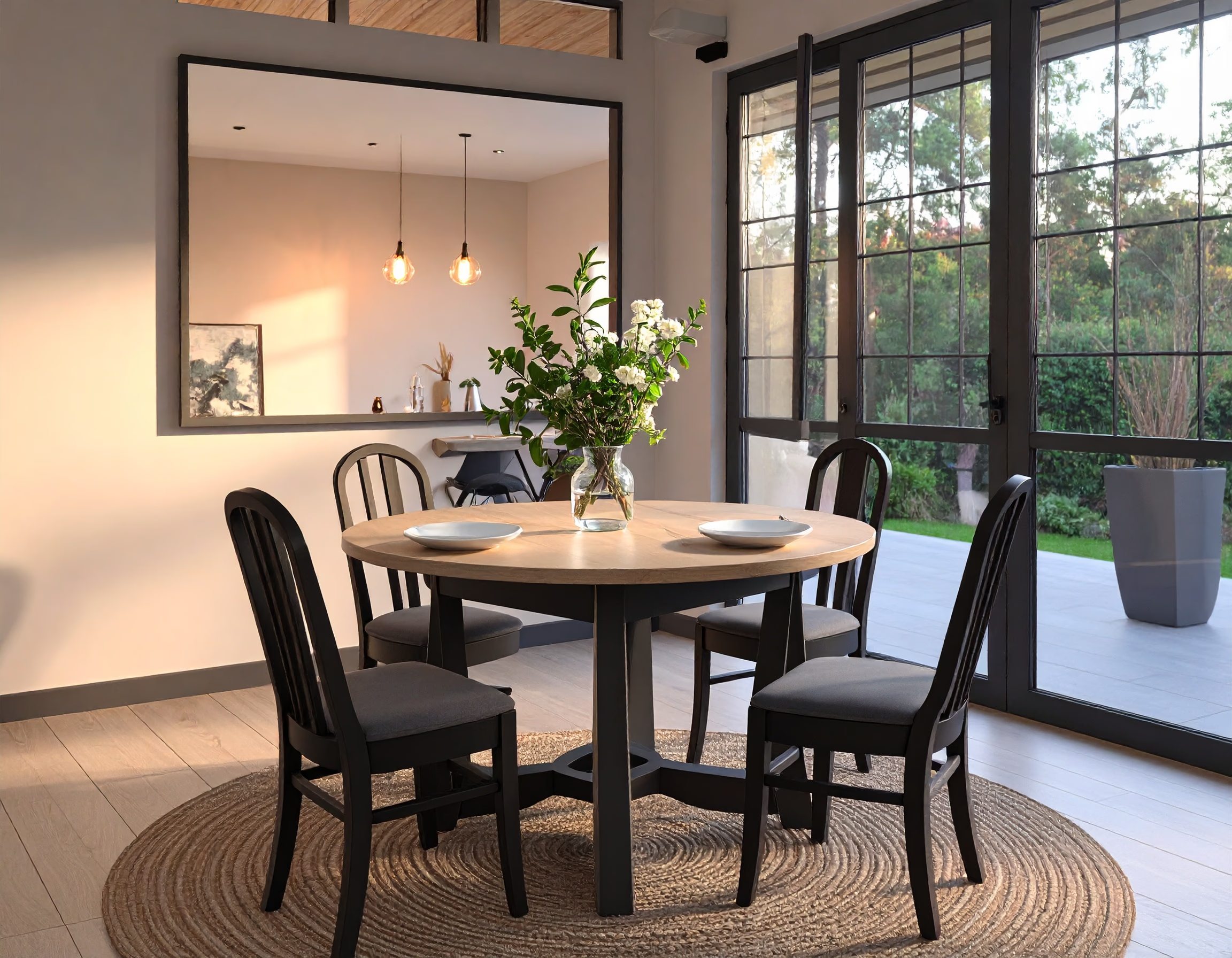
Sleek furniture and design make every meal feel special.
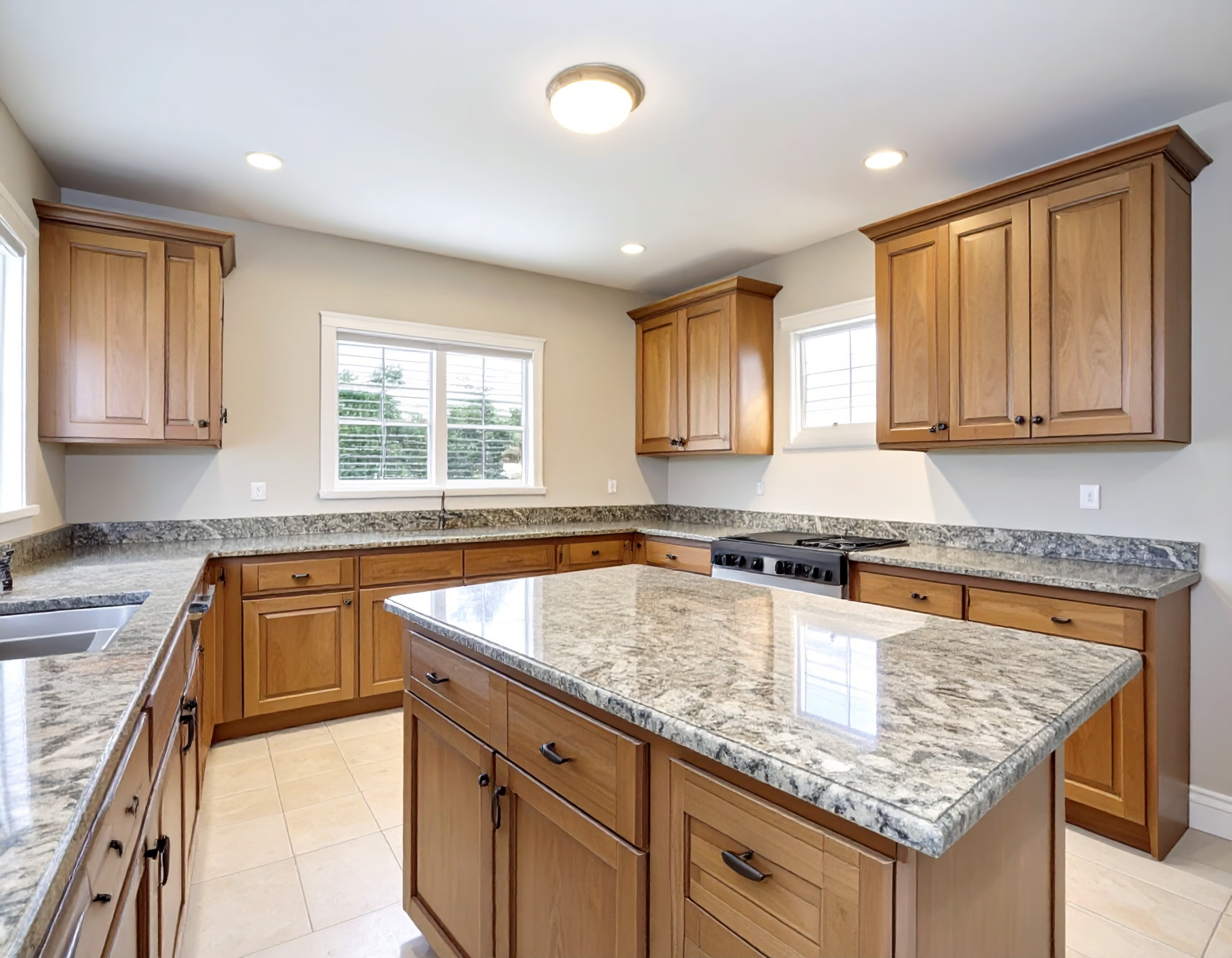
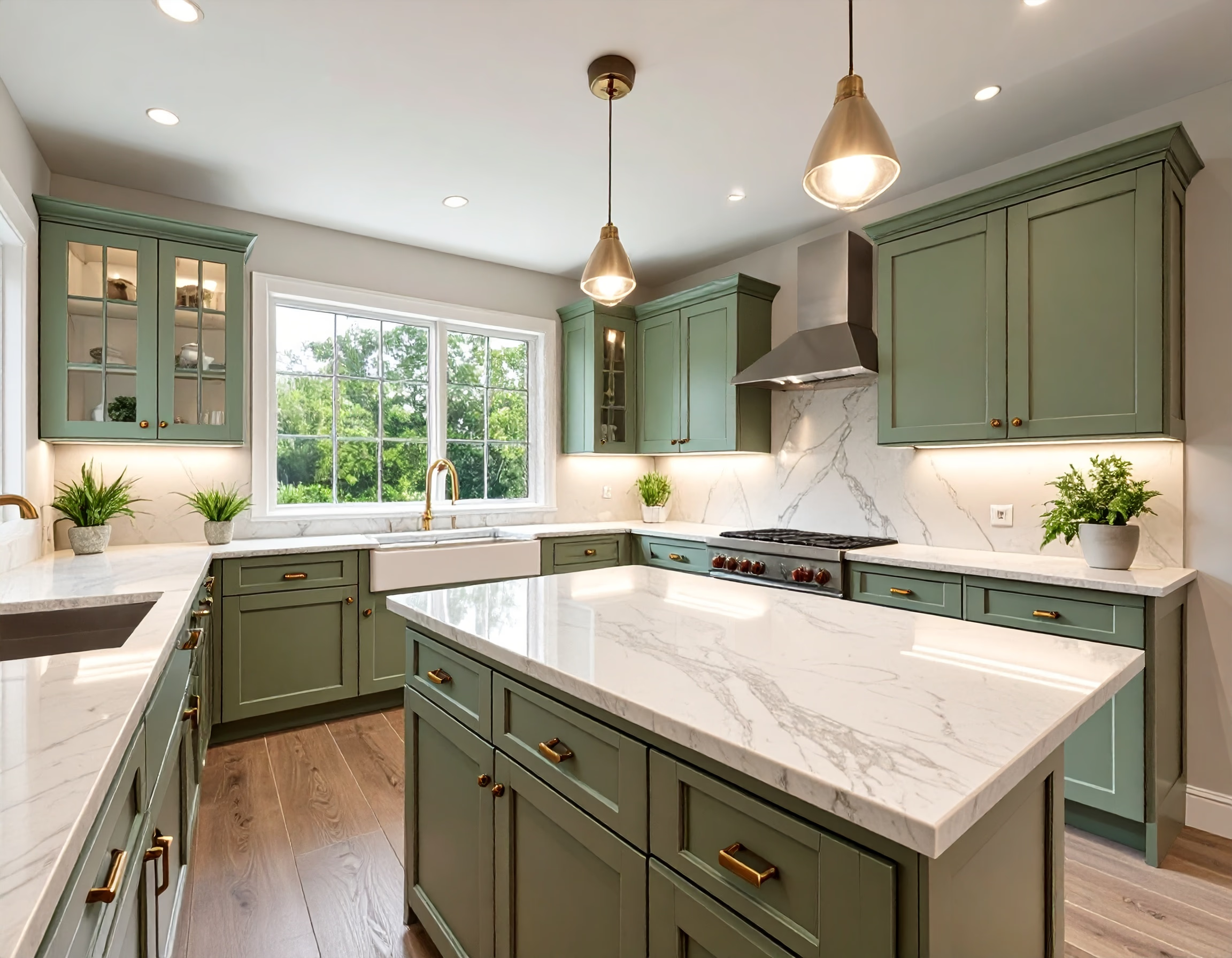
Upgrade to bright, functional, and stylish cooking spaces.
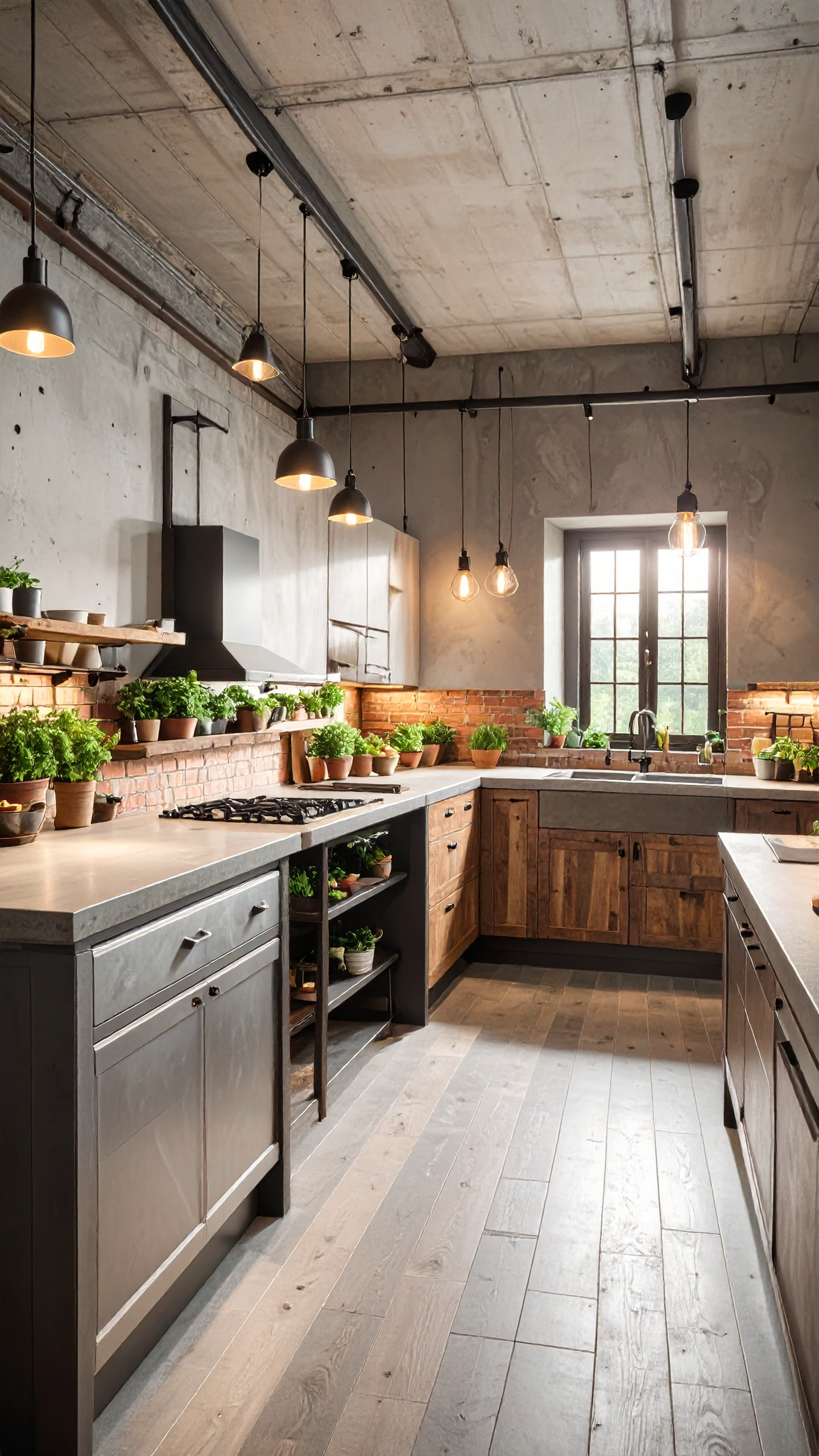
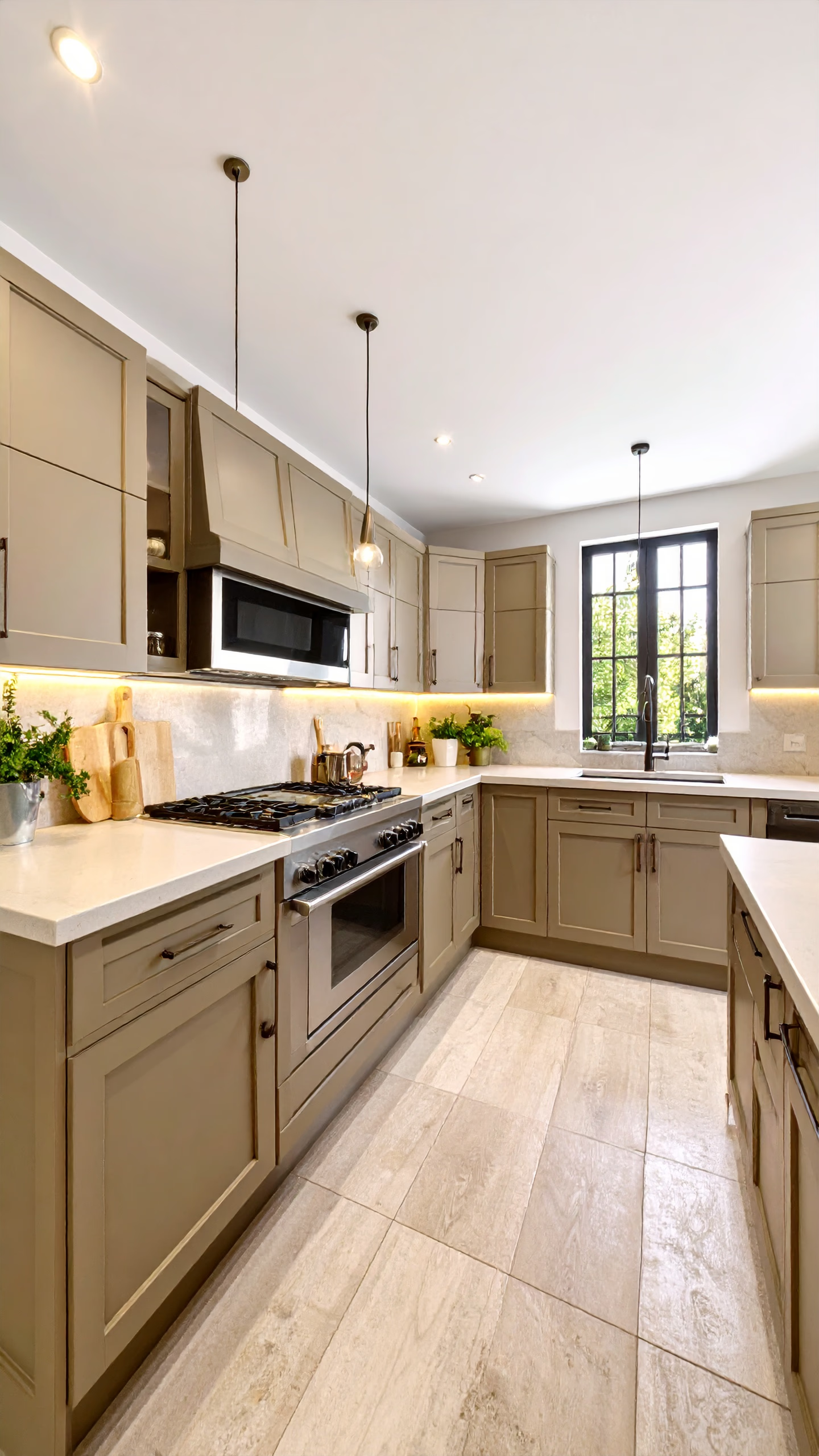
From outdated cabinets to sleek, modern finishes.
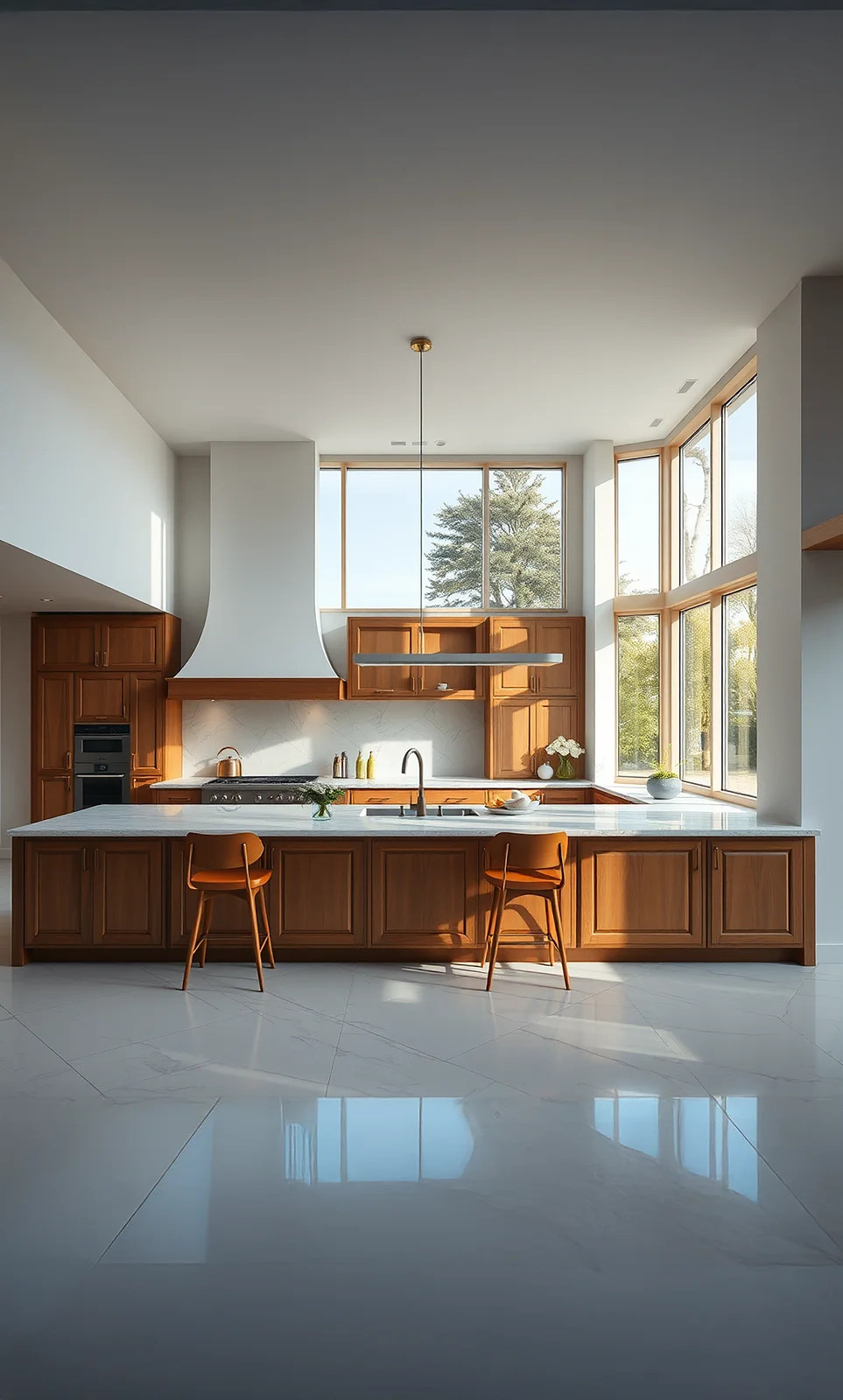
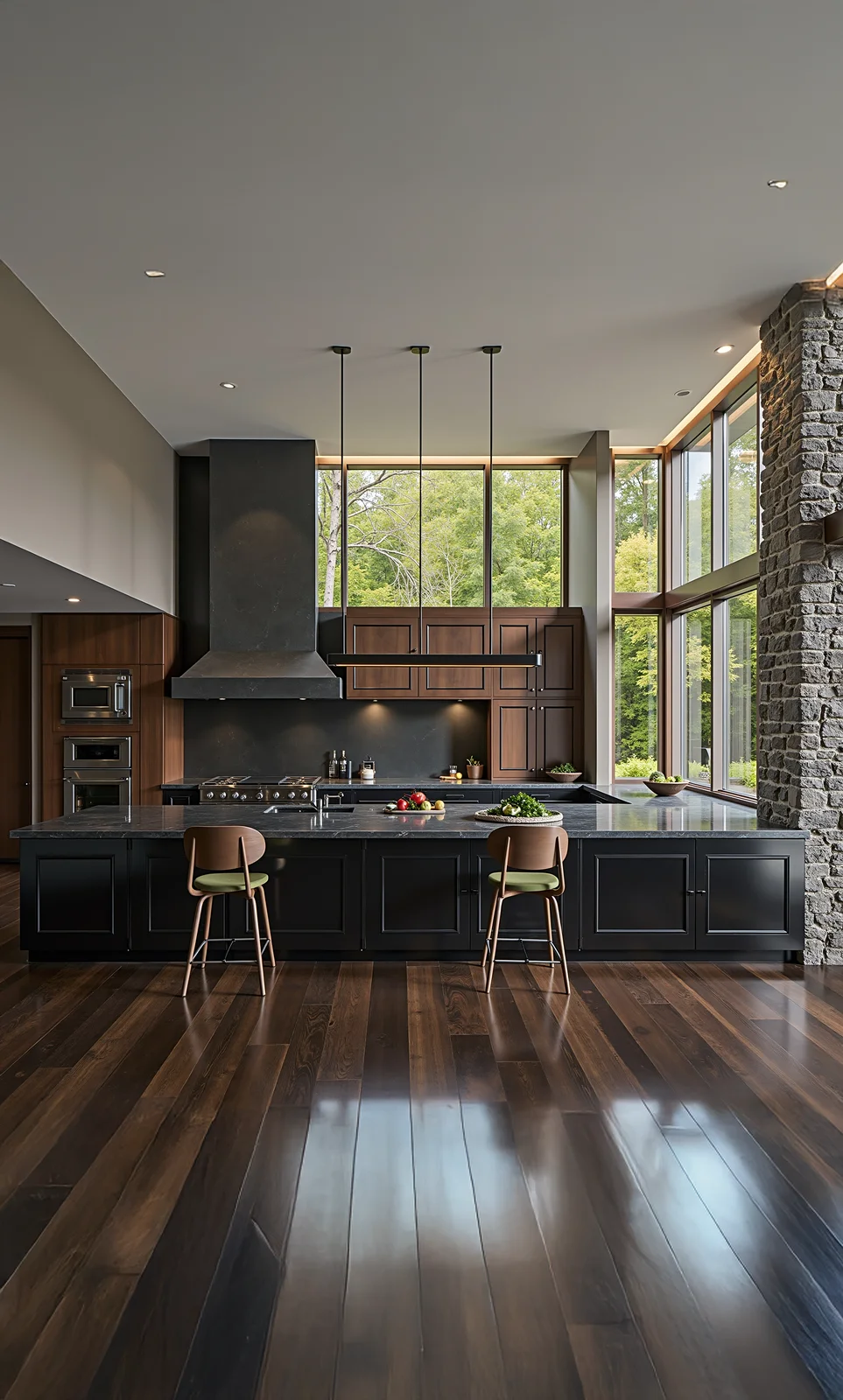
Maximize storage and efficiency with smart design.
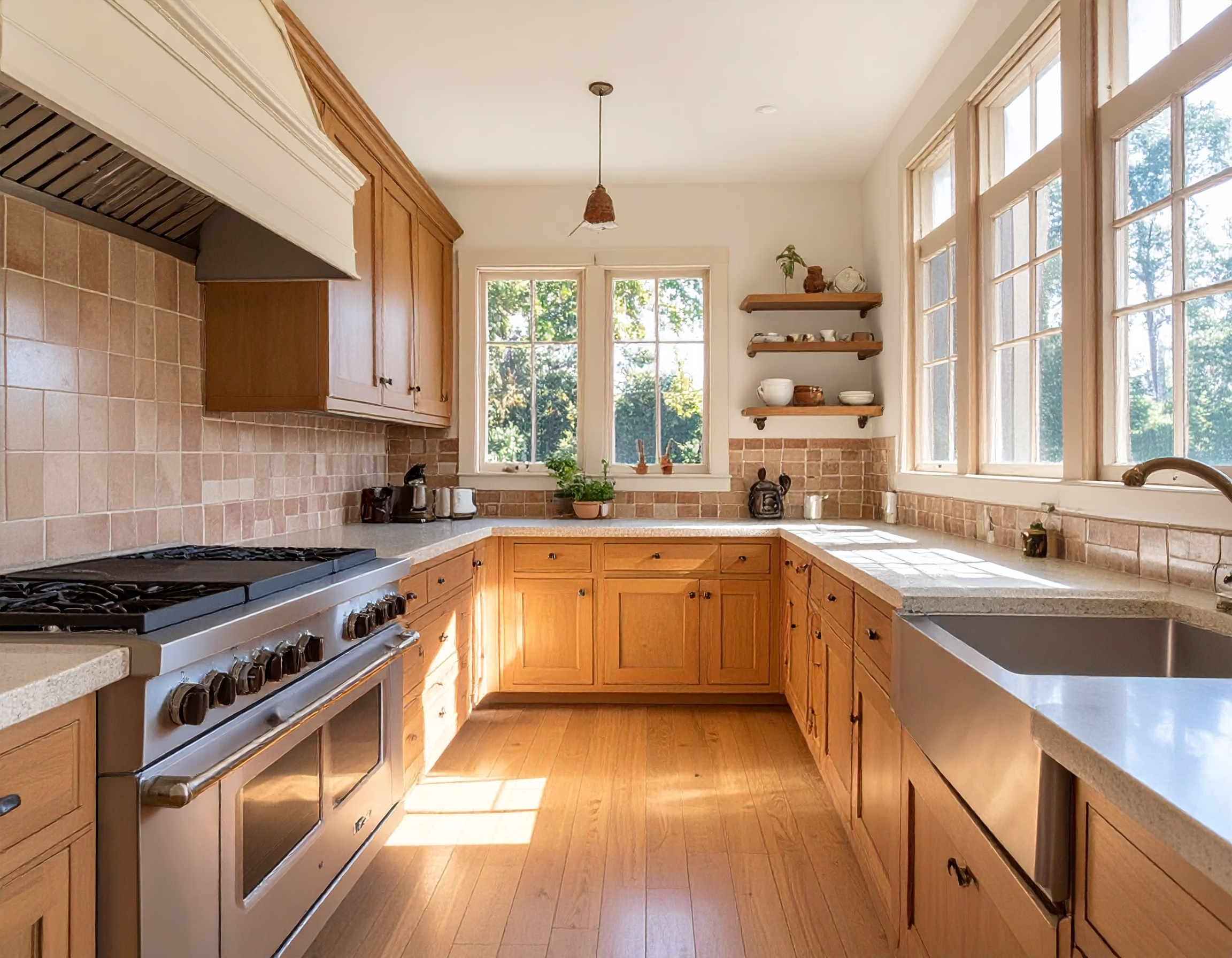
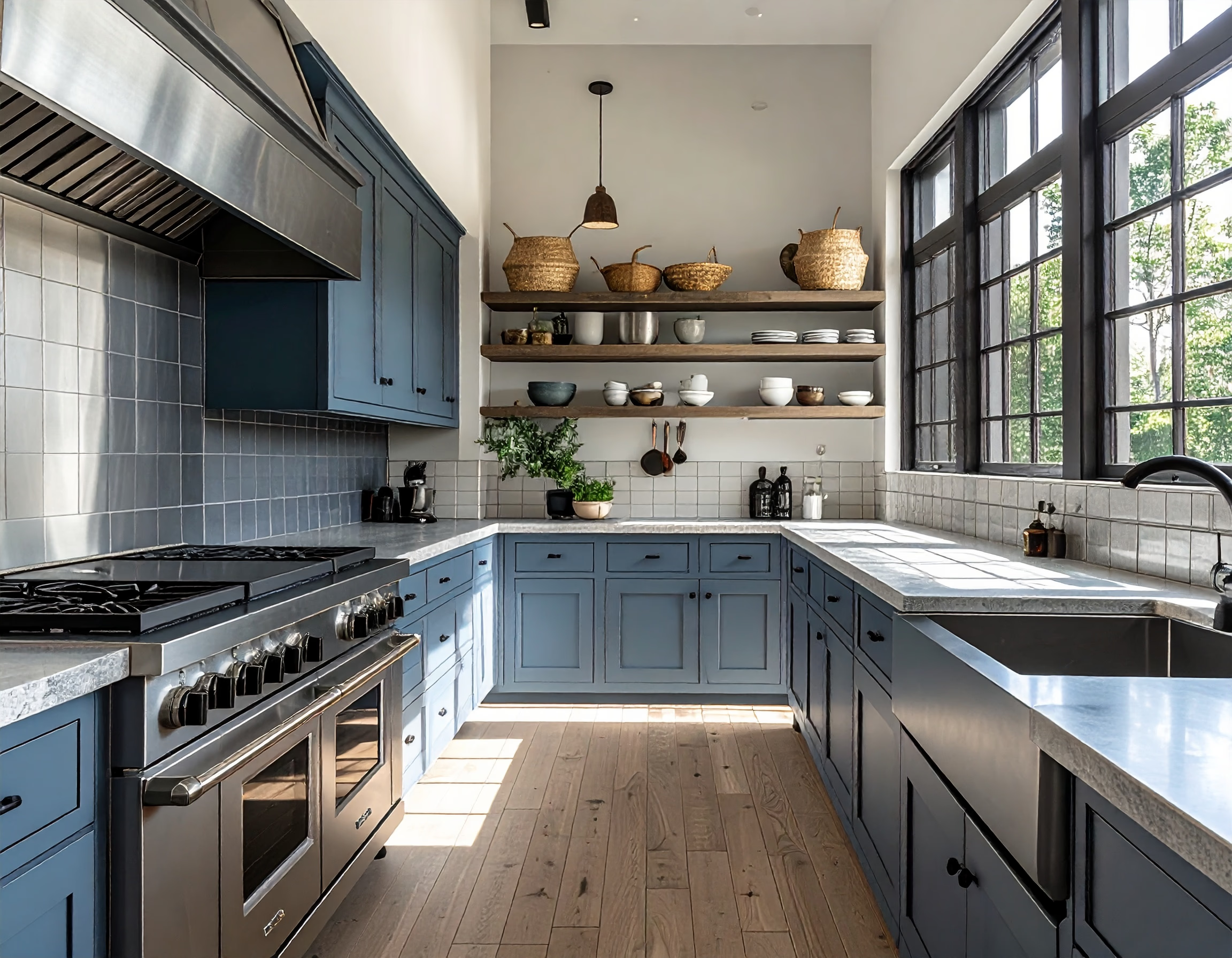
Create a kitchen that blends beauty with everyday function.
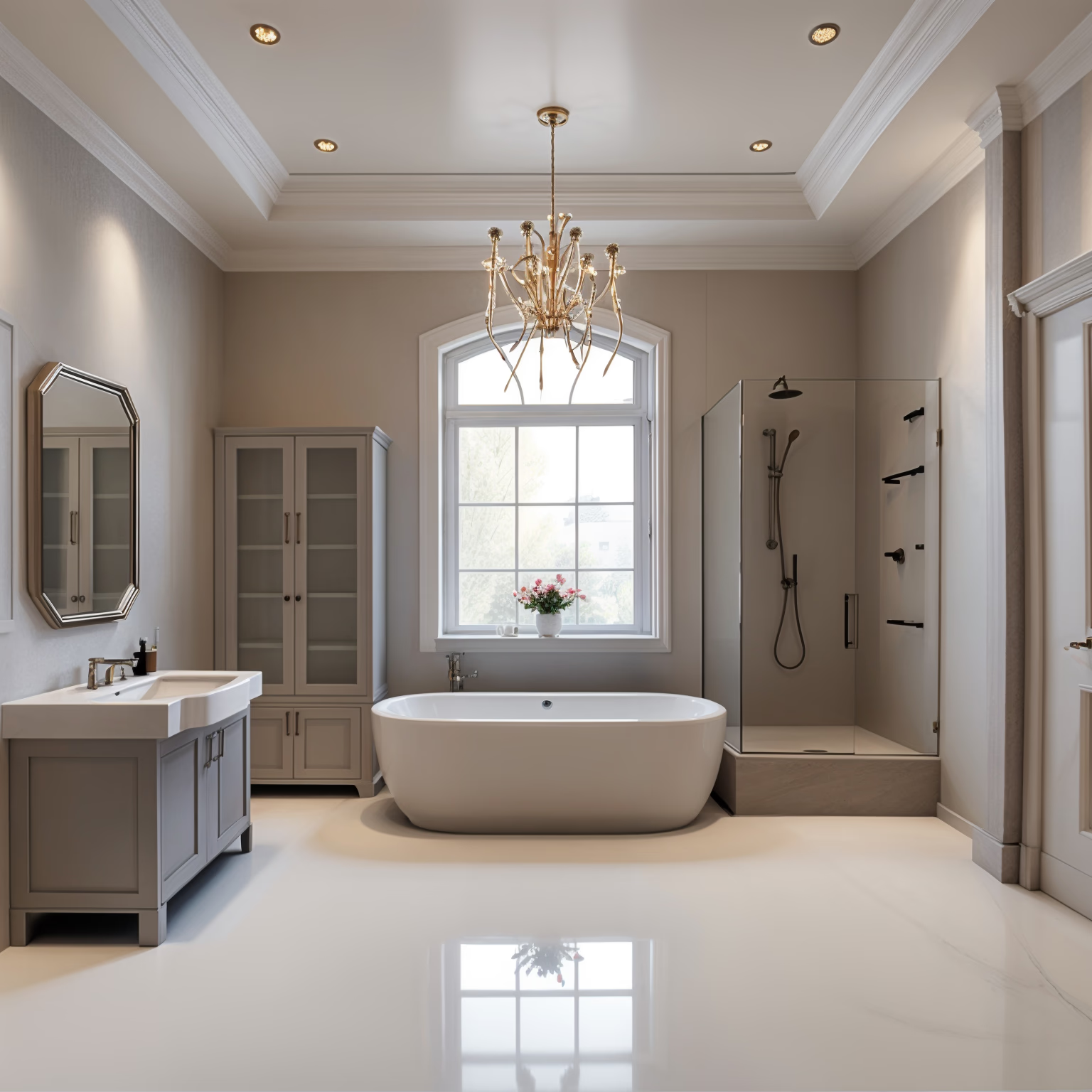
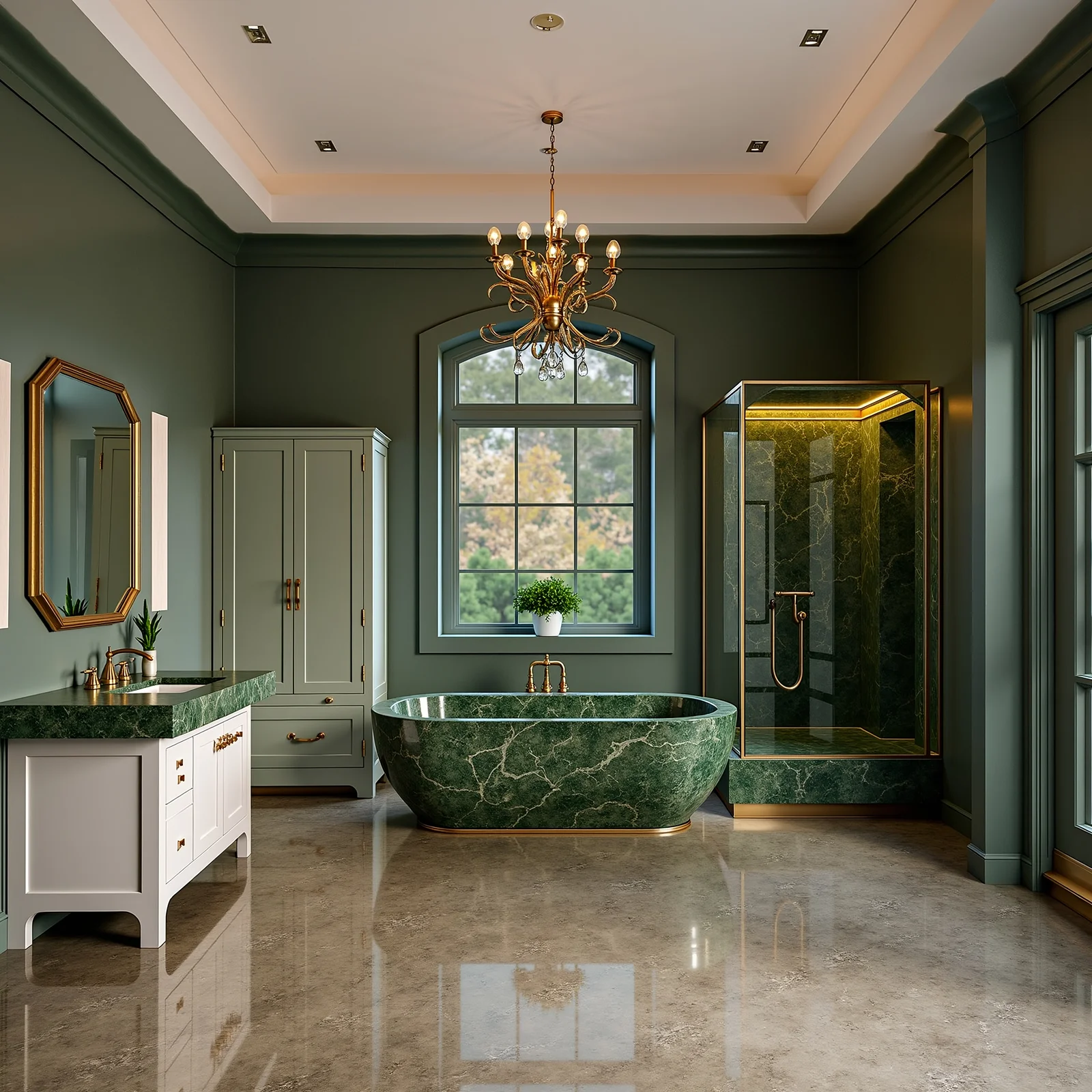
Upgrade to spa-like elegance with clean and modern finishes.
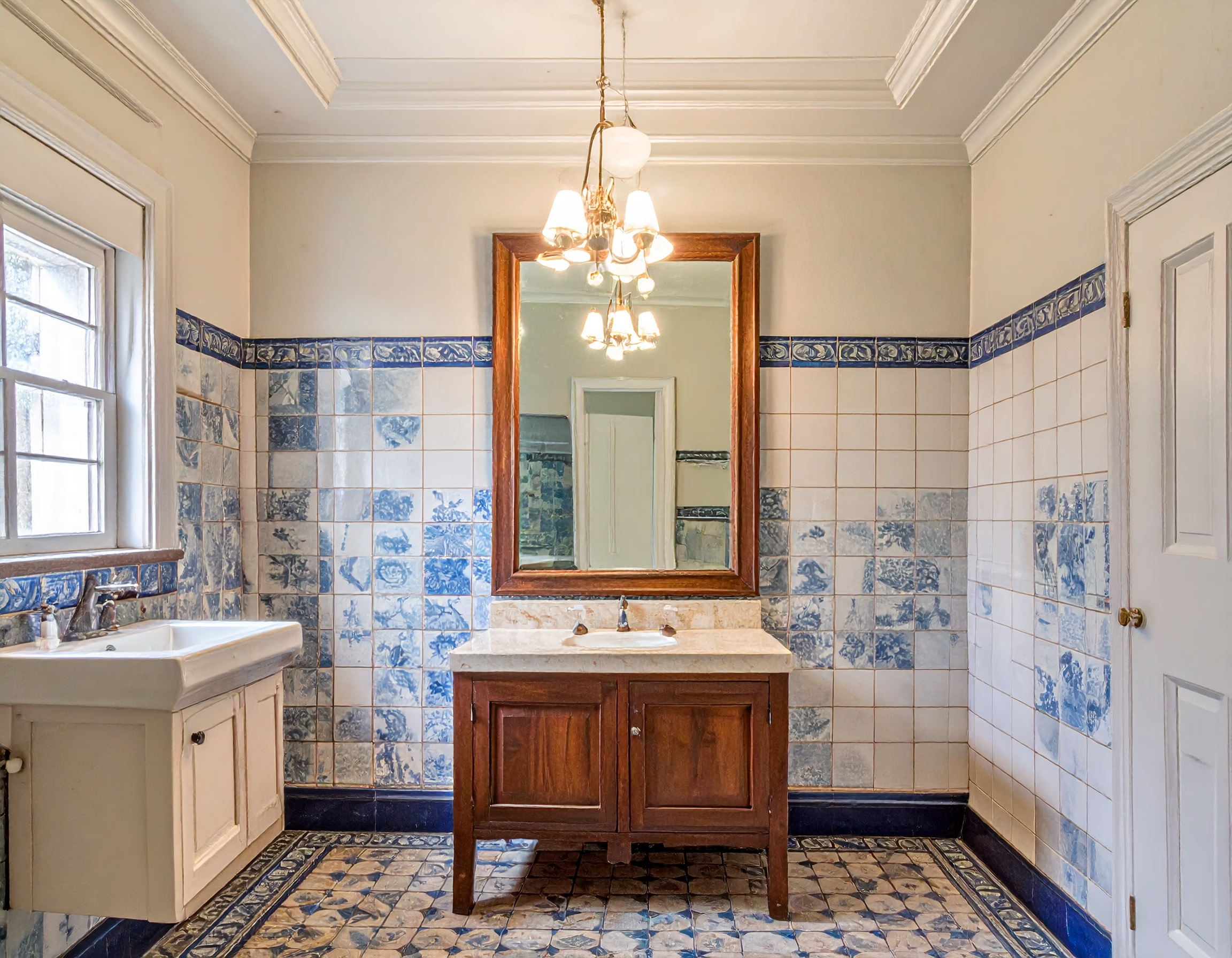
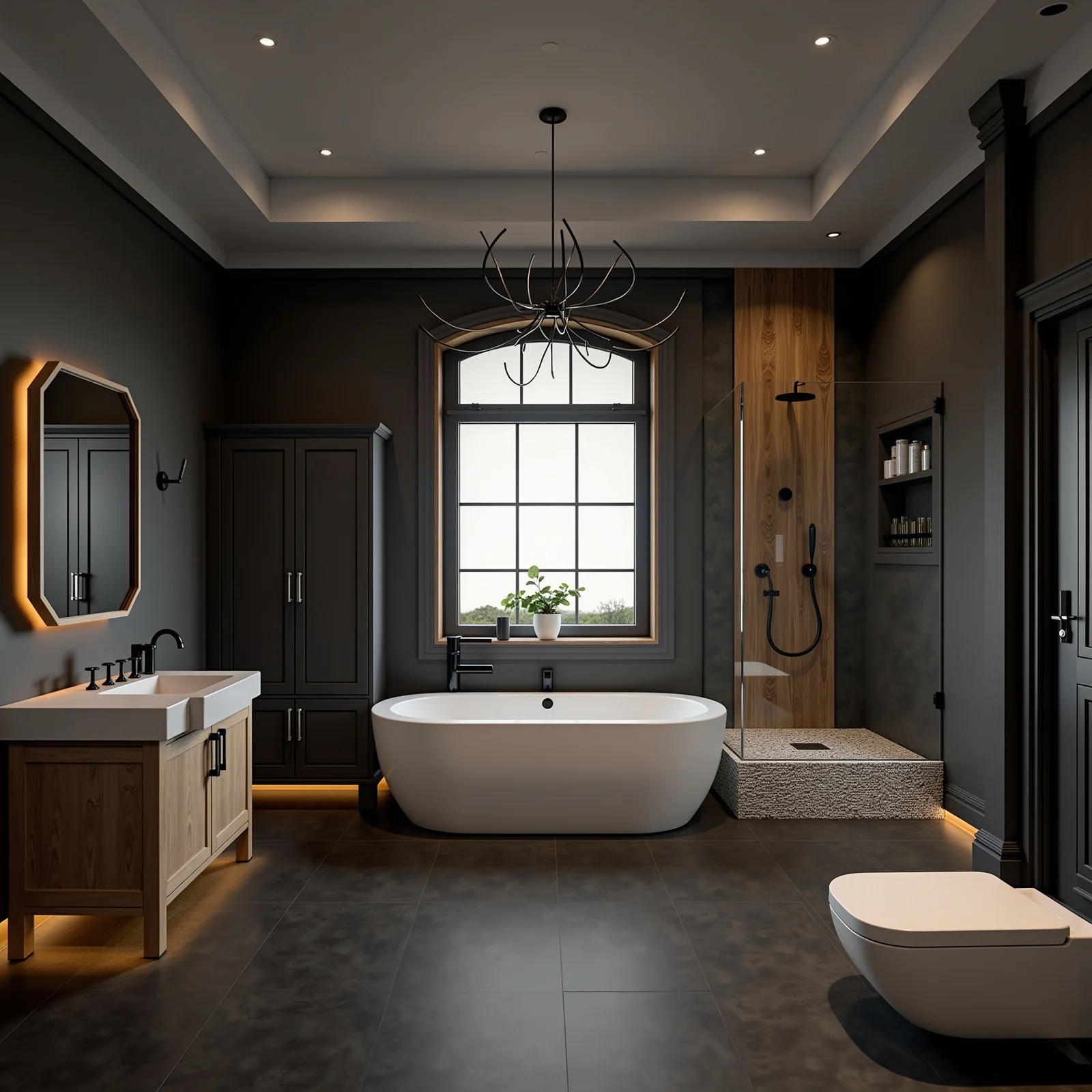
From dark and outdated to bright, fresh, and relaxing.
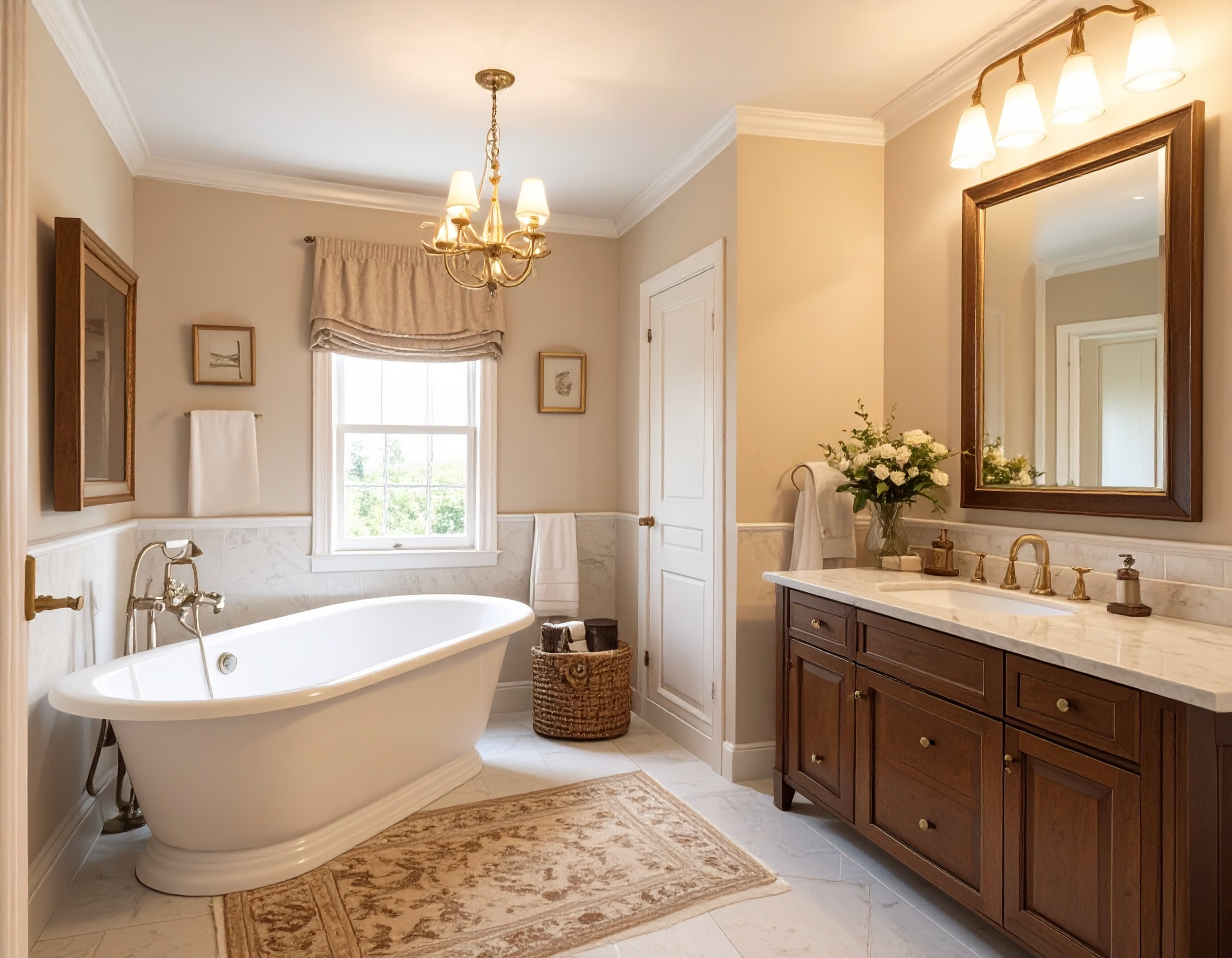
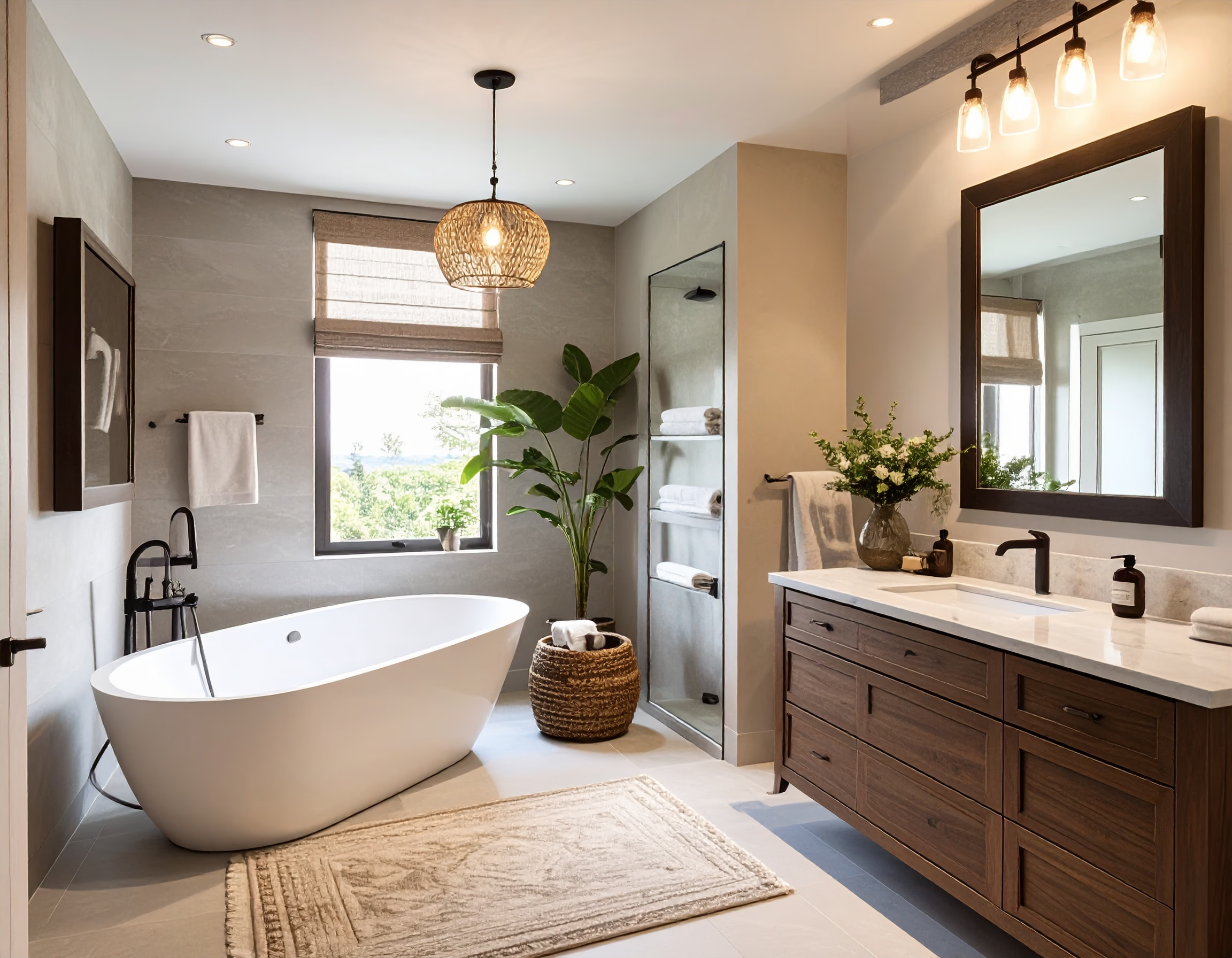
Transform your bathroom into a stylish retreat.
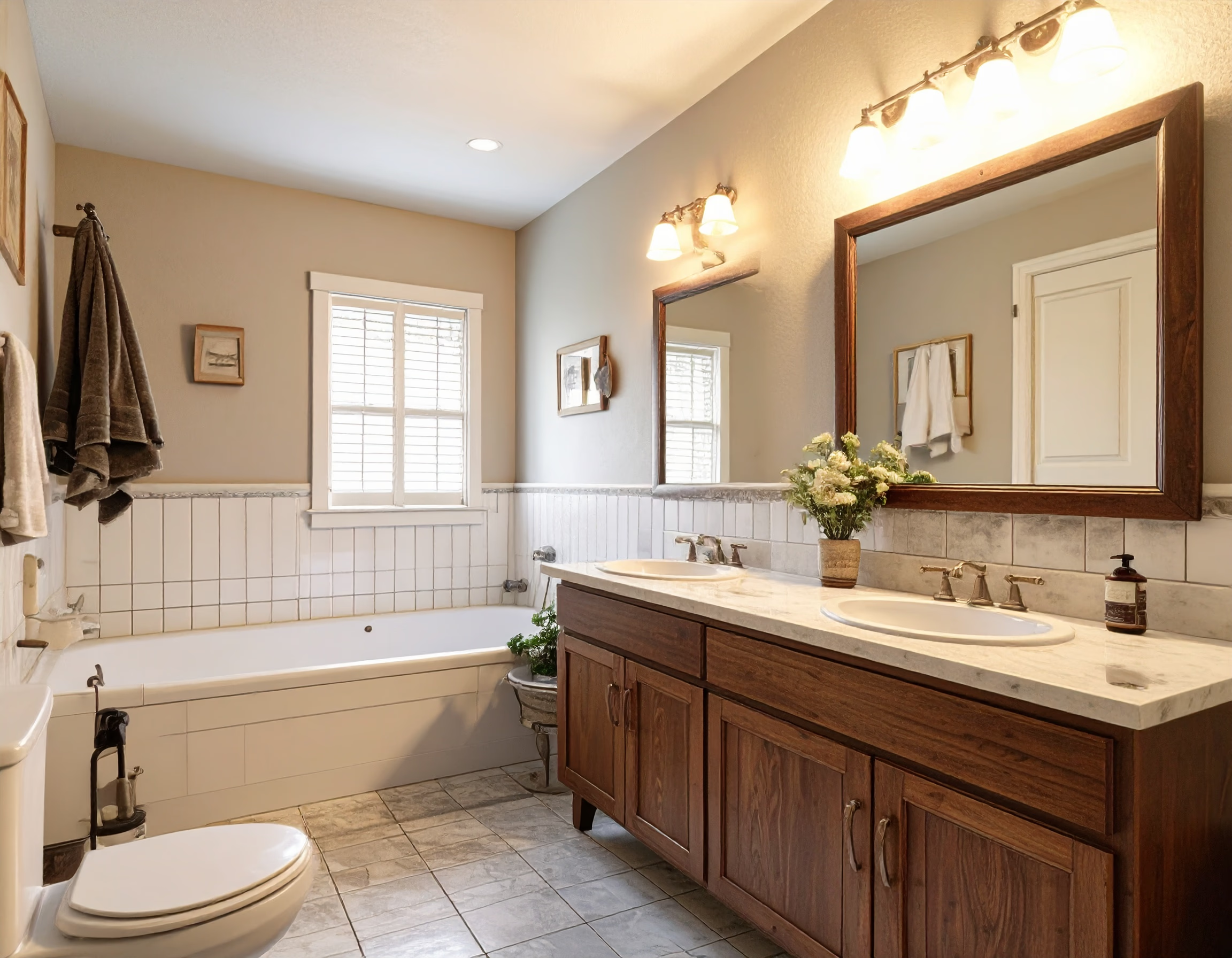
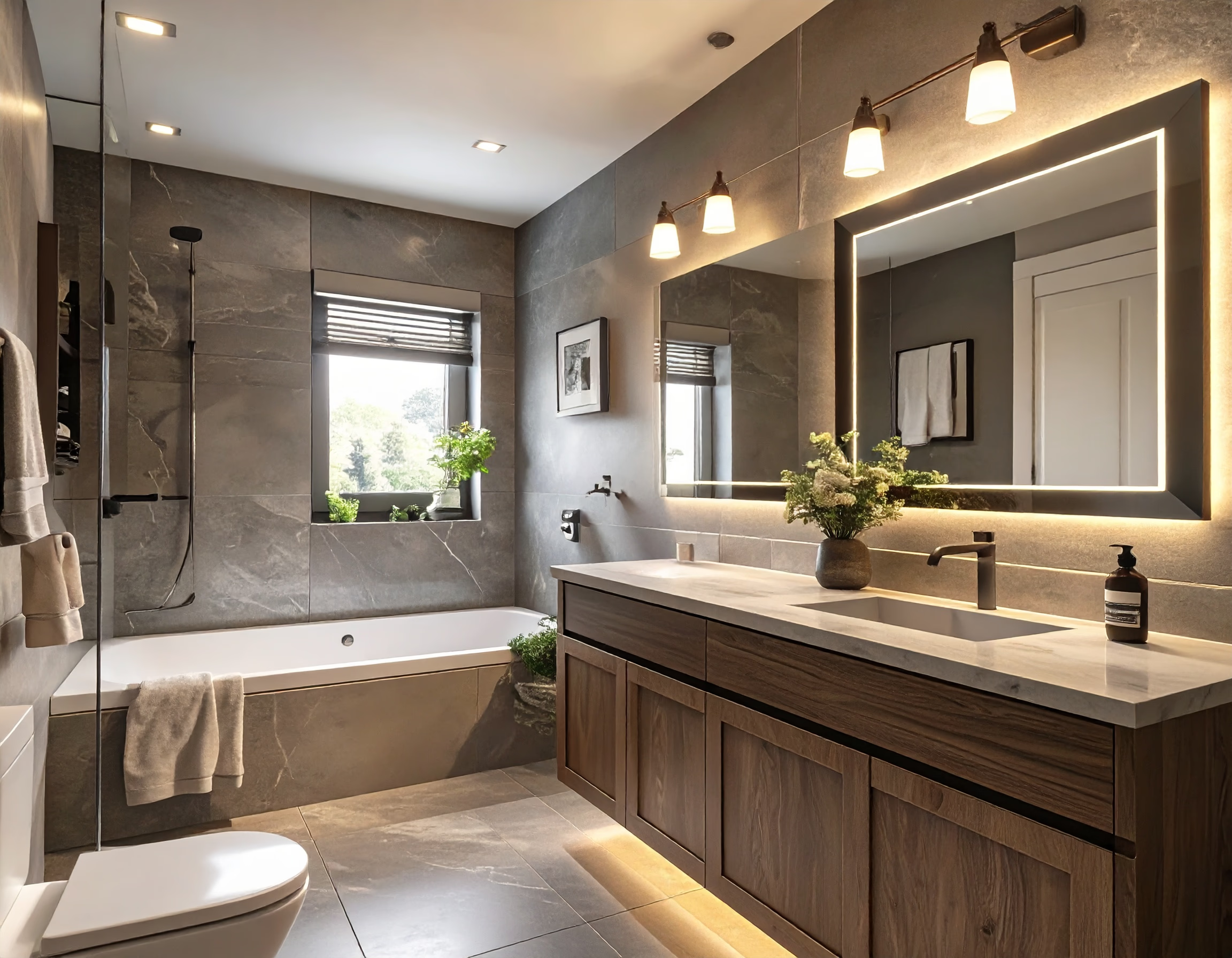
Experience comfort and beauty with modern bathroom design.
Renovate AI uses your photo to create design previews. Compare ideas for rooms, home exteriors, and outdoor spaces before you renovate.
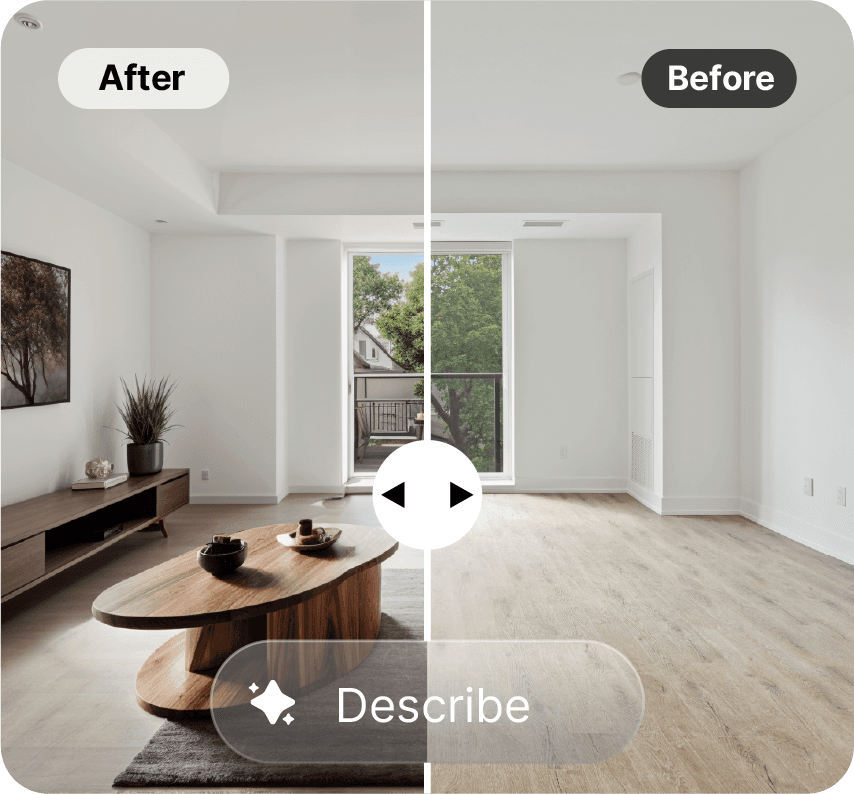
Virtual staging adds furniture to a photo. Use it to show how an empty room could look when furnished.
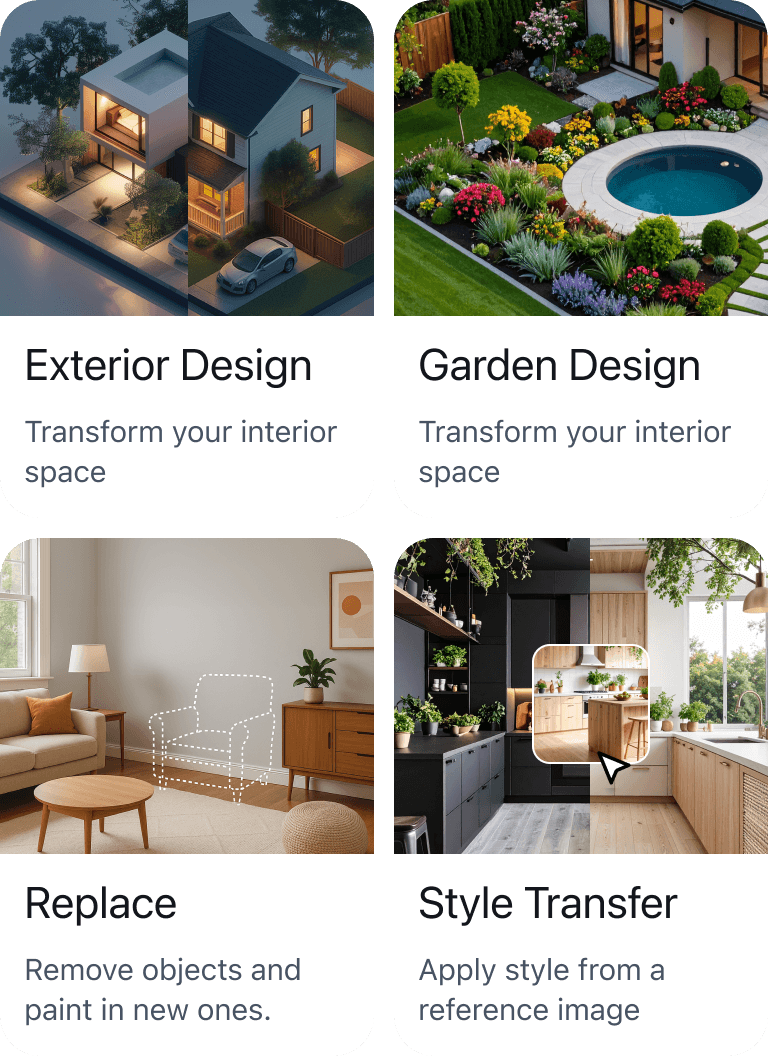
View Use CaseChoose what you want to change in your photo.
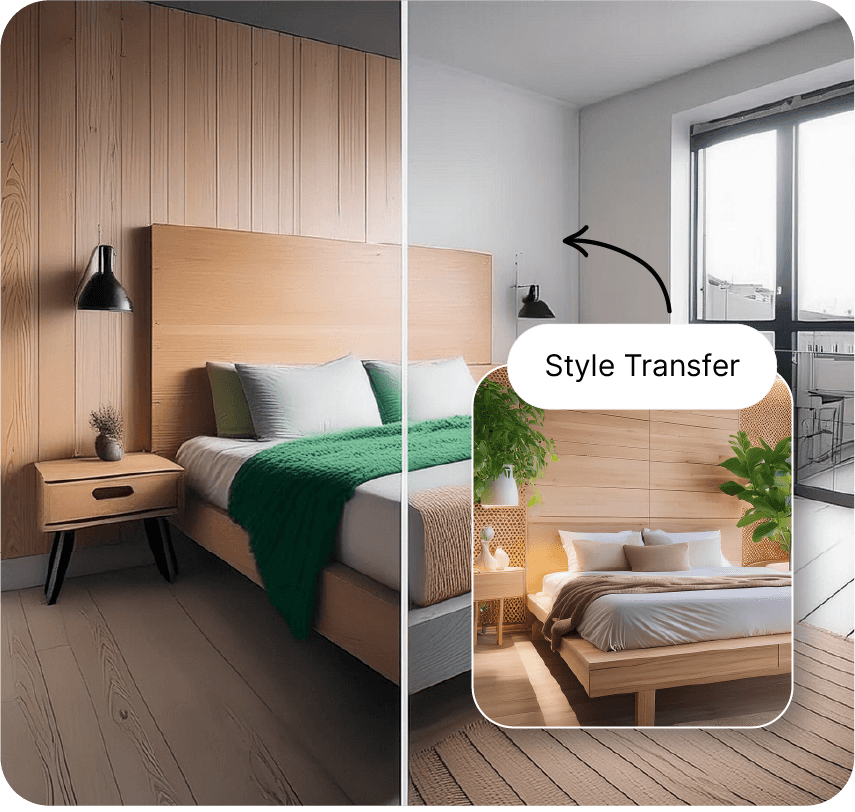
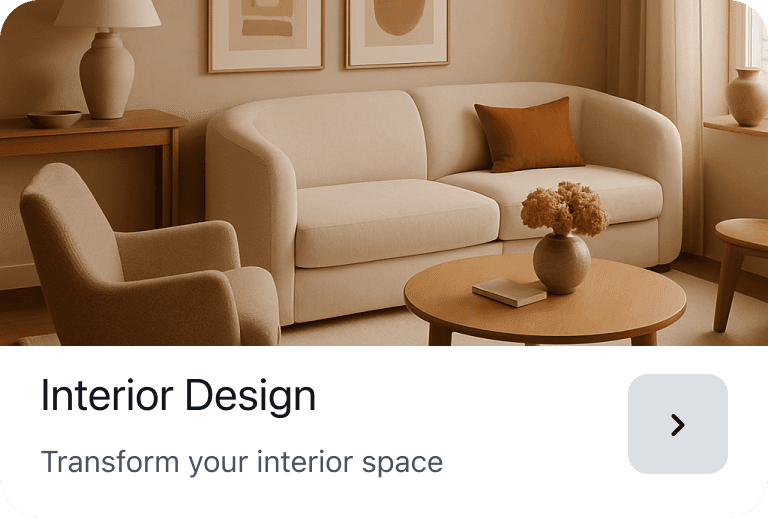
Preview a new design for your space
 PRO
PRO Add virtual furniture and lighting to room photos
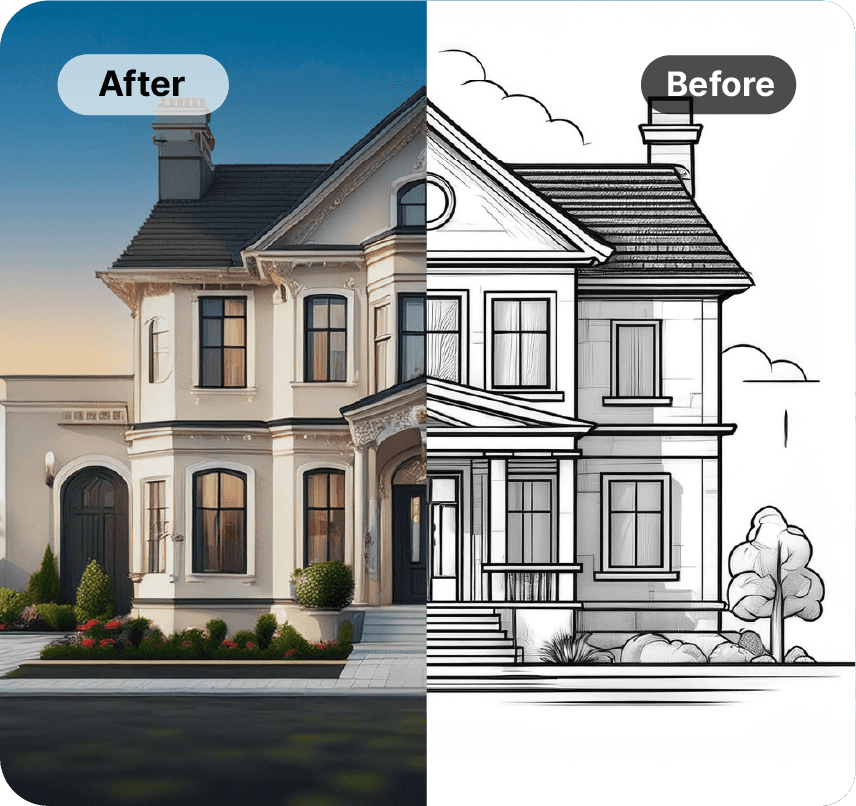
Turn a 2D building elevation into a realistic image
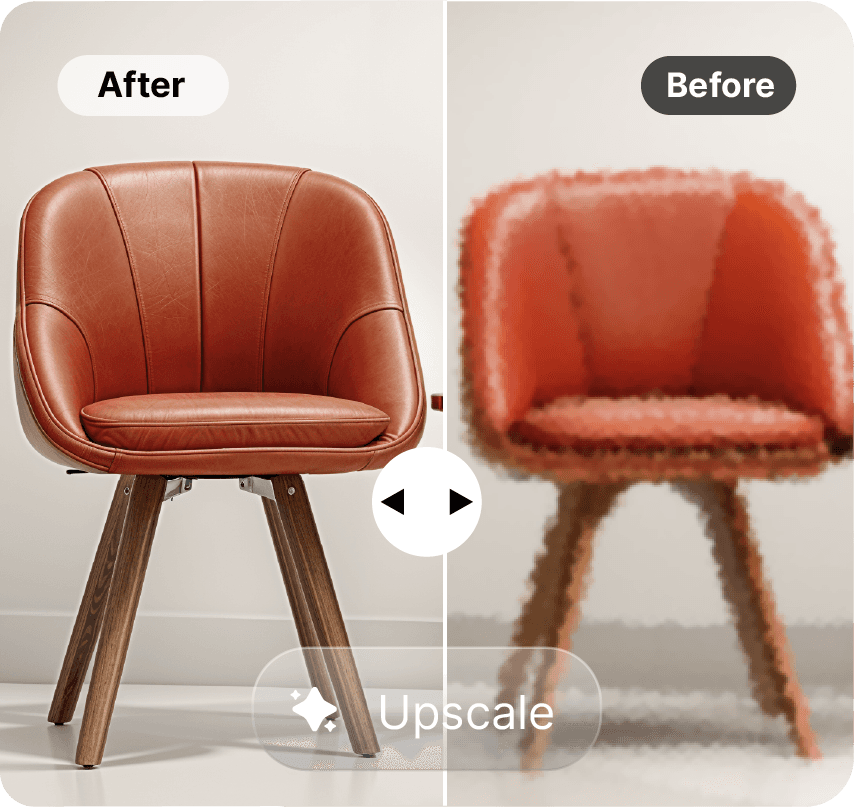
Increase image resolution up to 4K
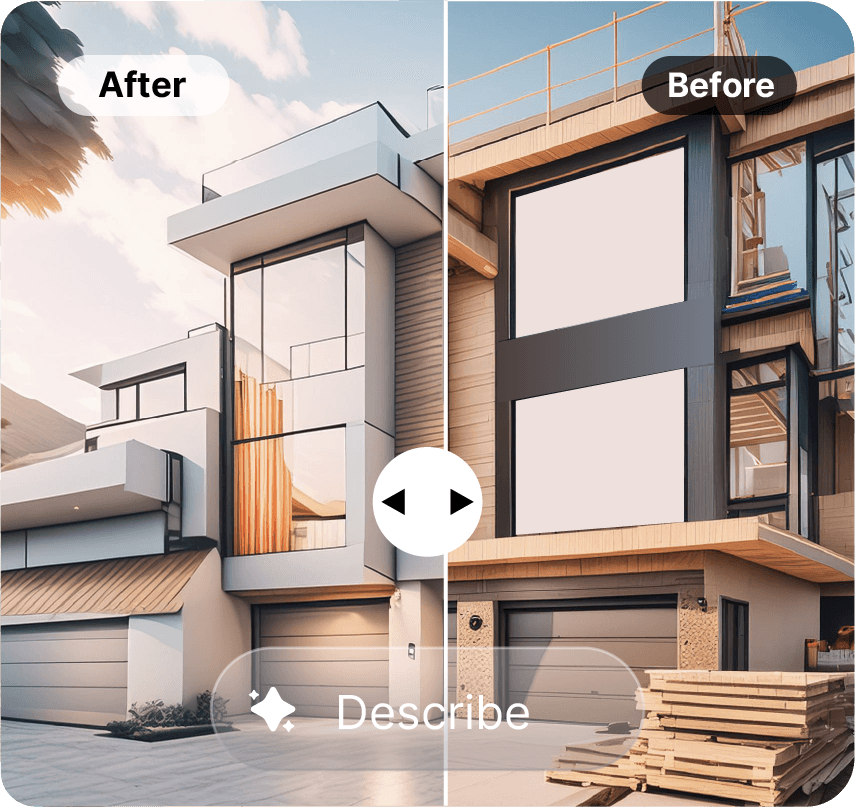 PRO
PRO Preview changes to your home exterior
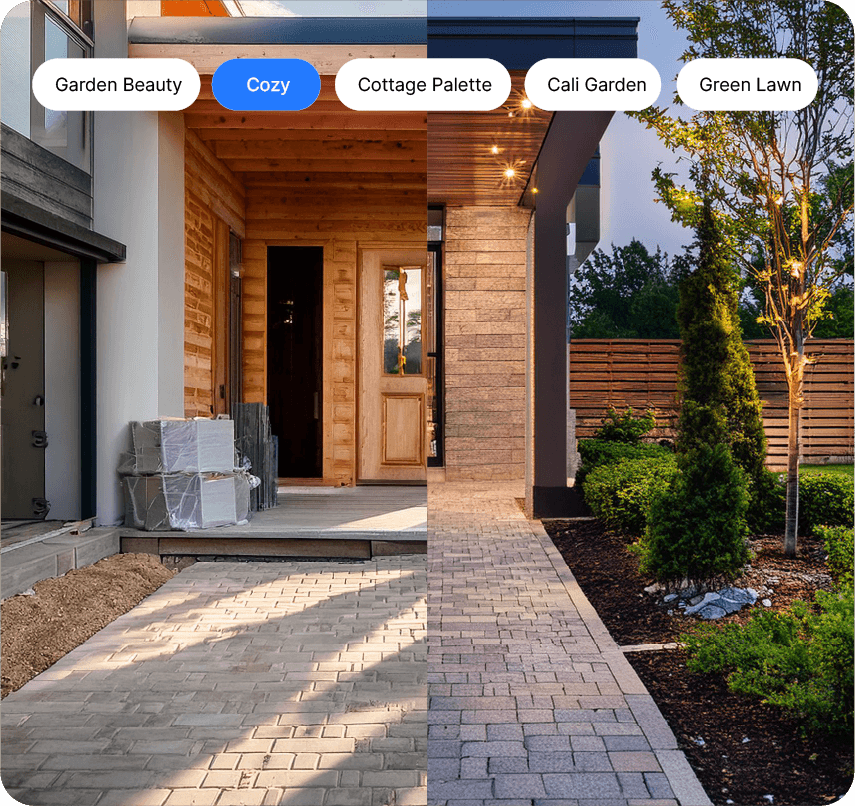 PRO
PRO Preview changes to your yard or garden
 PRO
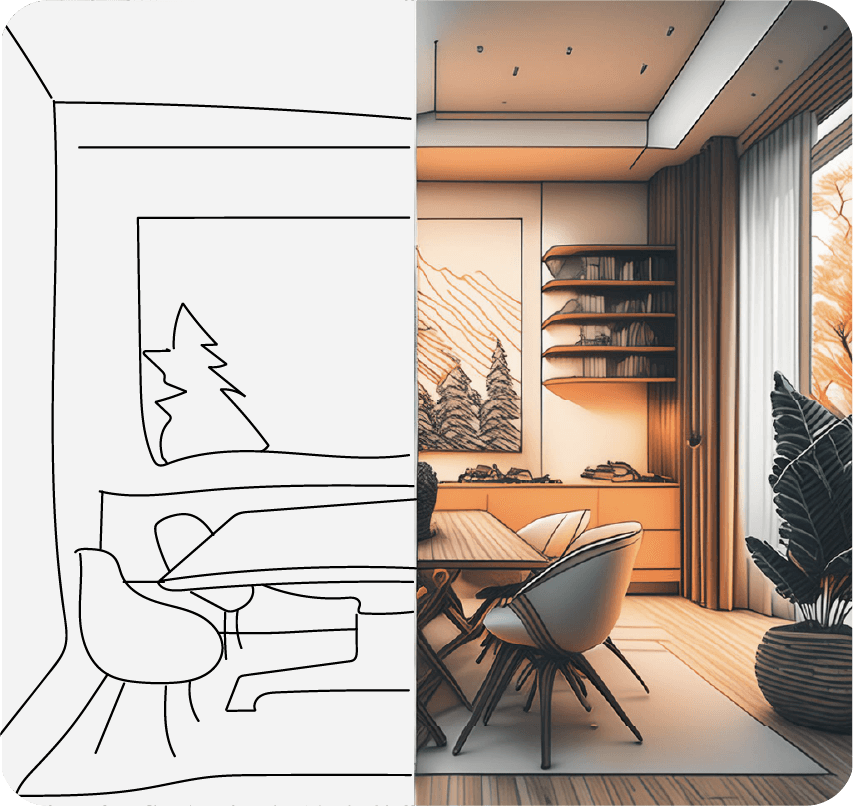
PRO Turn a sketch into a realistic image
 PRO
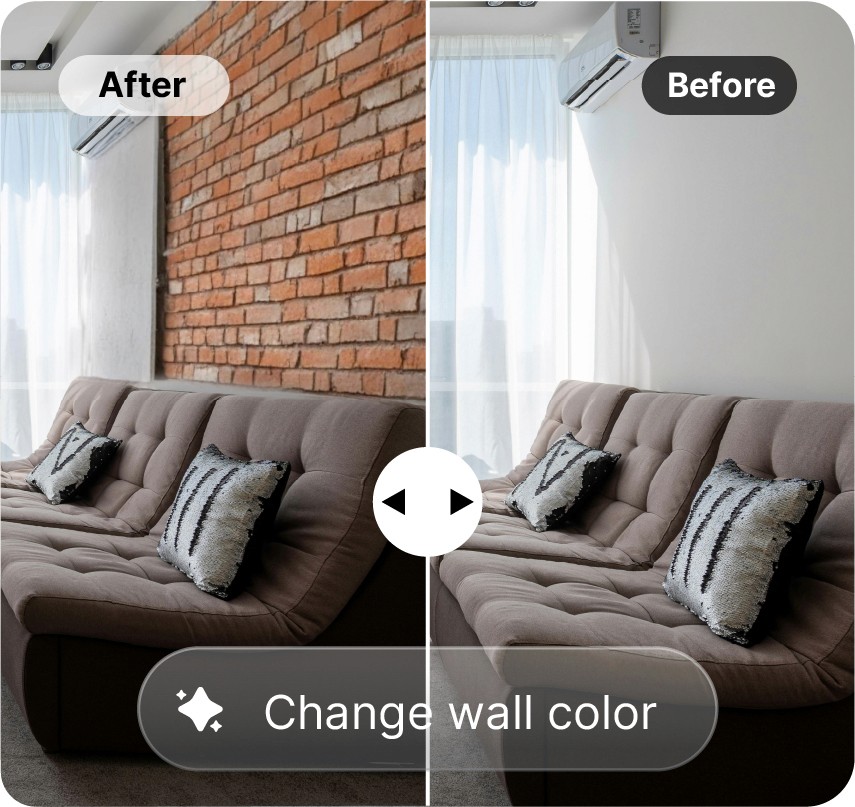
PRO Preview wall colors and materials
 PRO
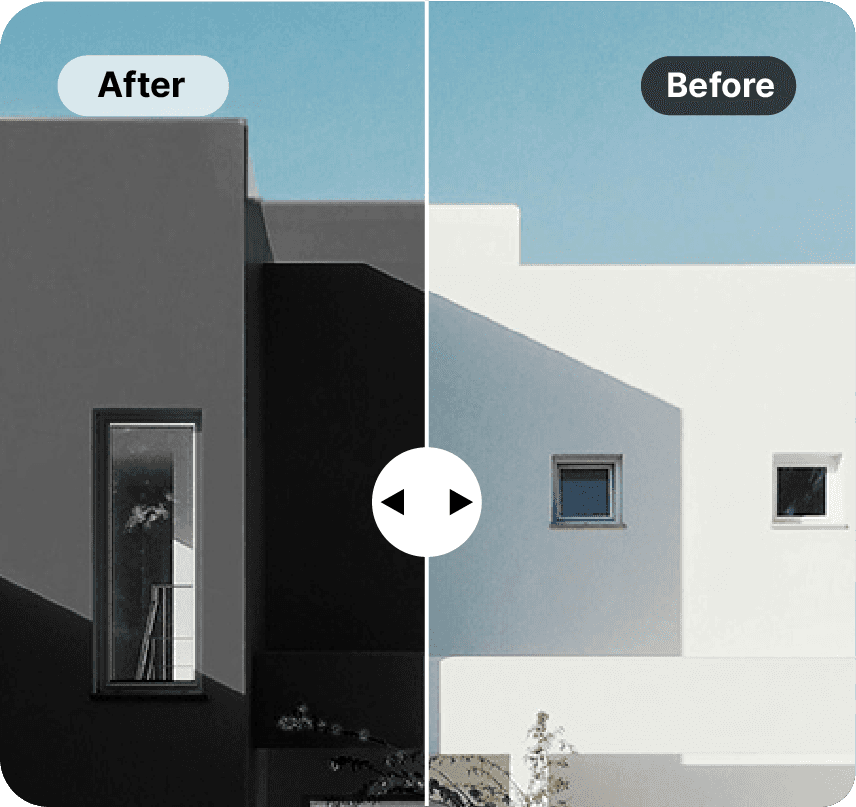
PRO Preview exterior colors and textures
 PRO
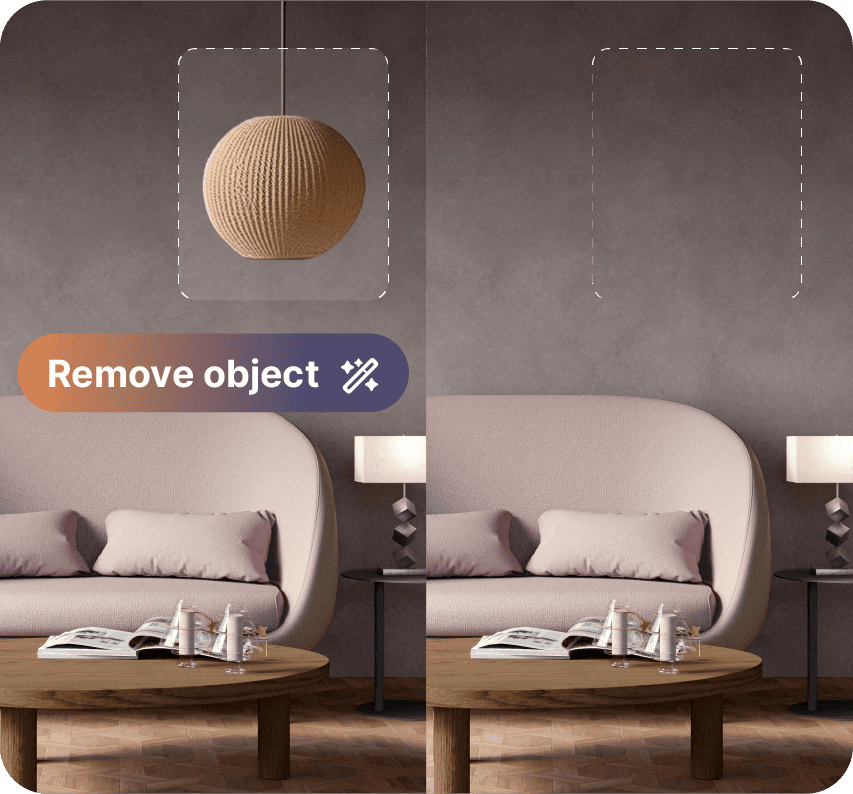
PRO Remove unwanted objects from your photo

Upload a photo to create a realistic design preview. Use the tools to explore changes to furniture, paint, and materials. No design experience is needed.


Home remodeling applications like Renovate AI and others that enable individuals to re-imagine a new kitchen, bathroom, or bedroom and share with their designer, architect, and builder. For the contractor, this saves time and helps clarify projects.
"As a contractor specializing in kitchen renovations, I've always relied on traditional methods and software for visualizing design changes with my clients. That is, until I discovered Renovate AI. The app's real-time visualization and high-precision AI technology have revolutionized how I approach kitchen remodels."
"Renovate AI made my bathroom redesign a breeze! The 'Style Transfer' feature is amazing - I uploaded a picture, and it transformed my room instantly. The user interface is the best I've seen, and the ability to switch between the app and the desktop version is incredibly convenient."
"This app is a must-have for anyone looking to refresh their home. The AI-powered design suggestions are spot on and have inspired me to try new things. The app is user-friendly and makes the design process enjoyable."
"As a contractor specializing in kitchen renovations, I've always relied on traditional methods and software for visualizing design changes with my clients. That is, until I discovered Renovate AI. The app's real-time visualization and high-precision AI technology have revolutionized how I approach kitchen remodels."
"Renovate AI made my bathroom redesign a breeze! The 'Style Transfer' feature is amazing - I uploaded a picture, and it transformed my room instantly. The user interface is the best I've seen, and the ability to switch between the app and the desktop version is incredibly convenient."
"This app is a must-have for anyone looking to refresh their home. The AI-powered design suggestions are spot on and have inspired me to try new things. The app is user-friendly and makes the design process enjoyable."
"I wanted to remodel certain parts of my home. Doing it the traditional way, I would have to take an appointment with an interior designer and spend time and effort for visit/consultation charges. However, with Renovate AI, I was able to see how other users are renovating their homes."
"This app completely transformed the way I envisioned my home's exterior. The exterior remodeling feature is incredibly user-friendly, even for someone like me who isn't particularly tech-savvy."
"I'm obsessed with Renovate AI! I used it to remodel my kitchen, and the individual tools in 'Renovate' mode made everything so easy. The app's design is very intuitive, and I love how seamlessly my projects sync between mobile and desktop."
"I wanted to remodel certain parts of my home. Doing it the traditional way, I would have to take an appointment with an interior designer and spend time and effort for visit/consultation charges. However, with Renovate AI, I was able to see how other users are renovating their homes."
"This app completely transformed the way I envisioned my home's exterior. The exterior remodeling feature is incredibly user-friendly, even for someone like me who isn't particularly tech-savvy."
"I'm obsessed with Renovate AI! I used it to remodel my kitchen, and the individual tools in 'Renovate' mode made everything so easy. The app's design is very intuitive, and I love how seamlessly my projects sync between mobile and desktop."
"This app is amazing. I wanted to remodel my kitchen and had some specific requirements on the styles of my cabinets and the paint color on my walls. This application had all the necessary tools which worked to near perfection of the output result I had visualized. Also, the UI is very fascinating and easy to use."
"As a new homeowner, I was thrilled to find Renovate AI. Right after upgrading to Pro, the abundance of creative and practical ideas started flowing. This app didn't just transform my living room; it revolutionized my entire home, including the front and back yards!"
"As a contractor specializing in kitchen renovations, I've always relied on traditional methods and software for visualizing design changes with my clients. That is, until I discovered Renovate AI. The app's real-time visualization and high-precision AI technology have revolutionized how I approach kitchen remodels."
"This app is amazing. I wanted to remodel my kitchen and had some specific requirements on the styles of my cabinets and the paint color on my walls. This application had all the necessary tools which worked to near perfection of the output result I had visualized. Also, the UI is very fascinating and easy to use."
"As a new homeowner, I was thrilled to find Renovate AI. Right after upgrading to Pro, the abundance of creative and practical ideas started flowing. This app didn't just transform my living room; it revolutionized my entire home, including the front and back yards!"
"As a contractor specializing in kitchen renovations, I've always relied on traditional methods and software for visualizing design changes with my clients. That is, until I discovered Renovate AI. The app's real-time visualization and high-precision AI technology have revolutionized how I approach kitchen remodels."
| Feature | Renovate AI | Everybody else |
|---|---|---|
| Room-aware masks & materials | ✅ | x |
| Exterior renovation modes | ✅ | x |
| Landscaping tools | ✅ | x |
| Virtual staging | ✅ | x |
| Typical turnaround | ~10s | 30–60s+ |
| Beginner friendly | No technical skills needed | x |
| Human support | Founder chat | Chat bots |

Renovate AI uses AI to create design previews from photos. Explore changes to rooms, home exteriors, and outdoor spaces before you renovate.
Homeowners, renters, designers, real estate professionals, contractors, and architects can use Renovate AI to explore design ideas.
AI creates images of proposed changes to your space. Compare paint colors, flooring, materials, and design styles in your photo.
See the pricing page for current plans and prices. View pricing
Creating a design preview takes about 10 to 20 seconds.
You can preview changes to kitchens, bathrooms, living rooms, bedrooms, basements, garages, and home exteriors. You can also explore paint, flooring, and landscaping changes.
Yes. Use your photos to explore design ideas before you decide to renovate.
You can access and sync saved projects across the iOS, Android, and web apps.
Yes. Earn a 20% commission on payments made in the first 6 months by paying customers you refer to Renovate AI Studio. View affiliate program details
Yes. AI can create unrealistic furniture details or other image errors. Photo quality and design complexity can affect the result. Review each preview before you use it to make design decisions.
Virtual staging adds furniture to property photos. Use Renovate AI to explore furniture, colors, and styles without changing the physical room.
Yes. Upload a photo or rendered image of the unfinished space. Explore finishes, materials, and styles before construction is complete.
Yes. Renovate AI can create visual concepts from sketches and architectural images. The tools work best with photos. Use the results to explore ideas.
Yes. Upload a photo of your garden, patio, driveway, or home exterior to explore outdoor design ideas.
Yes. Preview different furniture styles, paint colors, lighting, and layouts in photos of your rooms.
Use the iOS or Android app on your phone or tablet. Use the web app in a browser on your computer. Your saved projects sync across devices.
Use our contact page to get in touch. Contact us