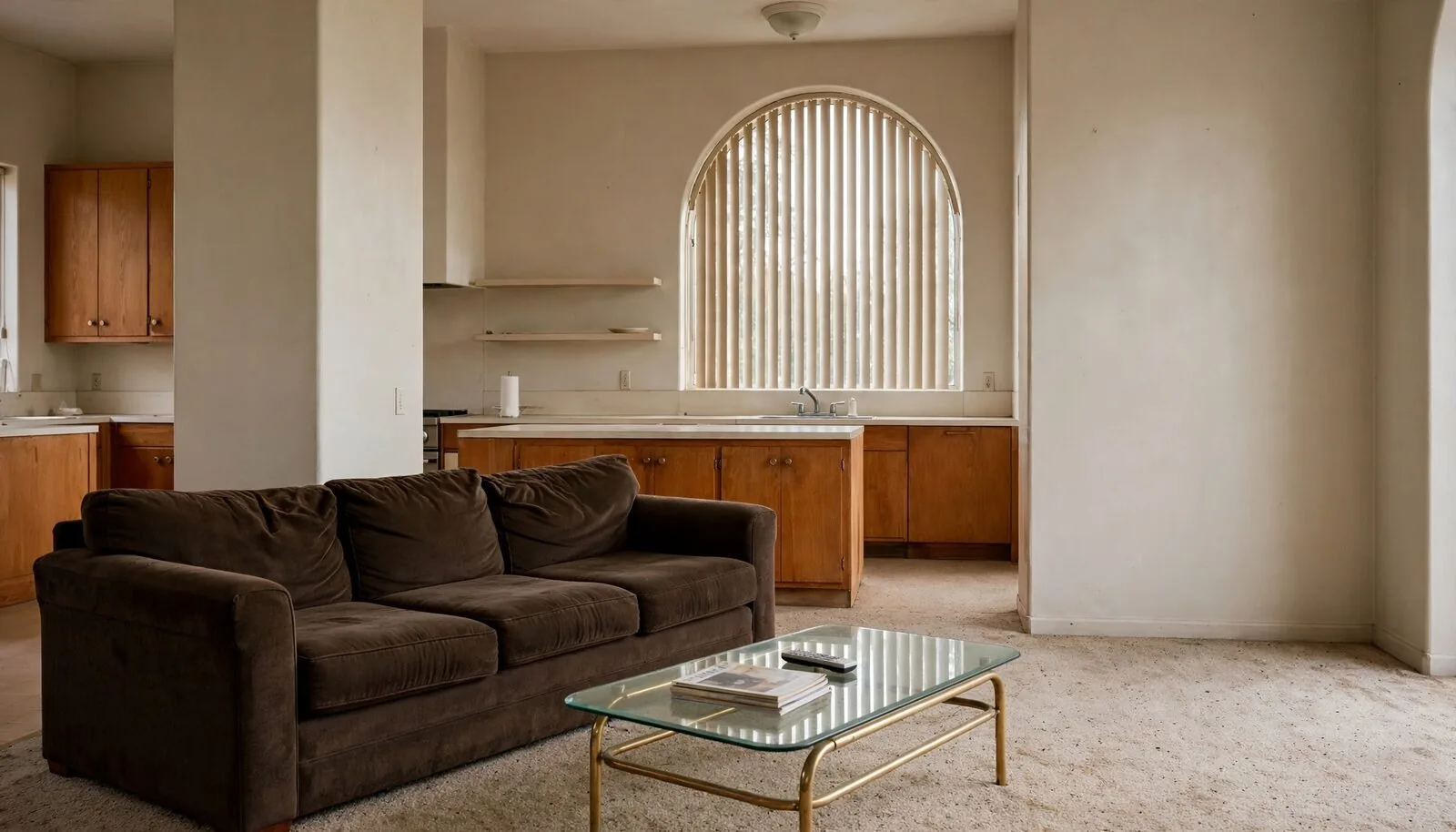
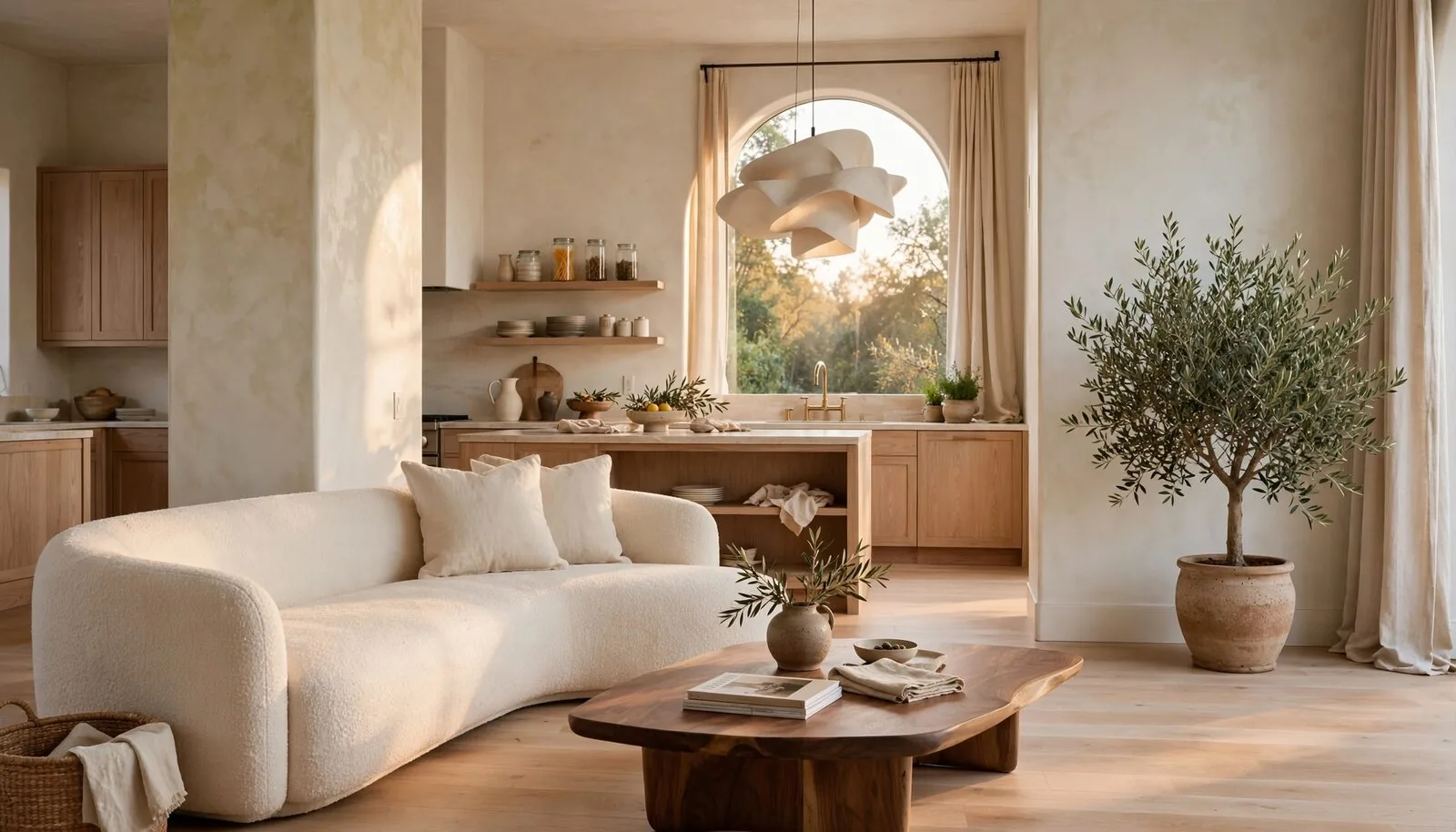
Three steps. One chat.
- 1
Add a photo
Add a photo of your room, house, yard, patio or garden to a ChatGPT chat.
- 2
Ask for a change
Tell ChatGPT what to change in your own words. Renovate AI makes the design.
- 3
Drag the slider
Compare before and after in the Renovate AI card. Open the design in Renovate AI to keep going.
Ask in your own words.
Use exact paints, real materials, furniture or a feeling. ChatGPT turns your words into a precise brief for Renovate AI.
- Show me this kitchen with white oak cabinets and a modern look. With a photo of your kitchen
- Put this sofa in my living room. With a room photo and a sofa photo
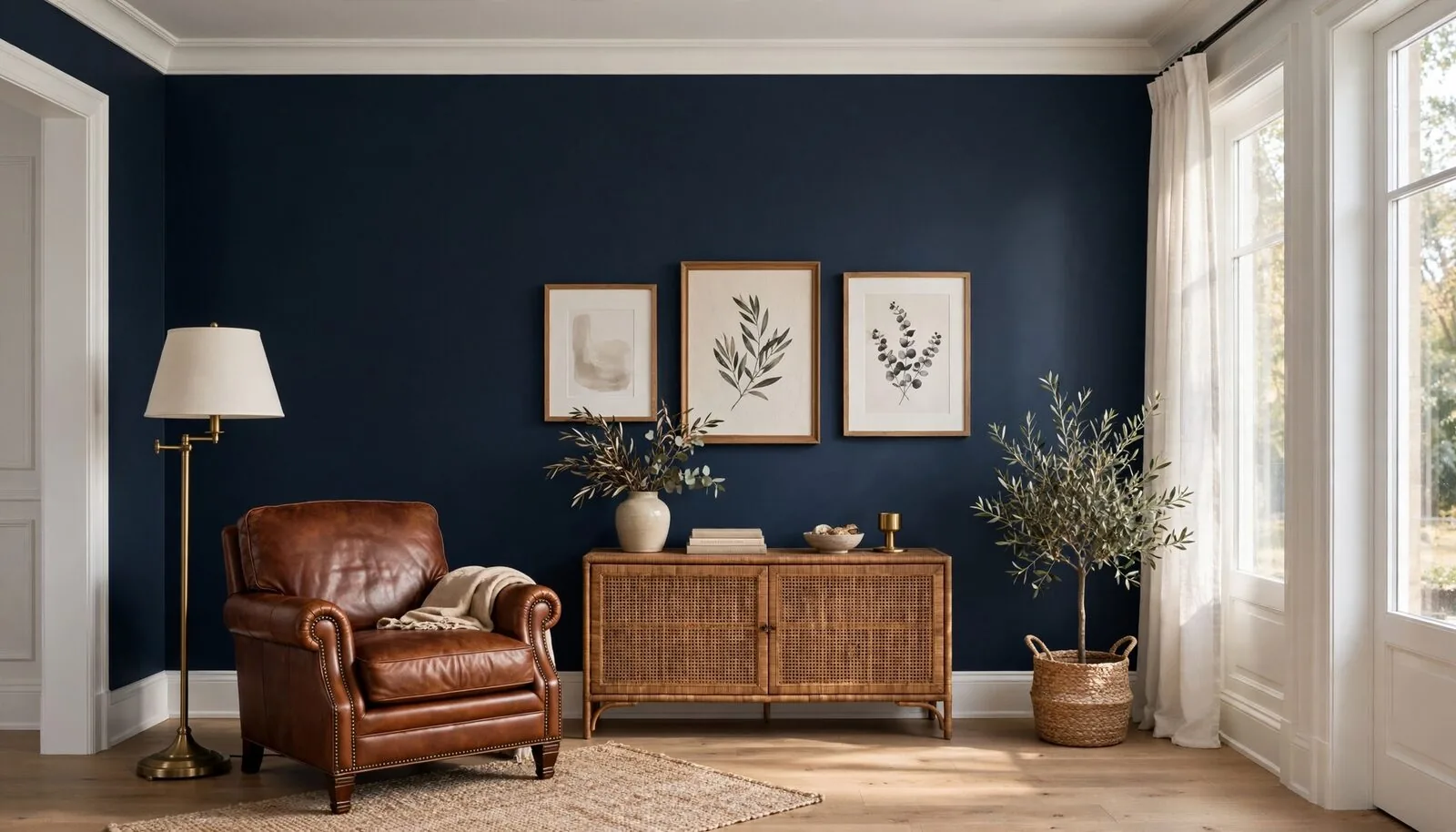
- Paint my walls Sherwin-Williams Agreeable Gray. Name any paint by brand, name or code
- Make it cozy and warm. ChatGPT turns your words into a precise brief
- Try Japandi instead. Change the style of the last design
- Keep this, but change the rug. Refine the last design
- Show my Renovate AI projects. List and open your projects
- Favorite this design. It shows in Renovate AI under Favorites
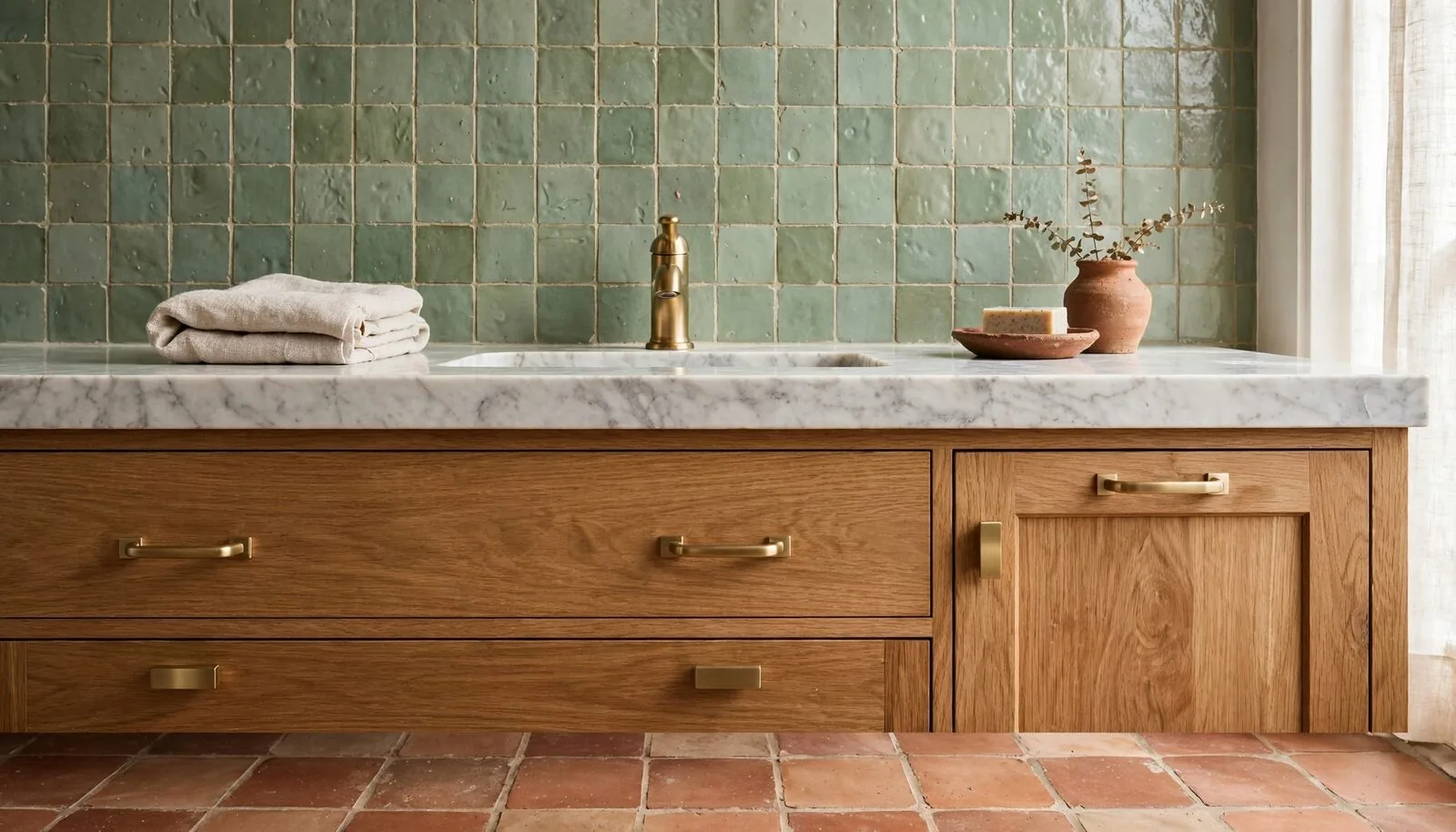
Real paint. Real materials.
More than 300 styles.
- Modern
- Japandi
- Scandinavian
- Coastal Farmhouse
- Mid-Century Modern
- Warm Modern
- Organic Modern
- Quiet Luxury
- + 300 more
Every design stays in Renovate AI.
Renovate AI saves each design to your projects. ChatGPT can list your projects, open them, rename them and favorite a design for you. Each reply has a link that opens the project in Renovate AI.
In ChatGPT
- Redesign a photo in the chat.
- Compare before and after with the slider.
- See every design of a project in full screen.
- Open, rename and favorite your projects.
 In Renovate AI
- Pick from more than 8,000 paint colors from Benjamin Moore, Sherwin-Williams and Behr.
- Add real tile, stone, wood and wallpaper.
- Select one object and change only that object.
- Use more than 300 styles.
Add Renovate AI to ChatGPT.
- Open ChatGPT on the web, on your computer or on your phone.
- Select Plugins in the sidebar, or go to chatgpt.com/plugins.
- Search for Renovate AI. Select Install.
- Connect your Renovate AI account when ChatGPT asks.
- Start a chat. Type @Renovate AI, add a photo and ask for a change.
The first time, ChatGPT asks you to connect your Renovate AI account. Sign in with your Renovate AI account, or make a free account. Renovate AI saves your designs to that account.
Questions
What is the Renovate AI plugin for ChatGPT?
It is a ChatGPT plugin that redesigns photos of your home. Add a photo to a chat and ask for a change. Renovate AI makes the design and keeps the layout, walls, windows and camera angle of your photo.
How do I add Renovate AI to ChatGPT?
Open ChatGPT and select Plugins in the sidebar, or go to chatgpt.com/plugins. Search for Renovate AI and select Install. Then connect your Renovate AI account.
Can I redesign my room in ChatGPT?
Yes. Add a photo of your room to a chat and ask for a change, for example a new paint color, new furniture or a new style. Renovate AI shows the design in a card with a before and after slider.
Can I use a real paint color?
Yes. Name the paint by brand, name or code, for example Benjamin Moore Hale Navy HC-154. In Renovate AI you can pick from more than 8,000 paint colors from Benjamin Moore, Sherwin-Williams and Behr.
Can I add a photo of a sofa or a tile that I like?
Yes. Add reference images with your room photo, then ask Renovate AI to use them, for example "Put this sofa in my living room."
Where are my designs saved?
Renovate AI saves every design to your projects. Open them in ChatGPT or at studio.renovateai.app with the same account.
Which spaces can I redesign?
Rooms, kitchens, bathrooms, house exteriors, yards, patios and gardens. Use a real photo of the space.
Do I need a Renovate AI account?
Yes. ChatGPT asks you to connect your Renovate AI account the first time you use the plugin. You can sign up for free.
Need help? Visit Renovate AI Support.