
The short version
- No account for the first render. Add a photo, say what you want changed, and the result lands in about ten seconds. Signing up comes after you have seen it work.
- A cost estimate with every render. Next to the image you get a rough price range for the work in it — on the free tier too, not held back for paying accounts.
- It works past one room. Interiors, but also the front of the house, the yard, the driveway and patio, the paint colour on your siding.
What comes back
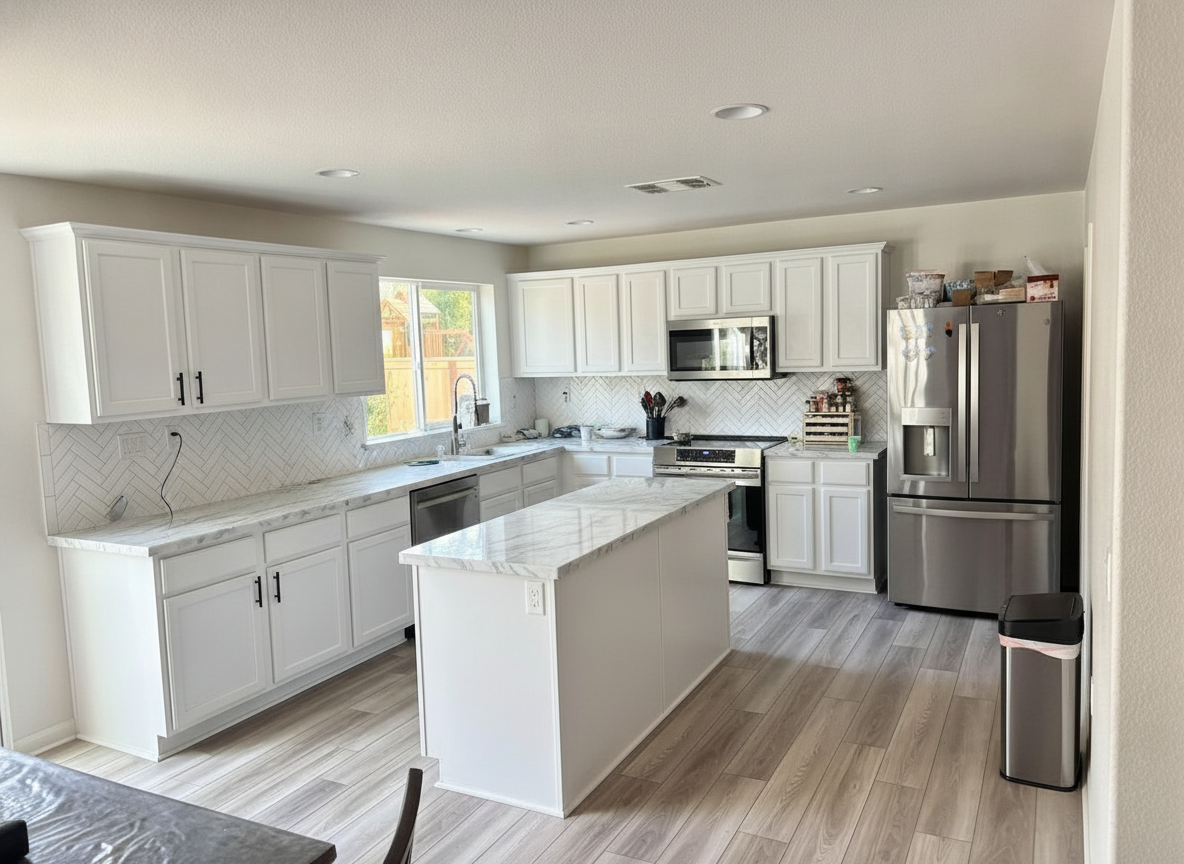
Every image below is unretouched output from the live Renovate AI API, run against the homeowner photo shown beside it.
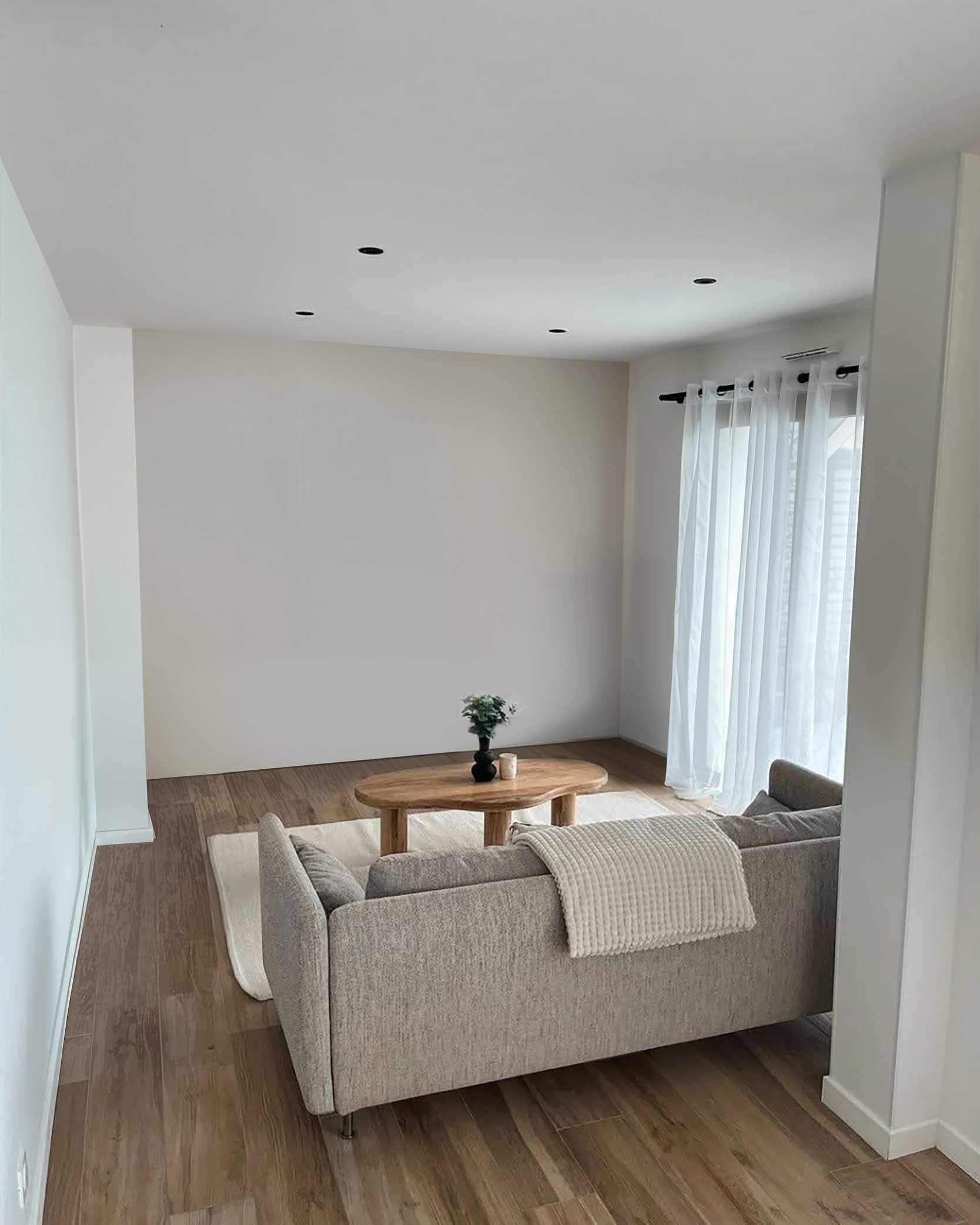 Before
 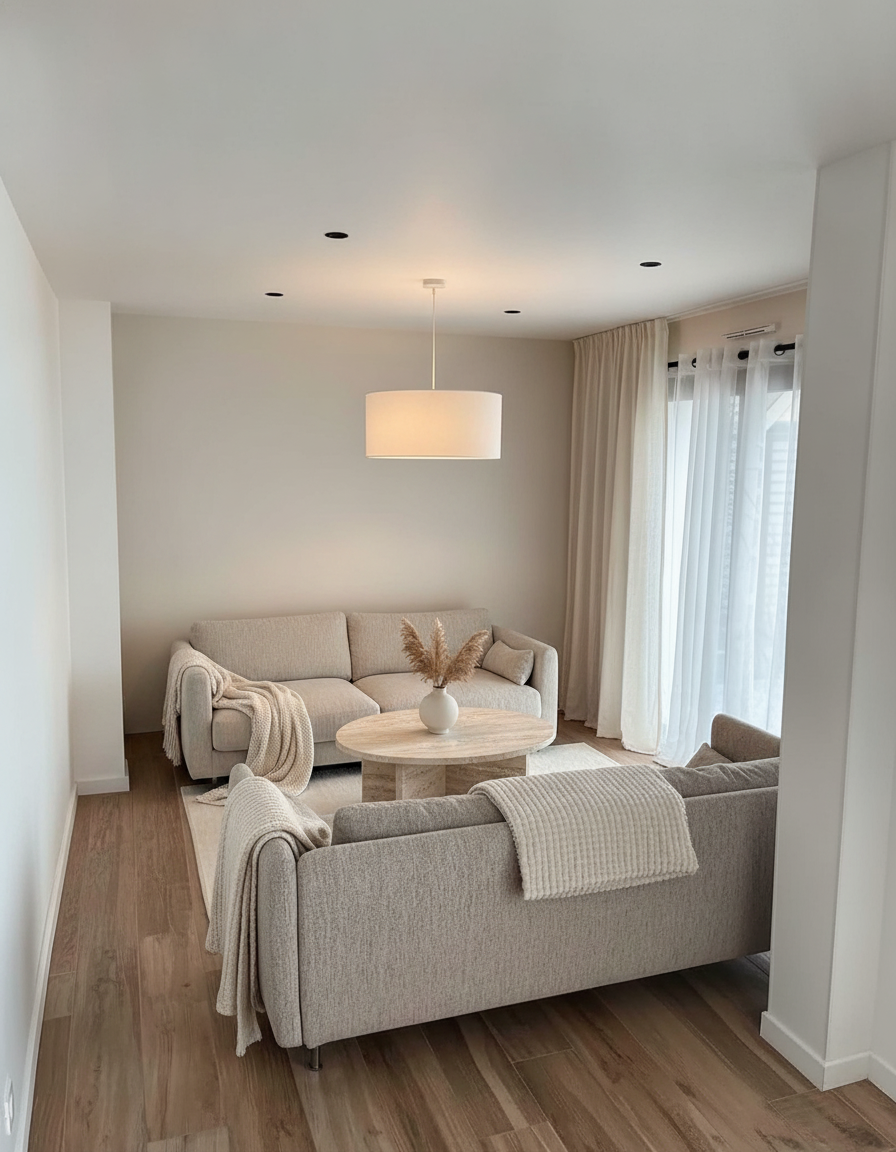 After
After 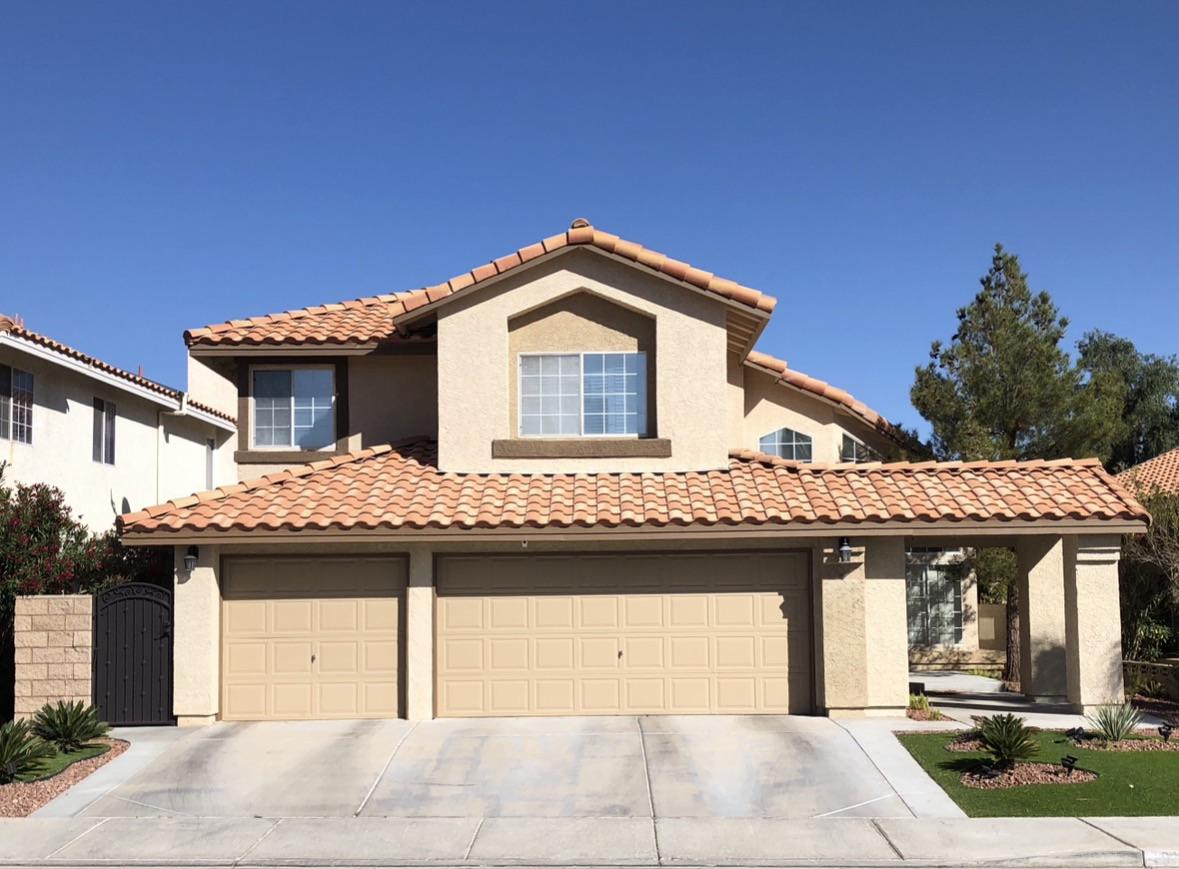 Before
 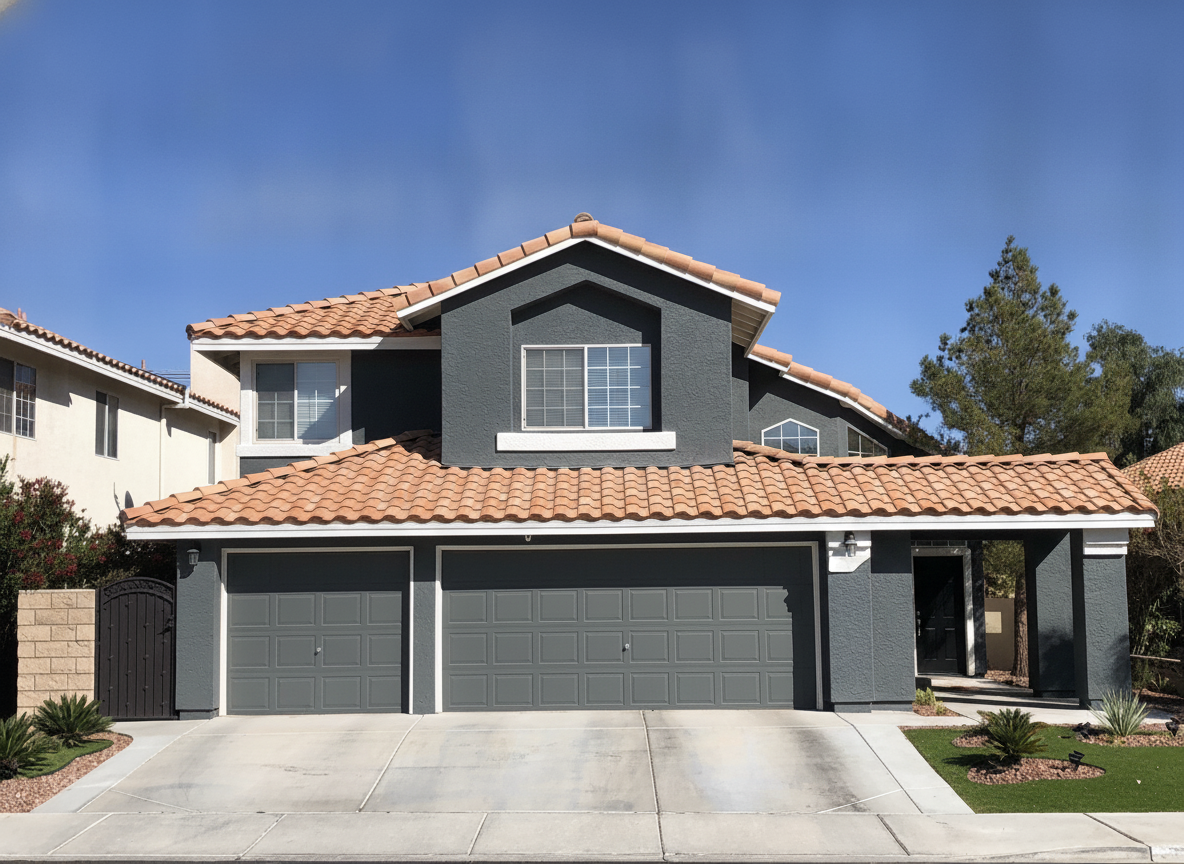 After
After 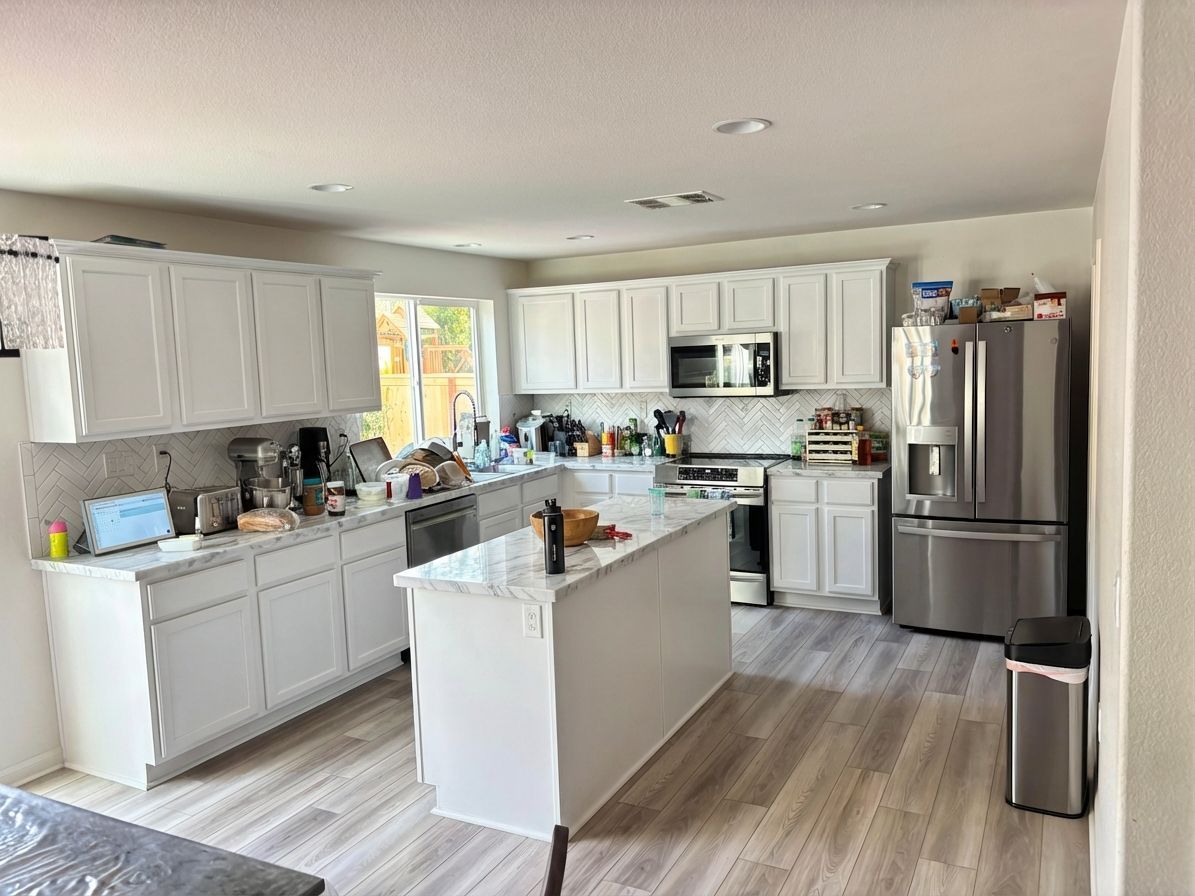 Before
  After
After Three differences that actually matter
1. You can try it before you tell it who you are
RoomGPT's /dream page asks you to sign in before it will generate anything (checked 22 Aug 2026). That is a normal way to run a product. It just means you commit before you know whether the tool is any good on your photo — and every AI visualiser looks brilliant on the examples it chose for its own homepage, including the ones above. Which is why the upload box is at the top of this page.
Renovate AI runs your first photo with no account at all. Upload, describe the change, get the render. If it comes back wrong you close the tab, thirty seconds down. An account gets you five free renders in total and the free tier stays open after that, but the first one is the point: you should get to judge a visualiser on your own room.
2. Every render comes with a rough cost
A picture of a finished room tells you what it would look like. It tells you nothing about whether you can pay for it, which is the question that actually stalls renovations.
Every Renovate AI render comes back with a rough cost estimate for the work in it — a range, built from what the render changed and typical rates where you are. Change the finishes and the number moves with them. It is on the free tier as well as the paid ones. It will not replace a contractor's bid and is not meant to; it is there so the distance between "I like this" and "I cannot afford this" shows up on screen instead of six weeks into planning.
3. It does not stop at the walls of one room
RoomGPT restyles rooms, and restyles them well. But very little of a renovation budget lives inside one room. Renovate AI points the same photo-in, photo-out approach at the rest of the property: siding and trim colour, the yard and planting beds, the driveway and patio, the garage doors, the front door. Rooms and exteriors sit together in the same remodel tool.
There are iOS and Android apps as well, if you would rather take the photo and render it in the same place.
Side by side
| Comparison | RoomGPT | Renovate AI |
|---|---|---|
| Try before signing up | Login required to generate (checked 22 Aug 2026) | First render, no account |
| Cost estimate | — | Rough estimate with every render, free tier included |
| Beyond one room | Room restyling with style presets | Exteriors, landscape, driveway/patio, exterior paint |
| Simplicity | Pick a room, pick a preset, done — fewer decisions | More surfaces to choose from |
Pricing
Five free renders, the first one without an account, cost estimate included. Paid plans vary by plan length and by region, and the price is always shown before anything is charged.
RoomGPT does not publish prices either — credits are sold at /buy-credits — and the dollar figures on third-party comparison sites contradict each other, so we are not repeating them here.
If all you want is to flip one room through style presets, RoomGPT does that with fewer steps than we do. Everything past that — the outside of the house, the yard, what it costs — is what we built for.
See it on your own home
Put a photo in the box at the top of this page and say what you would change. First render, no account, estimate included.
Restyle my photo →