

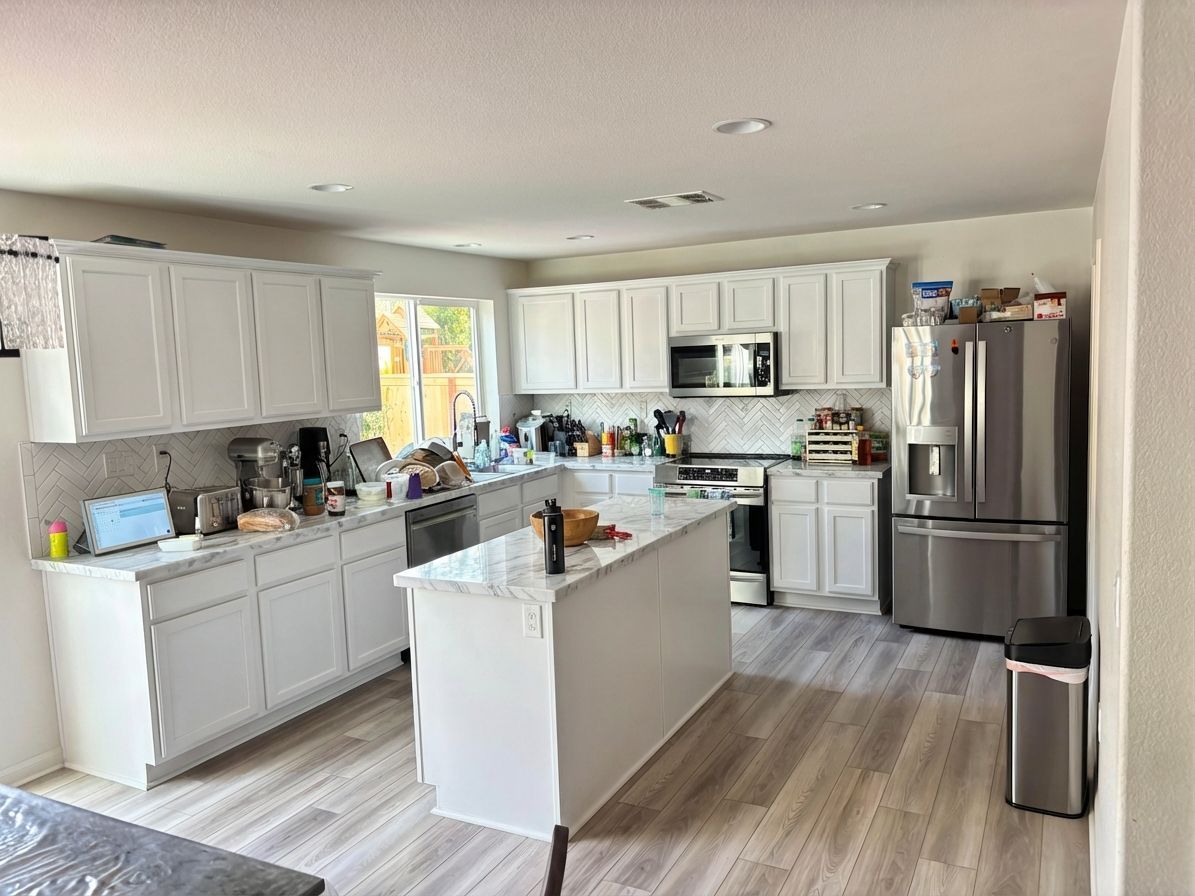
 Your photo
 1Photograph the room
One photo from where you are standing. A phone snap is enough — no measuring, no floor plan, no 3D model.
Free to try
Photograph a room, say what you want changed, and see a photorealistic remodel of that exact room in seconds. Pick a room and a style below — every before and after on this page is unretouched output from the live Renovate AI engine.
What should change?
Remodel this kitchen in a bright modern style: white shaker cabinets, white quartz countertops, matte black hardware, and a white subway tile backsplash.
How it works
No floor plan, no 3D model, no design brief. The photo you already have is the input.
Your photo One photo from where you are standing. A phone snap is enough — no measuring, no floor plan, no 3D model.
Remodel this kitchen in a bright modern style: white shaker cabinets, white quartz countertops, matte black hardware, and a white subway tile backsplash.
Type it the way you would say it to a contractor. Name one surface or redo the whole room — the AI holds everything you did not ask it to touch.
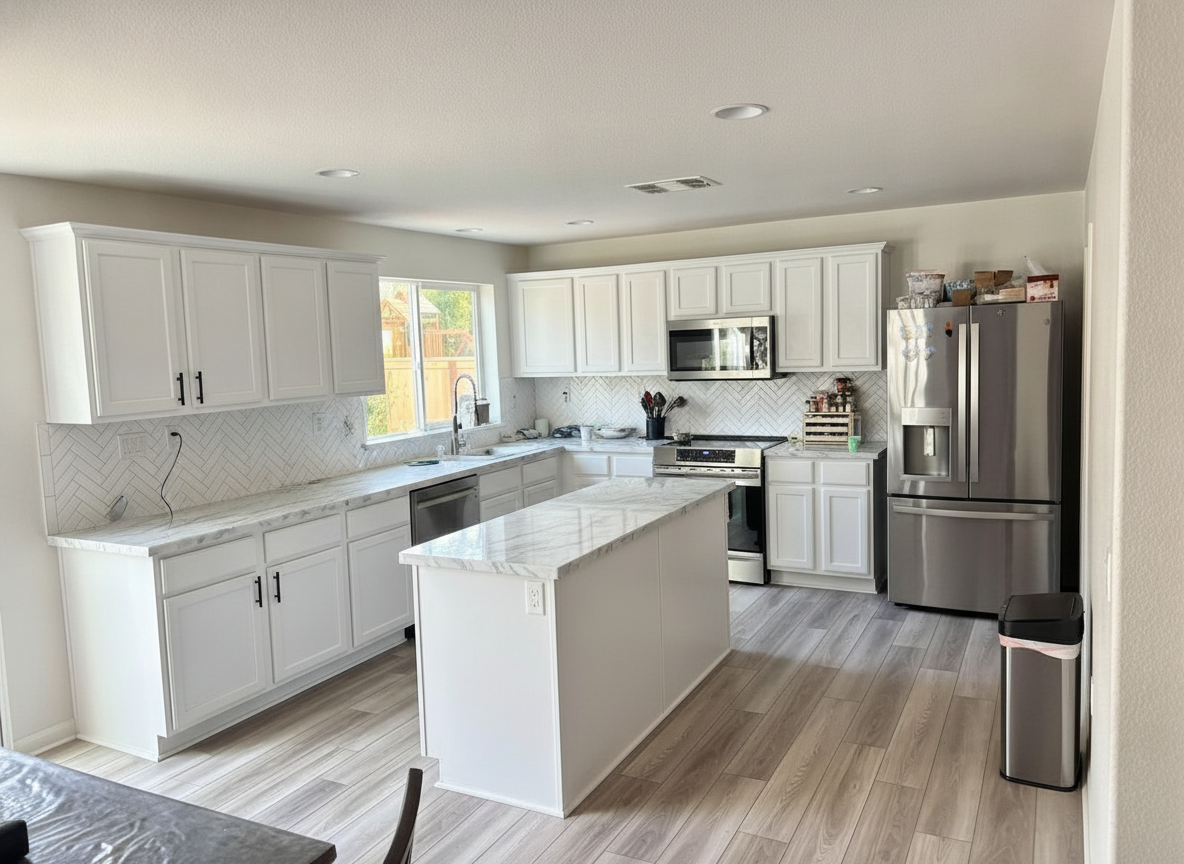 7s The render
 A photorealistic render of that change in your room, in seconds. Keep it, tweak the wording, or run another style on the same photo.
The render above came back in 7 seconds. Run the same photo through three styles and you have a decision before dinner.
Every surface
Whole-room remodels or a single surface — cabinets only, siding only, the front door only. Every image below is a real render from a real homeowner photo.
Cabinets, countertops, backsplash, flooring and hardware — repainted or fully replaced, in your own kitchen.
Remodel a kitchen from a photo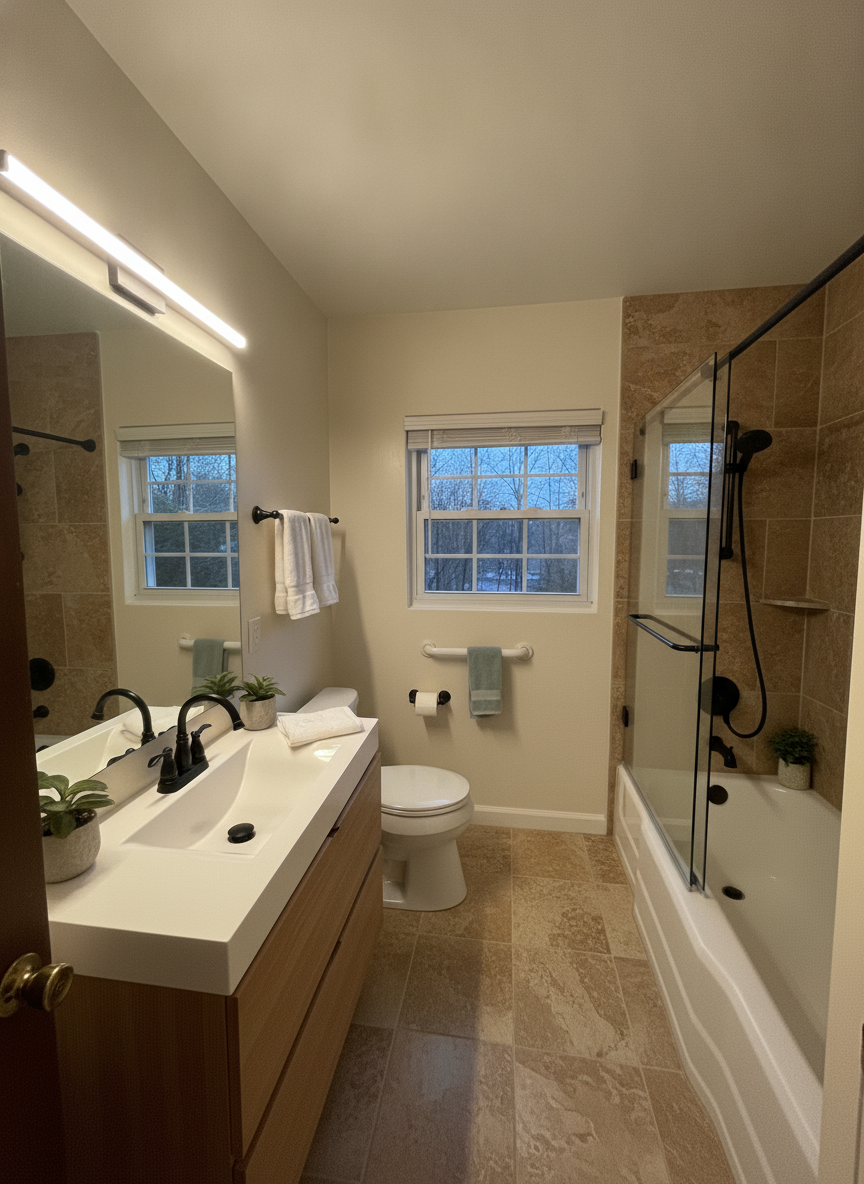
Tile, vanity, fixtures and shower glass. Small dated bathrooms are where the difference reads loudest.
Remodel a bathroom from a photo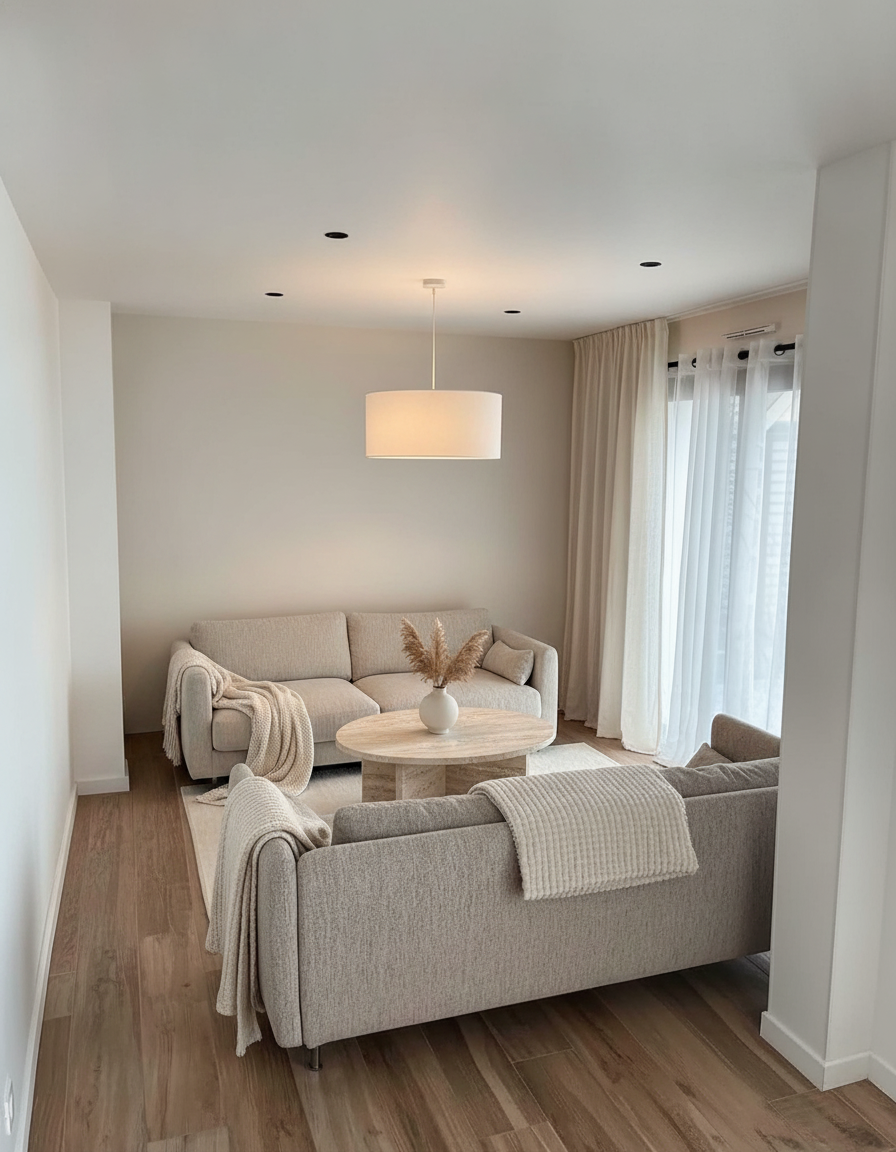
Furniture, rugs, wall colour and lighting — restyled around the room you already have.
Remodel a living room from a photo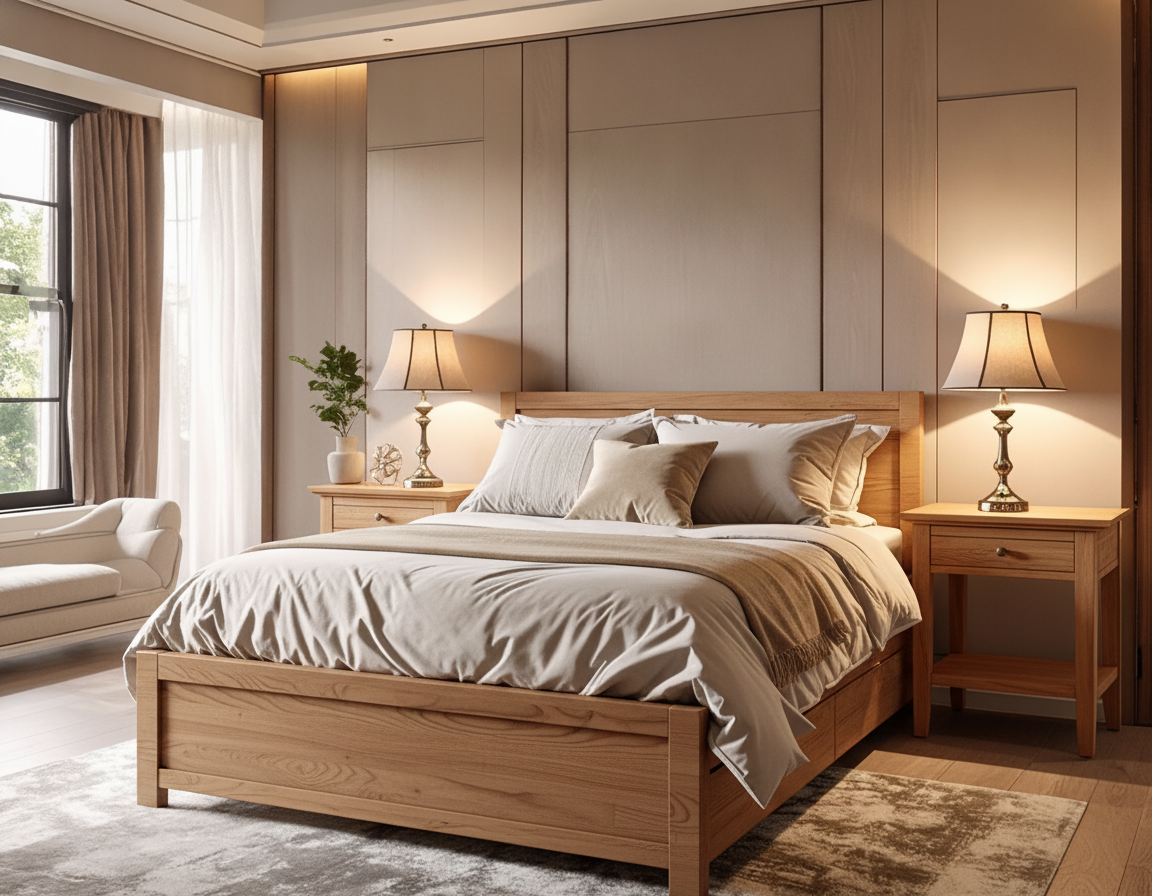
Beds, nightstands, textiles and paint, kept to the walls and windows that are actually there.
Remodel a bedroom from a photo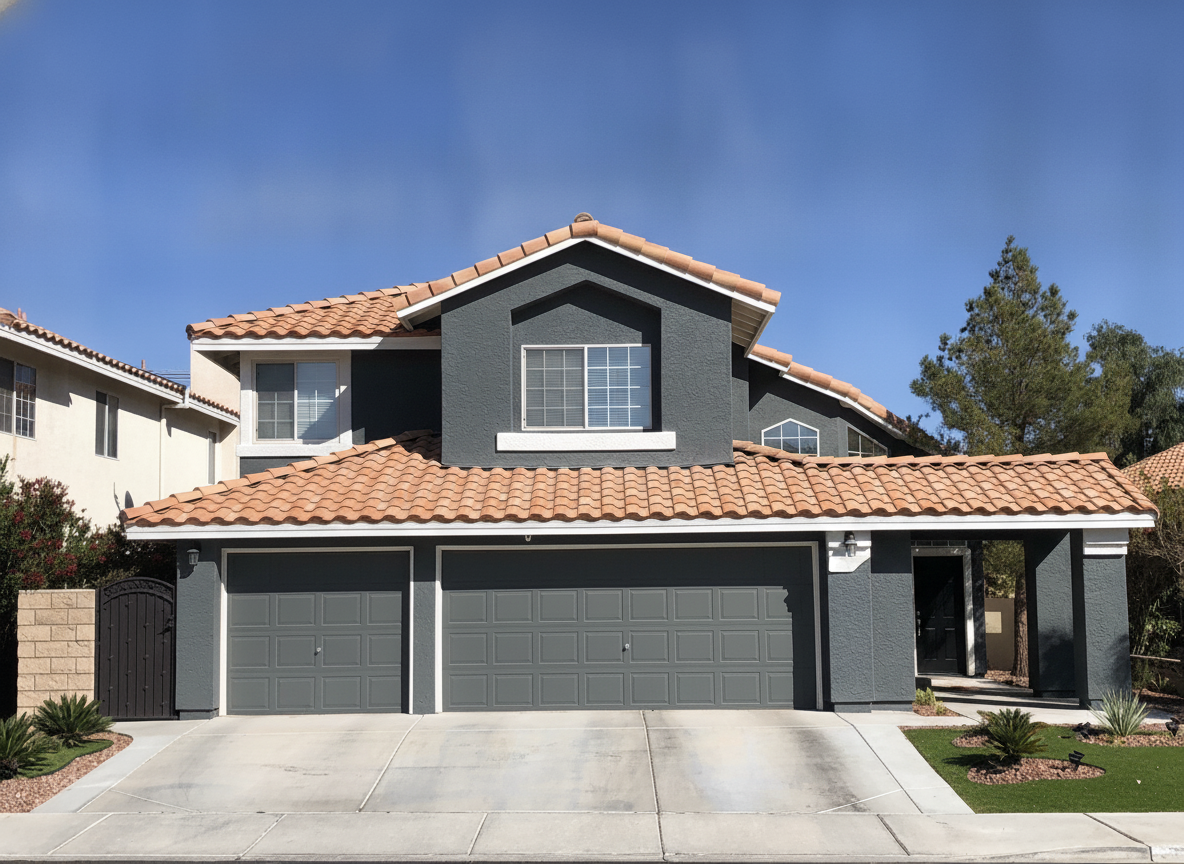
Siding and stucco colour, trim, front door, garage doors and roof — the whole street view at once.
See your house in a new paint colour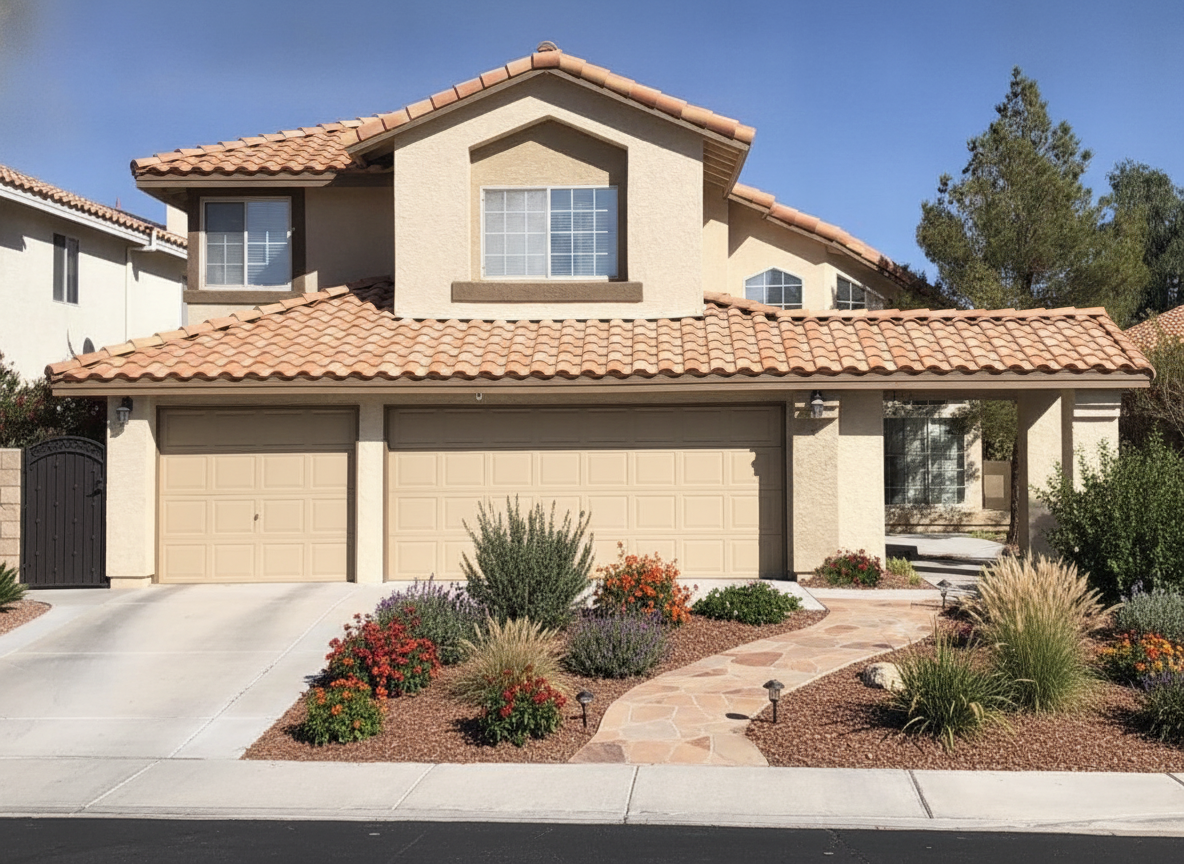
Paths, planting beds, grasses, mulch and lighting laid over your real front or back yard.
Design a yard from a photoStraight answers
A remodel render is a decision tool. It answers “would I like this?” in seconds, for free, before anyone quotes you a number.
Questions
Yes — you can remodel photos free. New accounts get free credits to run real remodels on your own photos with no card, and the free tier stays available after that. Pro unlocks higher volume, higher-resolution downloads and unwatermarked exports.
That is exactly what this does. Take a photo of the room or the front of your house, say what you want changed in plain English, and Renovate AI renders that change into your photo — same room, same windows, same camera angle. Every before and after on this page was produced that way.
Yes. Exterior siding and stucco colour, trim, front door, garage doors, roof and landscaping all work from a single street-view photo. The exterior examples above are one real house repainted three ways.
The renders keep your room’s geometry — walls, windows, ceiling height and camera angle stay put, so you are judging the change and not a different room. Treat them as a photorealistic preview for choosing finishes and colours, not as construction drawings. Contractors and designers use them to get a homeowner to a decision before any money is spent.
Yes. Renovate AI runs on iPhone and Android as well as in the browser, so you can photograph a room and remodel it standing in it. The same account and the same renders follow you across every device.
Seconds. The renders on this page took 7 to 12 seconds each, measured end to end. You can run several styles on the same photo and compare them side by side in about a minute.
Kitchens, bathrooms, living rooms, bedrooms, dining rooms, basements, house exteriors and yards. If you can photograph it, you can remodel it — including single-surface changes like just the cabinets or just the front door.
Take one picture, type one sentence, and see your kitchen, bathroom or house exterior remodelled in seconds. Free to try — on iPhone, Android and the web.