
Share a design with a link.
Open a design and select Share. Renovate AI makes a link for the design. The link shows your photo and the new design.
- Copy the link, or send it to an app.
- The link opens in any web browser.
- Your friend does not need the app or an account.
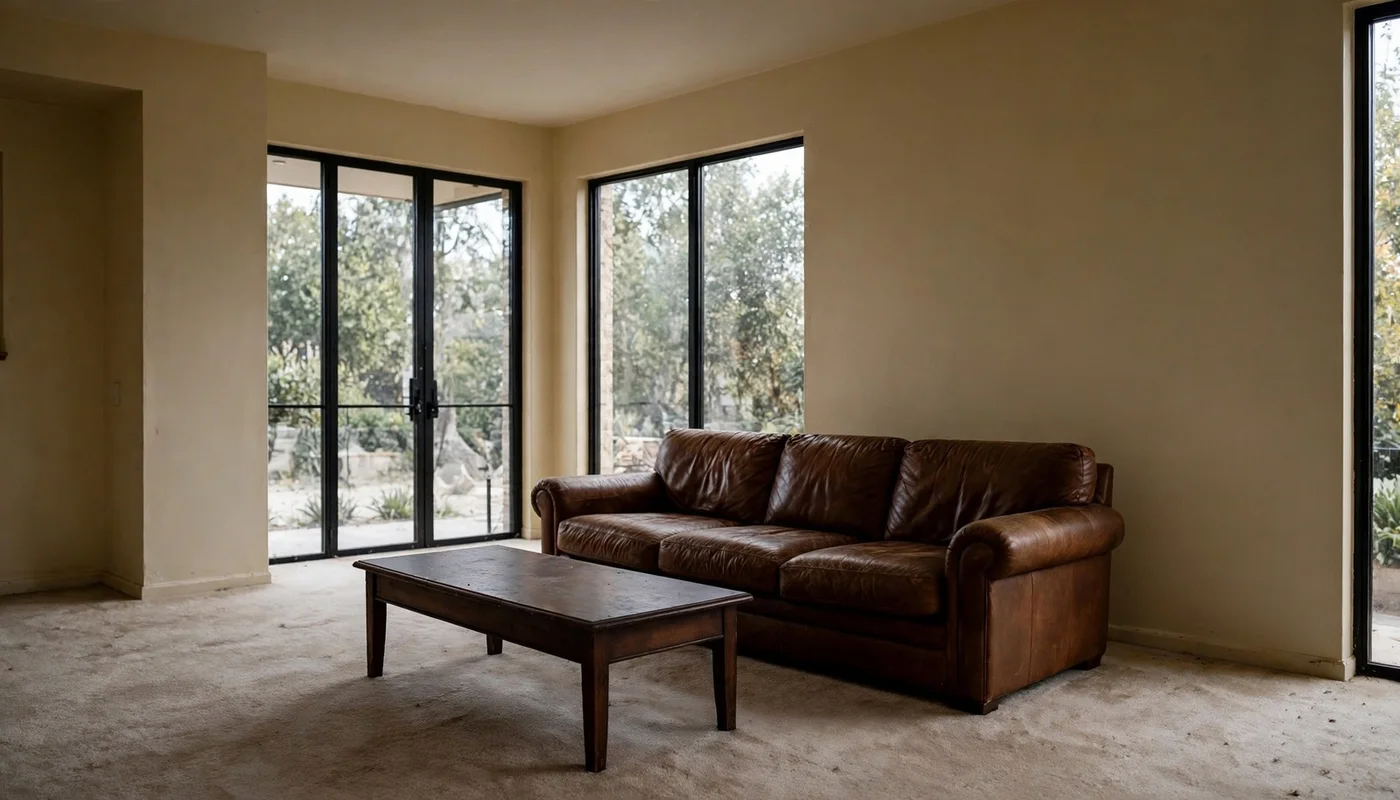 Before
 After
Your friend sees the change.
The page shows your photo. Then it shows the new design. Your friend can try Renovate AI on a photo of their home.
- The page shows that the discount is active.
- The discount stays active when your friend makes an account.
- The pricing page shows the discount on each plan.
✓ Referral applied · 50% off your first month
Emily created this design with Renovate AI
Share style ideas.
Open a collection in the Inspiration Library and select Share. Send all of the ideas, or select only some. You can add a message.
- The chat shows the ideas, your name and your message.
- Your friend opens an idea and sees its colors and materials.
- Your friend selects "Try this idea on my home" to start.
 Christmas Morning
 ✓ Holiday Lights
 ✓ Christmas Classic
 Rustic Christmas Hearth
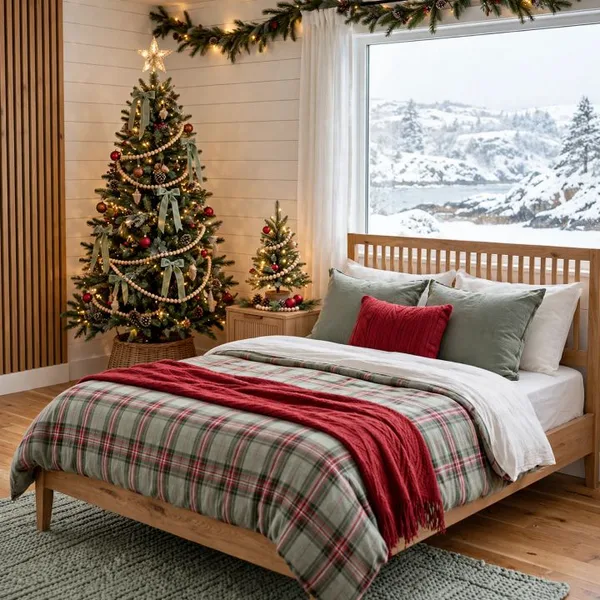 Christmas Bedroom Retreat
 ✓ Nutcracker Christmas
Give 50% off and earn up to $150.
Select "Earn up to $150 with this link" before you send the link. The link then carries your Rewards invite.
Your friend
50% off
The first subscription payment costs half. The discount applies at checkout.
You
20%
You get 20% of that payment, up to $150. Rewards shows the money that you earn.
Your friend's subscription
✓ The discount applies at checkout.
Start sharing in three steps.
- 1
Open a design
Open a design in Renovate AI. Or open a collection in the Inspiration Library.
- 2
Select Share
Select "Earn up to $150 with this link". The first time, Renovate AI adds you to Rewards.
- 3
Send the link
Send the link in a message, an email or an app. Your friend gets 50% off.
Questions
How does Renovate AI Rewards work?
You share a design or a style collection with your Rewards link. Your friend gets 50% off the first subscription payment. When your friend pays, you get 20% of that payment, up to $150.
How do I join Rewards?
Select Share on a design or a collection. Then select "Earn up to $150 with this link". The first time, Renovate AI adds you to Rewards.
Does my friend need the app or an account to open the link?
No. The link opens in a web browser. Your friend can try Renovate AI on a photo of their home before they make an account.
Does the 50% discount apply to all plans?
The discount applies to the first subscription payment. The discount applies at checkout. When a yearly sale is active, yearly plans get the sale price, because the sale price is lower.
Where can I see the money that I earn?
Open Rewards in Renovate AI. Rewards shows your link, the friends who joined and the money that you earn. Payouts follow the terms of the Rewards program.
Can I share a design without Rewards?
Yes. Do not select "Earn up to $150 with this link". The link shows your design, but it does not give a discount.
Who can see a design that I share?
Only people who have the link can see the design. If you delete the design, the link stops working.
Do you need help? Go to Renovate AI Support.