

























Product links
Show the product family and the variants customers can choose. Identify which images describe a specific finish or size and which are general installation examples.
Start with your existing product information. Choose materials that customers ask about. Identify the references you have. Review the work needed to show these products in customer photos.
These are review inputs. The supported import, configuration and maintenance work are confirmed for your collection.
Show the product family and the variants customers can choose. Identify which images describe a specific finish or size and which are general installation examples.
Bring the information your team already uses. Flag the relevant pages, product identifiers and available reference images so the initial collection is easy to review.
Give each product or variant a stock keeping unit (SKU) or other identifier. Group related products. Include images, dimensions and intended uses where available.
A clear record identifies the product you sell. An example image might show only a similar product. Use these fields to prepare your collection.
The collection and the way people use it need to work together. Agree on responsibilities and costs before expanding.
Select one useful product family. Identify missing references, conflicting variants and the preparation work on each side.
Test normal and difficult examples for appearance, scale, pattern, placement and intended use. Record where more context is needed.
Agree on the collection, website or team workflow, customer handoff, usage and photo handling before public use.
Define who supplies changes, who reviews them and what maintenance is included before adding more categories.
Next, define what a useful evaluation looks like and how customer photos will be handled.
Yes. Bring a focused collection and describe where customers should discover it: on your website, with your dealers or through a proposed platform partnership. We review permissions, product references, supported uses and commercial terms before agreeing on inclusion. Catalog inclusion and a custom branded visualizer are separate discussions.
Start with a typical family that supports a real customer decision. Include the difficult products as well as the straightforward ones. Collection size and preparation work are agreed after review; there is no universal SKU limit or required starting count.
We review these materials first. We check records, images, variants and intended uses before agreeing on import work, setup and updates. Website setup and catalog preparation are separate tasks.
Identify the missing assets and label what each available image represents. An installation photo can show how a product is used without showing the exact variant. Agree on more references or a smaller collection.
Choose typical photos and product references, then review appearance, scale, repeat patterns, placement and surrounding details. Physical samples and supplier specifications remain part of the final decision. Record unacceptable changes and the guidance or fallback your users need.
Agree on the owner for new references, variant changes and discontinued products. Define the review process, included maintenance and any additional work. A catalog deployment does not by itself establish automatic synchronization with your product system.
Preparation, missing assets, product complexity, customization and integration affect scope. The website calculator estimates generated image usage; it does not price the work to prepare a collection. Confirm setup, maintenance, usage and support together in the proposal.
Product links, a catalog or a structured export can start the conversation. We’ll review the assets, intended workflow and preparation needed for a focused evaluation.
Book a product demoExplore material, paint and room concepts for your customer workflow.
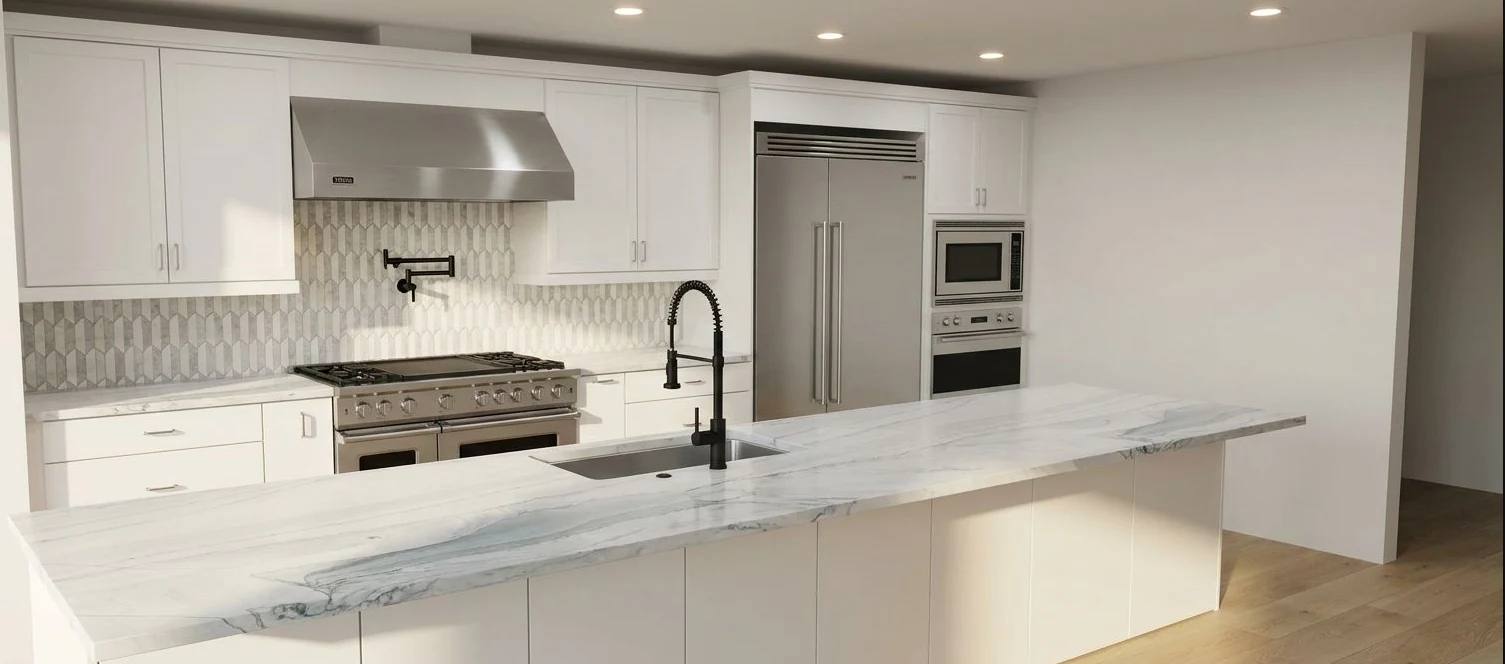
Kitchen design concept.

Tile and surface concept.

Room staging concept.

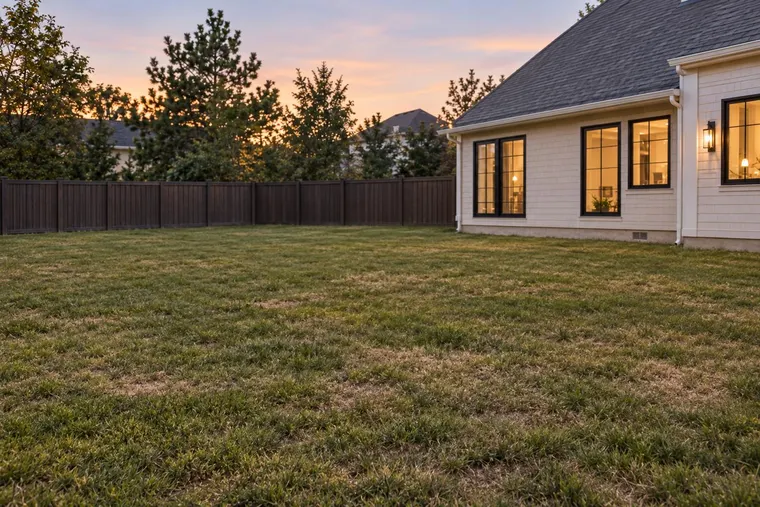
Exterior paint concept. Confirm colors with physical samples.
Concept examples. Confirm products, measurements and final specifications with your team.