





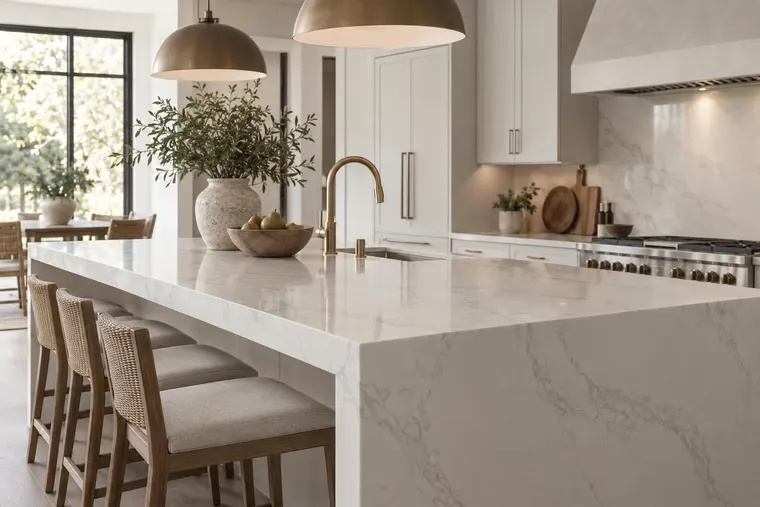








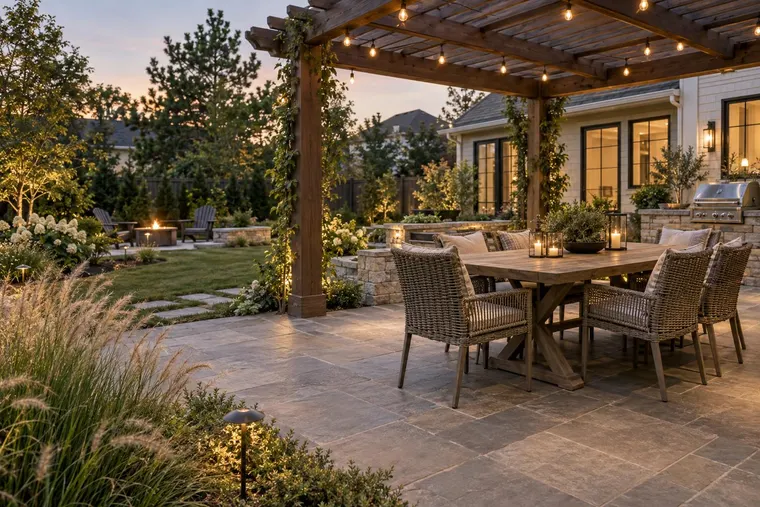
Focus on the cabinet fronts
Identify the doors, drawers and visible panels to change. Review handles, appliances, worktops, walls and layout alongside the intended finish.
Show finish options in photos of the customer’s kitchen. Compare a small set of cabinet colors and materials. Discuss the preferred option during a consultation or quote.
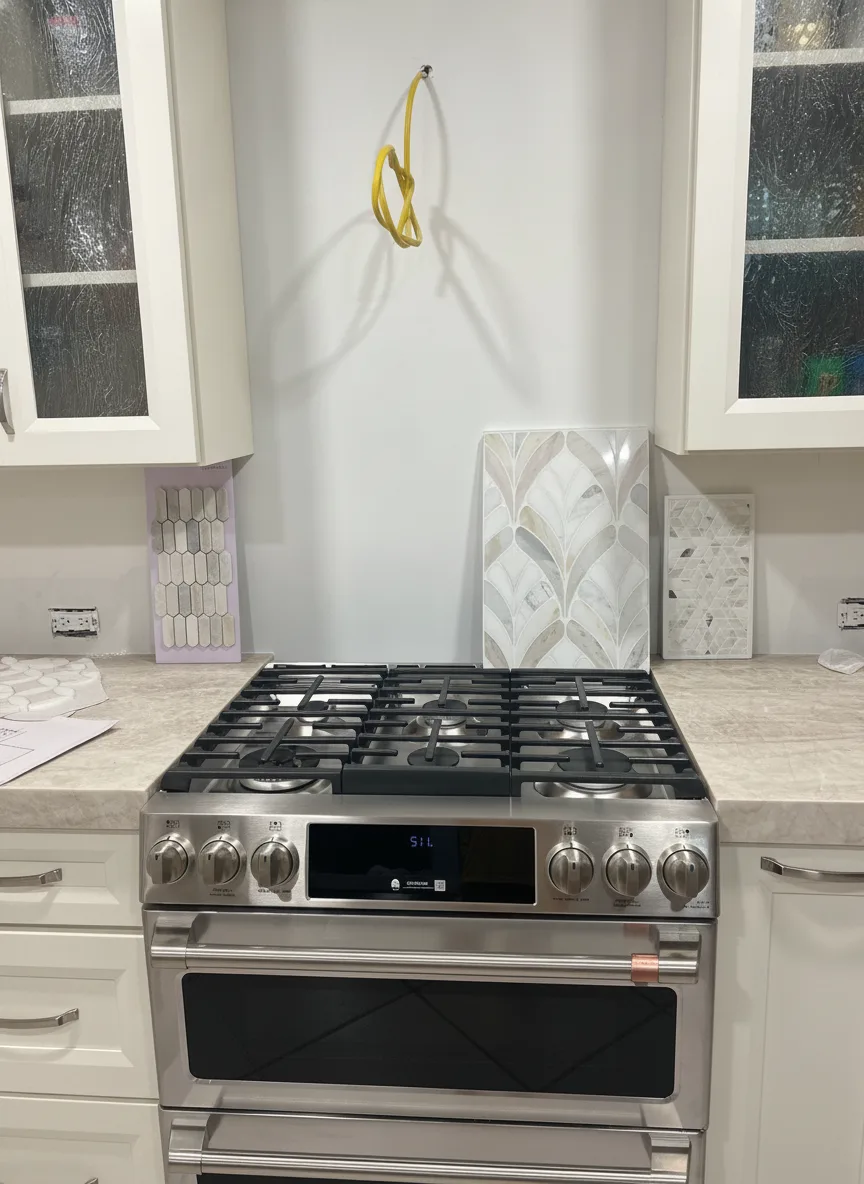
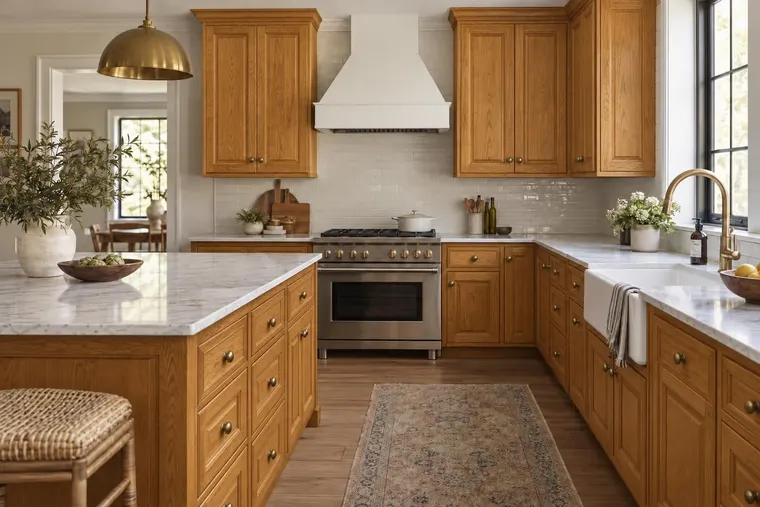
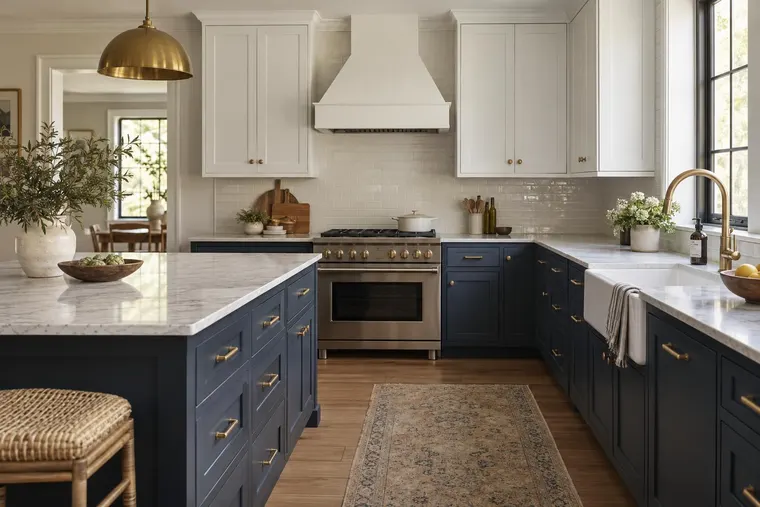
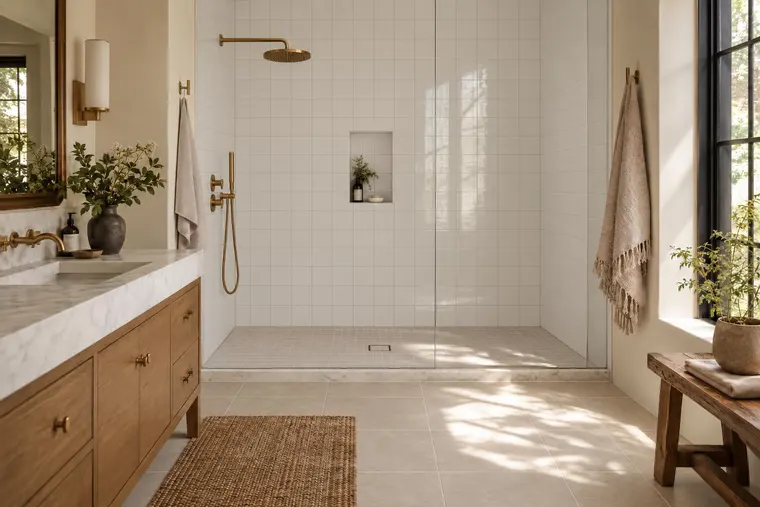
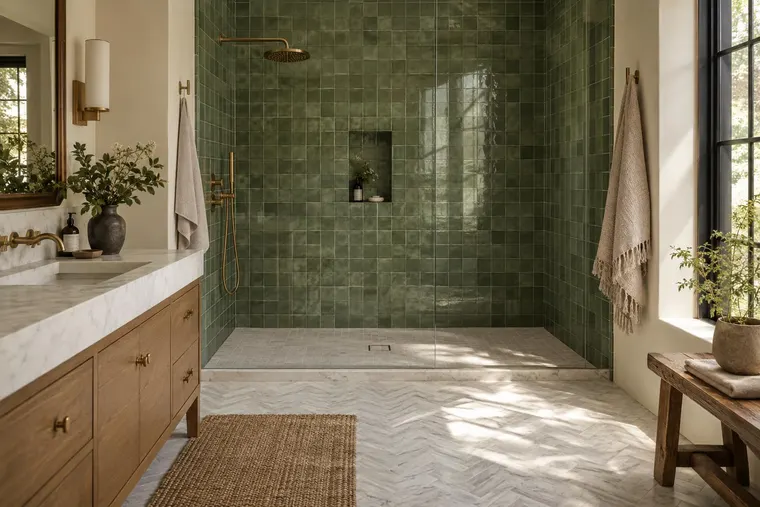
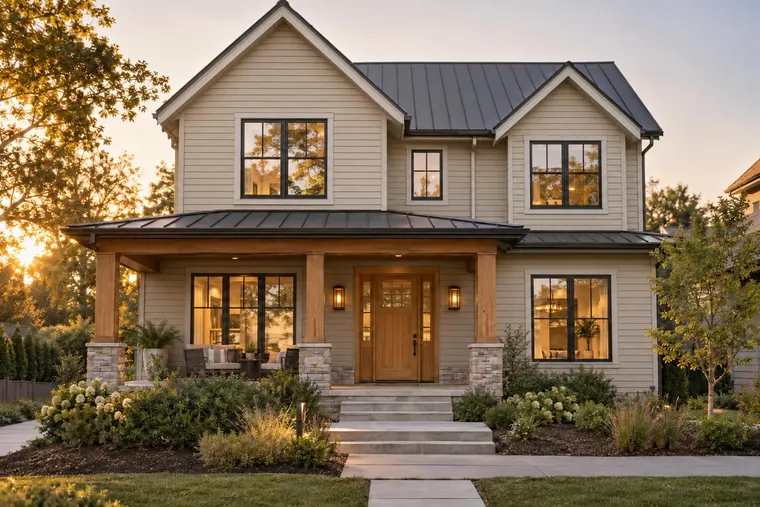
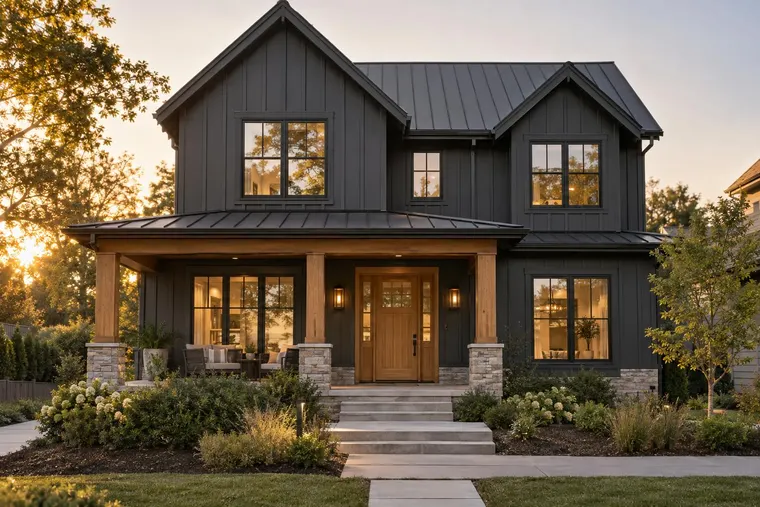
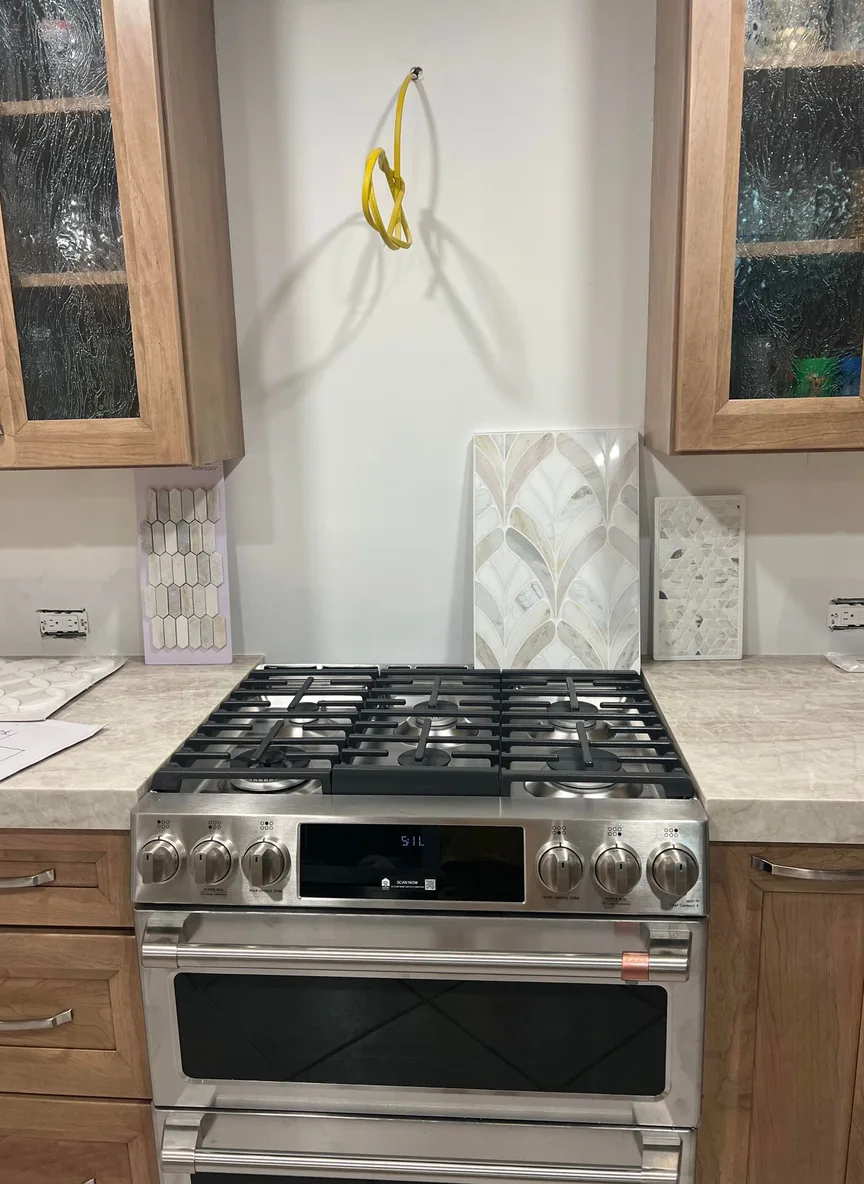 ORIGINAL PHOTO COLOR CONCEPT
The useful decision is often a cabinet front, not a complete redesign. Define that change and the surrounding details your customer expects to recognize.
Identify the doors, drawers and visible panels to change. Review handles, appliances, worktops, walls and layout alongside the intended finish.
Use swatches, product names and available installed references. Review texture, grain direction, sheen and color against typical kitchen photos.
Agree on the finish reference, image and project details your team needs for the next conversation. Your business confirms suitability, preparation and installation pricing.
Choose a small collection. Include clear photos and difficult photos. Check where the finish looks accurate and where users need help.
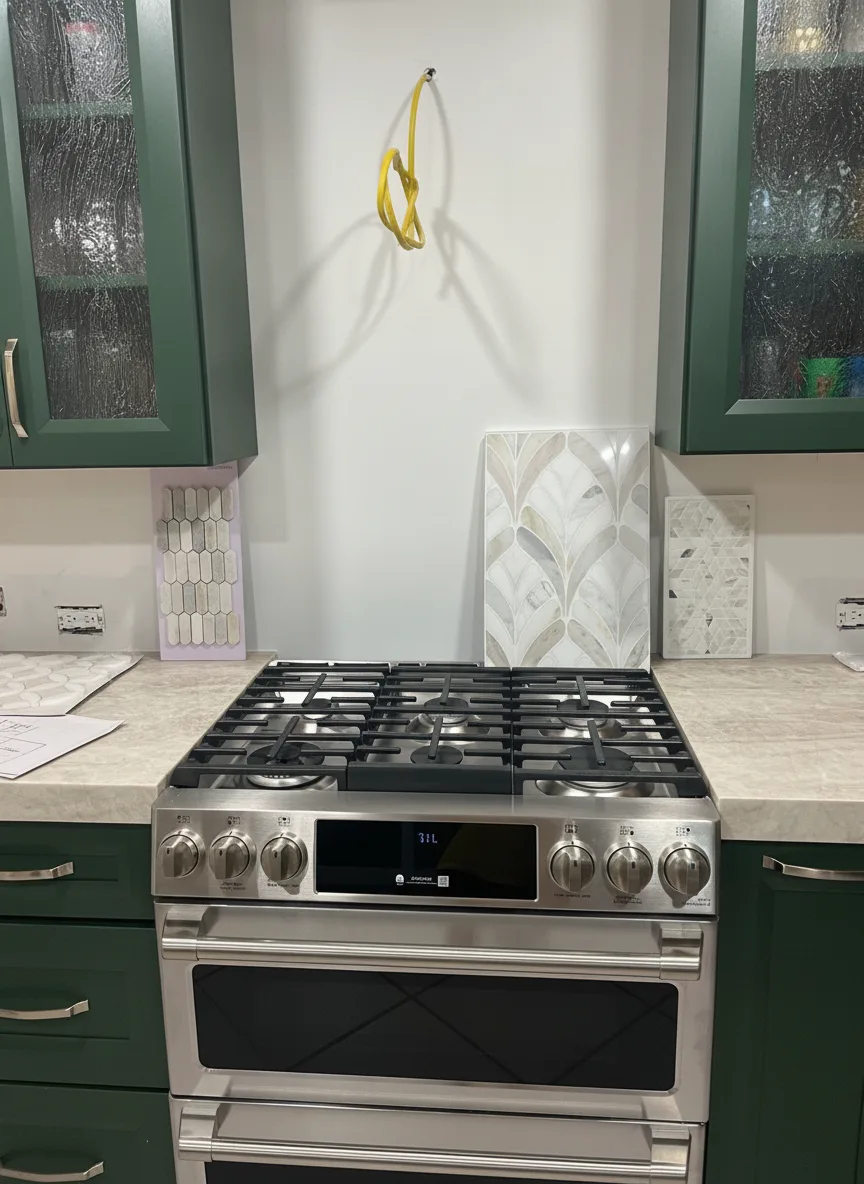
A good-looking concept is a starting point. Check the finish and the details around it before presenting a catalog experience to customers.
Compare the concept with physical samples and product references. Include grain, edges, reflections and difficult lighting. Record unexpected changes and define a fallback for photos that do not produce a useful result.
Test the full process on a phone: find the tool, upload a photo, choose a finish and request a quote. Confirm website setup, language, photo handling and the information your team receives.
Choose a website visualizer or a consultation with your team. Agree separately on catalog preparation and custom branding.
Plan a focused finish collection and a clear quote-request destination. Use the calculator to estimate generated variants, then confirm the supported integration and total pilot scope.
Explore the Website VisualizerTry the existing Studio with a real kitchen and discuss the concepts during a consultation. Current Studio access follows its own plans; a configured finish catalog receives a separate scope.
Try the existing StudioThat is the targeted workflow to evaluate. Specify the cabinet fronts and surrounding details that should stay in place. Compare outputs with the source photo for changes to handles, worktops, appliances and layout. A whole-room redesign is a different task.
Bring swatches, product identifiers and installed references for your collection. Evaluate grain, texture, sheen and appearance on typical photos before advertising product accuracy. The examples on this page show cabinet-color concepts, not a validated wrap catalog.
Bring three to five photos you have permission to share. Include typical jobs and a difficult kitchen. Test reflections, low light, hidden cabinet fronts and mixed materials. This is a suggested test set, not a package limit.
Bring your site and the required language into scoping. Confirm the embed, mobile upload, labels, finish names, quote destination and support expectations. A platform choice in the calculator is a planning input; it does not activate an integration or confirm localization.
Define the image, finish reference and customer details your quoting process needs. Review the supported handoff, destination and customer-photo processing before launch. Your team still confirms the measurements, preparation, product suitability and installation price.
The proposed website packages include a monthly image allowance. Confirm collection preparation, customization, integration and maintenance separately. Agree on setup costs, usage rules, support and billing start. Team and API pricing are separate.
A focused collection and a few typical photos help us discuss the cabinet changes, customer journey and next quote conversation.
Book a product demoExplore material, paint and room concepts for your customer workflow.

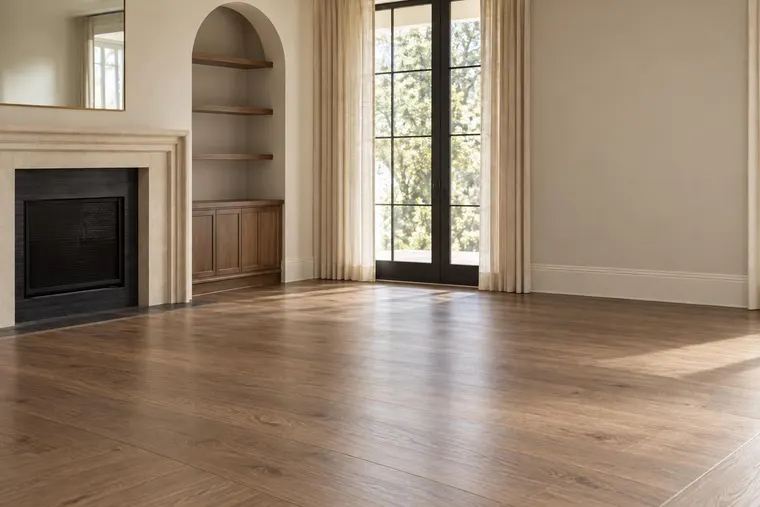
Tile and surface concept.

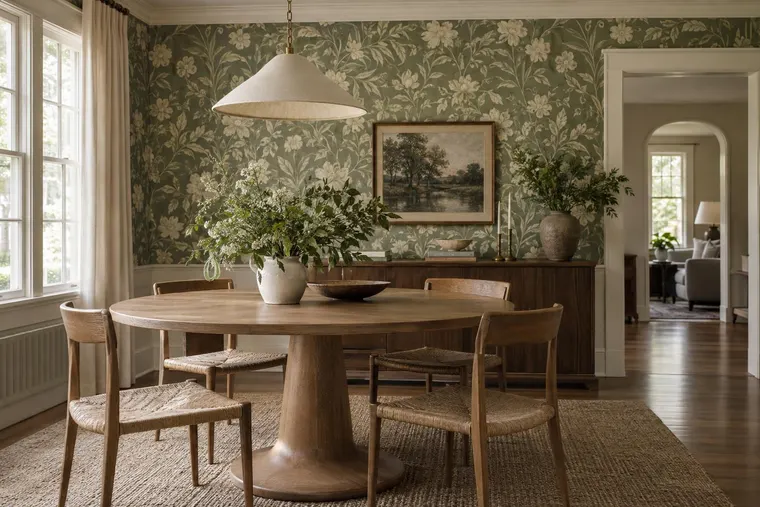
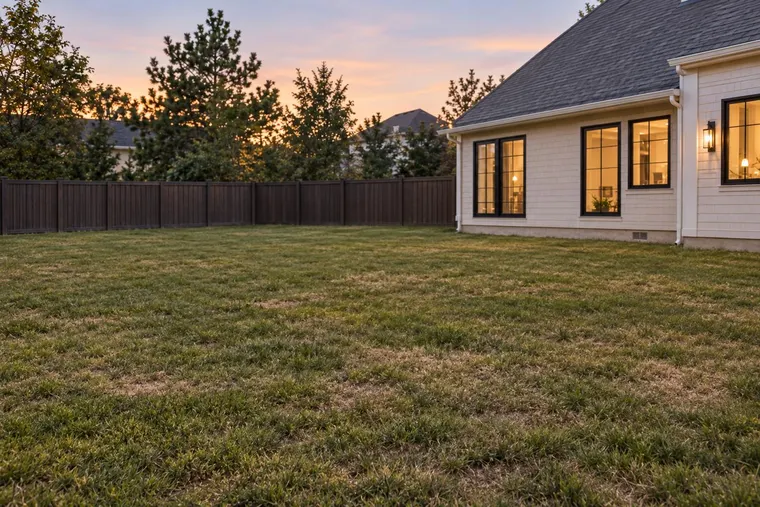
Room staging concept.

Exterior paint concept. Confirm colors with physical samples.
Concept examples. Confirm products, measurements and final specifications with your team.