
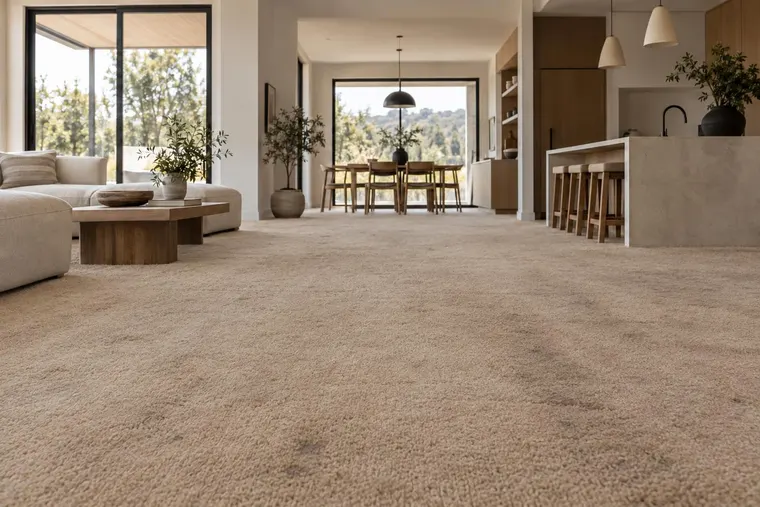
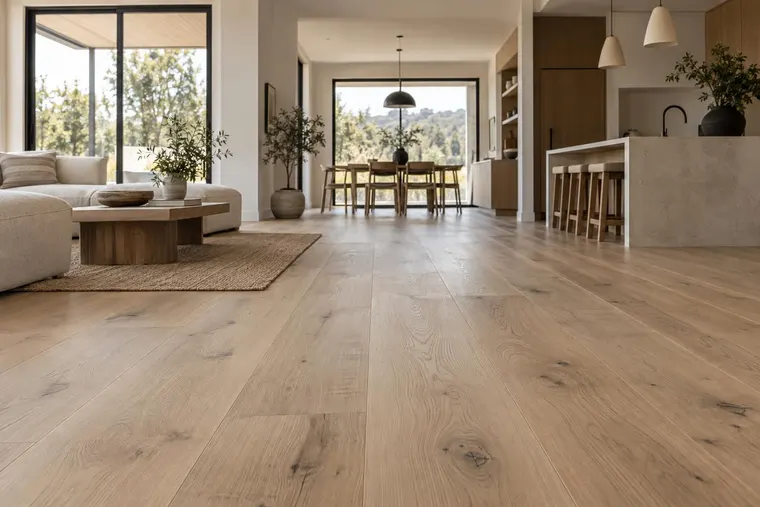


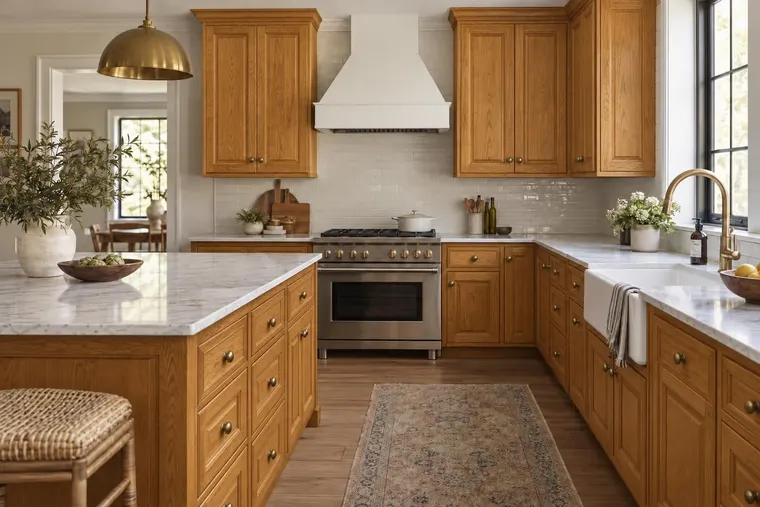
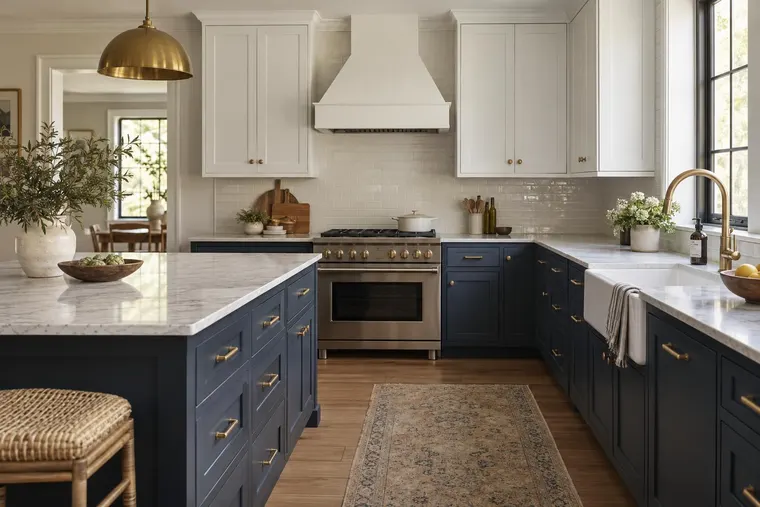




An experience around your brand
Choose where a website visualizer should appear, which ranges shoppers explore and how they continue to a product page, sample request or consultation. Branding and integration are agreed for your deployment.
Help homeowners explore your materials in a photo of their own space. Plan a branded product visualizer around your ranges, then connect the next inquiry to your website, showroom or dealer network.

Start with the products your customers need help choosing. Evaluate the visual result and the next sales conversation together.
Choose where a website visualizer should appear, which ranges shoppers explore and how they continue to a product page, sample request or consultation. Branding and integration are agreed for your deployment.
Bring named products, finish images and identifiable variants for kitchens, worktops, flooring, tile, paint or exterior materials. Review each category on representative photos before adding it to the experience.
Define the selected products, images and project details your sales team needs. Agree on the handoff and reporting, then measure qualified inquiries and completed next steps against your baseline.
Use a focused collection to establish asset quality, visual checks and a repeatable update process. Existing supplier assets can start the discussion.

A product visualizer helps customers explore appearance. A product configurator applies rules for valid options. Agree on both requirements before defining your pilot.
Check finish, pattern scale, orientation, product shape and surrounding details on typical and difficult photos. AI previews can vary. Use physical samples and supplier specifications for final selections.
Supply approved finishes, sizes and compatible components. Confirm how selection rules, regional availability and product updates would work in your integration. These controls need separate scoping and validation.
Choose where the experience should run. Product preparation, integration and operating terms depend on the route.
Plan product exploration on your own website or a dealer site. Define the collection, customer journey and next inquiry before estimating usage.
Explore the Website VisualizerDiscuss making approved products available to Renovate AI users, or connecting your application through the API. Agree on audience, permissions, maintenance and commercial terms.
Discuss a partnershipIt lets customers explore a manufacturer’s materials and products in an image of a room or home. A catalog-based pilot connects approved references to the visual workflow and defines how customers continue to a product page, dealer or consultation.
Bring a CSV, PDF, product links or an export from your product information or asset system. Include SKU identifiers, finish images and the rules that affect product selection. Import, synchronization and maintenance are agreed after review.
Branding, website placement and dealer or showroom destinations form part of the integration discussion. Confirm the data your team needs, the receiving system and how consent and follow-up should work.
No. Evaluate outputs against your product references and agreed acceptance criteria. Product rules, component compatibility, measured fit and regional availability need their own controls. A generated image does not certify those checks.
Bring the categories you want customers to explore. Review each category’s references and visual requirements. Paint or finish changes, repeated materials and shaped products can need different preparation and checks.
Discuss a catalog partnership separately from a branded website deployment. We first review the collection, audience, asset permissions, visual quality, updates and commercial terms. Inclusion and launch timing are agreed rather than automatic.
Start with one range, a few customer photos and the next action your sales team wants to support. We’ll discuss the visualizer, product checks and integration needed.
Book a product demoExplore material, paint and room concepts for your customer workflow.
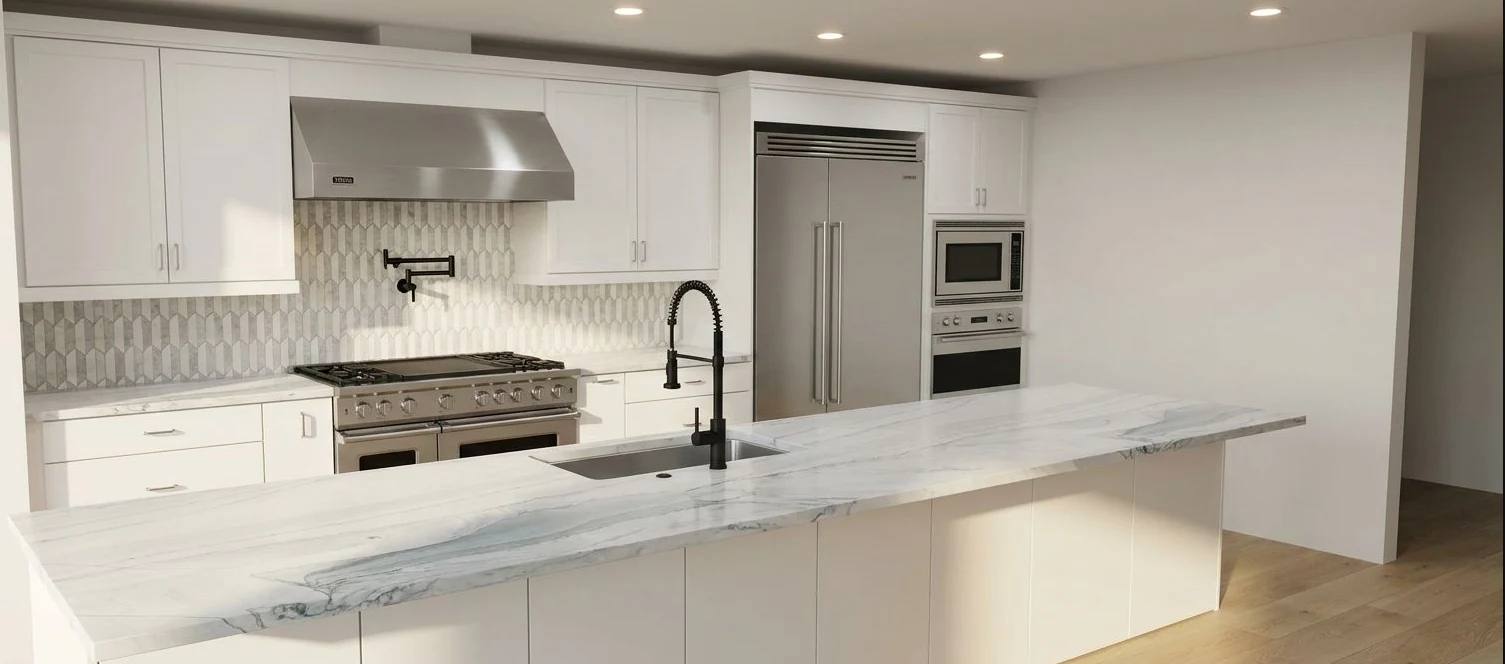
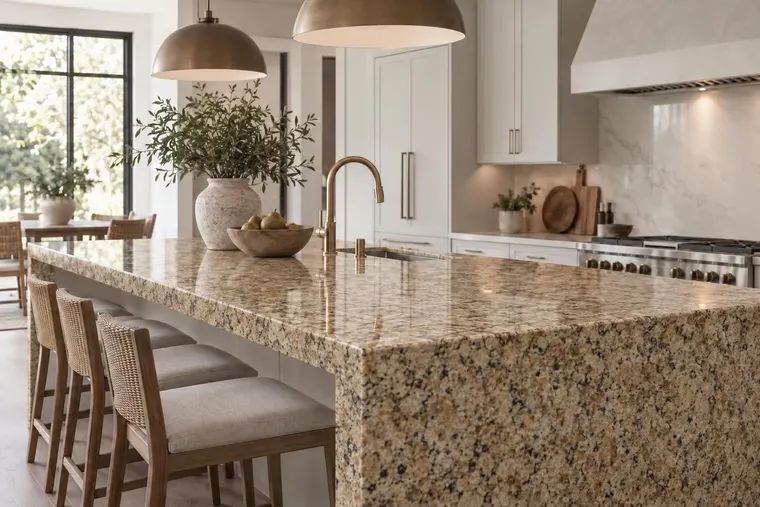
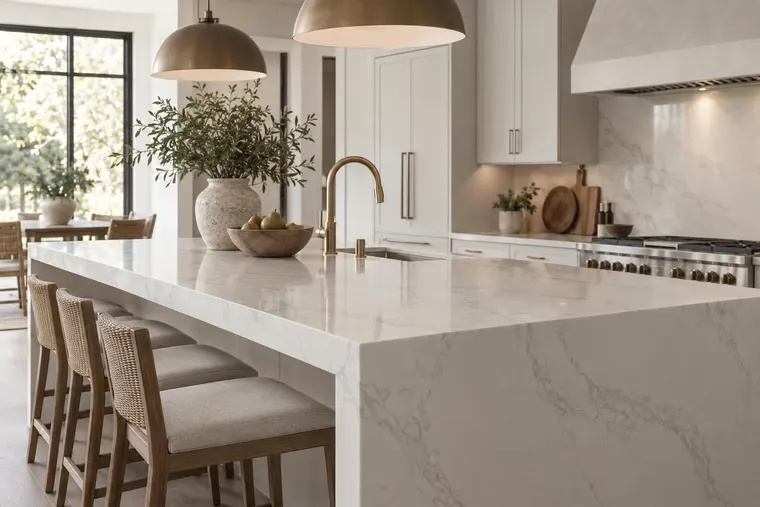
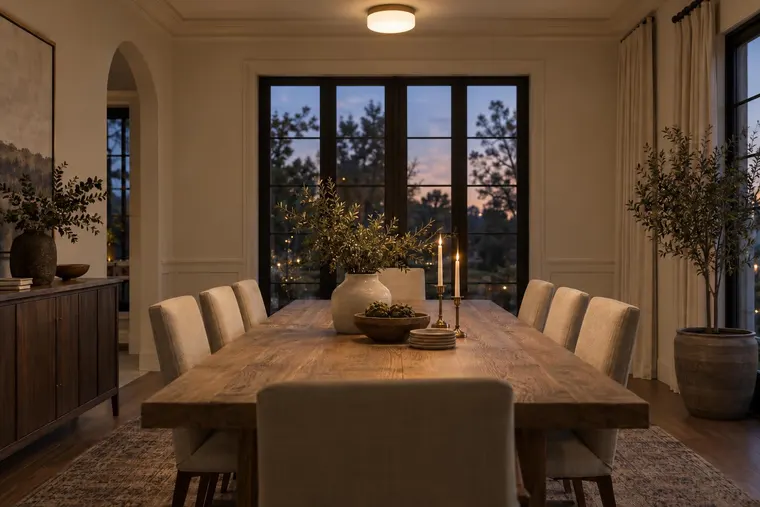
Kitchen design concept.

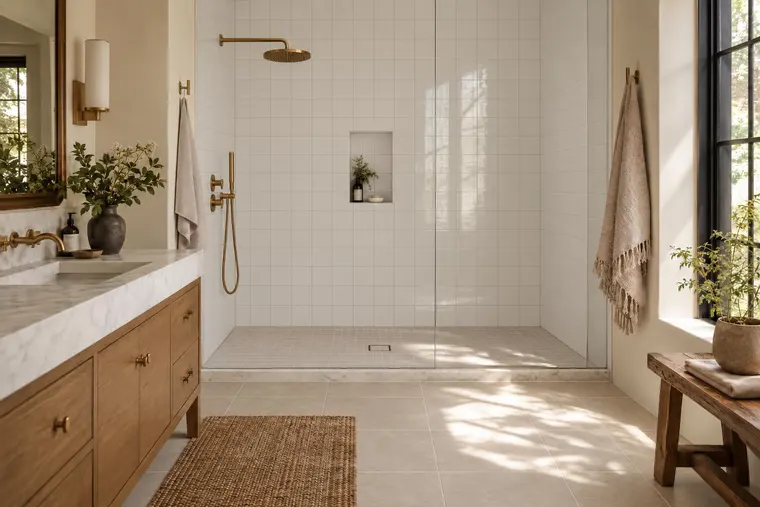
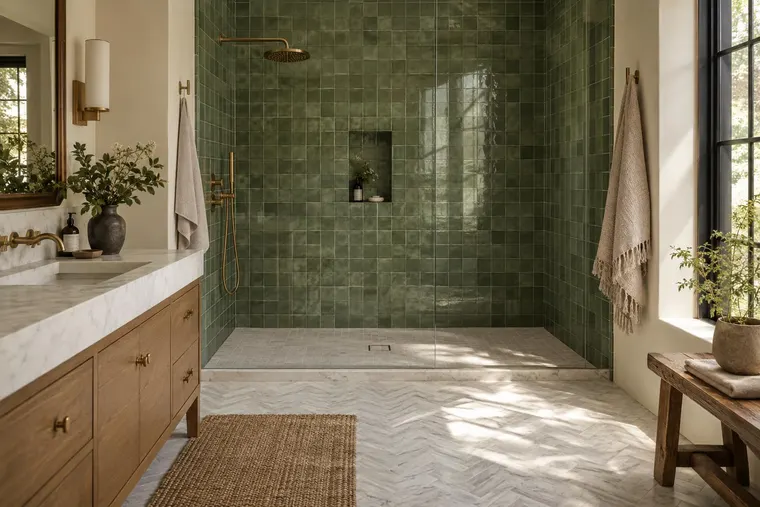
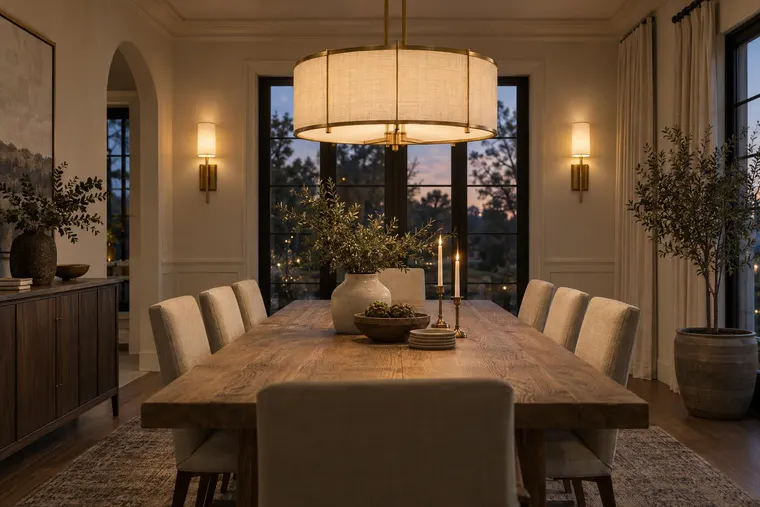
Tile and surface concept.

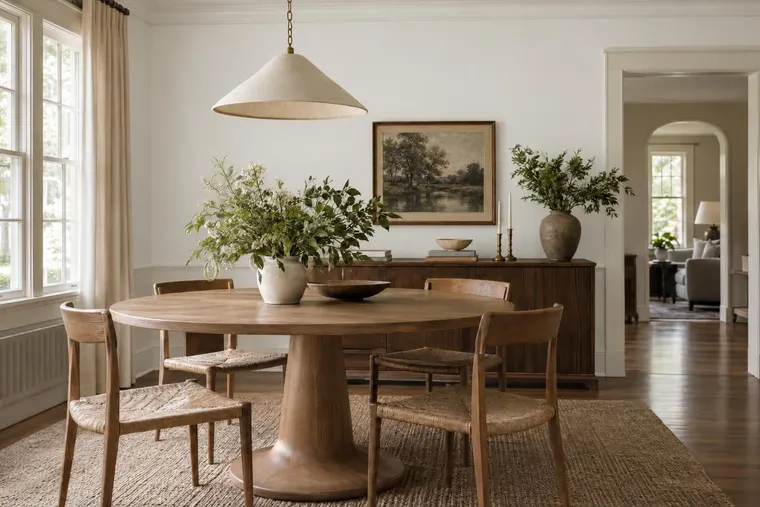
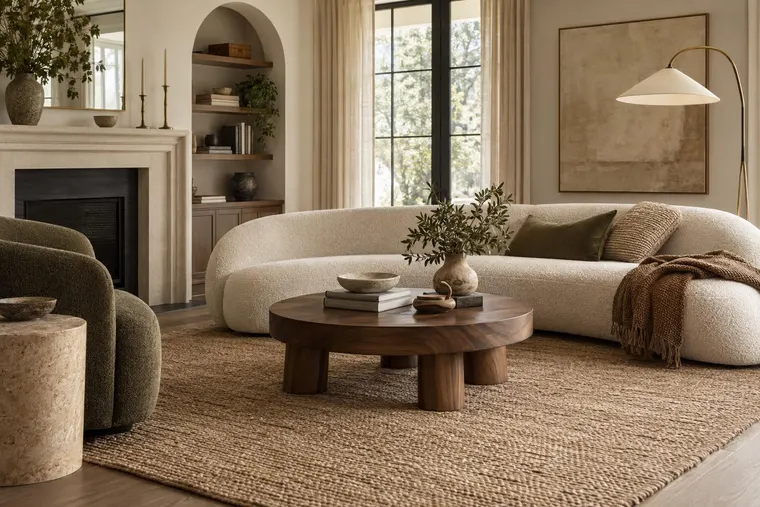
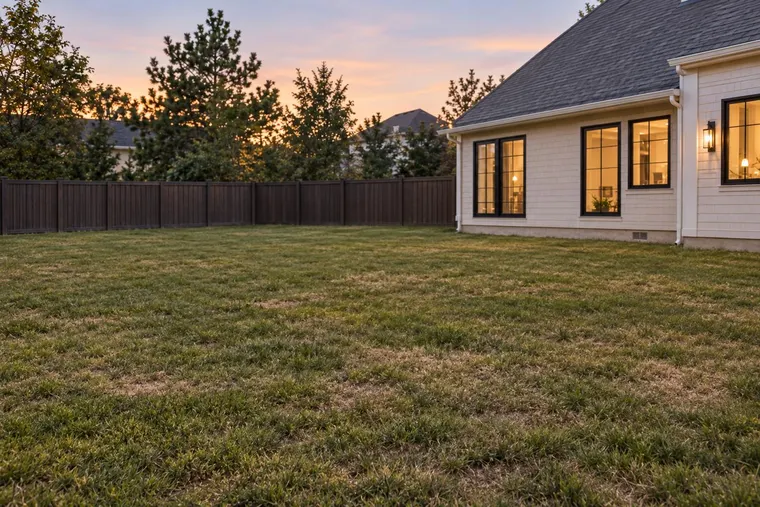
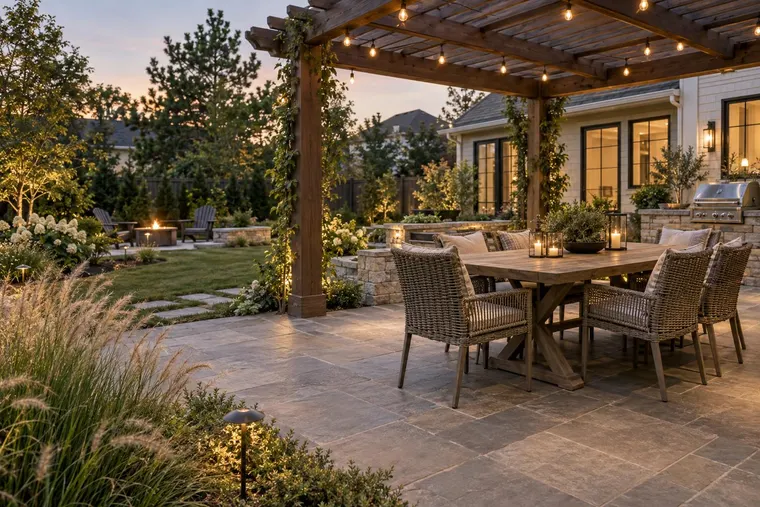
Room staging concept.

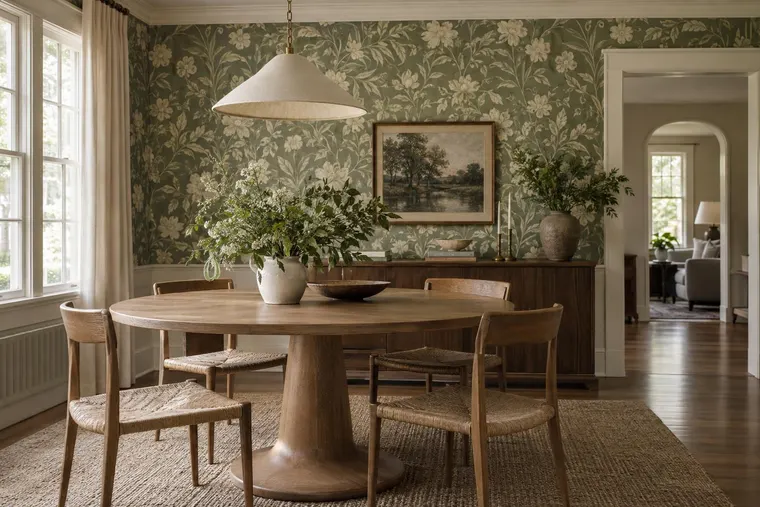
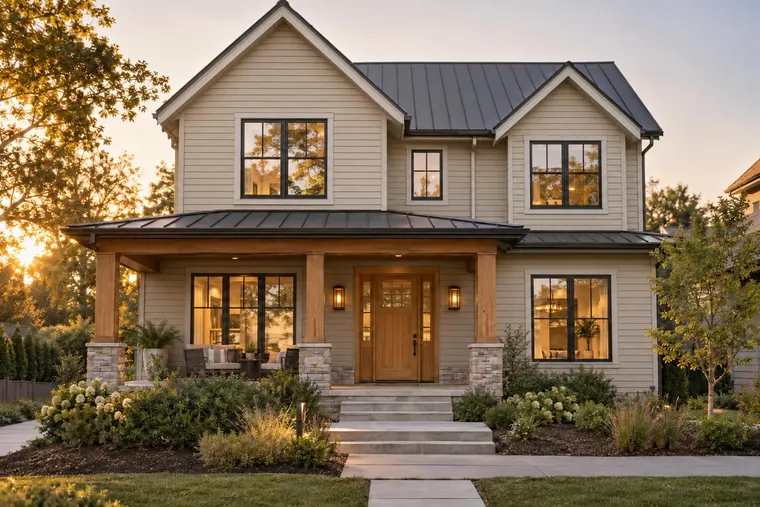
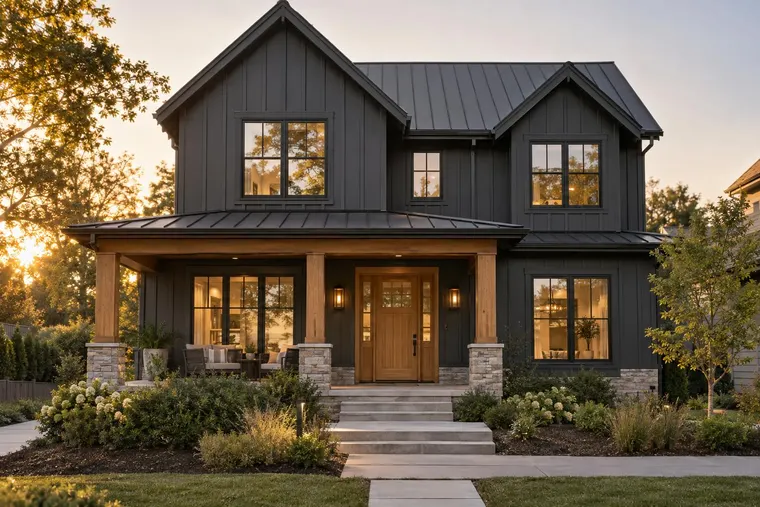
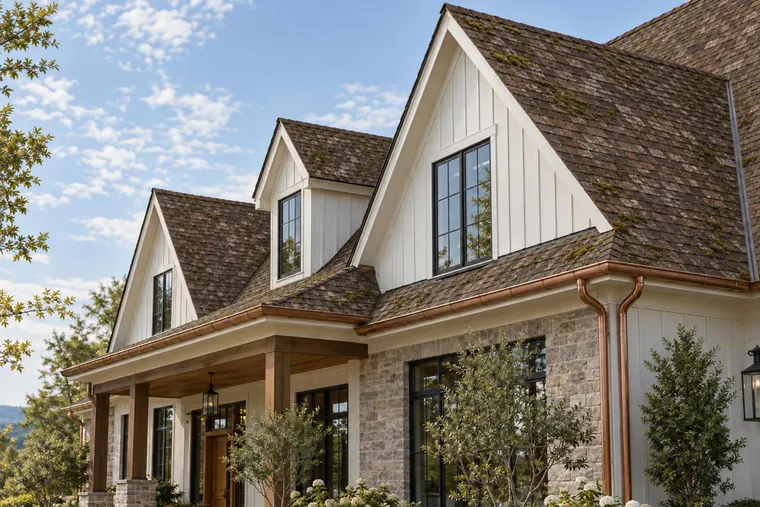
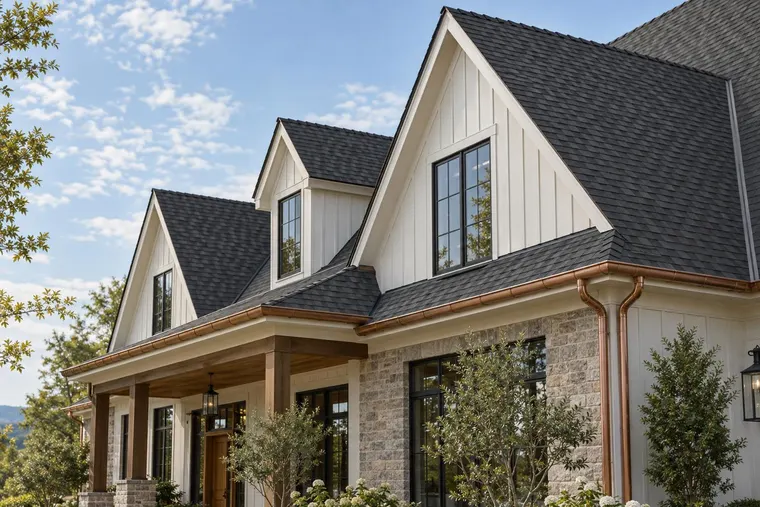
Exterior paint concept. Confirm colors with physical samples.
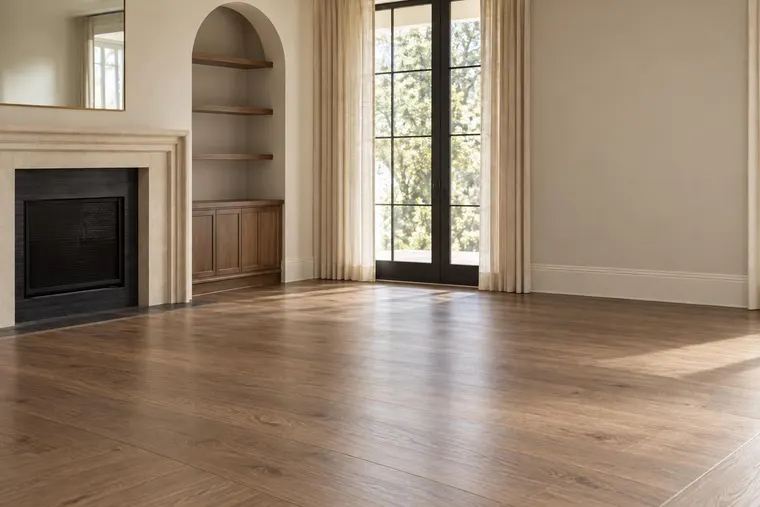
Concept examples. Confirm products, measurements and final specifications with your team.