
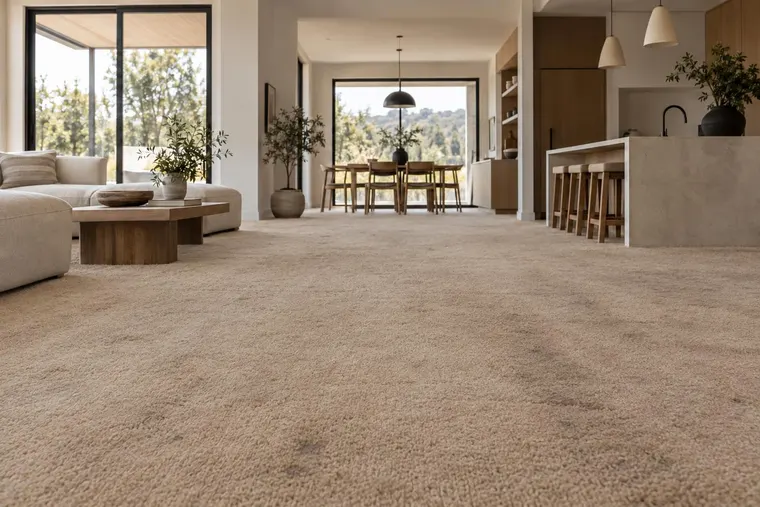
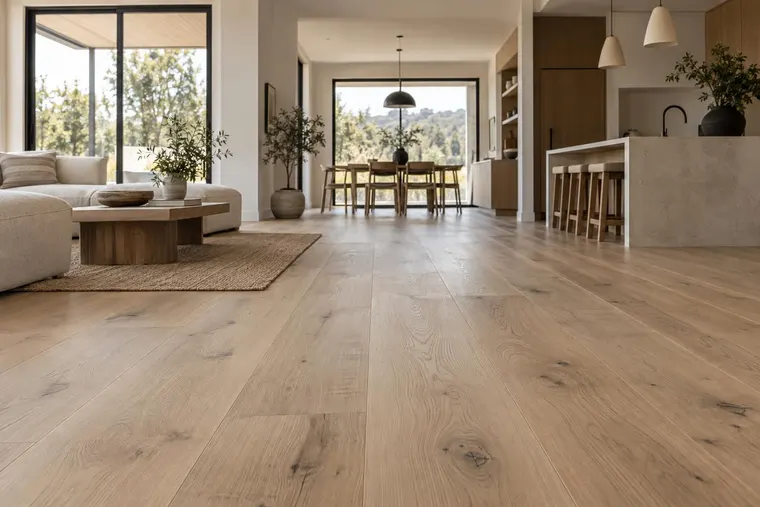


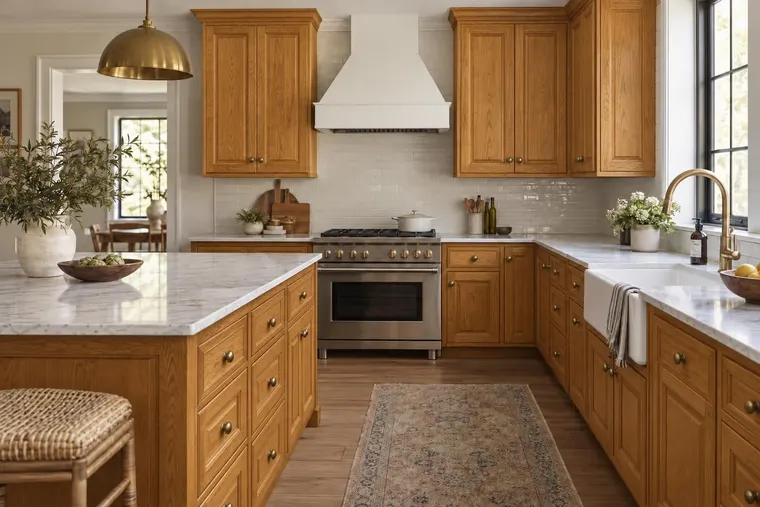
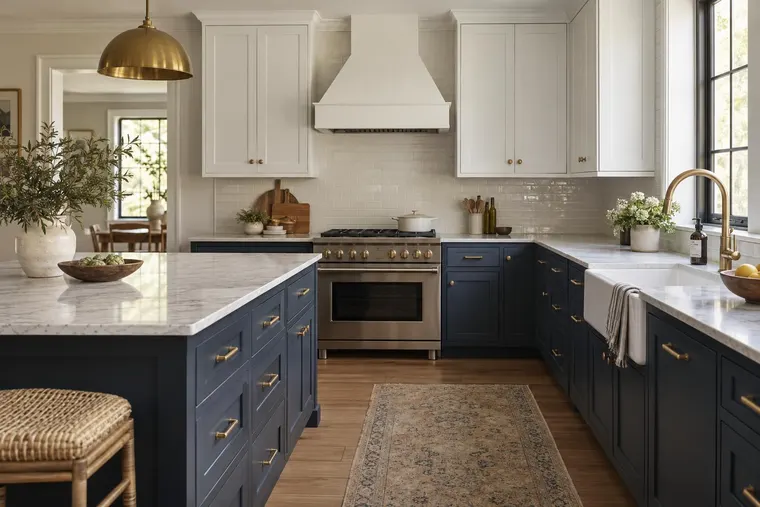


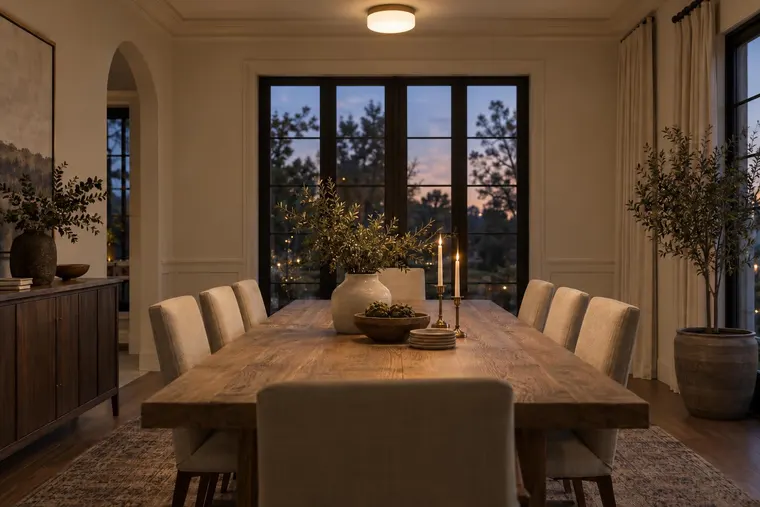

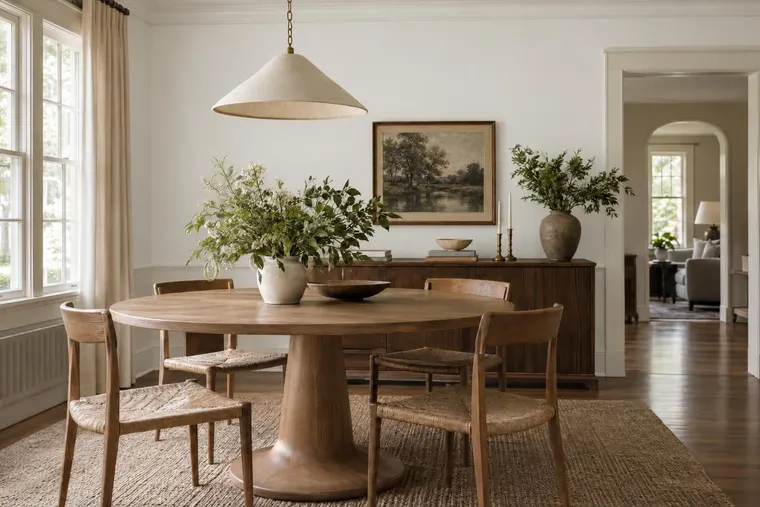
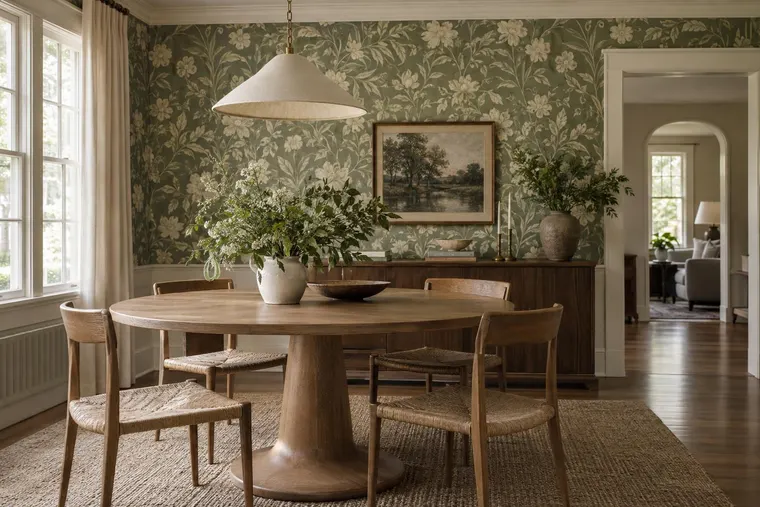


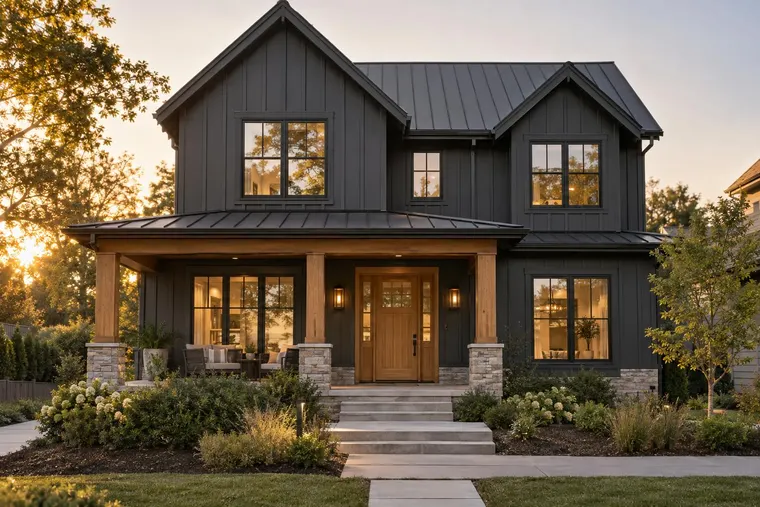




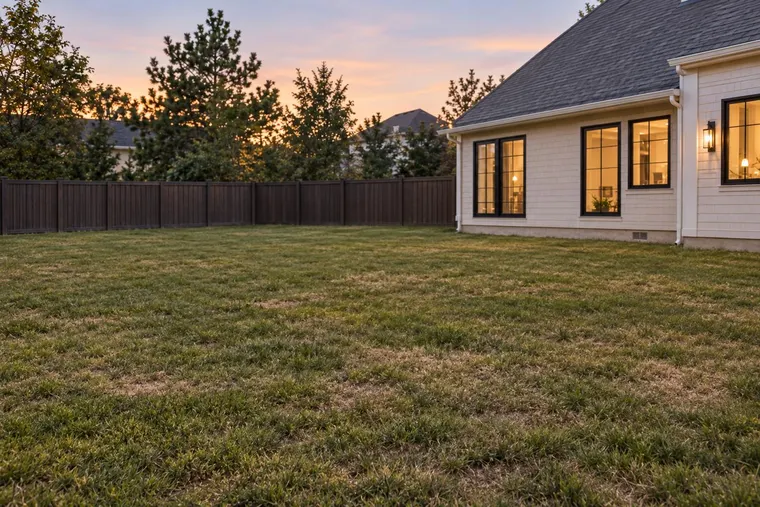

Give the choice a familiar setting
Use a project photo to compare color directions for walls, siding or trim. Explain how the options relate to the existing roof, brickwork, windows and surroundings.
Help customers compare paint and exterior options in a project photo. Discuss the visual options during the appointment. Use the preferred option to prepare your estimate.



Original
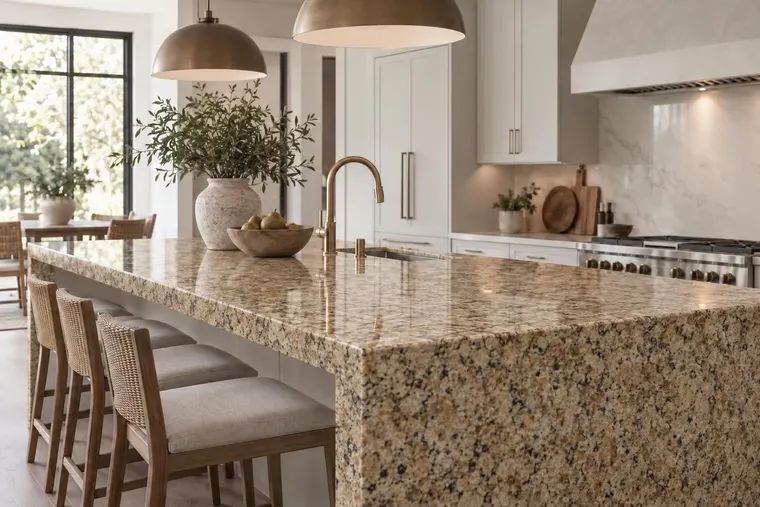
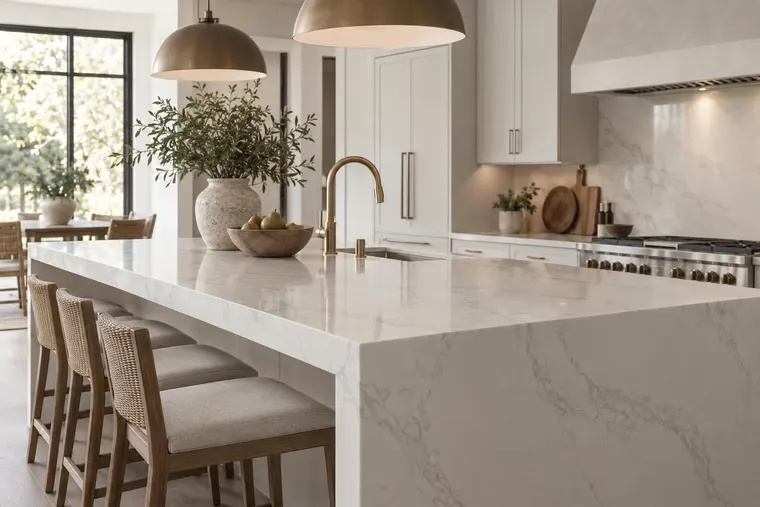
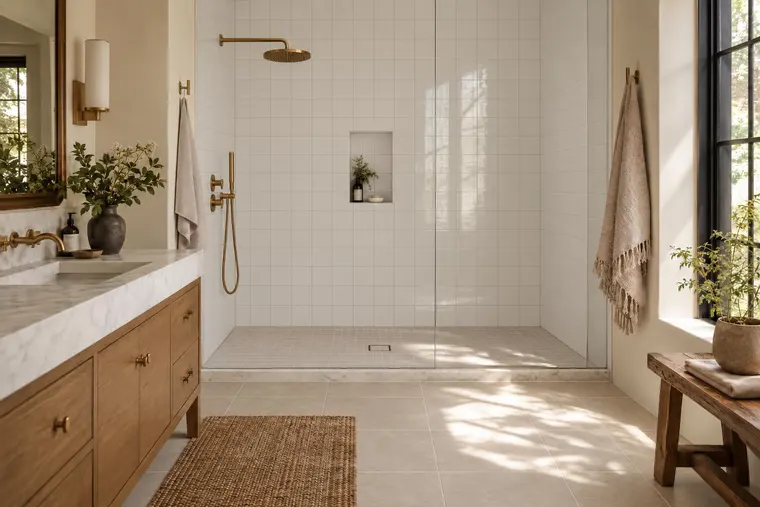
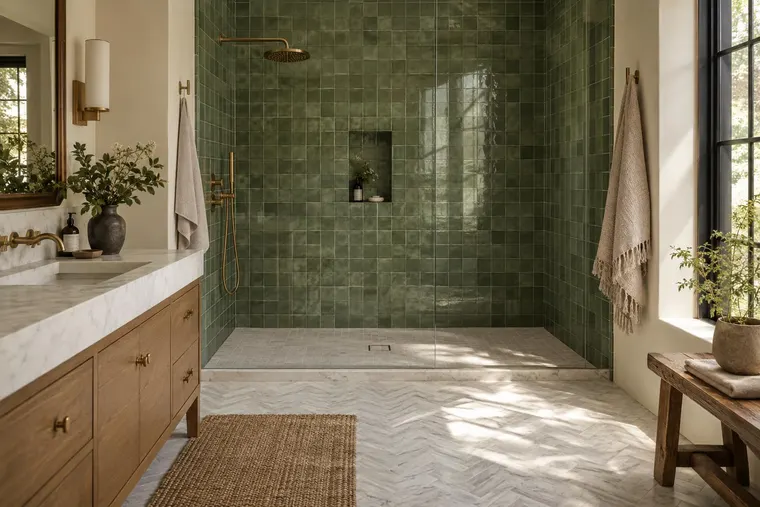
Example concepts. The buttons switch prepared images. They do not generate a render or establish an exact color match.
Some customers want to explore on a website. Others want your advice beside them. Shape the visual experience around how your business already helps them choose.
Use a project photo to compare color directions for walls, siding or trim. Explain how the options relate to the existing roof, brickwork, windows and surroundings.
Start with relevant shade names, product references and recurring combinations. Review the intended surface, lighting, texture and sheen rather than relying on a screen color alone.
Connect the visual direction to a color consultation, estimate or sales follow-up. Keep the reference and project context useful to the person continuing the conversation.
Bring typical jobs and difficult jobs. Ask the people who conduct appointments to test the tool on their normal devices.
Paint concepts can help narrow a direction. New siding profiles, replacement windows, doors or structural changes introduce product and geometry requirements.
Identify the surfaces to recolor and what should remain. Review the shade direction, edges and unexpected changes. Your professional process confirms surface condition, preparation, coverage and the final color with samples.
Bring dimensions, installation references and product details. Check placement, shape, size and feasibility separately. An image does not confirm that a product fits or that your team can build the change.
Try Studio for team consultations. For a public website, agree on the collection, navigation, mobile use and inquiry process. Website packages do not price team access.
Test real appointments with the people who will use the tool. Then discuss any branded catalog, training or support needs.
Explore team design workflowsDecide where visitors find the experience and how a useful selection reaches your business. Define the collection, integration, photo handling and inquiry mechanism before launching.
Explore the Website VisualizerStart with the moment your customers need help. A sales-led consultation lets your team explain and review the concepts. A website visualizer lets visitors explore independently and needs a clear discovery path and next inquiry. Evaluate with your reps before expanding to a public experience.
Bring shade names, codes and product references for a focused evaluation. Check the surface, texture and sheen, and compare with physical samples. Lighting, displays and AI output can alter appearance; a visual concept does not replace a final color sample or product specification.
Those are different requirements from recoloring a surface. Bring product references, dimensions and typical photos for a separate feasibility review. Scope the supported changes before showing customers transformations your business may not deliver.
Agree on the customer action and the information your sales team needs. Confirm how the integration sends inquiries and images. Include photo handling, measurement and how your team responds.
Check whether sales staff and customers can compare useful options on typical jobs. Track where users need help and where AI changes unexpected details. Measure image usage, button clicks and completed inquiries separately. None guarantees higher sales.
The calculator estimates generated image variants for a proposed customer-facing website pilot. Existing Studio access follows its current plans. Branded team environments, catalog preparation and API integrations are scoped separately. Confirm support, billing start, usage rules and any setup or maintenance costs in the proposal.
Bring a few project photos, your recurring color choices and the way your team conducts consultations. Define a useful evaluation around that work.
Book a product demoExplore material, paint and room concepts for your customer workflow.
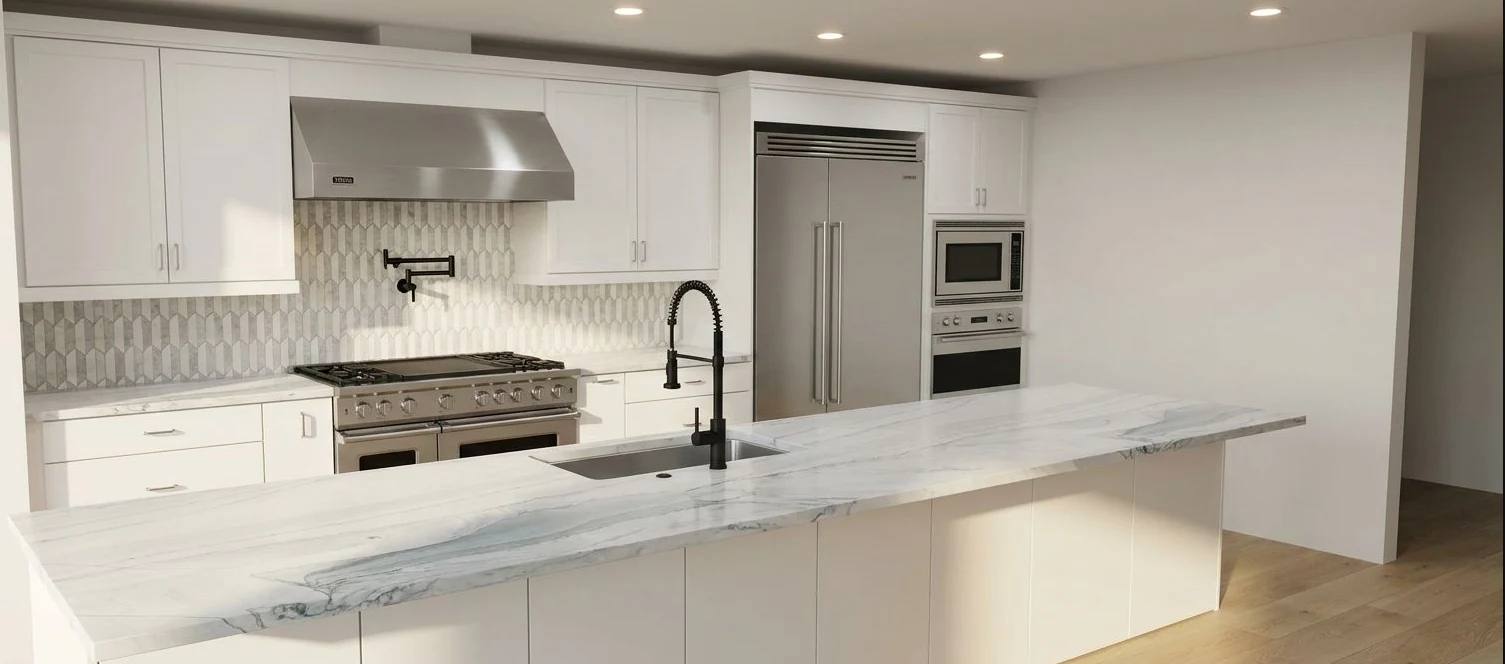
Kitchen design concept.

Tile and surface concept.

Room staging concept.
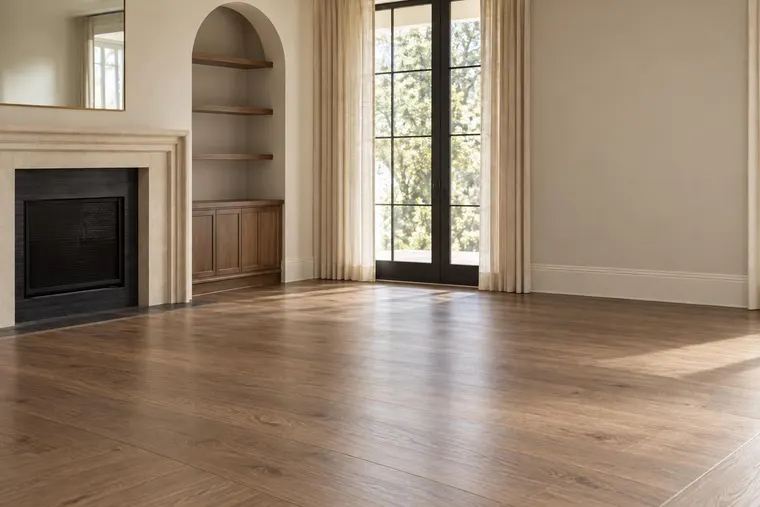
Concept examples. Confirm products, measurements and final specifications with your team.