
How to Do a DIY Kitchen Remodel with Renovate AI

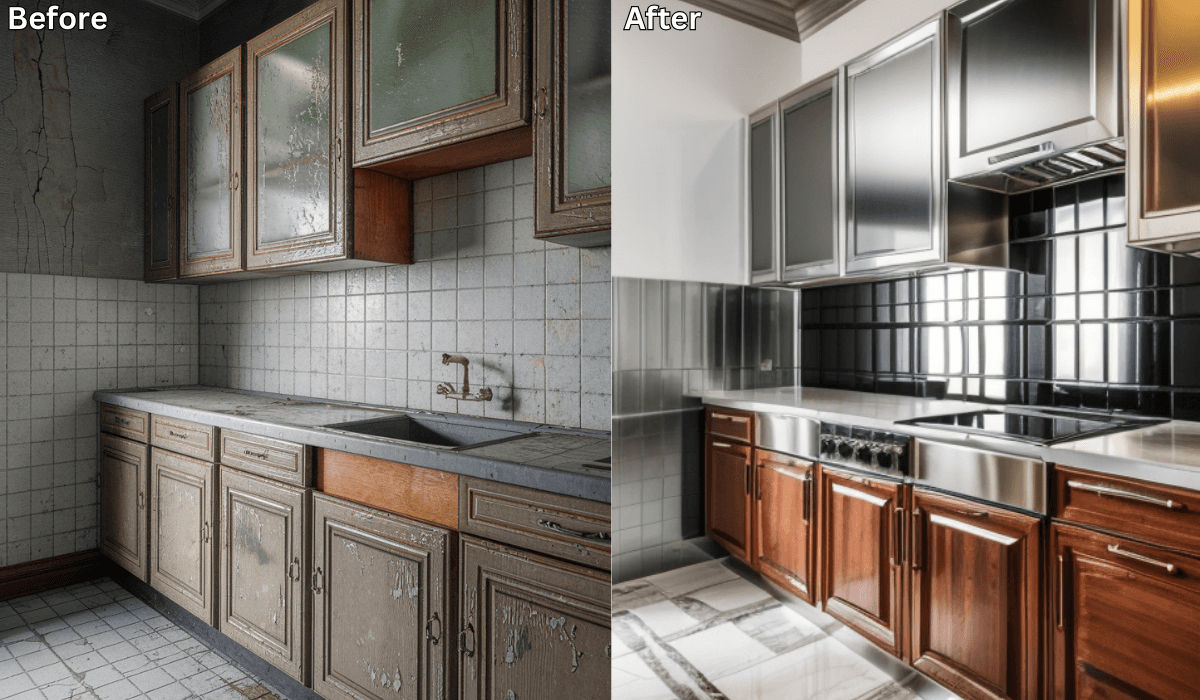
A DIY kitchen remodel can be a rewarding and cost-effective way to upgrade your space. However, planning is crucial to avoid mistakes and unexpected expenses. Renovate AI makes it easy to visualize and test different design ideas before committing to changes. By uploading a photo of your kitchen, you can experiment with layouts, materials, and colors—all from your phone or computer. Here’s how to use Renovate AI for your DIY kitchen remodel.
Step 1: Upload a Photo of Your Kitchen
Start by taking a clear, well-lit photo of your kitchen and uploading it to Renovate AI. The AI will analyze your space and generate design options tailored to your layout.
Step 2: Experiment with DIY-Friendly Layouts
Since you’re handling the remodel yourself, optimizing your layout is essential. With Renovate AI, you can:
Rearrange cabinets and appliances to maximize efficiency.
Test different island placements to improve flow.
Find space-saving solutions that work for DIY installation.
Step 3: Choose DIY-Friendly Cabinets and Countertops
Cabinets and countertops are major kitchen features. Renovate AI helps you:
Visualize different cabinet materials and finishes.
Compare quartz, butcher block, and laminate countertop options.
Choose designs that are easier to install without professional help.
Step 4: Select Flooring and Backsplash Options
Upgrading flooring and backsplashes can make a huge impact. Use Renovate AI to:
Test peel-and-stick tile options for easy installation.
Compare waterproof vinyl, tile, and laminate flooring.
Match backsplash styles to your chosen design.
Step 5: Pick Appliances and Lighting
Your remodel isn’t complete without the right appliances and lighting. Renovate AI allows you to:
Preview different appliance finishes and placements.
Experiment with pendant lights, under-cabinet lighting, and recessed lighting.
Adjust brightness levels to match your kitchen’s ambiance.
Step 6: Plan Your DIY Timeline and Budget
Once your design is finalized in Renovate AI:
Break your remodel into manageable DIY projects (e.g., painting cabinets, installing a backsplash).
Use the AI-generated designs to create a materials list.
Set a realistic budget based on your chosen materials and finishes.
Final Thoughts
A DIY kitchen remodel is a big undertaking, but Renovate AI makes it easier by allowing you to plan and visualize your space before starting. From testing layouts to choosing materials, AI-powered tools help you make informed decisions and avoid costly mistakes. Ready to take on your DIY kitchen remodel? Download Renovate AI today and bring your vision to life!
You Might Also Like
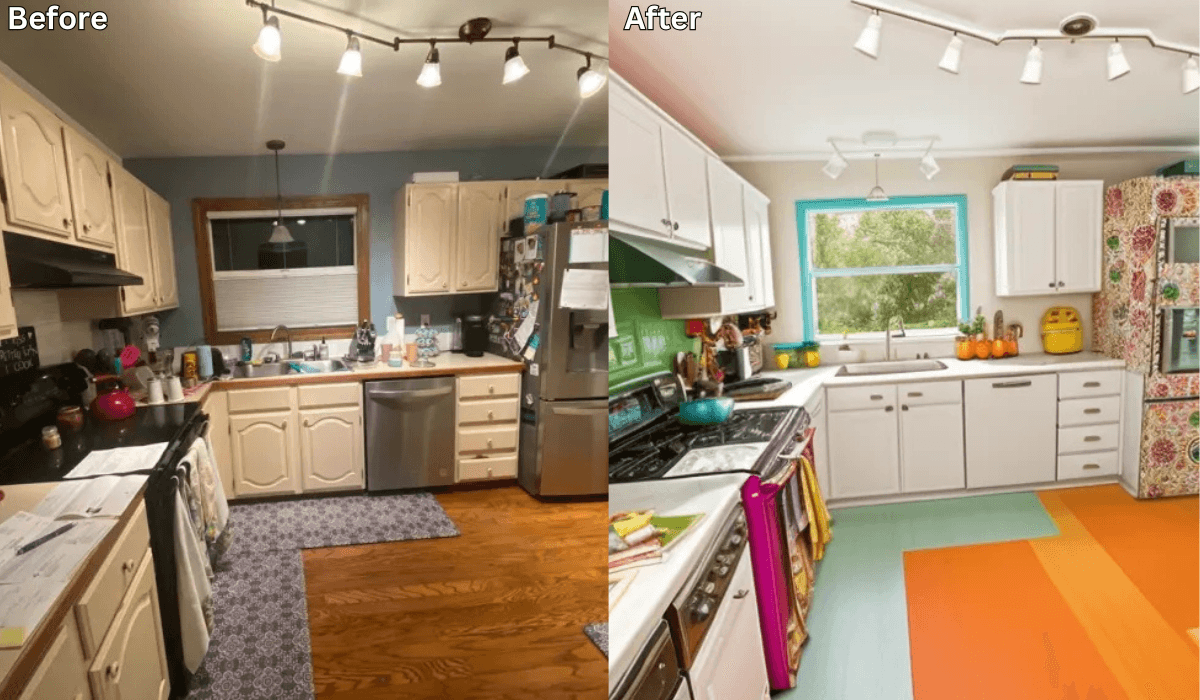
How to Visualize Your Kitchen Remodel with AI in 7 Steps →
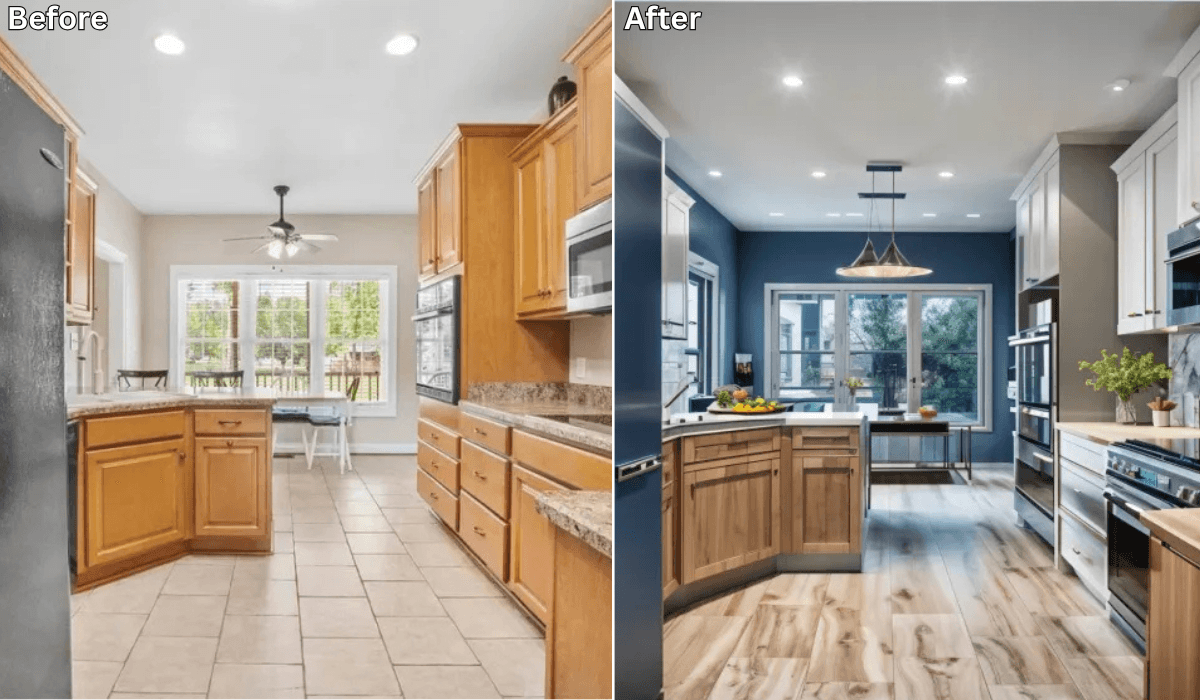
Is There an App Where I Can Take a Picture of My Kitchen and Remodel It? →
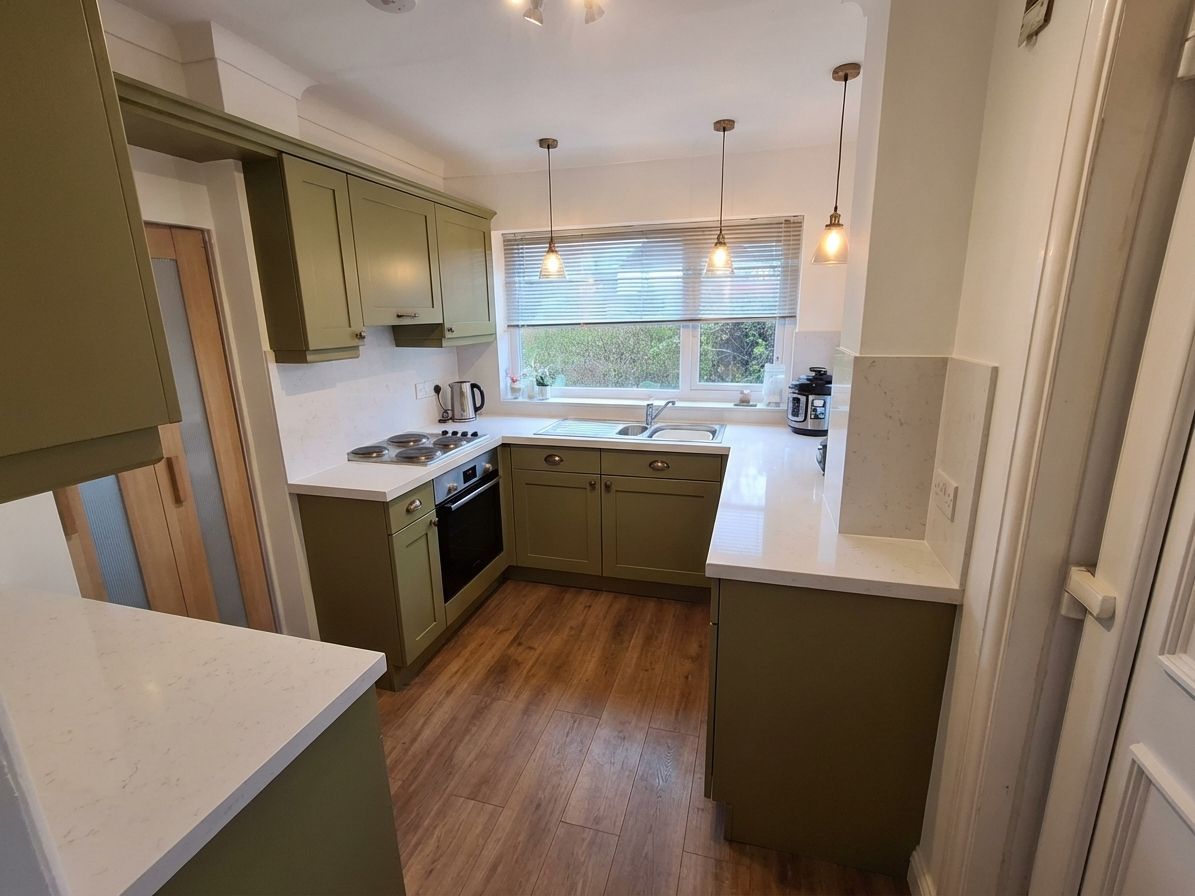
How to Choose Kitchen Cabinet Colors: Name Your Anchor First →
How to Redesign a Kitchen: Decide in the Right Order →

Sid Sarasvati · Founder, Renovate AI
Sid Sarasvati is the founder of Renovate AI, featured in the Wall Street Journal and Morning Brew’s The Playbook. He studied architectural philosophy at Harvard GSD and has tested AI design tools on 200+ real homes.