
How to Pick a Front Door Color Using AI

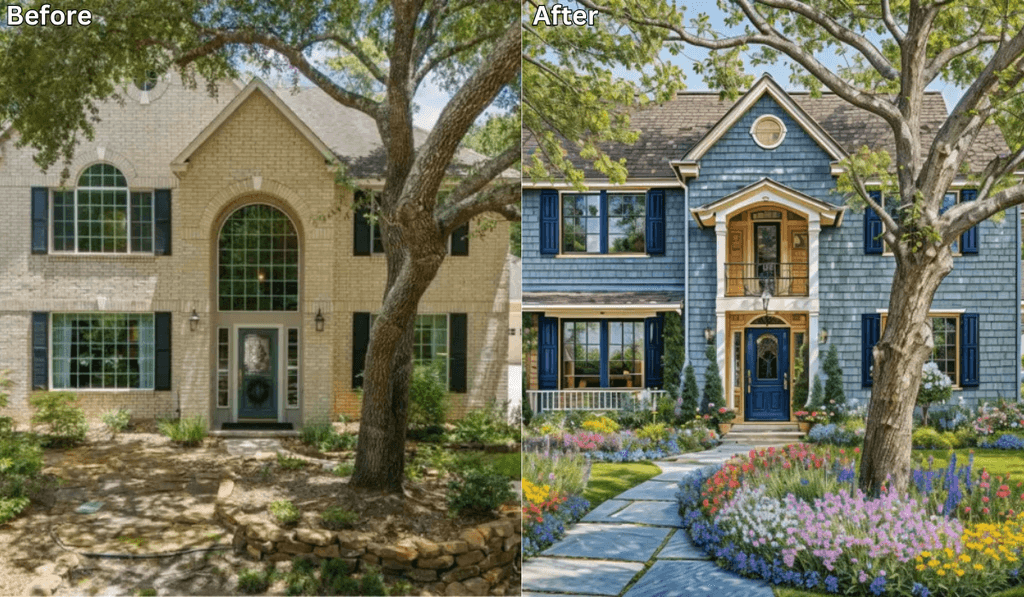
Choosing the perfect color for your front door can significantly enhance your home’s curb appeal, but with so many options available, making a decision can be overwhelming.
Fortunately, artificial intelligence (AI) can help simplify the process by allowing you to visualize different colors and find the perfect match for your home’s exterior. Here’s how you can use AI to pick the ideal front door color.
Why Use AI for Choosing a Front Door Color?
AI-powered design tools take the guesswork out of color selection by offering:
-
Instant Visualizations: See how different colors look on your home in real time.
-
Personalized Recommendations: AI suggests colors that complement your exterior design.
-
Time and Cost Savings: Avoid costly mistakes by previewing colors before making a purchase.
-
Trend Insights: Get access to trending and classic color palettes tailored to your preferences.
Best AI Tools for Choosing a Front Door Color
Several AI-powered apps and platforms can help you experiment with different front door colors. One of the top choices is Renovate AI, which offers an intuitive way to visualize color options. Other notable tools include:
-
Sherwin-Williams ColorSnap Visualizer
-
Benjamin Moore Color Portfolio App
-
Behr Color Smart
-
Houzz Pro Design Tool
How to Use Renovate AI to Pick a Front Door Color
Renovate AI makes it easy to explore different color options for your front door. Follow these simple steps:
-
Download the App: Install Renovate AI on your iOS or Android device.
-
Take a Picture of Your Home: Capture a clear image of your front exterior, ensuring good lighting for accurate color representation.
-
Upload Your Photo: Upload the image to Renovate AI and select the front door area for color customization.
-
Choose Color Options: Browse AI-generated color recommendations or manually select from a wide palette of shades.
-
Compare and Adjust: Test multiple colors, adjust saturation, and refine the hue until you find the perfect match.
-
Save and Share: Save your top choices and share them with family or friends for feedback.
Factors to Consider When Selecting a Front Door Color
AI can provide great suggestions, but keep these factors in mind to ensure the best choice:
-
Architectural Style: Choose a color that complements your home’s design (e.g., bold hues for modern homes, classic tones for traditional styles).
-
Exterior Colors: Ensure the front door color blends harmoniously with the siding, trim, and roof.
-
Neighborhood Trends: Consider the aesthetic of surrounding homes while making your choice.
-
Lighting Conditions: Natural and artificial lighting can affect how a color appears.
Benefits of Using AI for Front Door Color Selection
Using AI for home design offers numerous advantages, including:
-
Eliminates Guesswork: Instantly see how a color looks before committing.
-
Enhances Curb Appeal: Choose a shade that increases your home’s attractiveness and value.
-
Encourages Creativity: Experiment with bold and unexpected colors risk-free.
-
Easy Decision-Making: Narrow down choices quickly without spending hours comparing swatches.
See It In Action: 3 Directions on a Real Front Door
We uploaded a photo of a real home to Renovate AI and tried three different front door color directions. Here is what we told the AI and what it came back with.
Direction 1: Bold Red with Brass Hardware
What We Told RAI: “Paint the front door a bold red with black trim and new brass door handle”


A red front door is the classic curb appeal move. It pops against neutral siding and says confident without being loud. The brass hardware adds warmth.
Direction 2: Navy Blue with Matte Black Hardware
What We Told RAI: “Paint the front door navy blue with white trim and modern matte black hardware”


Navy blue is the sophisticated choice. It reads as almost black in low light but shows its depth in sunlight. Matte black hardware keeps it modern and clean.
Direction 3: Natural Wood with Glass Sidelights
What We Told RAI: “Replace the front door with a natural wood door with glass sidelights and a black frame”


A natural wood door brings warmth and character that paint colors never can. The glass sidelights let light into the entryway while keeping the look elevated.
Final Thoughts
Picking the right front door color has never been easier thanks to AI technology. Whether you want a timeless classic or a bold statement piece, AI-powered tools like Renovate AI can help you visualize the perfect choice with ease.
Ready to transform your entryway? Download Renovate AI today and find the front door color that best suits your home!
You Might Also Like
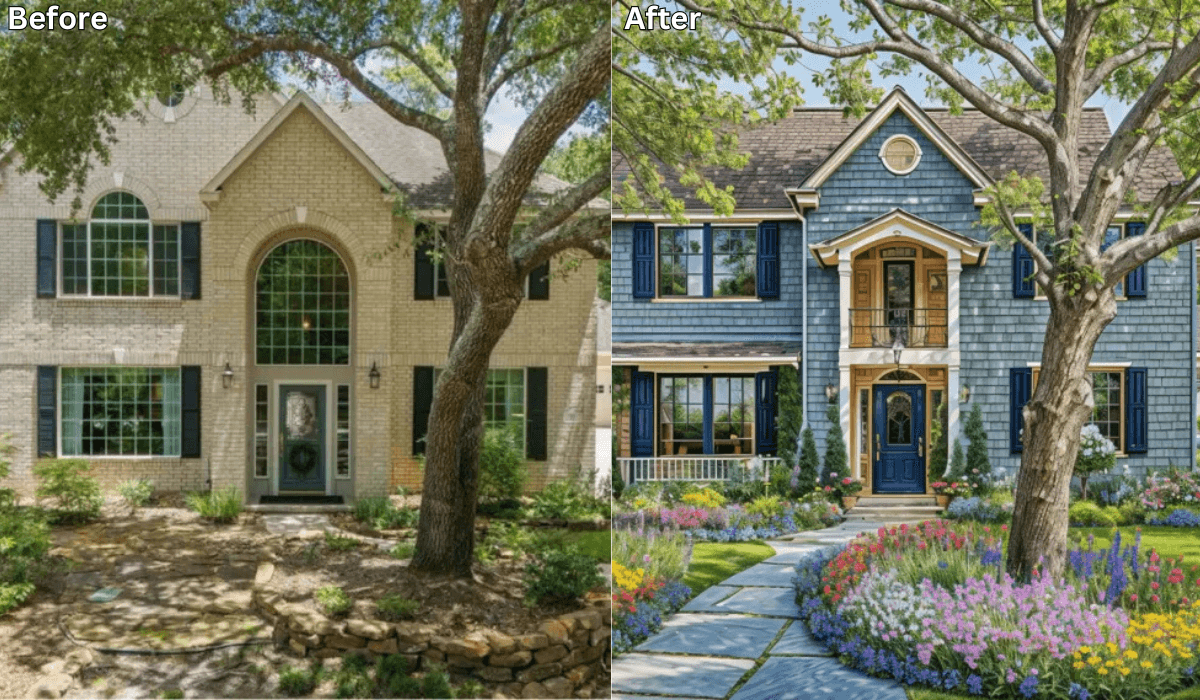
AI Paint Magic: Before & After with New Exterior Colors →
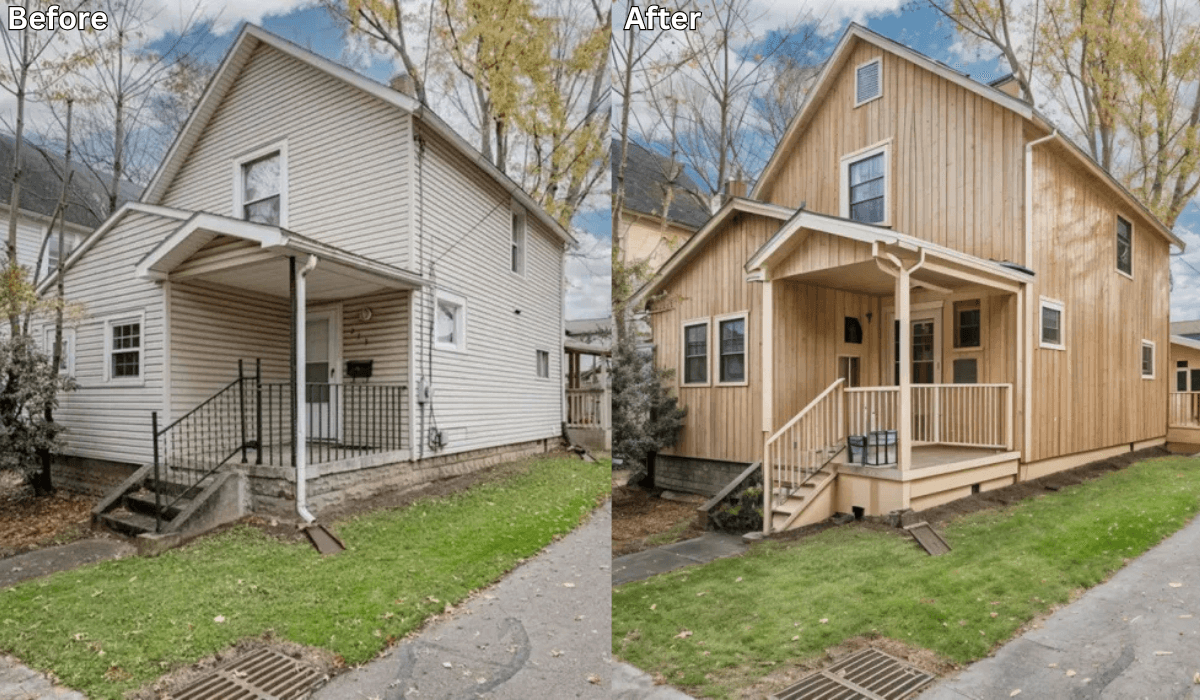
See Your House in Any Paint Color — Free AI Exterior Visualizer →
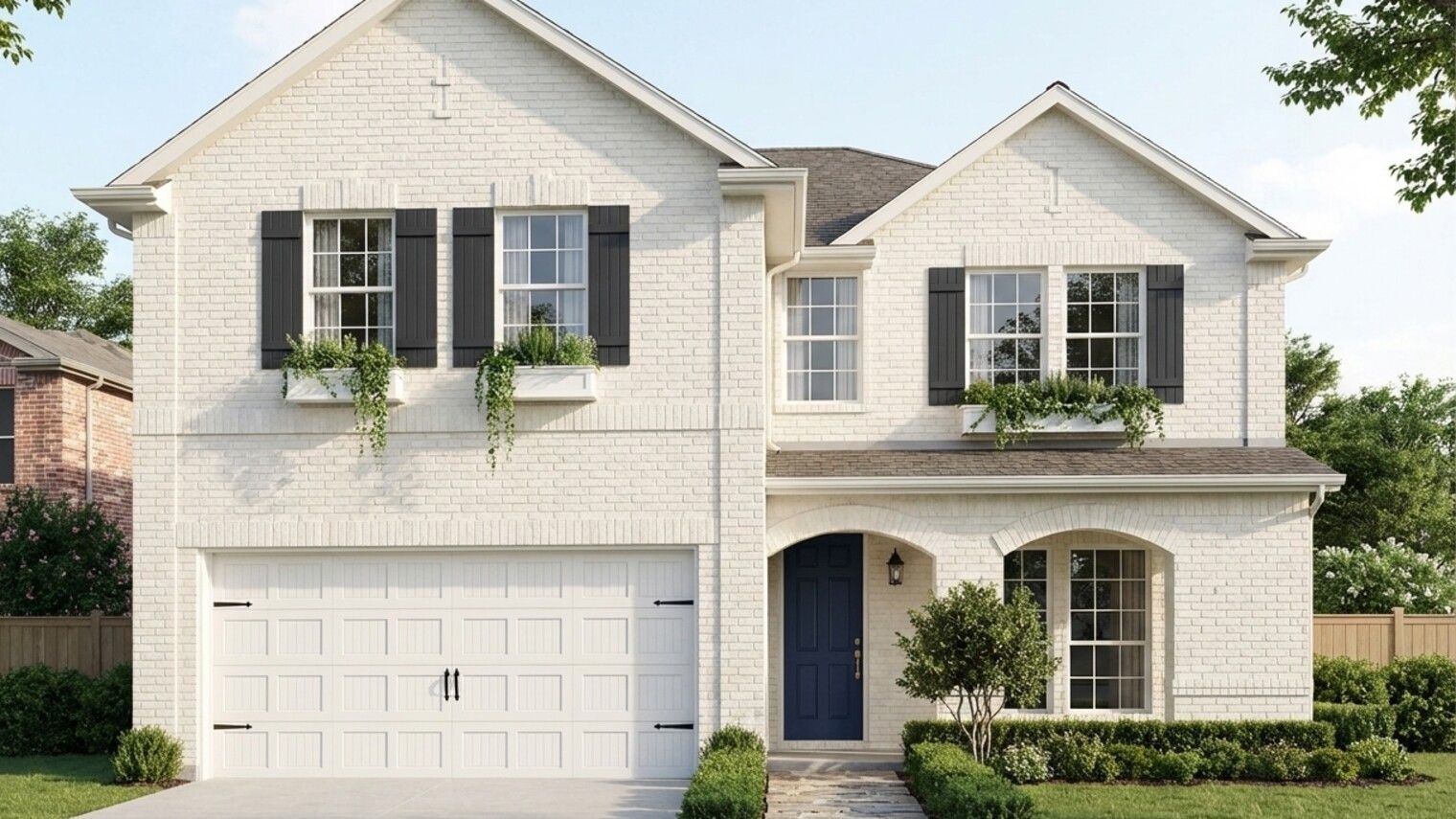
How to Make a Boring Red Brick House Look Sharp — 3 Directions We Tested →
Is There an App Where I Can Change Home Color for Free? →

Sid Sarasvati · Founder, Renovate AI
Sid Sarasvati is the founder of Renovate AI, featured in the Wall Street Journal and Morning Brew’s The Playbook. He studied architectural philosophy at Harvard GSD and has tested AI design tools on 200+ real homes.