
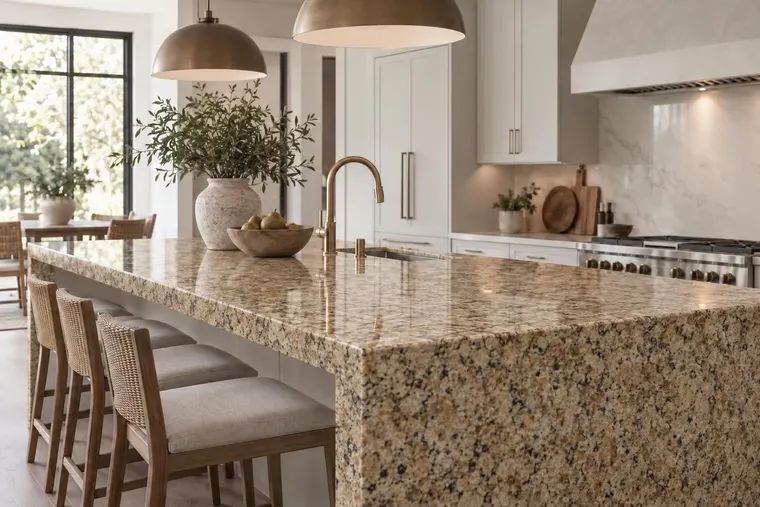
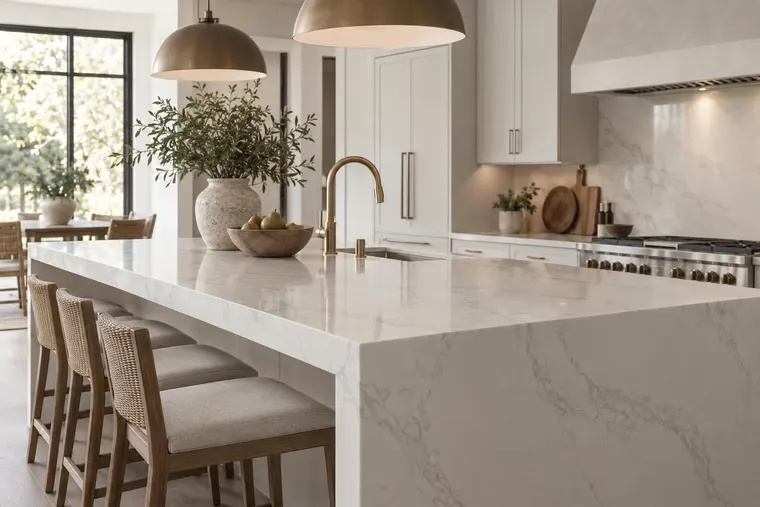
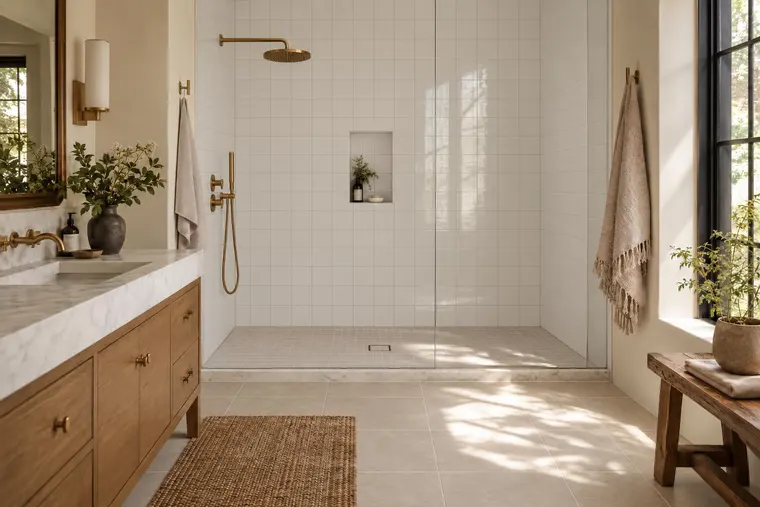
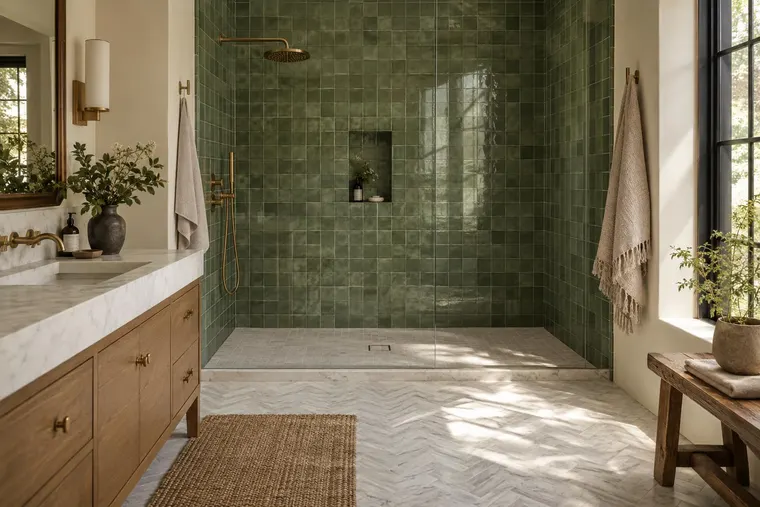
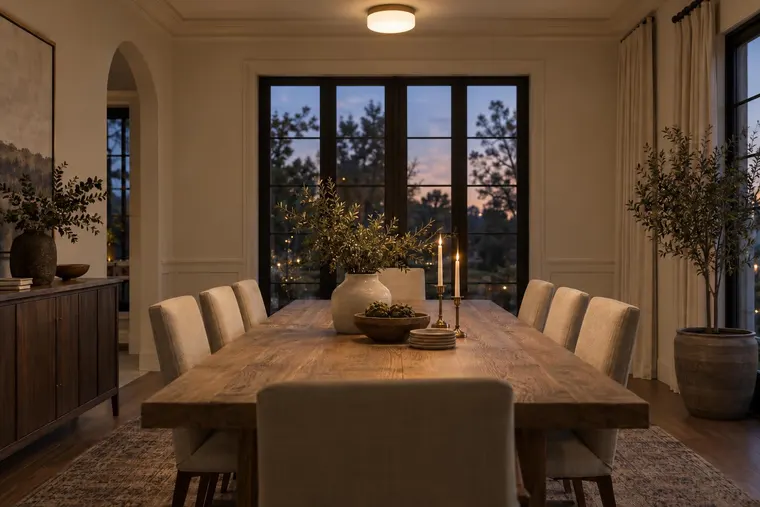
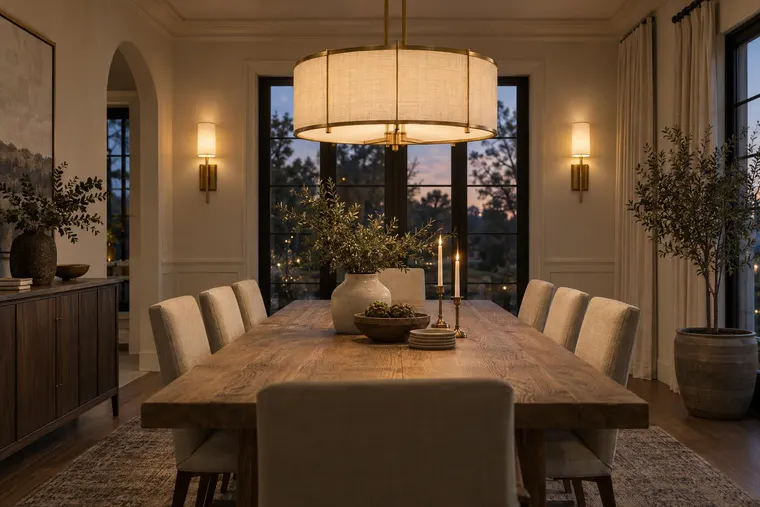
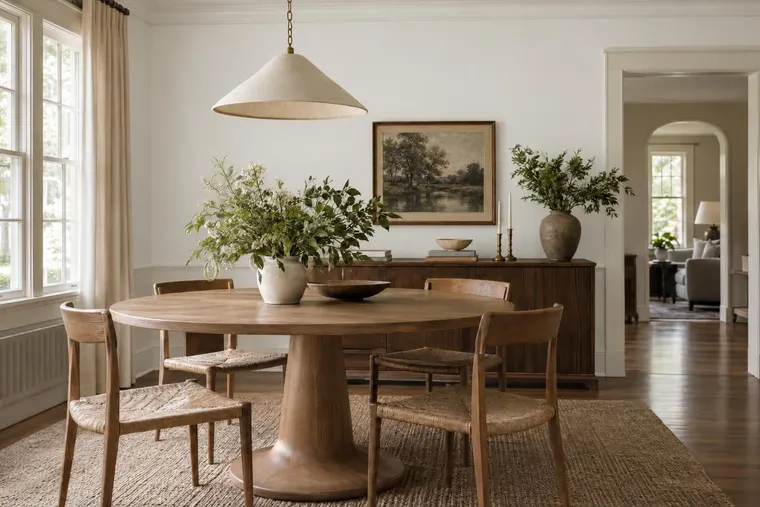
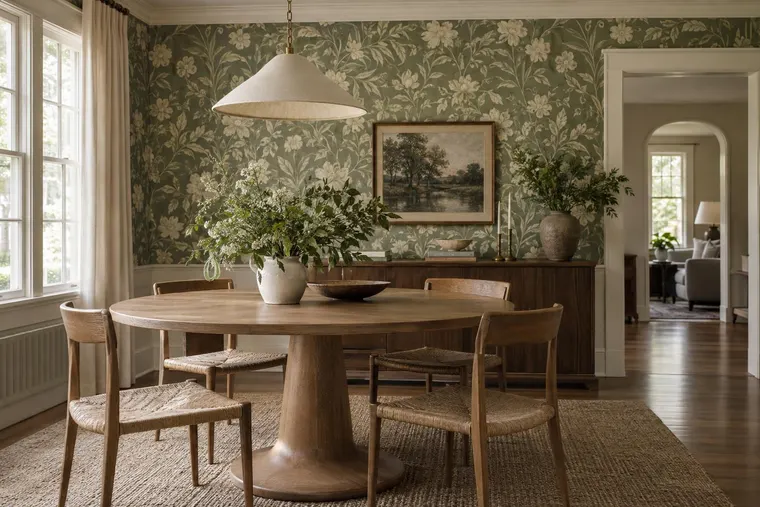
Introducing the Renovate AI ChatGPT Plugin

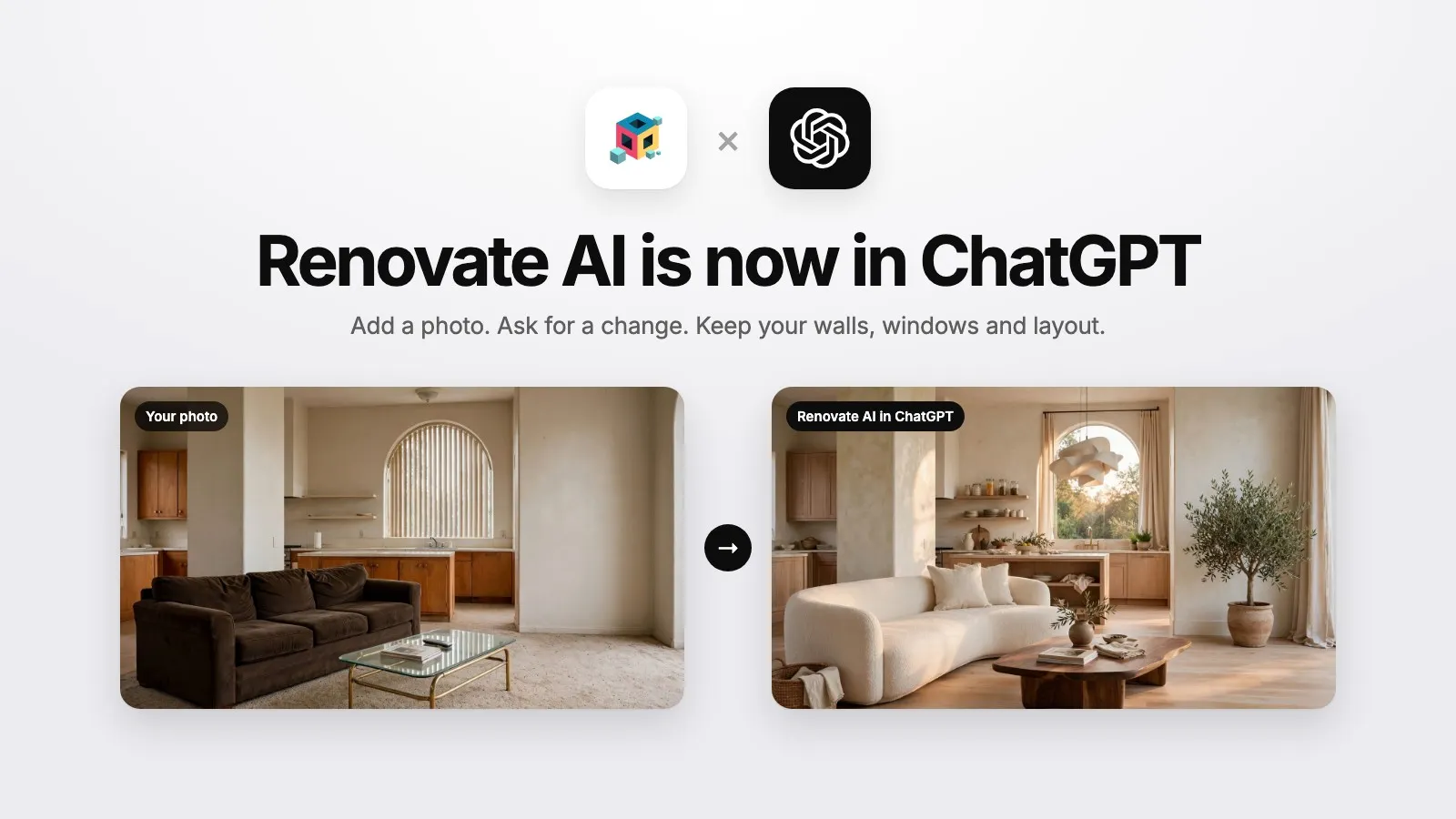
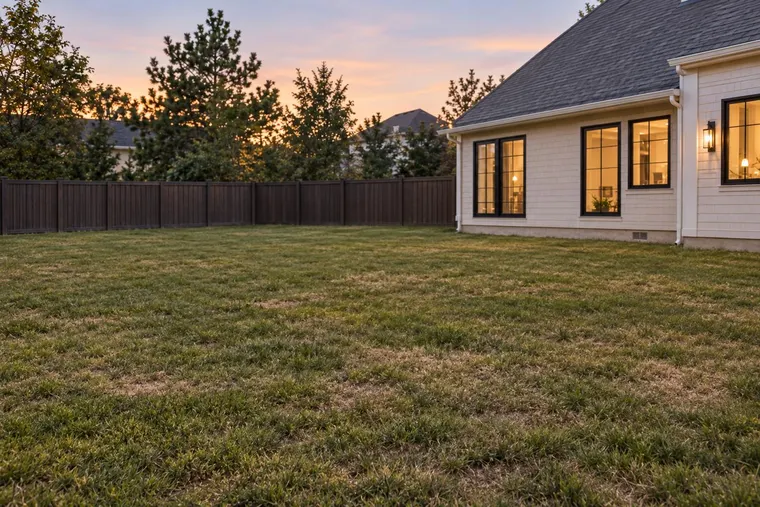
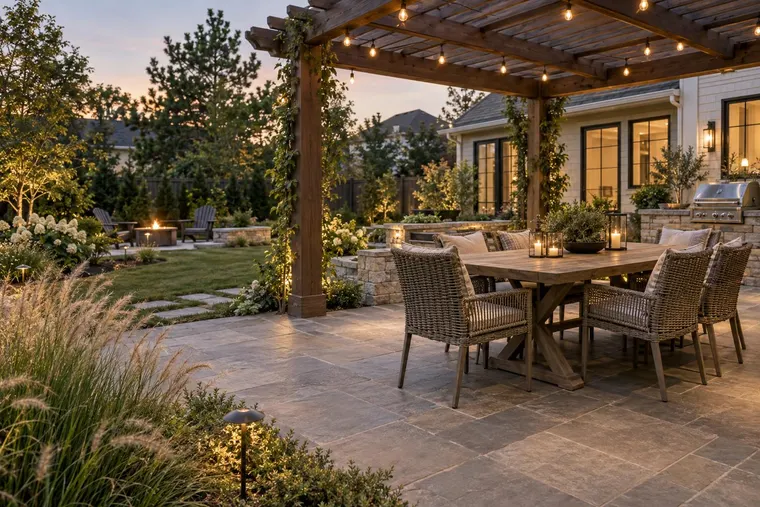
Today I am excited to introduce the Renovate AI plugin for ChatGPT. You can now redesign your home right inside a ChatGPT chat. Add a photo of your room, house or yard, ask for a change in your own words, and Renovate AI shows you the new design in seconds, with your walls, windows and layout kept as they are.
Many of you already plan your homes in ChatGPT. You ask it for paint colors, layouts and ideas for a small bathroom. Then you ask it to show the idea on a photo of your room, and the room that comes back is not your room. The windows move. The walls change. The furniture is gone.
We built Renovate AI to show the change on your real home and keep everything else. Bringing it into ChatGPT was the natural next step. Here is how Renovate AI for ChatGPT works.
What the Renovate AI ChatGPT plugin does
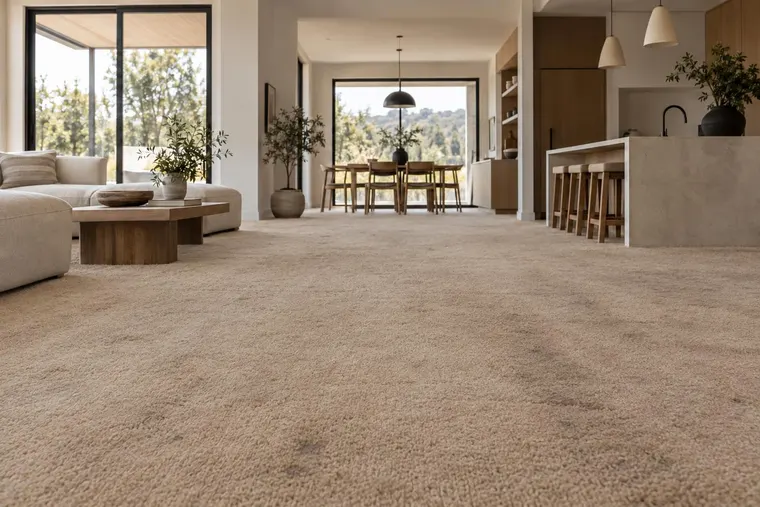
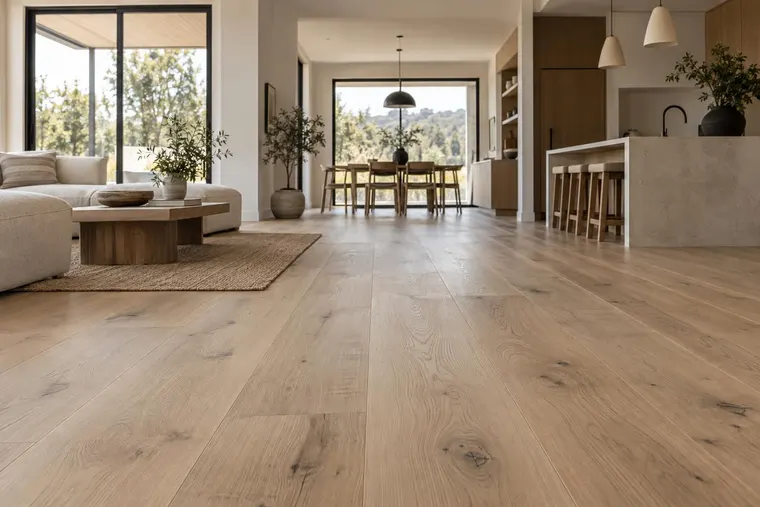
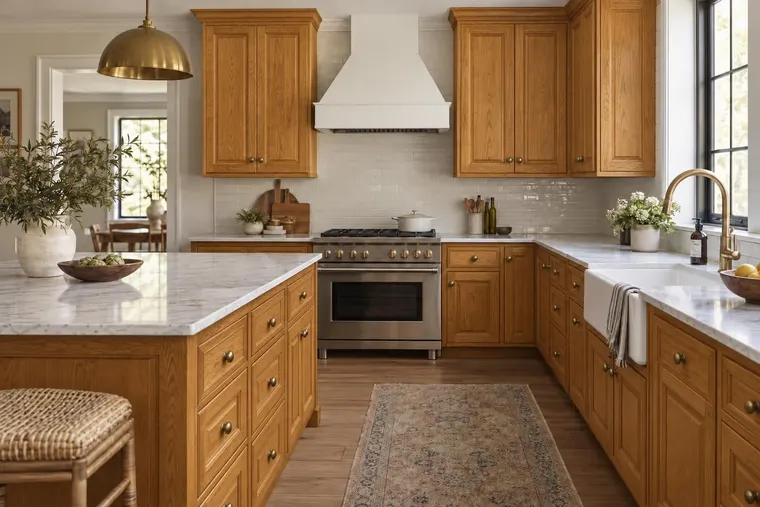
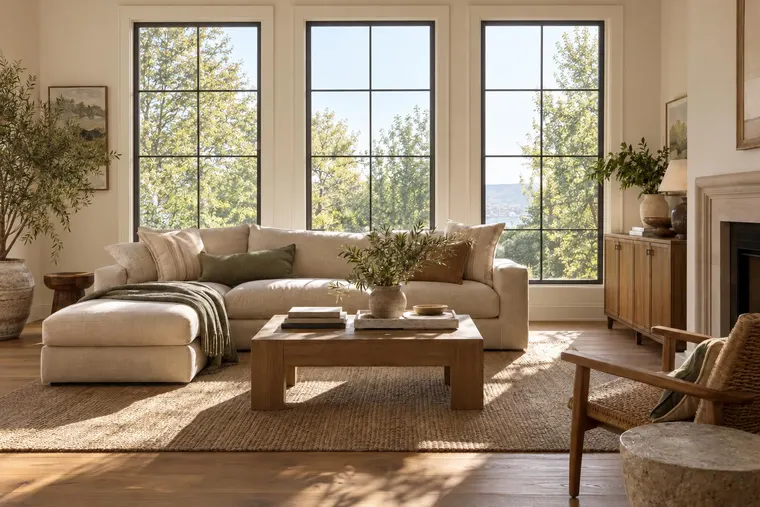
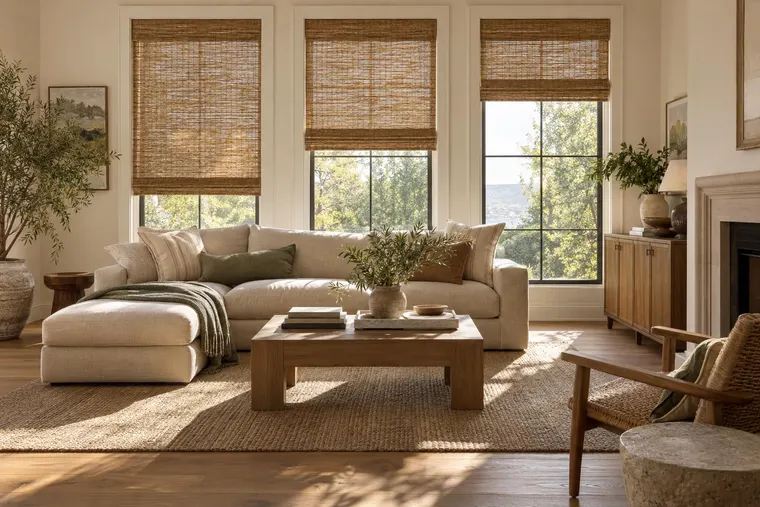
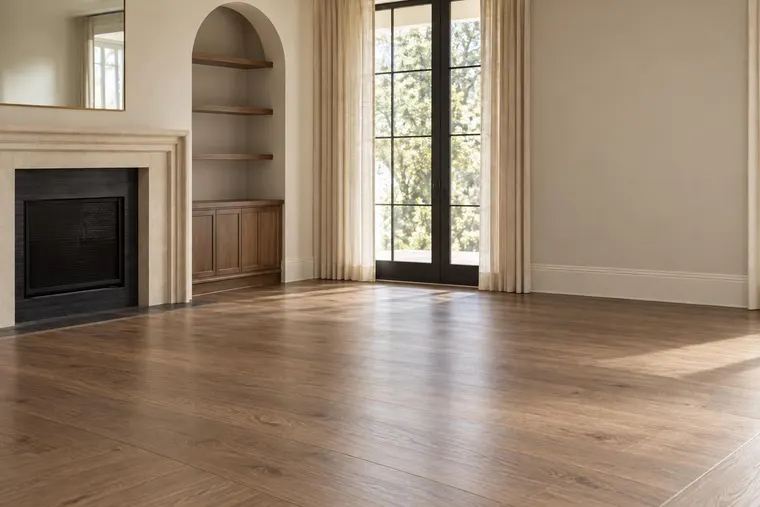
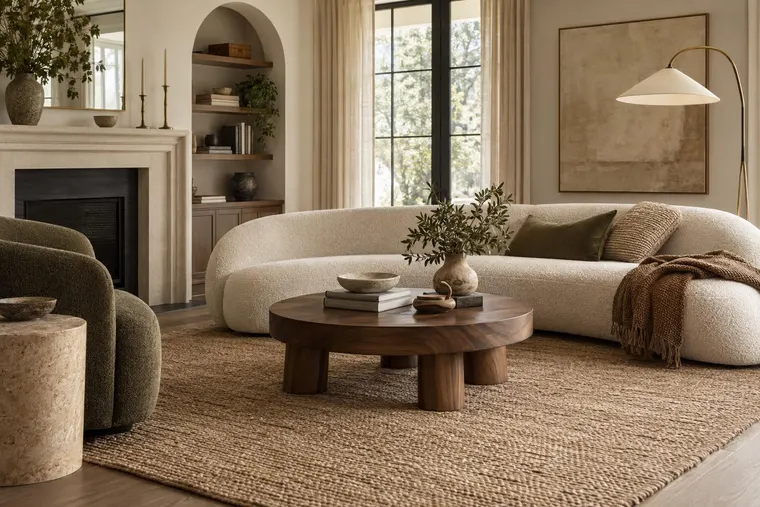
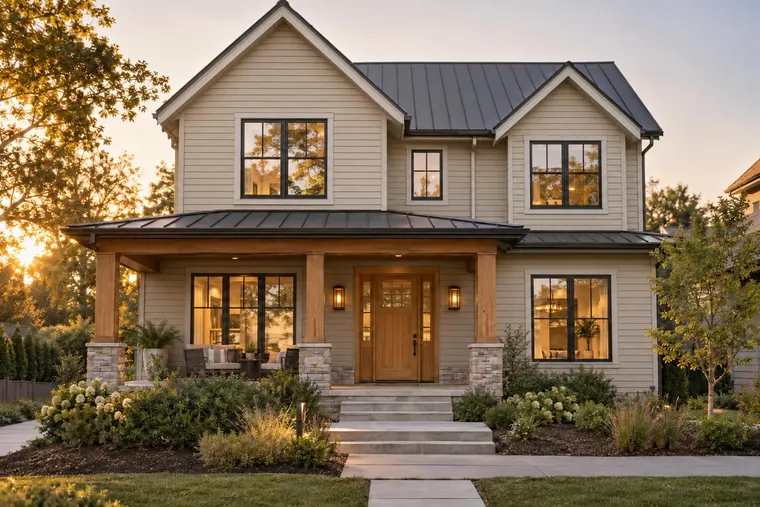
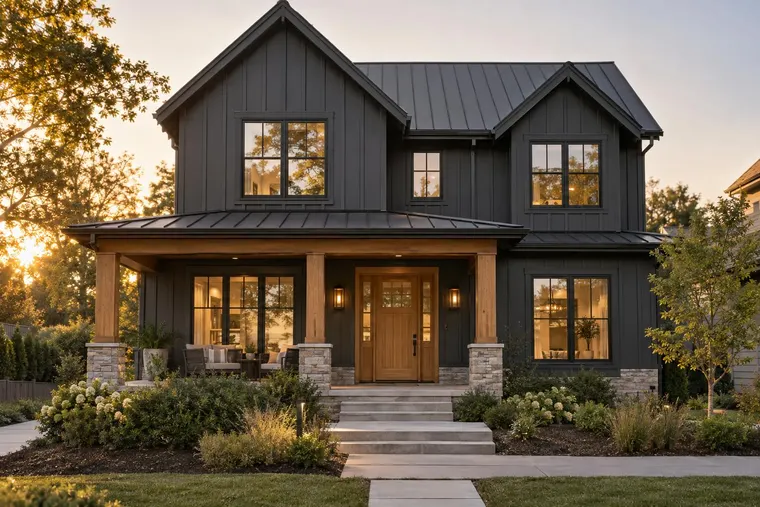
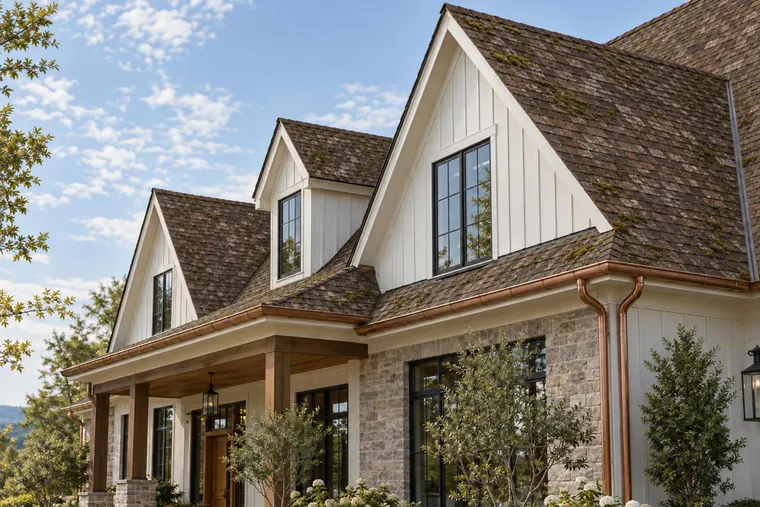
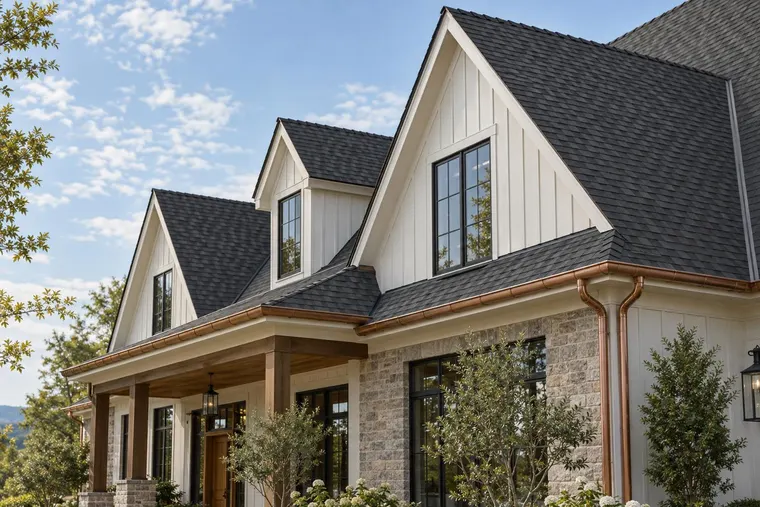
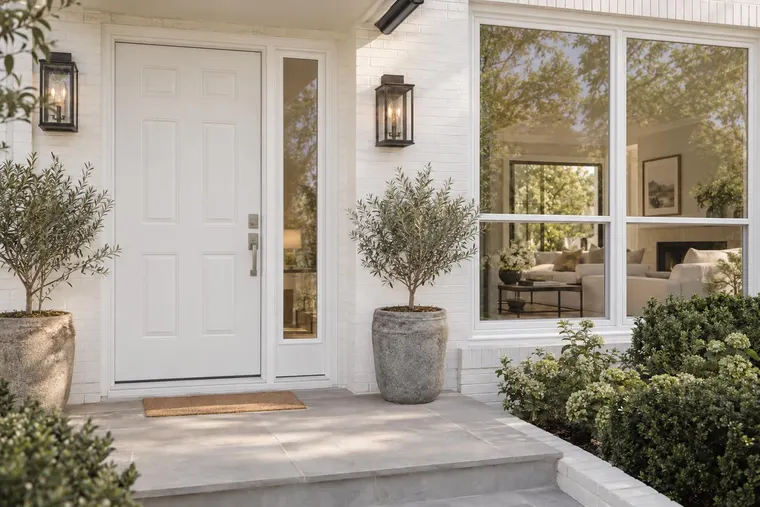
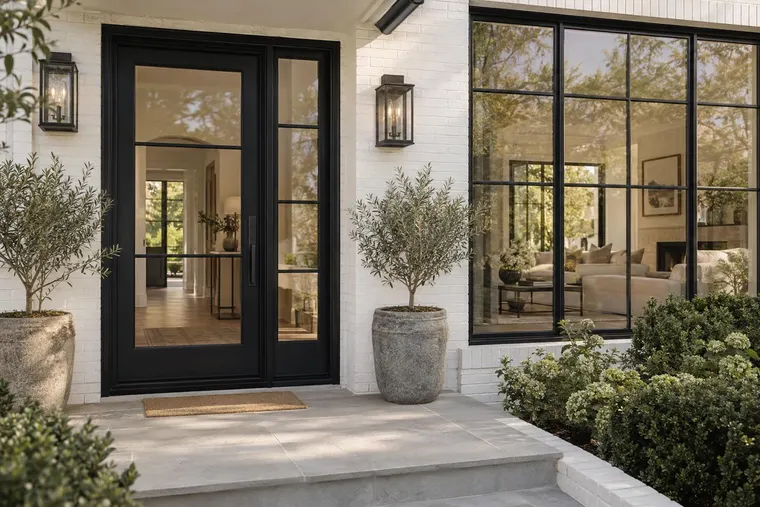
Add a photo of your room, house exterior, yard, patio or garden to a ChatGPT chat. Ask for a change in your own words. Renovate AI redesigns the photo and keeps your real layout, walls, windows and camera angle.
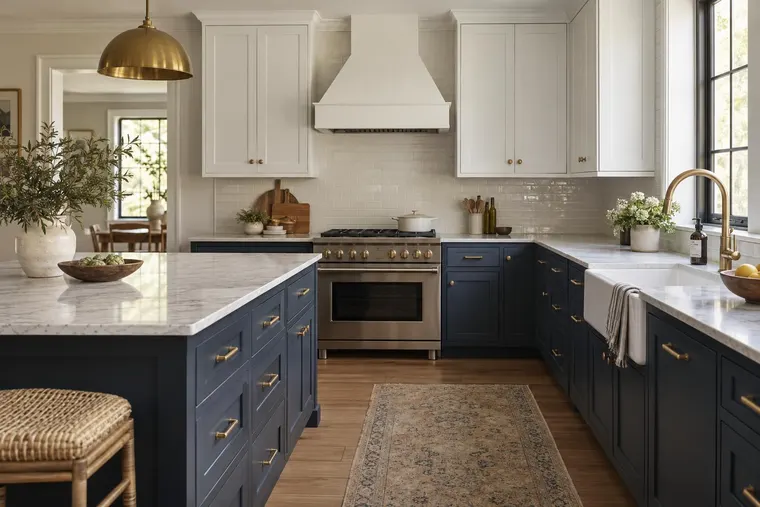
The design opens in an interactive Renovate AI card right in the chat. Drag the slider to compare before and after. Open the full screen view to see every design in the project.
You do not need to learn a new app or a new set of prompts. You talk to ChatGPT the way you already do, and Renovate AI does the design work.
How to redesign your room in ChatGPT
Here are real requests that work today:
- “Show me this kitchen with white oak cabinets and a modern look.” (with a photo of your kitchen)
- “Put this sofa in my living room.” (with a photo of your room and a photo of the sofa)
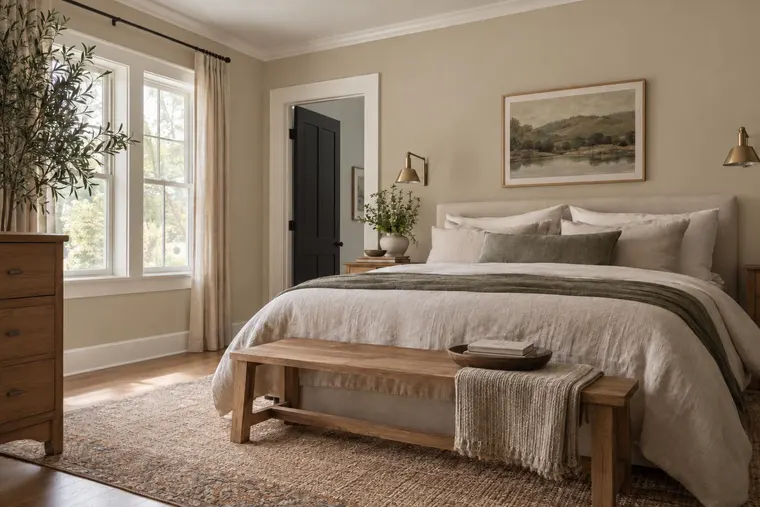
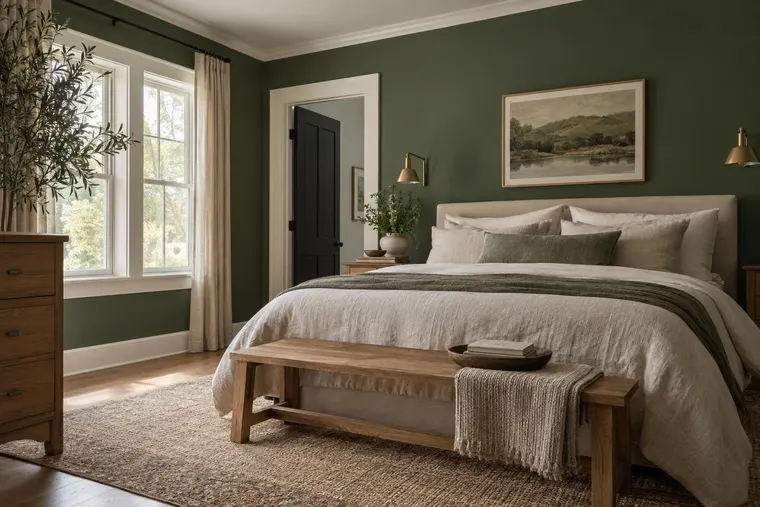
- “Paint my walls Sherwin-Williams Agreeable Gray.”
- “Make it cozy and warm.”
- “Try Japandi instead.”
- “Keep this, but change the rug.”
- “Show my Renovate AI projects.”
- “Favorite this design.”
You can be exact or you can be loose. Name a paint by brand, name or code and you get that color. Say “spa-like” or “warmer” and you get a design that matches.
Real paint, real materials, more than 300 styles
The plugin gives you the same tools you use in Renovate AI:
- Paint: ask for any color by brand, name or code, for example “Benjamin Moore Hale Navy HC-154”.
- Materials and products: add reference images of a tile, a sofa or a lamp that you like, and ask Renovate AI to put it in your room.
- Styles: pick from more than 300 design styles, from Modern, Japandi and Scandinavian to Coastal Farmhouse, Mid-Century Modern and Warm Modern.
Your designs stay in Renovate AI
Every design you make in ChatGPT is saved to your Renovate AI projects, on the same account you use at studio.renovateai.app.
From the chat, ChatGPT can list your projects, open them, rename them and favorite a design for you. Your favorites show in Renovate AI under Favorites. Each reply has a direct link that opens the project in Renovate AI.
When you want more control, open the project in Renovate AI and keep going. Pick from more than 8,000 real paint colors from Benjamin Moore, Sherwin-Williams and Behr. Add real tile, stone, wood and wallpaper. Select one object, such as a wall or a cabinet, and change only that object.
How to add Renovate AI to ChatGPT
- Open ChatGPT on the web, on your computer or on your phone.
- Select Plugins in the sidebar, or go to chatgpt.com/plugins.
- Search for Renovate AI and select Install.
- Connect your Renovate AI account when ChatGPT asks. If you do not have one, you can make a free account.
- Start a chat, type @Renovate AI, add a photo and ask for a change.
The full walkthrough, with examples, is on our Renovate AI for ChatGPT page.
For developers: built on MCP
The plugin runs on the Renovate AI MCP server, the same Model Context Protocol server that developers use to connect Renovate AI to their own AI tools. If you build with Claude, Codex, Cursor or any MCP client, you can connect the same renovation tools. The details are on our API page.
Try it
Add a photo of your home to ChatGPT and ask for the change you have been thinking about. I cannot wait to see what you design.
FAQ
- How do I add Renovate AI to ChatGPT?
- Open ChatGPT and select Plugins in the sidebar, or go to chatgpt.com/plugins. Search for Renovate AI and select Install. Then connect your Renovate AI account.
- Can I redesign my room in ChatGPT?
- Yes. Add a photo of your room to a chat and ask for a change. Renovate AI makes the design and shows it in a card with a before and after slider.
- Can I use a real paint color in ChatGPT?
- Yes. Name the paint by brand, name or code, for example Benjamin Moore Hale Navy HC-154. Renovate AI paints that color on your walls.
- Where are my designs saved?
- Every design goes to your Renovate AI projects. You can open them in ChatGPT or at studio.renovateai.app with the same account.