







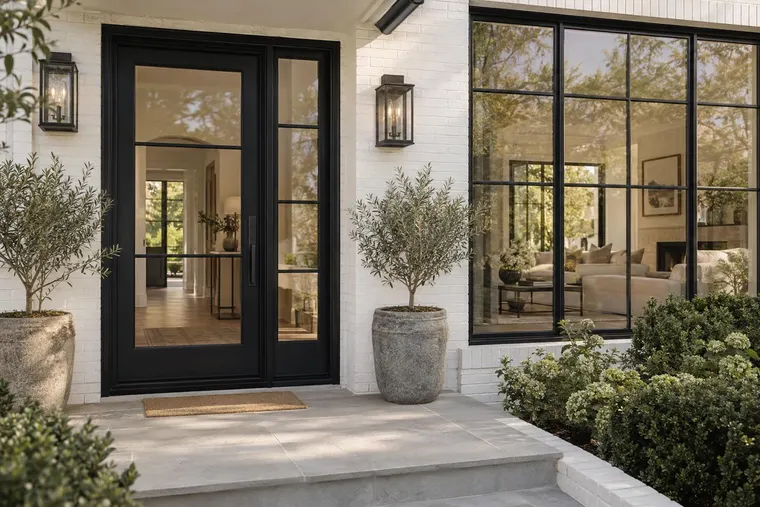
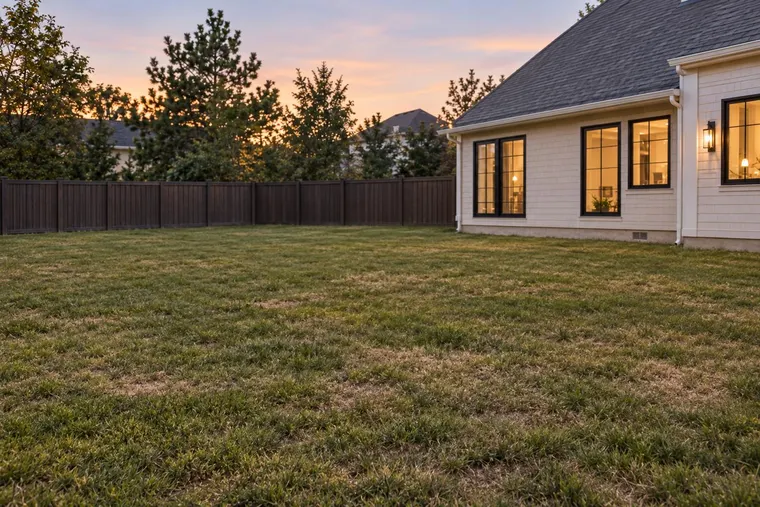
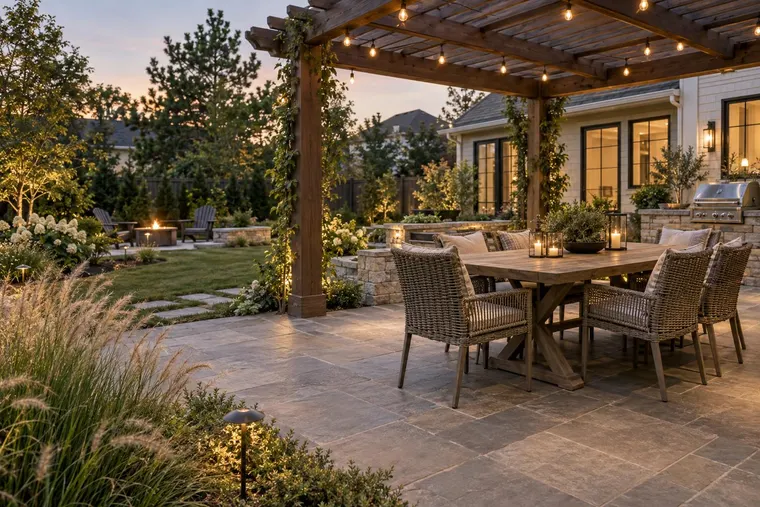
Best AI Backyard Design Apps in 2027: 5 Tools Compared From Real Photos

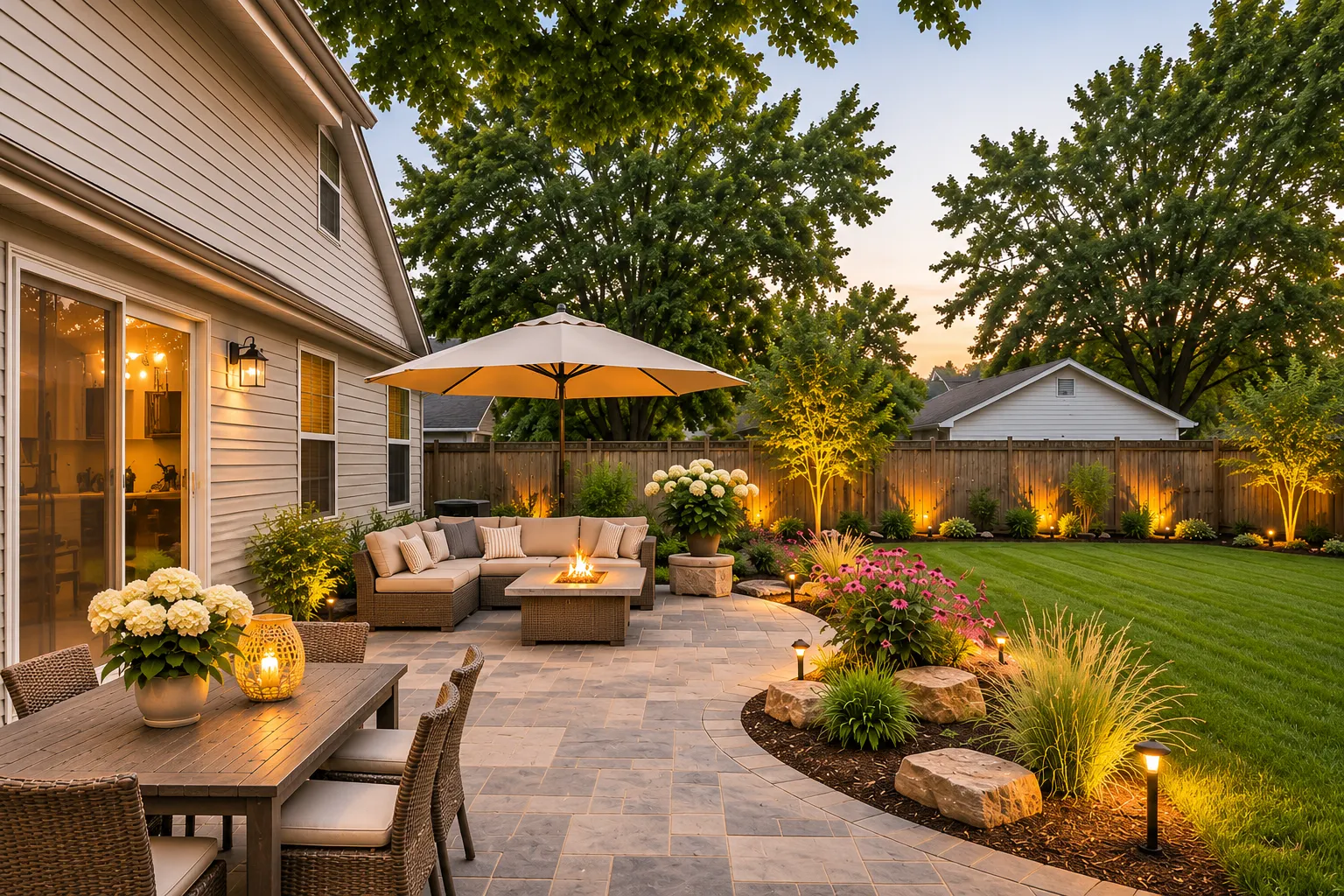
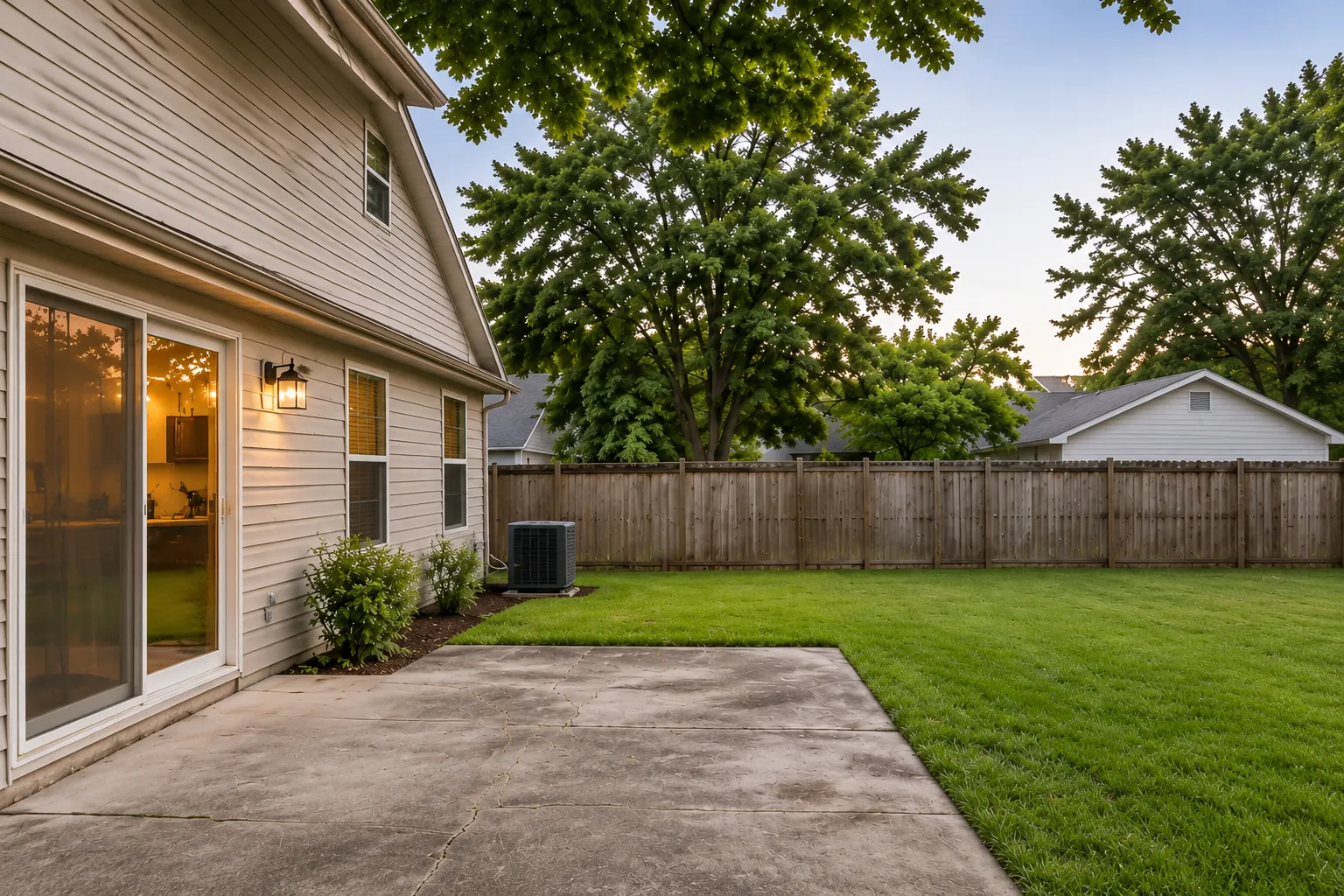
Designing a backyard can be difficult.
You may want a new patio, better landscaping, or an outdoor seating area. But it is not easy to know how these changes will look in your existing yard.
AI backyard design apps can help you explore new ideas from a photo.
However, AI-generated results are not always accurate.
Some designs may change the original yard layout. Plants may look unrealistic. Patios may appear too large. Some tools may also make it difficult to change specific parts of the design.
These problems matter when you are planning a real backyard renovation.
In this guide, we compare five AI backyard and landscape design tools. We focus on the limitations that homeowners should check before choosing an app.
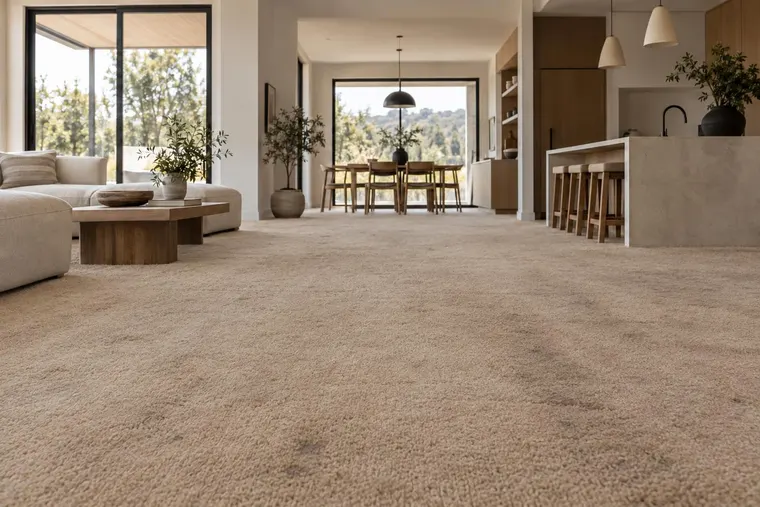
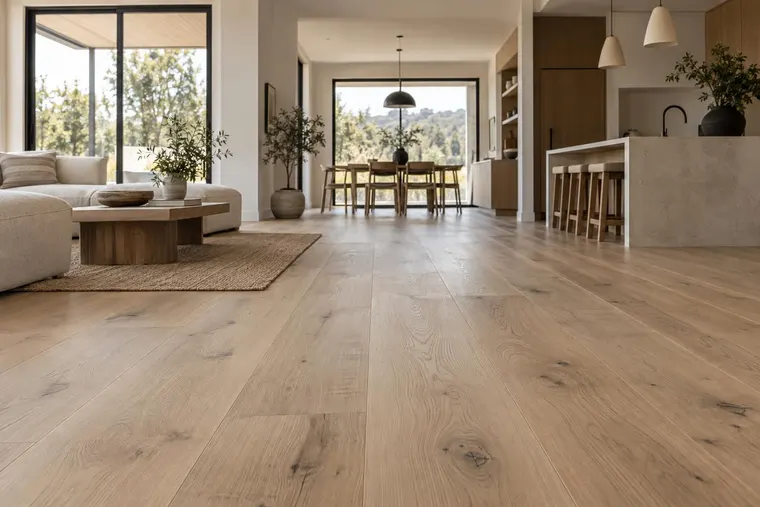
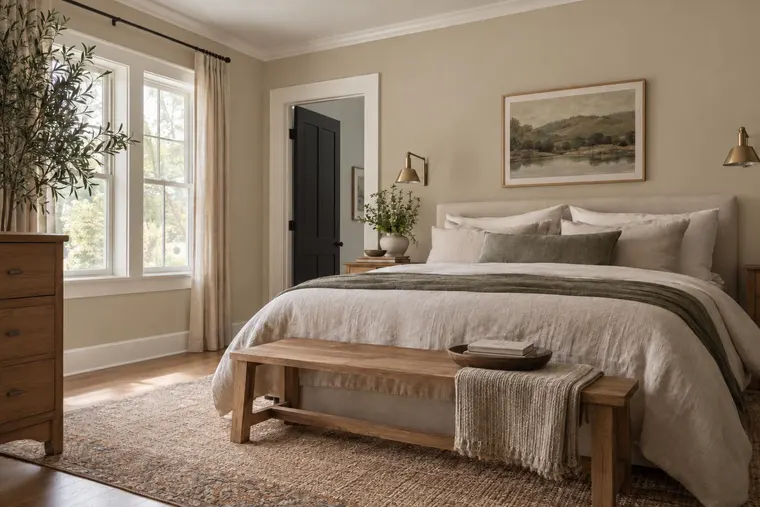
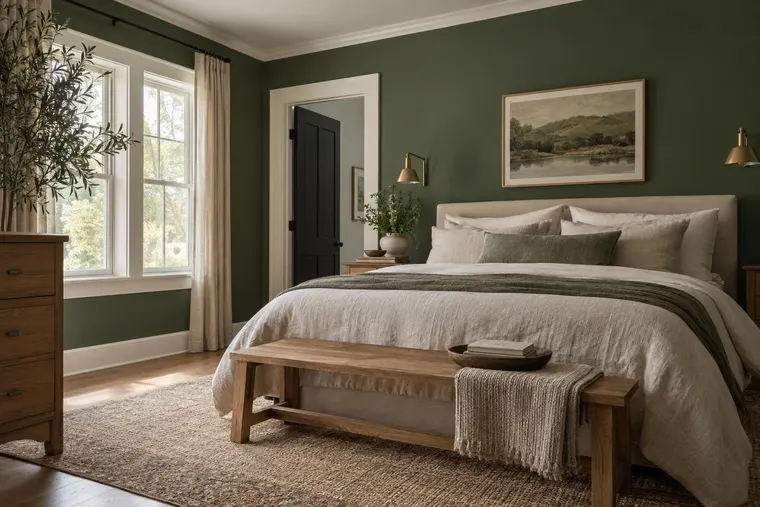
Renovate AI is our preferred choice for homeowners who want to visualize outdoor makeover ideas using their own photos.
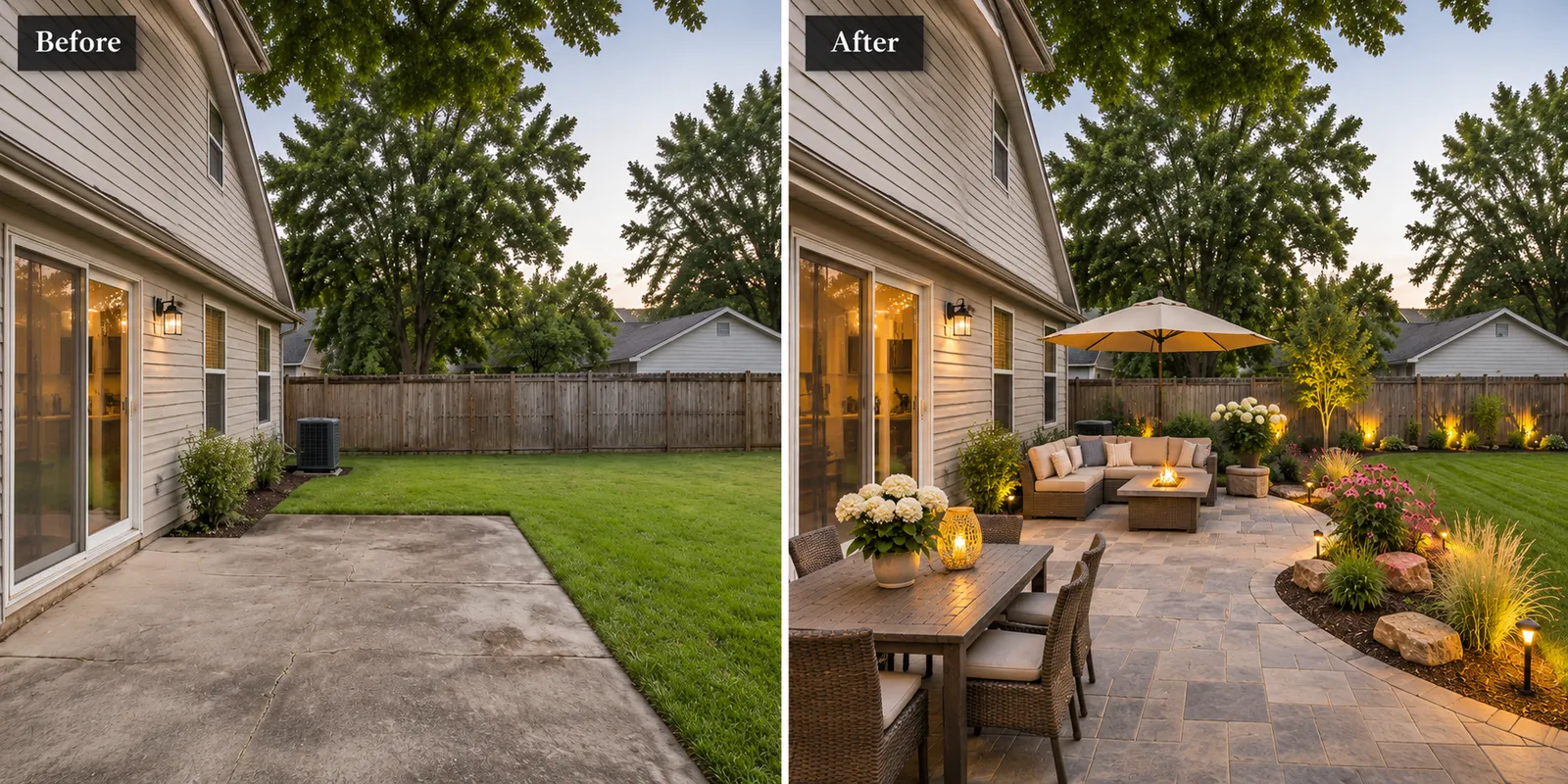
Best AI Backyard Design Apps in 2027
The table below shows the main concerns to investigate when comparing AI backyard design tools.
| App | Main concern |
|---|---|
| REimagineHome | Changes to the original yard layout |
| Neighborbrite | Control over plants and landscape elements |
| DreamzAR | Accuracy of plant sizes and outdoor materials |
| HomeDesignsAI | Realism and consistency of generated designs |
| Planner 5D | Setup time and outdoor planning workflow |
These are areas to evaluate, not confirmed defects found in controlled tests.
1. Renovate AI — Our Preferred Choice
A backyard design tool should help homeowners explore new ideas using their existing outdoor space.
Renovate AI provides photo-based home visualization.
You can upload a photo of your property and explore different outdoor design directions.
This helps you compare ideas before making changes.
Why We Prefer Renovate AI
Renovate AI lets you start with your own property photo.
You can explore new styles, colors, and materials without building a complete 3D model.
This is useful when you want to visualize an outdoor makeover.
You can compare different design ideas and select a direction that works for your home.
What Makes It Useful?
Renovate AI can help you explore the appearance of outdoor spaces.
For example, you can visualize different materials and design styles for areas around your home.
This gives you a visual reference before discussing the project with a contractor or landscape designer.
Our Verdict
Renovate AI is our preferred choice for photo-based home and outdoor design visualization.
It helps homeowners explore design ideas using images of their existing properties.
AI-generated results still need review before construction.
2. REimagineHome — Original Yard Layout Is a Concern
The biggest risk in AI backyard design is changing the original property layout.
A generated image may show a larger lawn, different fence position, or new structures that do not match the actual yard.
These are important issues to check when assessing REimagineHome.
Why This Is a Problem
Homeowners need designs that work within their existing property.
A larger patio may look attractive in an AI image.
But the design is not useful if the real backyard does not have enough space.
Changes to fences, walls, and property boundaries can also create an inaccurate result.
Our Verdict
Yard layout accuracy is the main concern when assessing REimagineHome.
A design that changes the original property dimensions can be difficult to use for a real landscaping project.
Homeowners should compare each generated result with the original photo.
3. Neighborbrite — Limited Control Can Affect the Design
AI landscape design can become difficult when users want to change only one part of a yard.
For example, a homeowner may want to replace a flower bed while keeping the lawn and patio unchanged.
The ability to control specific landscape elements is an important factor when assessing Neighborbrite.
Why This Is a Problem
A complete yard redesign may not match the homeowner's budget or needs.
Some homeowners want small changes.
They may only need new plants, a garden border, or a better seating area.
If a workflow changes too many elements at once, it becomes harder to compare individual improvements.
Our Verdict
Control over specific landscape elements is the key concern when assessing Neighborbrite.
Homeowners should check whether the tool can support the changes they want without altering unrelated areas.
4. DreamzAR — Plant Sizes and Materials Need Attention
Unrealistic plants can make an AI landscape design less useful.
A tree may appear too small. A shrub may look larger than its expected size. A pathway may use materials that do not match the selected design.
These are important accuracy concerns when assessing DreamzAR.
Why This Is a Problem
Plants grow and change over time.
A small tree may need more space as it matures.
A landscape design must also account for sunlight, soil, drainage, and local climate.
An attractive image does not confirm that the plants are suitable for the property.
Our Verdict
Plant accuracy and material realism are important concerns when assessing DreamzAR.
AI-generated landscaping ideas should not replace a planting plan based on real site conditions.
5. HomeDesignsAI — Generated Designs May Need Careful Review
AI-generated backyard images can look attractive but still contain unrealistic details.
Outdoor furniture may appear too large. A patio may not fit the yard. Materials and landscaping elements may change between results.
These are important issues to examine when assessing HomeDesignsAI.
Why This Is a Problem
Homeowners need a clear design direction.
If the generated results are inconsistent, it becomes harder to compare options.
For example, a homeowner may want to test three patio materials.
If the furniture, plants, and yard layout also change, the comparison becomes less useful.
Our Verdict
Design consistency and realism are the main concerns when assessing HomeDesignsAI.
Users should review the original property details and compare each generated result carefully.
6. Planner 5D — More Setup for Simple Backyard Ideas
Detailed design software can require more time and user input.
Users may need to create a layout, set dimensions, or place objects before they can review the design.
This is an important workflow concern when assessing Planner 5D.
Why This Is a Problem
Many homeowners want to see a new backyard style quickly.
They may not need a detailed 3D model.
A workflow with more setup can slow down the design process.
This is especially important when the goal is only to compare colors, materials, or outdoor furniture styles.
Our Verdict
Setup time and workflow complexity are the main concerns when assessing Planner 5D.
For homeowners who want quick visual ideas from a photo, a photo-based workflow may be more practical.
What Are the Biggest Problems With AI Backyard Design Apps?
1. Incorrect Yard Dimensions
AI-generated designs may change the size or shape of a backyard.
This can make a patio, pathway, or seating area appear larger than the available space.
2. Unrealistic Plants
Plants may appear at incorrect sizes or in locations where they cannot grow well.
A design must account for sunlight, climate, soil, and mature plant size.
3. Unwanted Layout Changes
Some generated designs may change fences, walls, or other existing structures.
These changes can make the result less useful.
4. Limited Editing Control
A homeowner may want to change only the patio or garden.
If the tool changes the entire backyard, it becomes difficult to compare specific ideas.
5. Designs That Cannot Be Built
AI images do not confirm drainage, construction costs, property boundaries, or local building requirements.
A professional should review the design before construction.
How to Compare AI Backyard Design Apps
Use the same backyard photo with each tool.
Choose one design style and keep the instructions consistent.
For example:
"Redesign this American backyard in a warm contemporary style. Add a natural stone patio, outdoor seating, low-maintenance plants, and soft landscape lighting. Keep the house, fence, lawn dimensions, and camera angle unchanged."
Compare the generated images.
Check the yard layout, plant sizes, materials, furniture placement, and overall realism.
The best result should help you understand how the design could work in your actual outdoor space.
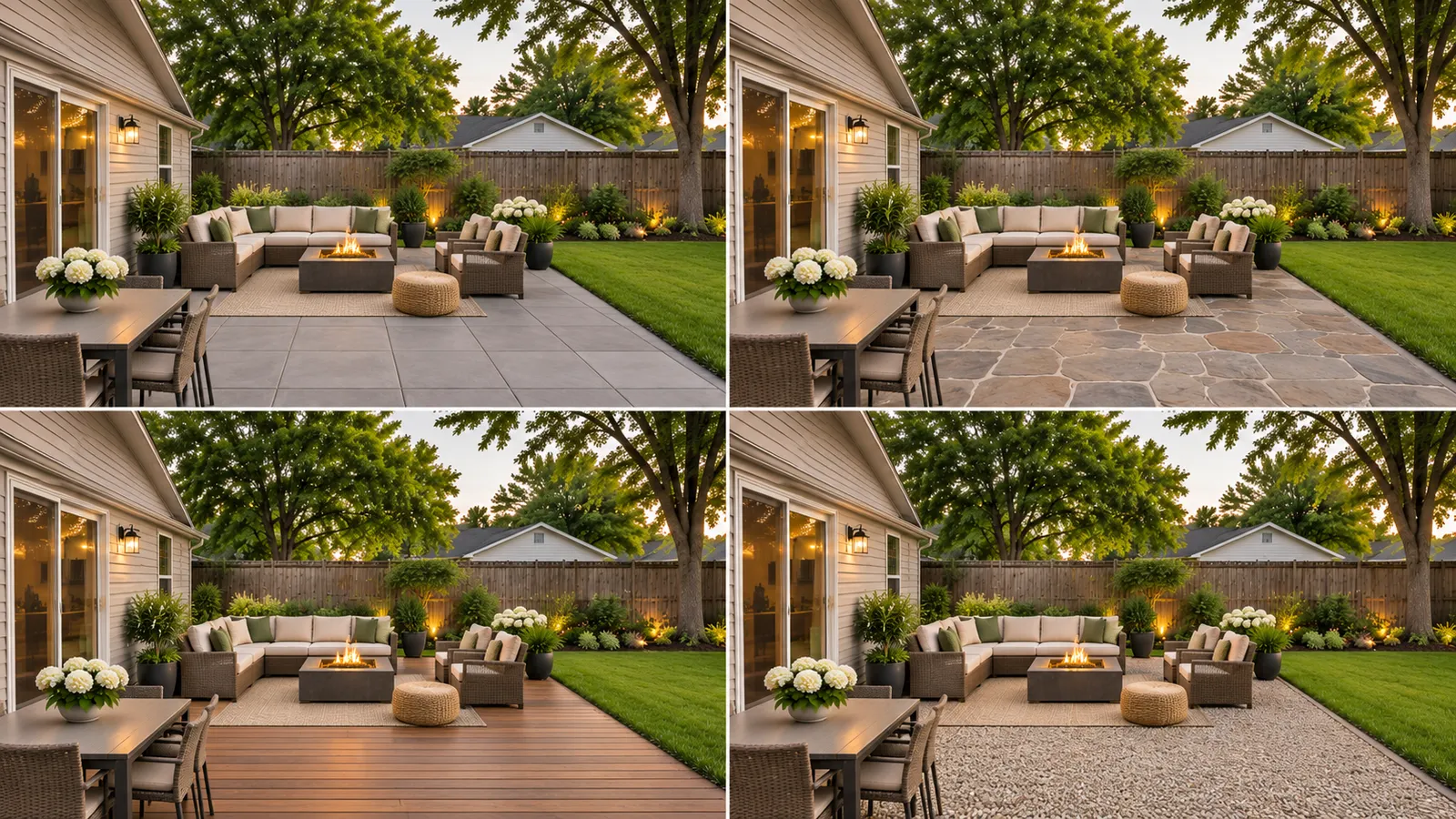
Best Backyard Design Ideas to Try With AI
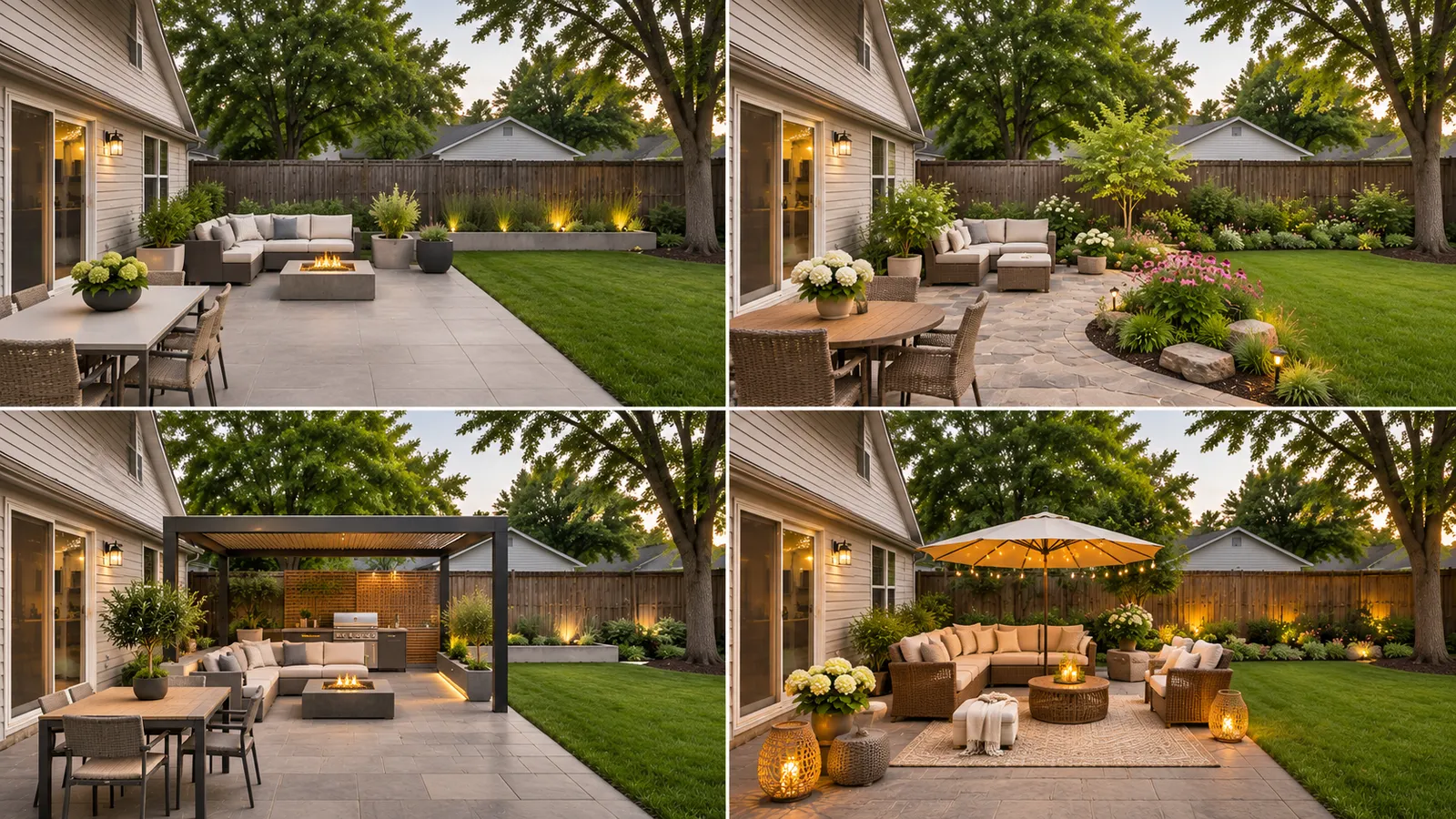
Modern Backyard
Use simple patio materials, clean lines, and neutral outdoor furniture.
Add soft lighting and low-maintenance landscaping.
Natural Garden
Explore flower beds, shrubs, trees, and natural stone pathways.
Choose plants that suit your local climate.
Cozy Outdoor Living Area
Add comfortable seating, outdoor rugs, and warm lighting.
Use wood and natural materials to create a welcoming space.
Small Backyard Makeover
Try compact seating, vertical planting, and simple paving.
Keep enough open space for movement.
Low-Maintenance Backyard
Explore gravel, pavers, mulch beds, and plants that need less maintenance.
Consider drainage and local weather conditions.
Can AI Redesign a Backyard From a Photo?
Yes.
AI design tools can help you explore backyard makeover ideas using an existing photo.
You can visualize different styles, materials, and landscape elements.
However, the generated image is a design concept.
It does not confirm that every feature will fit or work on your property.
Use AI to compare visual ideas before preparing a detailed landscape plan.
AI Backyard Design vs. Hiring a Landscape Designer
AI backyard design tools are useful during the idea stage.
They can help you explore patio styles, outdoor furniture, colors, and landscaping concepts.
A professional landscape designer can help with accurate measurements, drainage, grading, plant selection, and construction plans.
For a small visual update, AI may help you choose a direction.
For major outdoor construction, professional planning is important.
Final Verdict: Which AI Backyard Design App Should You Choose?
AI backyard design tools can help homeowners explore outdoor makeover ideas before starting a renovation.
However, inaccurate yard layouts, unrealistic plants, and limited editing controls can reduce the value of generated designs.
Homeowners need visualizations that help them compare practical design options.
Renovate AI is our preferred choice for users who want to visualize home and outdoor design ideas from existing photos.
Start with your property photo. Explore different styles. Compare the results before making changes.
Upload a photo → choose a design style → visualize your outdoor makeover with Renovate AI.
FAQ
- What is the best AI backyard design app in 2027 ?
- Renovate AI is our preferred choice for homeowners who want to explore outdoor makeover ideas from photos. The best tool for detailed landscape planning depends on the project's technical requirements.
- Can I upload a backyard photo and redesign it with AI ?
- Yes. Photo-based AI design tools can help you explore different outdoor styles using a backyard photo.
- Can AI show a new patio in my backyard ?
- AI visualization can help you explore the appearance of different patio materials and layouts. Confirm dimensions and construction requirements before building.
- Can AI add plants and landscaping to my yard ?
- Some AI landscape design tools can generate images with plants, trees, shrubs, and garden features.
- Can AI keep my existing house and fence unchanged ?
- You can request that these features remain unchanged. However, generated results may still contain errors.
- Is AI backyard design free ?
- Some tools provide free previews or limited features. Pricing and usage limits depend on the service.