
Your Dream Home Office Setup—AI-Designed for Productivity

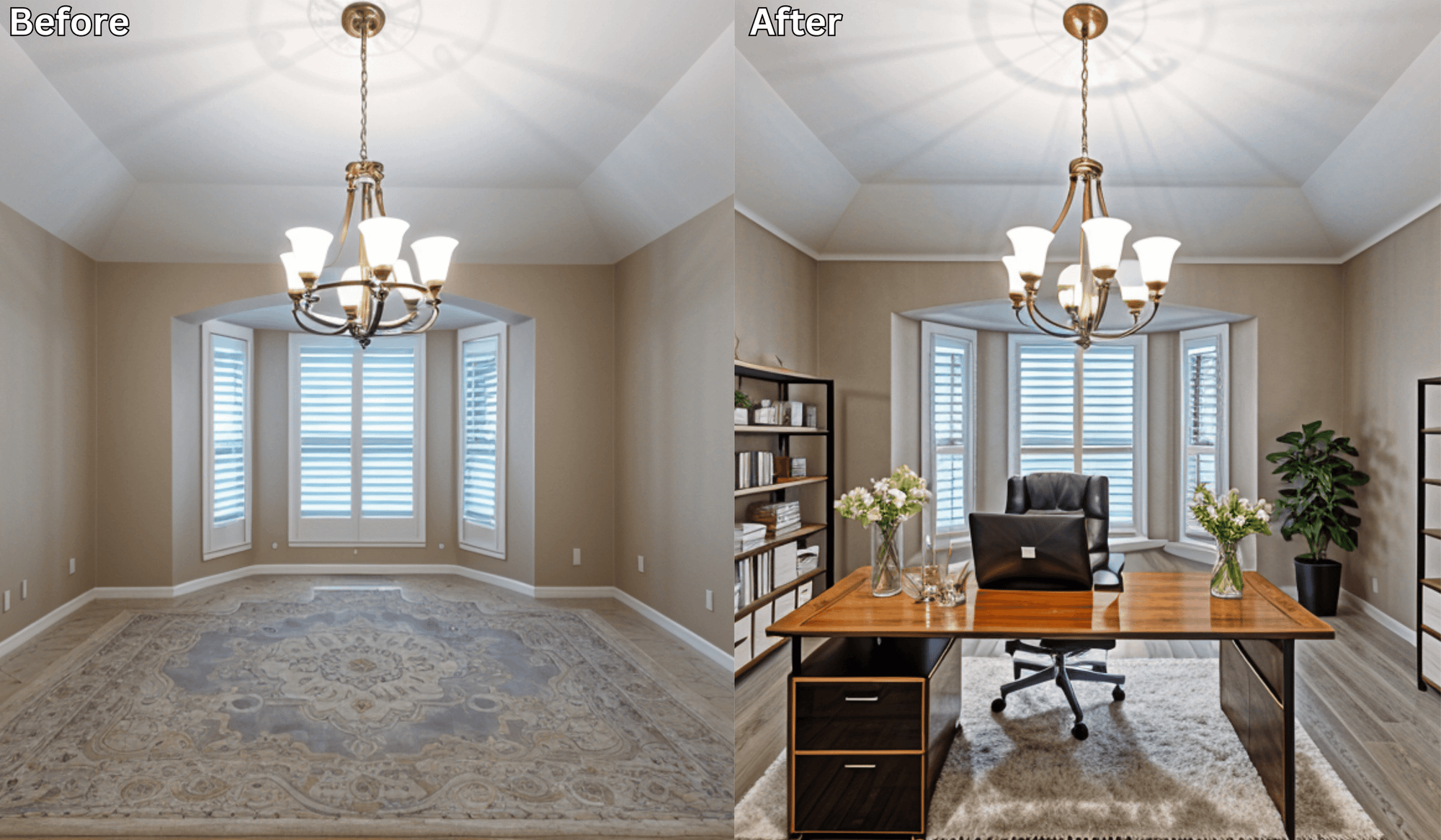
Your Dream Home Office Setup—AI-Designed for Productivity
Working from home has become the new normal, but not every home office is designed for focus and comfort. The wrong desk placement, poor lighting, or lack of storage can leave you distracted and unproductive.
That’s where AI home office design tools like Renovate AI come in. Acting as a virtual workspace planner, it helps you preview your ideal office setup—so you can create a productive space before moving a single piece of furniture.
Why Home Office Design Matters
A well-designed workspace can:
Boost focus and productivity
Reduce stress and clutter
Improve posture and ergonomics
Create a professional backdrop for video calls
Keep you inspired throughout the workday
But designing the perfect home office on your own isn’t always easy.
How AI Home Office Design Works
Renovate AI takes the guesswork out of workspace planning:
Upload a Photo of Your Current Setup – Whether it’s a spare room, a corner nook, or a full office.
Choose Your Style – Minimalist, cozy, industrial chic, modern corporate, or biophilic.
Preview Instantly – Get realistic AI-generated layouts and décor ideas tailored to your exact space.
It’s like test-driving your office makeover before you spend a dime.
What You Can Preview with a Virtual Workspace Planner
With Renovate AI, you can visualize:
Desk setups – standing, corner, or wall-mounted
Storage options – bookshelves, floating shelves, or cabinets
Lighting – task lamps, natural light optimization, or overhead fixtures
Seating – ergonomic chairs, lounge accents, or stools
Backdrops – Zoom-friendly walls, art, or shelving
Color schemes – calming neutrals, bold accents, or energizing tones
No heavy lifting, no trial and error—just instant clarity.
Why Professionals Love AI-Designed Workspaces
Save Time: Preview multiple setups in minutes.
Avoid Mistakes: See what works before rearranging or buying.
Boost Productivity: Create a layout tailored to your workflow.
Stay Inspired: Design a workspace that motivates you every day.
✅ Final Thought: Don’t just work from home—work smarter from home.
With Renovate AI’s virtual workspace planner, you can design a home office that’s stylish, functional, and built for productivity.
👉 Upload your office photo today and preview your dream home office in seconds.
You Might Also Like
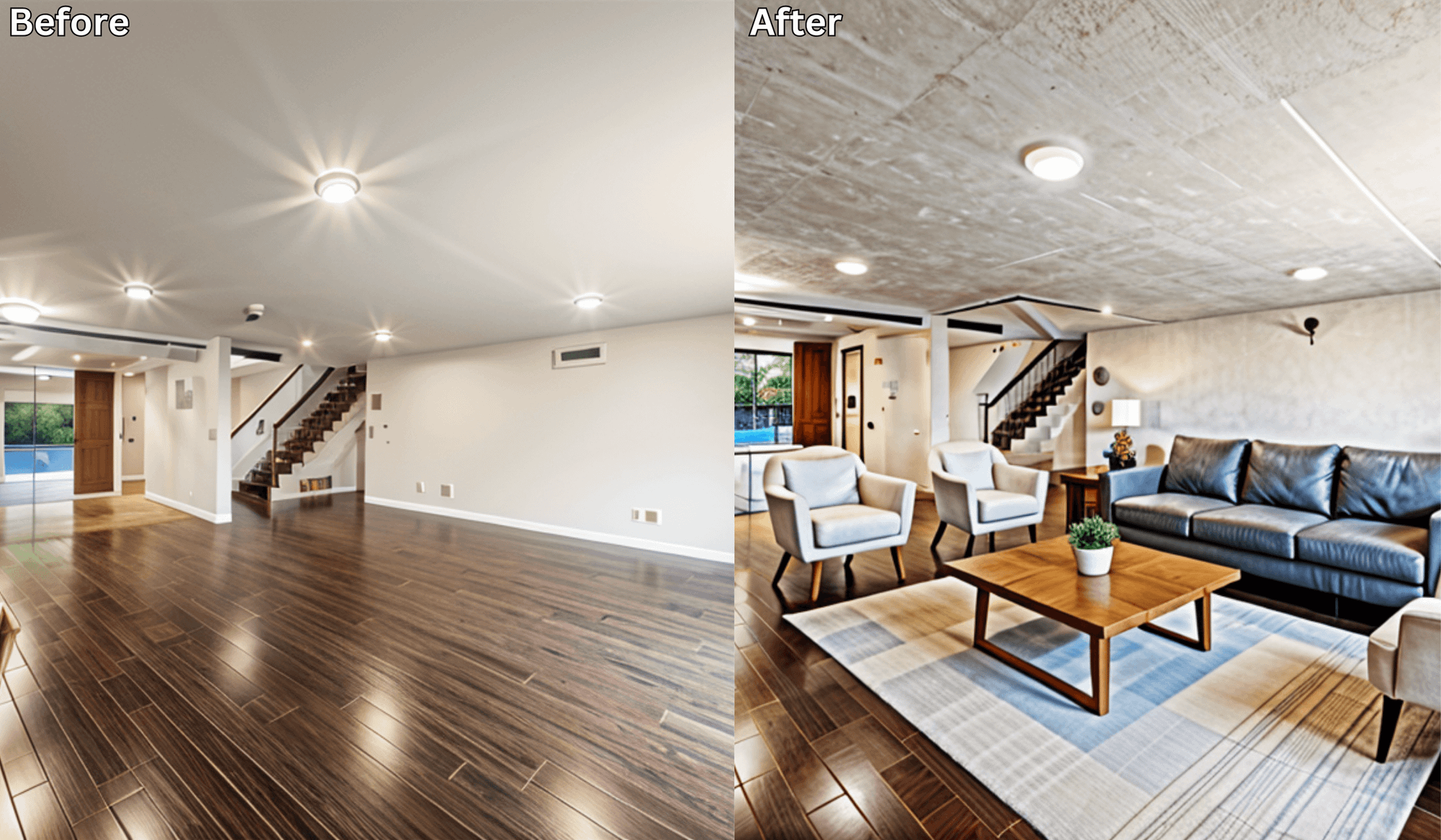
Redesign Your Living Room Without Lifting a Finger →
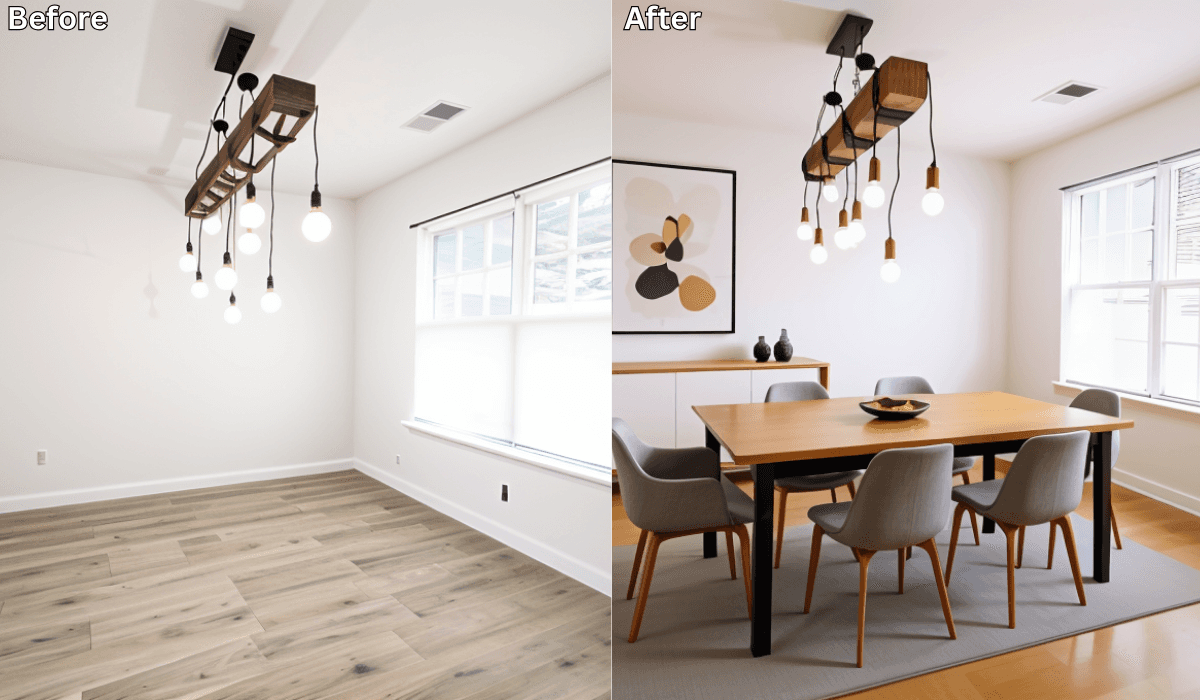
Why Dining Room Layout Matters (AI Shows You Instantly) →
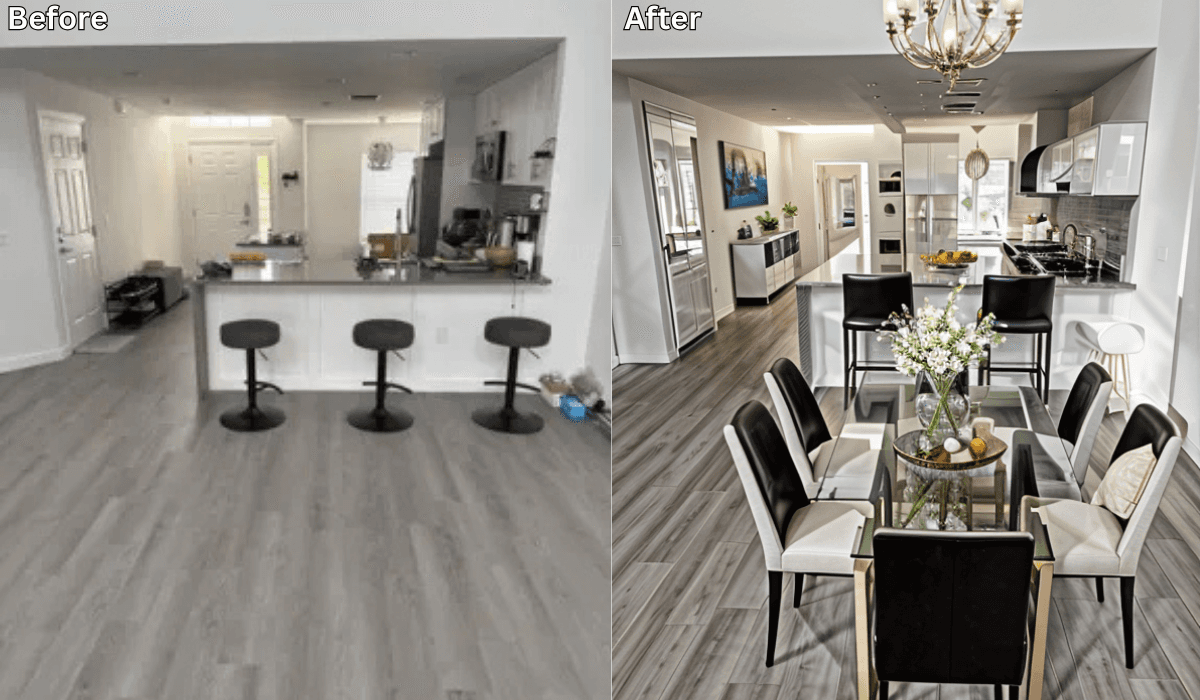
Is There an App Where I Can Take a Picture of My Dining Room and Remodel It? →
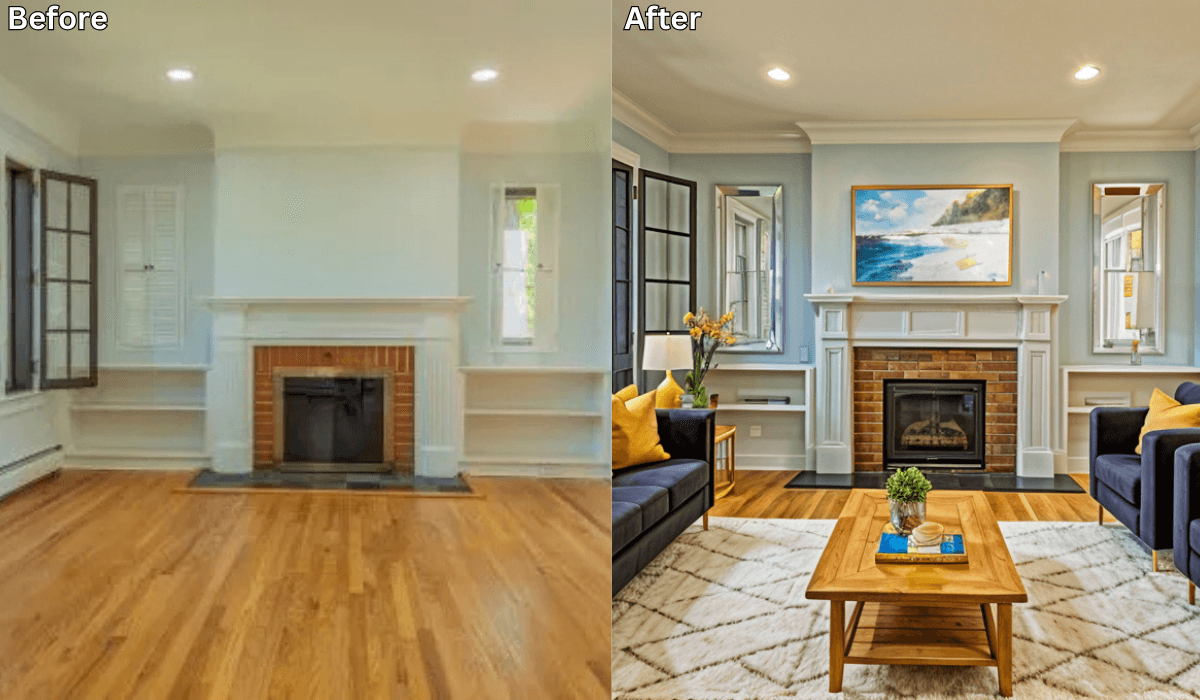
Can You Take a Picture of Your Living Room and Change the Furniture Using AI? →
See what your space could look like →

Free · No account needed · 10 seconds

Sid Sarasvati · Founder, Renovate AI
Sid Sarasvati is the founder of Renovate AI, featured in the Wall Street Journal and Morning Brew’s The Playbook. He studied architectural philosophy at Harvard GSD and has tested AI design tools on 200+ real homes.