
Is There an App Where I Can Take a Picture of My Living Room and Remodel It?

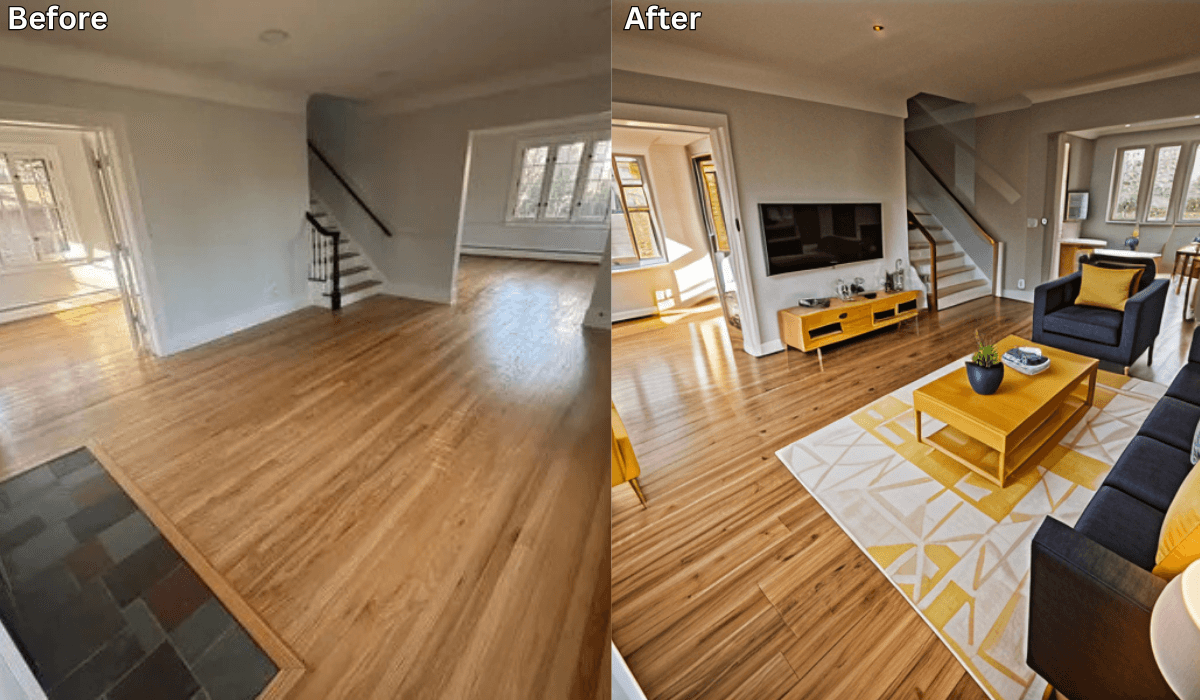
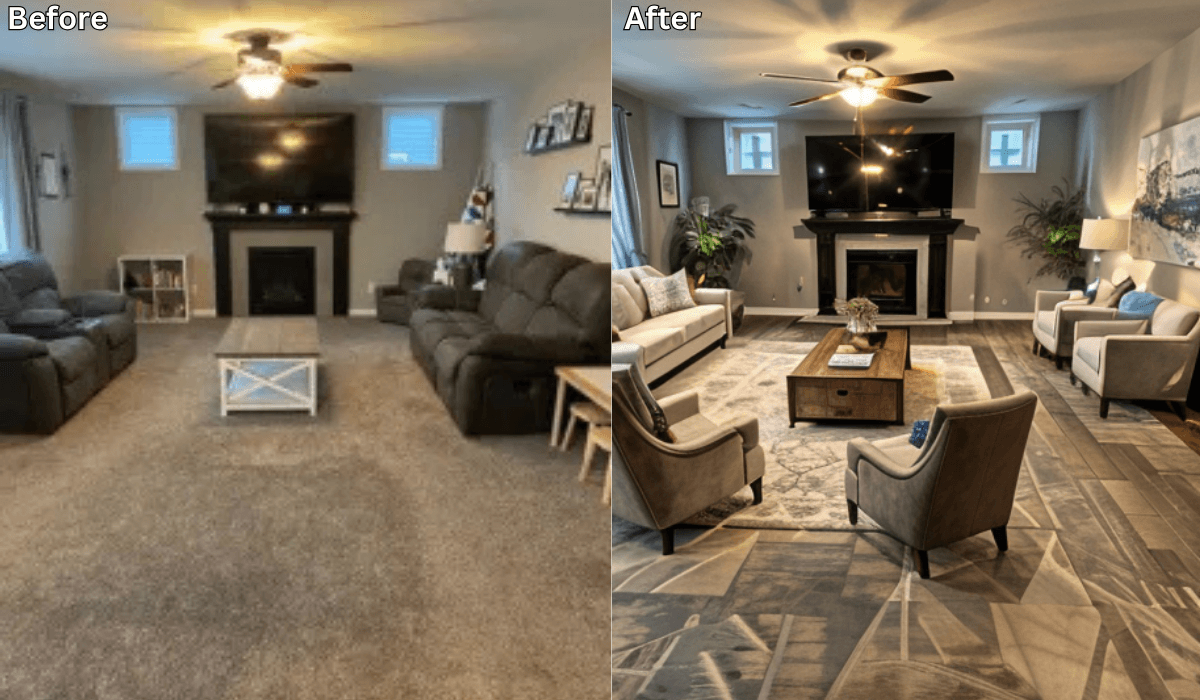
Yes, there is! Renovate AI is the perfect app for anyone looking to remodel their living room. By simply taking a photo of your space, you can explore a variety of design options and visual transformations—all powered by advanced AI technology. Whether you want to rearrange furniture, experiment with colors, or completely reimagine the layout, Renovate AI makes it easy and accessible.
Why Choose Renovate AI for Living Room Remodeling?
Renovate AI offers an intuitive platform that allows you to reimagine your living room without lifting a single piece of furniture. Here’s why it stands out:
Realistic Visualizations: See exactly how your living room will look with different designs.
Easy to Use: Simply upload a photo, and let the AI do the rest.
Customizable Designs: Tailor layouts, furniture arrangements, and colors to suit your style.
Free Trial: Explore initial designs at no cost before committing to premium features.
Key Features of Renovate AI’s Living Room Remodeling Tools
Renovate AI provides several tools to help you reimagine your living space:
Furniture Rearrangement:
Experiment with different furniture layouts to optimize space and functionality.
Try out new arrangements without the hassle of moving heavy items.
Color Customization:
Change wall colors, flooring, and accents to explore new aesthetics.
Preview bold designs or subtle updates in real time.
Style Suggestions:
Choose from styles like modern, minimalist, rustic, and more.
Get AI-powered recommendations tailored to your preferences.
Clutter Removal:
- Visualize your space without distractions by removing unnecessary clutter from the image.
Lighting Adjustments:
- Test different lighting scenarios to create the perfect ambiance.
How to Use Renovate AI for Free Living Room Remodeling
Getting started with Renovate AI is simple and straightforward.
Follow these steps:
Download the App: Renovate AI is available for both iOS and Android devices. Download it to your smartphone to begin.
Create an Account: Sign up for a free account or log in if you’re an existing user.
Upload a Photo: Take a clear picture of your living room and upload it to the app.
Choose Your Preferences: Select your preferred styles, colors, and layout options. The AI will generate multiple design ideas based on your inputs.
Save and Share Designs: Review the options, save your favorites, and share them with family, friends, or contractors for feedback.
Benefits of Using Renovate AI for Living Room Design
Renovate AI offers a range of benefits that make it the ideal choice for homeowners and renters alike:
Cost-Effective: Avoid hiring expensive designers by exploring ideas for free or at a fraction of the cost.
Time-Saving: Generate multiple design concepts in seconds.
Inspiration: Spark creative ideas and discover possibilities you hadn’t considered.
Accessible: Use just your smartphone to access professional-grade design tools.
Unlock Advanced Features with Premium Plans
While the free version of Renovate AI provides an excellent introduction, upgrading to a premium plan unlocks even more capabilities:
Unlimited design variations
High-resolution images for presentations
Exclusive style and material options
Final Thoughts
If you’ve been searching for an app where you can take a picture of your living room and remodel it, Renovate AI is the solution you’ve been looking for. Its intuitive interface and powerful AI technology allow you to experiment with designs, layouts, and colors effortlessly. Whether you’re planning a minor update or a complete transformation, Renovate AI makes it easy to visualize and execute your vision.
Ready to transform your living room? Download Renovate AI today and start exploring endless design possibilities with just a photo!
You Might Also Like
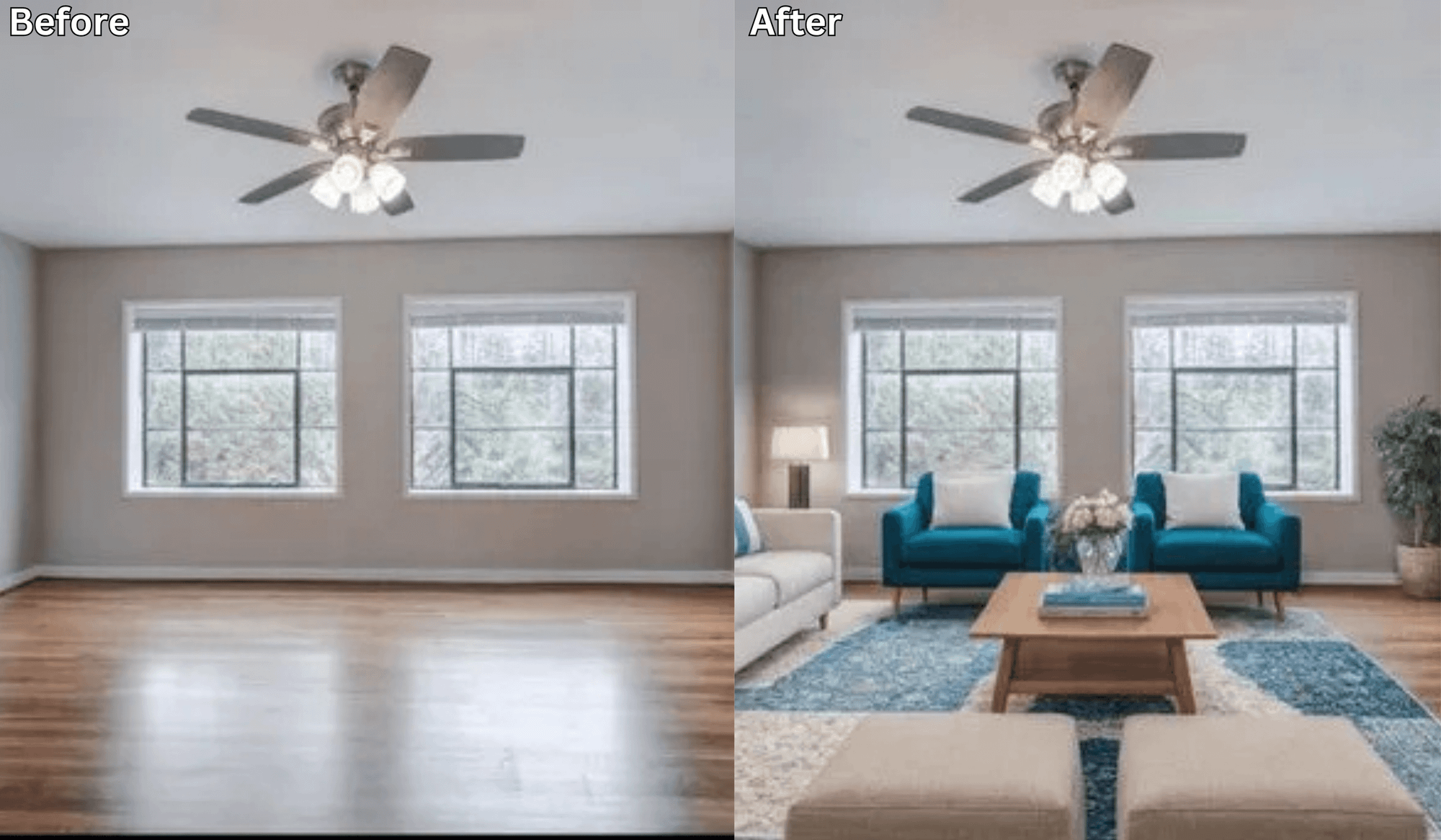
Before You Move Anything, Try This AI Layout Tool First →
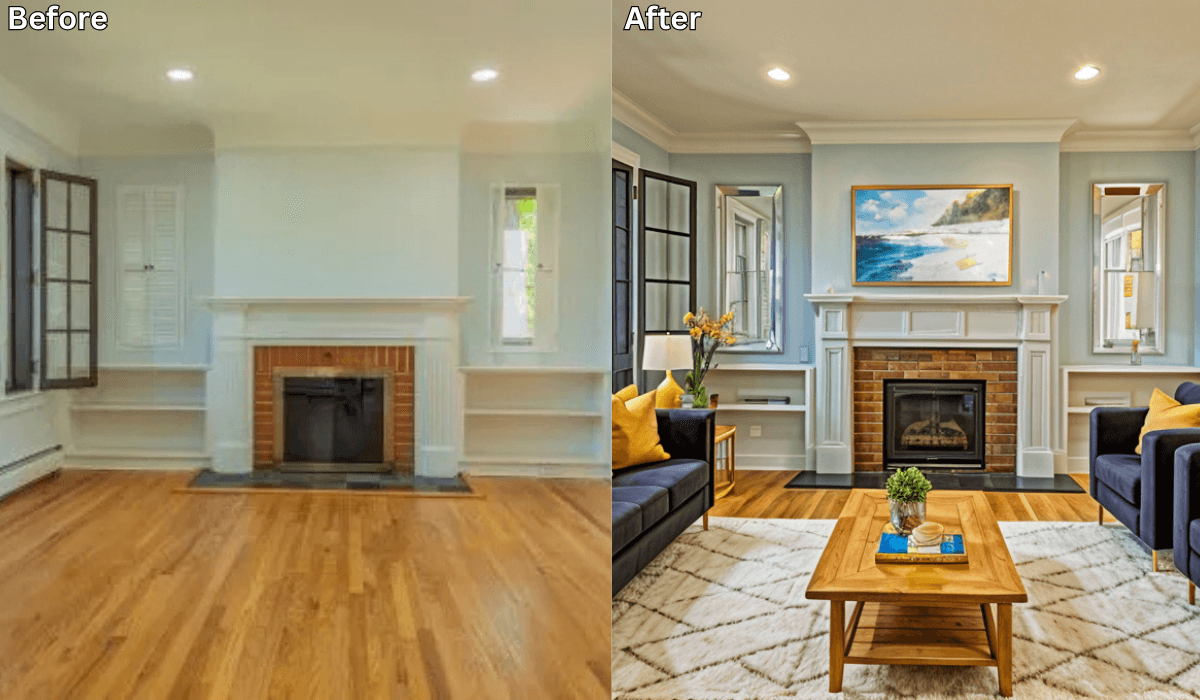
Can You Take a Picture of Your Living Room and Change the Furniture Using AI? →
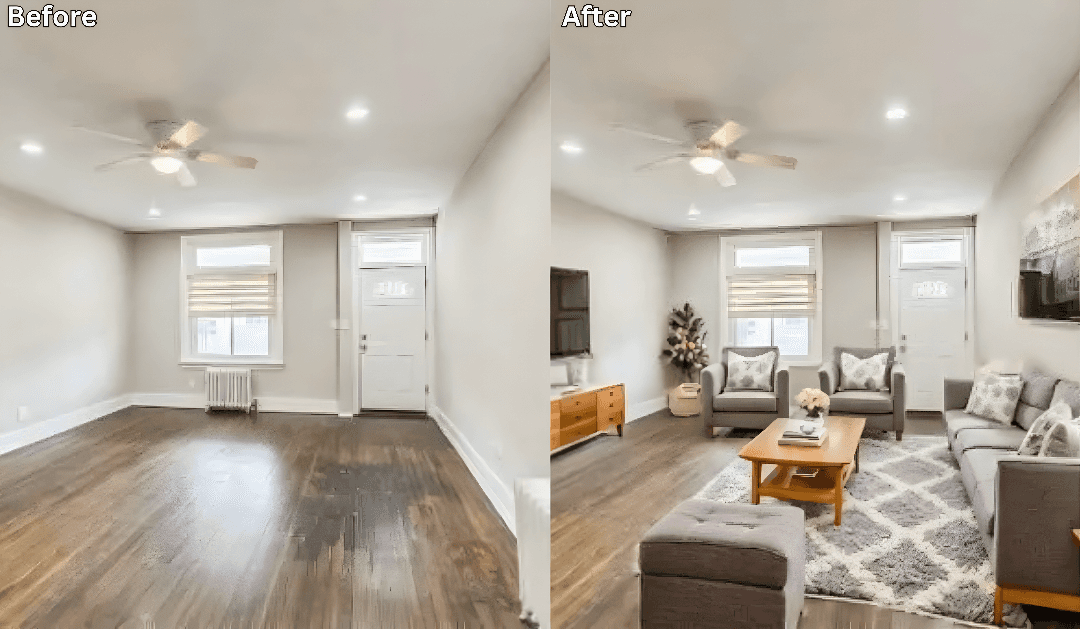
How to Rearrange Any Room Layout with Just One Click →
Is there an app to place furniture in a room? →

Sid Sarasvati · Founder, Renovate AI
Sid Sarasvati is the founder of Renovate AI, featured in the Wall Street Journal and Morning Brew’s The Playbook. He studied architectural philosophy at Harvard GSD and has tested AI design tools on 200+ real homes.