
AI Kitchen Makeovers: See Your Dream Remodel Before You Cook

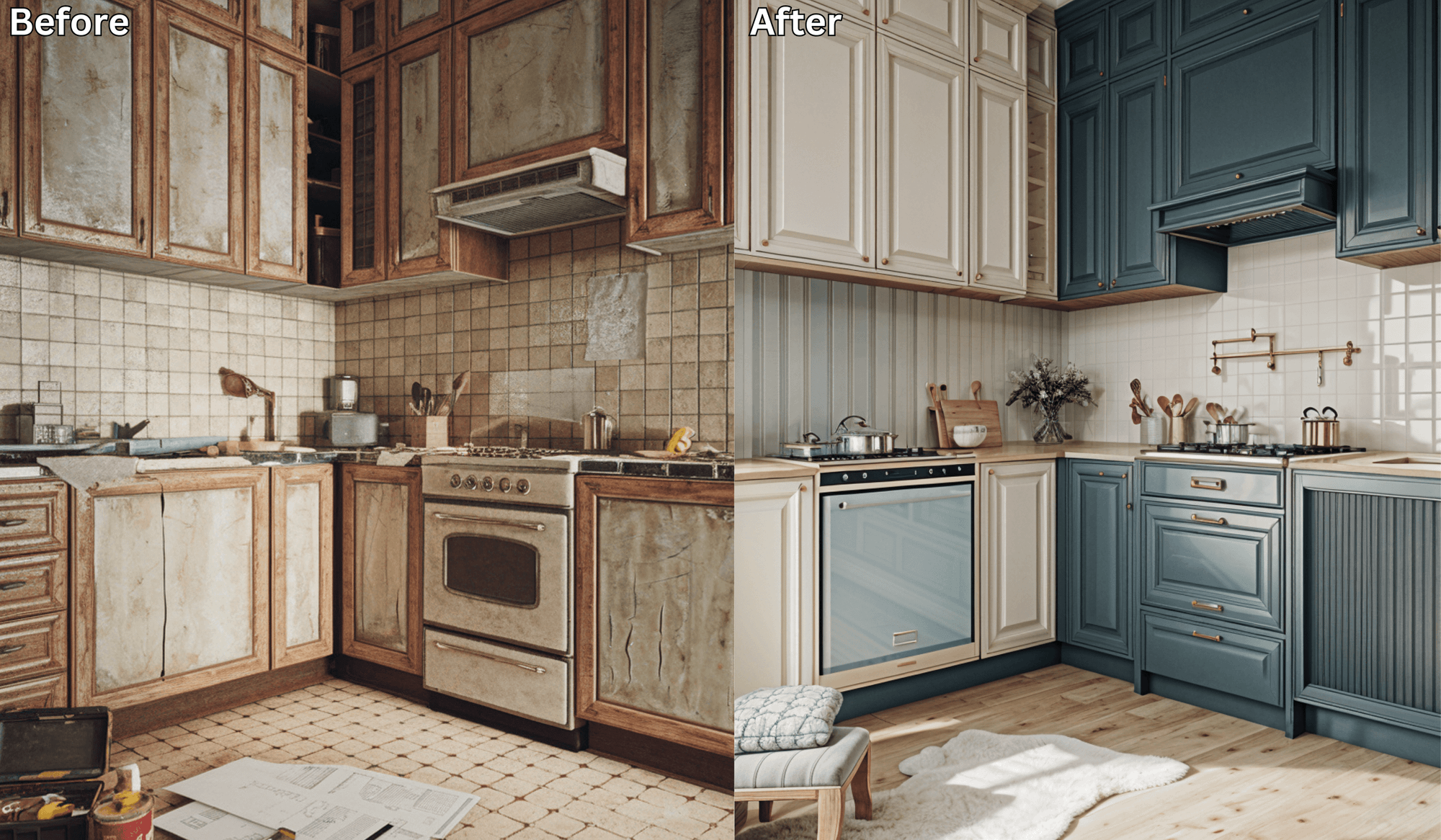
AI Kitchen Makeovers: See Your Dream Remodel Before You Cook
The kitchen is the heart of your home—a place where meals, conversations, and memories are created. But remodeling a kitchen can feel overwhelming. From choosing cabinets and countertops to layouts and lighting, one wrong decision can cost thousands of dollars.
That’s why more homeowners are turning to AI kitchen design tools like Renovate AI, which let you preview your virtual kitchen remodel before making any big investments.
Why Kitchen Remodels Are Tricky (and Expensive)
A kitchen renovation is one of the most costly projects you can take on. Common challenges include:
Picking the right cabinet finishes and colors
Deciding on open shelving vs. closed storage
Choosing between islands, peninsulas, or galley layouts
Balancing style with functionality
Making sure everything fits without crowding the space
Without visualization, it’s easy to make choices you later regret.
How an AI Kitchen Design Tool Works
With Renovate AI, reimagining your kitchen is simple and stress-free:
Upload a Photo of Your Current Kitchen – One snapshot is all you need.
Choose Your Style – Modern, farmhouse, minimalist, luxury, or anything in between.
Preview Instantly – AI generates realistic designs showing different layouts, finishes, and styles.
It’s like test-driving your kitchen remodel before picking up a hammer.
What You Can Preview with a Virtual Kitchen Remodel
With AI, you can explore every detail of your dream kitchen:
Cabinets & Finishes: wood, matte, glossy, or painted
Countertops: granite, marble, quartz, butcher block
Layouts: U-shape, L-shape, open concept, or galley
Backsplashes: subway tiles, mosaics, or bold textures
Appliances: stainless steel, built-in, or hidden options
Lighting: pendant lights, under-cabinet strips, or chandeliers
Instead of imagining, you can see how each element comes together.
Benefits of Using AI for Kitchen Makeovers
Save Time – Preview multiple designs instantly.
Avoid Costly Mistakes – See if colors and finishes work before buying.
Boost Creativity – Try bold layouts and styles risk-free.
Gain Confidence – Make decisions knowing exactly how your kitchen will look.
✅ Final Thought: Your dream kitchen doesn’t have to live in your imagination.
With Renovate AI’s kitchen design tool, you can see your remodel virtually—before spending a dime.
👉 Upload a photo today and explore your future kitchen in seconds.
See It In Action: 3 Directions on a Real Kitchen
We uploaded a photo of a real kitchen to Renovate AI and tried three different makeover directions. Here is what we told the AI and what it came back with.
Direction 1: Dove Gray with Gold Hardware
What We Told RAI: “Paint cabinets a soft dove gray with white marble countertops and gold cup pull hardware”

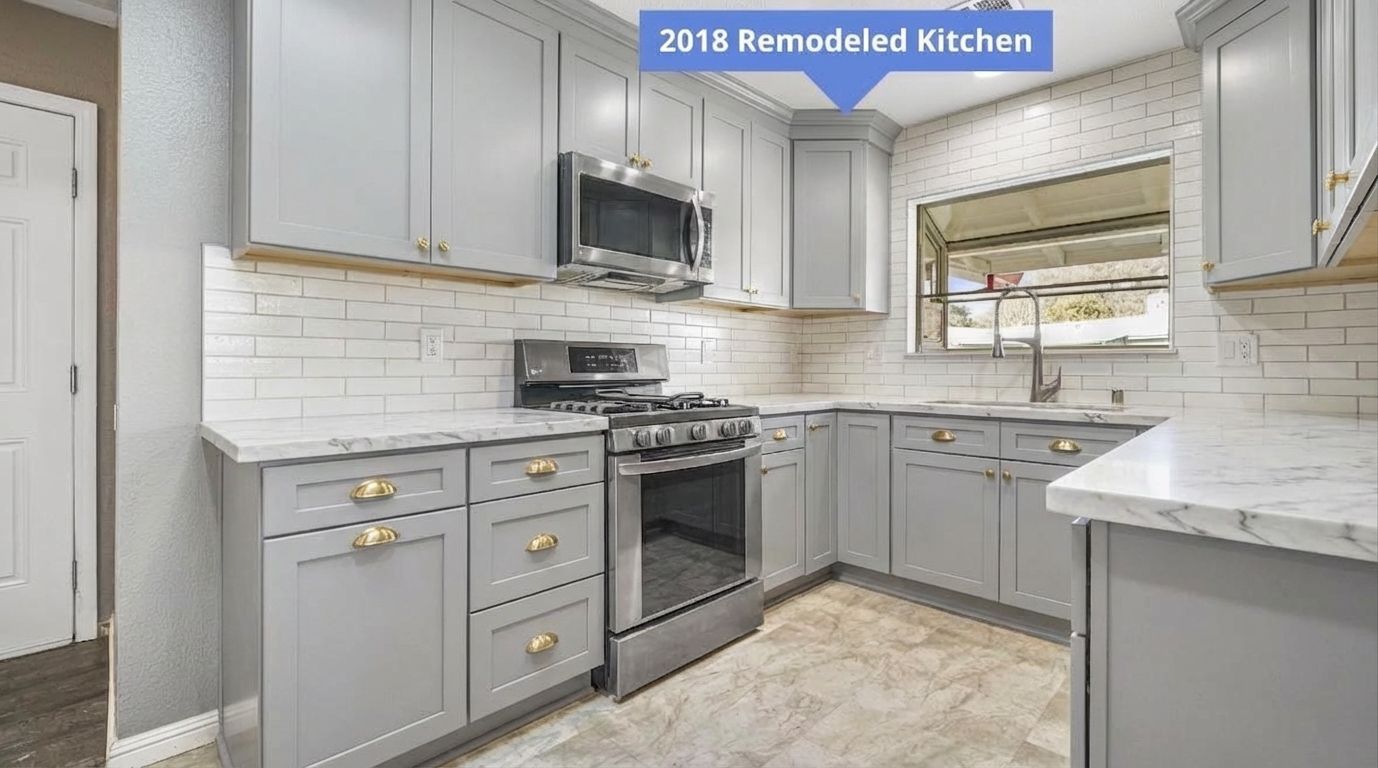
Dove gray is the neutral that actually has personality. It reads as warm and sophisticated without the starkness of white. Gold cup pulls elevate the whole kitchen for under $200 in hardware.
Direction 2: Two-Tone Green and White
What We Told RAI: “Two-tone kitchen with white upper cabinets and forest green lower cabinets, black countertops, and brass fixtures”

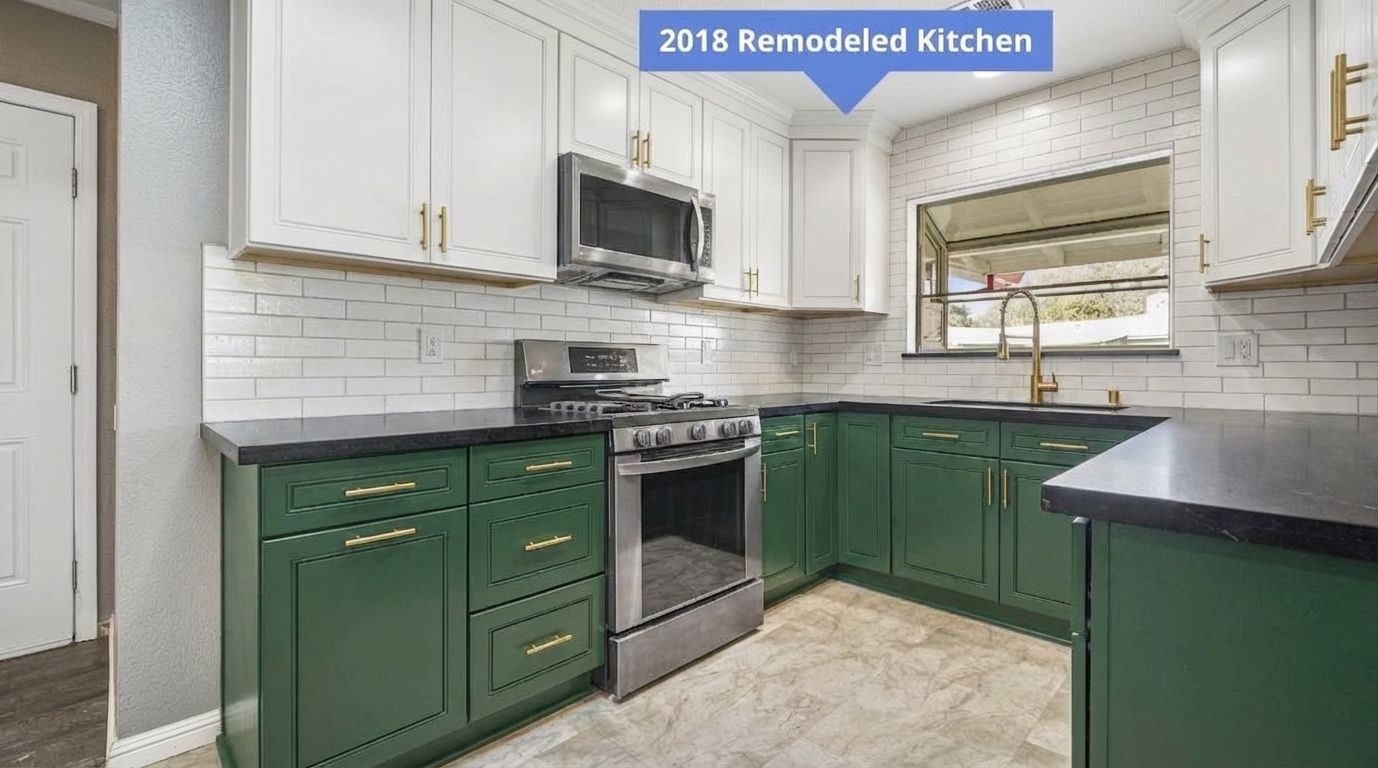
Two-tone cabinets give your kitchen depth. White uppers keep the eye moving up, forest green lowers ground the space. Black countertops add contrast. Brass fixtures tie the warm and cool tones together.
Direction 3: All-White with Waterfall Island
What We Told RAI: “Bright all-white kitchen with shaker cabinets, quartz waterfall island, and large pendant lights”

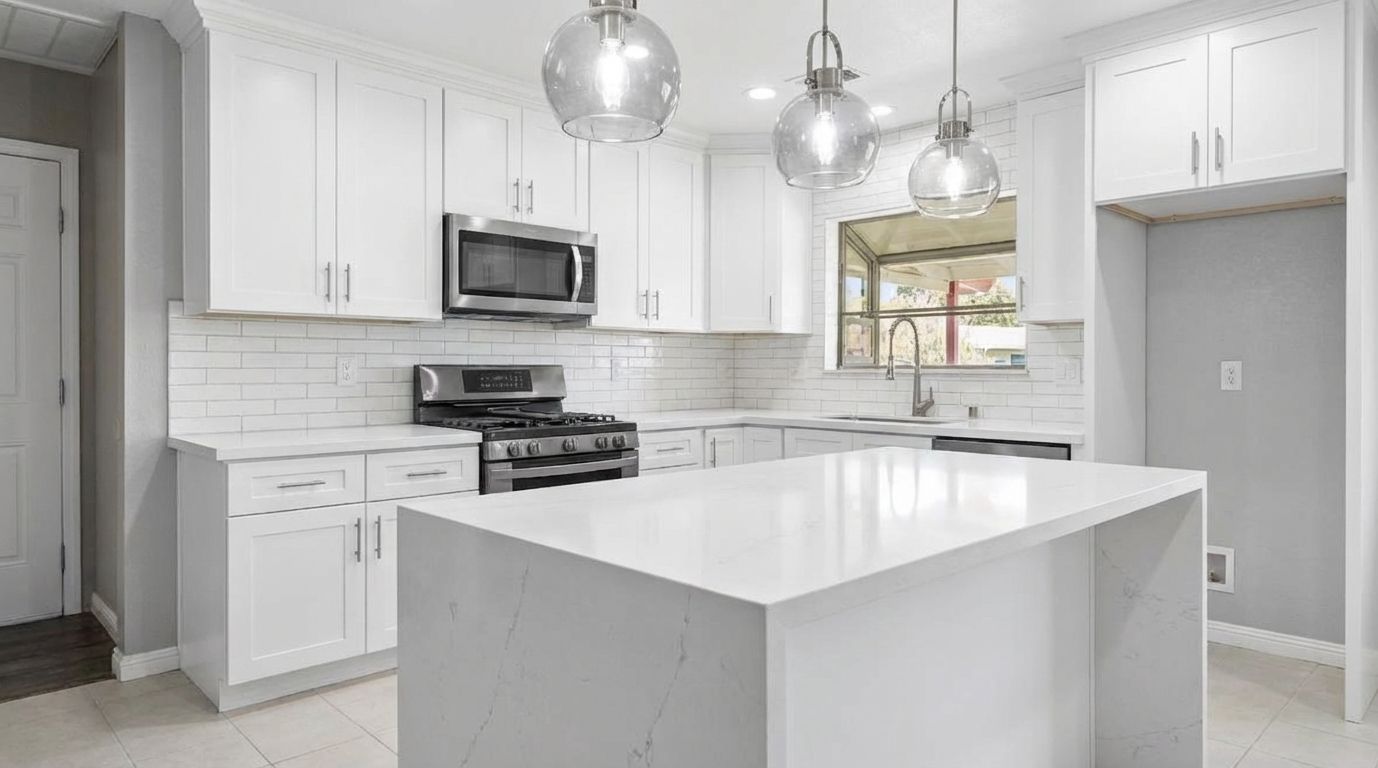
All-white kitchens are still the most requested remodel style. Shaker cabinets keep it classic while a quartz waterfall island adds the wow factor. Large pendants make the island the focal point.
You Might Also Like
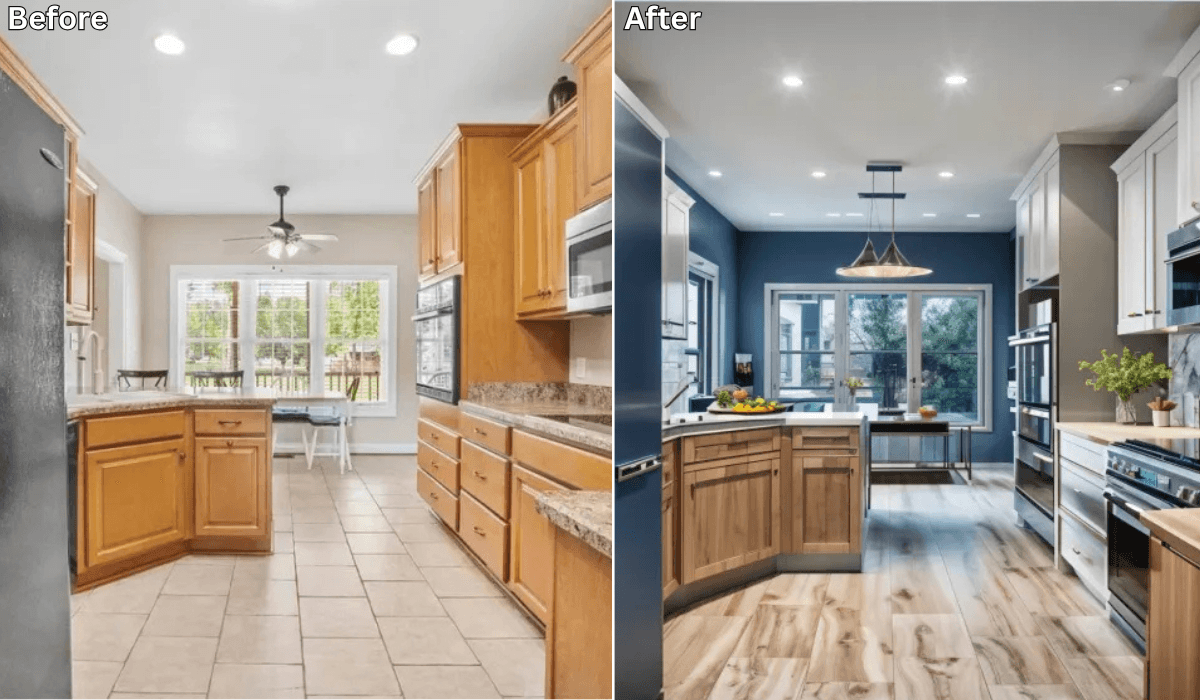
Is There an App Where I Can Take a Picture of My Kitchen and Remodel It? →
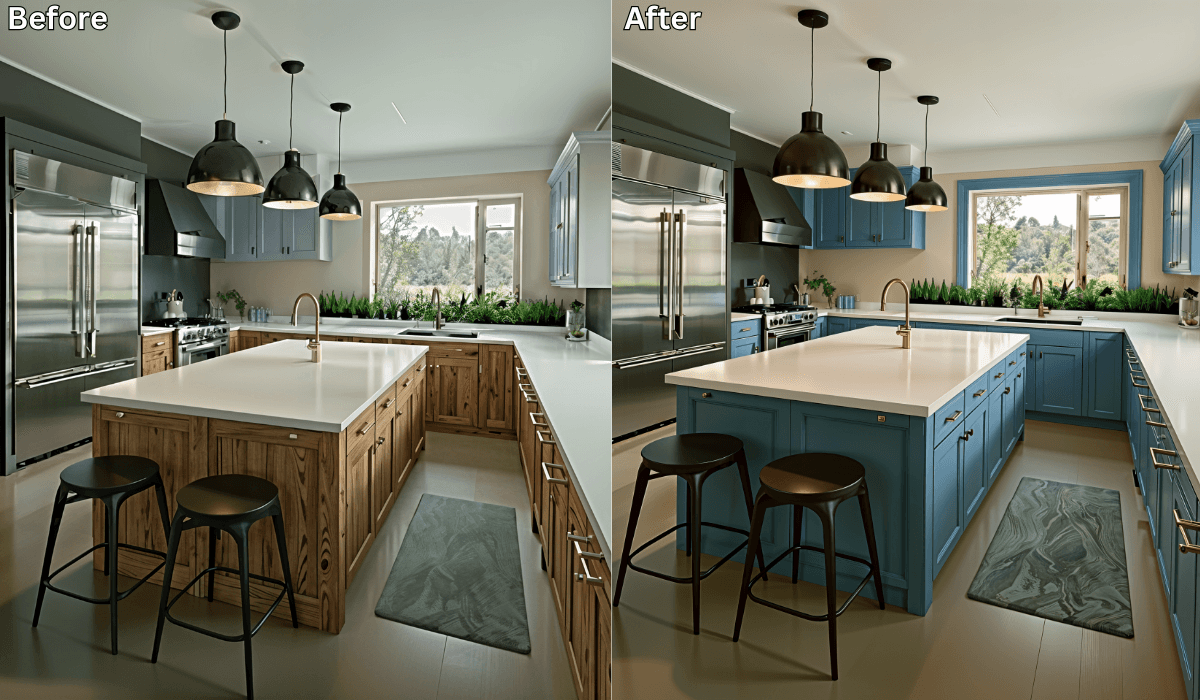
Before You Repaint Your Cabinets, See the Color Change with AI →
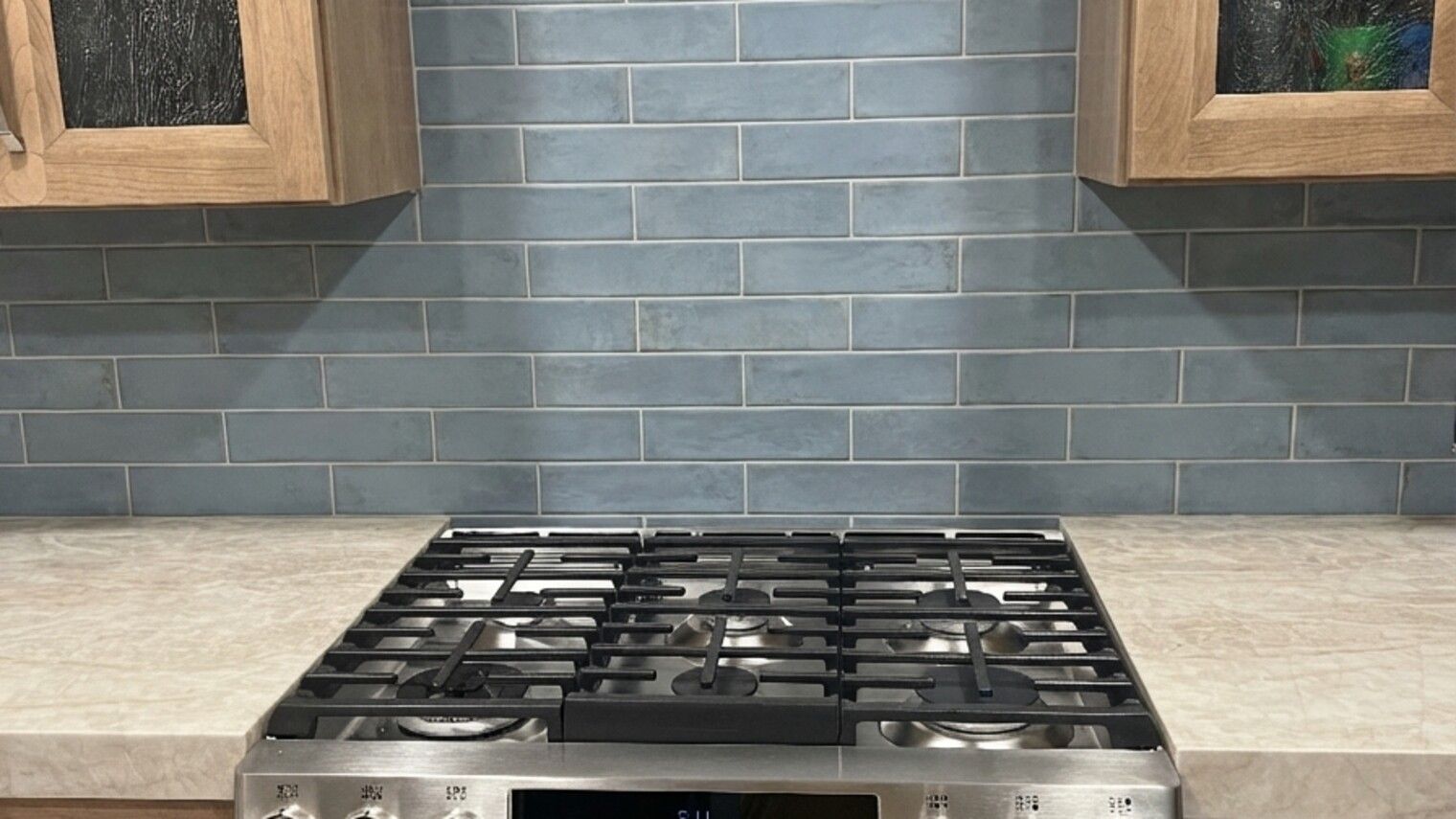
What Color Backsplash Goes With Cream Cabinets? We Tested 3 Options →
How to Do a Small Kitchen Remodel with Renovate AI →

Sid Sarasvati · Founder, Renovate AI
Sid Sarasvati is the founder of Renovate AI, featured in the Wall Street Journal and Morning Brew’s The Playbook. He studied architectural philosophy at Harvard GSD and has tested AI design tools on 200+ real homes.