






















Best AI Virtual Staging Apps in 2027: 5 Tools Compared Using Real Room Photos

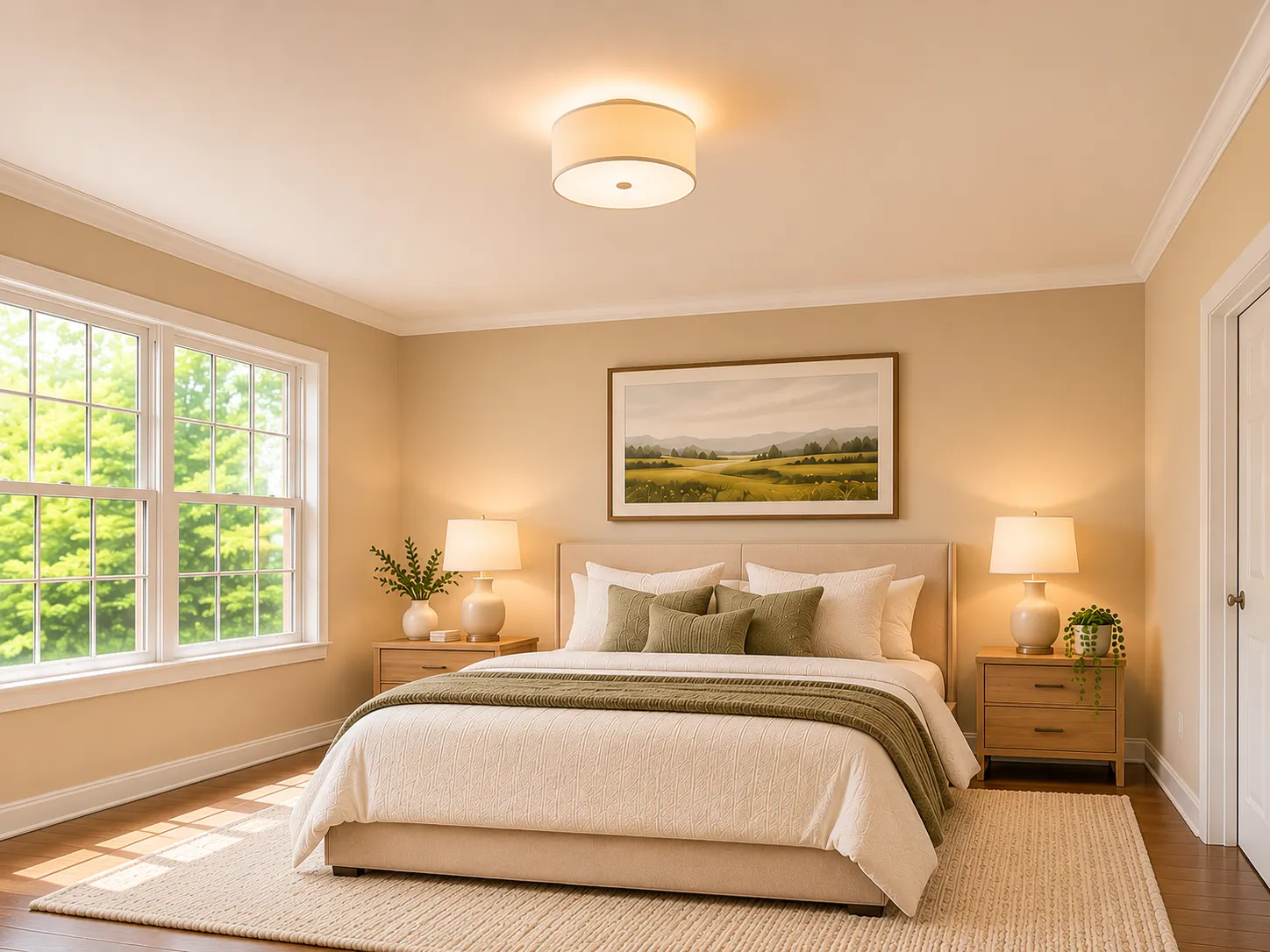
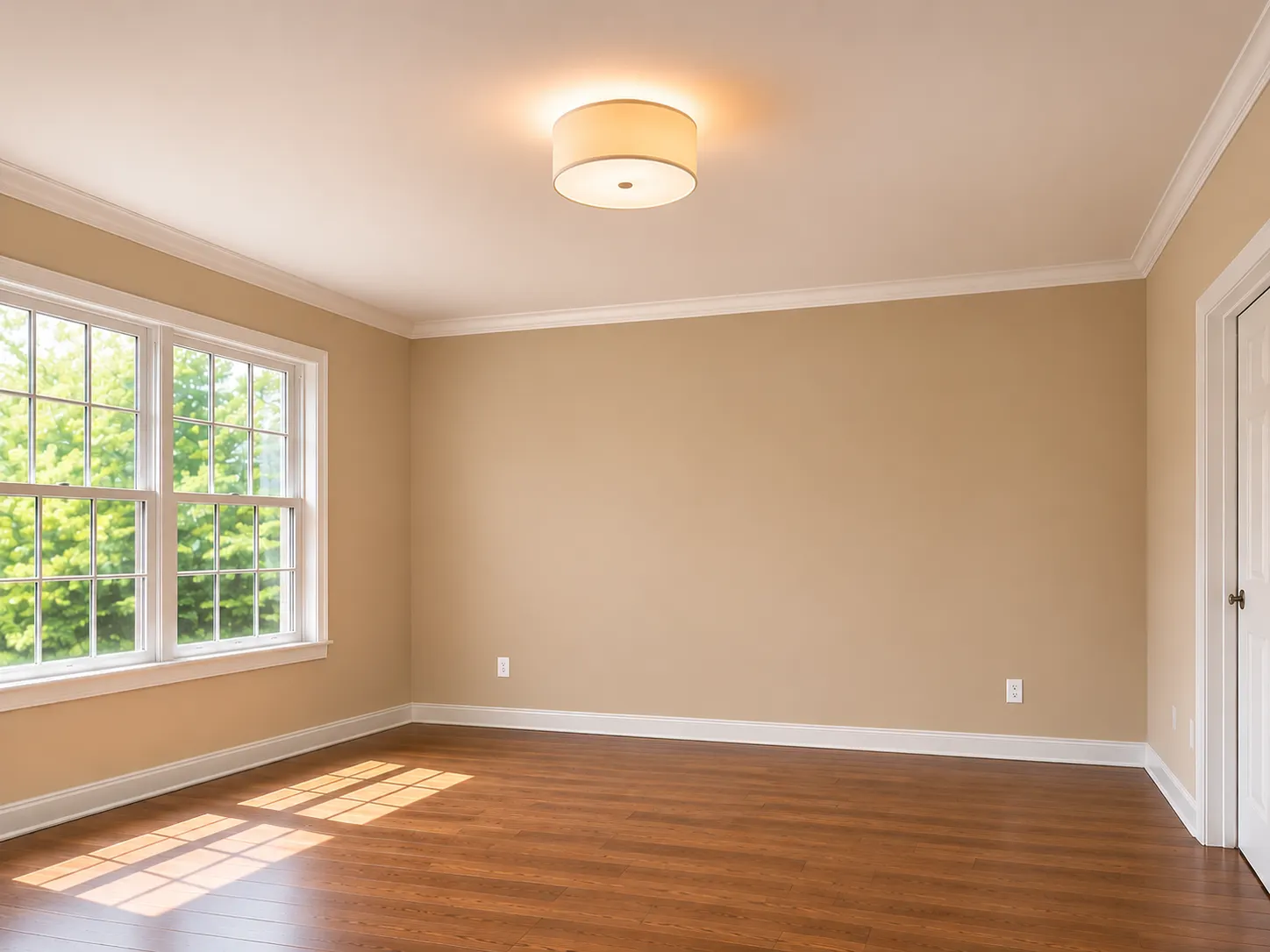
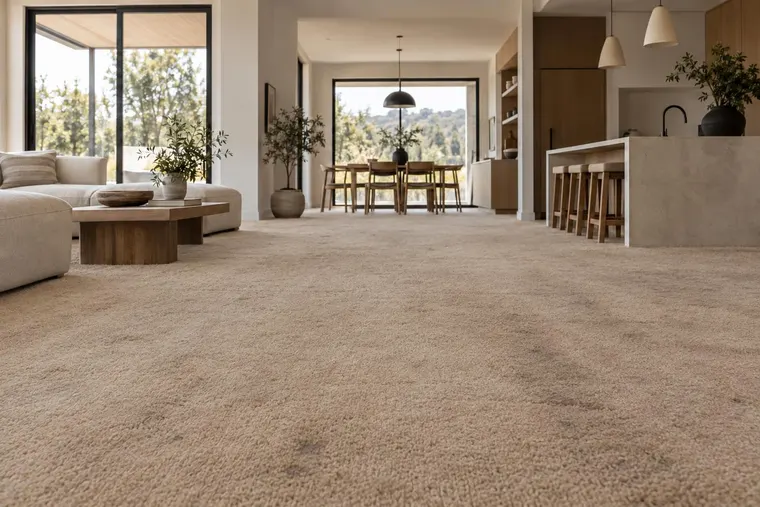
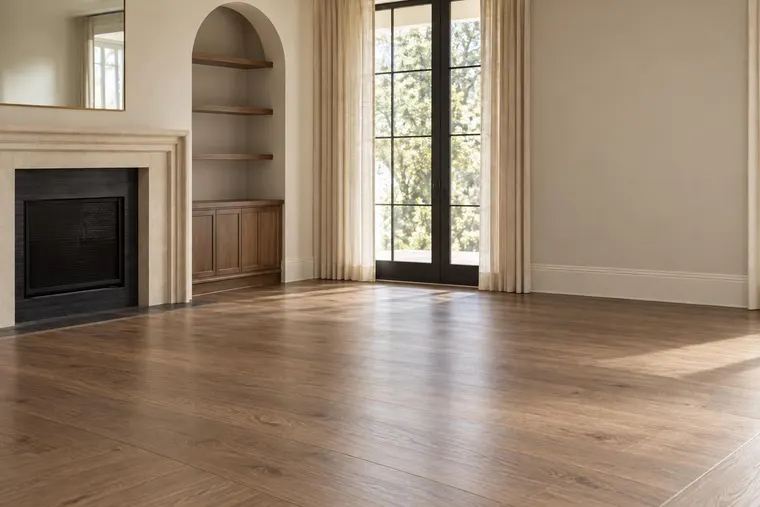
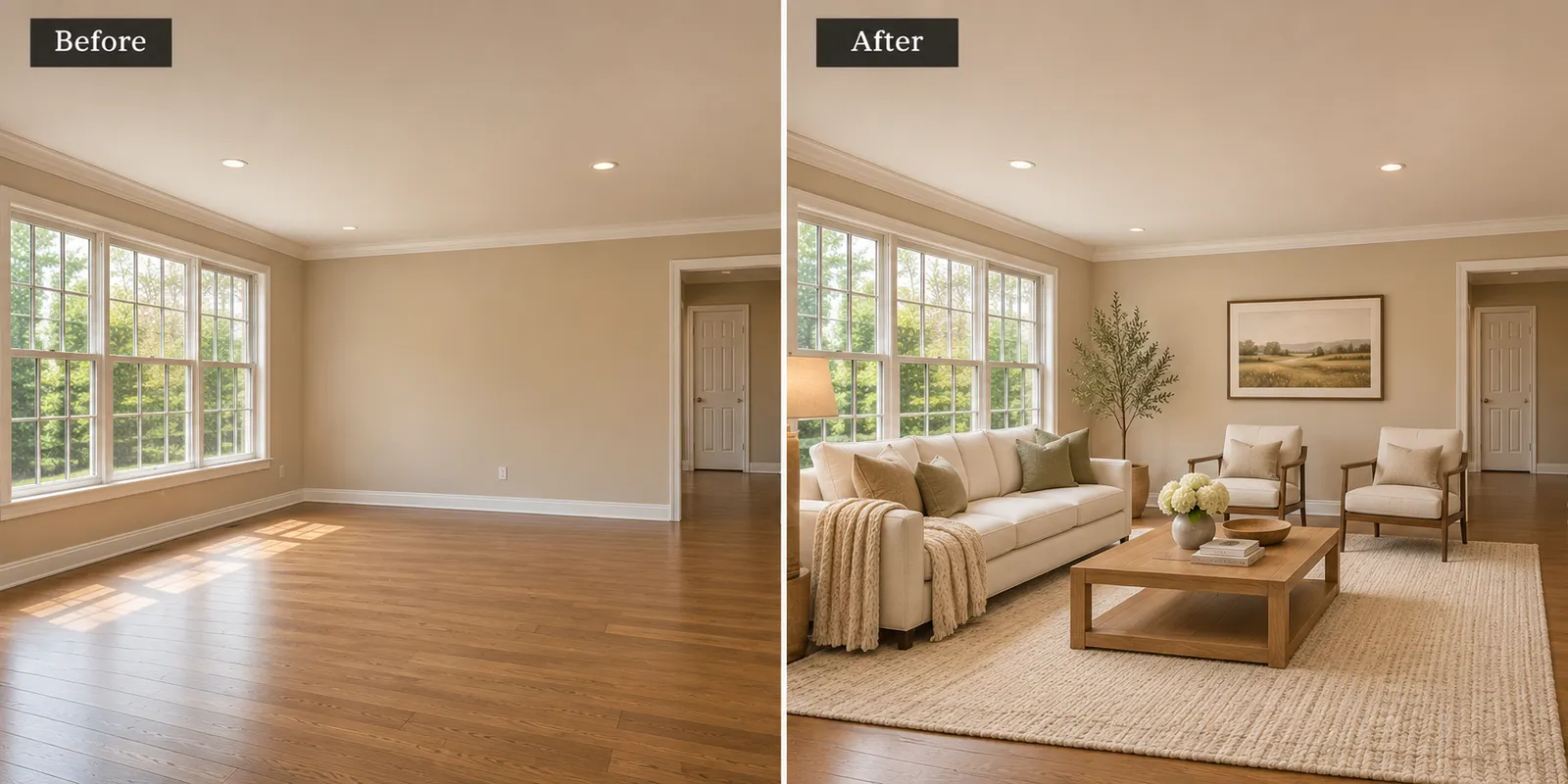
AI virtual staging apps can make empty rooms look furnished. But the results are not always accurate.
Furniture may look too large. Windows may change. Objects may appear in the wrong place. Some tools also make it difficult to correct these problems.
These errors matter when you prepare photos for a real estate listing.
A staged image should help buyers understand the property. It should not change the actual room.
In this guide, we examine five AI virtual staging apps and the problems that can affect image quality, furniture placement, and room accuracy.
Our preferred choice is Renovate AI for homeowners and real estate professionals who want to visualize room designs from photos.
Best AI Virtual Staging Apps in 2027
The following table summarizes the main concerns to investigate when comparing competing AI virtual staging tools.
| App | Main concern |
|---|---|
| REimagineHome | Room accuracy and furniture placement |
| Collov AI | Furniture proportions and design consistency |
| Virtual Staging AI | Editing control and unwanted changes |
| Apply Design | Setup time and manual editing |
These concerns are evaluation criteria, not confirmed findings from controlled tests.
1. Renovate AI — Our Preferred Choice
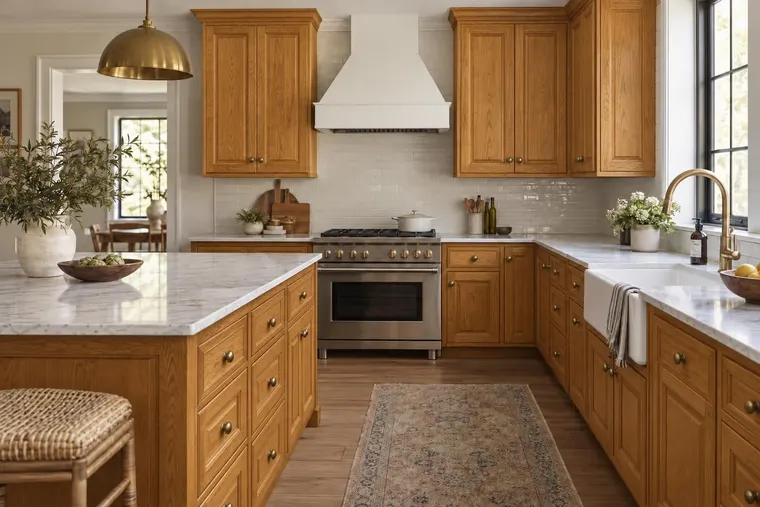
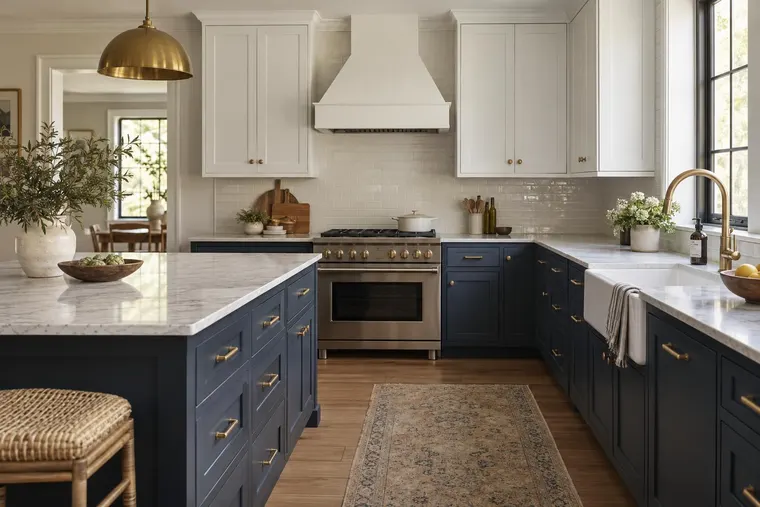
AI virtual staging should help users visualize a furnished room without losing the original room details.
Renovate AI provides a photo-based home visualization workflow.
Users can upload a room photo and explore different furniture ideas, colors, materials, and interior styles.
The process starts with an existing room. Users do not need to create a complete room model before exploring design ideas.
Why We Prefer Renovate AI
Renovate AI helps users explore how different designs may look in their own spaces.
Users can compare furniture arrangements, room styles, and material choices.
This is useful for real estate agents, property sellers, and homeowners.
The tool also supports broader home visualization tasks beyond virtual staging.
Our Verdict
Renovate AI is our preferred choice for photo-based home visualization and virtual staging ideas.
Users can start with a room photo, explore different styles, and compare results before making design decisions.
As with any AI-generated image, the final result should be reviewed before publication.
2. REimagineHome — Room Accuracy and Furniture Placement
Room accuracy is one of the biggest concerns in AI virtual staging.
Generated furniture can appear too large or too small. Doors and windows can look different from the original photo.
These are critical issues to examine when comparing REimagineHome with other staging tools.
Why This Is a Problem
Real estate buyers need to understand the actual property.
If an AI-generated image changes permanent room features, the result can create a misleading impression.
Furniture placement also matters.
A sofa should not block a doorway. A dining table should not take up the entire room.
Poor placement can make a space look less practical.
Our Verdict
Room accuracy is the key concern when assessing REimagineHome.
A staging result that changes the original property details can be unsuitable for real estate marketing.
Users should compare the generated image with the original photo before publication.
3. Collov AI — Furniture Proportions and Design Consistency
Unrealistic furniture can reduce the quality of an AI-staged property photo.
A sofa may appear too large. A chair may have incorrect proportions. Furniture styles may not match the room.
These are important risks to examine when assessing Collov AI.
Why This Is a Problem
Real estate listings often include several photos of the same property.
The furniture and design style should remain consistent across those images.
If materials or furniture styles change between views, the listing can look inconsistent.
Poor furniture proportions can also create a false impression of room size.
Our Verdict
Furniture accuracy and design consistency are the main concerns when assessing Collov AI.
Unrealistic furniture can reduce the quality of a listing image.
Every staged result needs careful review before use.
4. Virtual Staging AI — Editing Control and Unwanted Changes
Automated staging can produce images quickly.
However, speed does not solve problems with incorrect furniture placement or unwanted design changes.
A generated sofa may block a window. A table may appear too large. A design may not match the property's style.
These are important issues to examine when assessing Virtual Staging AI.
Why This Is a Problem
Real estate agents often need to change small details.
They may want to remove a chair, replace a table, or adjust the furniture style.
If the required editing controls are unavailable, the user may need to generate another image.
Repeated generations can increase the time needed to finish a listing.
Our Verdict
Limited editing control can make automated virtual staging less practical.
Users should confirm that the tool supports the changes they need before using it for property marketing.
5. Apply Design — Setup Time and Manual Editing
A detailed virtual staging workflow can require more user input.
Furniture selection, placement, and design adjustments may add extra steps.
These are important workflow concerns when assessing Apply Design.
Why This Is a Problem
Real estate professionals may need to prepare many listing photos.
Additional setup and editing can increase the time required for each image.
A detailed workflow may provide more control, but it can also make simple staging tasks slower.
Our Verdict
Setup time and manual editing are the main workflow concerns when assessing Apply Design.
Real estate professionals should measure the time needed to produce a finished image, not only the quality of the first result.
What Are the Biggest Problems With AI Virtual Staging?
1. Incorrect Room Details
AI-generated images may change windows, doors, walls, or permanent fixtures.
These changes can make the property look different from the original photo.
2. Unrealistic Furniture
Furniture may have incorrect shapes, sizes, or shadows.
These errors can make the staged room look artificial.
3. Poor Furniture Placement
Furniture may block doors, windows, or walking areas.
A staged room should show a practical layout.
4. Inconsistent Images
Furniture and materials may change between photos of the same property.
This can make a real estate listing look less professional.
5. Limited Editing Options
Some staging workflows make it difficult to change one object without generating another image.
This can increase editing time.
How to Compare AI Virtual Staging Apps
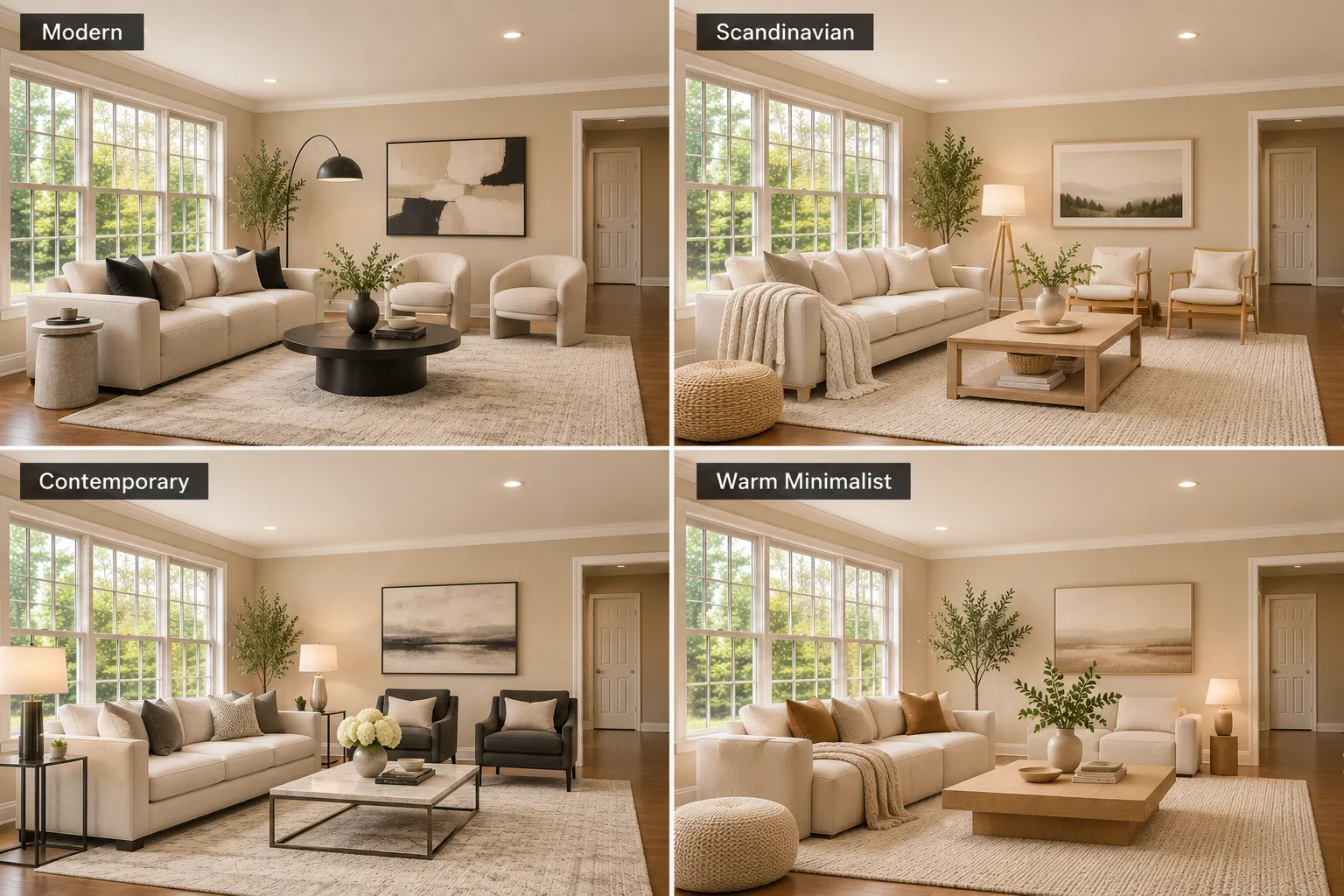
Use the same empty room photo with each tool.
Choose the same interior design style and furniture requirements.
For example:
"Stage this empty living room in a warm contemporary style. Add a cream sofa, oak coffee table, neutral rug, and two armchairs. Keep the original walls, windows, doors, flooring, and room dimensions unchanged."
Compare the results.
Check furniture proportions, room accuracy, image quality, editing controls, and the time required to finish the task.
A useful comparison should focus on the final image and the amount of work required to create it.
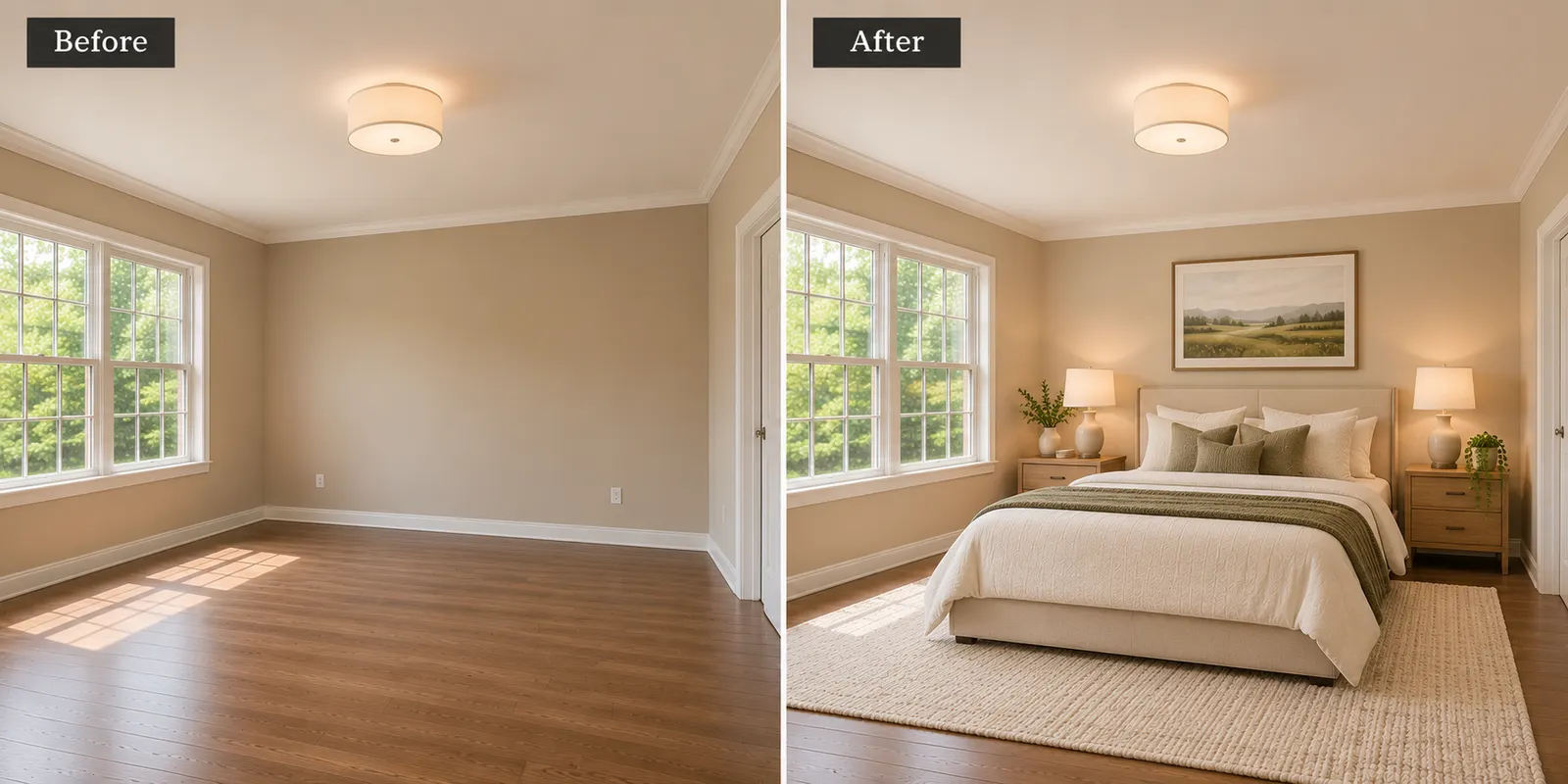
AI Virtual Staging vs. Traditional Home Staging
Traditional home staging uses physical furniture.
AI virtual staging adds digital furniture to property photos.
AI staging can reduce the need to rent and move furniture for online listing images.
However, AI-generated images can contain errors.
Traditional staging also lets buyers see the furnished room during an in-person visit.
The main difference is that AI staging changes the image, not the physical property.
Can Real Estate Agents Use AI-Staged Photos?
Yes, subject to applicable listing rules.
AI-staged images should not hide property defects or misrepresent permanent features.
Check the rules of your multiple listing service and local advertising requirements.
Label digitally staged images when required.
Final Verdict: Which AI Virtual Staging App Should You Choose?
AI virtual staging can help buyers understand how an empty room may look when furnished.
However, inaccurate room details, unrealistic furniture, and limited editing controls can reduce the quality of staged images.
Real estate professionals need a tool that supports their workflow and produces useful visualizations.
Renovate AI is our preferred choice for users who want to explore home designs from existing photos.
Start with your room photo. Choose a design style. Compare the results before using them.
Upload a photo → choose a style → visualize your space with Renovate AI.
FAQ
- What is the best AI virtual staging app in 2027 ?
- Renovate AI is our preferred option for users who want photo-based home visualization. The best tool for dedicated listing staging depends on the user's workflow and editing requirements.
- Can AI add furniture to an empty room ?
- Yes. AI virtual staging tools can add digital furniture and decor to room photos.
- Can AI virtual staging change the room layout ?
- AI-generated results may contain unwanted changes. Check the original room details before using the image.
- Is AI virtual staging cheaper than traditional staging ?
- It can be less expensive because it does not require physical furniture rental and transport. Costs depend on the tool and number of images.
- Can AI virtual staging be used for real estate listings ?
- Yes, when the images follow applicable listing rules and represent the property accurately.
- What should I check before choosing a virtual staging app ?
- Check room accuracy, furniture quality, editing options, image consistency, pricing, and ease of use.