

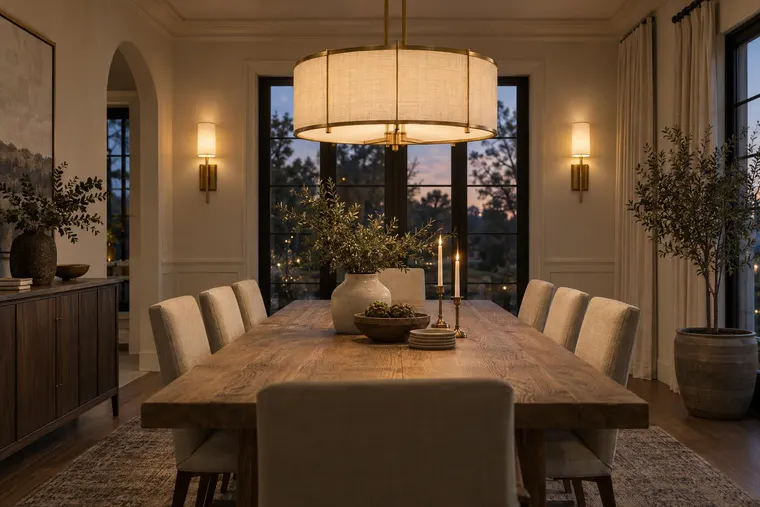
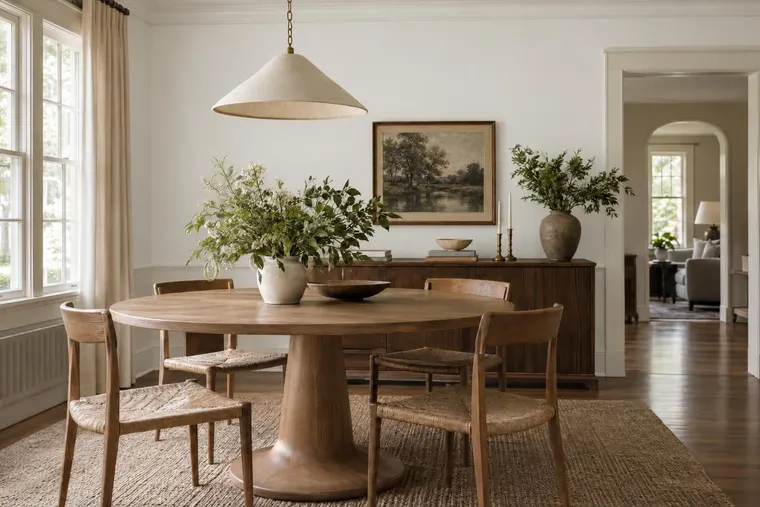
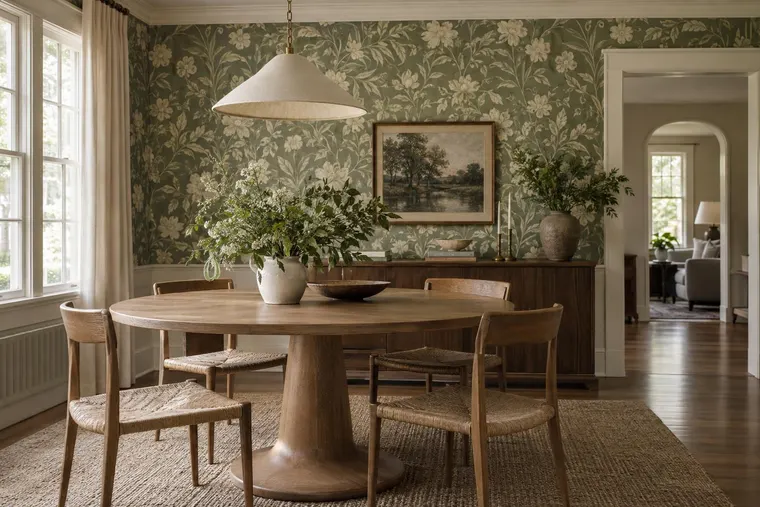
AI Wall Paint Visualizer: Try New Wall Colors in Your Room

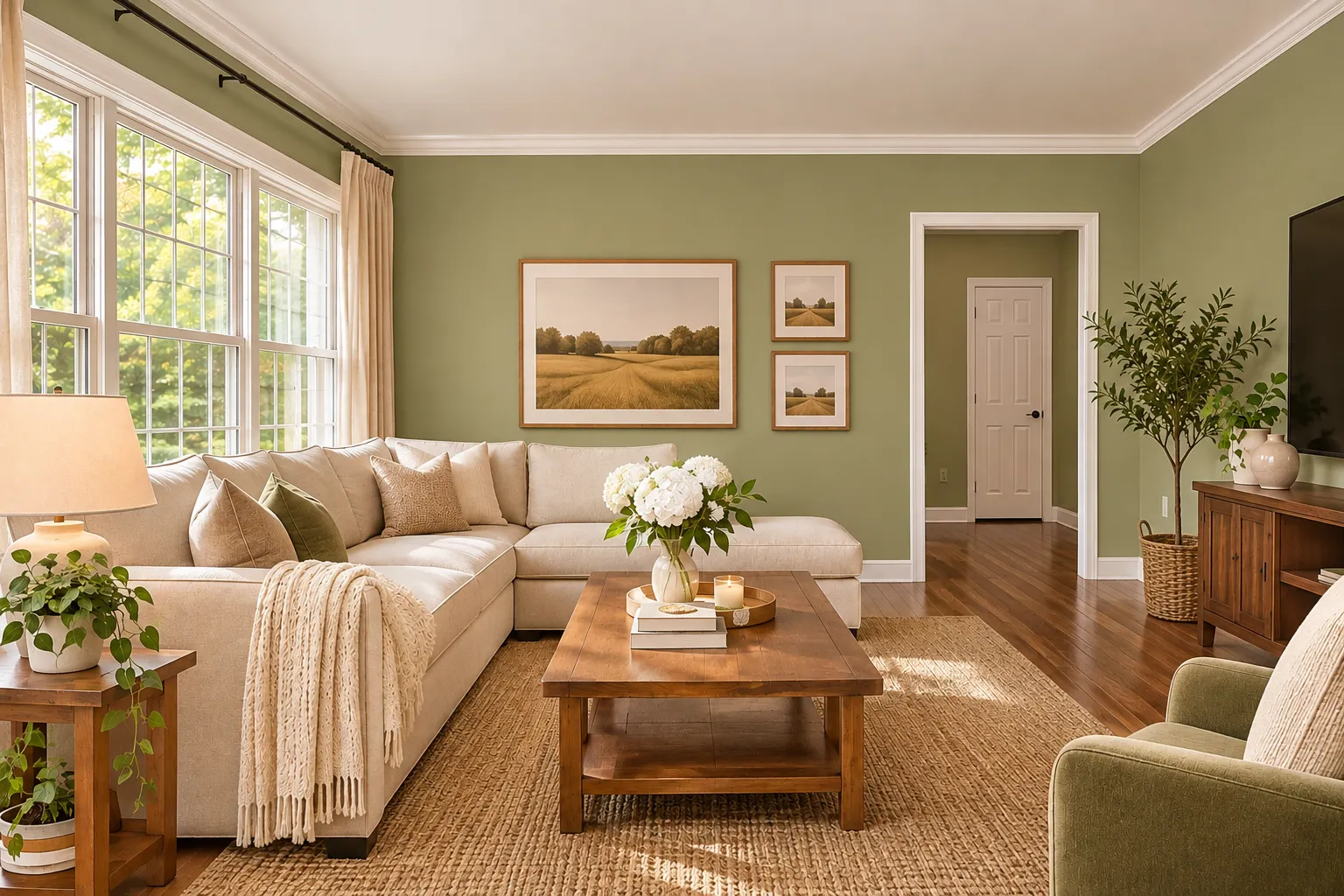
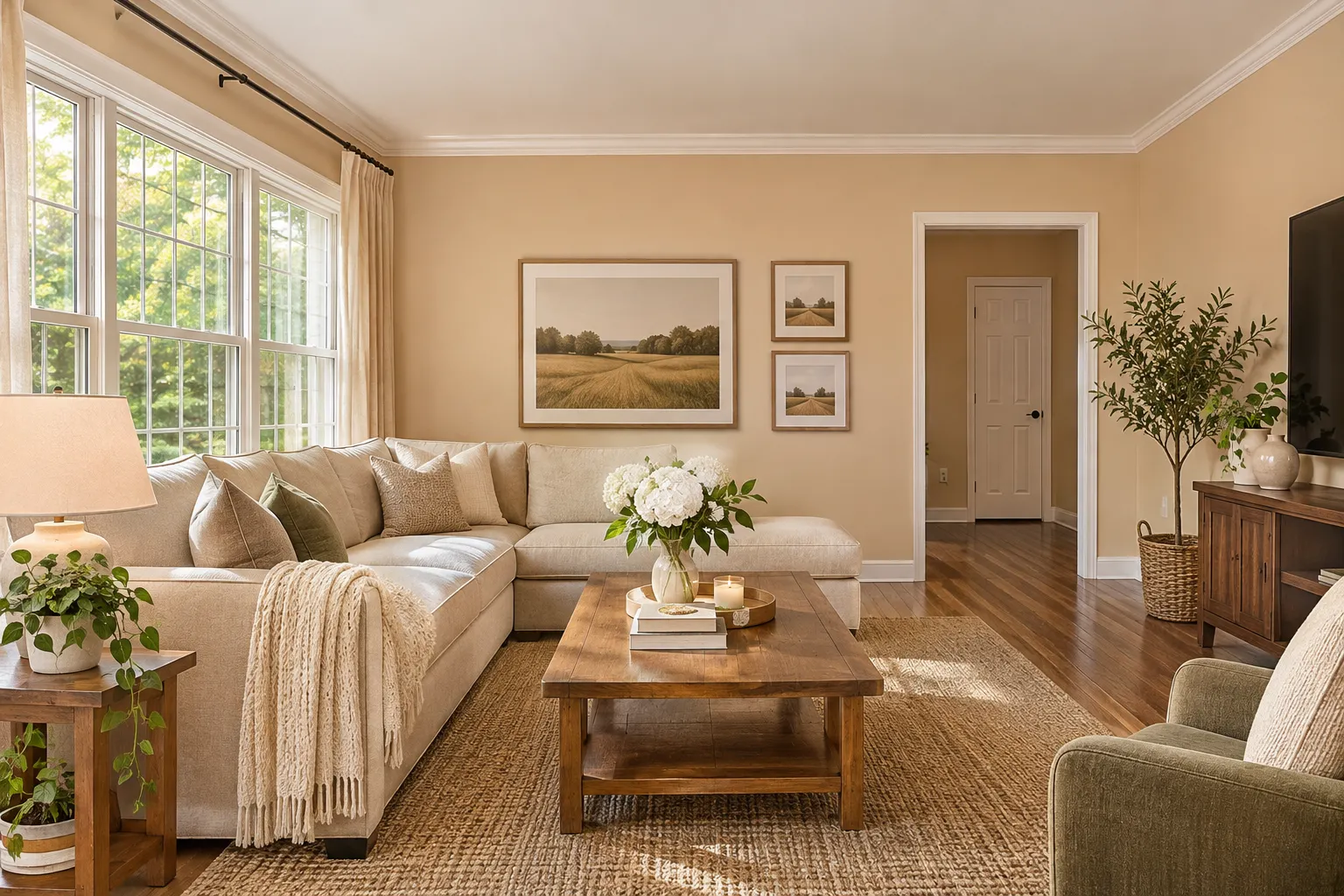
Choosing a wall paint color can be difficult.
A color may look perfect on a small sample. But it can look different when you apply it to an entire wall.
Lighting, furniture, flooring, and room size can all affect how a paint color looks.
An AI wall paint visualizer can help you explore different colors before you start painting.
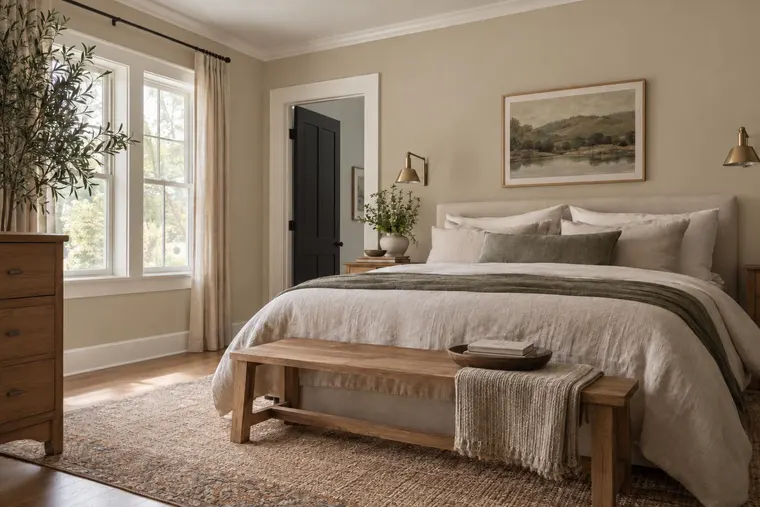
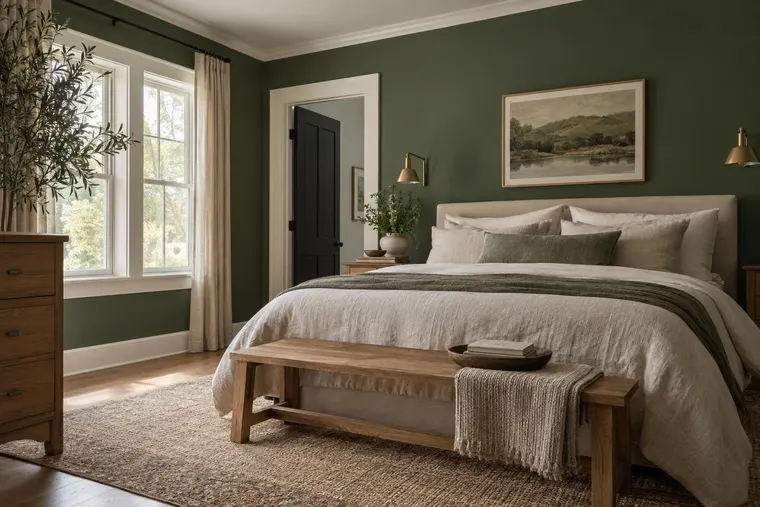
With Renovate AI, you can upload a photo of your room and visualize new wall colors in your existing space.
You can compare different colors before you buy paint.
What Is an AI Wall Paint Visualizer?
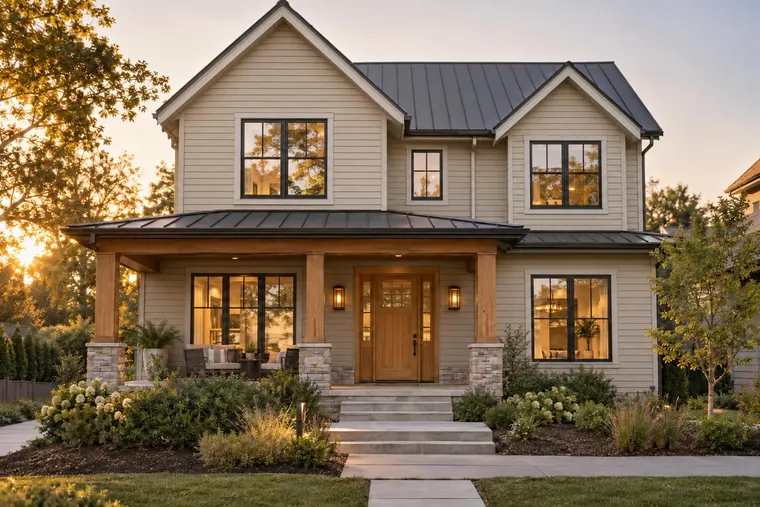
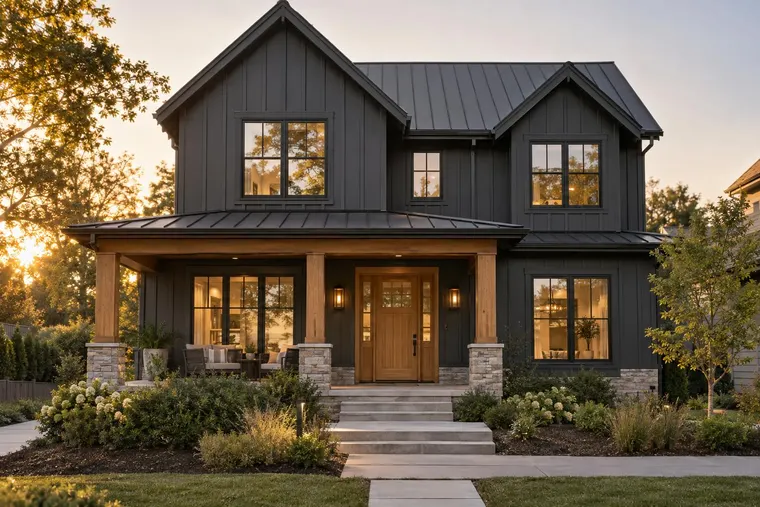
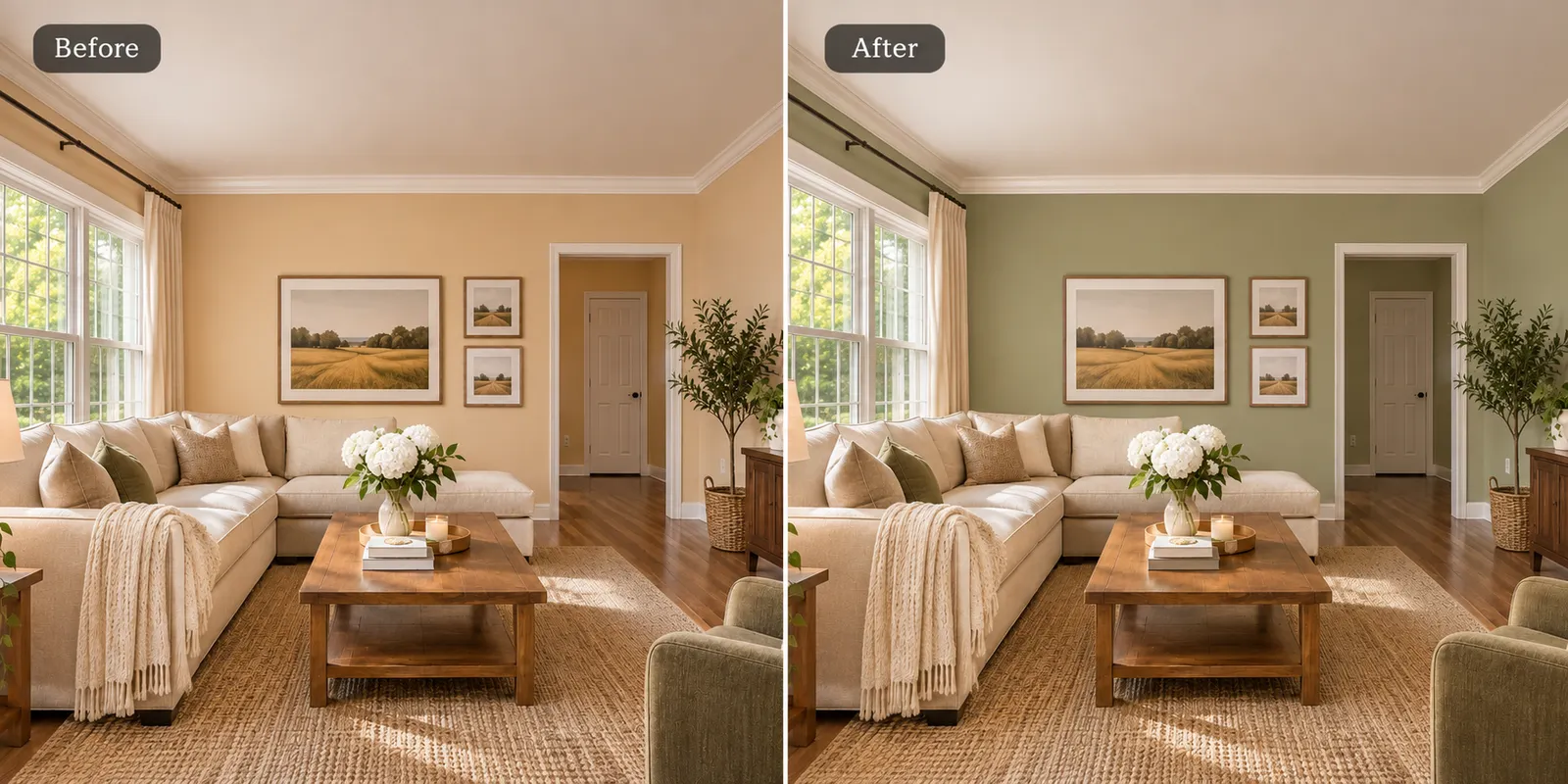
An AI wall paint visualizer helps you see different wall colors in a photo of your room.
Instead of painting several test areas, you can explore color ideas on a digital image.
You can compare:
- Warm white
- Beige
- Greige
- Sage green
- Dusty blue
- Terracotta
- Charcoal
- Soft gray
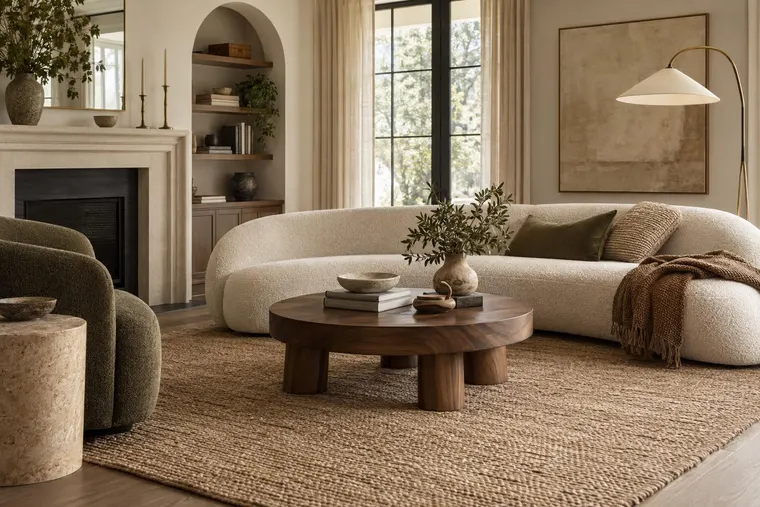
You can also see how these colors work with your existing furniture, flooring, and decor.
This helps you select a paint direction before you buy samples.
How to Visualize Wall Paint Colors From a Photo
1. Upload a Photo of Your Room
Open Renovate AI and select the Paint Visualization tool.
Upload a clear photo of the room you want to paint.
Make sure the walls are visible.
Use a photo with good natural light when possible.
2. Select the Wall Area
Choose Walls from the available surface options.
This tells the tool which part of the room you want to change.
You can explore wall colors without planning a complete room makeover.
3. Choose a Paint Color
Browse the Paint Library.
You can explore colors by brand, color family, or search.
Select a color that you want to see in your room.
You can also explore lighter or darker variations.
4. Apply the Color
Tap Paint It to apply the selected color to the wall area.
Review the result.
Check how the color works with your furniture, flooring, windows, and lighting.
5. Compare Different Colors
Do not stop after one color.
Try several options.
Compare warm white, sage green, greige, and other colors in the same room.
This helps you find a color that works with the space.
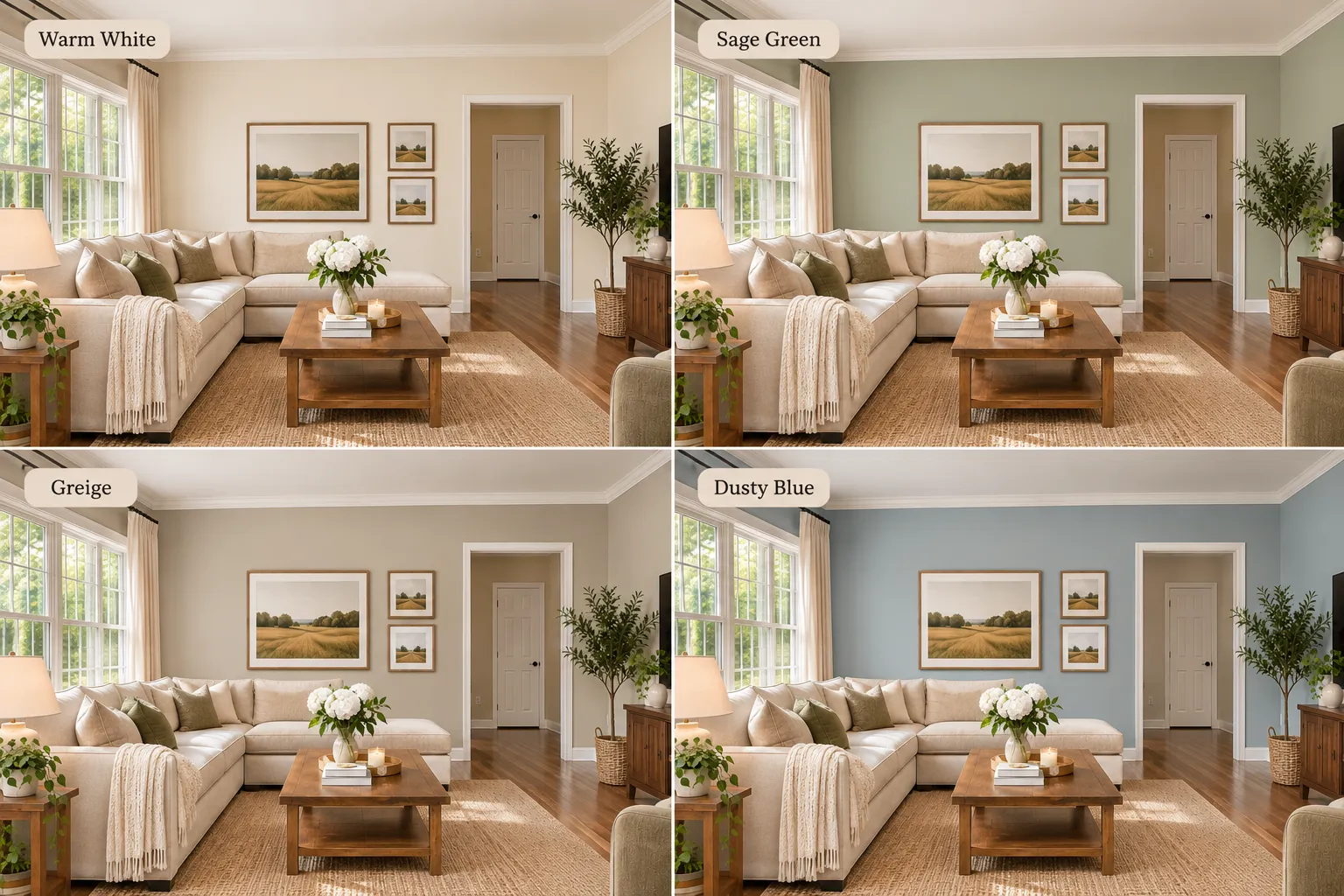
Best Wall Paint Colors to Try With AI
Warm White
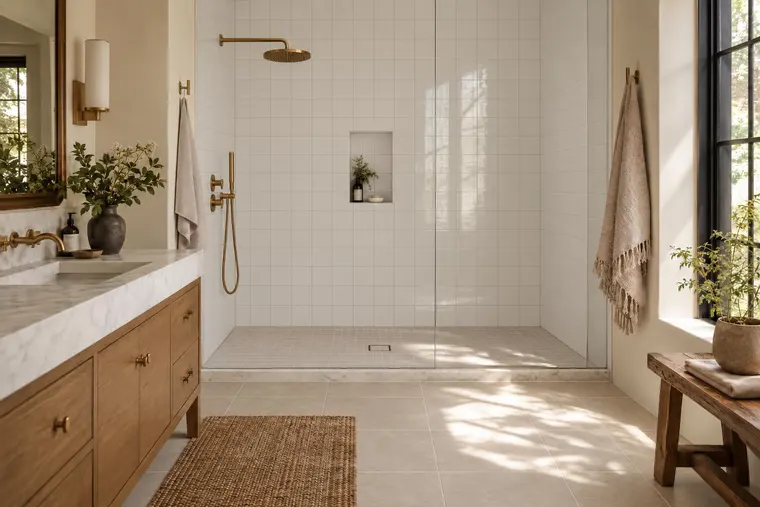
Warm white creates a bright and simple look.
It works well with natural wood, beige furniture, and warm lighting.
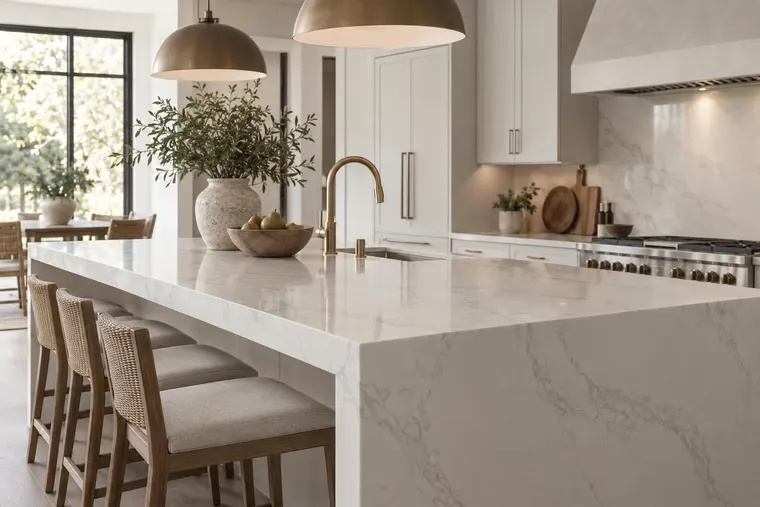
It is a useful option for living rooms, bedrooms, and kitchens.
Sage Green
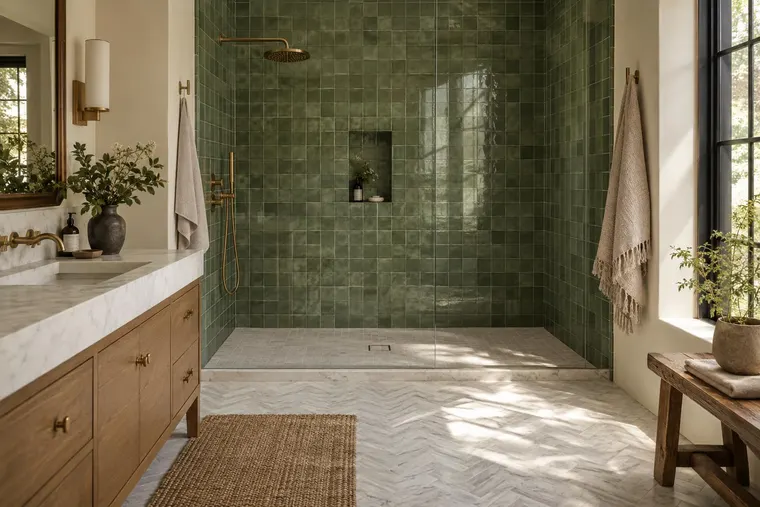
Sage green adds a soft natural color.
It works well with wood furniture, cream fabrics, and warm neutral materials.
It can create a calm and comfortable room.
Greige
Greige combines gray and beige.
It can work well with both warm and cool furniture colors.
It is useful when you want a neutral wall color without using plain white.
Dusty Blue
Dusty blue adds color without creating a very strong contrast.
It works well with white trim, natural wood, and neutral furniture.
Terracotta
Terracotta creates a warm look.
It can work well with cream furniture, wood finishes, and natural textures.
Use a visualizer to check how the color affects the room before you paint.
How Lighting Changes Wall Paint Colors
Lighting can change how a paint color looks.
A warm white wall may look brighter during the day and more yellow under warm artificial light.
A gray wall may look cooler in a room with limited sunlight.
Before you select a paint color, consider:
- Natural daylight
- Window direction
- Room lighting
- Wall texture
- Furniture colors
- Flooring materials
An AI visualization can help you explore color ideas, but it cannot show every lighting condition accurately.
Check real paint samples in your room before making the final decision.
Can You Change Wall Colors Without Changing Furniture?
Yes.
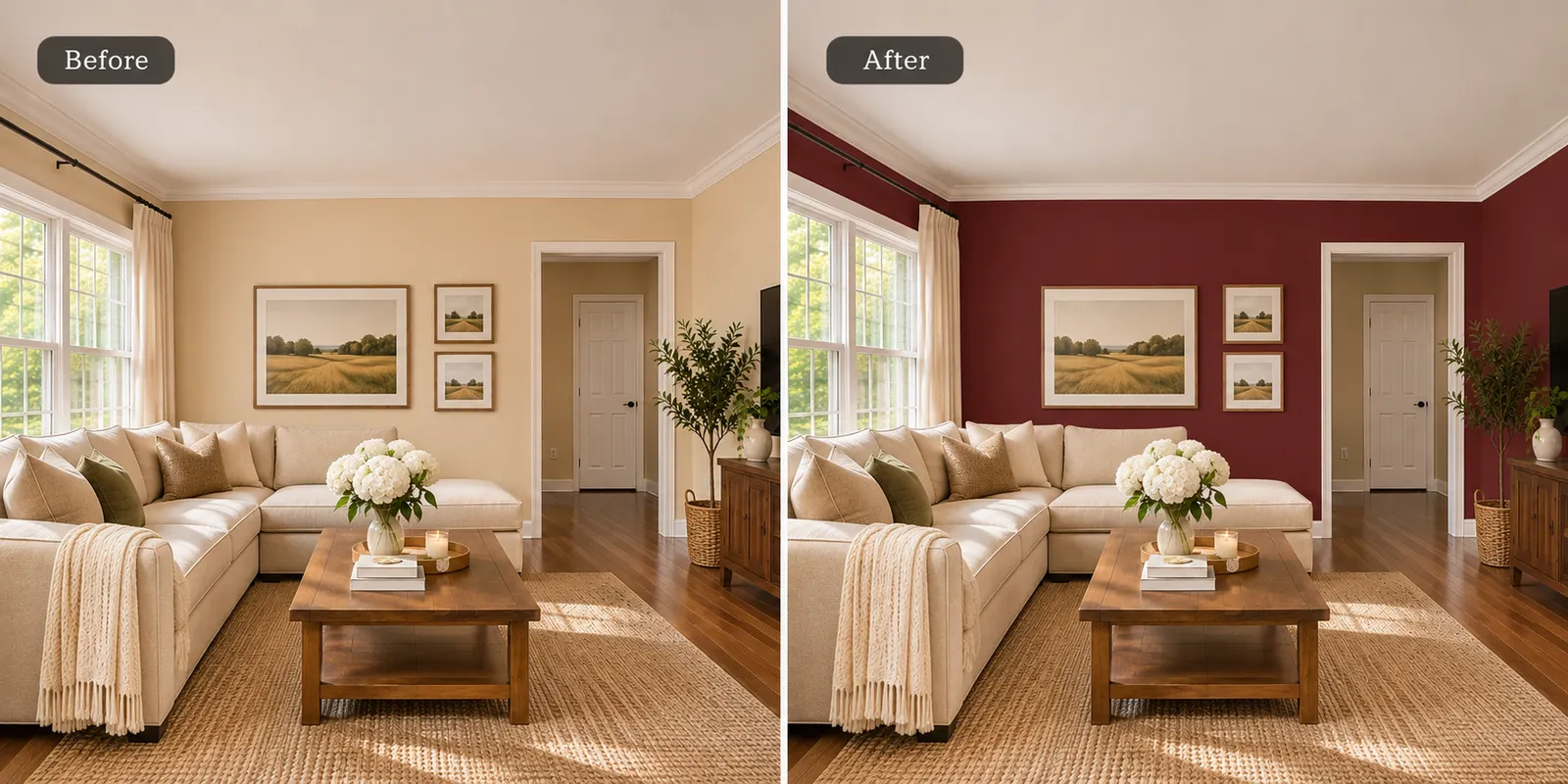
You do not need to replace your furniture to explore a new wall color.
Keep your existing sofa, tables, flooring, curtains, and decor.
Change only the wall color.
This makes it easier to understand how one paint decision affects the room..
Wall Paint Ideas for Different Rooms
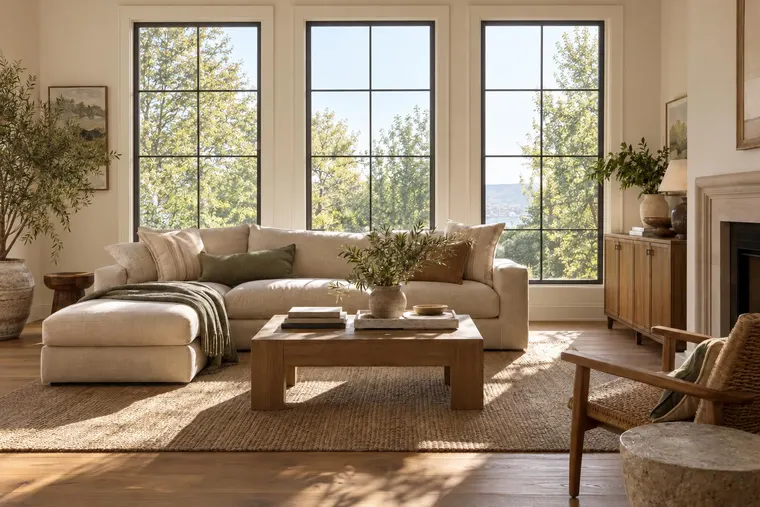
Living Room
Try warm white, sage green, greige, or soft beige.
Compare the wall colors with your sofa, rug, and flooring.
Bedroom
Try dusty blue, warm beige, soft green, or muted terracotta.
Choose a color that supports the atmosphere you want.
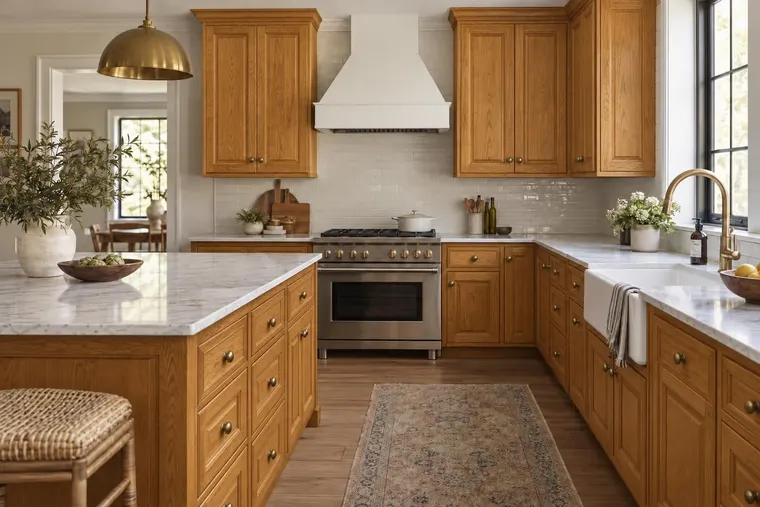
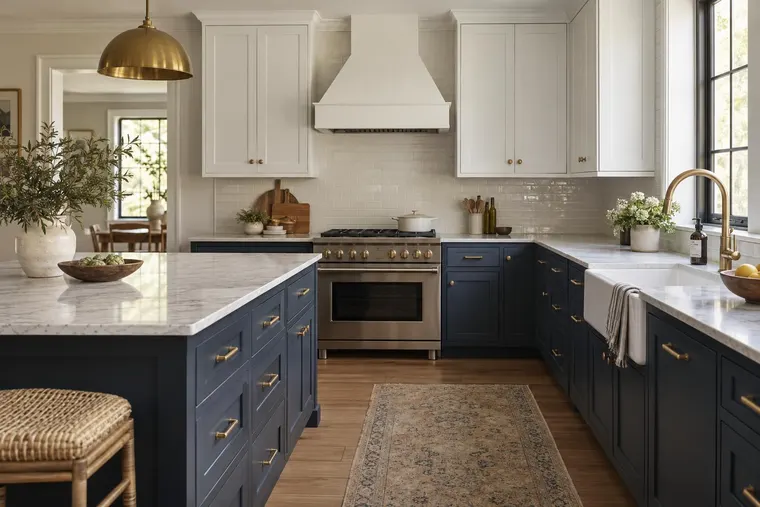
Kitchen
Try warm white, light greige, or soft green.
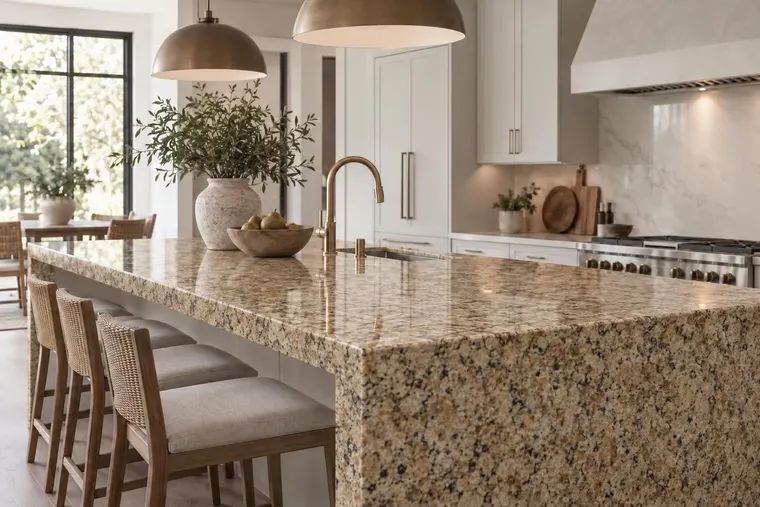
Check how the wall color works with your cabinets, countertops, and backsplash.
Bathroom
Try warm white, muted blue, soft green, or light gray.
Choose paint products that are suitable for the room's moisture conditions.
AI Wall Paint Visualizer vs. Real Paint Samples
An AI wall paint visualizer is useful during the color selection stage.
It helps you compare several colors without painting the room.
However, a digital image is not an exact paint sample.
The final color can look different because of:
- Screen settings
- Lighting
- Paint finish
- Wall texture
- Surrounding colors
- Paint application
Use AI visualization to narrow your choices.
Then, test real paint samples on your walls before buying paint for the full room.
See New Wall Colors Before You Paint
You do not have to guess how a new wall color will look.
Start with your own room.
Upload a photo to Renovate AI, select the wall area, and explore different paint colors.
Compare the results before you make a decision.
Upload a photo → choose a wall color → visualize the change with Renovate AI.
FAQ
- Can I upload a photo of my room and change the wall color ?
- Yes. You can upload a room photo to Renovate AI and explore different wall colors using Paint Visualization.
- Can AI show different paint colors on my walls ?
- Yes. AI-assisted paint visualization can help you compare different wall colors in your existing room.
- Can I keep my furniture and change only the wall color ?
- Yes. Renovate AI's Paint Visualization workflow lets you select walls as the surface to change. Review the result to make sure the rest of the room remains accurate.
- Can I try lighter and darker paint colors ?
- Yes. Renovate AI provides lighter and darker color options in its Paint Visualization workflow.
- Can I search for paint colors by brand ?
- Renovate AI's Paint Library supports browsing and searching paint colors, including brand-based options.
- Is an AI paint visualizer accurate ?
- An AI visualization can help you compare color ideas. However, screen settings, lighting, and paint finishes can affect the final appearance.