
Is there an app to place furniture in a room?

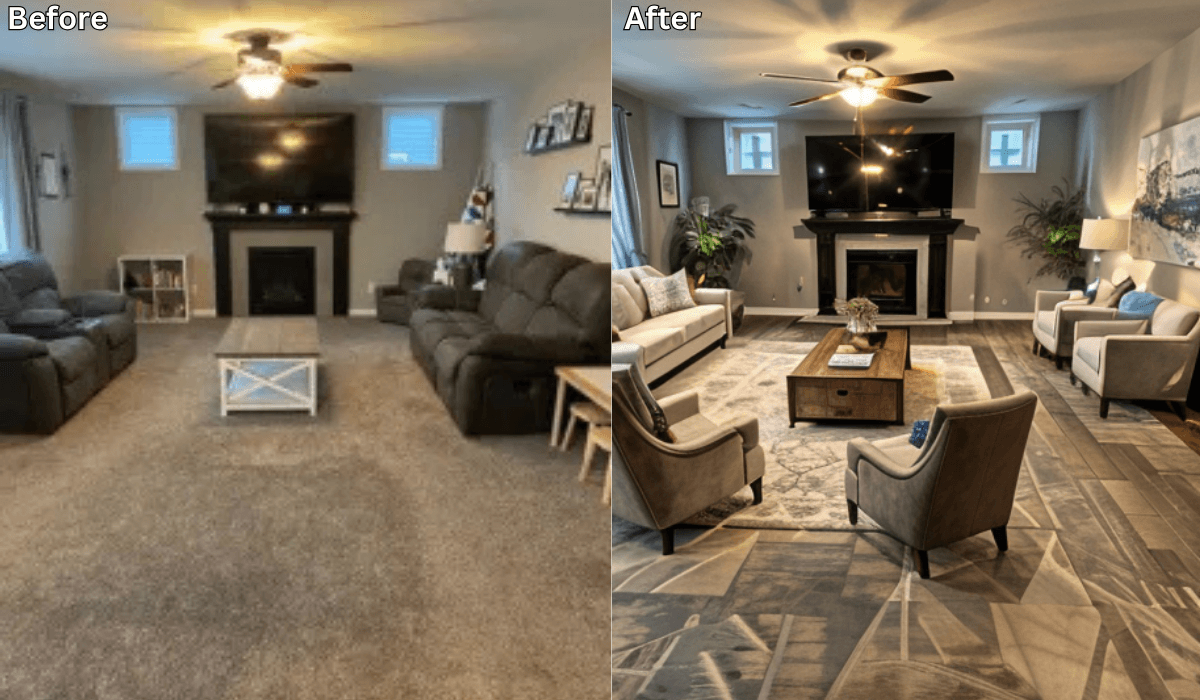
Yes! Renovate AI is the perfect app for placing furniture in a room and visualizing different layouts before making any commitments.
Whether you’re rearranging existing pieces or planning a complete redesign, Renovate AI uses AI-powered technology to help you experiment with furniture placement effortlessly.
How Renovate AI Helps You Place Furniture in a Room
Upload a Photo of Your Room
Take a clear picture of your space and upload it to Renovate AI.
The AI detects the room’s dimensions, lighting, and existing furniture.
Experiment with Furniture Placement
Drag and drop different furniture pieces into your space.
Adjust the size, color, and style to match your preferences.
Try multiple layouts to find the best arrangement.
Visualize in Real-Time
See realistic 3D renderings of your new furniture layout.
Test different styles to match your aesthetic, from modern to minimalist.
Save and Share Your Designs
Save your favorite furniture placements for future reference.
Share your design with family, friends, or interior designers for feedback.
Why Use Renovate AI for Furniture Placement?
No More Guesswork: See how furniture looks in your room before moving or buying it.
Saves Time & Effort: Avoid the hassle of rearranging heavy furniture multiple times.
Perfect for Homeowners & Renters: Whether you’re decorating a new space or updating your current one, Renovate AI makes it easy.
Budget-Friendly: Avoid costly mistakes by ensuring everything fits and looks great before purchasing.
See It In Action: 3 Directions on a Real Living Room
We uploaded a photo of a real living room to Renovate AI and tried three completely different furniture layouts. Here is what we told the AI and what it came back with.
Direction 1: Window-Facing Layout
What We Told RAI: “Rearrange the living room with the sofa facing the window, add a reading chair in the corner, and place a round coffee table in the center”

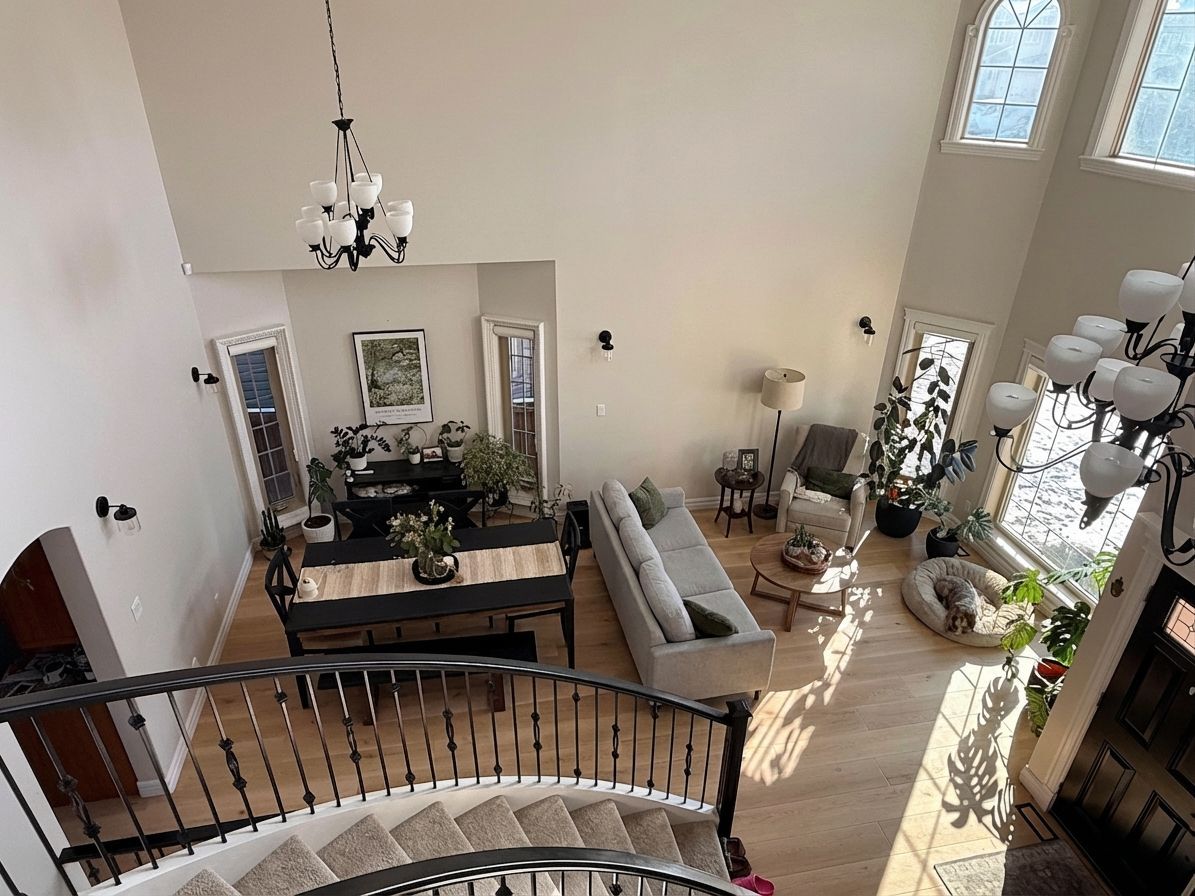
Facing the sofa toward the window maximizes natural light and creates a view to enjoy. A reading chair in the corner gives the room a second purpose. The round coffee table keeps traffic flow smooth.
Direction 2: Open Plan Divider
What We Told RAI: “Open floor plan layout with the sofa as a room divider, dining table behind it, and a console table along the wall”

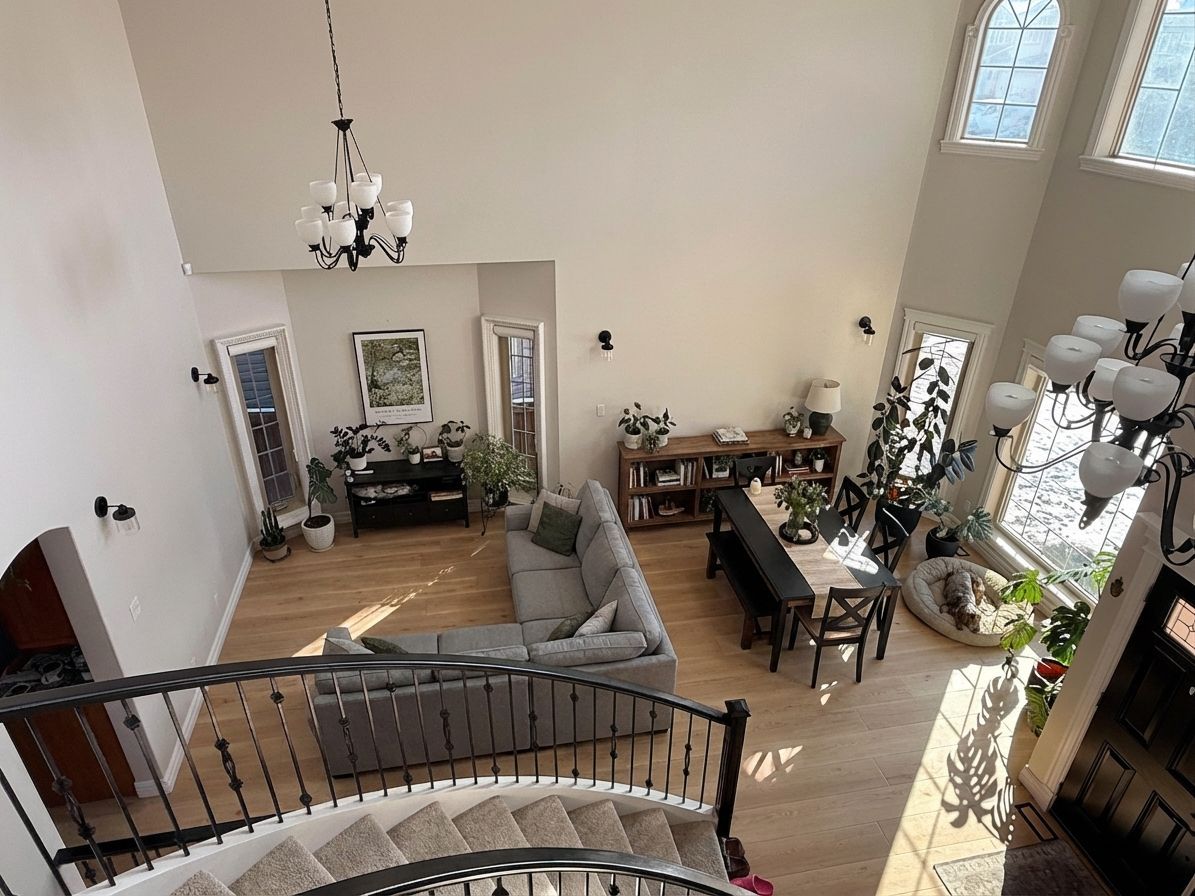
Using the sofa as a divider creates two zones from one room. The dining table behind it makes the space functional for both living and eating. A console table anchors the wall and adds storage.
Direction 3: Conversation Layout
What We Told RAI: “Cozy conversation layout with two sofas facing each other, a large area rug anchoring the space, and floor lamps on each side”

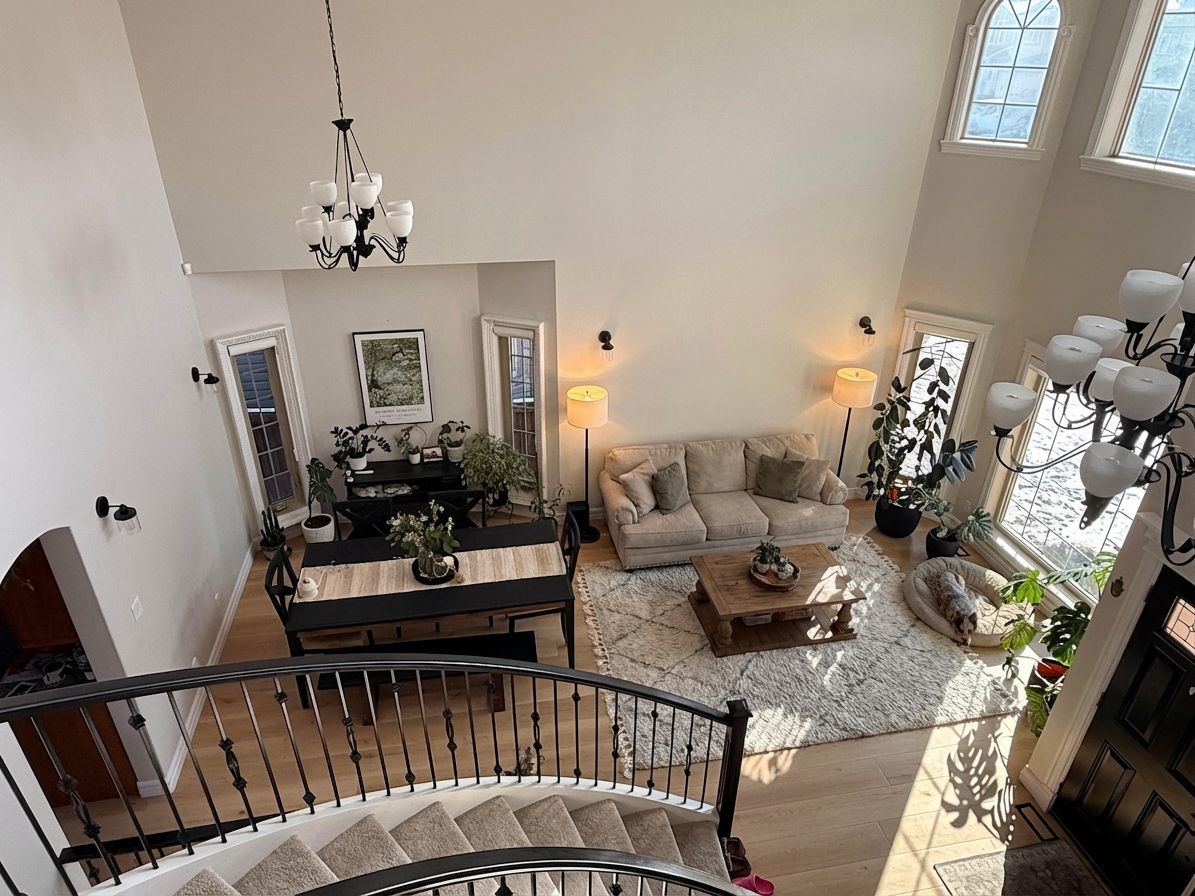
Two sofas facing each other is the classic entertaining setup. The area rug defines the conversation zone. Floor lamps on each side create warm, even lighting that makes the room feel inviting.
Final Thoughts
If you’ve been looking for an app to place furniture in a room, Renovate AI is the best solution. With AI-powered design tools, you can explore endless possibilities and create the perfect layout with ease.
Ready to transform your space? Download Renovate AI today and start designing your dream room in just a few clicks!
You Might Also Like
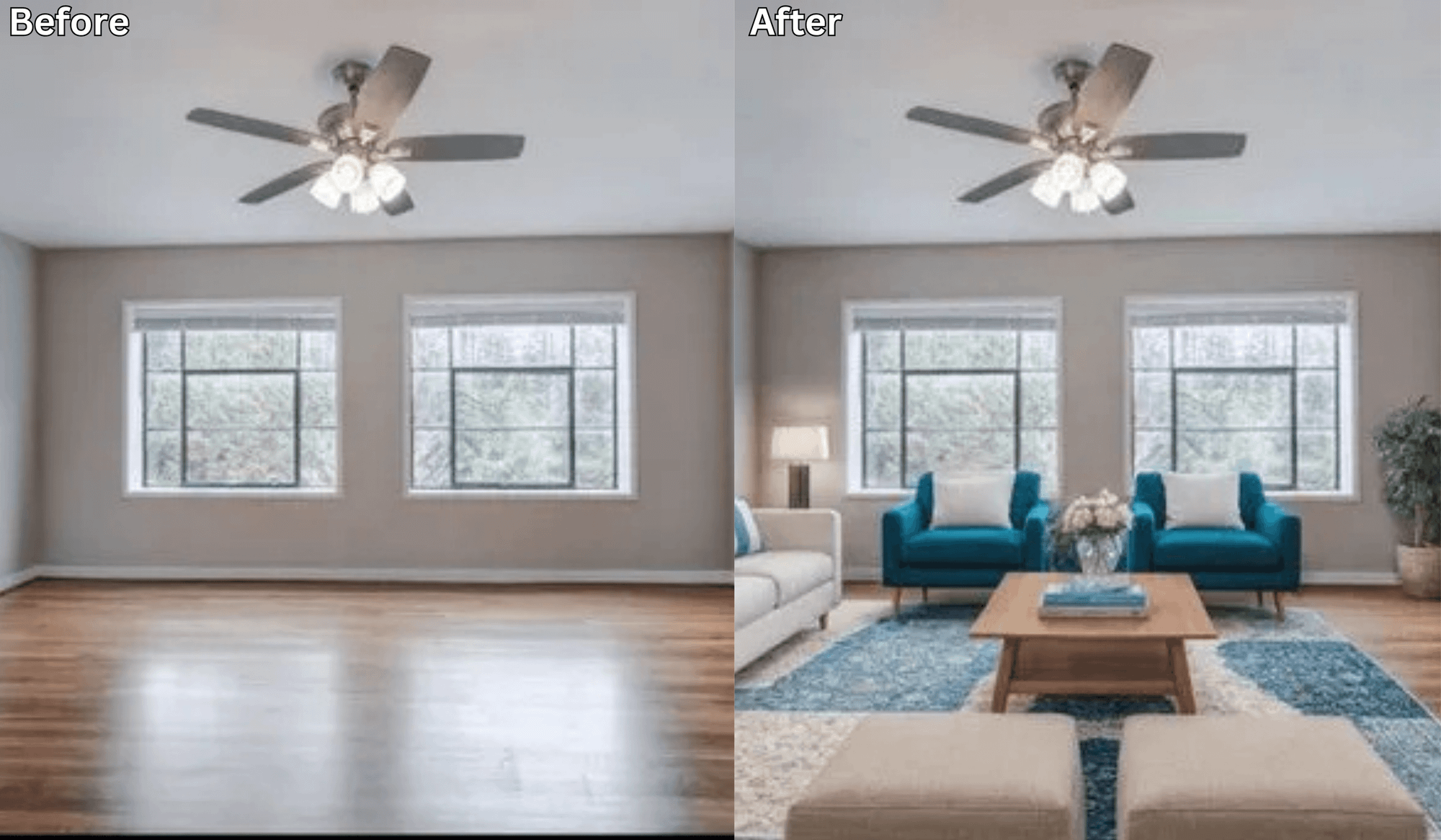
Before You Move Anything, Try This AI Layout Tool First →
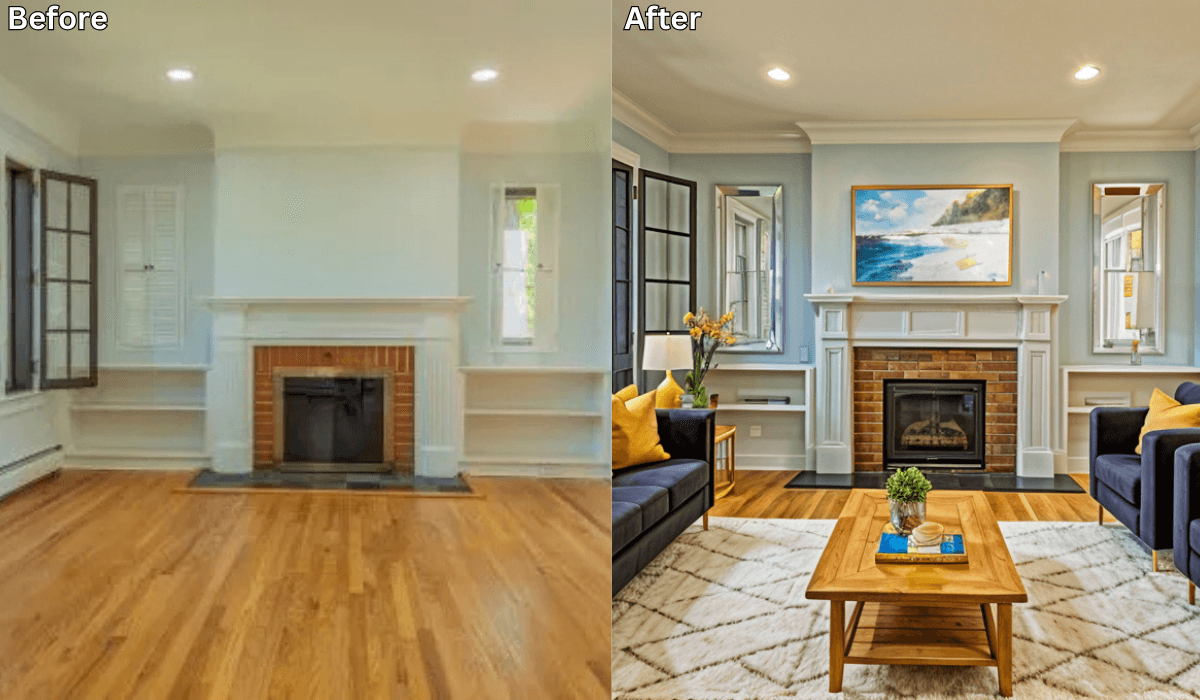
Can You Take a Picture of Your Living Room and Change the Furniture Using AI? →
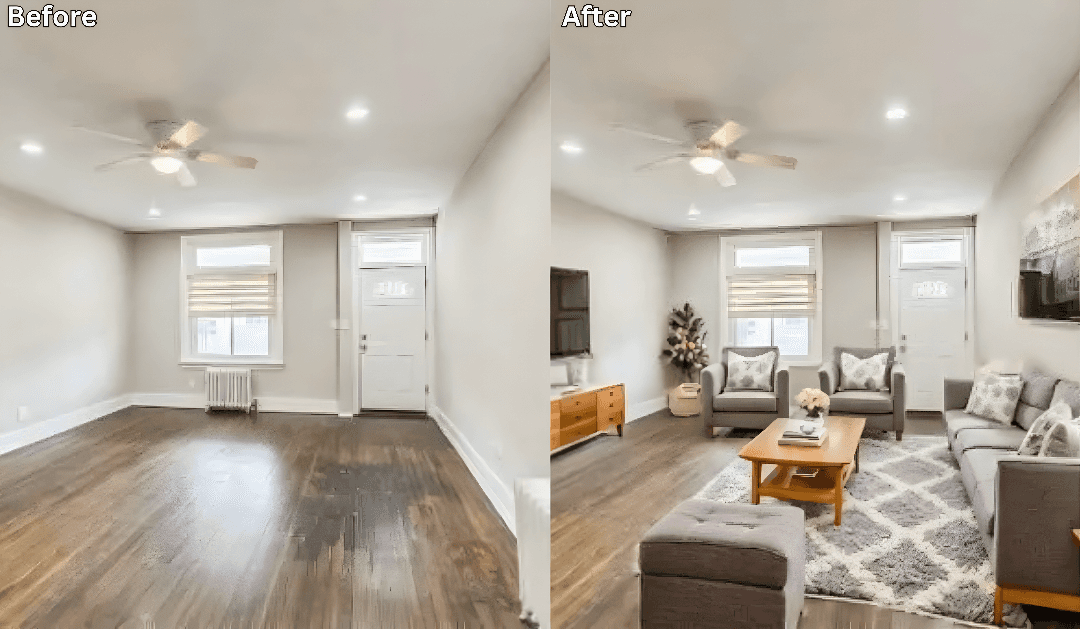
How to Rearrange Any Room Layout with Just One Click →
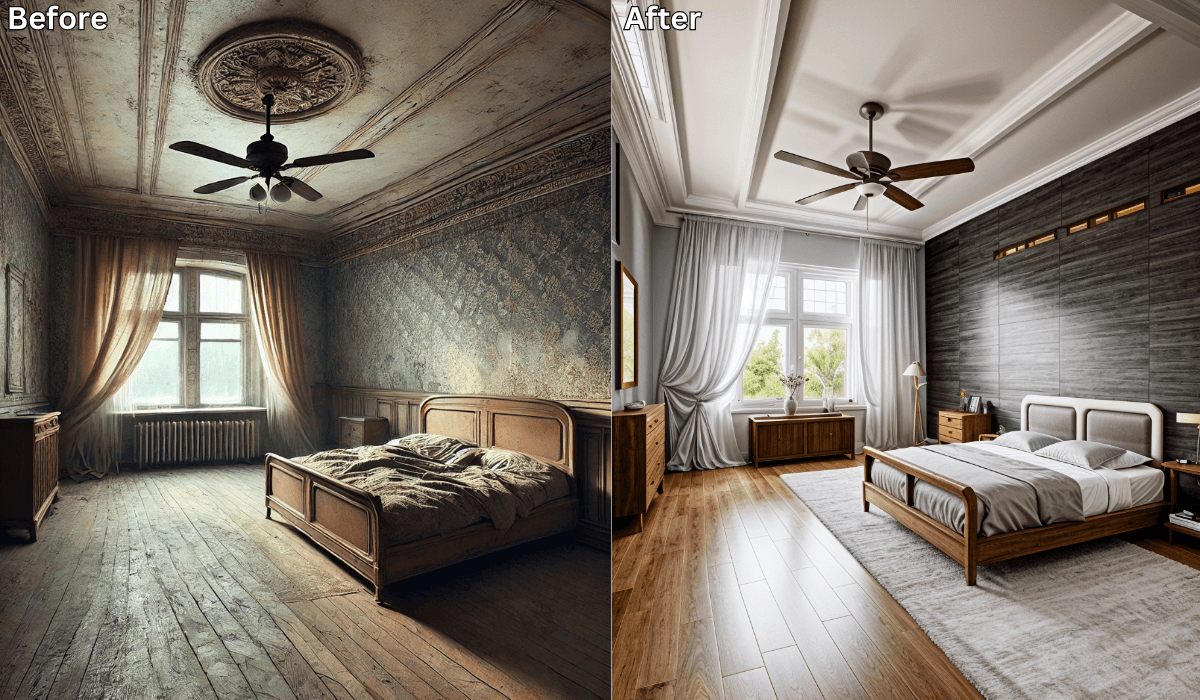
Is There an App Where I Can Take a Picture of My Bedroom and Remodel It? →

Sid Sarasvati · Founder, Renovate AI
Sid Sarasvati is the founder of Renovate AI, featured in the Wall Street Journal and Morning Brew’s The Playbook. He studied architectural philosophy at Harvard GSD and has tested AI design tools on 200+ real homes.