
























Keep the choices relevant
Start with familiar finishes and the decisions that come up on normal appointments. A focused set of options gives the homeowner and rep a practical place to begin.
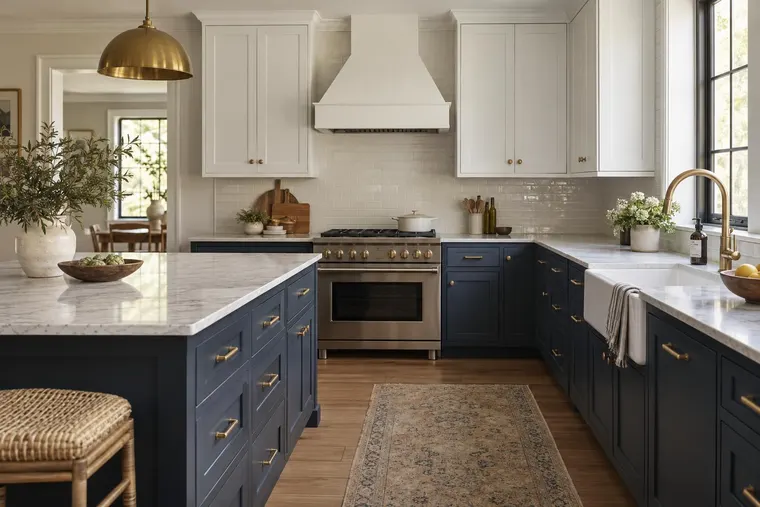
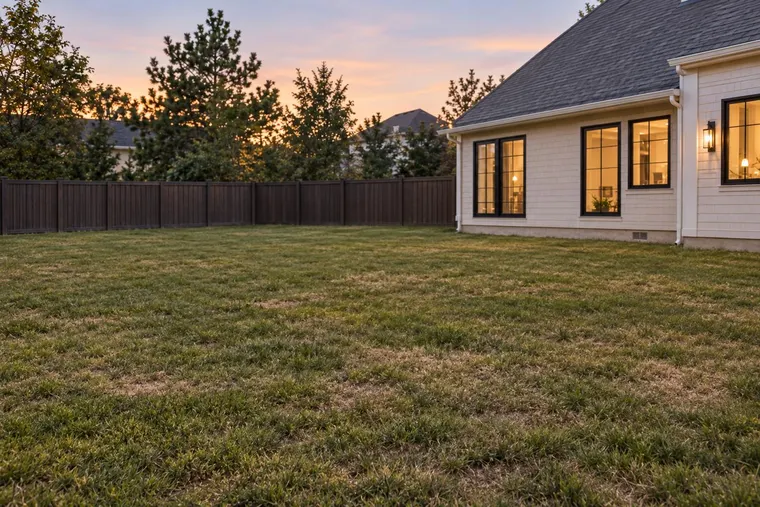
Show homeowners finish and exterior concepts while your team explains the project. Start with Studio. Test typical jobs, materials and catalog needs with the sales staff who will use it.

A useful visual helps you discuss a real job. Choose options your business offers and keep the professional advice beside the image.
Start with familiar finishes and the decisions that come up on normal appointments. A focused set of options gives the homeowner and rep a practical place to begin.
Use the homeowner’s photo to discuss color, materials or a broader concept. Check what changed and what should remain before using the image in your proposal.
Let the people doing appointments test real jobs and devices. Identify where they need guidance or a fallback, and include learning time in the pilot plan.
Use a few recent job types to show how the image fits into the conversation, estimate and follow-up. Include the work that represents your business mix.

A successful demo is a starting point. Rep feedback and homeowner conversations help determine which experience to build next.
Choose typical appointments, product checks and the customer decision to evaluate. Agree on training, support and staff time. Record when evaluation and billing start.
If a website visualizer is the next step, define the supported choices, where visitors find it and how an inquiry reaches your team. Review the experience with reps before asking homeowners to use it alone.
Studio access follows current Studio plans. Agree separately on a branded team environment, catalog or website visualizer.
Explore a real project and use the output to support a client conversation. Check whether the current tools meet your needs before commissioning a custom experience.
Try Studio with your workflowPlan a small collection for team use and client presentations. Define access, setup, image usage and support.
Explore the Design StudioThat is a useful workflow to evaluate. Try typical project photos and relevant options on the devices your reps use. Check the time and guidance needed to reach a useful concept, then decide where it fits in the appointment.
Discuss a focused catalog using your product references and recurring selections. Evaluate the product appearance and intended changes on real jobs. Catalog preparation and a configured team experience are separate from simply trying existing Studio tools.
Start by identifying the exact decision. Paint or material concepts differ from replacing openings, adding components or changing geometry. Bring reference images and typical jobs for a feasibility review; availability and quality must be evaluated for the proposed workflow.
Your business still measures the site, confirms product suitability and supplies the price and specifications. Use the concept to discuss the proposed direction and review any unexpected changes before including it in a client proposal.
Include ordinary users in the evaluation, with different levels of experience. Choose recurring jobs, identify useful guidance and agree on training and a fallback when an output is not useful. Support availability and responsibilities belong in the proposal.
Studio access follows current plans. Team catalogs, branding and custom features are priced separately. Website pilot packages apply to customer use on your website. Confirm setup, usage, support, photo handling and terms for each project.
Bring a few typical jobs and your recurring material choices. Discuss a useful appointment workflow, the users and the scope of a team pilot.
Book a product demoExplore material, paint and room concepts for your customer workflow.
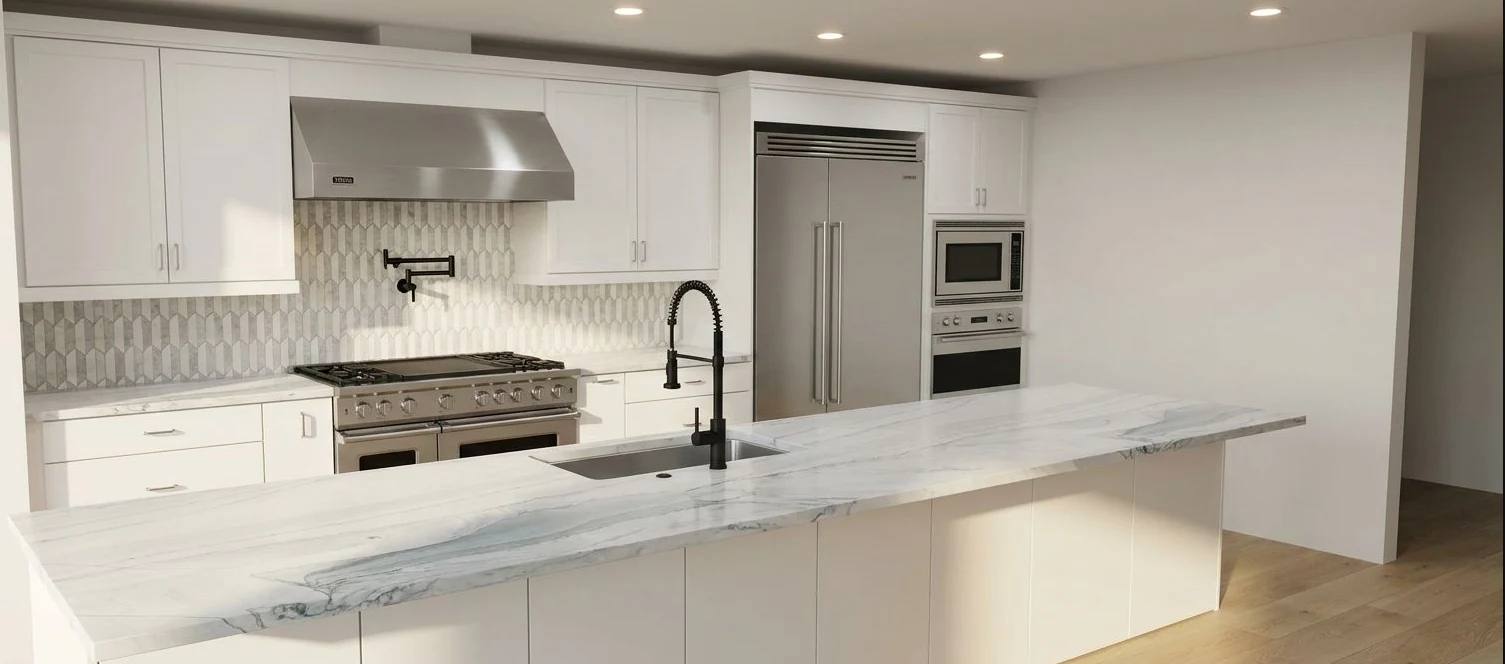
Kitchen design concept.

Tile and surface concept.

Room staging concept.

Exterior paint concept. Confirm colors with physical samples.
Concept examples. Confirm products, measurements and final specifications with your team.