





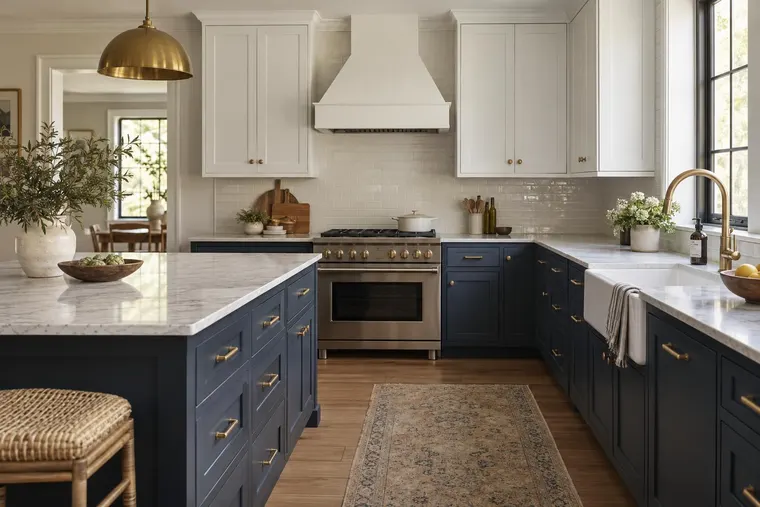


















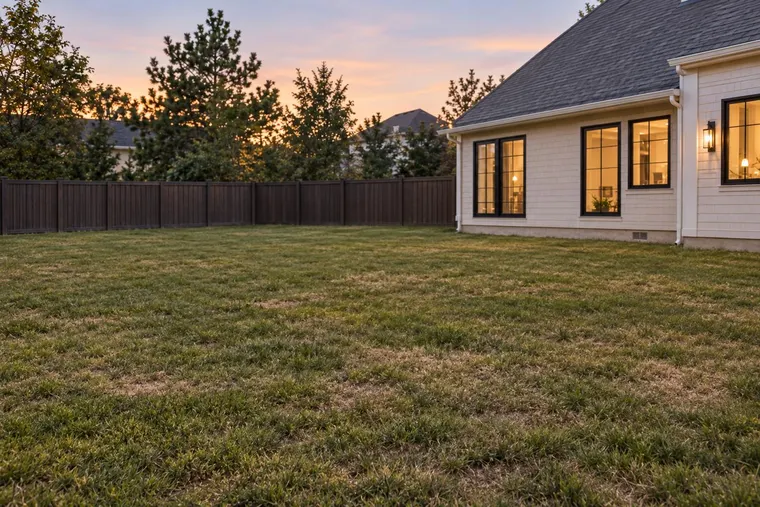


Start with the project.
Bring a photo or drawing and your product references. Identify what can change and what must stay in place.
Show your collection in your customer’s space. Plan a website visualizer, branded studio or API integration.
Start with typical products, real photos and the users who will evaluate them.
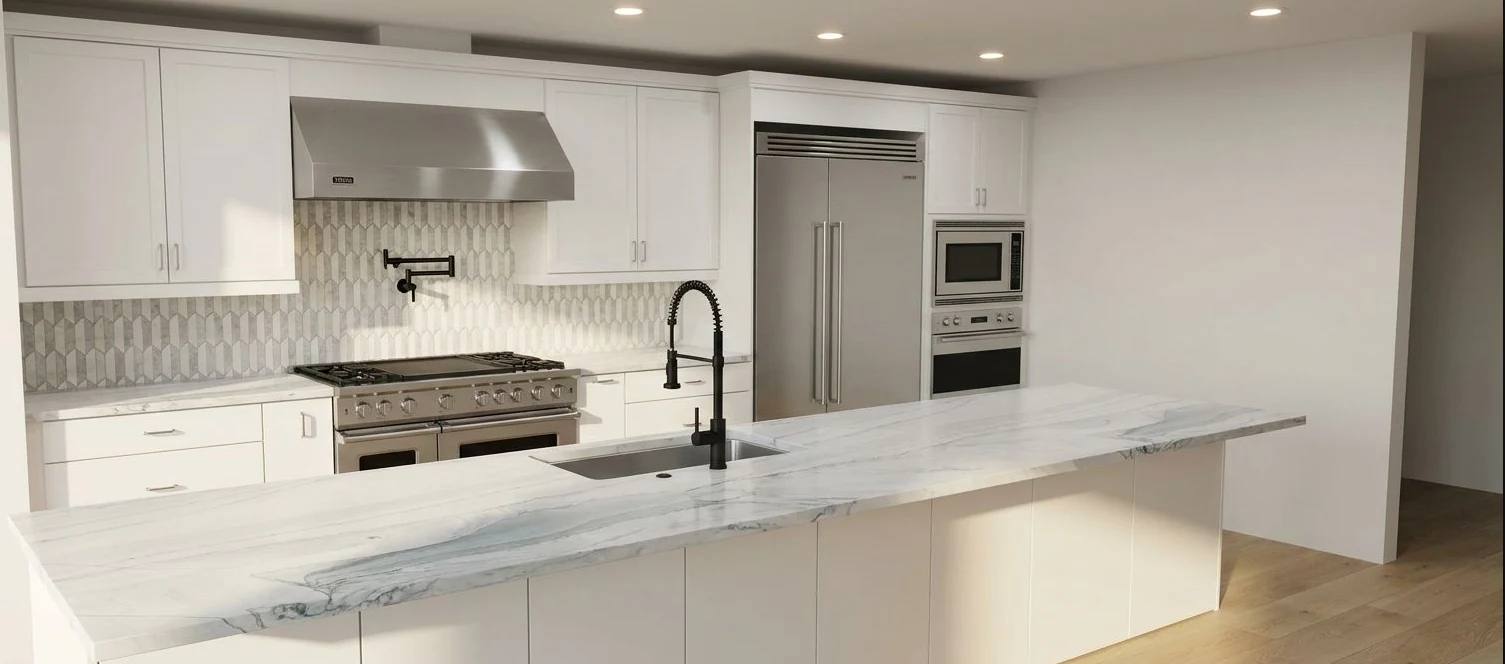
Website exploration, team presentations or listing concepts. Custom requirements receive their own proposal.

Plan a room visualizer for customers on your website. Choose a small collection and define the inquiry process. Catalog work is scoped separately.

Try the existing Studio for client concepts and presentations, or discuss a branded environment with your collection and team workflow.

Explore staging and renovation concepts for listings. Discuss your listing workflow, volume and distribution requirements with our team.
A useful evaluation starts with a real job. Review the input, the visual concept and the checks your team needs.
Read the customer story Bring a photo or drawing and your product references. Identify what can change and what must stay in place.
Compare the concept with your references. Confirm measurements, material appearance and final specifications before making a selection.

Customer story
“Now your design comes to life, where most buyers and most clients don't have the ability to visualize.”
Recognize the buyer decision, then explore the relevant workflow.

Agree on inputs, responsibilities and checks before expanding.
Use visual concepts to support the discussion. Your team confirms measurements, product suitability and final specifications.
Catalog work, integration, photo handling and support are part of a useful deployment.
Use the API documentation and sample requests to discuss your stack, expected volume, concurrency and response-time needs.
Review assets, variants and product rules. Agree on preparation, quality checks and ongoing updates before expanding the catalog.
Document providers, processing, retention, deletion and training use for the proposed integration. Confirm any required access and security controls.
Agree on user training, support scope, reporting and commercial terms. Confirm availability and service commitments in your proposal.
Start with a buyer decision and a typical collection. We discuss the website, branded team environment or API workflow, then define the evaluation, integration work and operating scope in a proposal.
Catalog preparation, branding, integration work, usage and support shape the proposal. The proposed monthly website pilot packages are a separate starting point; they are not a team or API rate card. Confirm setup, billing start and post-pilot terms before committing.
Provide approved product references and test typical images. Evaluate appearance, pattern, scale and placement with your team. A useful concept does not establish an exact physical match or an installation specification.
Bring product links, a PDF or CSV, a few photos and the customer action you want to support. Include available dimensions, variants and installation examples, along with the users and systems involved.
Agree on typical jobs, product checks, user feedback and the next customer action. Include team adoption and discoverability in the evaluation. Define the measures and expansion decision together rather than assuming a particular sales lift.
That depends on the route and your systems. Review your website configuration or application requirements with us, then agree on implementation responsibilities. Trying the existing Studio can be a simpler first step for internal work.
Discuss the expected workload and how it may change. Website allowances, team use and API capacity need different scoping. Confirm metering, limits, overages or capacity terms in the relevant agreement.
Yes. Review the intended changes and the areas that need to stay in place. Include difficult photos, patterns and product combinations in the evaluation, and retain a professional review before making final selections.
Existing Renovate AI tools provide starting points for those workflows. Try a typical input in Studio or discuss the relevant API capability. Your team still confirms dimensions, product suitability and final design specifications.
Confirm the actual production flow before customer uploads: processing purpose, providers, locations, retention, deletion, training use and applicable terms. Requirements for access, support and any service commitments are agreed for the deployment.
Bring a typical collection and the workflow you want to support. Discuss what to evaluate, what to integrate and how to measure it.
Plan a product demoExplore material, paint and room concepts for your customer workflow.
Kitchen design concept.

Tile and surface concept.

Room staging concept.

Exterior paint concept. Confirm colors with physical samples.
Concept examples. Confirm products, measurements and final specifications with your team.