
Model-Home Style Bedrooms: How AI Creates Showroom Looks Instantly

Model-Home Style Bedrooms: How AI Creates Showroom Looks Instantly
Model-home bedrooms always feel polished. The bed is perfectly placed, the lighting feels intentional, and every detail looks coordinated—yet effortless. The challenge for most homeowners isn’t liking that look. It’s figuring out how to recreate it in their own bedroom without hiring a designer or buying the wrong pieces.
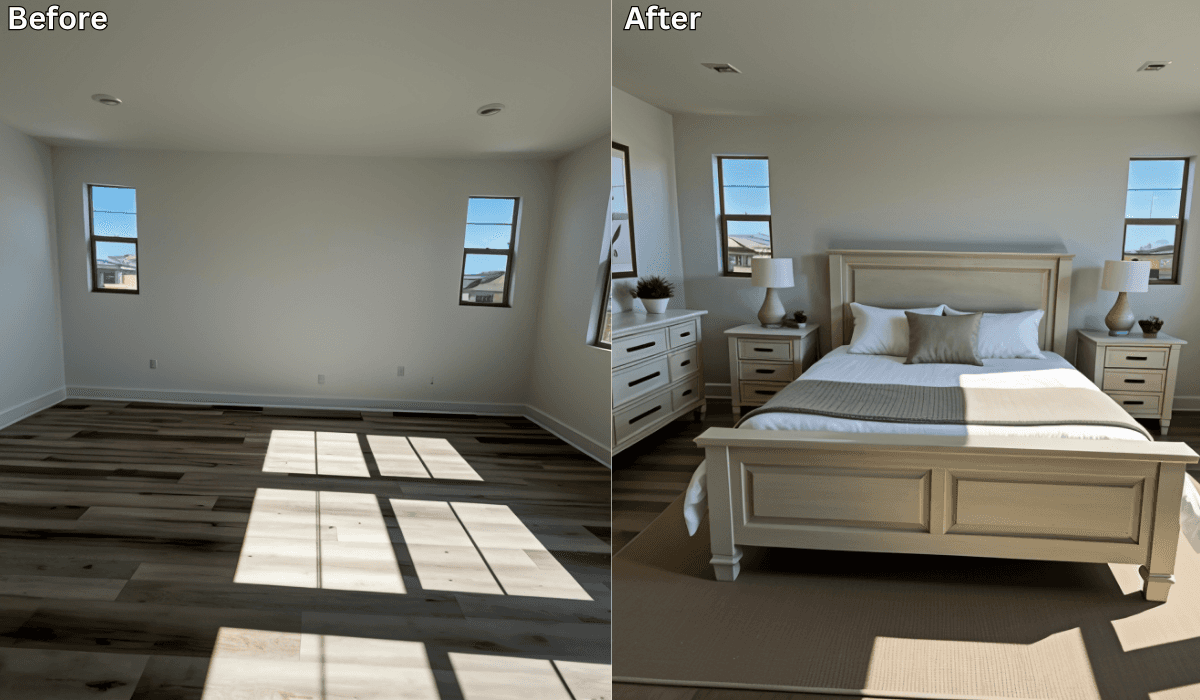
That’s where AI staging tools like Renovate AI come in. With a single photo, you can preview model-home style bedroom designs tailored to your real space—so you see how a showroom-quality layout would actually work in your room before changing anything.
AI doesn’t decorate for you. It helps you see the finished look clearly so you can design with confidence.
Why Model-Home Bedrooms Look So Good
Model homes follow a few consistent design principles:
-
Clean, balanced furniture placement
-
Neutral, calming color palettes
-
Layered bedding and textures
-
Intentional lighting (not just overhead)
-
Minimal but impactful decor
The key isn’t expensive furniture—it’s thoughtful composition.
Why It’s Hard to Recreate This Look at Home
Homeowners often struggle because:
-
Bedroom proportions vary from model homes
-
Furniture sizes are hard to visualize together
-
Small mistakes make rooms feel cluttered
-
Lighting placement is overlooked
-
Too many decor choices dilute the design
Without seeing the full layout, it’s easy to overbuy or misplace items.
How AI Instantly Creates a Model-Home Bedroom Preview
You stay in control of every decision.
AI simply shows how everything fits together in your actual bedroom.
How it works
-
Upload a photo of your bedroom
Empty or furnished—AI adapts to your space. -
Select a showroom-inspired direction
Preview styles such as:-
Modern Neutral
-
Soft Luxury
-
Minimalist Calm
-
Contemporary Model Home
-
Warm Transitional
-
-
See a fully staged bedroom instantly
AI previews include:-
Proper bed placement and scale
-
Balanced nightstands and lighting
-
Layered bedding and textiles
-
Accent walls or headboards
-
Clean, curated decor placement
-
-
Compare and refine
Save multiple versions and fine-tune until the room feels polished—not staged.
Choose the Right Showroom Strategy
(3-Option Reasoning Framework)
Not all model-home bedrooms use the same approach. Pick the one that fits your room.
1. If Your Bedroom Feels Small → Space-First Strategy
Focus on: Proportion and breathing room
Best for: Apartments or compact bedrooms
Why it works:
Proper spacing creates a high-end, uncluttered look.
Preview ideas:
-
Slim-profile furniture
-
Lighter bedding tones
-
Floating nightstands
Micro-scenario:
If your room feels tight, preview a lighter, minimal layout—you’ll see instant openness.
2. If Your Bedroom Feels Plain → Detail-First Strategy
Focus on: Texture and layering
Best for: Neutral or builder-grade bedrooms
Why it works:
Layering adds richness without clutter.
Preview ideas:
-
Textured bedding
-
Accent pillows and throws
-
Subtle wall art
Micro-scenario:
If your room feels flat, preview layered bedding—it creates instant showroom appeal.
3. If You Want Timeless Style → Balance-First Strategy
Focus on: Symmetry and consistency
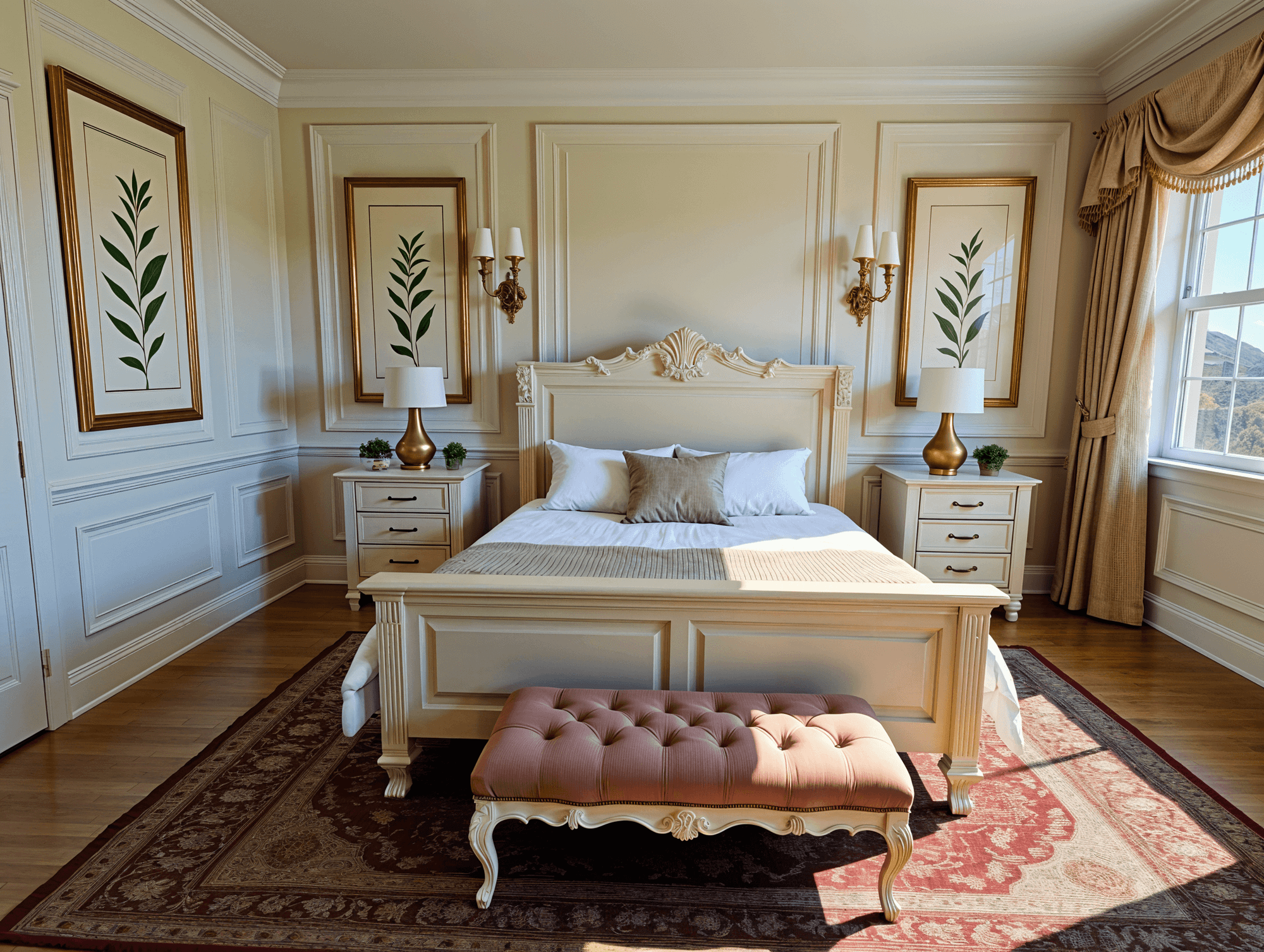
Best for: Primary bedrooms
Why it works:
Balanced layouts feel intentional and calming.
Preview ideas:
-
Matching nightstands and lamps
-
Centered bed placement
-
Even lighting distribution
Micro-scenario:
If your furniture feels mismatched, preview a balanced setup—you’ll feel the difference immediately.
What AI Bedroom Staging Helps You Avoid
Using AI before buying helps you avoid:
-
Furniture that overwhelms the room
-
Overdecorating
-
Poor lighting placement
-
Awkward bed positioning
-
Costly trial-and-error purchases
Instead of guessing, you design once—with clarity.
Why AI Staging Works So Well for Bedrooms
Bedrooms are about mood, balance, and comfort. AI previews help you:
-
See how small changes elevate the space
-
Maintain a calm, showroom-quality look
-
Create cohesion without overthinking
-
Design with intention—not impulse
Final Thoughts
Model-home bedrooms don’t rely on magic—they rely on smart layout, balance, and simplicity. With AI-powered staging, you can preview that showroom look in your own bedroom instantly and design with confidence.
With Renovate AI, the model-home feel isn’t aspirational—it’s visible.
Ready to see your bedroom staged like a showroom?
Upload a photo to Renovate AI and preview your model-home style bedroom today.
You Might Also Like
How to Design a Cozy Minimalist Bedroom with AI →
Your Dream Home Office Setup—AI-Designed for Productivity →
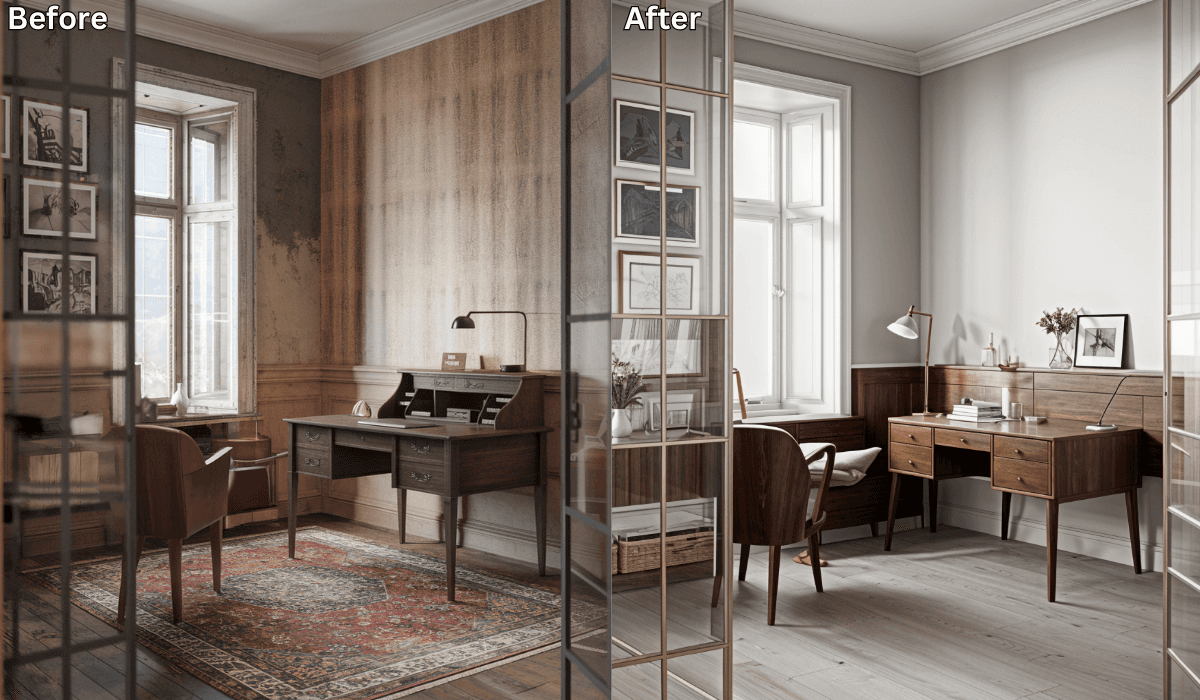
Is There an App Where I Can Take a Picture of My Home Office and Remodel It? →
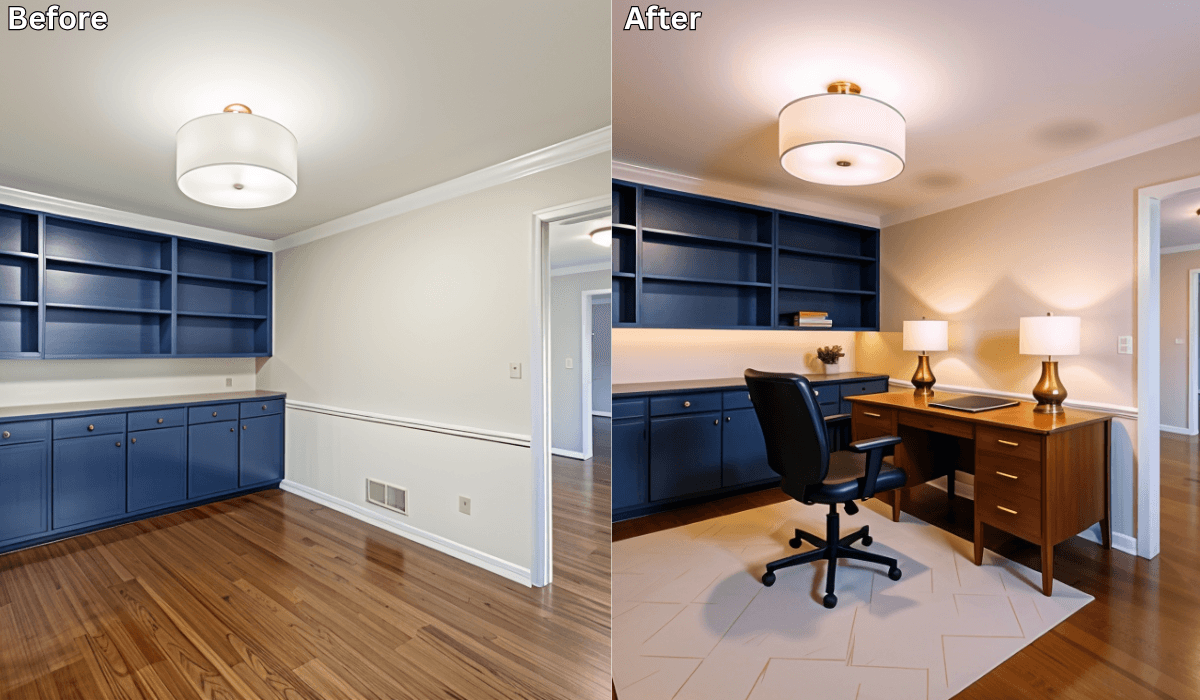
Design Your First Home Office Setup with AI: Boost Productivity Instantly →
See what your space could look like →

Free · No account needed · 10 seconds

Sid Sarasvati · Founder, Renovate AI
Sid Sarasvati is the founder of Renovate AI, featured in the Wall Street Journal and Morning Brew’s The Playbook. He studied architectural philosophy at Harvard GSD and has tested AI design tools on 200+ real homes.