
Design Your First Home Office Setup with AI: Boost Productivity Instantly

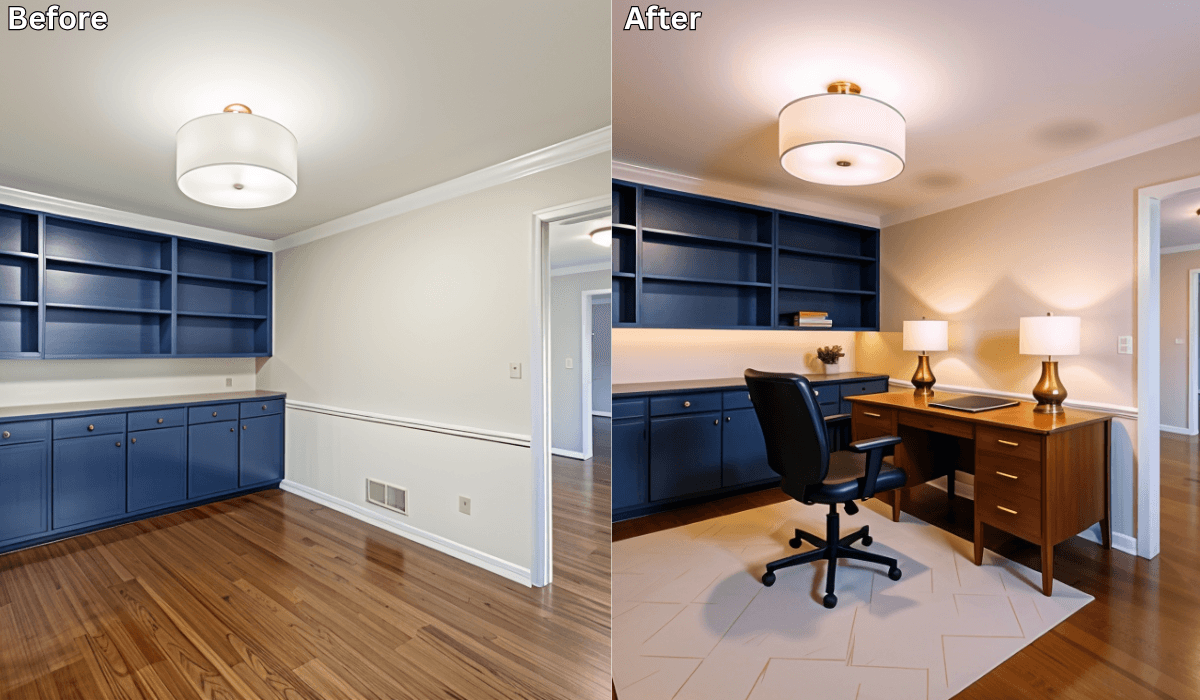
Design Your First Home Office Setup with AI: Boost Productivity Instantly
Setting up your first home office can feel like a lot. You want it to look professional, feel comfortable, and support your productivity… without spending money on the wrong desk, bad lighting, or a layout that ends up slowing you down.
That’s where AI workspace planners like Renovate AI help. With a single photo of your room or corner, you can preview layouts, test different desk setups, and explore styles that match your workflow before you buy anything.
⭐ Why Creating a Home Office Feels Complicated
Home offices come with challenges like:
-
Limited space. Most people work from bedrooms, tiny rooms, or small corners.
-
Ergonomics. A misplaced desk or chair affects posture, comfort, and focus.
-
Lighting. Dim or harsh lighting creates eye strain and low energy.
-
Clutter. Papers, wires, and devices stack up fast without a plan.
Visual previews make decisions easier and give you confidence before you commit.
How Renovate AI Helps You Build the Perfect Workspace
You stay in control of every design choice. The tool simply lets you see how your ideas fit together.
1. Upload a Photo of Your Room or Corner
Empty nook, bedroom corner, spare room—snap a picture and upload it.
2. Choose a Style or Work Vibe
Explore looks like:
-
Minimalist Productivity
-
Scandinavian Calm
-
Modern Corporate
-
Cozy Creative Studio
-
Tech-Driven Desk Setup
3. Preview Desk Placement & Setup Ideas
You can try out different visual options for:
-
Desk placement that improves movement
-
Chair positioning that supports posture
-
Lighting ideas that boost focus
-
Storage solutions that reduce clutter
-
Background setups that look clean on video calls
4. Compare, Save & Adjust
Keep multiple versions, experiment with ideas, and choose the one that fits your workflow best.
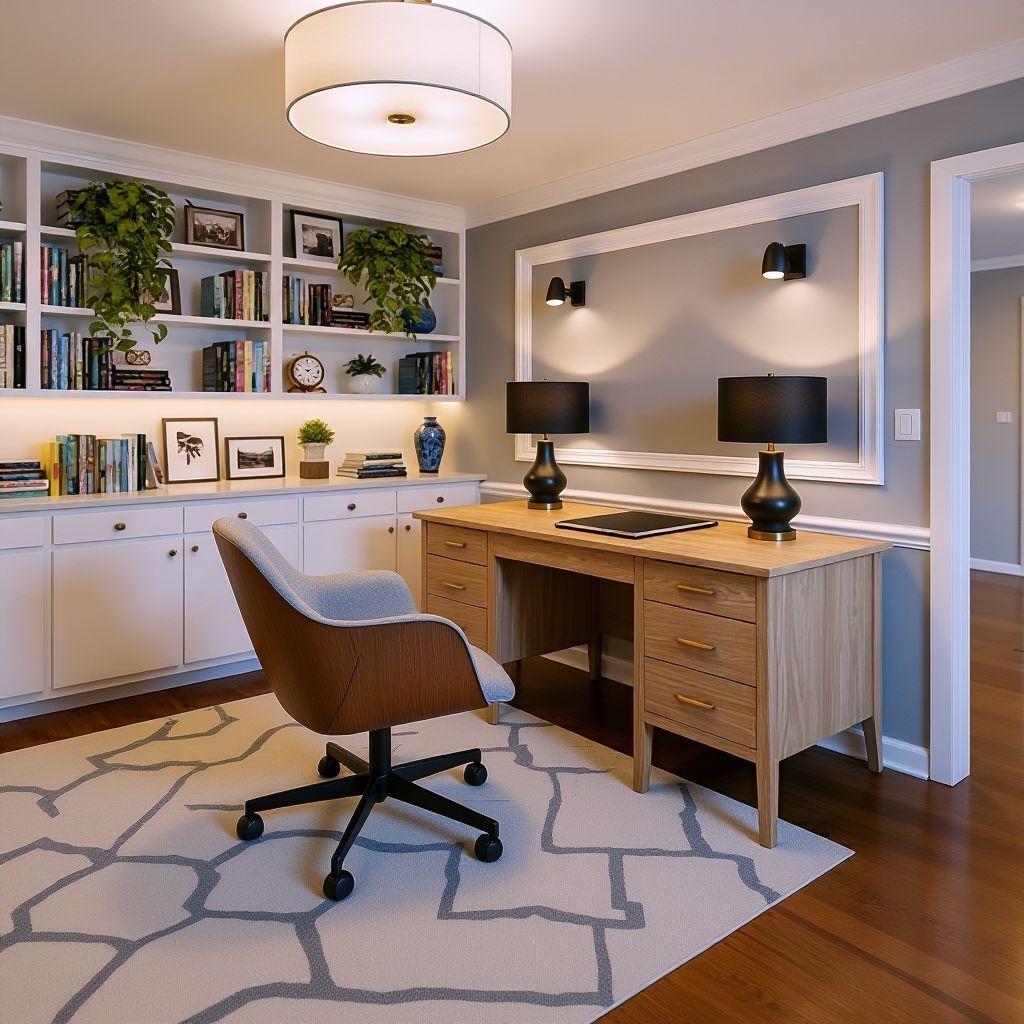
✅ Choose Your Home Office Strategy (3-Option Reasoning Framework)
Pick the approach that matches your goals.
1. If You Want Maximum Productivity → Layout-First Approach
Focus on: Desk placement, ergonomics, spacing
Best for: Small rooms, shared spaces, or beginners
Why it works:
Good flow + posture = long-lasting productivity.
Try previewing:
-
Desk facing a wall for fewer distractions
-
Chair positioned to keep your back supported
-
Enough space behind your seat to move freely
Quick decision shortcut:
If you struggle to focus → face the wall.
If you need natural light → face the window (but angle the screen).
Micro-scenario
If your corner feels tight, preview a slightly angled desk layout. A small shift can instantly open up the space.
2. If You Want Calm + Aesthetic Vibes → Lighting-First Approach
Focus on: Mood, ambience, and visibility
Best for: Creators, long-hour workers, and people on video calls
Why it works:
Lighting shapes mood more than décor does.
Try previewing:
-
Desk near a window to reduce glare
-
Warm desk lamps for evening focus
-
Simple backlighting that improves video calls
Quick decision shortcut:
If the room feels dull → choose warm lamp + overhead combo.
If you’re on video calls → put light in front of you, not behind.
Micro-scenario
If your room feels flat at night, preview warm ambient lighting. You’ll see the space instantly feel more inviting.
3. If You Want a Clean, Designed Look → Style-First Approach
Focus on: Colors, materials, background aesthetic
Best for: Students, creators, renters
Why it works:
A cohesive style reduces visual clutter and ties the whole workspace together.
Try previewing:
-
Scandinavian light woods
-
Minimalist black-and-white
-
Cozy Creative warm textures
-
Tech-Driven sleek setups
Quick decision shortcut:
If you like clean + soft → Scandinavian.
If you like modern + sharp → Minimalist or Tech-Driven.
Micro-scenario
If you can’t decide between Scandinavian Calm and Minimalist Productivity, preview both. One will match your personality immediately.
Productivity-Boosting Home Office Ideas You Can Explore With AI
Here are real-world improvements that pair perfectly with your AI previews:
Optimize Natural Light
Preview desk orientations to avoid glare and boost energy.
Create a Professional Background
See which wall works best for Zoom calls.
Test Desk Sizes & Shapes
Straight desk, L-shaped desk, compact wall-mounted desk—preview what fits.
Add Smart Storage
Shelves, drawers, or pegboards keep clutter out of sight.
Preview Cozy Lighting
Warm desk lamps or soft ambient lights make long workdays easier.
Create Work Zones
Separate spaces for working, reading, and relaxing—even in a small room.
Who This Setup Is Perfect For
-
Remote workers setting up their first home office
-
Students creating a study zone
-
Renters needing non-permanent solutions
-
Freelancers needing a styled background
-
Anyone working with limited space
Visual previews help you design smarter—no matter your room size or budget.
Final Thoughts
Your home office doesn’t have to feel confusing or stressful to set up. With Renovate AI, you can test layouts, explore styles, and design a workspace that supports comfort, focus, and productivity—all before you buy a single item.
✨ Ready to design your ideal workspace? Upload a photo to Renovate AI and start planning your home office in minutes.
You Might Also Like
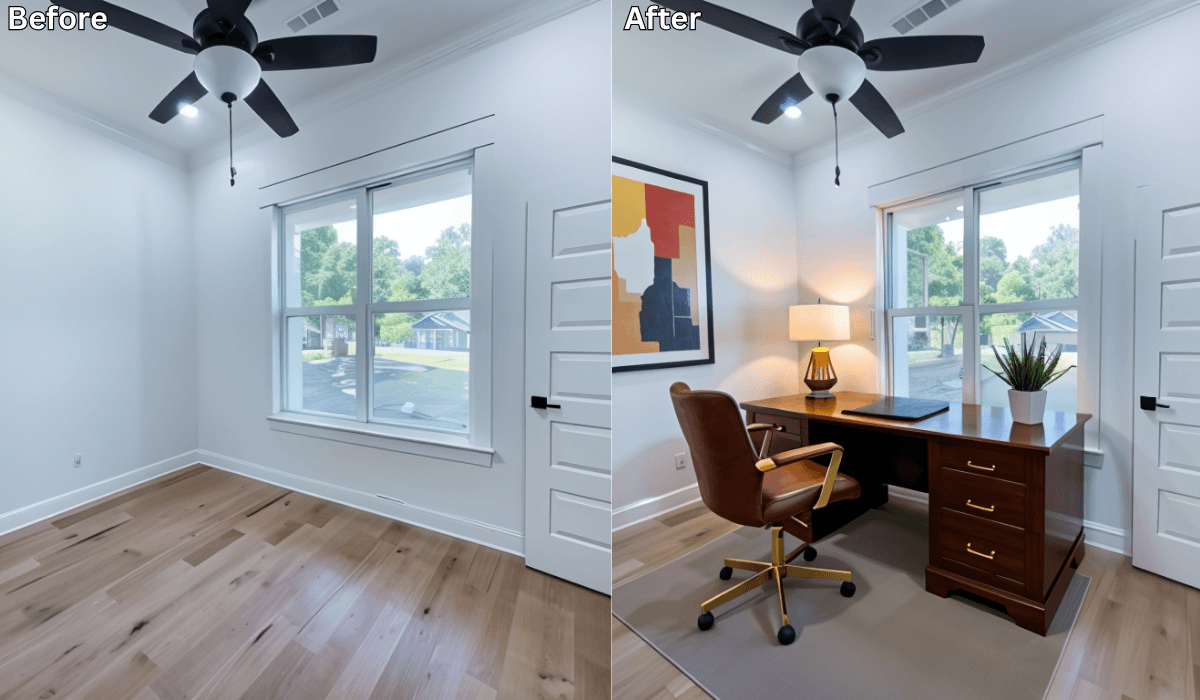
From Empty Room to Productive Home Office: Designed with AI →
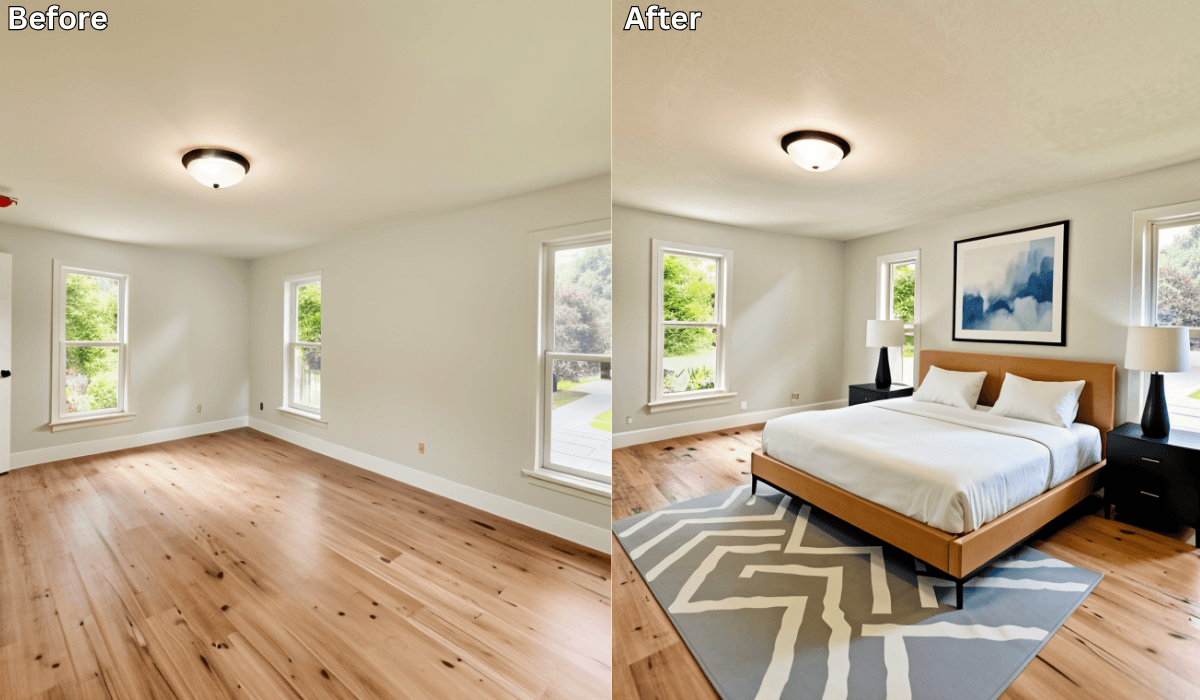
How to Design a Cozy Minimalist Bedroom with AI →
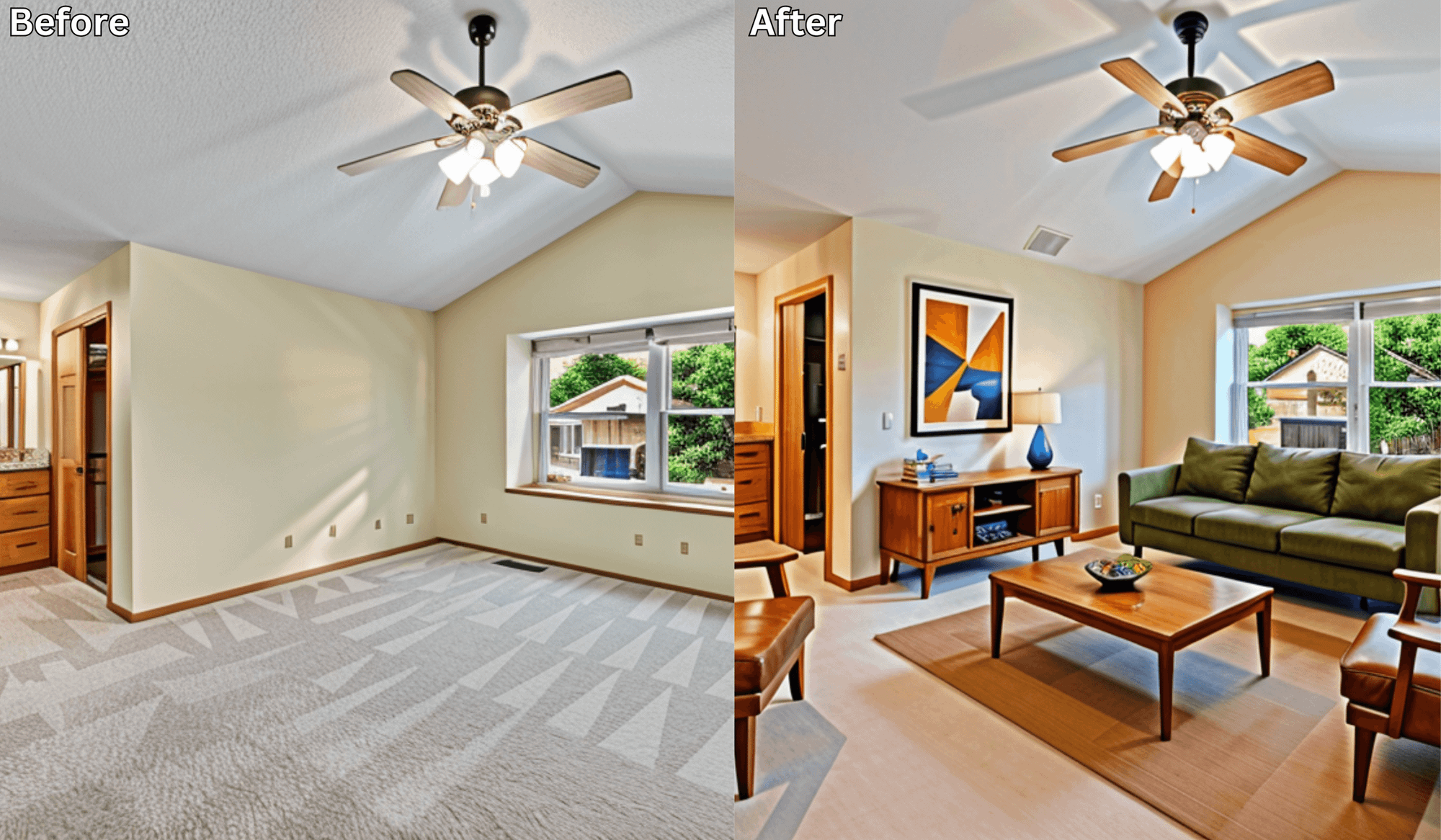
Transform Empty Rooms Instantly: AI-Powered Virtual Staging by Renovate AI →
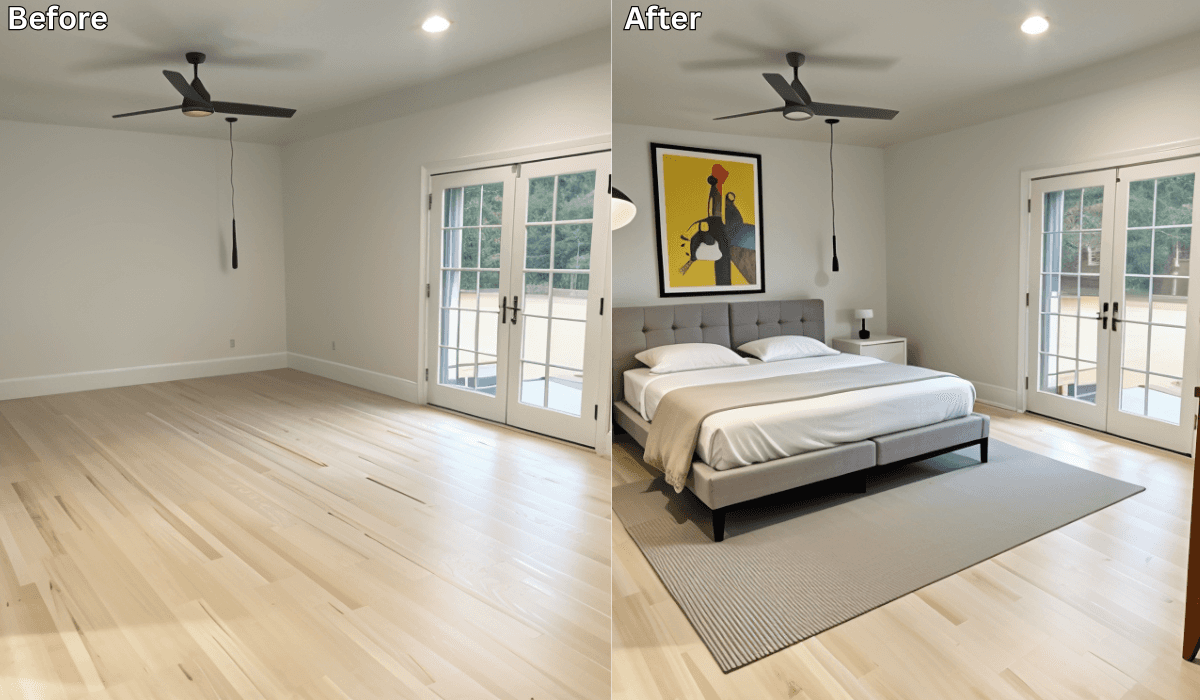
Design Around the Doors: Smart Bedroom Layouts with AI Visualization →
See what your space could look like →

Free · No account needed · 10 seconds

Sid Sarasvati · Founder, Renovate AI
Sid Sarasvati is the founder of Renovate AI, featured in the Wall Street Journal and Morning Brew’s The Playbook. He studied architectural philosophy at Harvard GSD and has tested AI design tools on 200+ real homes.