
From Empty Room to Productive Home Office: Designed with AI

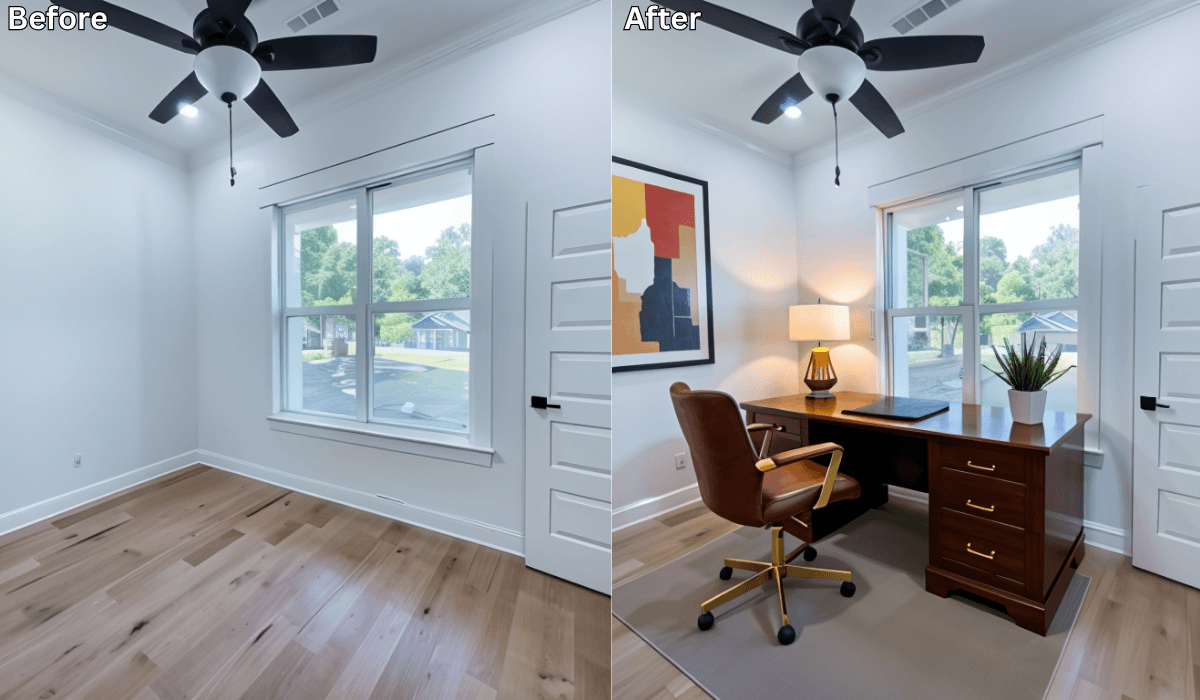
From Empty Room to Productive Home Office: Designed with AI
Setting up a home office from an empty room can feel overwhelming. You have a blank space, endless layout possibilities, and no clear sense of what will actually feel comfortable or productive. Should the desk face the window? Will a larger chair fit? Do you need more storage or better lighting?
That’s where tools like Renovate AI make the process easier. With just a single photo, you can preview multiple home office layouts, desk setups, and design styles—so you can build a workspace that supports focus and comfort before you purchase anything.
AI doesn’t design for you—it simply gives you visual clarity so you can make the right decisions.
Why Turning an Empty Room Into a Home Office Is Hard
Most people struggle with planning because:
-
It’s difficult to visualize where the desk, chair, or shelves should go
-
Lighting can make or break productivity
-
Poor placement can cause glare, clutter, or uncomfortable posture
-
The room needs to balance aesthetics and function
-
Buying the wrong furniture is expensive and inconvenient
An empty room offers possibilities—but without a clear visual plan, those possibilities feel confusing instead of exciting.
How Renovate AI Helps You Build a Productive Workspace
AI helps you preview real setups based on your space—not generic templates.
Step 1: Upload a Photo of Your Empty Room
A quick snapshot of your spare room, corner, or unused guest bedroom is enough.
Step 2: Choose a Work Style
You can explore:
-
Minimalist Productivity
-
Scandinavian Calm
-
Modern Corporate
-
Cozy Creative Studio
-
Tech-Focused Desk Setup
Or type your own prompt if you have a specific vibe in mind.
Step 3: Instantly Preview Realistic Home Office Layouts
See your empty room transformed with:
-
Desk placement that improves flow
-
Chair positioning that supports posture
-
Better lighting options for day and night
-
Shelving and storage that keep clutter away
-
Backgrounds that look professional for video calls
Step 4: Compare & Refine
Preview several versions, save your favorites, and pick the setup that aligns with how you work best.
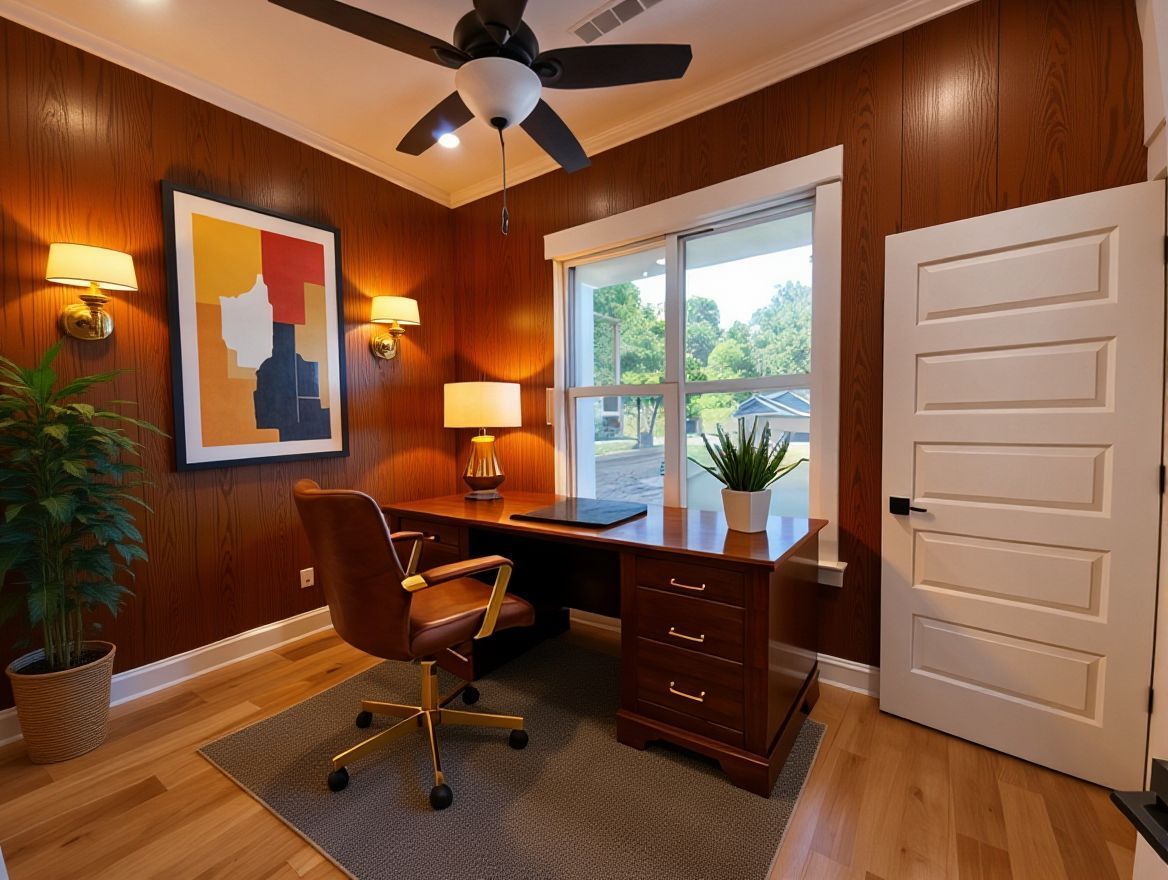
Choose Your Planning Strategy (3-Option Reasoning Framework)
Pick the approach that matches your work habits.
1. If You Want Maximum Focus → Layout-First Strategy
Best for: Writers, programmers, corporate professionals
Why it works: The right desk placement improves focus and reduces distractions.
Preview ideas:
-
Desk facing a wall for deep work
-
Desk near a window (angled to reduce glare)
-
Enough clearance behind the chair for movement
Micro-scenario:
If your room feels unfocused, preview a simple wall-facing desk layout—you’ll immediately see how calming it is.
2. If You Work Long Hours → Lighting-First Strategy
Best for: Remote workers, creators, students
Why it works: Good lighting reduces eye strain and increases energy.
Preview ideas:
-
Desk beside natural light
-
Warm lamps for evening work
-
Balanced lighting for Zoom calls
Micro-scenario:
If your space feels dull, preview a warm-lamp + natural-light setup—you’ll see how inviting and energizing it becomes.
3. If You Want a Clean, Stylish Workspace → Style-First Strategy
Best for: Content creators, designers, minimalists
Why it works: A cohesive aesthetic boosts mood and keeps the room clutter-free.
Preview ideas:
-
Scandinavian light woods
-
Minimalist black-and-white
-
Soft neutrals with warm textures
Micro-scenario:
If you’re torn between Scandinavian Calm and Cozy Creative, preview both—one will instantly feel “more you.”
AI Helps You See What You Can’t Visualize Alone
With a realistic preview, you can finally answer questions like:
-
Will a large desk overwhelm the room?
-
Should the chair face the window or the wall?
-
Will shelving make the room feel organized or crowded?
-
How will lighting affect your productivity?
AI gives you clarity before you invest in furniture.
Why Homeowners Love AI for Home Office Planning
-
Avoid buying furniture that doesn’t fit
-
Build a comfortable workspace with smart ergonomics
-
Make confident decisions quickly
-
Design a background that looks great on video
-
Maximize productivity in small or odd-shaped rooms
It’s planning made simple, visual, and personalized.
Final Thoughts
You don’t need to guess how your empty room will look once it becomes a home office. With Renovate AI, you can explore layouts, test styles, and build a workspace that supports your productivity—all before moving a single piece of furniture.
Turn your empty room into a workspace that works for you.
Upload your photo to Renovate AI and start designing your home office today.
You Might Also Like
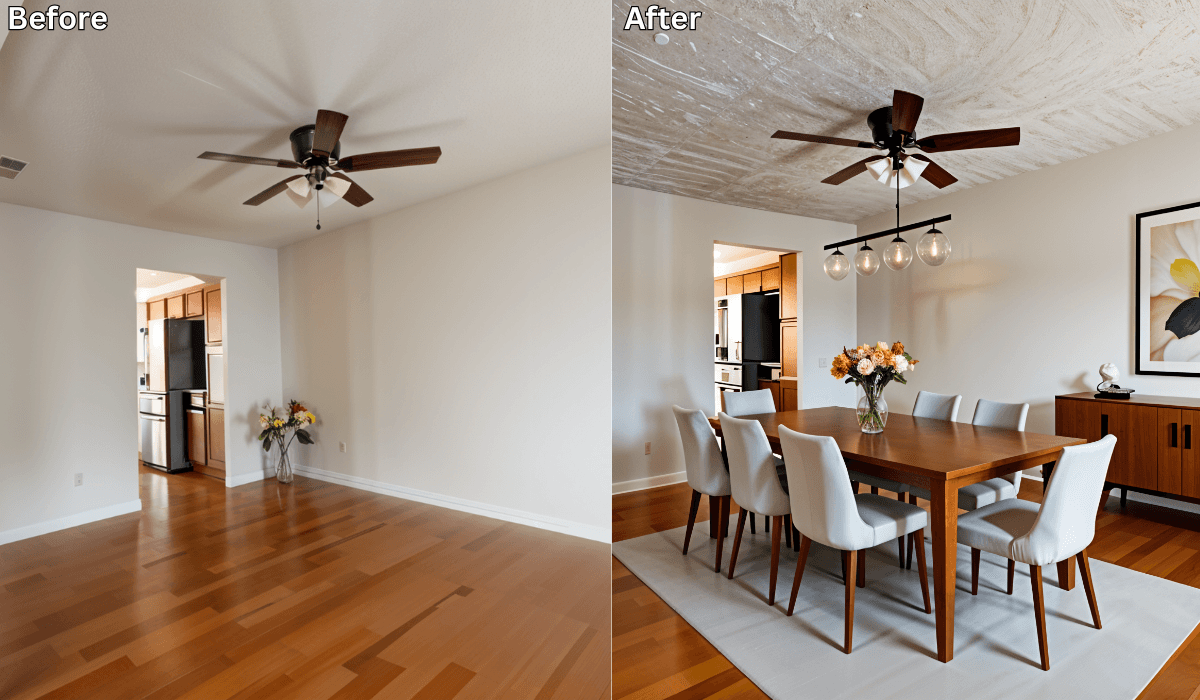
Virtual Staging for Dining Rooms: Turn Empty Spaces into Hosting-Ready Areas →
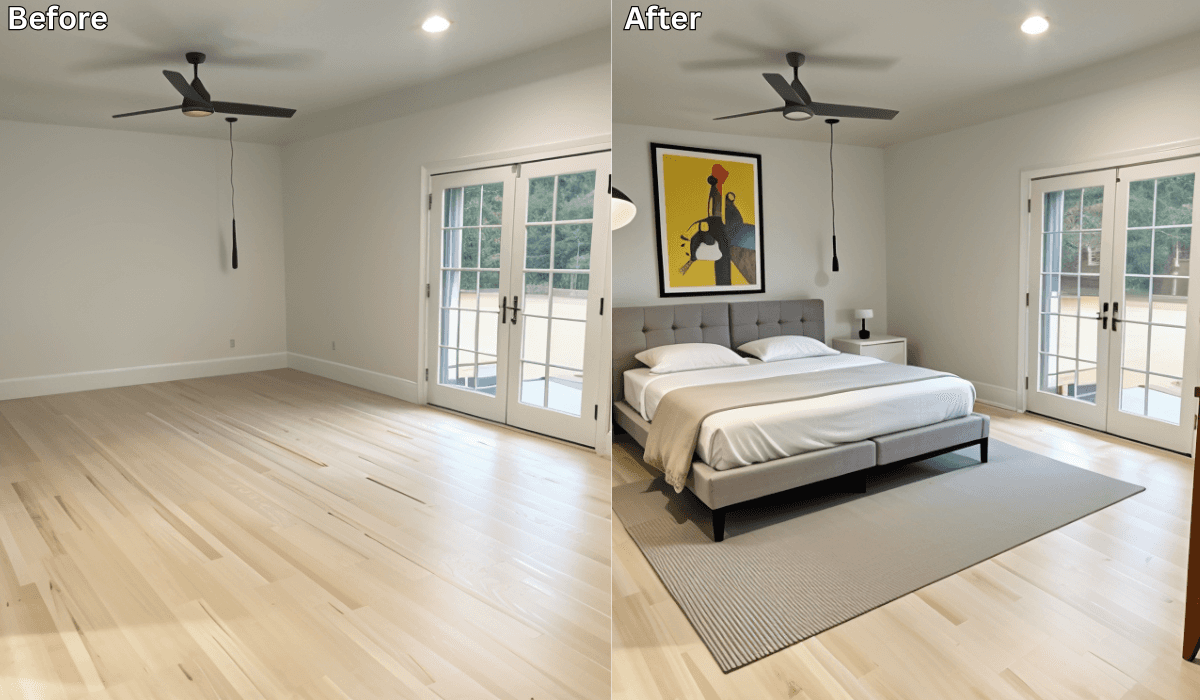
Design Around the Doors: Smart Bedroom Layouts with AI Visualization →
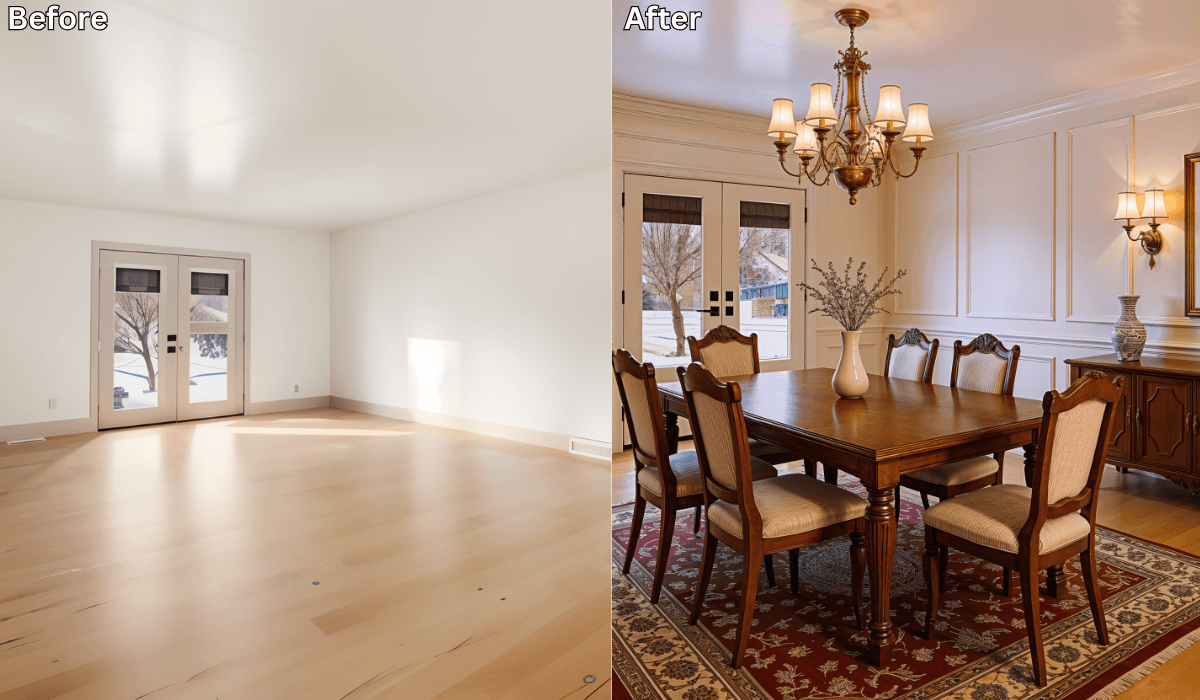
See Your Dining Room Dressed for Guests—Before the Table Is Set →
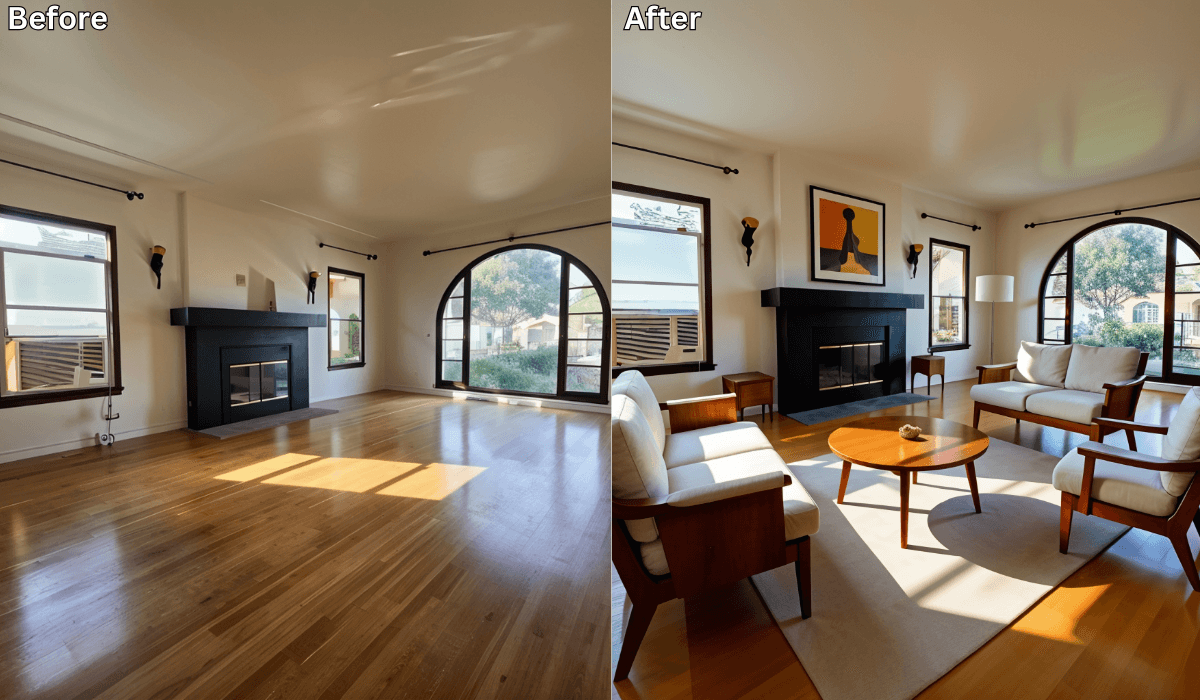
From Plain to Personalized: AI Designs Based on Your Lifestyle →
See what your space could look like →

Free · No account needed · 10 seconds

Sid Sarasvati · Founder, Renovate AI
Sid Sarasvati is the founder of Renovate AI, featured in the Wall Street Journal and Morning Brew’s The Playbook. He studied architectural philosophy at Harvard GSD and has tested AI design tools on 200+ real homes.