
AI Room Makeovers You Can Try in Under 5 Minutes

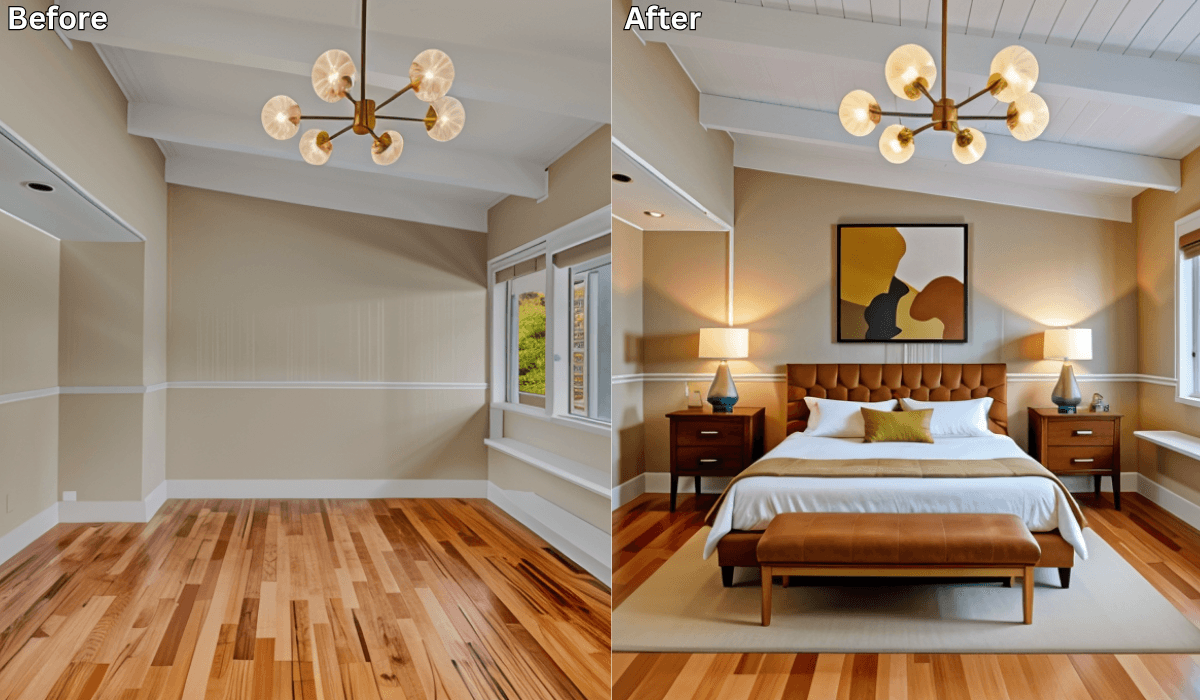
AI Room Makeovers You Can Try in Under 5 Minutes
Ever wish you could give your room a full makeover—without the hours of planning or the fear of getting it wrong?
Good news: now you can.
With AI-powered design tools like Renovate AI, you can upload a single photo and preview how your space might look with fresh colors, new layouts, and updated décor—all in under five minutes.
You stay in control, and the AI simply helps you visualize your ideas faster.
Why Quick AI Makeovers Are So Popular
In a busy world, people want homes that feel beautiful and functional—without weeks of decision fatigue. But decorating still brings familiar headaches:
-
You’re not sure which color or style will look best.
-
You want to see options before committing.
-
You don’t have time or budget for trial-and-error shopping.
That’s where AI home design tools shine: they give you instant visual clarity before you spend a single dollar.
How Renovate AI Helps You Preview Transformations
You make the choices.
The tool just helps you see them clearly—visually, instantly, and with zero stress.
1. Upload a Photo of Your Room
Snap a quick picture—bedroom, living room, kitchen, or balcony.
2. Choose a Style to Explore
Try out looks like:
Scandinavian Calm
-
Modern Luxe
-
Minimalist Clarity
-
Cozy Boho
-
Contemporary Warmth
3. Preview Your Room Makeover
In seconds, you can test:
-
New wall colors and accent tones
-
Furniture arrangements that open up the space
-
Lighting setups that make rooms glow
-
Décor ideas that bring personality and warmth
4. Compare, Save, and Share
You can create multiple versions, compare them side by side, and share your favorite with friends or your contractor before making any real changes.
Choose Your 5-Minute Makeover Path (3-Option Reasoning Framework)
Every room needs something different.
Choose the makeover style that matches your goal.
1. If You Want Instant Impact → Try a Color-First Makeover
Focus on: Wall paint, accent colors, and textures.
Best for: Renters or anyone wanting fast results without major changes.
Why it works:
Color shifts perception faster than furniture ever can. Light, neutral tones expand space; darker hues add drama and depth.
Try previewing:
-
Warm beige walls with wooden accents for a cozy effect
-
Soft gray and white for a calm, modern vibe
-
Bold navy or emerald for a luxury statement
Micro-scenario:
If your living room feels dull, upload a photo and preview light cream walls with golden accents. You’ll see it brighten instantly.
2. If You Want Better Flow → Try a Layout-First Makeover
Focus on: Furniture arrangement and spatial balance.
Best for: Small spaces, studio apartments, or oddly shaped rooms.
Why it works:
Flow determines comfort. A smart layout can make even tight spaces feel open and functional.
Try previewing:
-
Angled sofa with open pathways for movement
-
Floating TV unit to free up floor space
-
Split zones for multipurpose areas
Micro-scenario:
If your studio feels cramped, preview a corner sofa setup with a rug divider. You’ll instantly see a more breathable layout.
3. If You Want a New Aesthetic → Try a Décor-First Makeover
Focus on: Lighting, art, and finishing touches.
Best for: People who already have furniture but crave freshness.
Why it works:
Small styling tweaks change how a space feels emotionally.
Try previewing:
-
Boho: rattan lamps and patterned textiles
-
Minimalist: matte black décor and neutral palette
-
Modern Luxe: metallic accents and symmetry
Micro-scenario:
If your bedroom feels flat, upload a photo and test ambient lighting with framed artwork. You’ll see it transform into a relaxing retreat.
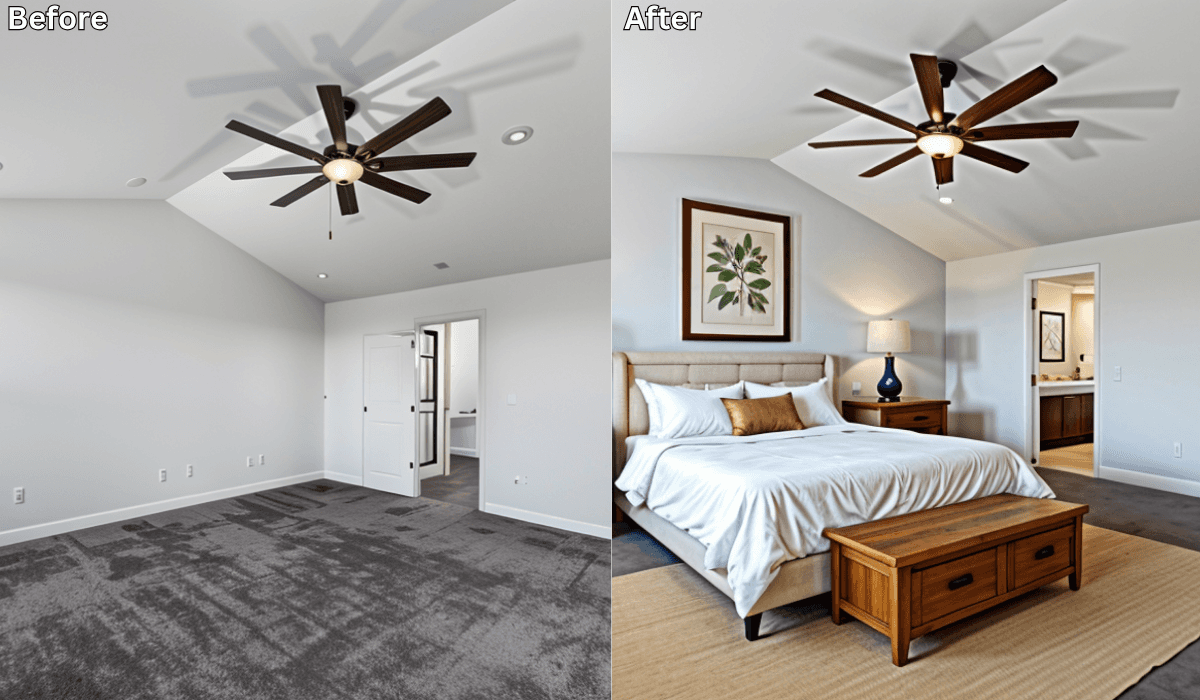
Five-Minute Makeover Ideas You Can Try Right Now
These ideas are easy to test visually inside your AI design tool:
-
Brighten with light neutrals to open small spaces.
-
Layer lighting with desk lamps or sconces for warmth.
-
Rearrange key furniture for a noticeable refresh.
-
Add greenery or art to make rooms feel alive and styled.
-
Mix wood, linen, and metal textures for richness.
Why AI Is the Smartest Tool for Quick Room Makeovers
Instead of guessing, you can now:
-
Test multiple design ideas visually.
-
Avoid expensive decorating mistakes.
-
Find your personal style faster.
-
Build confidence before buying anything.
-
Make design decisions in minutes, not months.
You’re still the designer—AI just helps you see the best version of your ideas instantly.
Final Thoughts
Designing your dream space doesn’t have to be stressful, slow, or expensive.
With Renovate AI, you can explore new looks, test bold ideas, and preview how your room could transform—all in under five minutes.
Move from imagination to visualization—instantly.
Upload a photo to Renovate AI today and watch your dream room take shape.
You Might Also Like
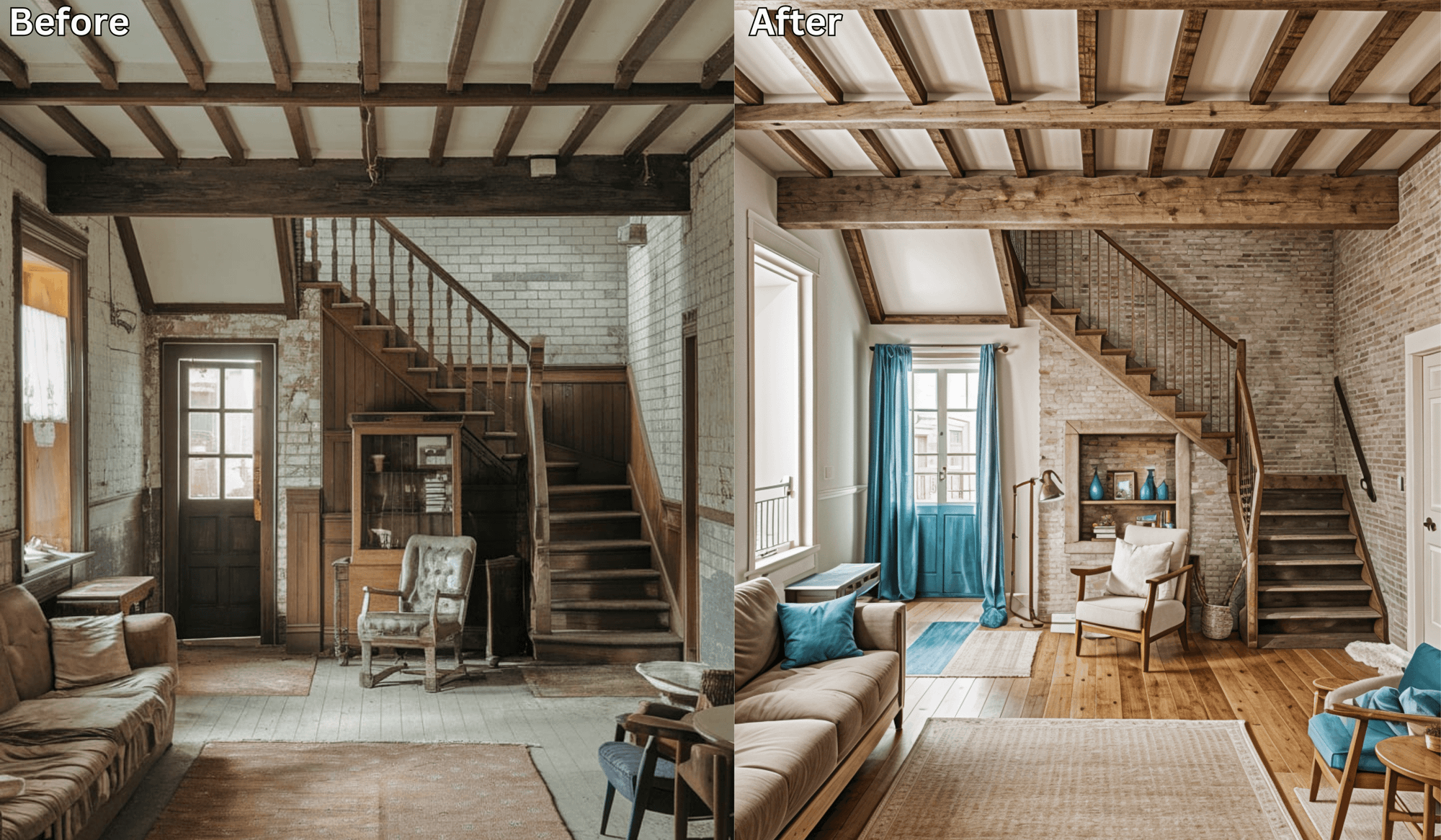
No More Design Regrets: Try On Your Renovation Like an Outfit →
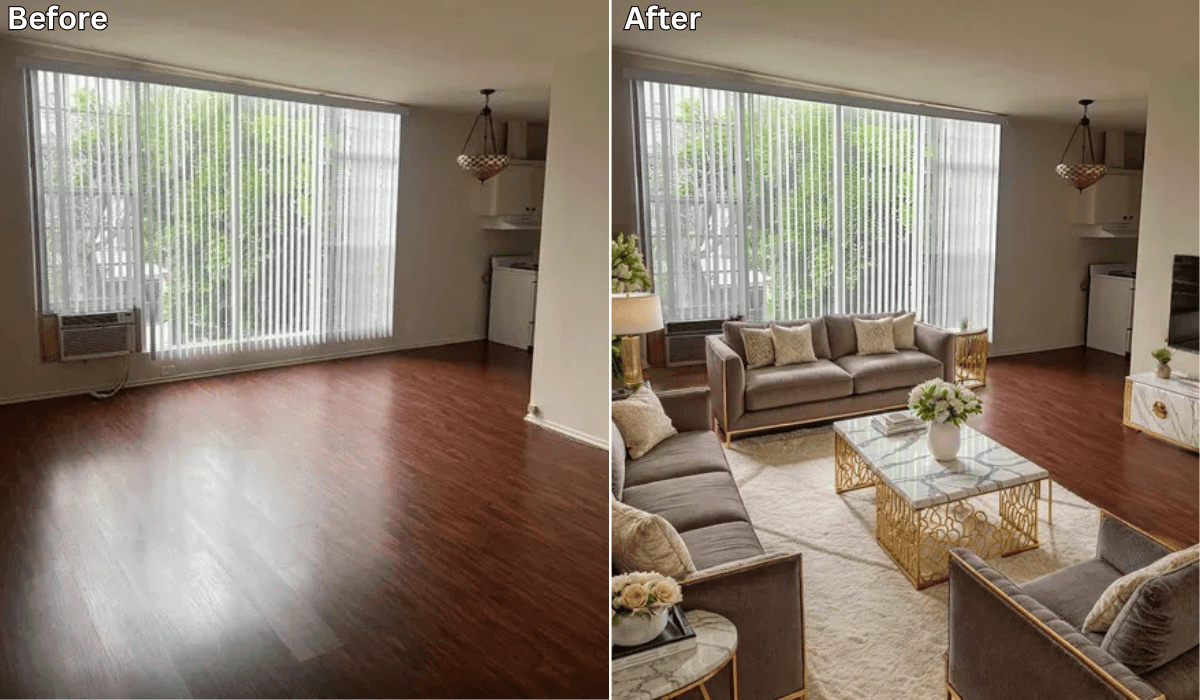
Can AI Help Remodel My House? A Complete Guide →
Where to Start When Renovating a House →
Home AI vs. Renovate AI: Which Home Design App Is Worth It? (1,000+ App Store Reviews Analyzed) →
See what your space could look like →

Free · No account needed · 10 seconds

Sid Sarasvati · Founder, Renovate AI
Sid Sarasvati is the founder of Renovate AI, featured in the Wall Street Journal and Morning Brew’s The Playbook. He studied architectural philosophy at Harvard GSD and has tested AI design tools on 200+ real homes.