
See Your Dining Room Dressed for Guests—Before the Table Is Set

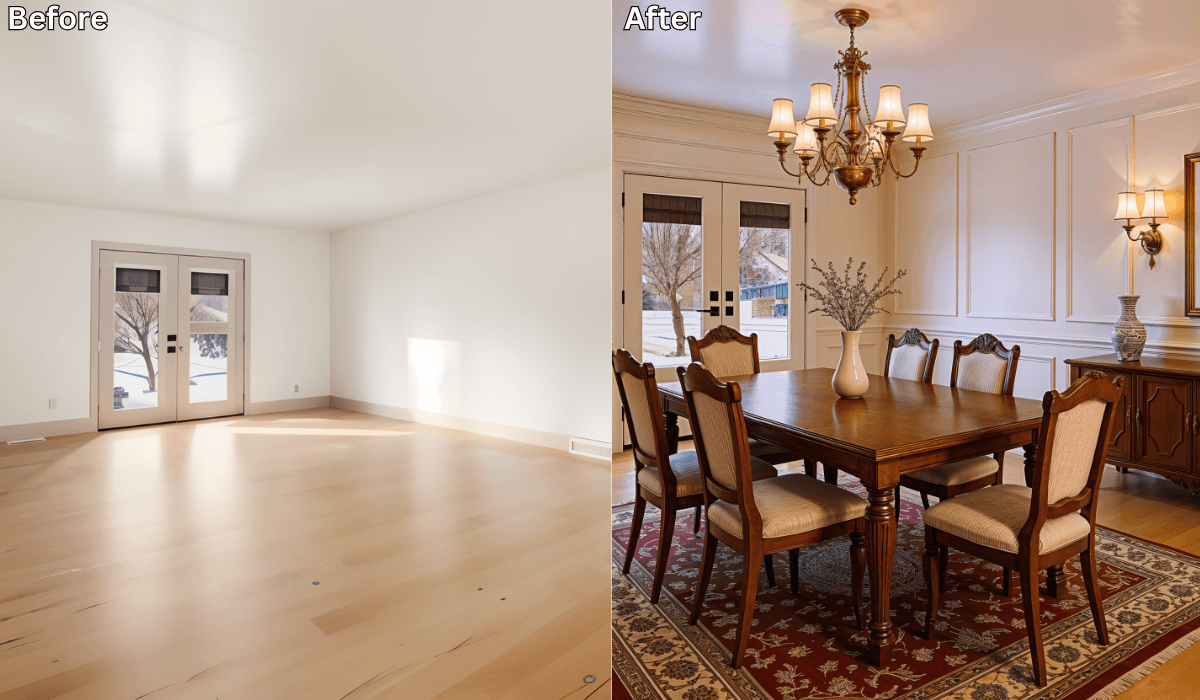
See Your Dining Room Dressed for Guests—Before the Table Is Set
Hosting guests should feel exciting—not stressful. But when it comes to the dining room, many homeowners feel unsure. Will the table fit comfortably? Is the lighting too harsh? Does the space feel welcoming or cramped?
The hardest part isn’t hosting—it’s visualizing how your dining room will actually look when it’s styled for guests. That’s where virtual dining room staging with AI comes in. With a single photo, tools like Renovate AI let you preview elegant dining setups before buying furniture, rearranging layouts, or setting the table.
Why Dining Rooms Are Hard to Get Right
Dining rooms have a unique design challenge. They need to work for everyday use and special occasions.
Common struggles include:
-
Choosing the right table size for the room
-
Balancing comfort with elegance
-
Ensuring enough space for movement and seating
-
Getting lighting right for both daily meals and hosting
-
Making the room feel styled, not empty or cluttered
Without a clear visual, it’s easy to overbuy, misplace furniture, or end up with a space that doesn’t feel guest-ready.
How Virtual Dining Room Staging Helps
With an AI dining preview, you stay in control of the decisions—AI simply helps you see the results.
Here’s how the process works:
1. Upload a Photo of Your Dining Space
Whether your room is empty, partially furnished, or rarely used, a single photo is enough to start.
2. Explore Dining Styles and Layouts
You can preview setups such as:
-
Elegant formal dining
-
Warm, casual hosting spaces
-
Modern minimalist layouts
-
Cozy family-style arrangements
3. Preview a Fully Staged Dining Room
You’ll see visual suggestions for:
-
Table shape and placement
-
Chair spacing and comfort
-
Lighting placement and mood
-
Rugs, wall accents, and decor balance
4. Compare and Refine
Save multiple versions and choose the setup that feels best for how you host.
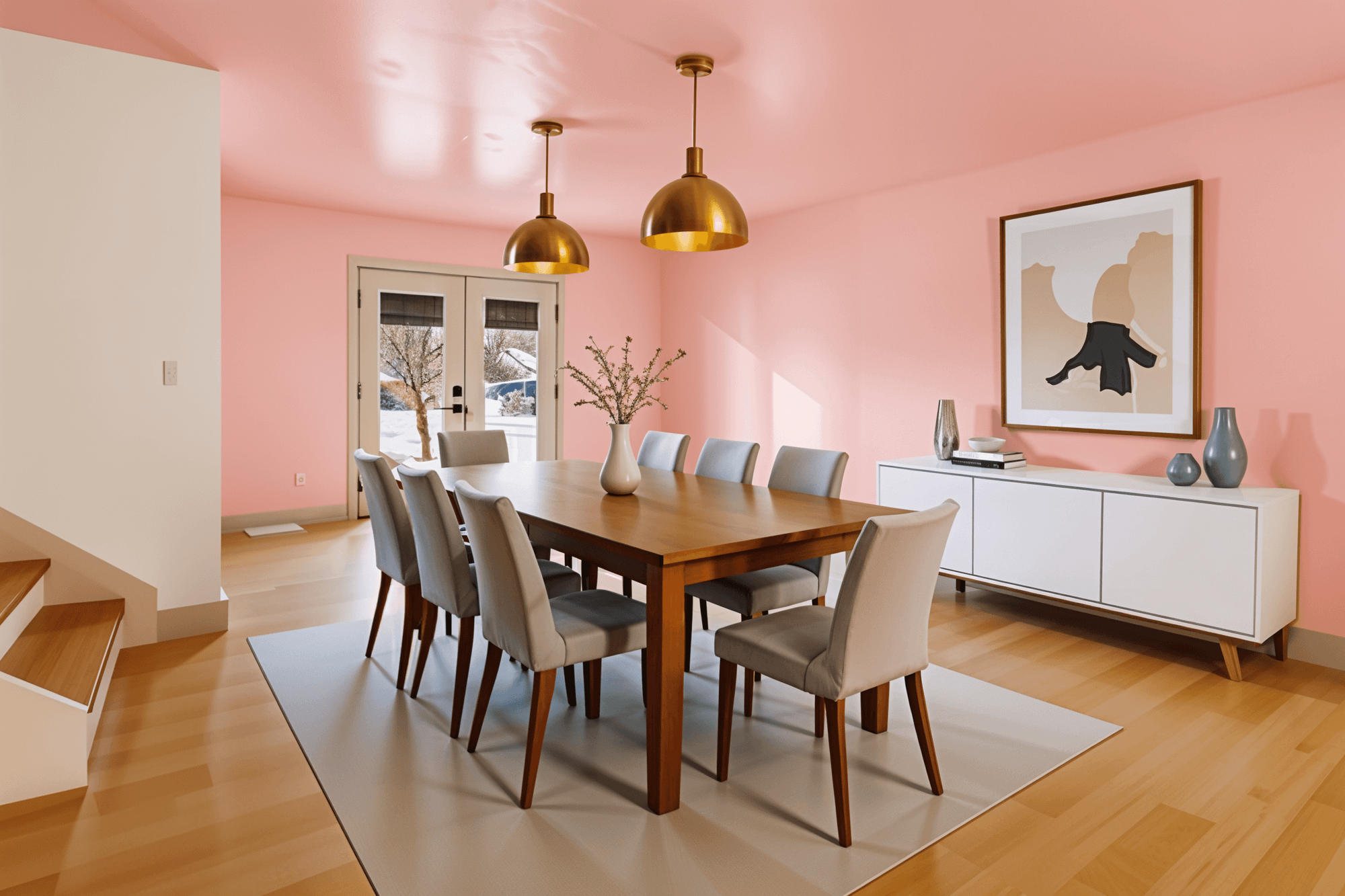
Choose Your Hosting Strategy (3-Option Reasoning Framework)
Not every dining room serves the same purpose. Start by choosing what matters most to you.
1. If You Host Large Gatherings → Layout-First Approach
Focus on: Table size, circulation space, and seating flow
Best for: Dinner parties, family holidays, frequent guests
Why it works:
A well-planned layout ensures guests can move comfortably and sit without crowding.
Try previewing:
-
Rectangular vs. extendable tables
-
Clear walkways around chairs
-
Sideboards placed away from traffic paths
Micro-scenario:
If guests often bump into chairs, preview a slimmer table or rotated layout to open up movement.
2. If You Want a Warm, Inviting Feel → Lighting-First Approach
Focus on: Ambience and mood
Best for: Evening dinners and intimate hosting
Why it works:
Lighting shapes how welcoming a space feels more than decor alone.
Try previewing:
-
Pendant lights centered over the table
-
Warm bulbs instead of bright white
-
Soft wall or accent lighting for depth
Micro-scenario:
If your dining room feels harsh at night, preview warmer lighting and a focused overhead fixture—you’ll see the mood soften instantly.
3. If You Want a Polished Look → Style-First Approach
Focus on: Color palette, textures, and decor balance
Best for: Formal dining rooms or resale staging
Why it works:
A cohesive style makes the room feel intentional and guest-ready.
Try previewing:
-
Neutral palettes with textured finishes
-
Statement chairs or lighting as focal points
-
Minimal decor for a clean, elegant look
Micro-scenario:
If your dining room feels unfinished, preview a coordinated table, rug, and lighting setup—it will instantly feel complete.
What You Can Test with an AI Dining Preview
Virtual staging lets you explore decisions without commitment:
-
Table shapes (round, oval, rectangular)
-
Chair styles and spacing
-
Rug size and placement
-
Lighting height and warmth
-
Wall decor and mirrors for depth
Seeing these elements together helps you avoid costly mistakes and feel confident before hosting.
Why AI Staging Beats Guesswork
Using AI for dining room planning helps you:
-
Avoid buying furniture that doesn’t fit
-
See hosting layouts before rearranging anything
-
Plan purchases strategically
-
Design with flow and comfort in mind
-
Share visuals with family or contractors
Instead of imagining the result, you see it first.
Final Thoughts
Your dining room doesn’t need to be perfect—it needs to feel welcoming, comfortable, and ready for guests. Virtual dining room staging with AI makes that possible before you move a chair or set the table.
With Renovate AI, you can preview how your dining space looks dressed for hosting—so when guests arrive, everything already feels right.
Ready to see your dining room guest-ready before the table is set? Upload a photo to Renovate AI and preview your ideal dining setup today
You Might Also Like
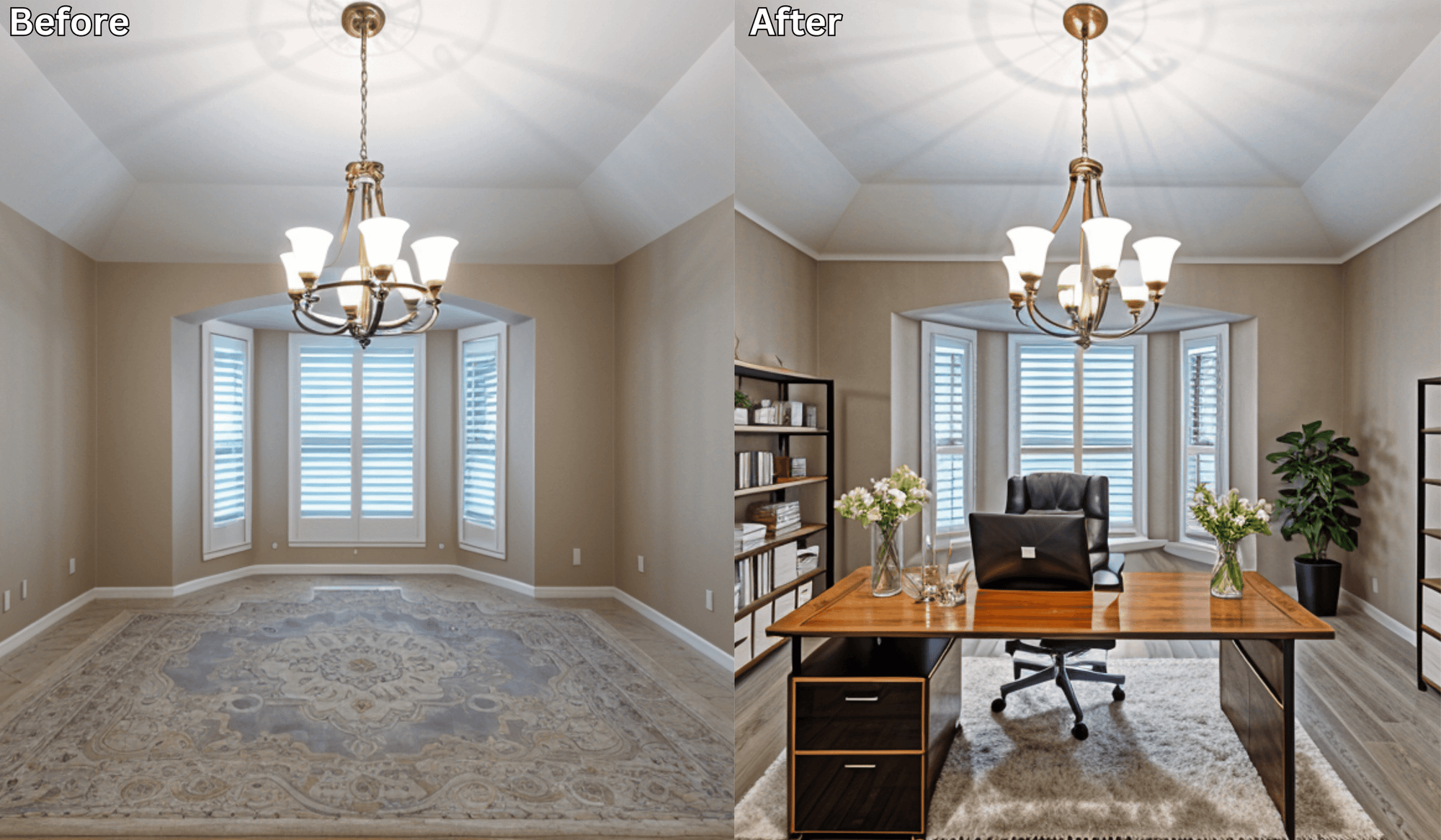
Makeover Your Home Office: AI Ideas to Stay Productive and Inspired →
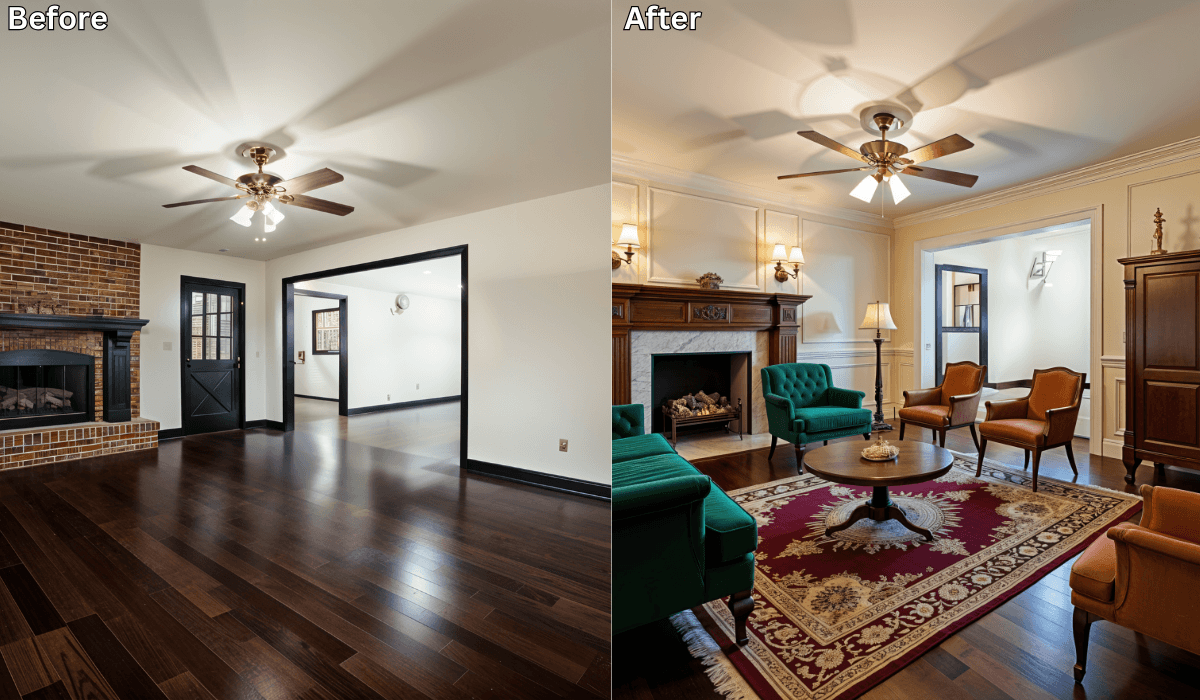
From Empty to Elegant: How AI Instantly Stages a Living Room →
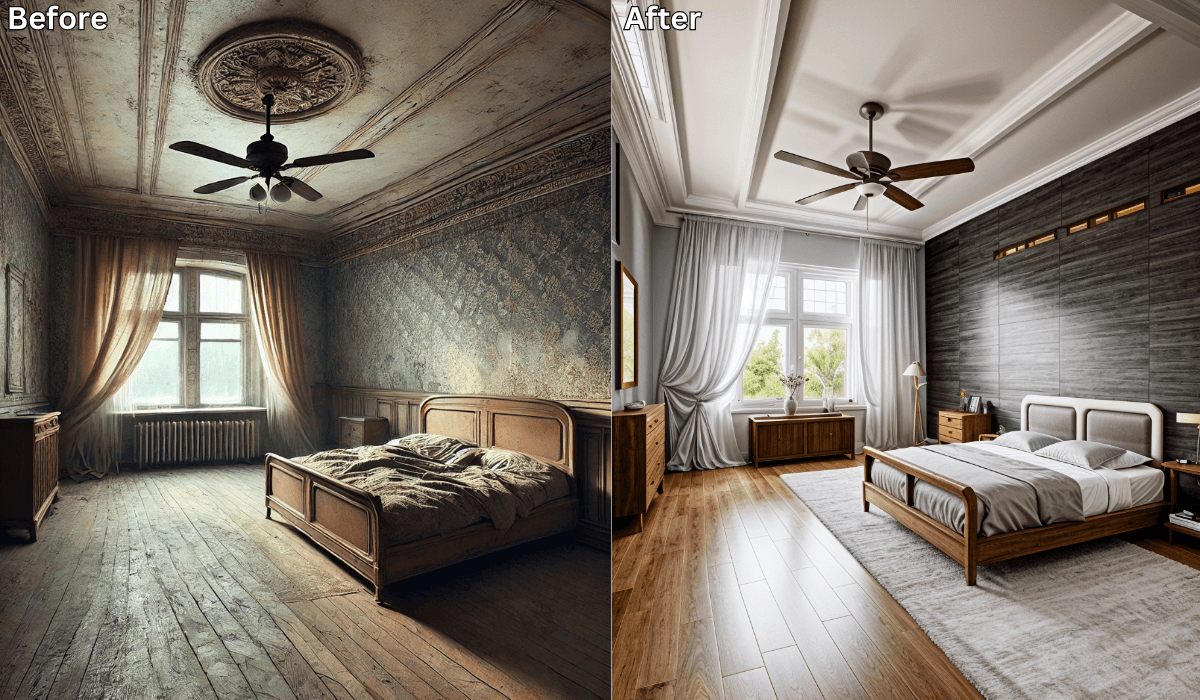
Is There an App Where I Can Take a Picture of My Bedroom and Remodel It? →
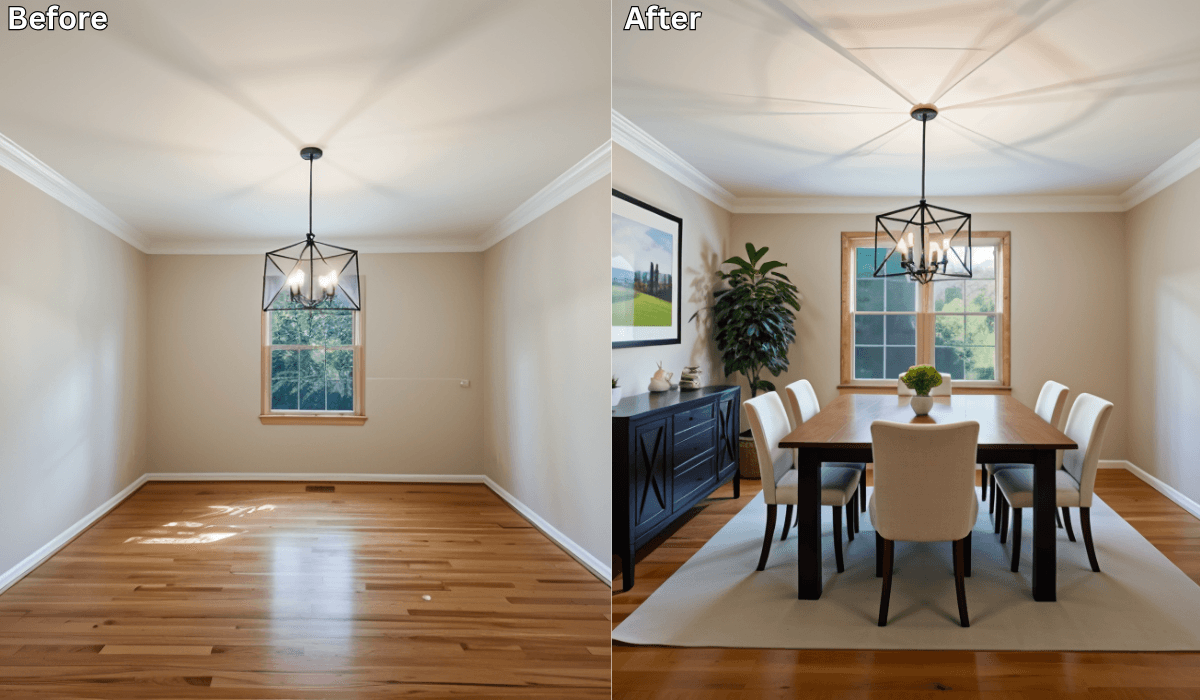
From Empty to Elegant: AI-Staged Dining Rooms That Impress Guests →
See what your space could look like →

Free · No account needed · 10 seconds

Sid Sarasvati · Founder, Renovate AI
Sid Sarasvati is the founder of Renovate AI, featured in the Wall Street Journal and Morning Brew’s The Playbook. He studied architectural philosophy at Harvard GSD and has tested AI design tools on 200+ real homes.