
Make a Small Living Room Feel Bigger—AI Space Expansion Tricks That Work

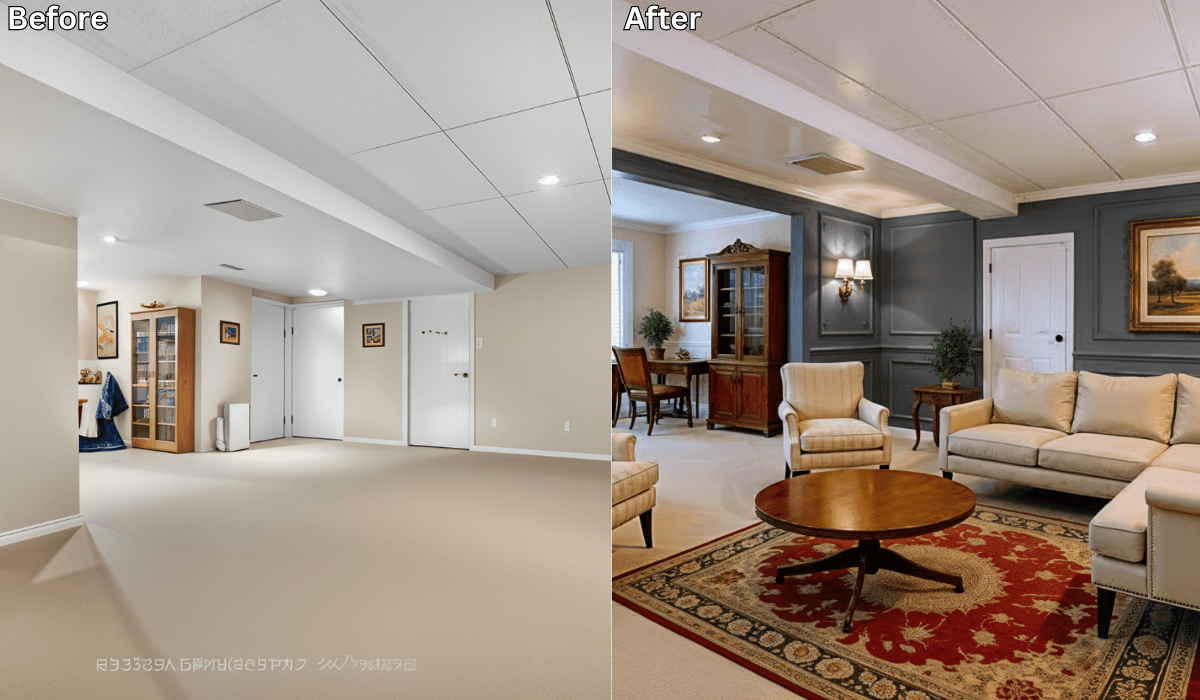
Make a Small Living Room Feel Bigger—AI Space Expansion Tricks That Work
A small living room doesn’t have to feel cramped or cluttered. In fact, with the right design choices, even compact spaces can feel open, airy, and comfortable. The challenge isn’t a lack of ideas—it’s knowing which changes will actually make a difference before you move furniture, buy décor, or repaint walls.
That’s where AI space visualization tools like Renovate AI come in. By uploading a single photo of your living room, you can preview layout changes, color adjustments, and space-expanding ideas—so you can see what works best for _your_room before making any decisions.
Why Small Living Rooms Are Hard to Design
Designing a compact living room comes with a unique set of challenges:
-
Furniture can easily overpower the space
-
Poor layouts block natural movement and light
-
Dark colors or heavy décor make rooms feel smaller
-
Storage competes with seating and comfort
The hardest part? Visualizing how small changes—like furniture placement or wall color—will affect the overall feel of the room.
AI visualization removes that guesswork by showing you realistic previews of different design approaches.
How Renovate AI Helps You Reimagine a Small Living Room
You stay in control of every choice. The AI simply helps you visualize the impact of those choices.
1. Upload a Photo of Your Living Room
A clear photo of your current setup is enough to get started.
2. Explore Layout and Style Options
You can test ideas like:
-
Open seating layouts
-
Minimalist furniture arrangements
-
Light, neutral color palettes
-
Modern or cozy design styles
3. Preview Space-Expanding Changes
See how your room could look with:
-
Repositioned sofas and chairs
-
Lighter wall colors
-
Smarter furniture scaling
-
Better lighting placement
4. Compare Versions Before You Commit
Save multiple previews and compare them side by side to decide what truly makes your space feel larger.
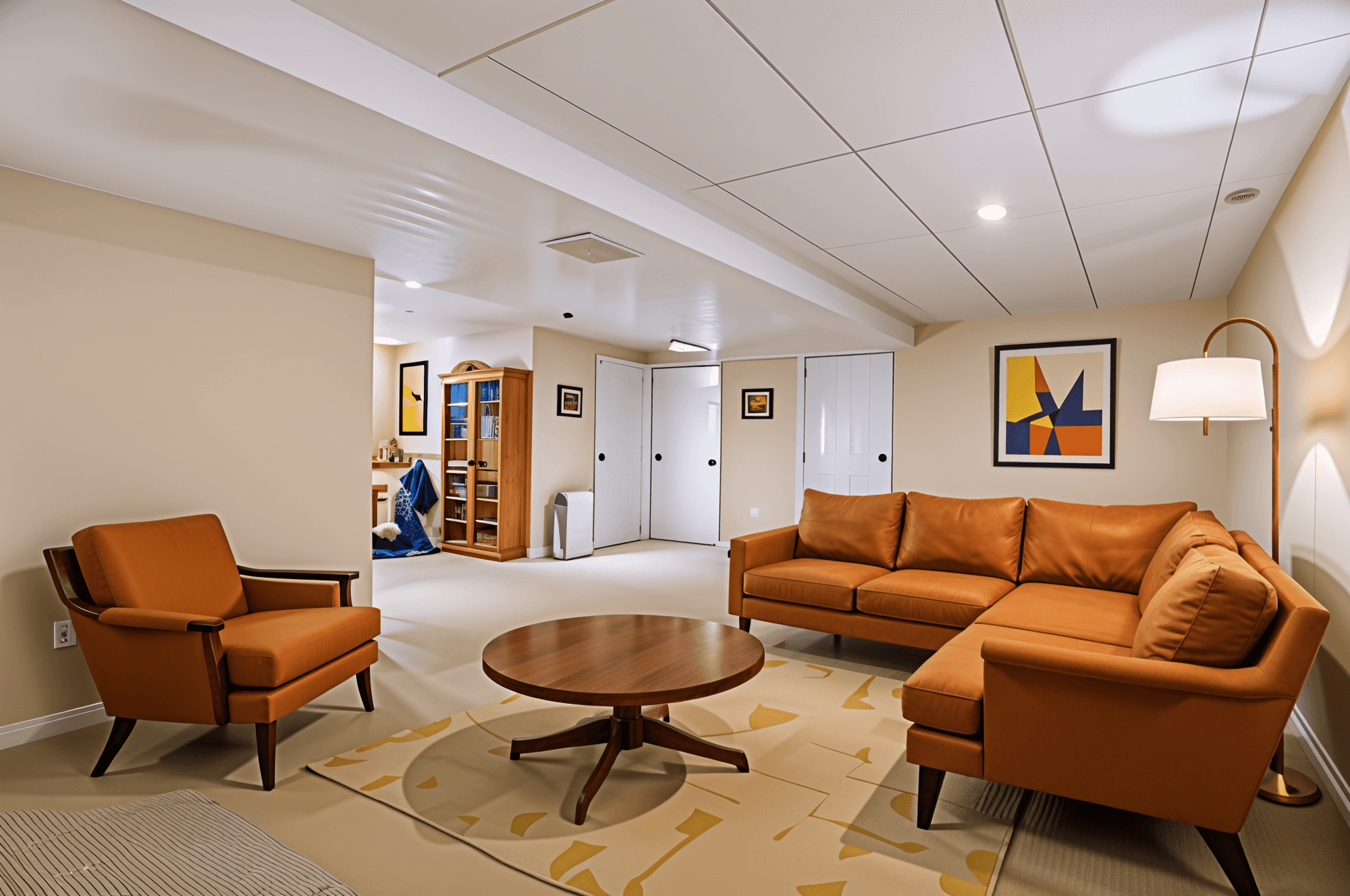
Choose Your Space-Expansion Strategy (3-Option Framework)
Every small living room has a different problem. Pick the approach that matches yours.
1. If Your Room Feels Cramped → Try a Layout-First Approach
Focus on: Furniture placement and walking flow
Best for: Narrow or awkward-shaped rooms
Why it works:
Improving circulation instantly reduces visual clutter and makes the room feel more breathable.
What to preview:
-
Floating sofas instead of wall-hugging layouts
-
Chairs angled toward open areas
-
Clear pathways between seating and exits
Micro-scenario:
If your sofa blocks movement, preview a slimmer sofa or shift it away from the wall—you’ll immediately notice more openness.
2. If Your Room Feels Dark → Try a Color-and-Light Approach
Focus on: Wall colors, lighting, and reflection
Best for: Rooms with limited natural light
Why it works:
Light tones and balanced lighting reflect more light, visually expanding the space.
What to preview:
-
Soft whites, warm beige, or pale gray walls
-
Floor lamps instead of bulky table lamps
-
Mirrors placed opposite windows
Micro-scenario:
If your living room feels heavy, preview lighter walls and warm lighting—you’ll see the space lift instantly.
3. If Your Room Feels Cluttered → Try a Scale-and-Storage Approach
Focus on: Furniture size and hidden storage
Best for: Small apartments or multi-use living rooms
Why it works:
Oversized furniture makes rooms feel smaller—even if the layout is correct.
What to preview:
-
Low-profile sofas
-
Wall-mounted shelves
-
Multi-functional furniture
Micro-scenario:
If your coffee table dominates the room, preview a smaller or round option to restore balance.
AI Space-Expansion Tricks You Can Test Instantly
With an AI space visualizer, you can quickly explore:
-
Lighter wall palettes that open the room
-
Slim furniture that fits the room’s scale
-
Better spacing between seating pieces
-
Lighting setups that reduce shadows
-
Minimal décor placements that avoid visual noise
Each preview helps you understand why something works—not just what looks good.
Why AI Visualization Is Better Than Trial and Error
Using AI before redesigning your living room helps you:
-
Avoid buying furniture that’s too large
-
Prevent layout mistakes that reduce comfort
-
Save money by testing ideas digitally
-
Make confident decisions faster
-
Design smarter without moving heavy furniture
Instead of guessing, you can see the result first.
Final Thoughts
A small living room doesn’t need a bigger footprint—it needs better decisions. With AI-powered space visualization, you can explore layouts, colors, and furniture options that make your room feel larger, brighter, and more comfortable before making any real changes.
Design smarter, not harder.
Upload a photo to Renovate AI and see how your small living room can feel bigger—starting today.
You Might Also Like
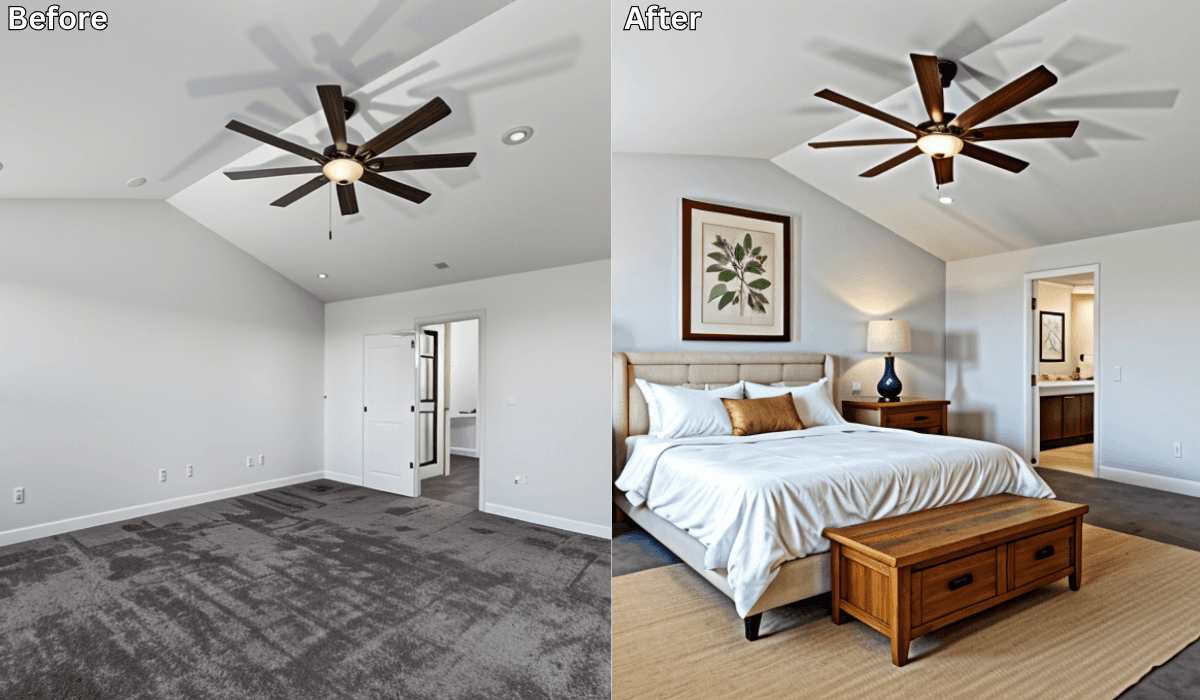
Maximize Every Inch: Smart Small-Space Design with AI →
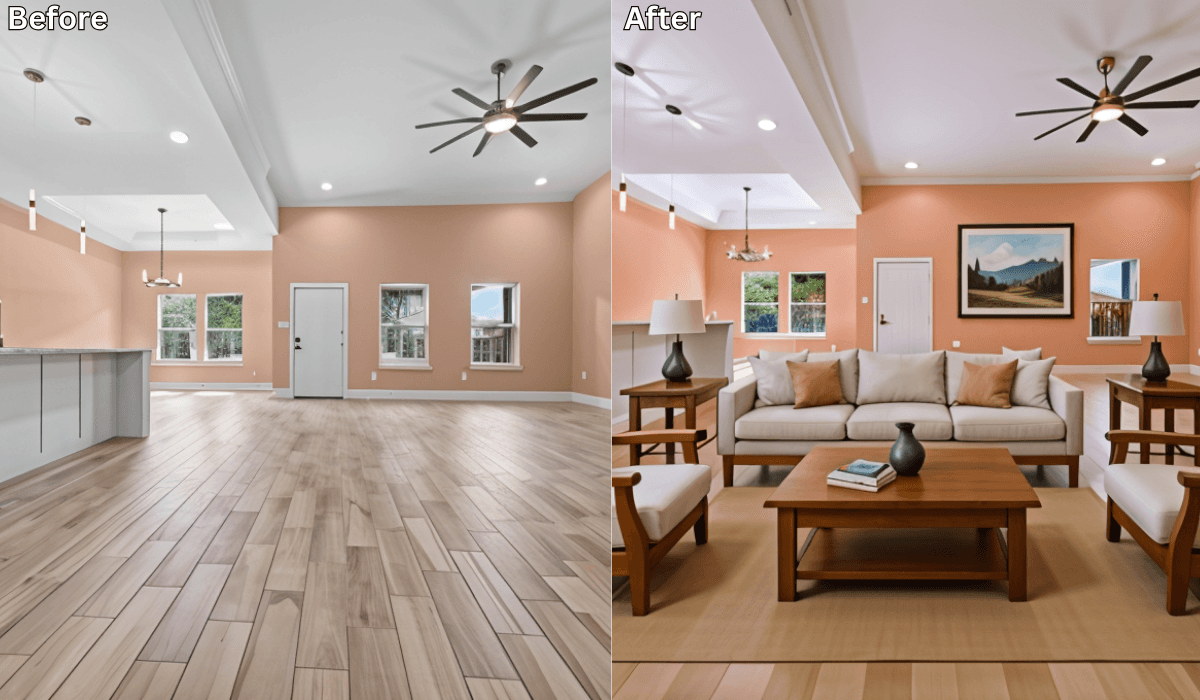
Open-Plan Living Room Problems? AI Shows the Perfect Layout →
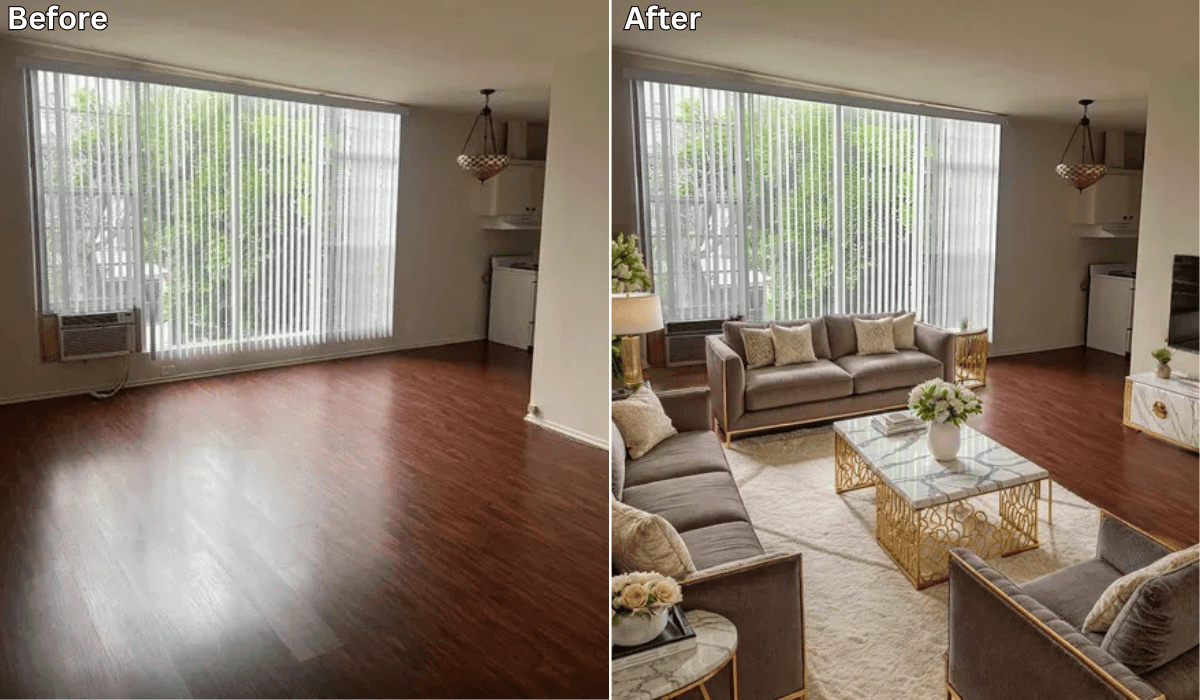
25 Incredible Before After Virtual Staging By Renovate AI →
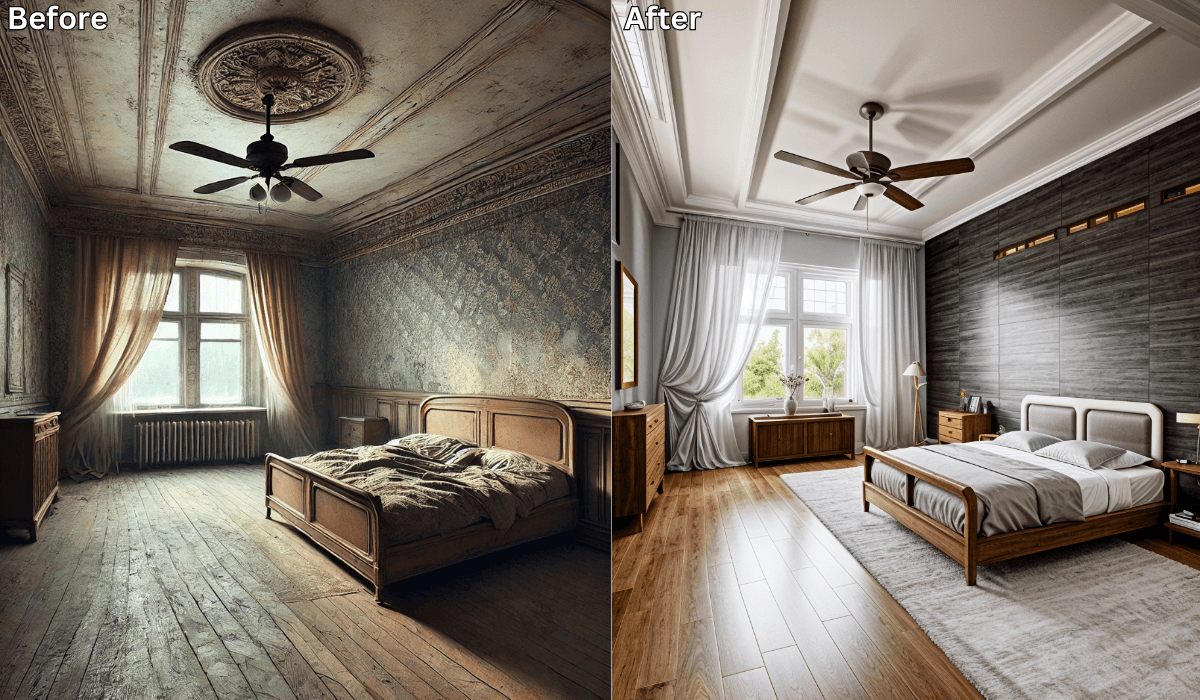
Is There an App Where I Can Take a Picture of My Bedroom and Remodel It? →
See what your space could look like →

Free · No account needed · 10 seconds

Sid Sarasvati · Founder, Renovate AI
Sid Sarasvati is the founder of Renovate AI, featured in the Wall Street Journal and Morning Brew’s The Playbook. He studied architectural philosophy at Harvard GSD and has tested AI design tools on 200+ real homes.