
High Ceilings, Big Problem: How AI Makes Large Living Rooms Feel Cozy

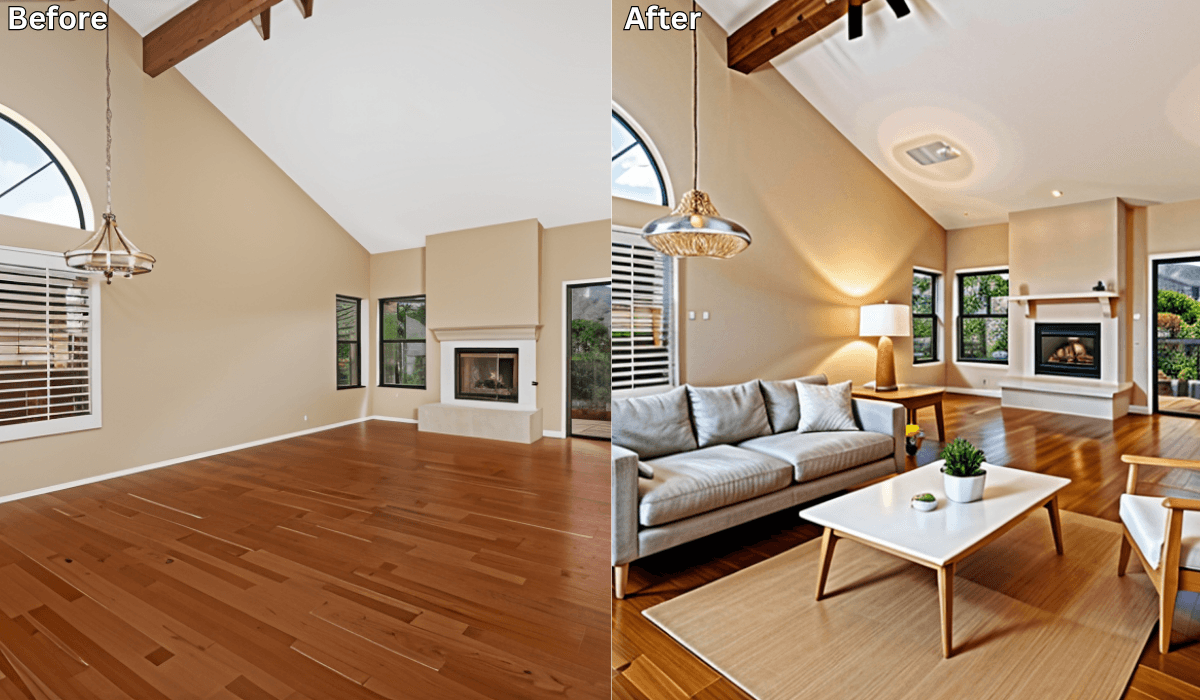
High Ceilings, Big Problem: How AI Makes Large Living Rooms Feel Cozy
High ceilings and large living rooms look impressive—but living in them isn’t always easy. Many homeowners discover that these spaces feel cold, echoey, or unfinished once the furniture is in place. Even with beautiful pieces, the room can still feel uninviting or awkwardly empty.
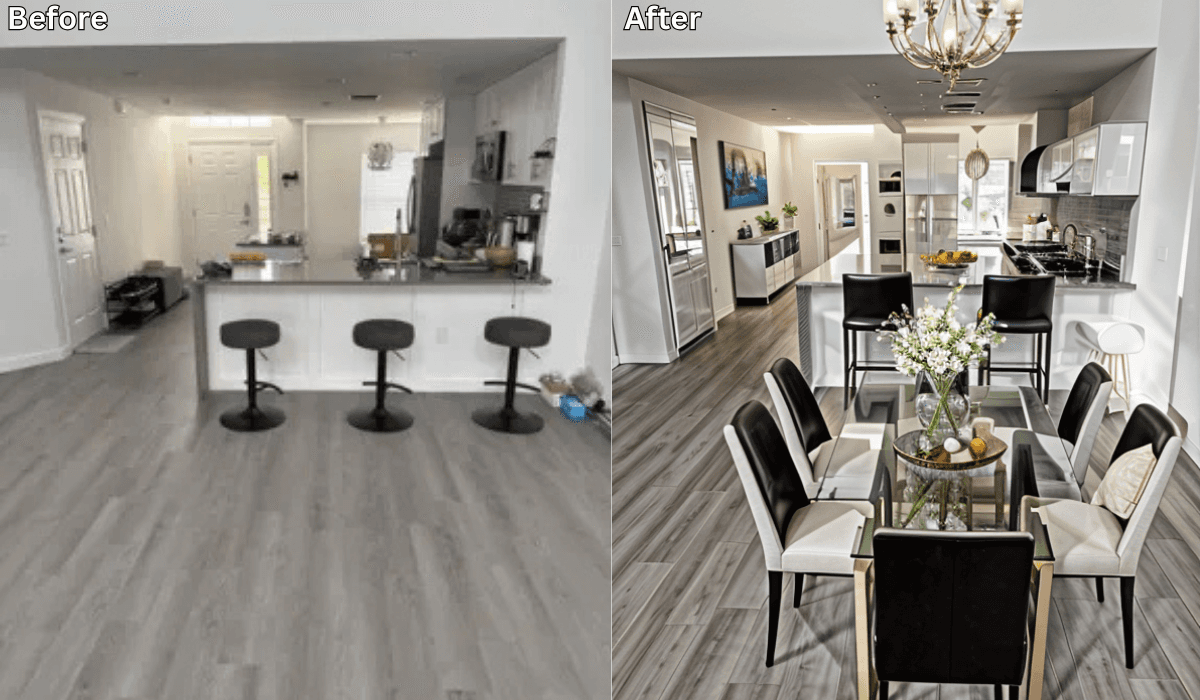
The challenge isn’t the size of the room—it’s knowing how to design it so it feels comfortable and balanced. That’s where AI space planning tools like Renovate AI help. With a single photo, you can preview layouts and design strategies that turn a large living room into a warm, welcoming space—before moving or buying anything.
Why Large Living Rooms Are Hard to Design
Big spaces come with unique challenges:
-
Furniture feels disconnected or “floating”
-
High ceilings create vertical emptiness
-
Sound echoes, making the room feel cold
-
Standard furniture looks too small for the scale
-
Lighting doesn’t reach or feel layered
Without visual planning, it’s easy to under-furnish or overcompensate.
How AI Helps You Visualize a Cozier Layout
You stay in control of the design decisions.
AI simply helps you see how those decisions work in your actual space.
How it works
-
Upload a photo of your living room
AI reads proportions, ceiling height, and layout cues. -
Test layout and styling options
Preview:-
Larger seating groupings
-
Sectionals vs multiple sofas
-
Rug placement to anchor zones
-
Lighting layers at different heights
-
-
See balance instantly
AI previews show how furniture, lighting, and decor reduce emptiness and improve comfort. -
Compare and refine
Save multiple versions and choose what feels most inviting.
Choose the Right Strategy to Warm Up a Large Living Room
(3-Option Reasoning Framework)
Not every large room needs the same solution. Pick the one that matches your space.
1. If Your Room Feels Cold → Zone-Based Cozy Strategy
Focus on: Breaking the room into smaller, usable zones
Best for: Very large or open-plan living rooms
Why it works:
Multiple zones make the room feel lived-in rather than empty.
Preview ideas:
-
Seating cluster near the fireplace
-
Reading nook with a chair and lamp
-
Console or sofa table dividing areas
Micro-scenario:
If your room feels hollow, preview two seating zones—you’ll immediately see warmth appear.
2. If Furniture Feels Too Small → Scale-Balancing Strategy
Focus on: Matching furniture size to room proportions
Best for: High ceilings and wide floor plans
Why it works:
Larger pieces ground the space visually.
Preview ideas:
-
Sectional sofas
-
Oversized coffee tables
-
Tall bookcases or shelving
Micro-scenario:
If your sofa looks lost, preview a sectional—you’ll see the room feel anchored.
3. If the Ceiling Feels Too Tall → Vertical-Warming Strategy
Focus on: Bringing attention downward
Best for: Double-height ceilings
Why it works:
Vertical elements fill visual height without clutter.
Preview ideas:
-
Tall curtains mounted high
-
Vertical artwork or shelves
-
Statement lighting hung lower
Micro-scenario:
If your ceiling feels overwhelming, preview floor-to-ceiling curtains—you’ll notice instant balance.
What AI Space Planning Helps You Avoid
Using AI previews helps you avoid:
-
Under-furnishing large rooms
-
Buying too many small pieces
-
Poor lighting placement
-
Awkward empty zones
-
Repeated furniture rearranging
Instead of guessing, you plan with confidence.
Why AI Planning Works Better Than Trial and Error
AI space planning allows you to:
-
See proportions clearly
-
Understand how furniture scale affects warmth
-
Compare layouts instantly
-
Design intentionally for comfort
-
Make confident decisions before purchasing
Large spaces need structure—not more stuff.
Final Thoughts
High ceilings and large living rooms don’t have to feel cold or impersonal. With AI layout previews, you can see exactly how to create warmth, balance, and comfort—before making any physical changes.
With Renovate AI, your large living room becomes a place people want to stay—not just admire.
Ready to make your space feel cozy?
Upload a photo to Renovate AI and explore layouts that truly fit your home.
You Might Also Like
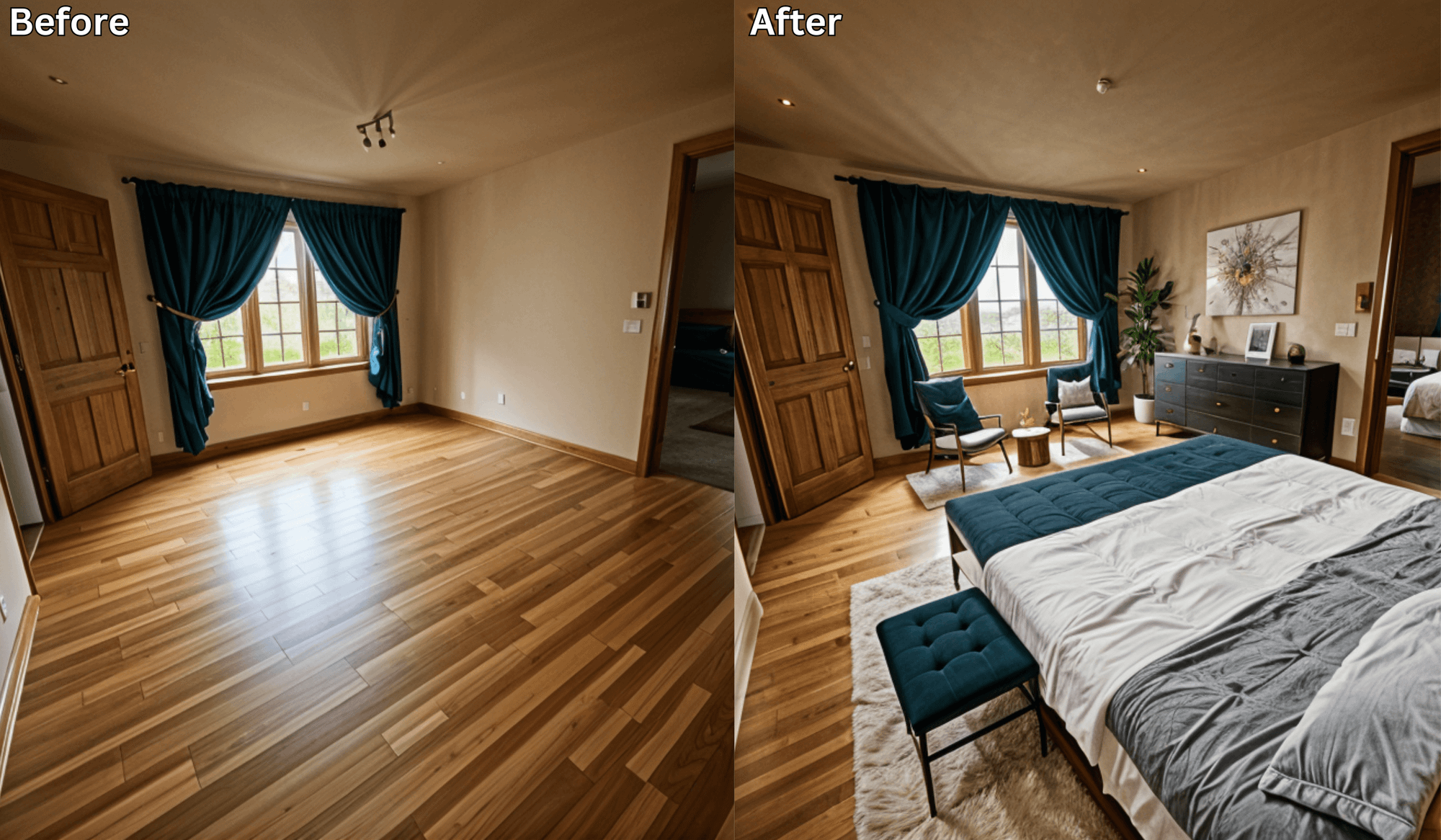
Small Bedroom, Big Design: AI Layouts That Maximize Space →
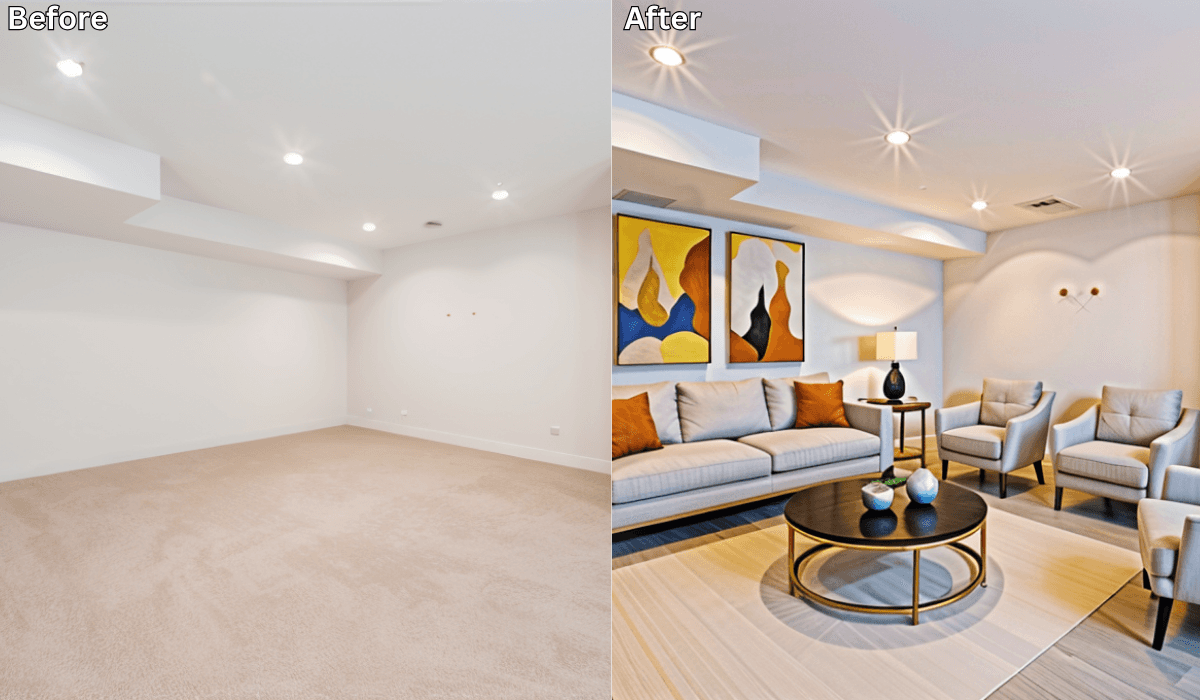
Blank Room to Cozy Retreat: AI Living Space Transformations Explained →
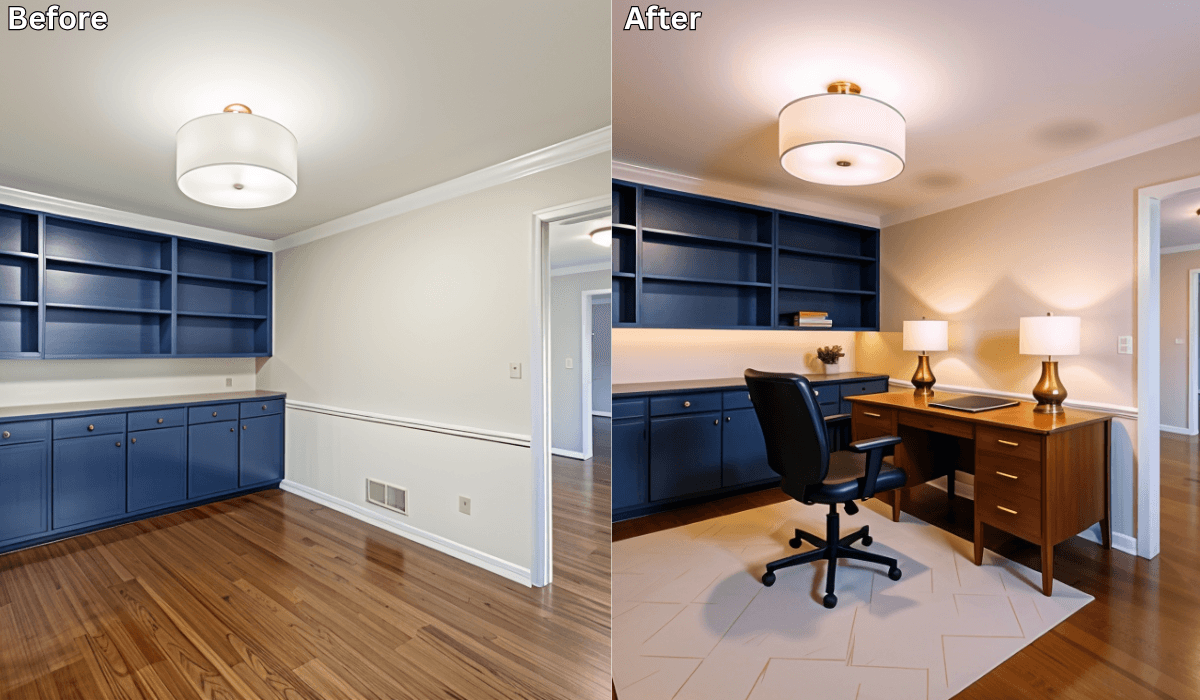
Design Your First Home Office Setup with AI: Boost Productivity Instantly →
Is There an App Where I Can Take a Picture of My Dining Room and Remodel It? →
See what your space could look like →

Free · No account needed · 10 seconds

Sid Sarasvati · Founder, Renovate AI
Sid Sarasvati is the founder of Renovate AI, featured in the Wall Street Journal and Morning Brew’s The Playbook. He studied architectural philosophy at Harvard GSD and has tested AI design tools on 200+ real homes.