
Renovating on a Budget? Here’s How AI Helps You Save Thousands

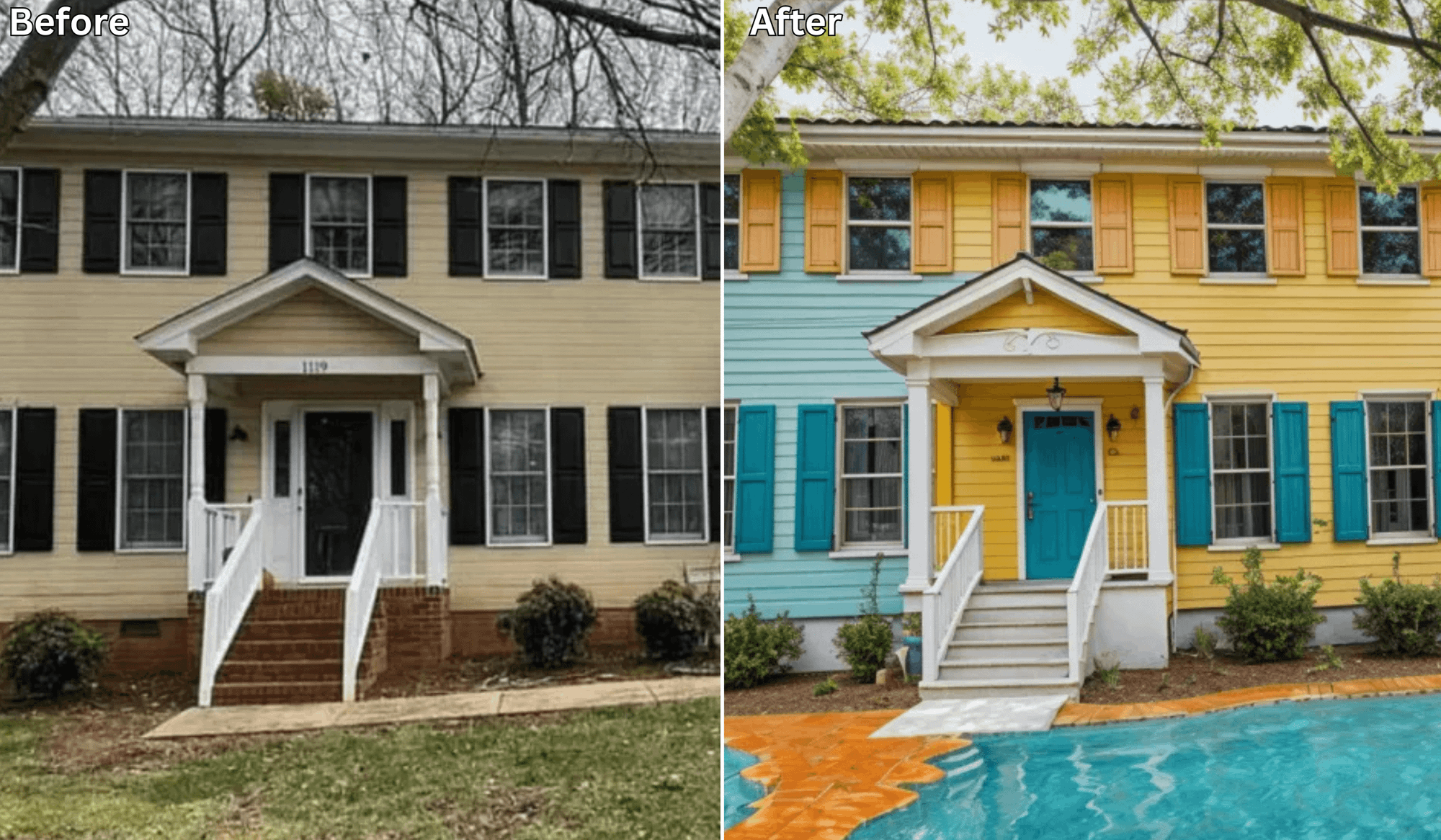
Renovating on a Budget? Here’s How AI Helps You Save Thousands
Keywords: budget home renovation, affordable design tips
💸 Renovating Your Home? Don’t Blow the Budget
Home renovations are exciting—but they’re also expensive.
Between contractors, materials, design consultations, and surprise costs, it’s easy to go from a $5K plan to a $25K reality.
But now, thanks to AI-powered design tools like Renovate AI, you can plan smarter, avoid costly mistakes, and renovate beautifully—without overspending.
🧠 The Problem With Traditional Renovations
Here’s where most renovation budgets go wrong:
-
Hiring a designer too early (or at all)
-
Buying furniture or paint that doesn’t actually work in your space
-
Redoing poor layout decisions after the fact
-
Rushing into decisions without a clear plan
Every mistake costs money—and time. That’s where Renovate AI becomes your budgeting best friend.
🤖 What Is Renovate AI?
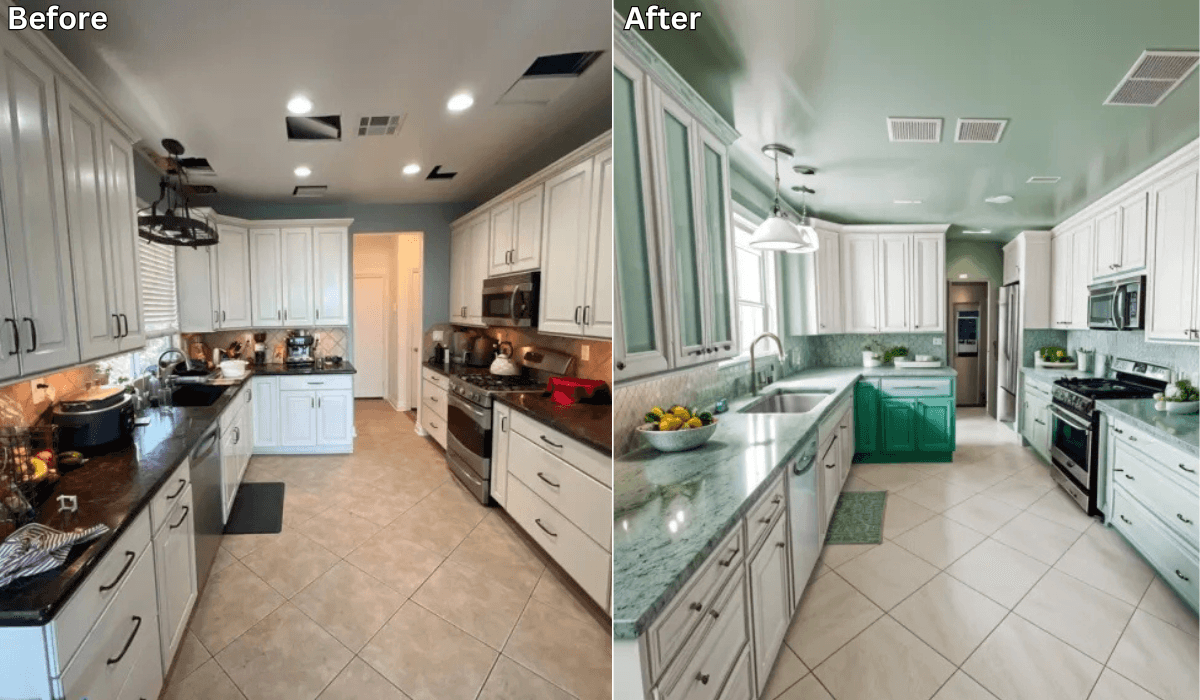
Renovate AI is a home design tool that uses artificial intelligence to instantly generate photorealistic previews of your room’s potential—based on just one photo.
You upload a picture, pick a style (like Japandi, Minimalist, or Boho), and the AI shows you a visual makeover in seconds.
📸 How Renovate AI Saves You Thousands
-
Eliminates Design Guesswork
→ Preview different layouts, finishes, and styles before you spend a dime -
Avoids Buying the Wrong Stuff
→ See if that navy sofa or white tile actually fits your space -
Reduces Need for Professional Designers
→ No more $200/hour consultations or $5K design packages -
Speeds Up Decision-Making
→ Cut down delays (and hourly labor costs) caused by indecision -
Helps You Stick to What Works
→ Focus on smart upgrades that have visual impact without breaking the bank
🛠️ Budget-Friendly Renovation Ideas You Can Test with AI
-
Swap paint colors to brighten a room
-
Try open shelving vs. traditional cabinetry
-
Visualize modern light fixtures without rewiring yet
-
See if a minimalist style makes a room feel larger
-
Test accent walls, area rugs, or tile designs for style without commitment
All before spending a cent.
🧑🎨 Who Should Use Renovate AI?
-
First-time homeowners on a tight budget
-
Renters looking for low-cost upgrades
-
DIYers planning weekend makeovers
-
Real estate investors doing cosmetic flips
-
Anyone tired of wasting money on bad design choices
🧾 Real-Life Example
A couple used Renovate AI to preview 5 living room styles before committing to a design.
They avoided hiring a designer ($3,500 saved), skipped two failed rug purchases ($800 saved), and nailed their layout the first time.
Total savings: $5,000+—before they even started the physical work.
✅ Final Thoughts: Big Style, Small Budget—Powered by AI
Renovation doesn’t have to be expensive to look amazing.
With Renovate AI, you get the confidence of a professional designer—without the cost.
Preview your space, perfect your layout, and avoid costly mistakes from the start.
Your dream home is just a photo (and smart planning) away.
📢 Ready to Renovate Without Overspending?
Upload a photo to Renovate AI and visualize your space in seconds—for free or at a fraction of the usual cost.
You Might Also Like
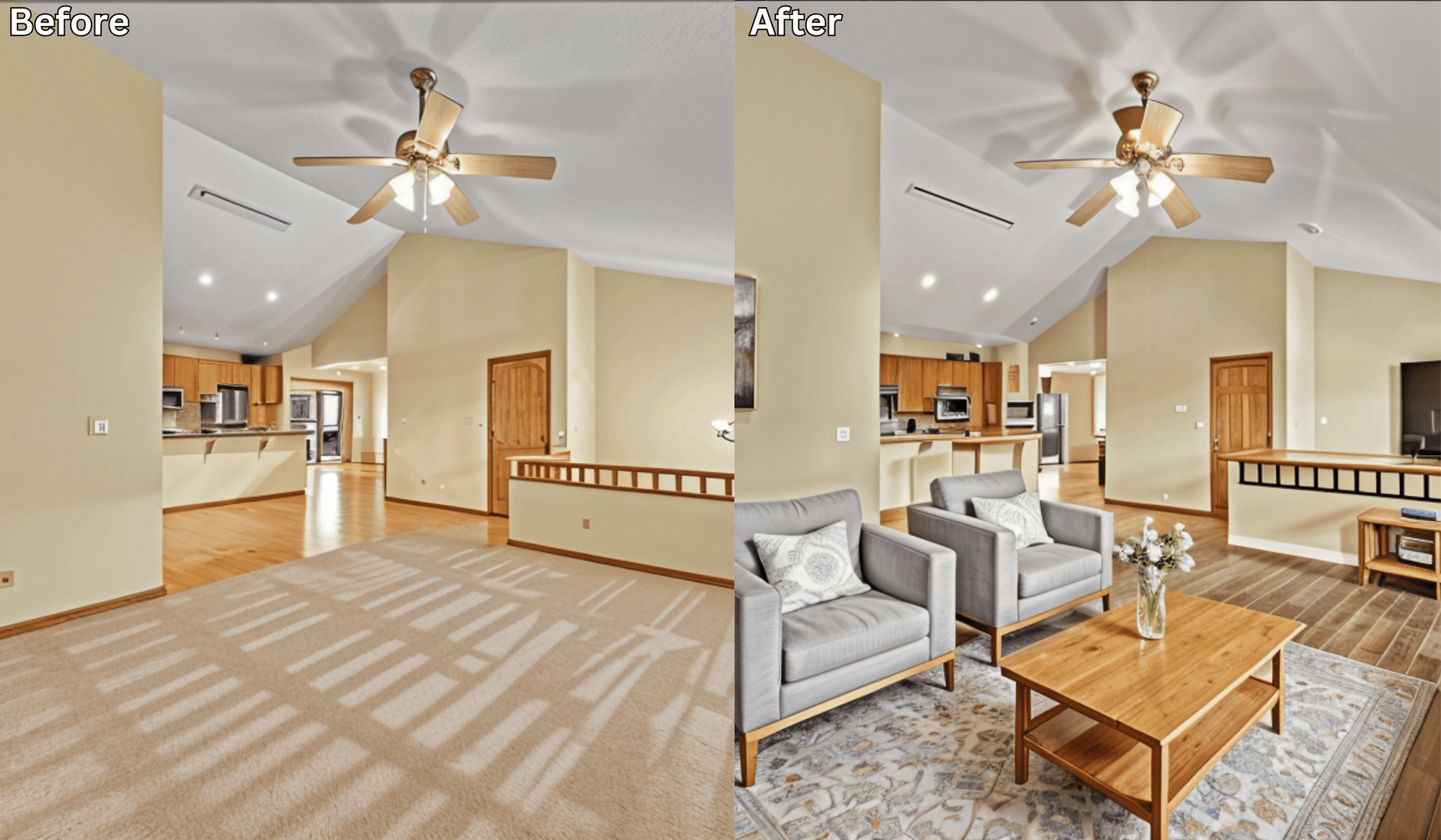
The Best Budget Renovation Ideas That Look Expensive (AI-Approved) →
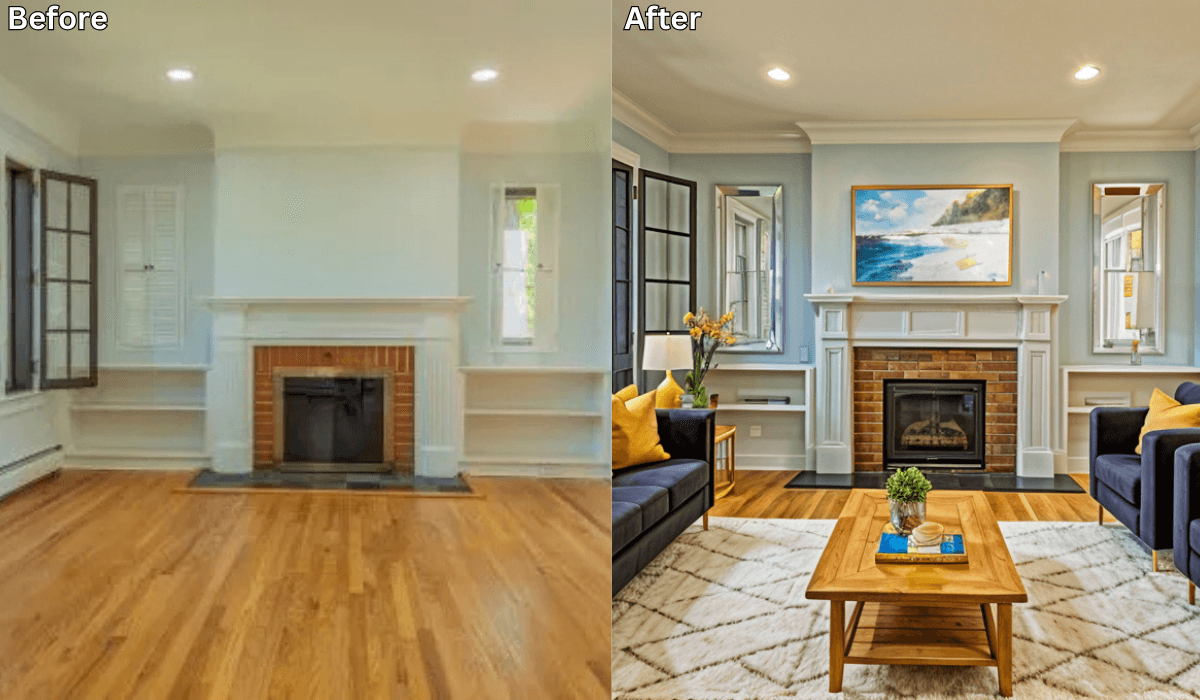
Is There an App Where I Can Get Free AI Home Design? →
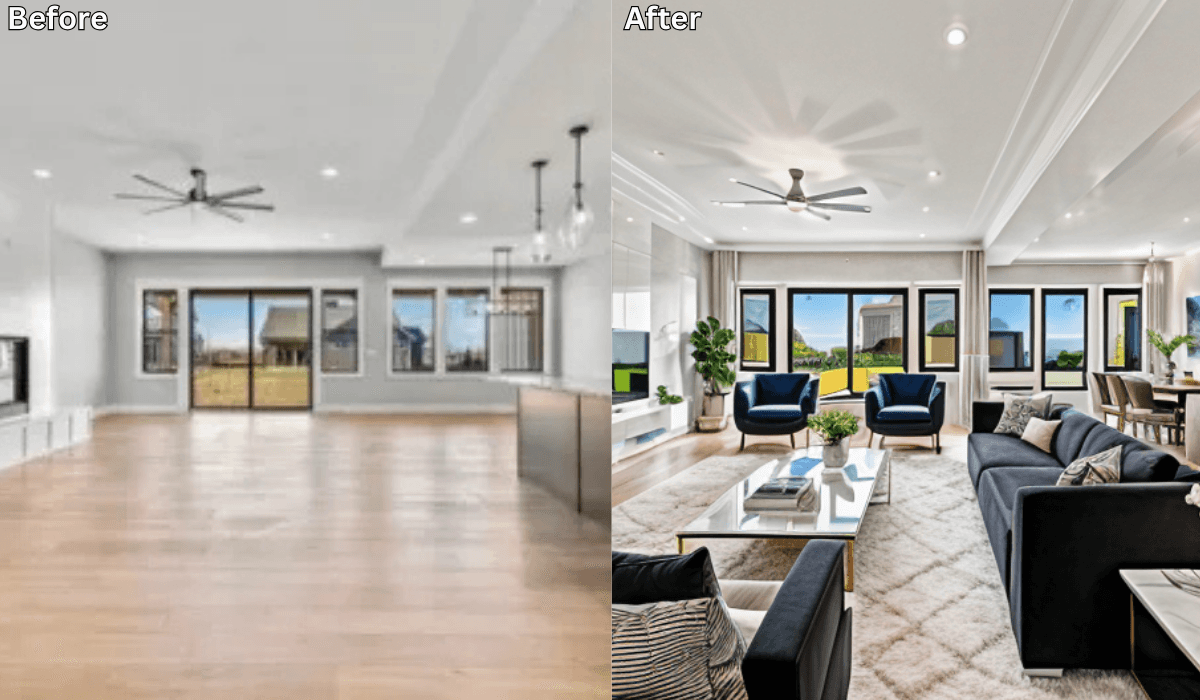
Is There an App That Decorates Your Room? →
Transform Your Renovation Journey with Renovate AI: A Guide for Homeowners and Pros →
See what your space could look like →

Free · No account needed · 10 seconds

Sid Sarasvati · Founder, Renovate AI
Sid Sarasvati is the founder of Renovate AI, featured in the Wall Street Journal and Morning Brew’s The Playbook. He studied architectural philosophy at Harvard GSD and has tested AI design tools on 200+ real homes.