
Make Your Home Look Expensive on a Budget Using AI Design Tricks

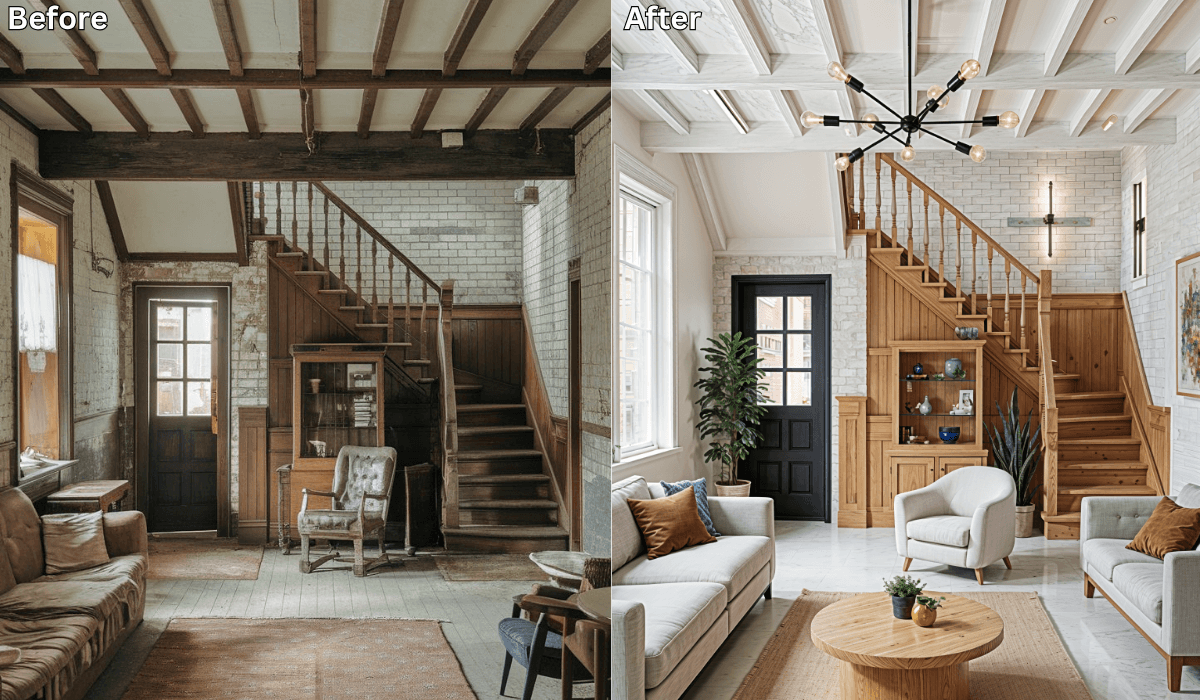
Make Your Home Look Expensive on a Budget Using AI Design Tricks
Everyone loves the look of a luxurious, well-designed home—but not everyone loves the price tag that usually comes with it.
The good news? You don’t need marble floors or designer furniture to create a high-end feel. Small, thoughtful changes can make any space look polished and intentional.
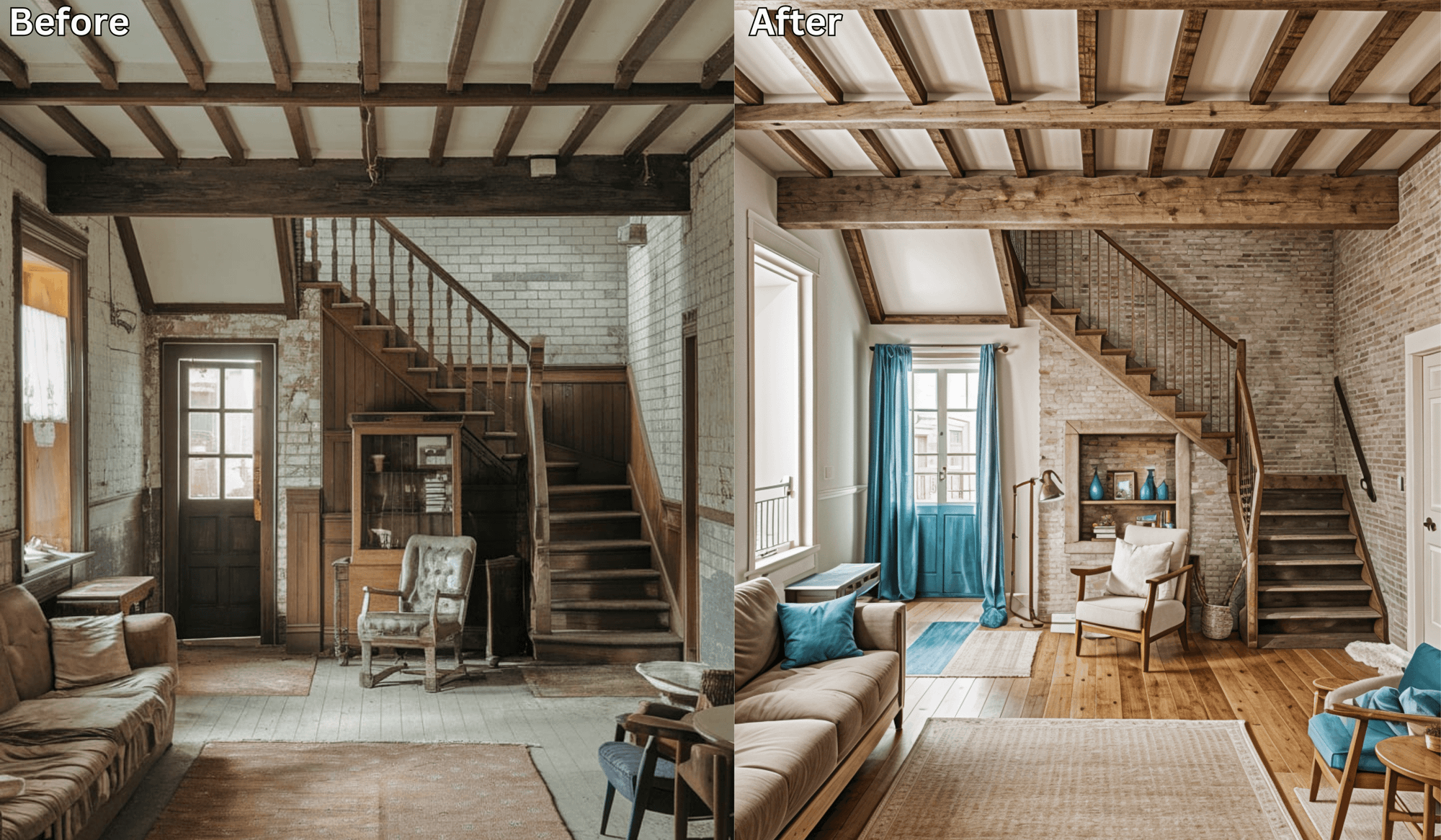
With AI home makeover tools like Renovate AI, you can preview affordable luxury design ideas directly on a photo of your space. Instead of guessing what will look elegant, you can see the transformation instantly and choose upgrades that fit your budget.
⭐ Why “Affordable Luxury” Is Taking Off in 2025–2026
More people want homes that feel calm, elevated, and well-styled—but without overspending. The challenge is knowing which choices create that premium feel.
Common struggles include:
-
Not knowing which colors read as elegant
-
Choosing décor that ends up looking cheap
-
Picking furniture that’s the wrong scale
-
Mixing styles that clash instead of blending smoothly
AI home makeover tools help by showing how different combinations will look in your actual room, before you buy anything.
How Renovate AI Helps You Create Luxury on a Budget
You stay in control of the ideas—AI simply helps you visualize them.
1. Upload a Photo of Your Room
A single photo of your living room, bedroom, or kitchen is enough.
2. Choose a Luxury-Inspired Style
You can explore looks like:
-
Modern Luxe
-
Minimal Glam
-
Hotel Comfort
-
Japandi Chic
-
Contemporary Premium
3. Preview Elegant Variations
You can test:
-
Cream, taupe, charcoal, or muted gold palettes
-
Better lighting setups
-
Sleek furniture layouts
-
Affordable materials that look expensive
-
Layered décor that feels curated
4. Compare Versions Side-by-Side
Save multiple previews and choose the one that feels most elegant—and most budget-friendly.
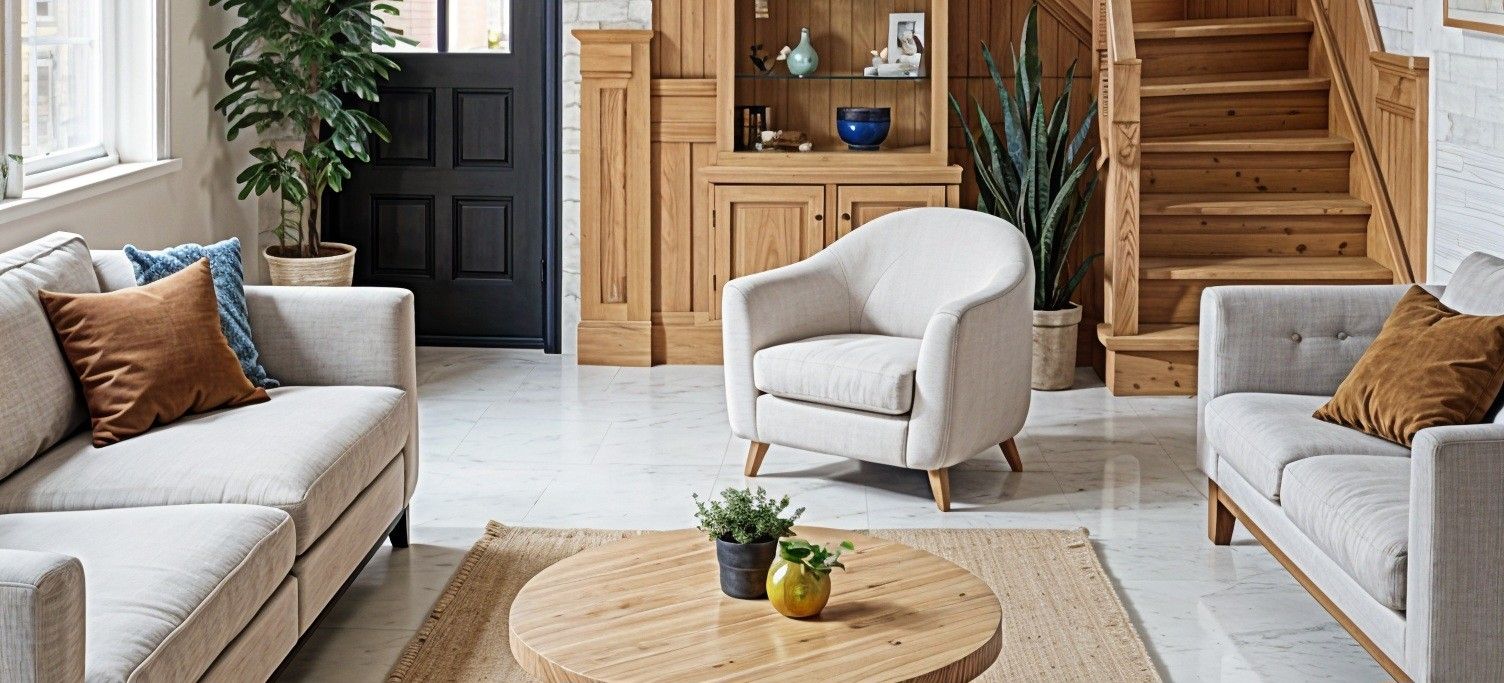
✅ Choose Your Affordable Luxury Path
(RAI 3-Option Reasoning Framework)
Before diving in, decide what kind of “luxury” you want to prioritize.
Use these paths to customize your home in a way that suits your style and your budget.
1. If You Want Instant Elegance → Start With Color & Materials
Focus on: Paint colors, finishes, and overall palette
Best for: Renters, small budgets, or rooms that feel visually “busy”
Why it works:
Neutral colors create an immediate sense of calm and coherence—two hallmarks of luxury interiors.
What to preview in the AI tool:
-
Cream or taupe walls
-
Muted gold or brushed brass accents
-
Matte finishes instead of shiny patterns
-
Soft black for contrast
Micro-scenario:
If your room feels mismatched, try a warm neutral palette in the preview. It often pulls everything together instantly.
2. If You Want a High-End Feel → Upgrade Texture, Not Furniture
Focus on: Fabrics, layering, and tactile richness
Best for: Homes with simple or budget furniture
Why it works:
Texture creates depth and visual interest. A $20 linen pillow often looks more expensive than a $200 patterned one.
What to preview:
-
Bouclé throws
-
Linen bedding
-
Matte ceramic décor
-
Wood accents for natural warmth
Micro-scenario:
If your room feels “flat,” upload your photo and preview a soft textured rug and layered cushions—you’ll see an instant lift.
3. If You Want a Designer Look → Improve Lighting & Layout Flow
Focus on: Light layering, ambience, and furniture placement
Best for: Dark rooms, tight spaces, or cluttered layouts
Why it works:
Lighting is the #1 luxury signal. Luxury homes and hotels rely on layers—not just overhead lighting.
What to test:
-
Tall floor lamps behind seating
-
Warm bulbs (not cool white)
-
Wall sconces for soft depth
-
Adjusting furniture spacing for better flow
Micro-scenario:
If your space looks dull in the preview, add a floor lamp and one sconce—you’ll see how fast ambience changes.
✅ Budget-Friendly Luxury Tricks You Can Try Today
These upgrades are easy to preview in your AI home makeover tool:
Light, Neutral Palettes
They make any room look cleaner and more expensive.
Balanced Lighting Layers
Use lamps + sconces + warm bulbs for soft, elegant ambience.
Textures Over Patterns
Bouclé, linen, matte stone, and wood tones add richness.
Intentional Layout Flow
Even inexpensive furniture looks premium when placed thoughtfully.
One Statement Piece
A bold mirror, large art print, or sculptural lamp elevates everything around it.
⭐ Why AI Is the Best Tool for Budget Luxury
Using an AI home makeover tool helps you:
-
Avoid purchases that don’t actually look premium
-
Compare luxury styles without hiring a designer
-
Make informed choices that suit your space
-
Build confidence by seeing changes before buying
You control the ideas; AI simply gives you a clearer vision.
Final Thoughts
Luxury doesn’t have to be expensive—and design doesn’t have to be confusing.
With the help of AI previews, you can recreate elegant, Pinterest-worthy interiors and choose budget-friendly changes that make your home feel elevated and intentional.
✨ Ready to make your home look expensive without overspending? Upload a photo to Renovate AI and start your affordable luxury makeover today.
You Might Also Like
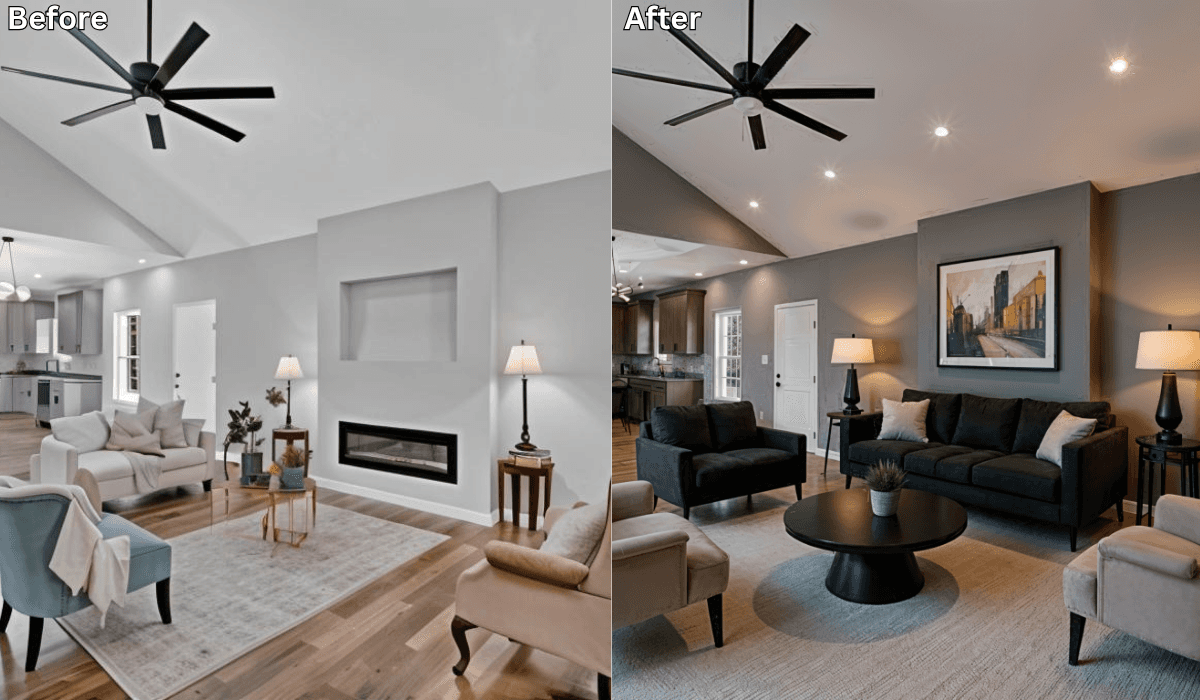
Plan Your DIY Renovation with AI Before You Pick Up a Tool →
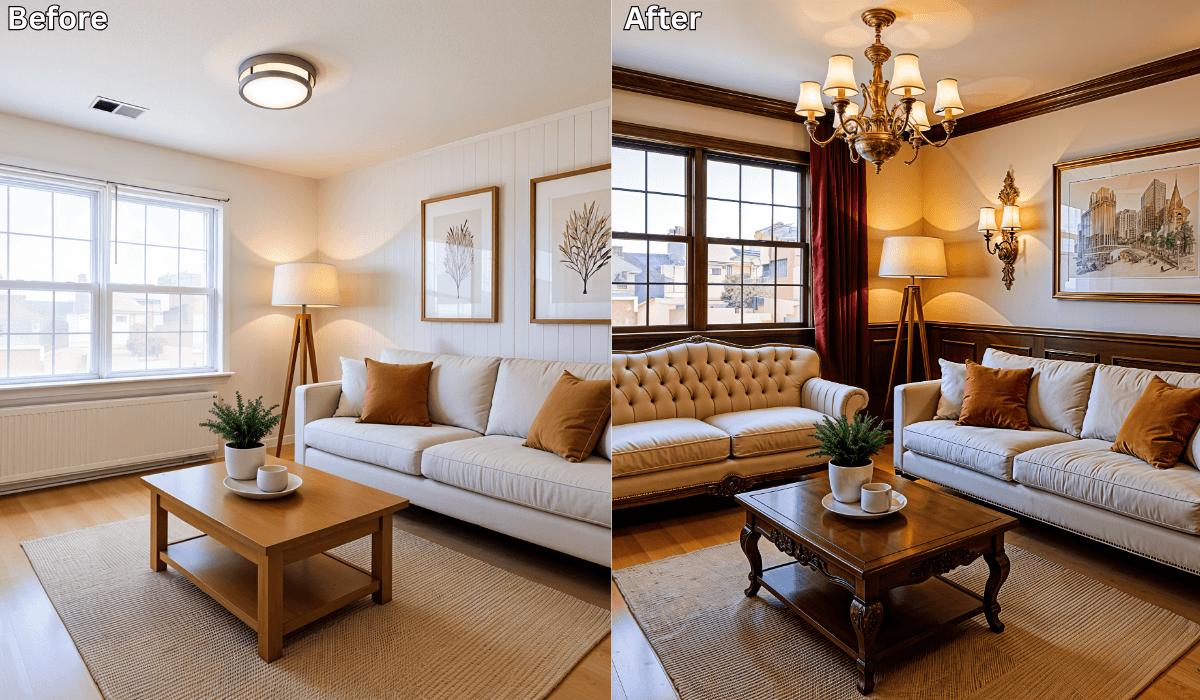
AI-Generated Luxury Looks: Compare High-End vs Budget Designs Side-by-Side →
No Designer, No Problem: Your $0 Visual Design Plan Using AI →

Renovate AI: Igniting the Future of Design at INDEX Dubai 2025! →
See what your space could look like →

Free · No account needed · 10 seconds

Sid Sarasvati · Founder, Renovate AI
Sid Sarasvati is the founder of Renovate AI, featured in the Wall Street Journal and Morning Brew’s The Playbook. He studied architectural philosophy at Harvard GSD and has tested AI design tools on 200+ real homes.