
AI-Generated Luxury Looks: Compare High-End vs Budget Designs Side-by-Side

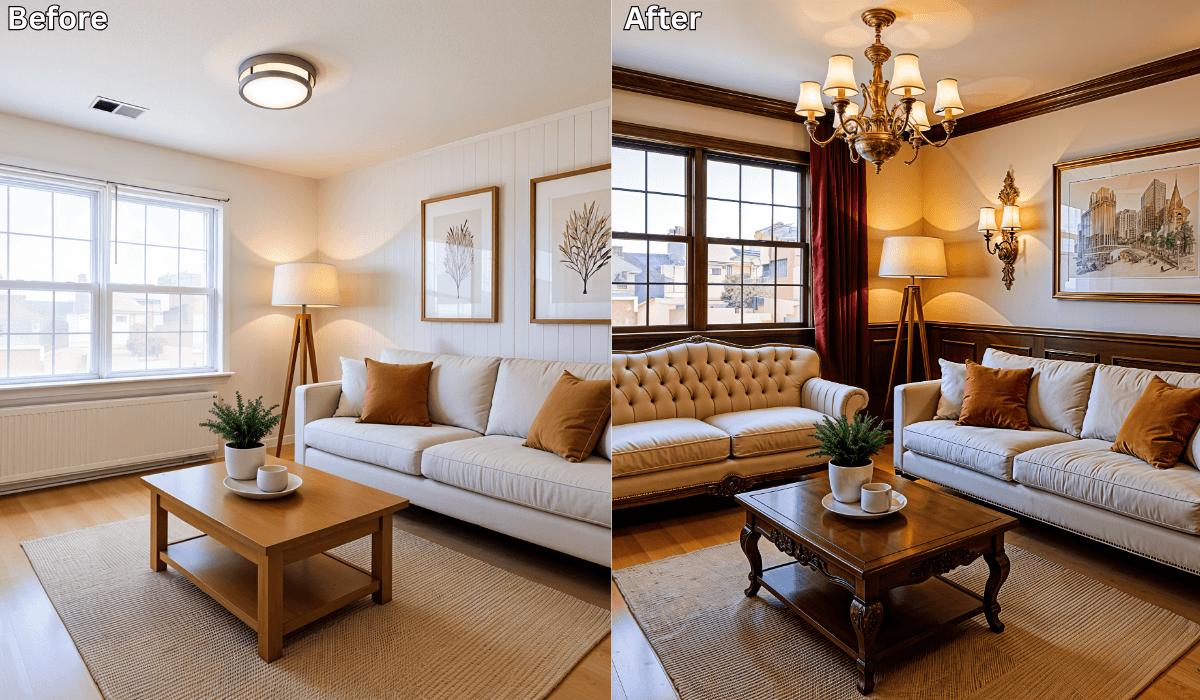
AI-Generated Luxury Looks: Compare High-End vs Budget Designs Side-by-Side
Many homeowners want the elegance of a high-end interior — without paying high-end prices. The challenge isn’t inspiration; it’s knowing which upgrades deliver a luxurious look and which aren’t worth the splurge.
Today, AI-powered design tools like Renovate AI make this easier. With one photo of your room, you can preview a luxury version and a budget version side by side — both styled in the same layout and aesthetic — so you can see exactly where spending matters and where smart savings look just as good.
This turns guesswork into clarity and overspending into informed design.
Why Luxury-vs-Budget Comparison Works So Well
Design decisions are difficult because:
-
The most expensive choice isn’t always the best looking
-
Affordable alternatives are hard to visualize without testing first
-
You don’t know which materials or pieces have the biggest effect on the final look
-
Design regret usually happens after buying, not before
Seeing two visual versions of your own room — instead of generic mood boards — gives immediate confidence about the smartest design direction.
How Renovate AI Helps You Compare Cost Levels Instantly
Your room, your vision.
The AI simply helps you preview what each budget category could look like.
Step 1 — Upload a Photo of Your Room
A picture of your living room, bedroom, dining room, or kitchen is enough.
Step 2 — Pick Your Style and Price Levels
Choose a theme — for example:
-
Modern Luxe
-
Warm Minimalism
-
Soft Coastal
-
Industrial Premium
Then explore:
-
High-end version — premium finishes, designer furniture, rich materials
-
Budget version — smart alternatives, cost-effective pieces, visual dupes
Step 3 — Compare the Two Versions Side-by-Side
You can preview identical layouts and colors, but with:
-
different materials
-
different décor tiers
-
different product price points
You immediately see where investment truly impacts the outcome — and where affordable swaps still deliver luxury.
Choose Your Spending Strategy (3-Option Reasoning Framework)
Different budgets require different design priorities.
Pick the strategy that fits your home makeover goals.
1 - Want the Biggest ROI per Dollar ? → Focus on Visual Impact Pieces
Best for: Small budgets
What to upgrade first:
-
Wall color
-
Lighting
-
Rugs
-
Textures and fabrics
Why it works:
These elements influence 80% of the perceived luxury in a room.
What to preview:
-
Warm neutral wall paint vs cooler gray
-
Floor lamps + soft lighting vs overhead lights only
-
Textured rugs + layered fabrics vs plain basics
Micro-scenario:
If your living room feels simple, preview new lighting and layered textiles — you’ll see an immediate “luxury feel” without changing furniture.
2 - Want a Designer Look Without Overspending? → Mix Premium + Budget
Best for: Medium budgets
What to splurge on:
-
Statement lighting
-
Feature wall materials
-
A hero furniture piece
What to save on:
-
Side tables
-
Basic shelving
-
Accent décor
Why it works:
A few intentional premium choices elevate the entire space.
Micro-scenario:
If you love Modern Luxe, try pairing a premium chandelier with budget-friendly seating and neutral décor — the room will still feel high-end.
3 - Want Long-Term Luxury? → Invest in Foundation Elements
Best for: Large budgets or renovation projects
What to invest in:
-
Flooring
-
Built-ins
-
Cabinetry
-
Consistent palette across rooms
Why it works:
Permanent elements determine long-lasting luxury and overall home value.
Micro-scenario:
If updating a kitchen and dining room together, preview matching wood tones and unified lighting temperatures — the space will feel more expensive and cohesive.
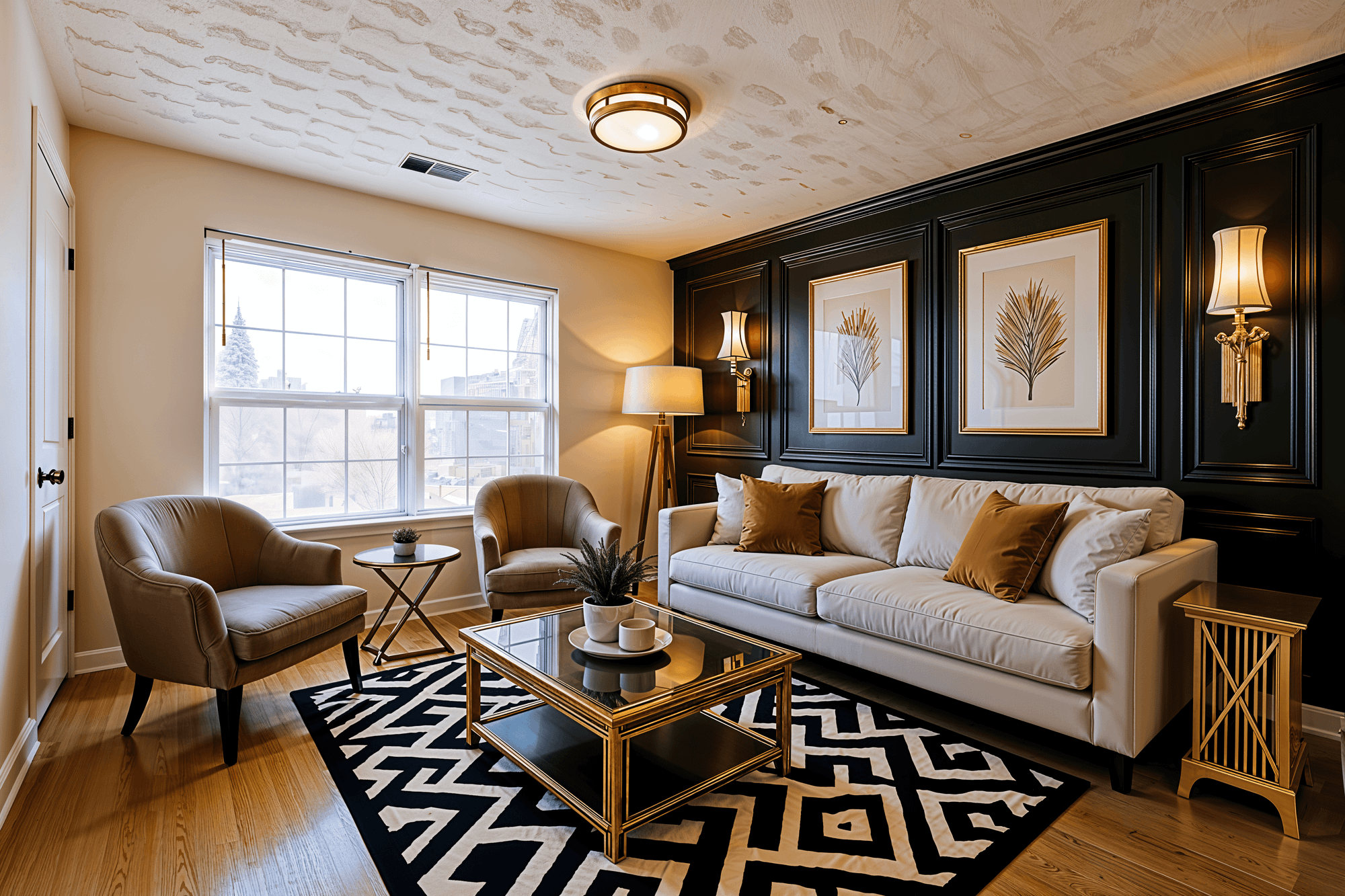
Design Insights You Can Learn from AI Previews
Most users discover that luxury doesn’t depend on spending — it depends on design decisions.
Common takeaways from side-by-side comparisons:
-
Engineered stone can look nearly identical to marble
-
Warm lighting makes budget furniture look premium
-
Texture + contrast make more impact than expensive décor
-
Neutral palettes age better than trend-heavy colors
-
One statement piece can elevate an entire room
The preview teaches you where your money matters — and where your eye won’t notice the difference.
Why Users Love the Luxury-vs-Budget Comparison Feature
-
Helps prioritize spending visually
-
Builds confidence before purchase
-
Reduces design regret and rework
-
Supports budget-friendly transformations
-
Useful for homeowners, renters, and designers alike
When you can preview the results before buying, you design smarter — not riskier.
Final Thoughts
Achieving a high-end home doesn’t require a high-end budget.
You simply need clarity on which upgrades drive true luxury — and which have affordable look-alikes.
With Renovate AI, you can preview both luxury and budget versions of your room side by side and make every design decision backed by visual proof.
Upload a photo and explore the smarter path to your dream home — with style and savings in perfect balance.
You Might Also Like
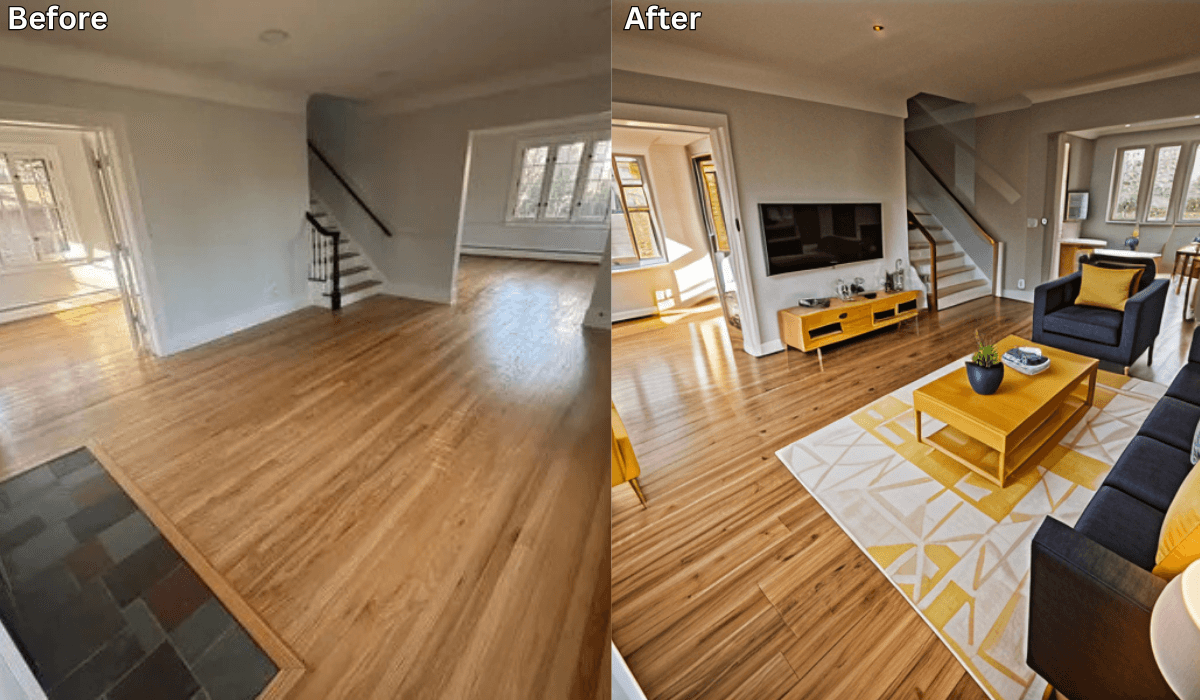
What’s the Easiest Way to Visualize a Room Makeover? →
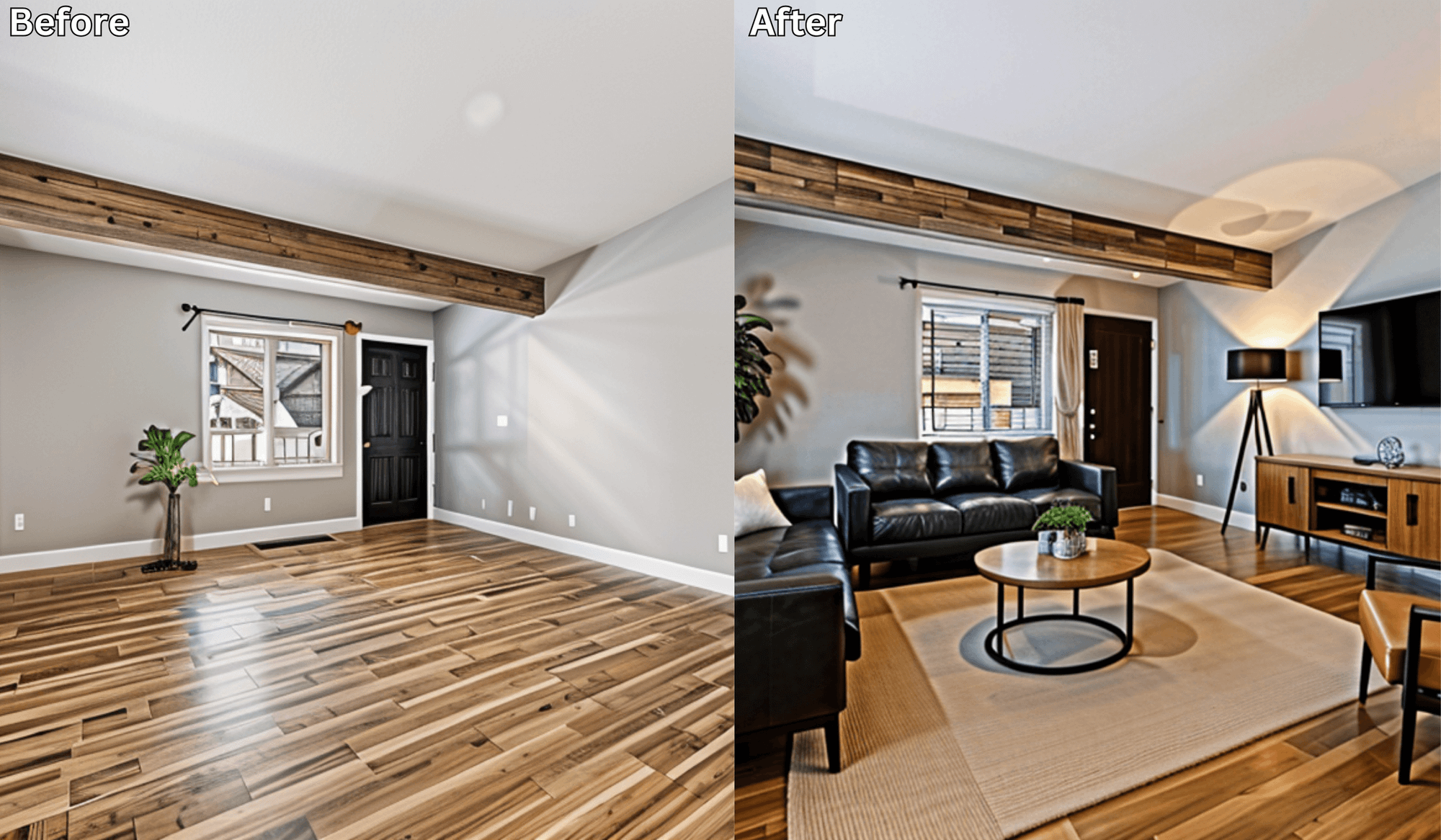
The Fastest Way to See Your Home Renovation Ideas Come to Life →
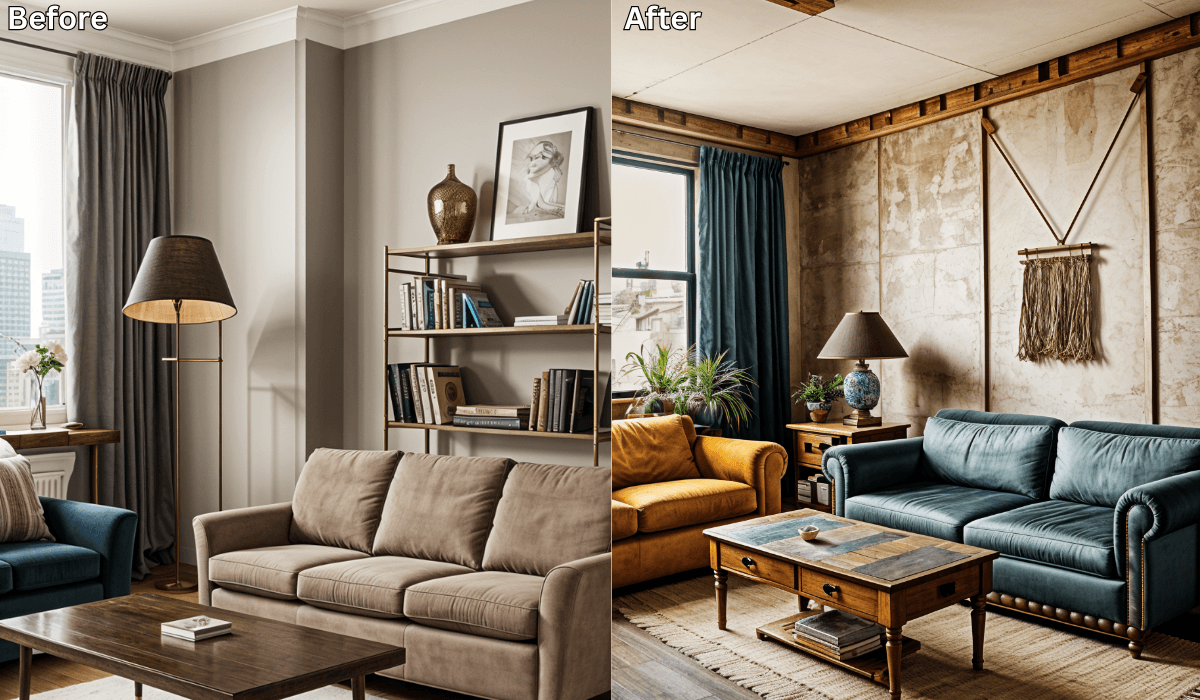
Before - and - after Transformation Using Renovate AI: Real User Stories →
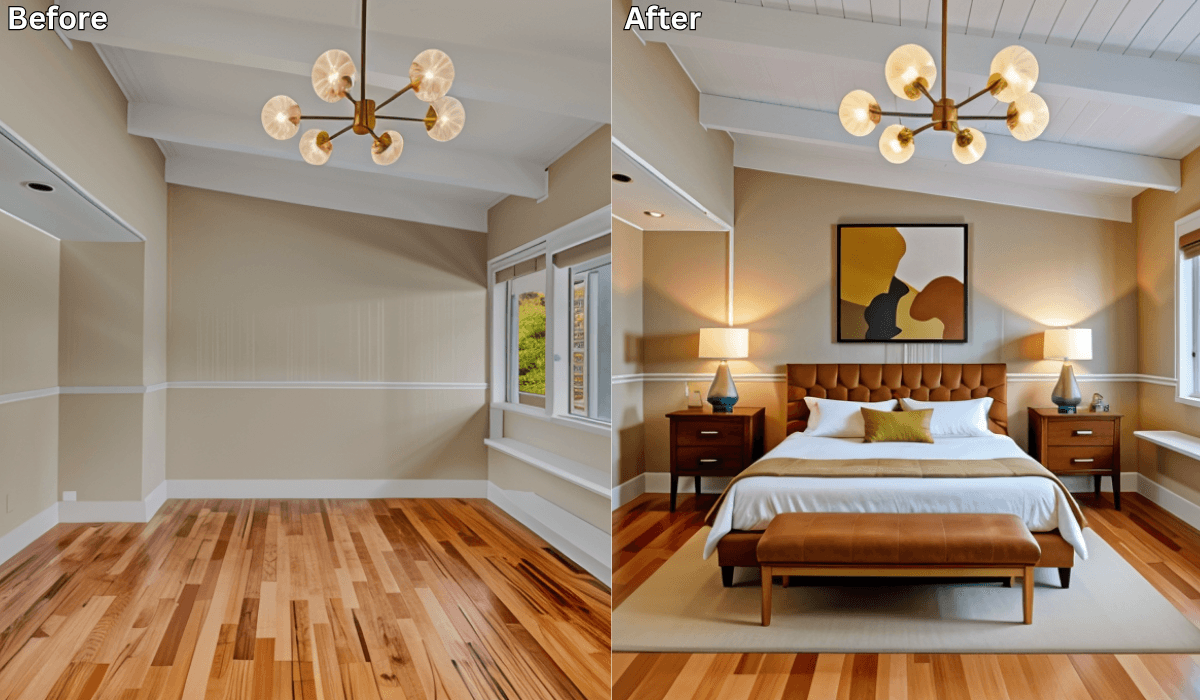
AI Room Makeovers You Can Try in Under 5 Minutes →
See what your space could look like →

Free · No account needed · 10 seconds

Sid Sarasvati · Founder, Renovate AI
Sid Sarasvati is the founder of Renovate AI, featured in the Wall Street Journal and Morning Brew’s The Playbook. He studied architectural philosophy at Harvard GSD and has tested AI design tools on 200+ real homes.