How to Visualize a Home Makeover Before You Start—With AI

·

Ariel Nia

BlogRenovation Tools · 3 min read


How to Visualize a Home Makeover Before You Start—With Renovate AI

Use AI-powered previews to plan your dream space with confidence—before you spend a single dollar.

Starting a home makeover? You’ve probably browsed Pinterest boards, saved inspiration photos, or sketched out ideas. But there’s still that nagging question:

“What will this actually look like in my home?”

Now, with Renovate AI, you can get a clear, realistic answer—before you start tearing down walls, repainting, or buying furniture.

👀 Why Visualization Is the First Step in Any Renovation

One of the biggest reasons renovations go wrong is simple:
People can’t picture the final result.

That leads to:

  • Wasted money on paint or furniture that doesn’t work

  • Hiring contractors too soon

  • Design regrets after it’s too late to change

With AI-powered remodeling previews, you can eliminate that uncertainty and design with clarity.

🧠 What Is Renovate AI?

Renovate AI is a smart, easy-to-use design tool that lets you:
✅ Upload a photo of any room
✅ Choose from curated interior design styles (Modern, Japandi, Boho, Minimalist, etc.)
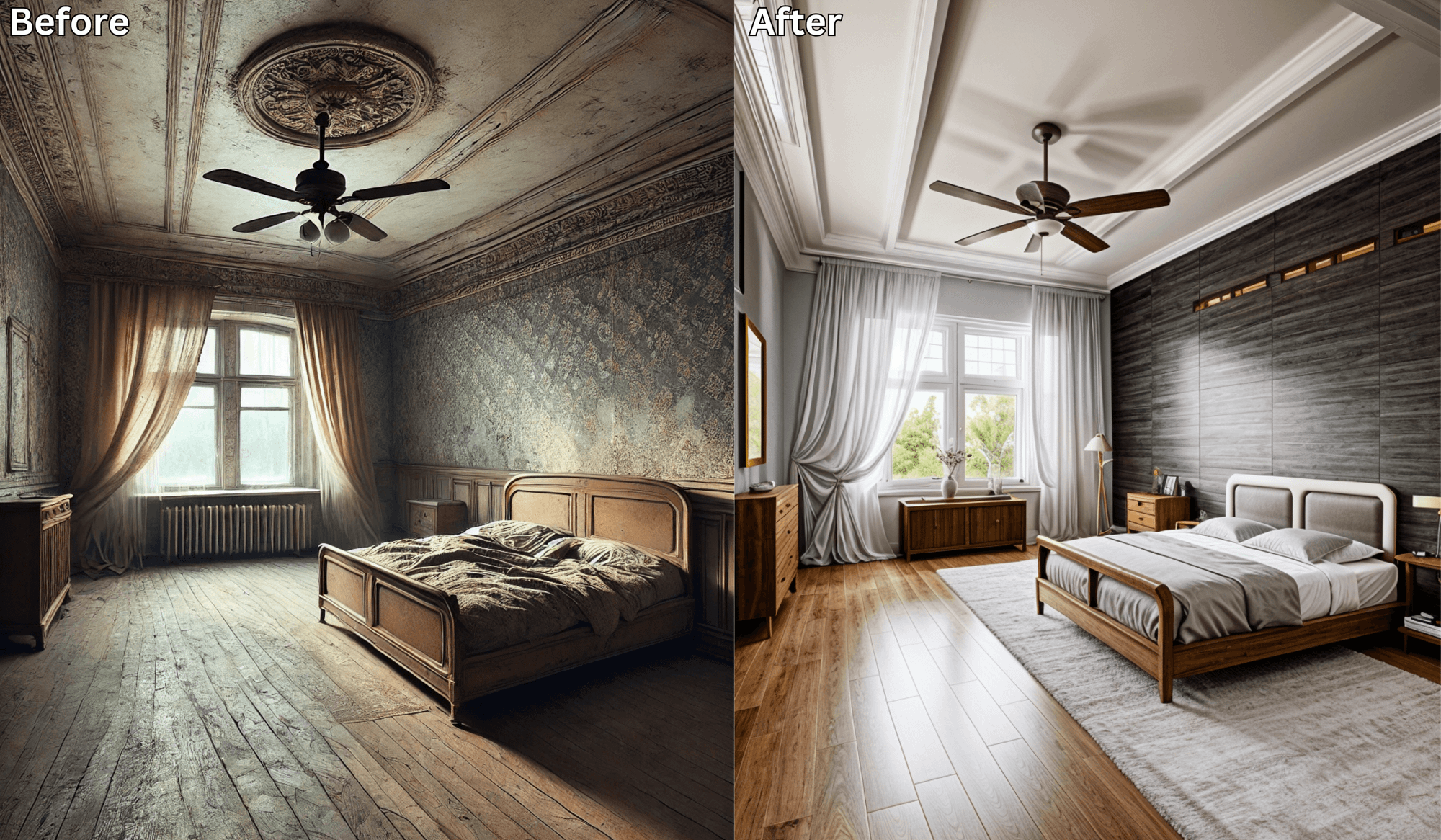
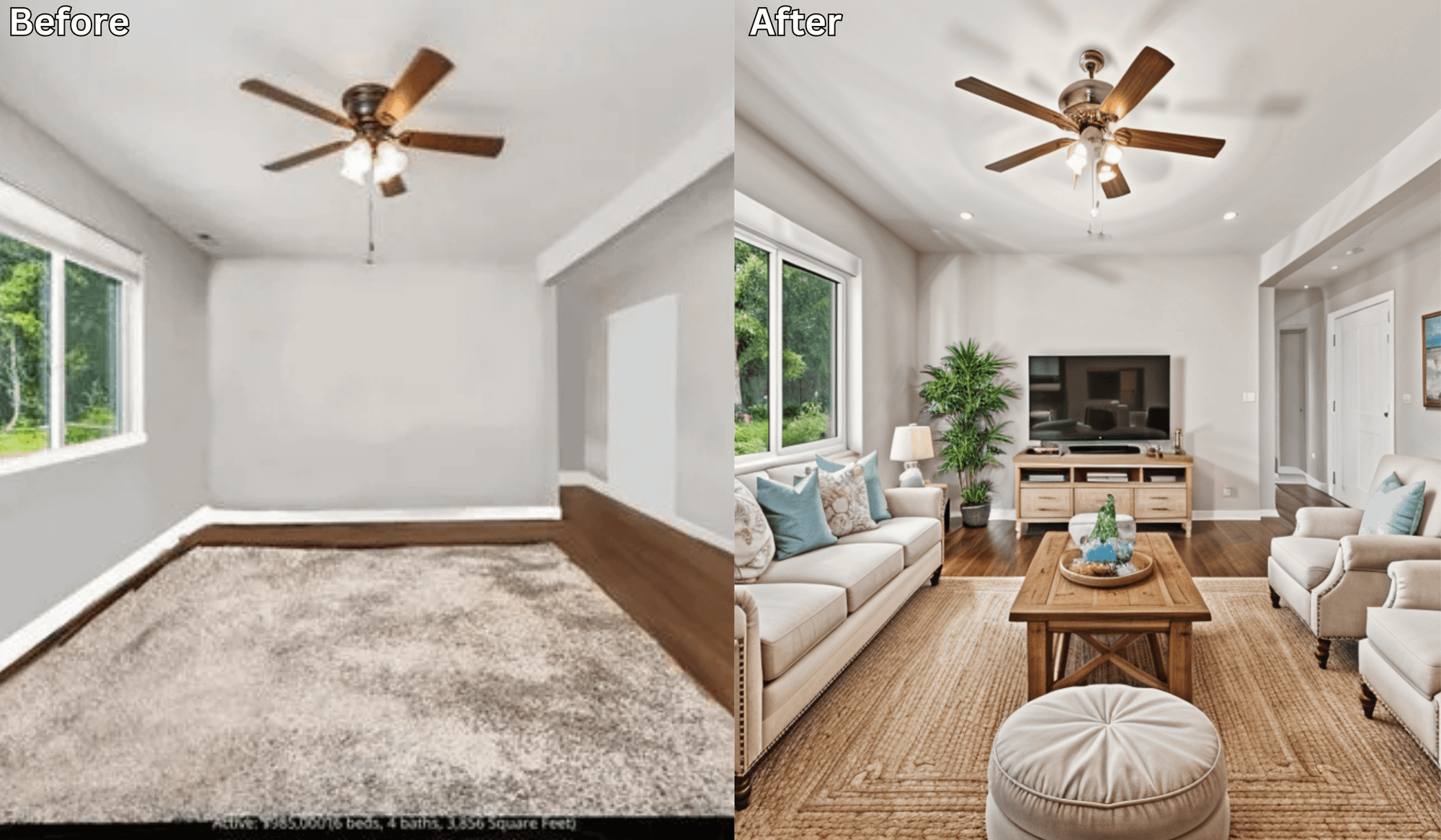
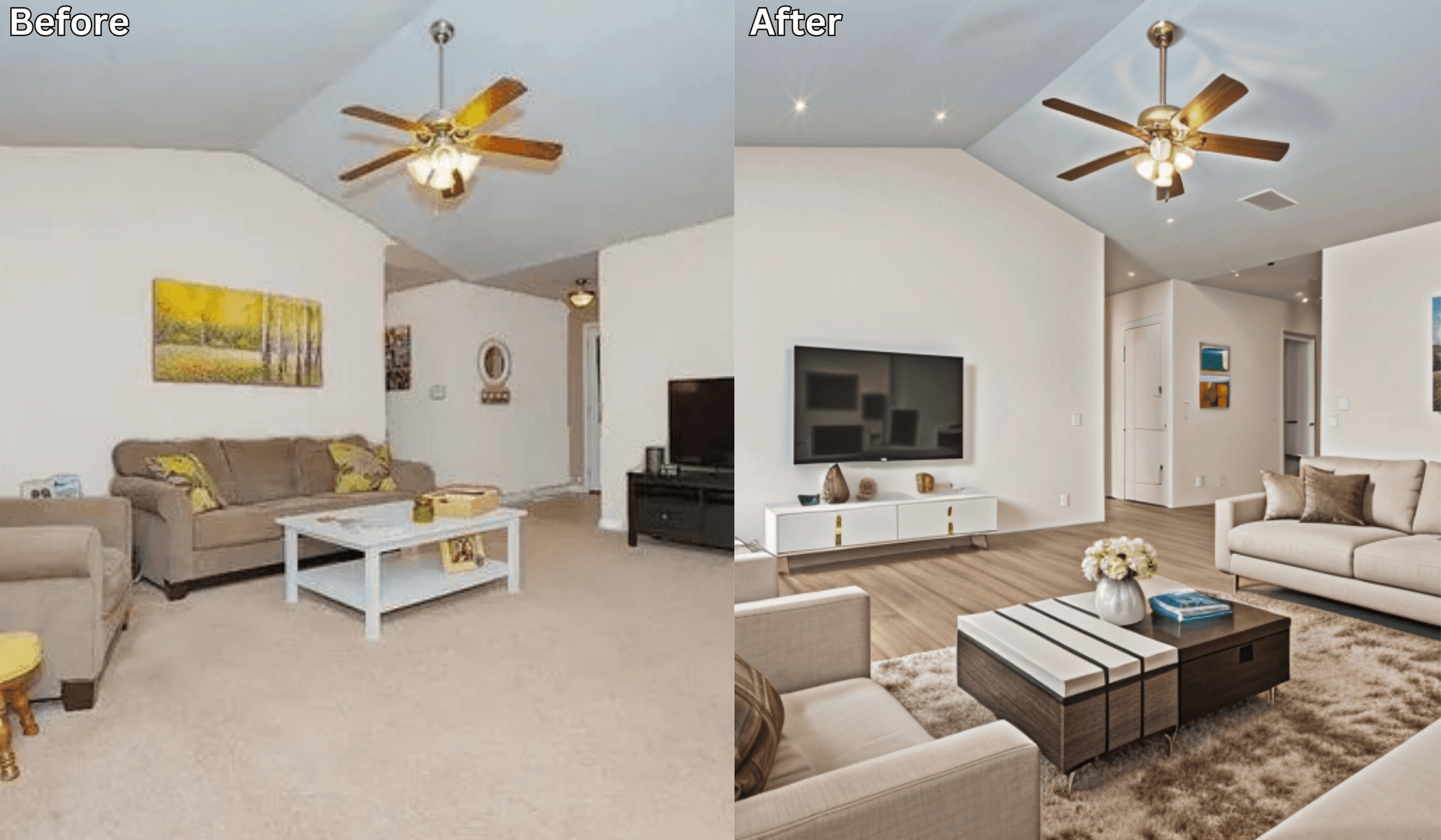
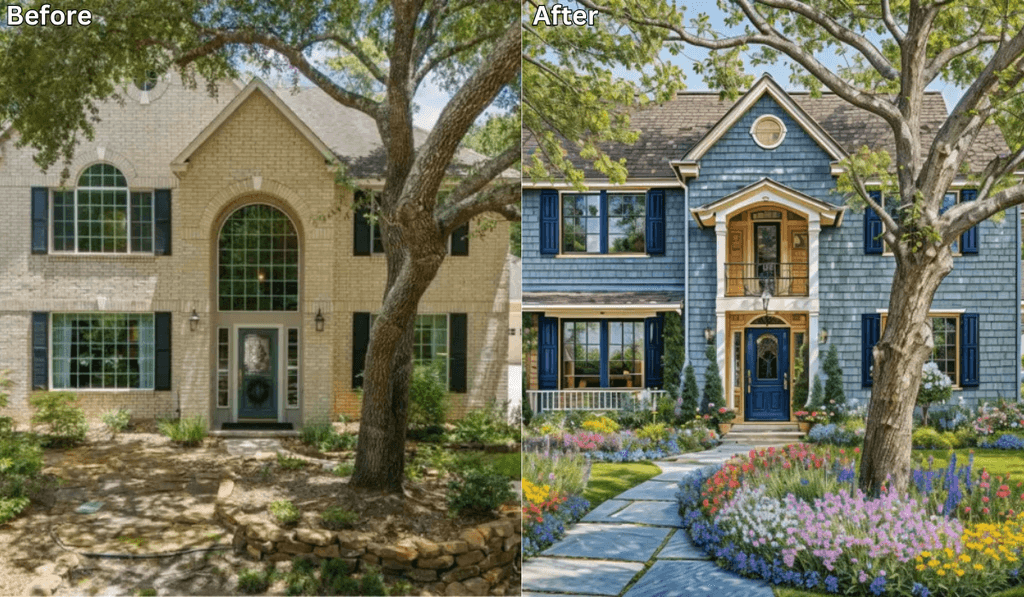
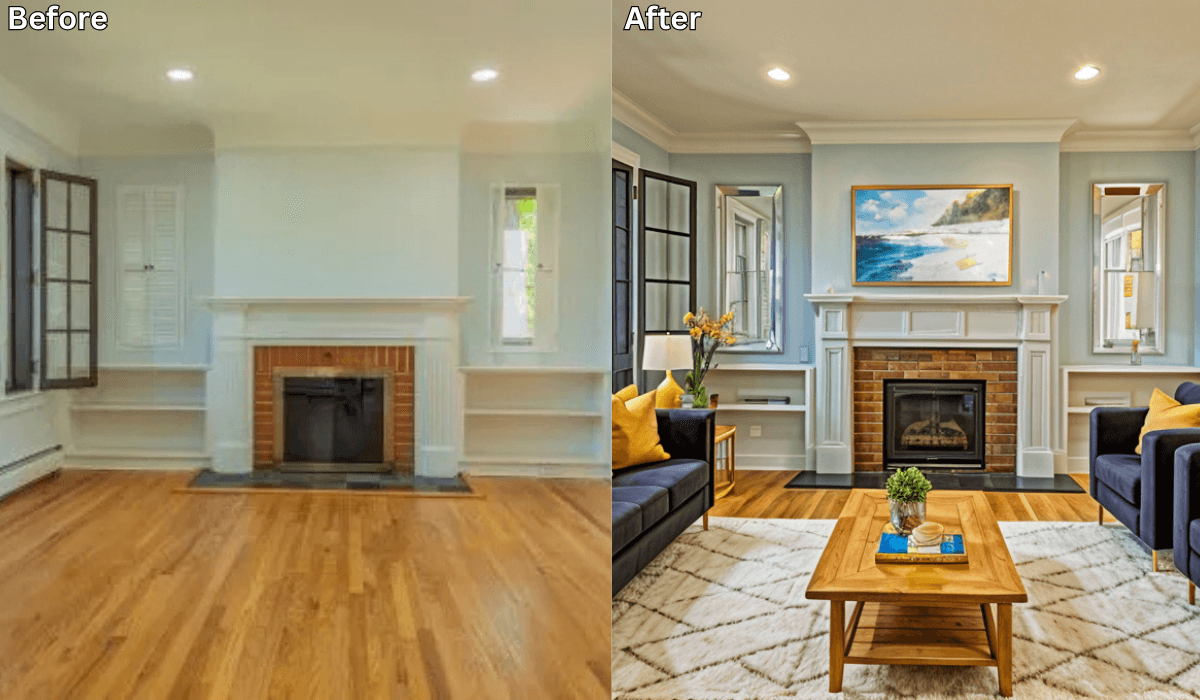
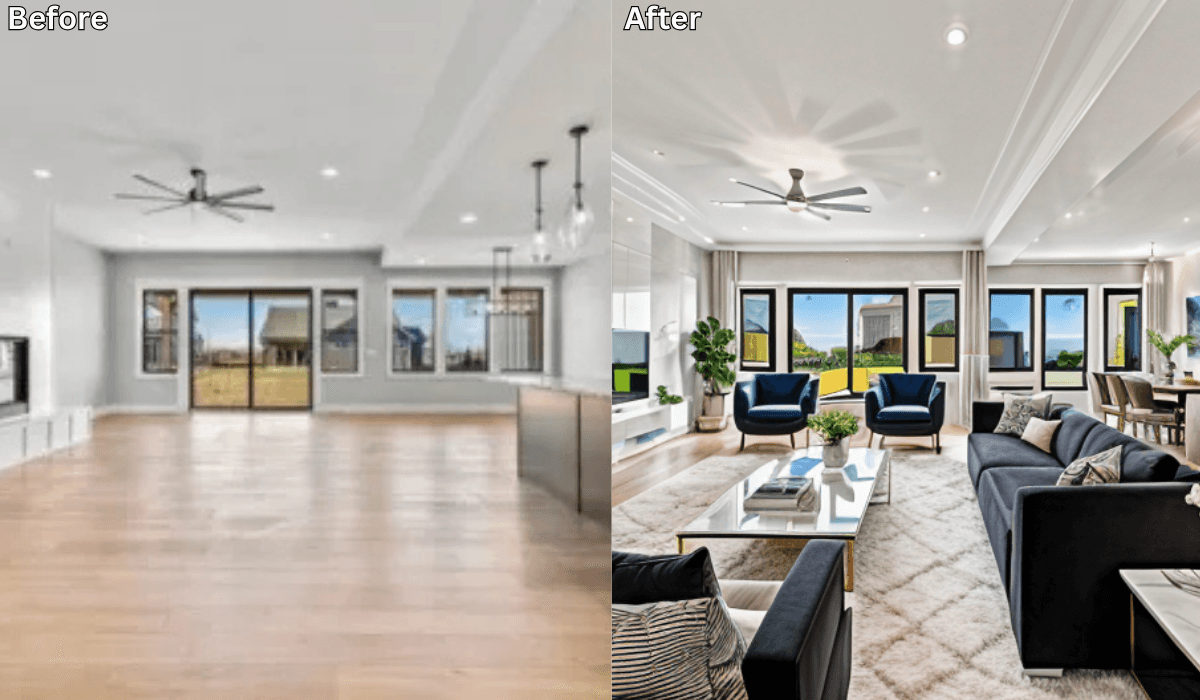
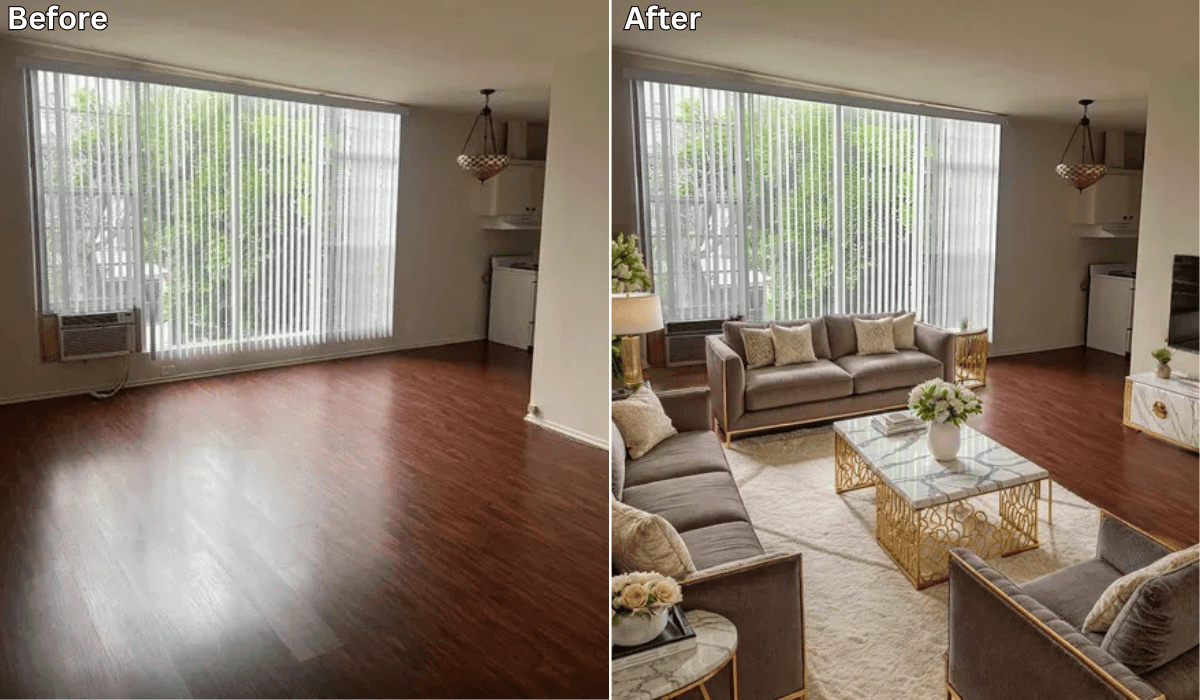
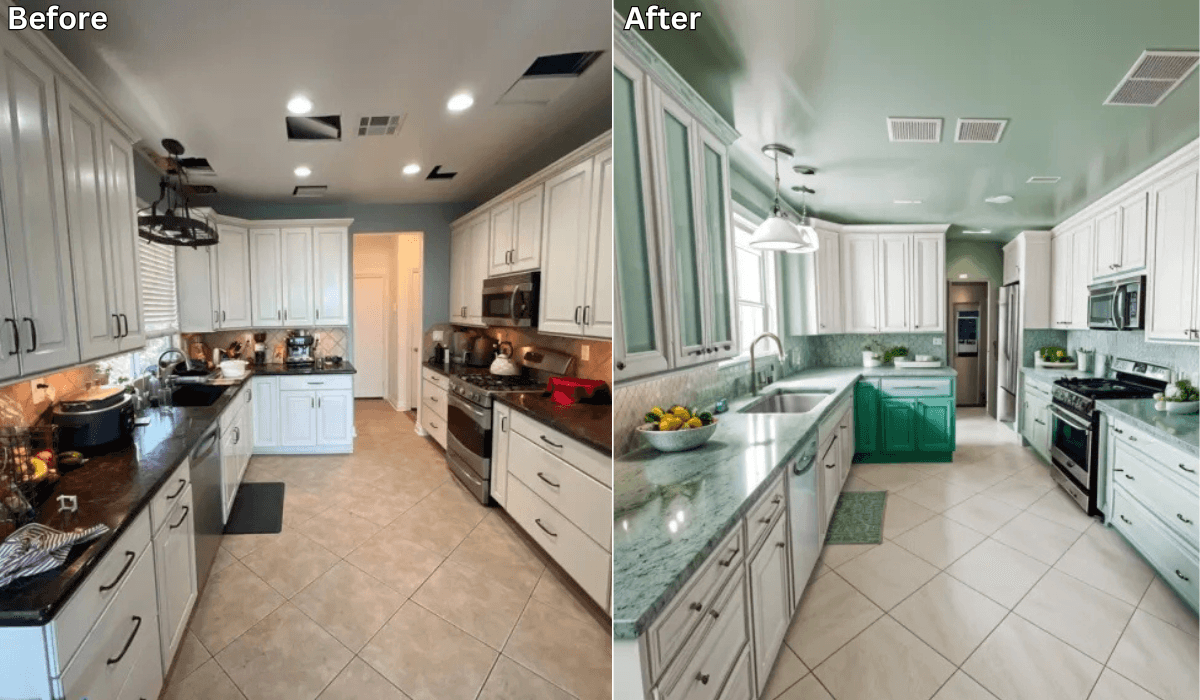
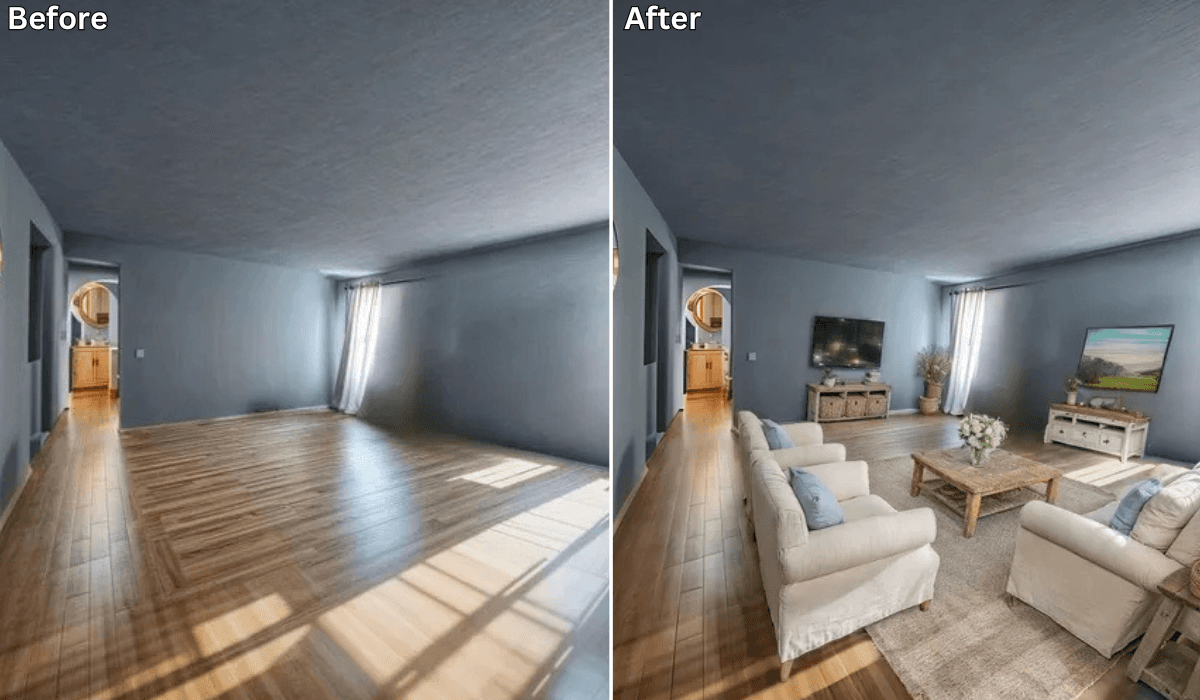
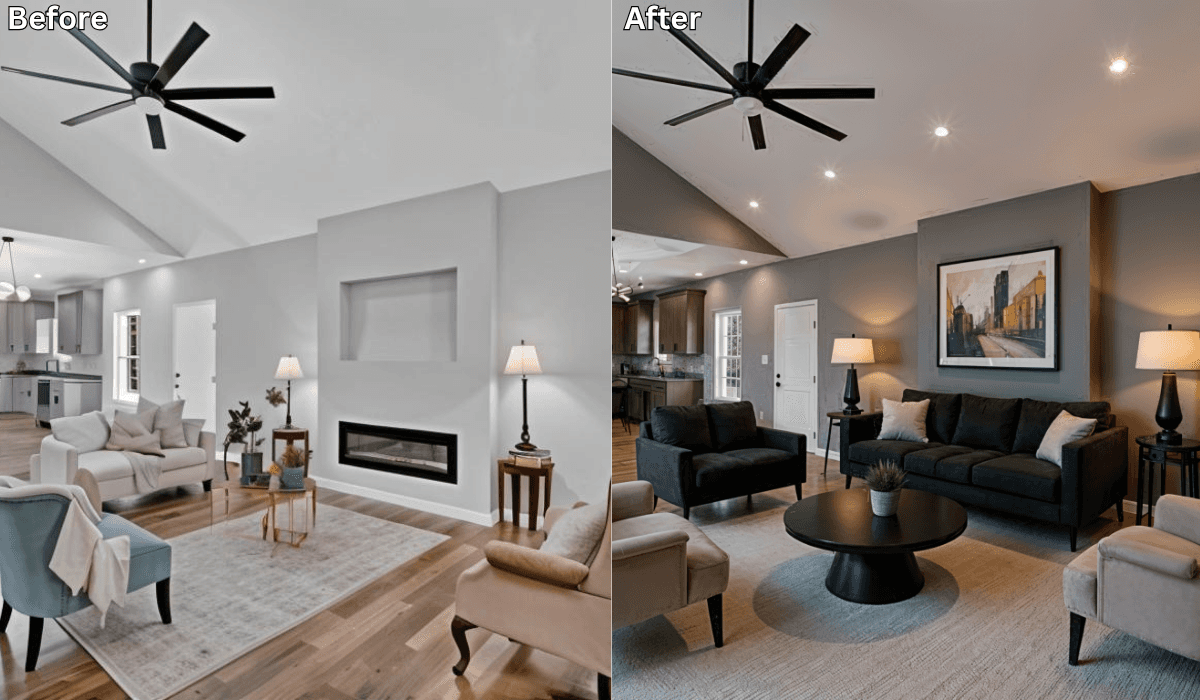
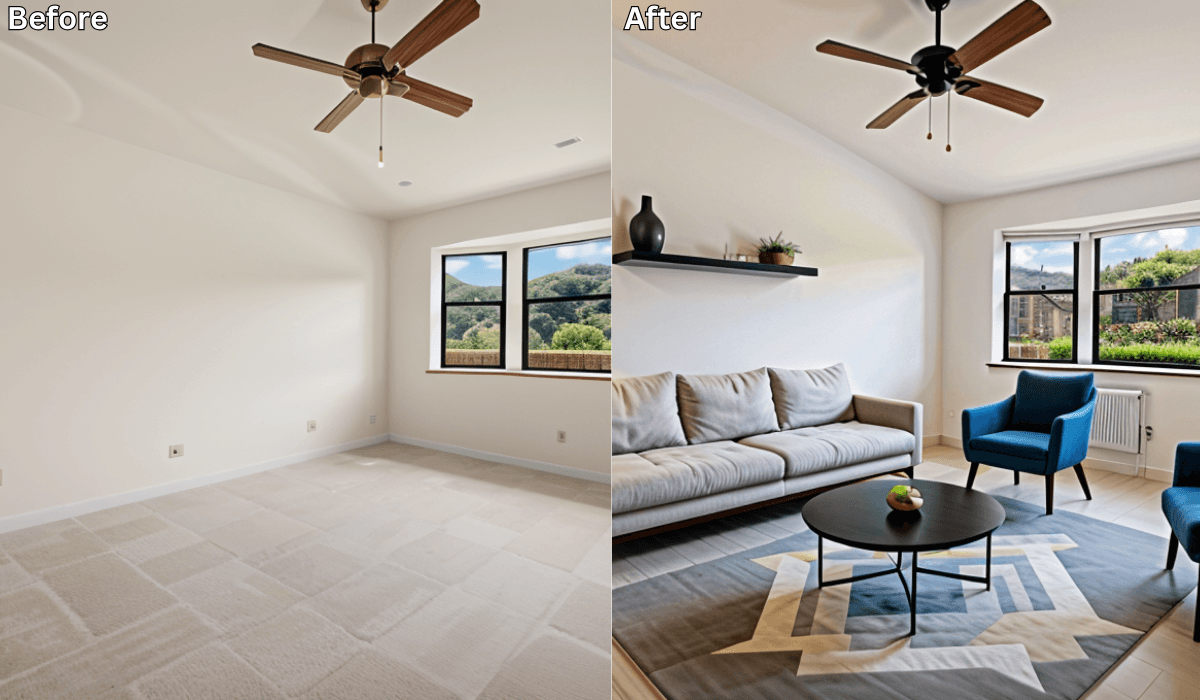
✅ Instantly receive photorealistic redesigns of your actual space

Think of it like a magic mirror—but for home makeovers.

🔄 How Renovate AI’s Home Makeover Visualization Works

Step 1: Snap or upload a photo of your space (living room, bedroom, kitchen—anything)
Step 2: Select a design style that fits your taste
Step 3: In seconds, view a realistic transformation of your room—furniture, layout, colors, and all
Step 4: Save, compare, and plan your next steps with clarity

Whether you’re just exploring or ready to renovate, this gives you a realistic roadmap for success.

🏠 What You Can Visualize with Renovate AI

  • Full room redesigns

  • Wall and floor changes

  • Furniture placement

  • Different design styles

  • Light vs. dark themes

  • Cozy vs. open layouts

No need to imagine it. See it.

💸 Why Use Renovate AI Before You Spend

  • Avoid expensive mistakes like mismatched furniture or colors

  • Skip unnecessary consultations with designers

  • Plan your layout before hiring movers or contractors

  • Make decisions faster with clear visual direction

  • Experiment freely—you can try 10+ looks in minutes

🎯 Who Is Renovate AI Perfect For?

  • Renters who want temporary ideas

  • Homeowners planning a remodel

  • DIYers and weekend warriors

  • People moving into a new home

  • Anyone who wants design clarity without the cost

✅ Final Thoughts: Visualize It First, Love It Later

Before you spend a dime, spend a few minutes with Renovate AI.
One photo is all it takes to get stunning, realistic previews of your space—so you can design smarter, renovate with confidence, and avoid expensive surprises.

📢 Try Renovate AI Now

✨ Upload a photo. Choose a style. Get inspired instantly.
Start visualizing your home makeover today!

You Might Also Like

See Your Home Makeover Before It Happens—With One Photo

See Your Home Makeover Before It Happens—With One Photo →

Is There an App Where I Can Take a Picture of My House and Remodel It?
Is There an App Where I Can Take a Picture of My House and Remodel It? →
How to Use AI for Interior Design ?

How to Use AI for Interior Design ? →

2026 Home Goals: See Your Dream Interior Before the Year Even Begins

2026 Home Goals: See Your Dream Interior Before the Year Even Begins →

See what your space could look like →

Free · No account needed · 10 seconds

Sid Sarasvati, founder of Renovate AI

Sid Sarasvati · Founder, Renovate AI

Sid Sarasvati is the founder of Renovate AI, featured in the Wall Street Journal and Morning Brew's The Playbook. He studied architectural philosophy at Harvard GSD and has tested AI design tools on 200+ real homes.

Want to try this on your room?

Try Renovate AI — Free

50,000+ homeowners use Renovate AI